
Rain Gauge
Print Profile(1)

Bill of Materials




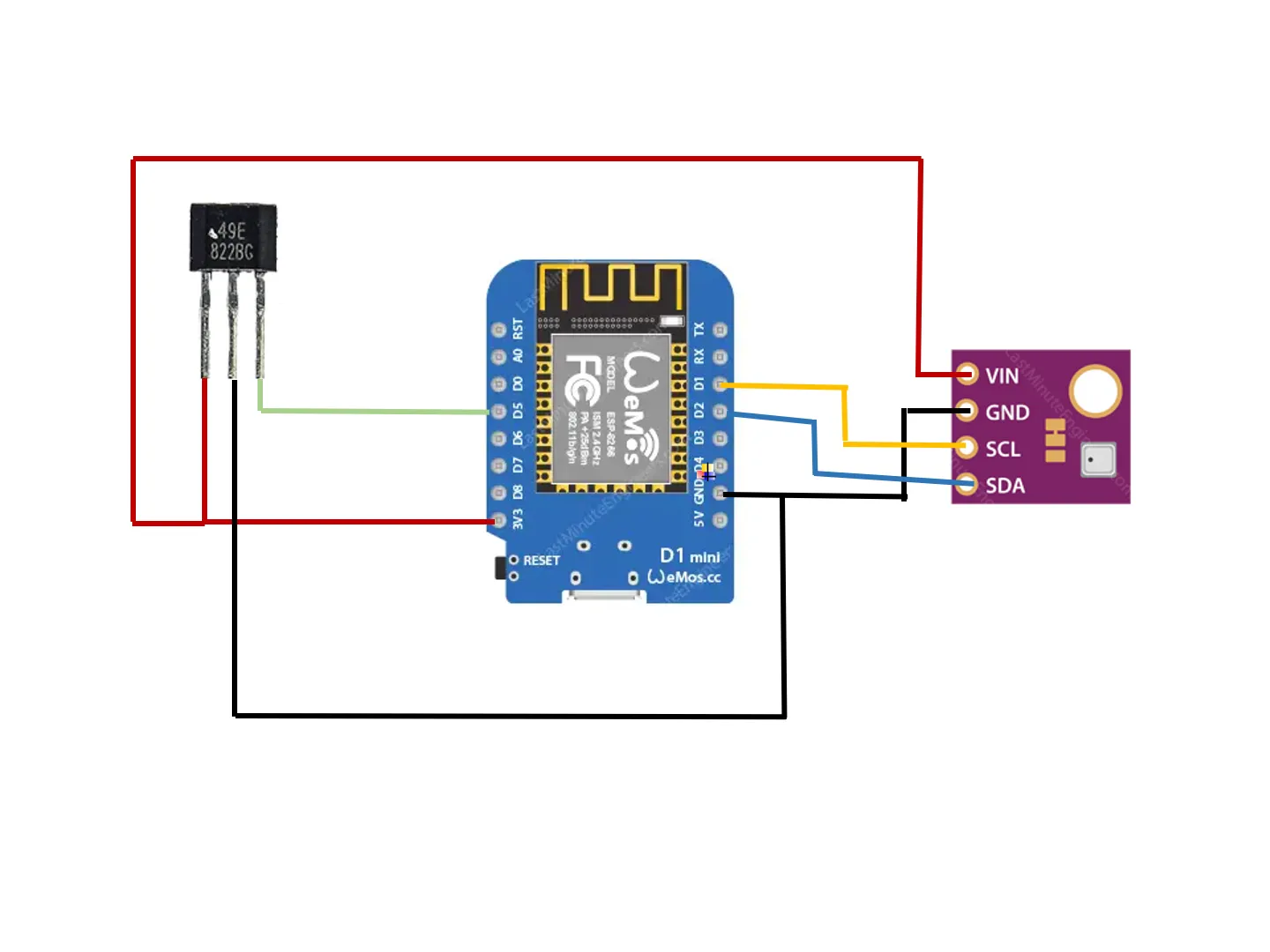
- D1Mini x 1: ESP8266
- BME280 x 1:
- 49EHallEffectSensor x 1:
Description
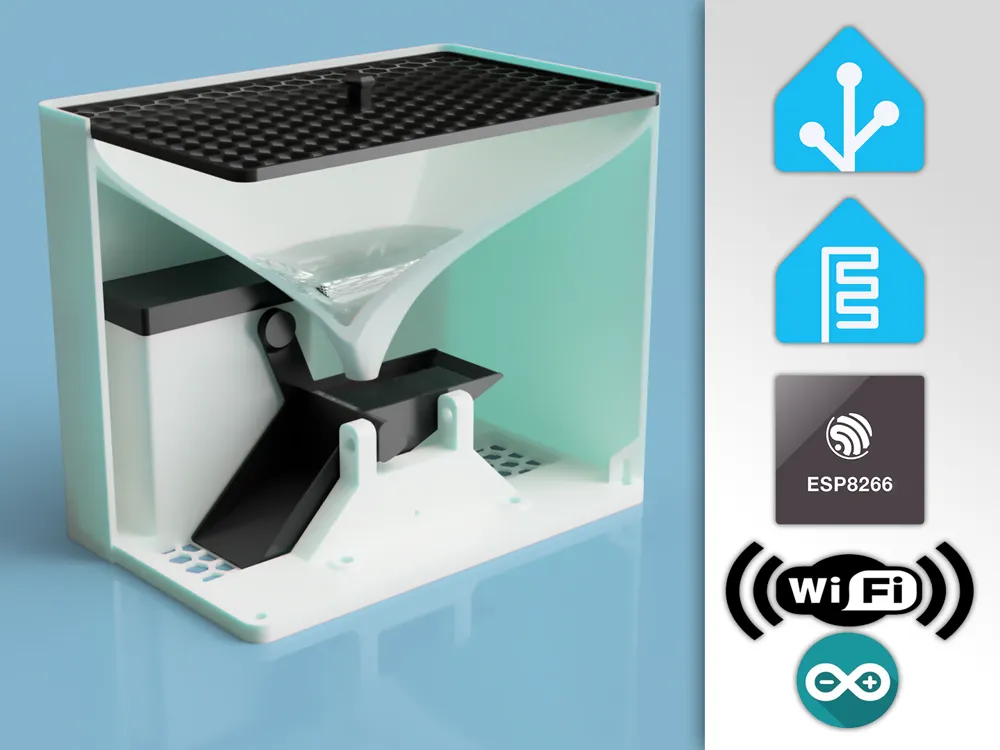
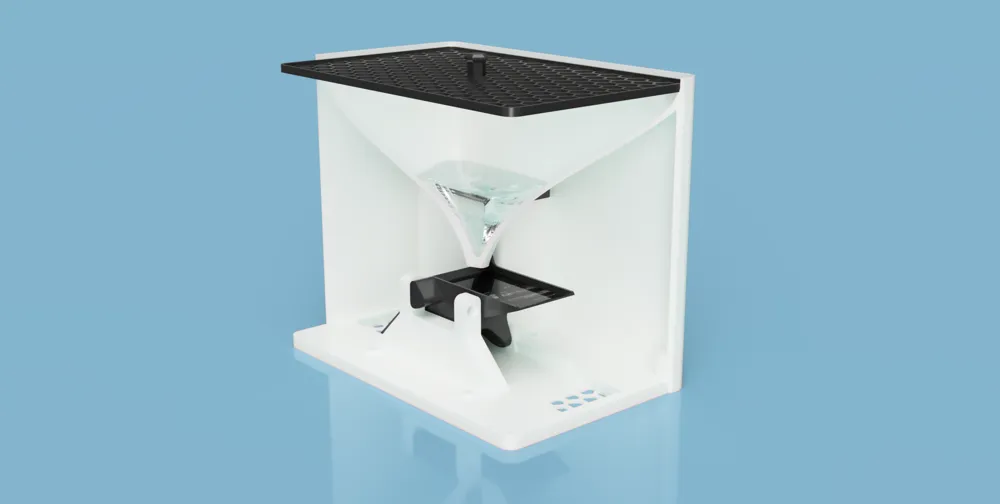
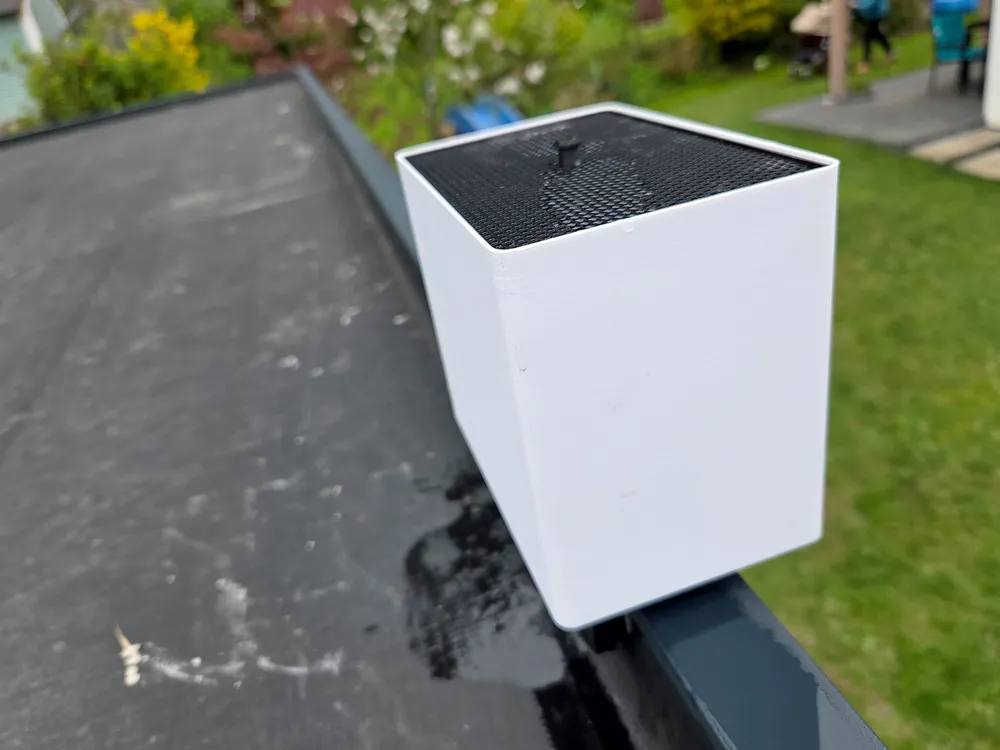
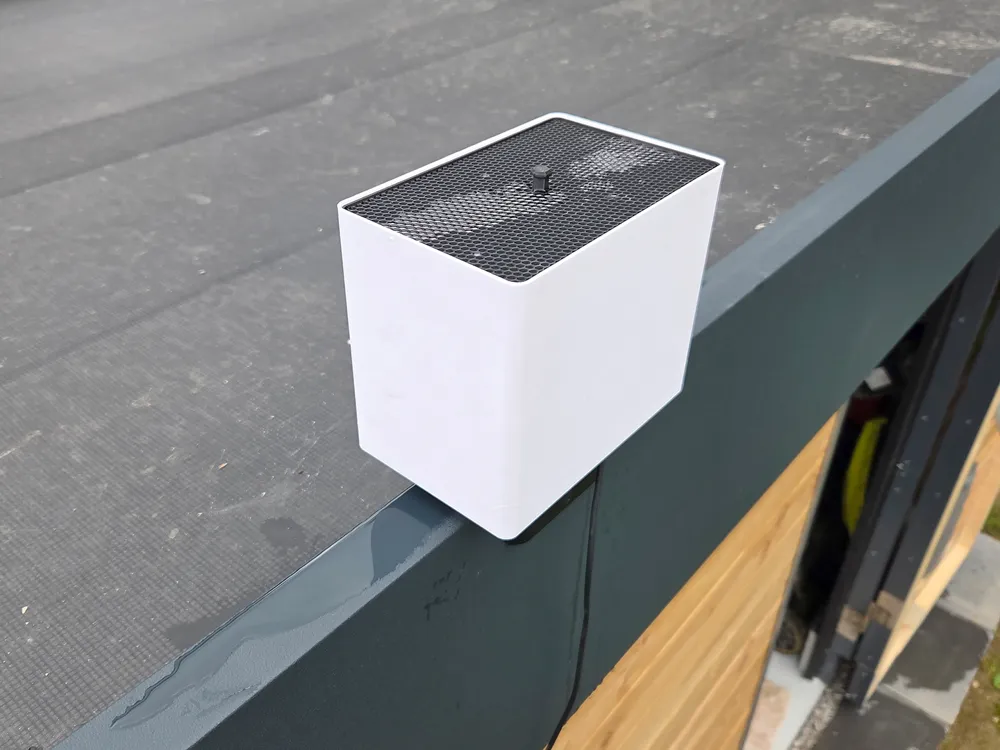
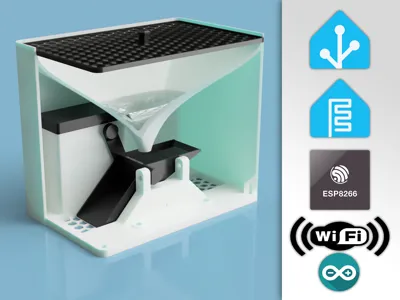
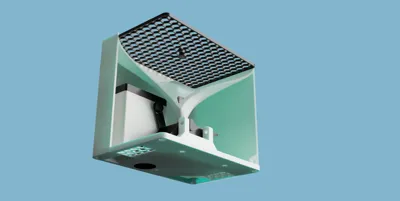
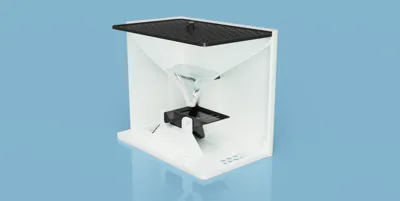
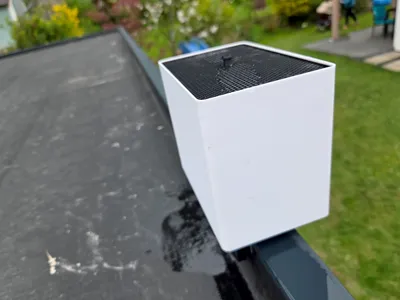
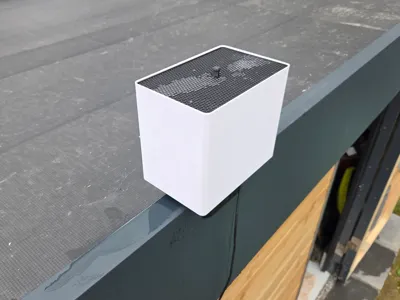
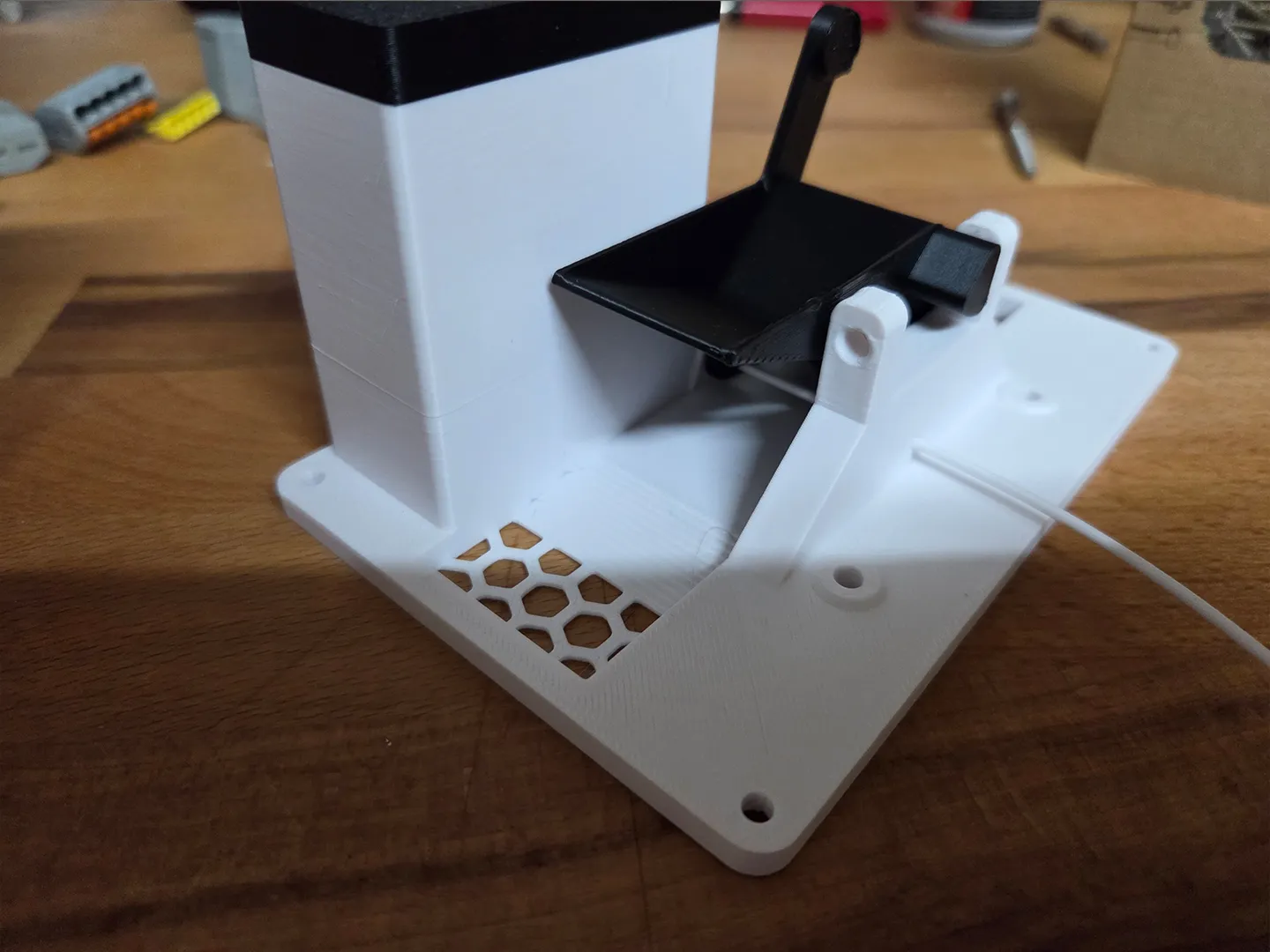
This rain gauge features a classic tipping bucket design for accurate rainfall measurement, perfect for DIY weather stations. Powered by an ESP8266 microcontroller and integrated with ESPHome, it seamlessly connects to Home Assistant for real-time data tracking. Designed for precision and reliability, this project offers an affordable and customizable solution for monitoring rainfall with high accuracy.
Material list:
9pc - M3 x 6 Brass Inserts (AB012)
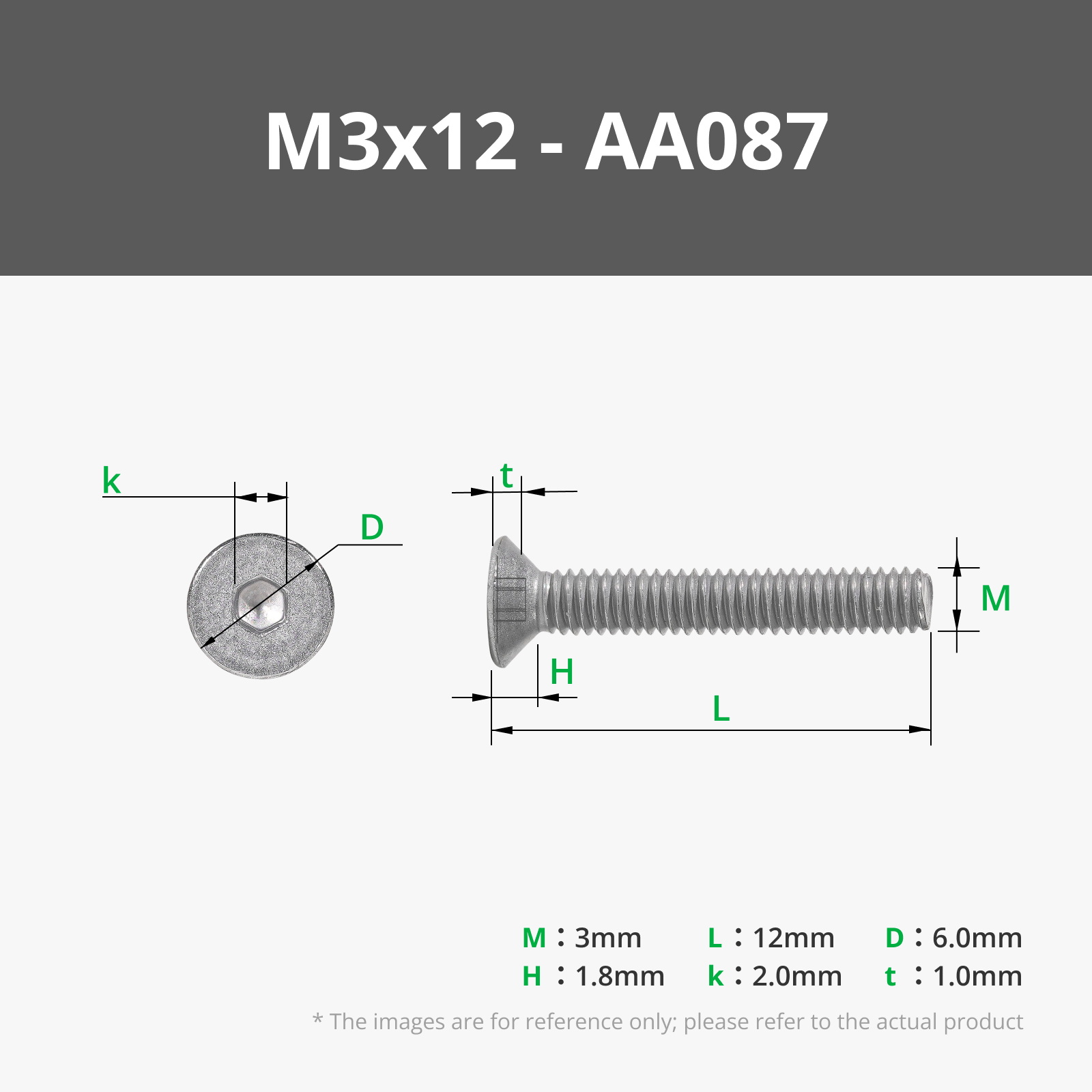
9pc - M3 x 12 FHCS Screw (AA087)
1pc - D6 x 3 Round Magnet (CA007)
1pc - 49E Hall Effect Sensor
1pc - BME280 (optional)
1pc - D1Mini (ESP8266 / ESP32)
wires and connectors
optional when using the 37mm attika mount
2pc - M5 brass inserts
2pc - M5 x 20 Screws
Printing
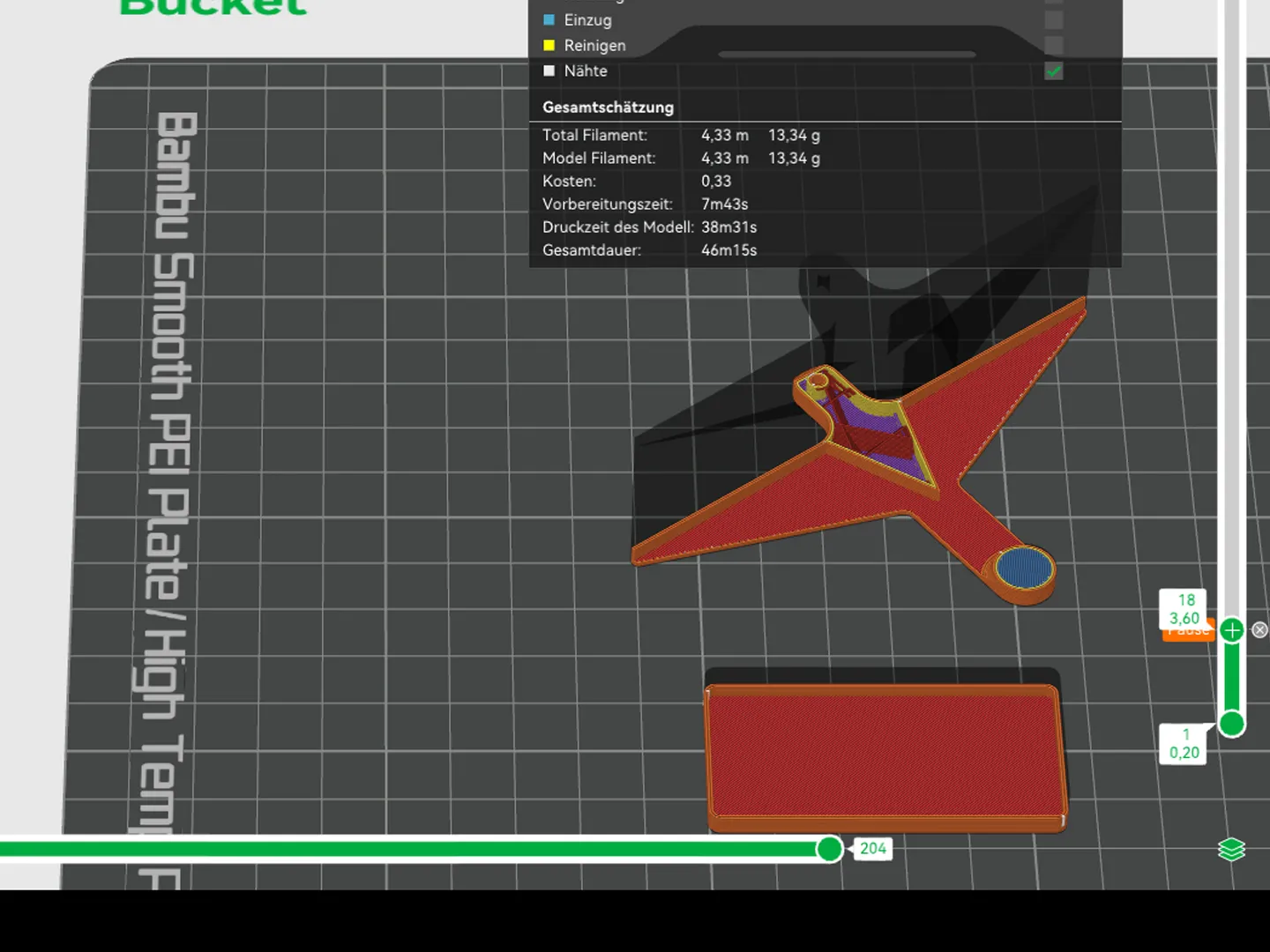
The Magnet for the bucket is inserted during print. You have to select pause in Bambu Studio on layer 18.
Assemby
Add the brass inserts to every hole.
For the bucket use a piece of filament. The bucket has to tip easily. If not. you can drill the holes on the bucket with a 2mm drill bit to widen it a little bit.
Electronics
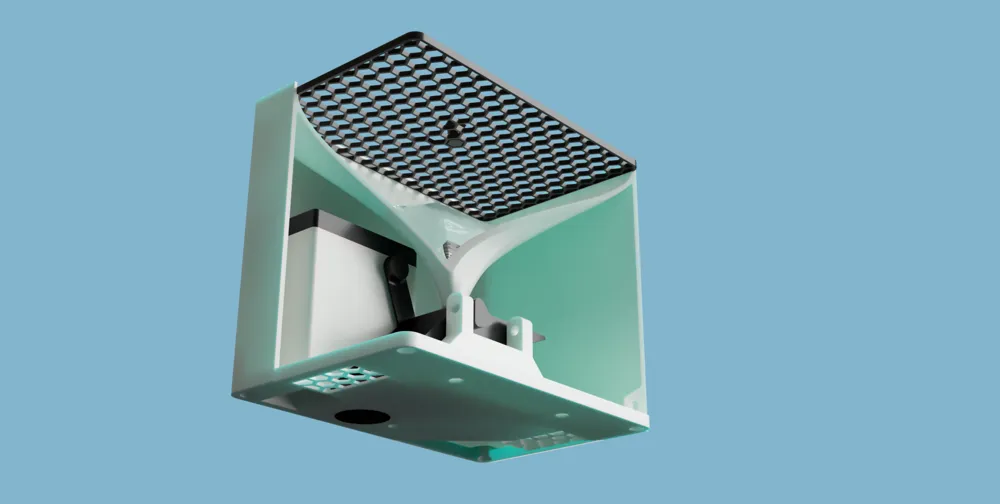
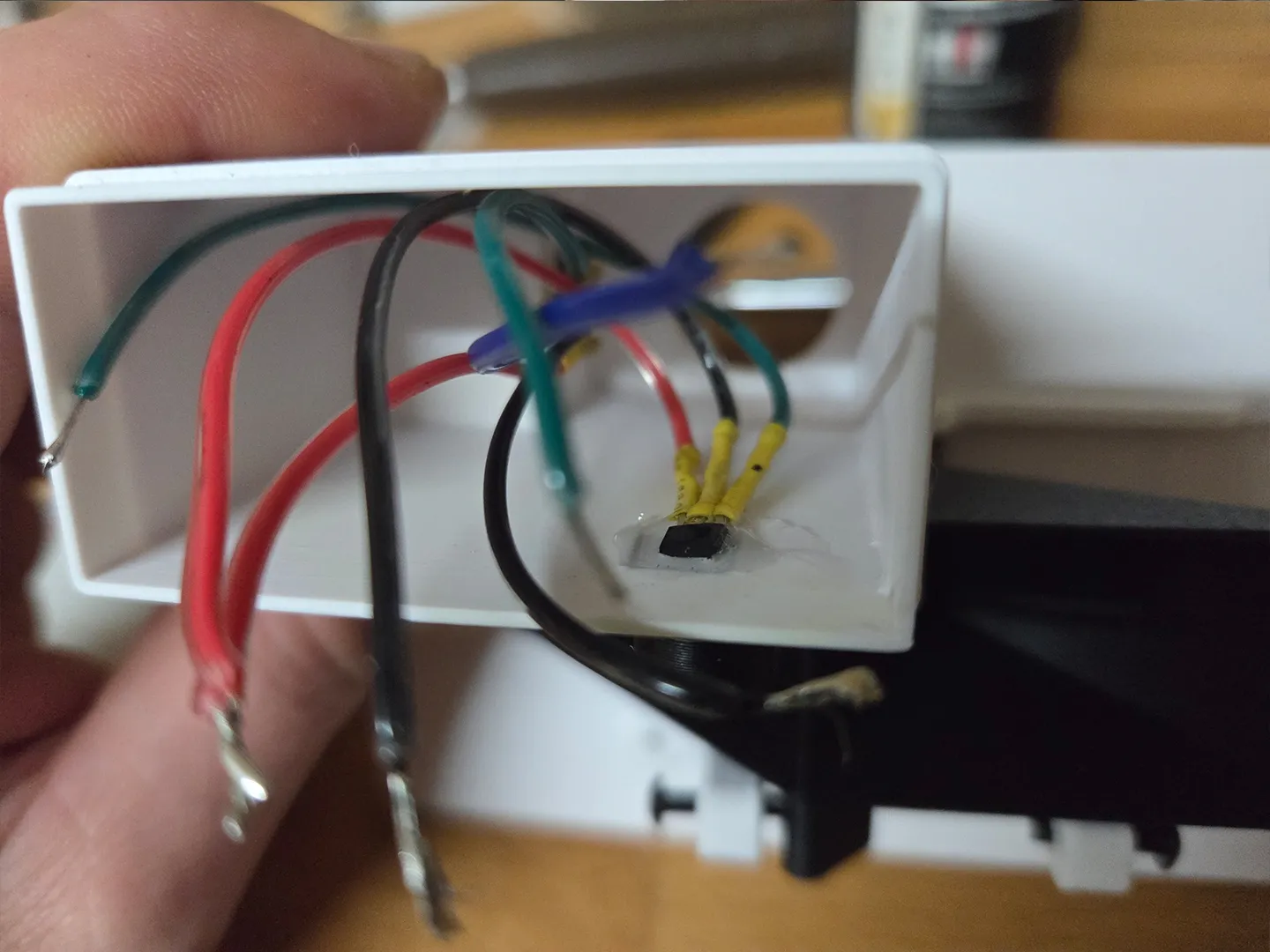
The hall effect sensor has to be glued in the indent on the electronics box.
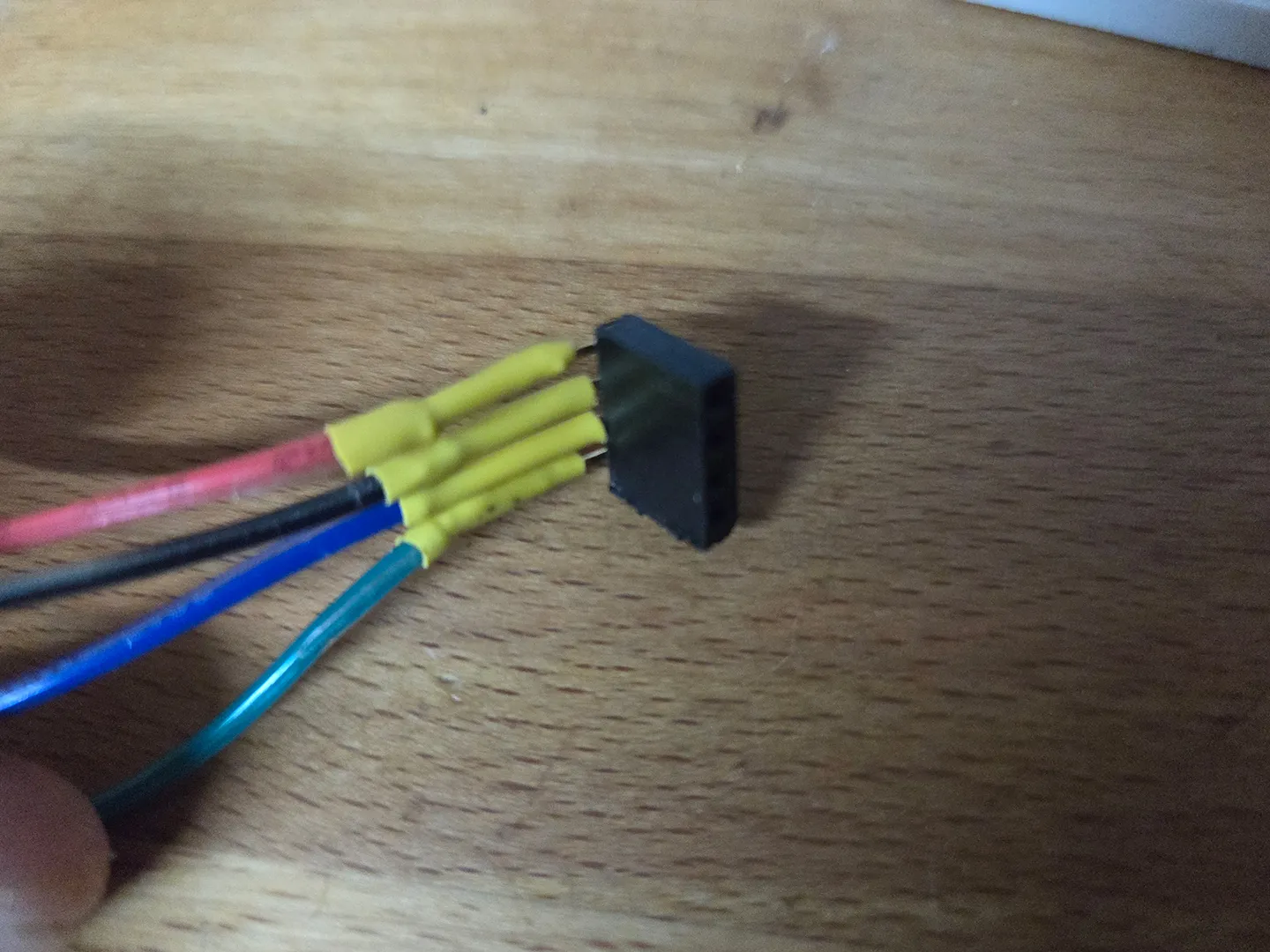
For the optional BME280 use 2,54mm connector glued to opening in the electronigs housing
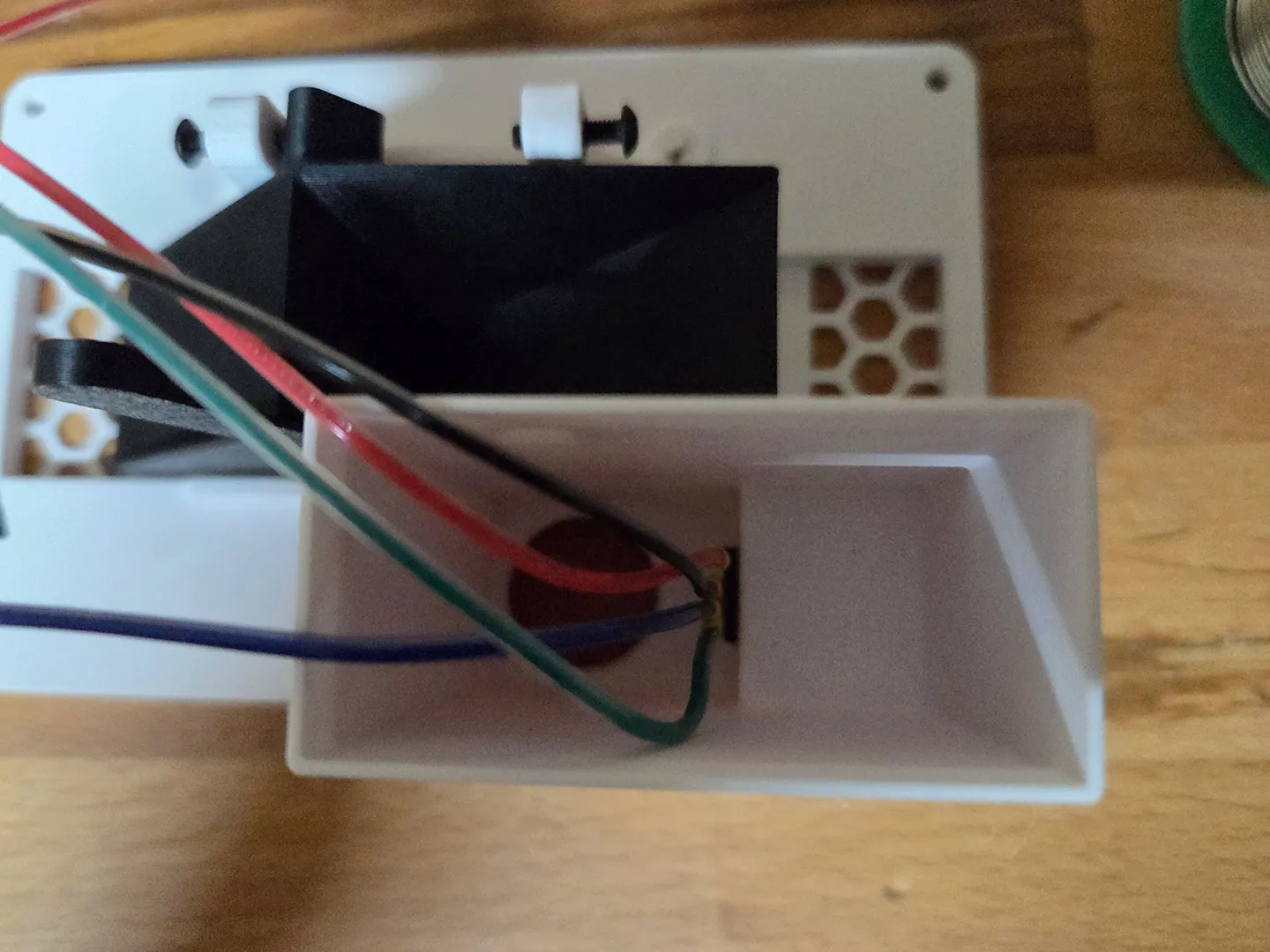
The BME280 can be inserted from underneath and easily replaced.
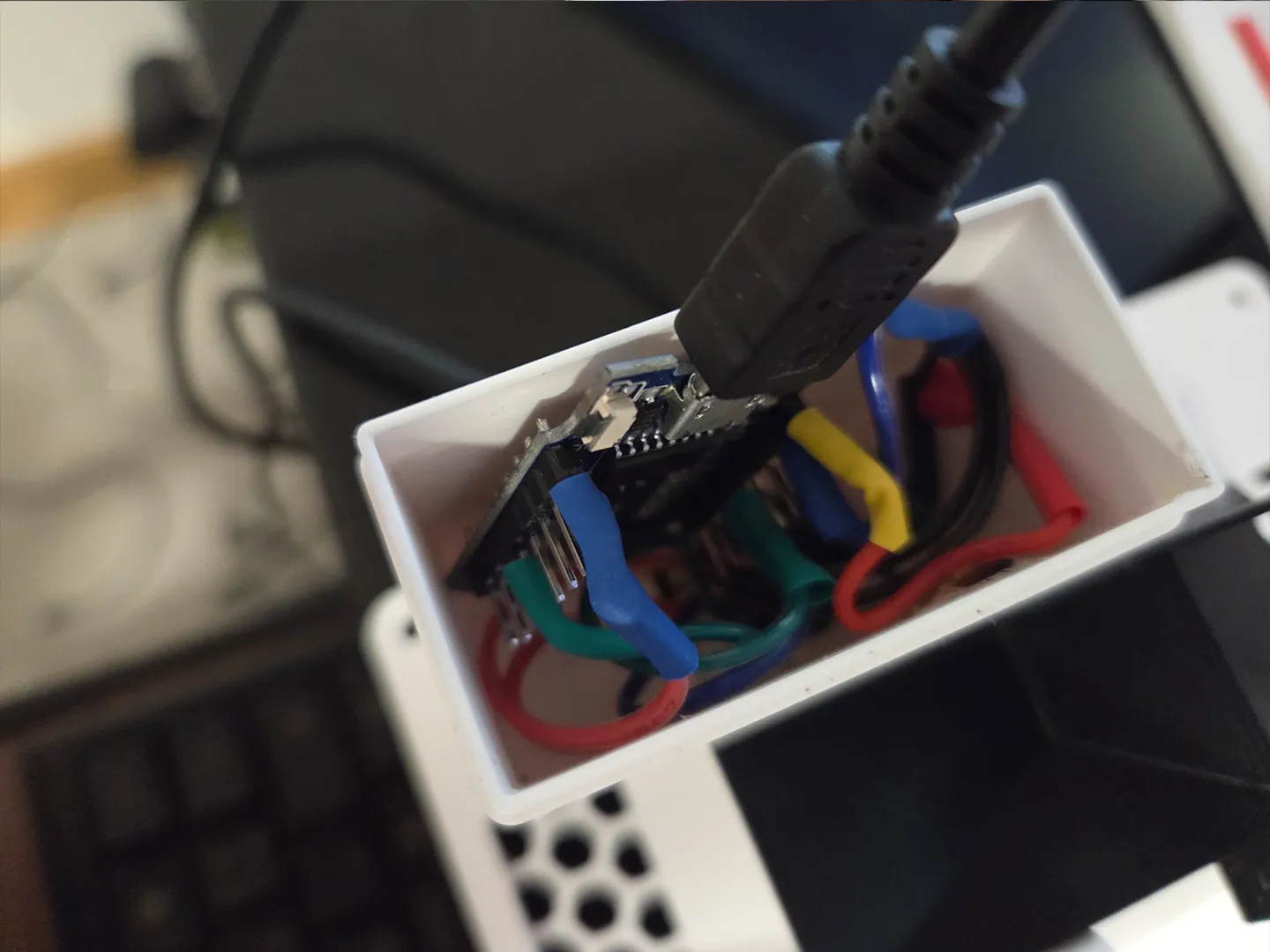
Solder the D1mini and place it inside the Box.
Calibration
For calibration mount the gauge in its final position. Be sure to make it level. Take a syringe and fill the bucket with exactly 7ml of water.
Turn the calibration screws until the bucket tips. Do the same with the other half of the bucket.
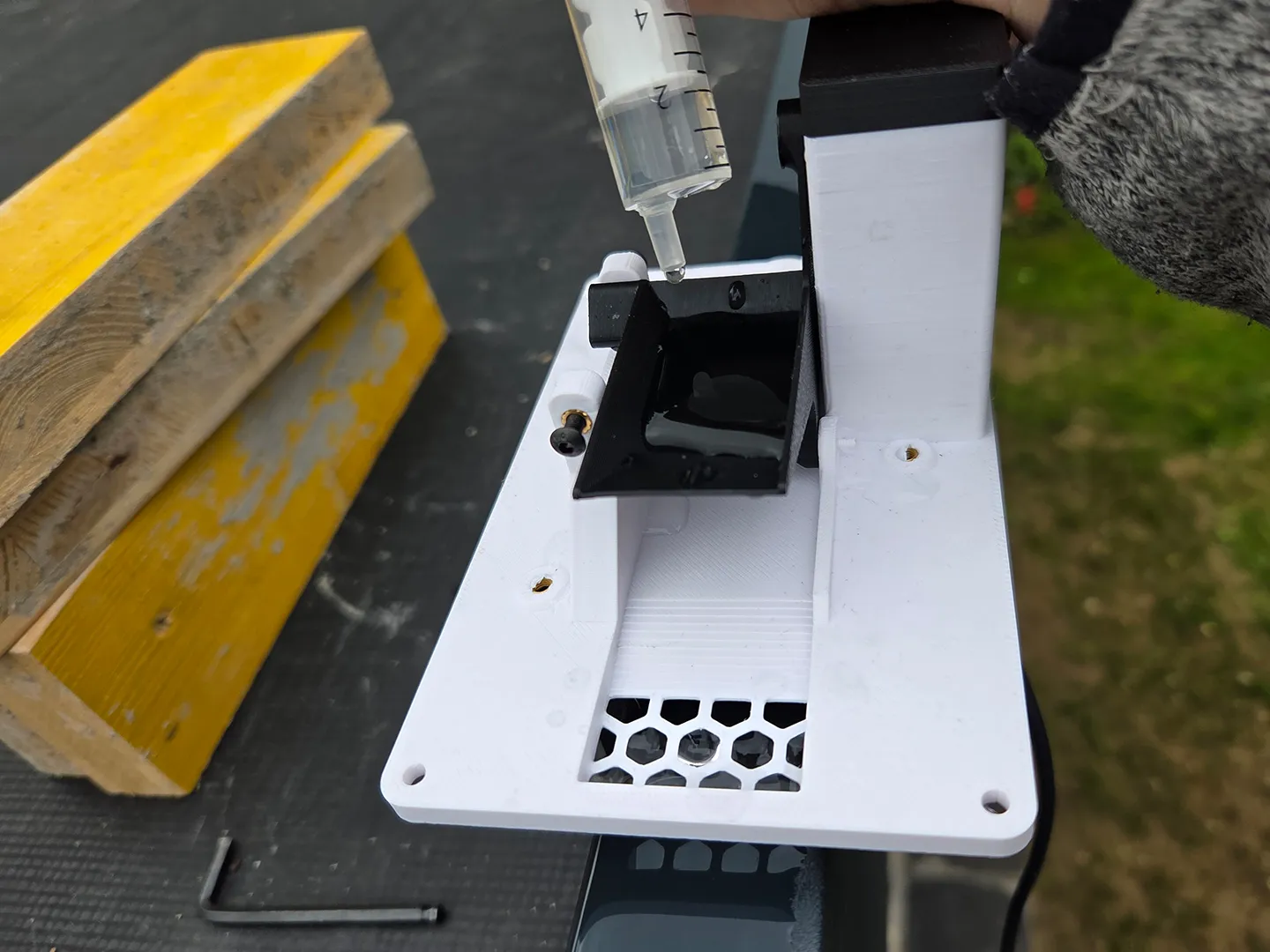
Every Bucket Tip is the equivalent of 0,64mm rain. (0,64l /m²)
Opening Area: ~11000mm² (10.929 mm²)
Bucket volume: 7ml
Coding for ESPHOME
esphome:
name: rain_gauge
friendly_name: Rain_Gauge
esp8266:
board: esp01_1m
# Enable logging
logger:
# Enable Home Assistant API
api:
encryption:
key: "yourkey"
ota:
- platform: esphome
password: "yourpass"
wifi:
networks:
- ssid: !secret wifi_ssid1
password: !secret wifi_pass1
manual_ip:
static_ip: 192.168.1.100
gateway: 192.168.1.1
subnet: 255.255.255.0
# Enable fallback hotspot (captive portal) in case wifi connection fails
ap:
ssid: "Rain Gauge Fallback Hotspot"
password: "yourpassword"
captive_portal:
globals:
- id: rain_mm_per_tip
type: float
restore_value: no
initial_value: '0.64'
- id: rain_count
type: int
restore_value: false
initial_value: '0'
- id: rain_count_10
type: int
restore_value: false
initial_value: '0'
- id: rain_count_60
type: int
restore_value: false
initial_value: '0'
i2c:
sda: 4
scl: 5
scan: True
sensor:
- platform: bme280_i2c
temperature:
name: "BME280 Temperature"
oversampling: 16x
pressure:
name: "BME280 Pressure"
humidity:
name: "BME280 Humidity"
address: 0x76
update_interval: 60s
- platform: template
name: "Regenrate"
unit_of_measurement: "mm/min"
icon: "mdi:water"
accuracy_decimals: 2
update_interval: 60s
lambda: |-
int count = id(rain_count);
id(rain_count) = 0;
return count * id(rain_mm_per_tip);
- platform: template
name: "Regenrate_10"
unit_of_measurement: "mm/min"
icon: "mdi:water"
accuracy_decimals: 2
update_interval: 600s
lambda: |-
int count = id(rain_count_10);
id(rain_count_10) = 0;
return count * id(rain_mm_per_tip) /10;
- platform: template
name: "Regenrate_60"
unit_of_measurement: "mm/h"
icon: "mdi:water"
accuracy_decimals: 2
update_interval: 3600s
lambda: |-
int count = id(rain_count_60);
id(rain_count_60) = 0;
return count * id(rain_mm_per_tip);
binary_sensor:
- platform: gpio
name: "rain gauge bucket"
pin:
number: 14
mode: INPUT_PULLUP
inverted: true
filters:
# Entprellen
- delayed_on: 10ms
- delayed_off: 10ms
on_state:
then:
- globals.set:
id: rain_count
value: !lambda 'return id(rain_count) + 1;'
- globals.set:
id: rain_count_10
value: !lambda 'return id(rain_count_10) + 1;'
- globals.set:
id: rain_count_60
value: !lambda 'return id(rain_count_60) + 1;'
Documentation (1)
License

You shall not share, sub-license, sell, rent, host, transfer, or distribute in any way the digital or 3D printed versions of this object, nor any other derivative work of this object in its digital or physical format (including - but not limited to - remixes of this object, and hosting on other digital platforms). The objects may not be used without permission in any way whatsoever in which you charge money, or collect fees.


Comment & Rating (171)