
DIY Bookshelf Sign with Holder - Customizable
Print Profile(2)


Description
♥ Patreon / Gallery / Discord / Instagram / Tiktok ♥
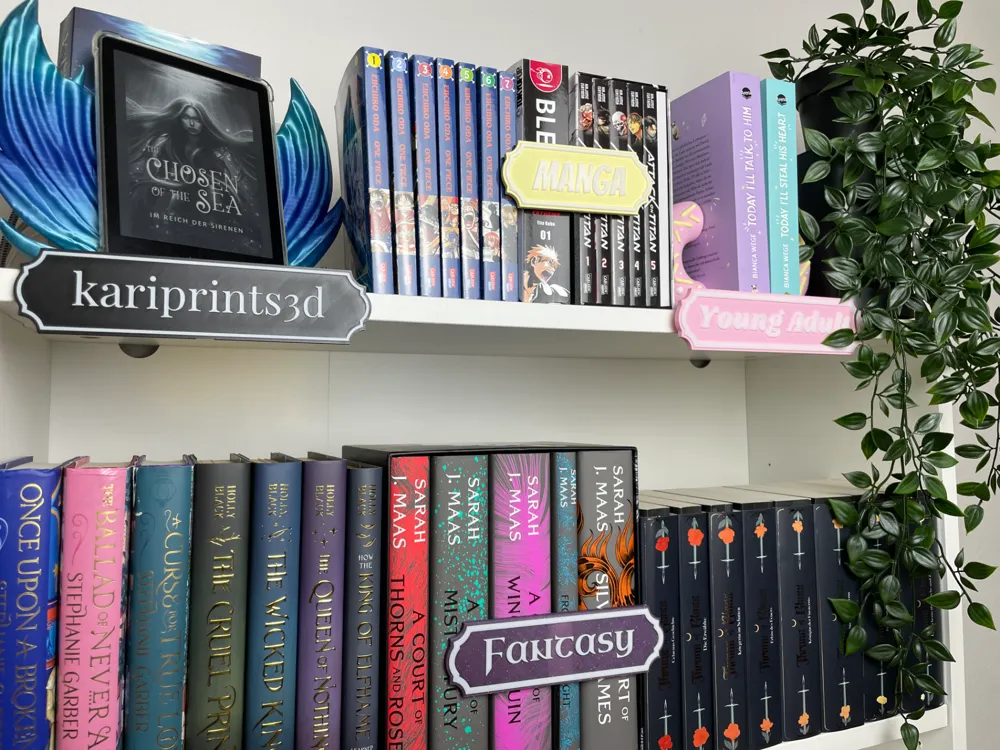
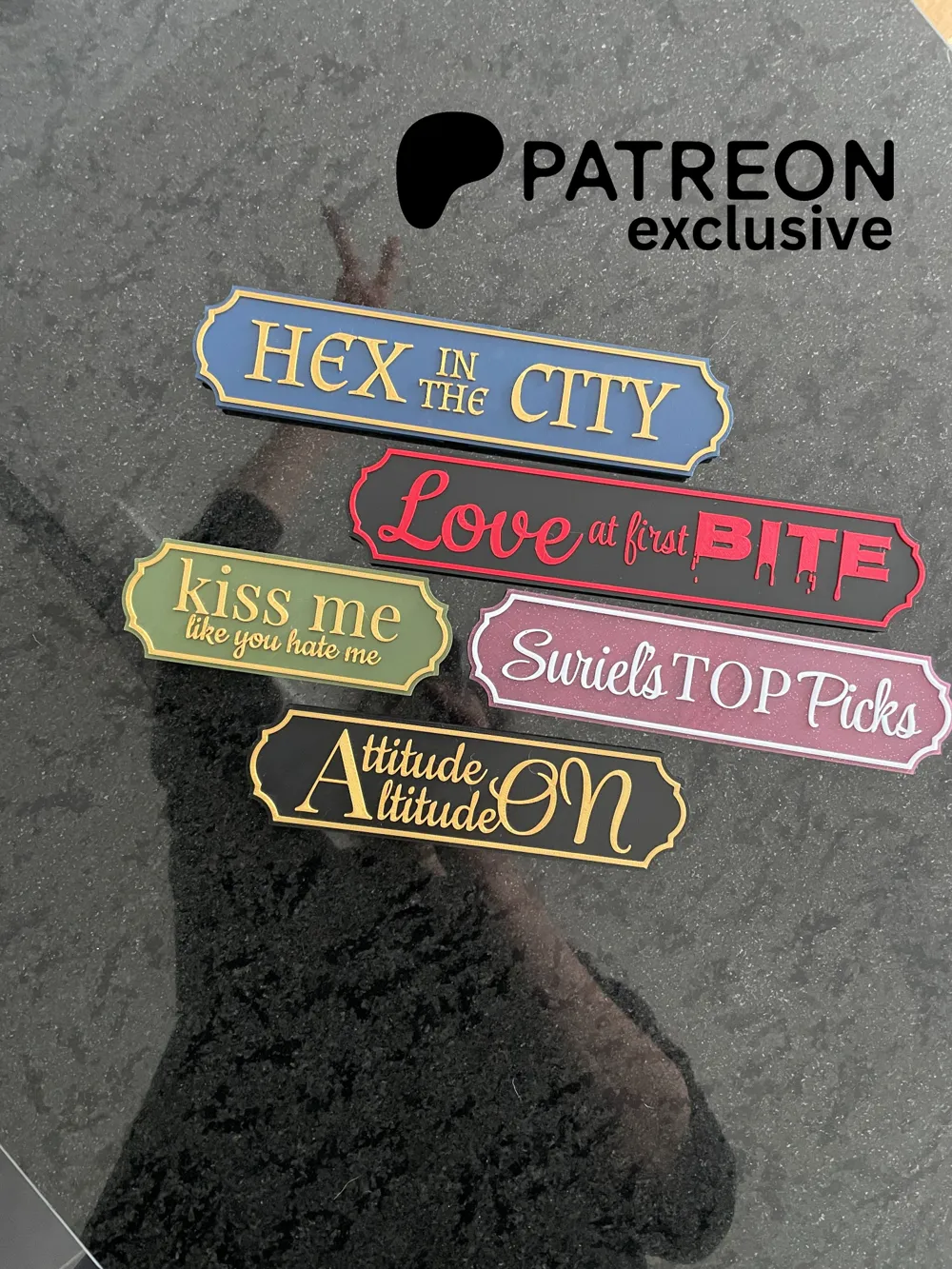
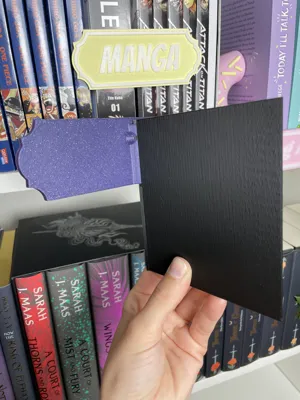
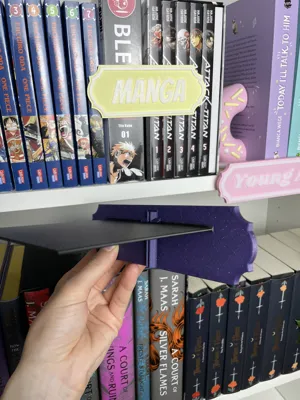
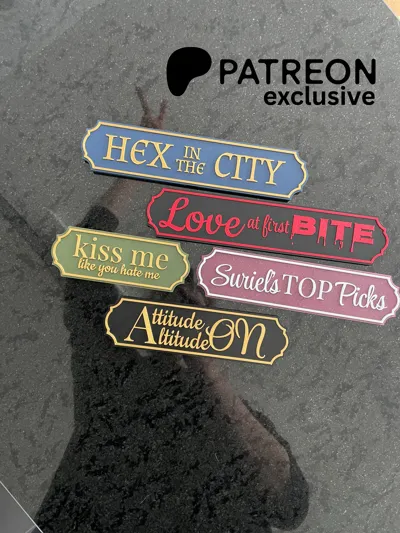
Create your own personalized Bookshelf Signs!
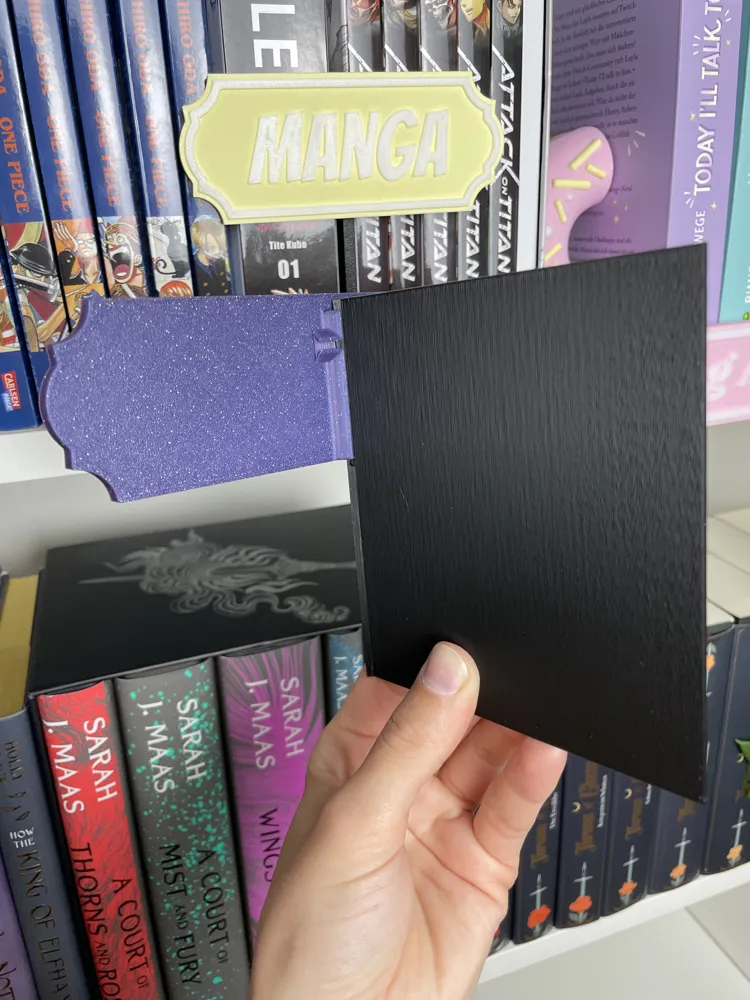
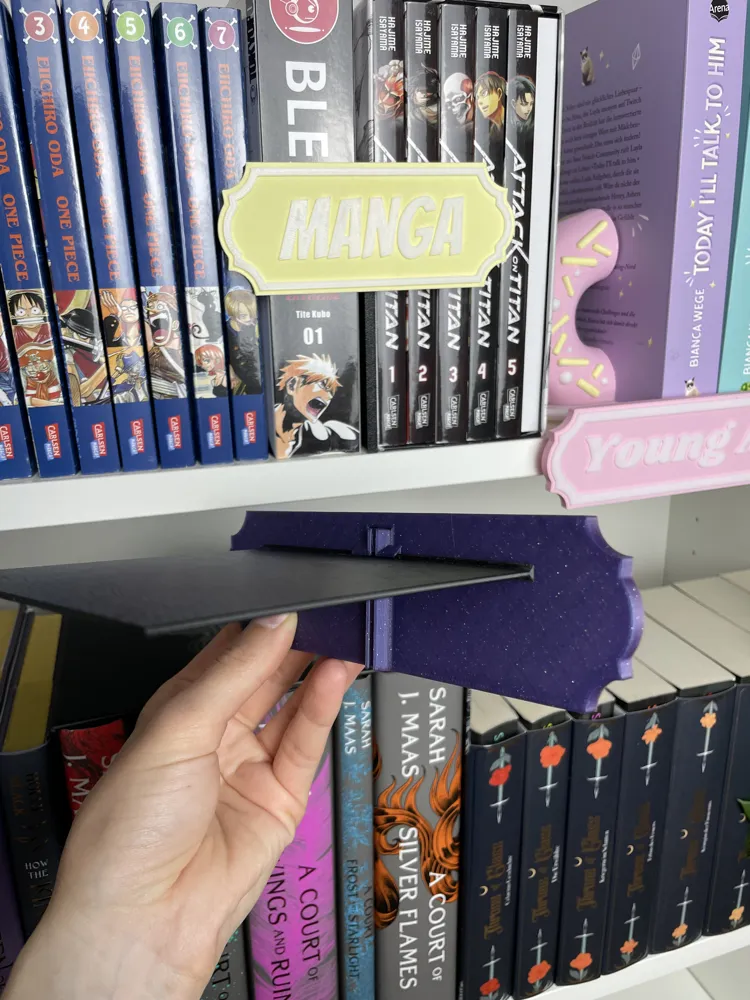
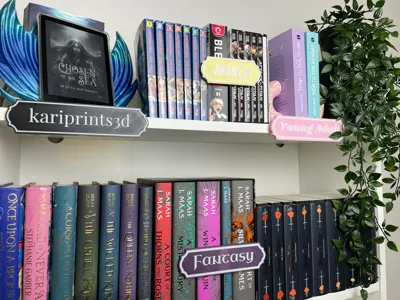
Use the Adapter & Holder to install your sign on your shelf—either between your books or underneath them as a fun “title” for your shelf :)
How it works:
- Click “Customize” to start designing your sign. Adjust the parameters and colors to your liking. Click “Generate” to preview your creation. Download as .3mf to keep your color choices.
Download the Adapter & Holder separately (first print profile) to complete your setup.
Printing:
Everything prints support-free if oriented correctly. Some filaments bridge the floating parts of the adapter better than others, but don’t worry—any failed bridge lines can be easily removed after printing and won’t affect the functionality of the adapter.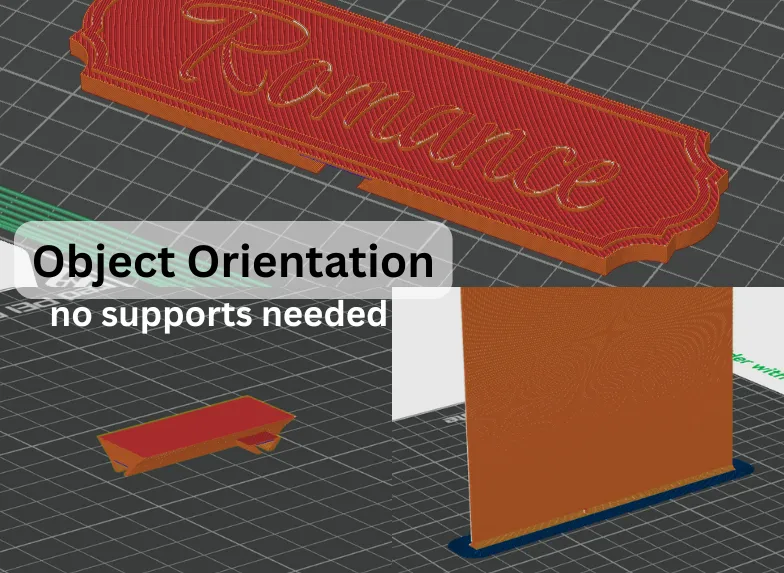
Documentation of all parameters:
♥ Your text – Enter your text here.
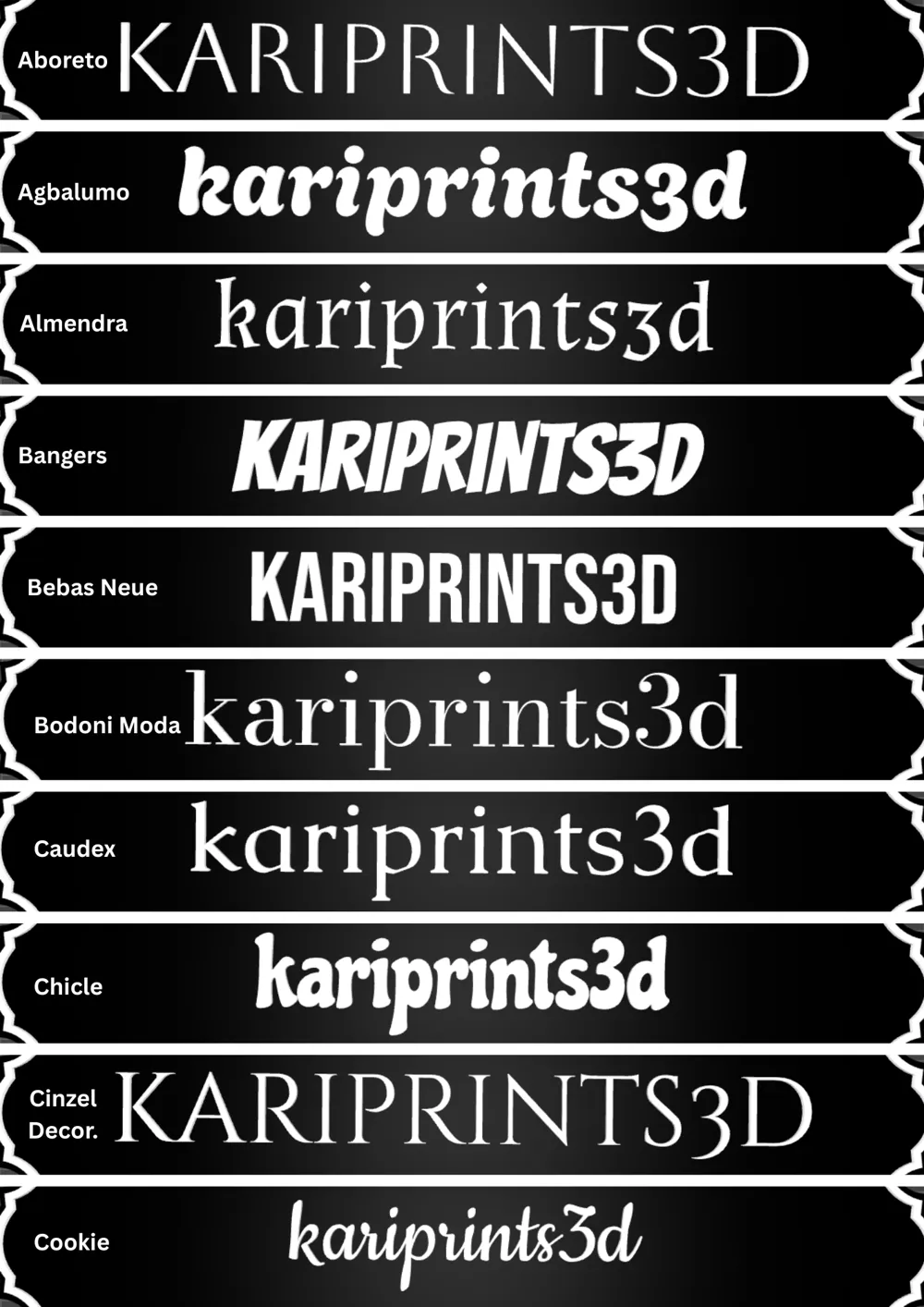
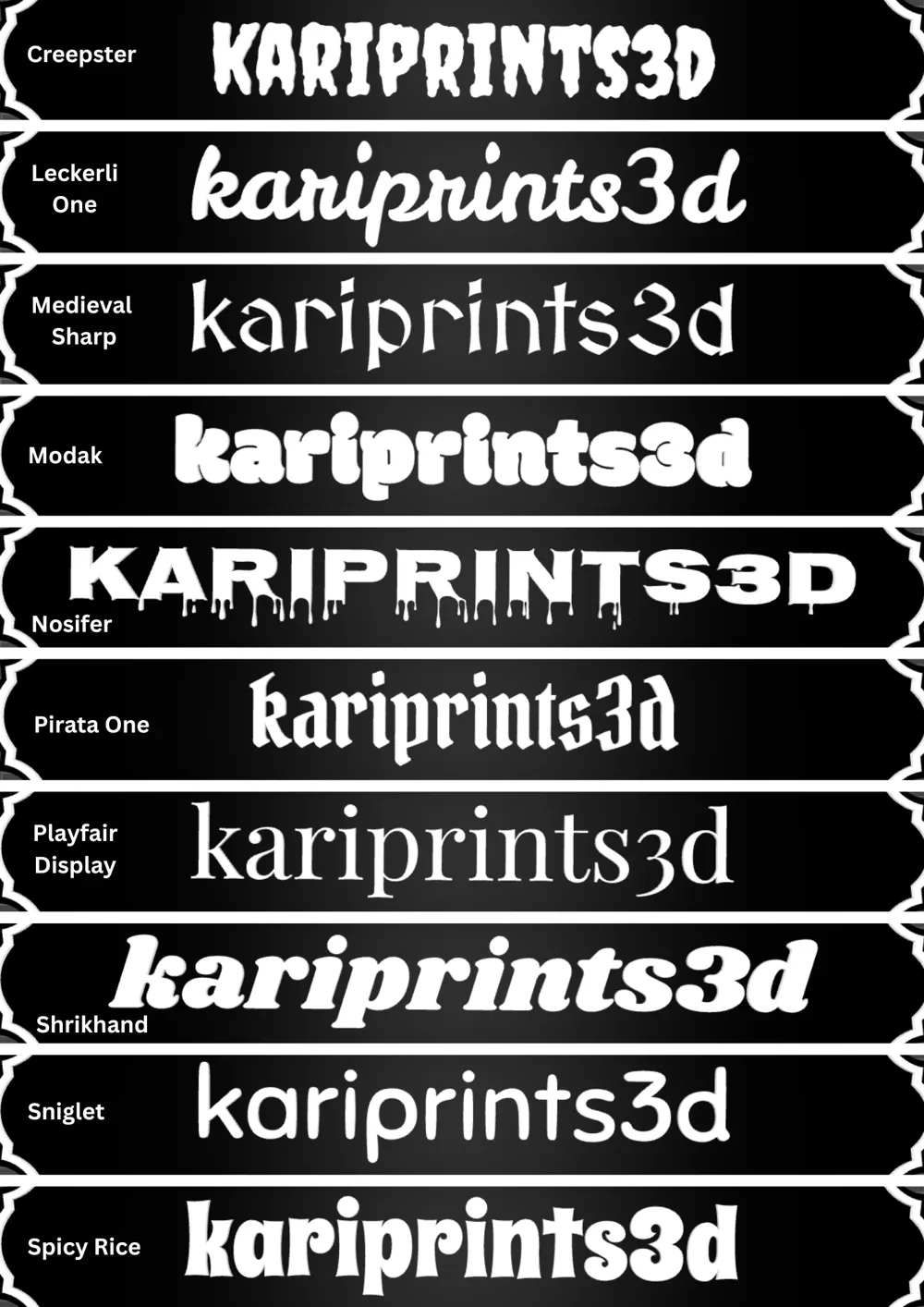
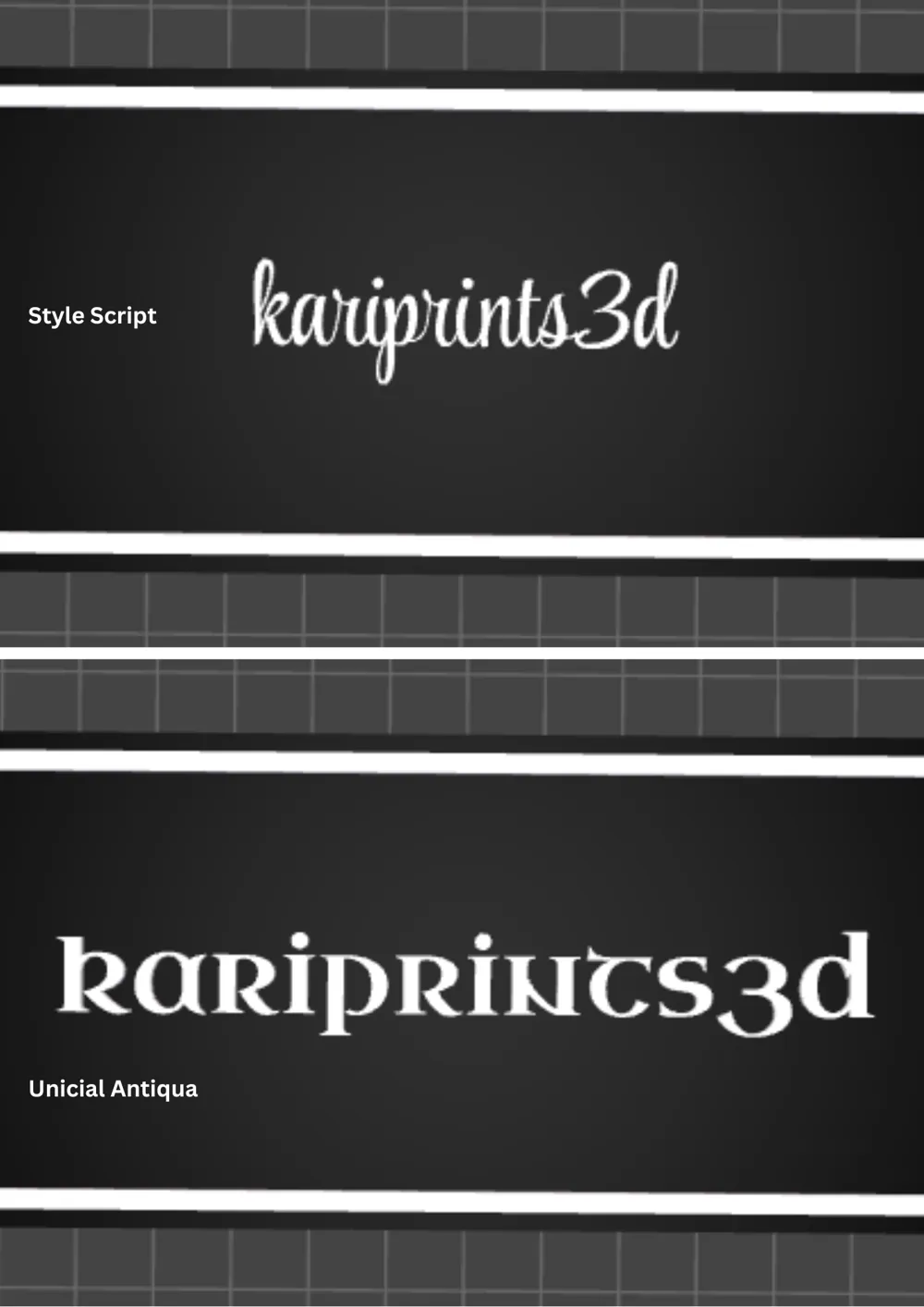
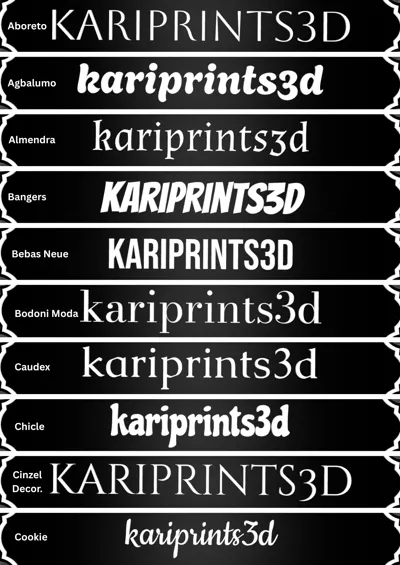
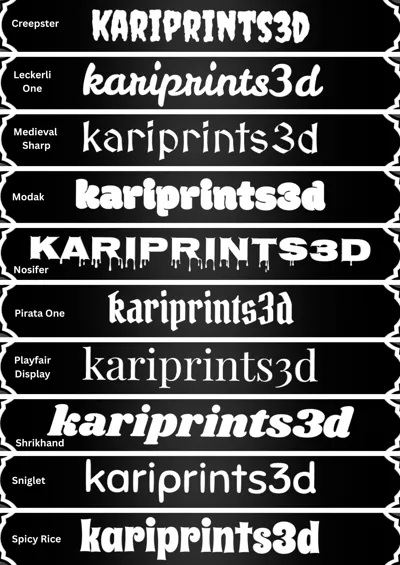
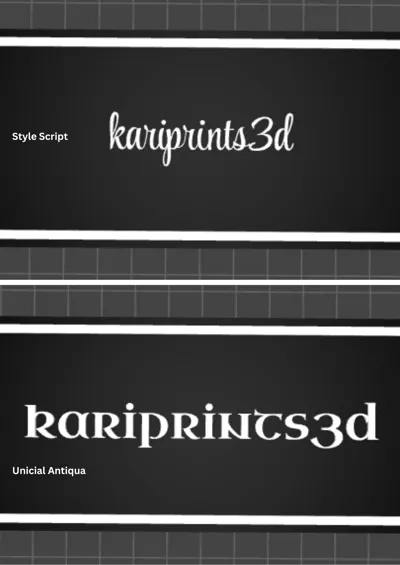
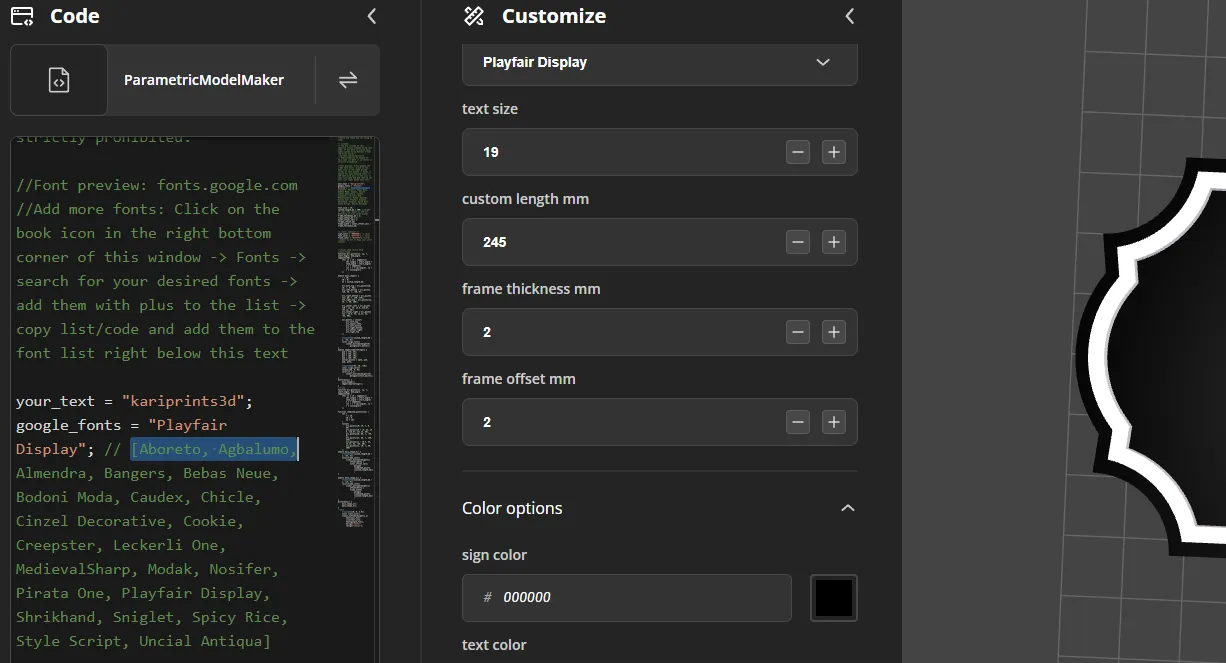
♥ Google Fonts – Choose a font from the dropdown menu (see below for how to add more). Not all fonts are printable in all sizes! Please check the your sliced font for gaps before printing!
♥ Text size – Choose a size for your text. Make sure it doesn’t go beyond the sign or print plate.
♥ Custom length (mm) – Set the length of your sign. Max: 240mm, Min: 120mm (recommended since the holder is 120mm, but you can go lower—just keep the adapter hole on the back in mind).
♥ Frame thickness (mm) – Width of the frame, extending inward.
♥ Frame offset (mm) – Gap between the frame and the sign
♥ Color options – Colors will only be saved if you download the sign as a .3mf file.
How to add more fonts:
Click on “Customize” → Open the code on the left side of your screen → Click the book icon in the bottom right corner of the code window → Fonts → Go to https://fonts.google.com and choose a font you like → Return to the font window in MakerWorld and enter the name of your desired font in the search bar → Click the “+” to add it → Click Copy Code → Cancel → Go back to the code window and paste your font(s) into the list where the other fonts are already defined (e.g., // [Aboreto, Agbalumo,…]). You can replace the existing list or just add your font(s), separated by commas. Don’t forget to close the bracket ].
Note: Fonts are not saved, so be sure to write them down if you want to reuse them later.
License:
You’re allowed to sell physical prints made using this code if you have an active paid subscription to my Patreon (Tier: 3D Print Seller).
Redistribution or resale of this code, in part or in whole, is strictly prohibited.
Happy creating and printing!
Boost Me (for free)
Cool people press this buttom
License

You shall not share, sub-license, sell, rent, host, transfer, or distribute in any way the digital or 3D printed versions of this object, nor any other derivative work of this object in its digital or physical format (including - but not limited to - remixes of this object, and hosting on other digital platforms). The objects may not be used without permission in any way whatsoever in which you charge money, or collect fees.


Comment & Rating (80)