
Stroller brake rod for Anex M-type
Print Profile(1)
Description

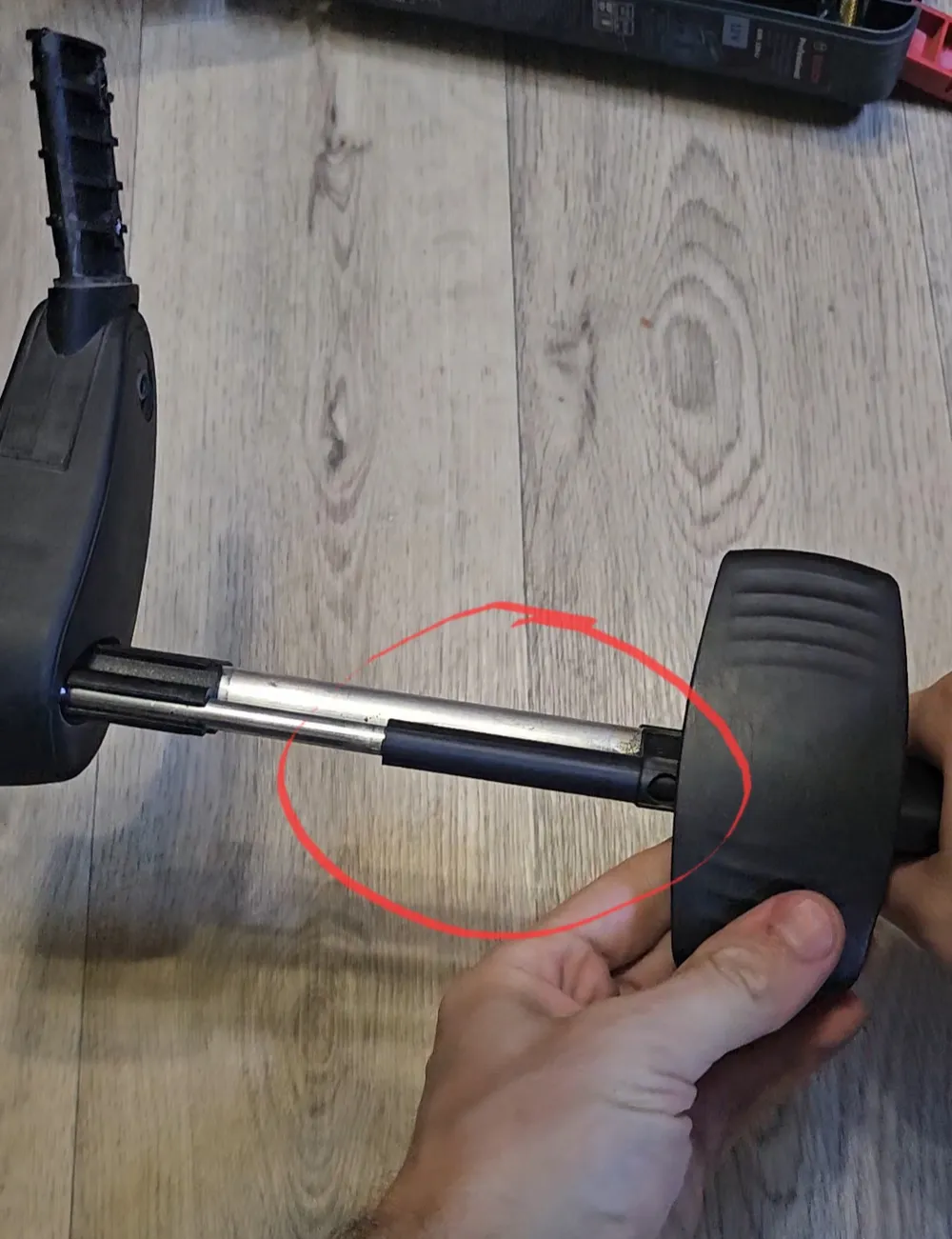
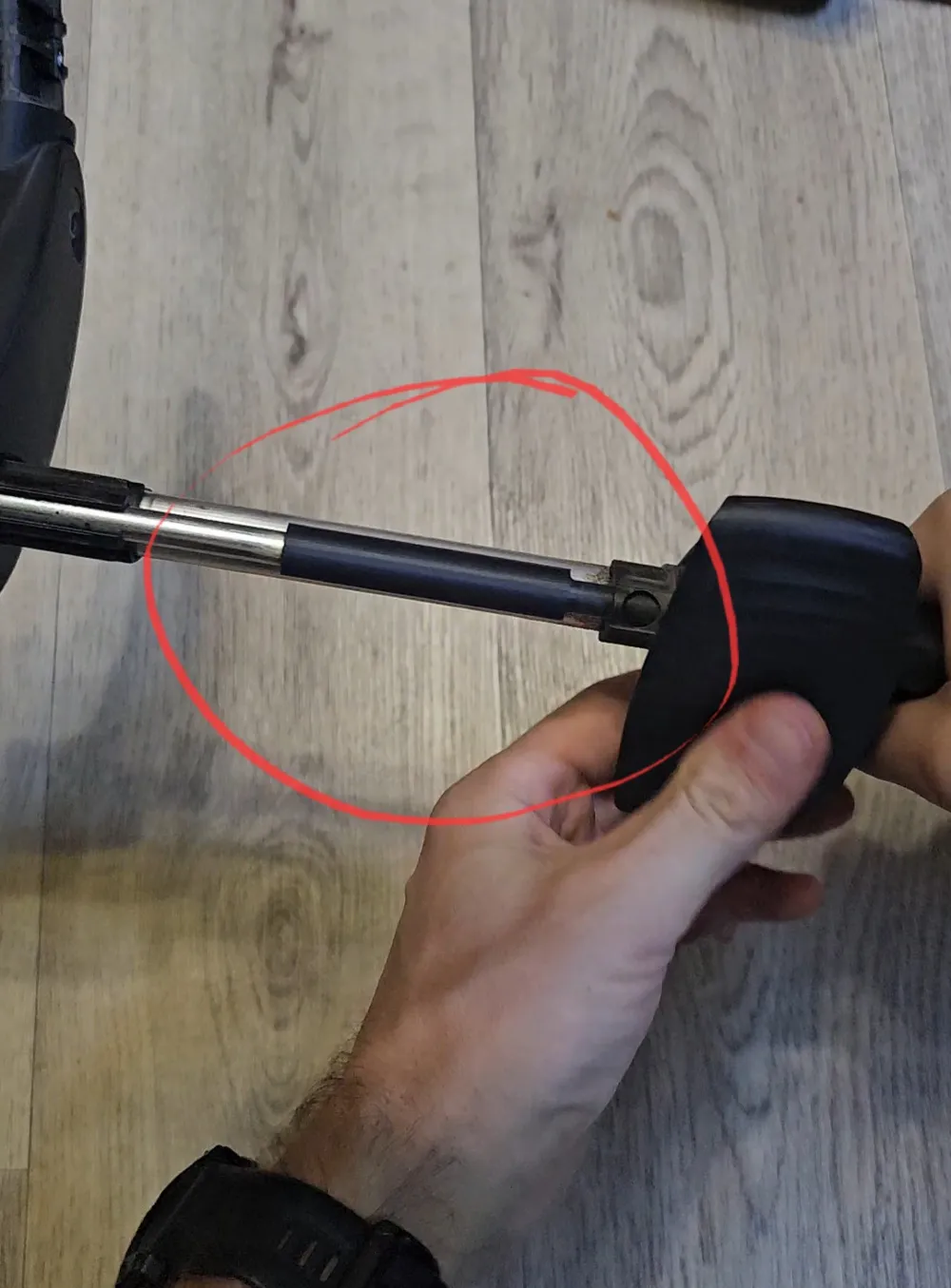

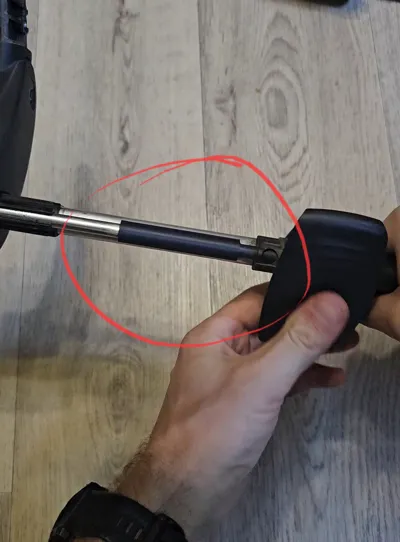
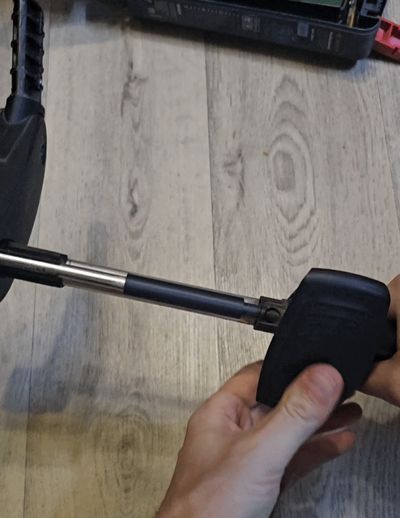
At some point, the brake on my Anex M-Type stroller broke — one of the rear wheels stopped locking.
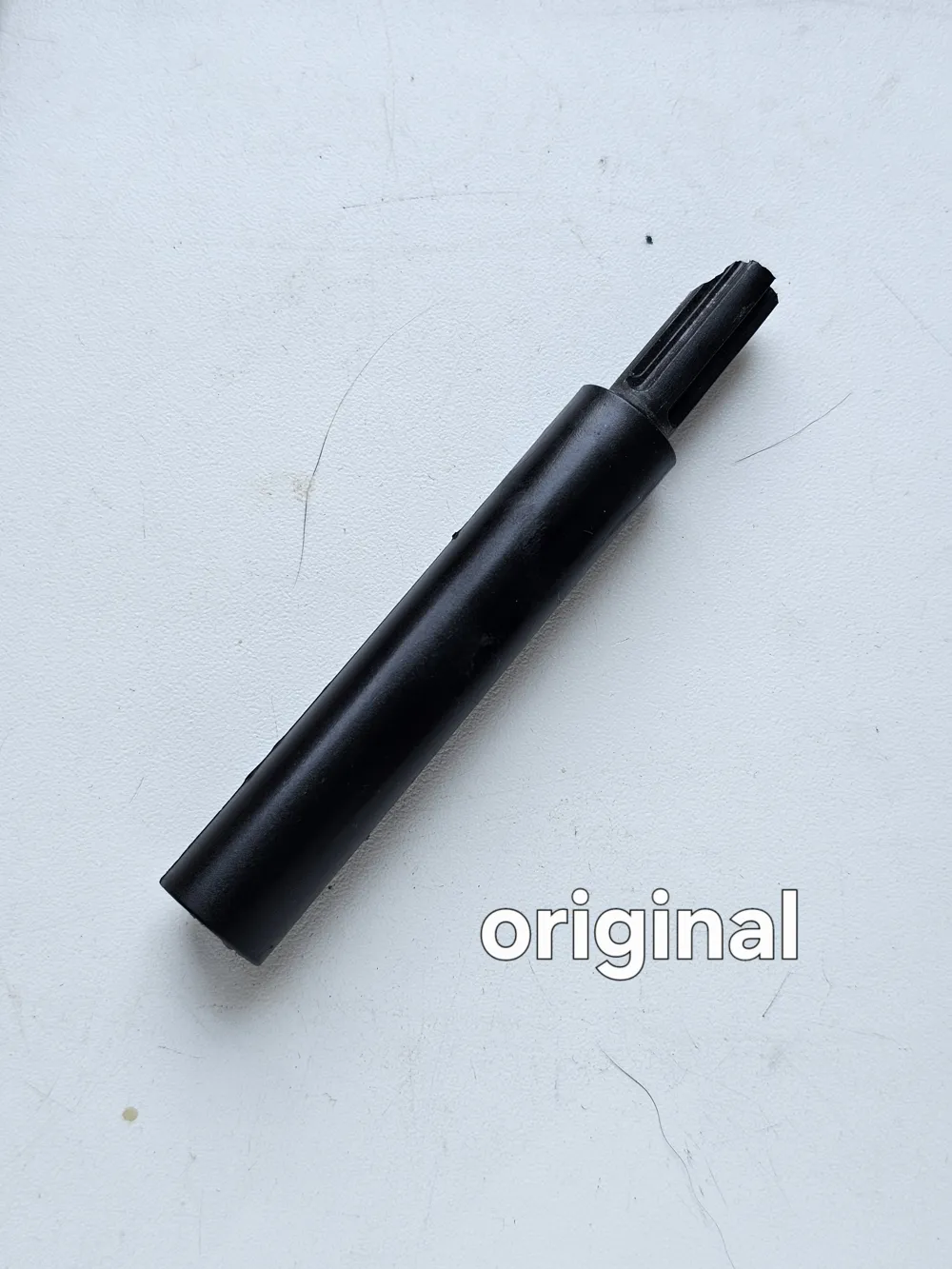
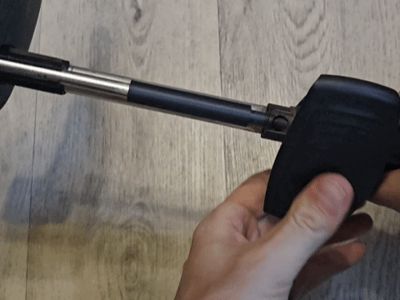
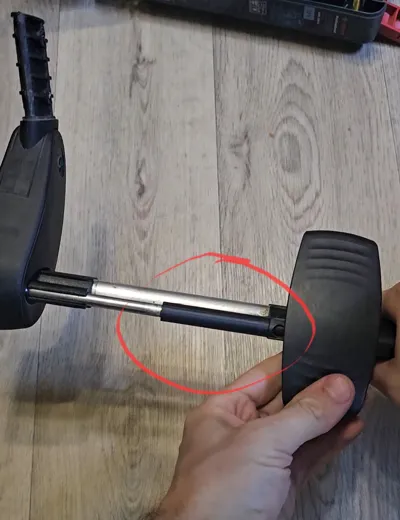
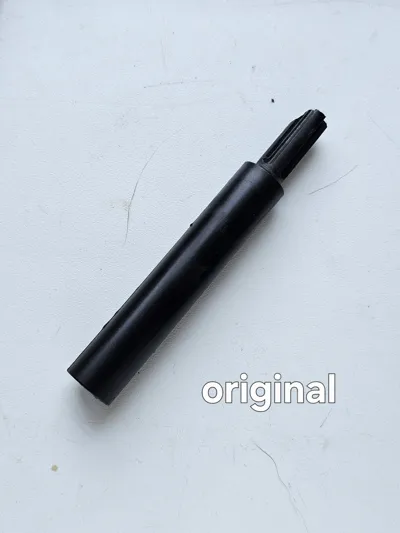
After disassembling the rear axle, I found a broken plastic brake push rod.
To disassemble the brake mechanism, you’ll need to drill out the original rivets. Make sure you have new aluminum rivets on hand — I used 4.8 mm diameter and 14 mm length.
The original ones seemed to be around 5 mm × 15 mm, but I’m not 100% sure.
You'll also need a rivet tool for installation.
Here’s an example from AliExpress: Heavy Duty Riveter Set Pop Rivet Gun Assortment Kit Hand Tools Rivet Nut Tool
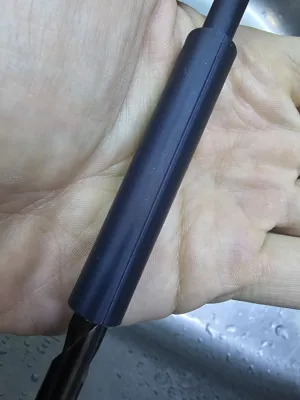
I printed the replacement part in ABS+ on my A1 Mini with 100% infill.
PETG might also work, but I wouldn’t recommend PLA, as it's not durable enough for mechanical parts like this.
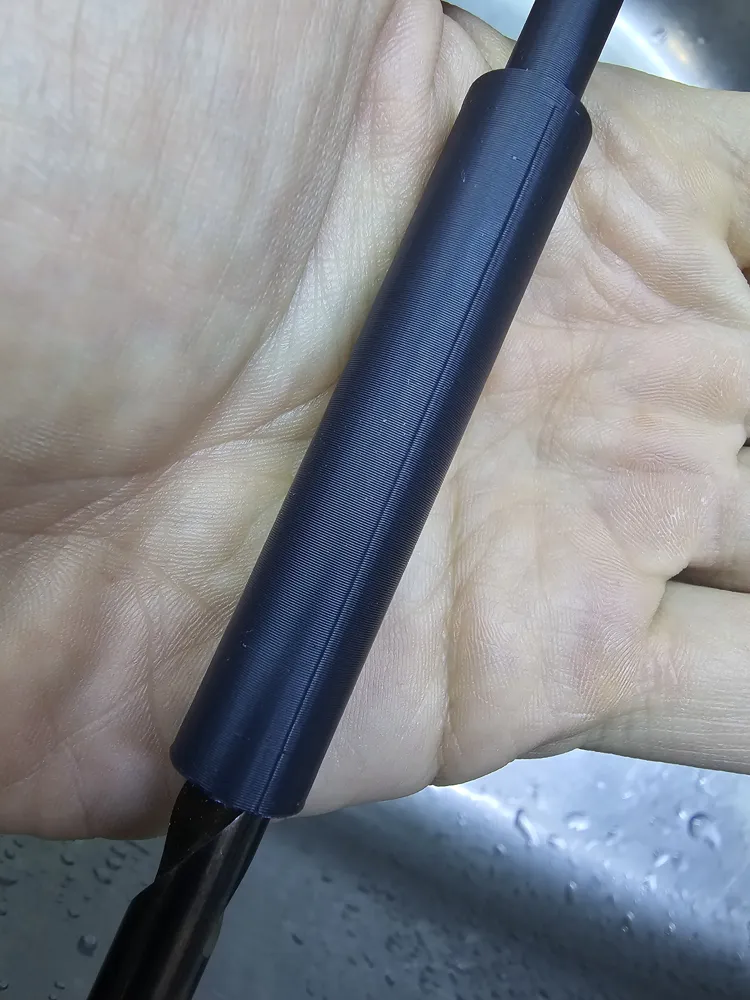
After printing, I mounted the part onto a drill bit because I couldn’t properly hold it in a regular chuck. While spinning it, I gently sanded the narrow end — especially the spherical tip — with sandpaper to smooth it out and reduce sliding friction inside the tube.
This step might be optional, but I did it anyway.
You could also try lightly brushing the surface with acetone or dichloromethane to help smooth the printed layers and make the part more glossy.
⚠️ IMPORTANT: Be extremely careful when working with solvents. Always read up on safety precautions and work in a well-ventilated area.
I personally skipped this step — honestly, I was just too lazy to go outside. 😄
License



Comment & Rating (0)