
Hextraction Sealed Tile
Print Profile(2)


Description
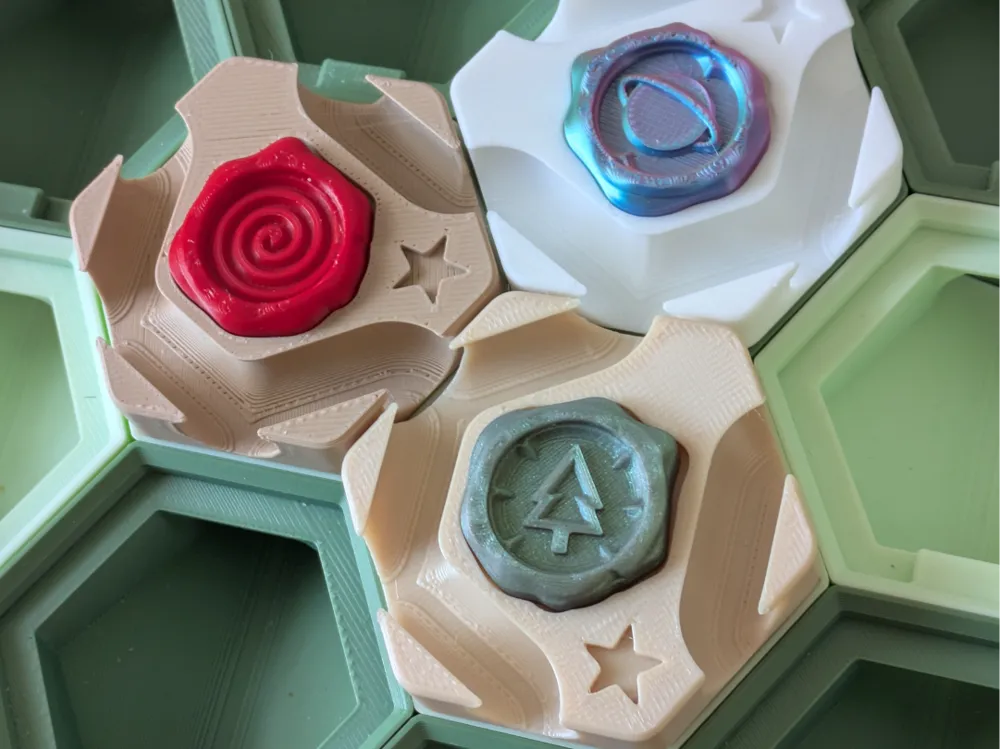
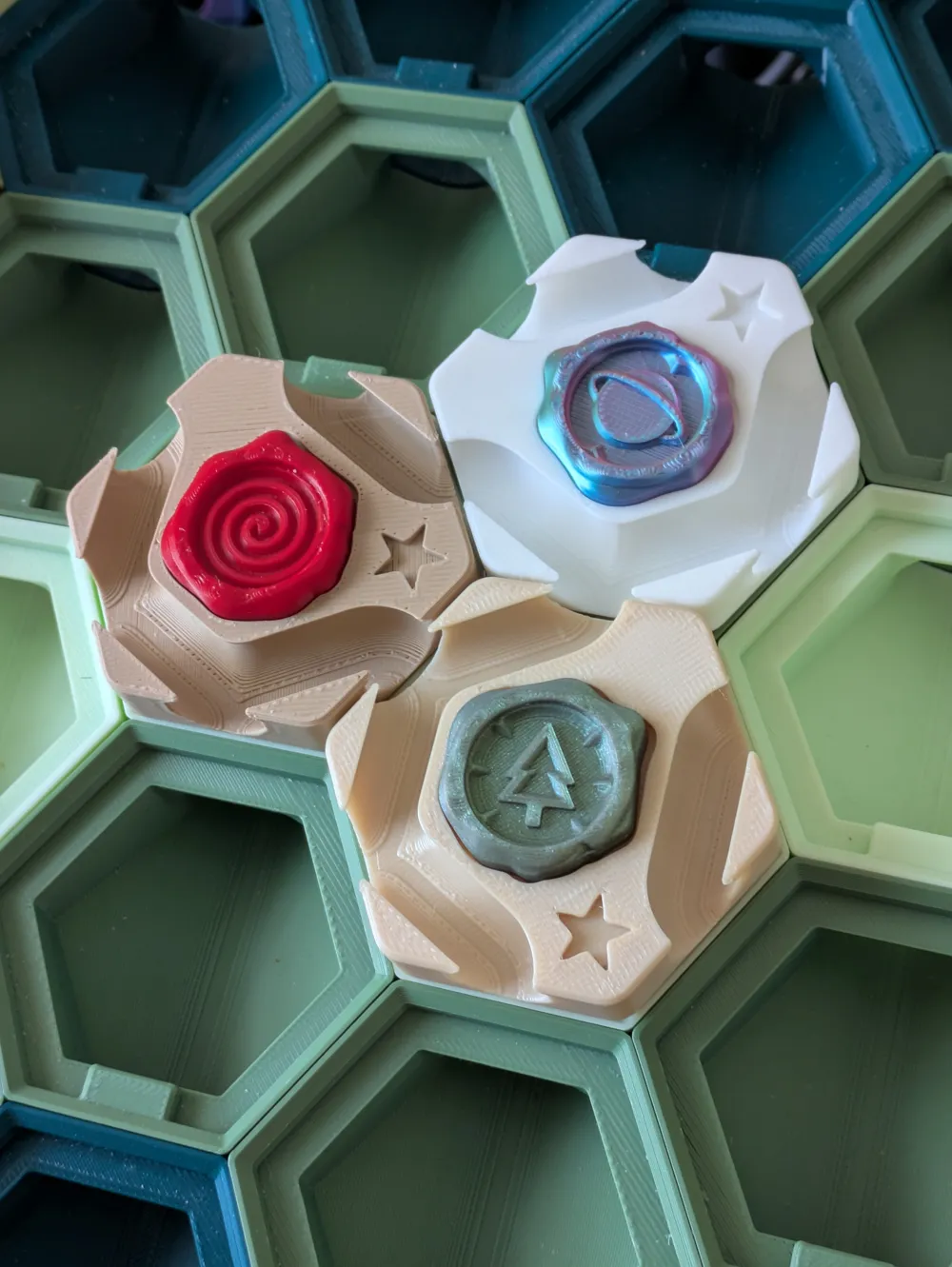
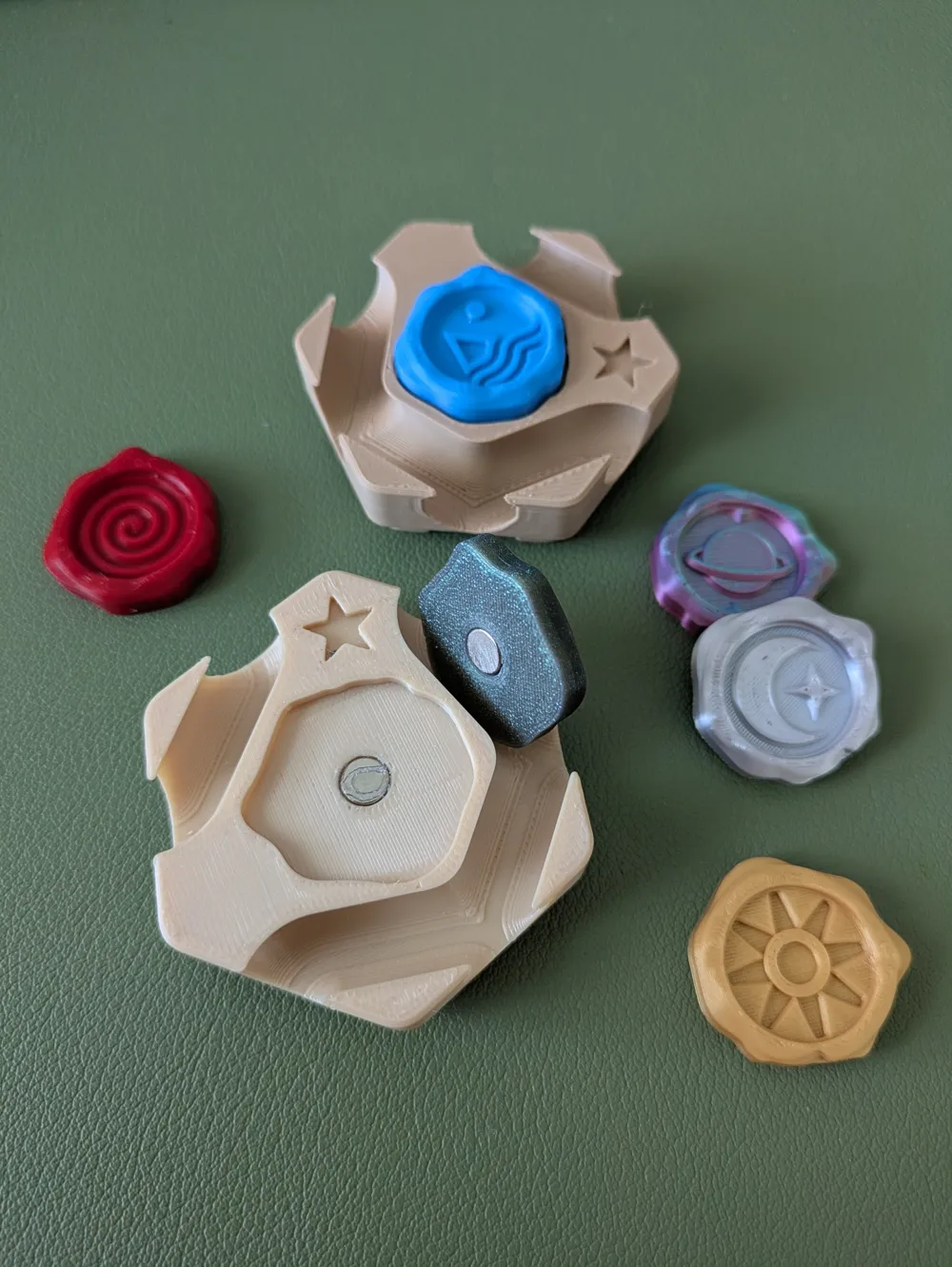
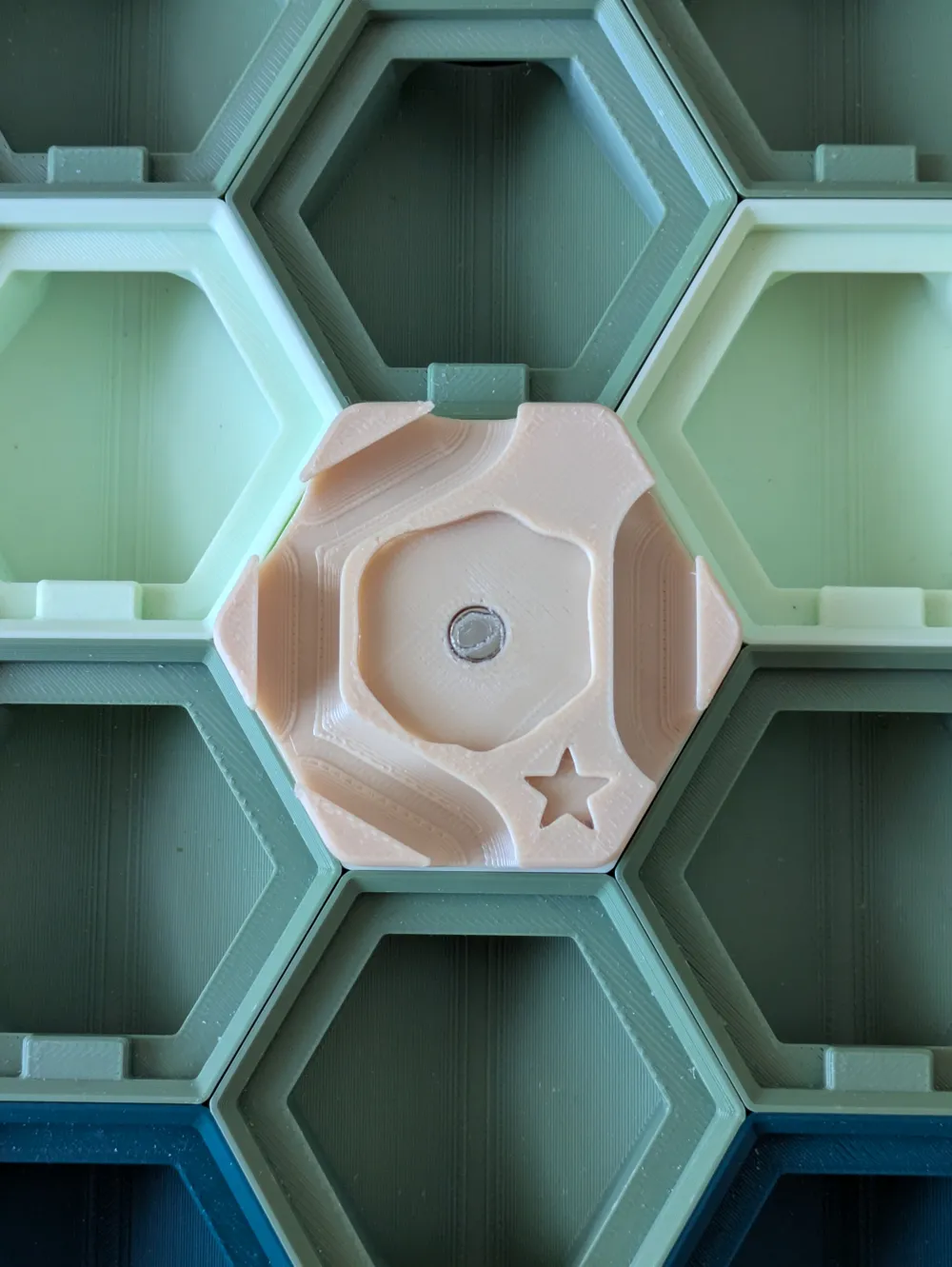
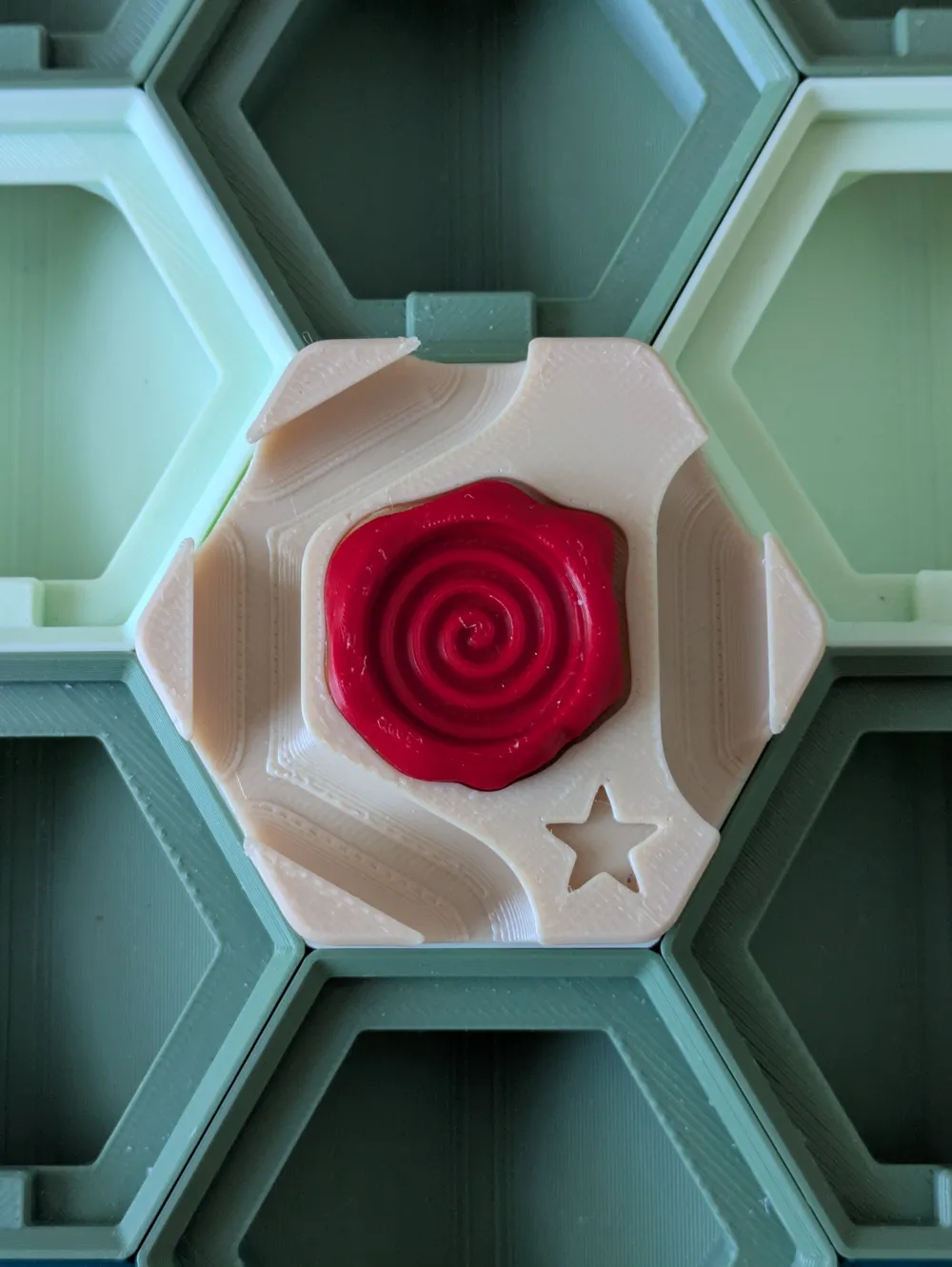
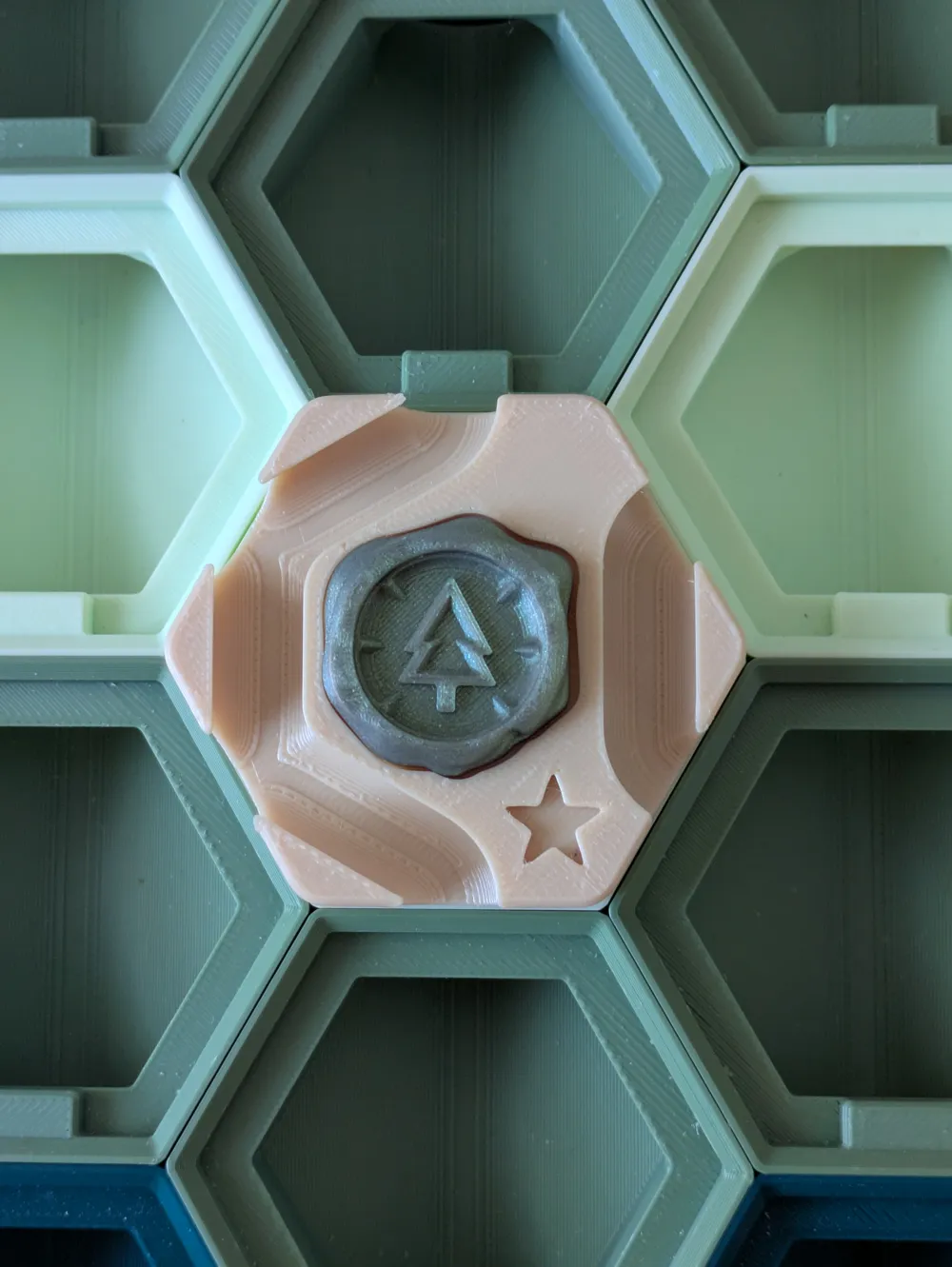
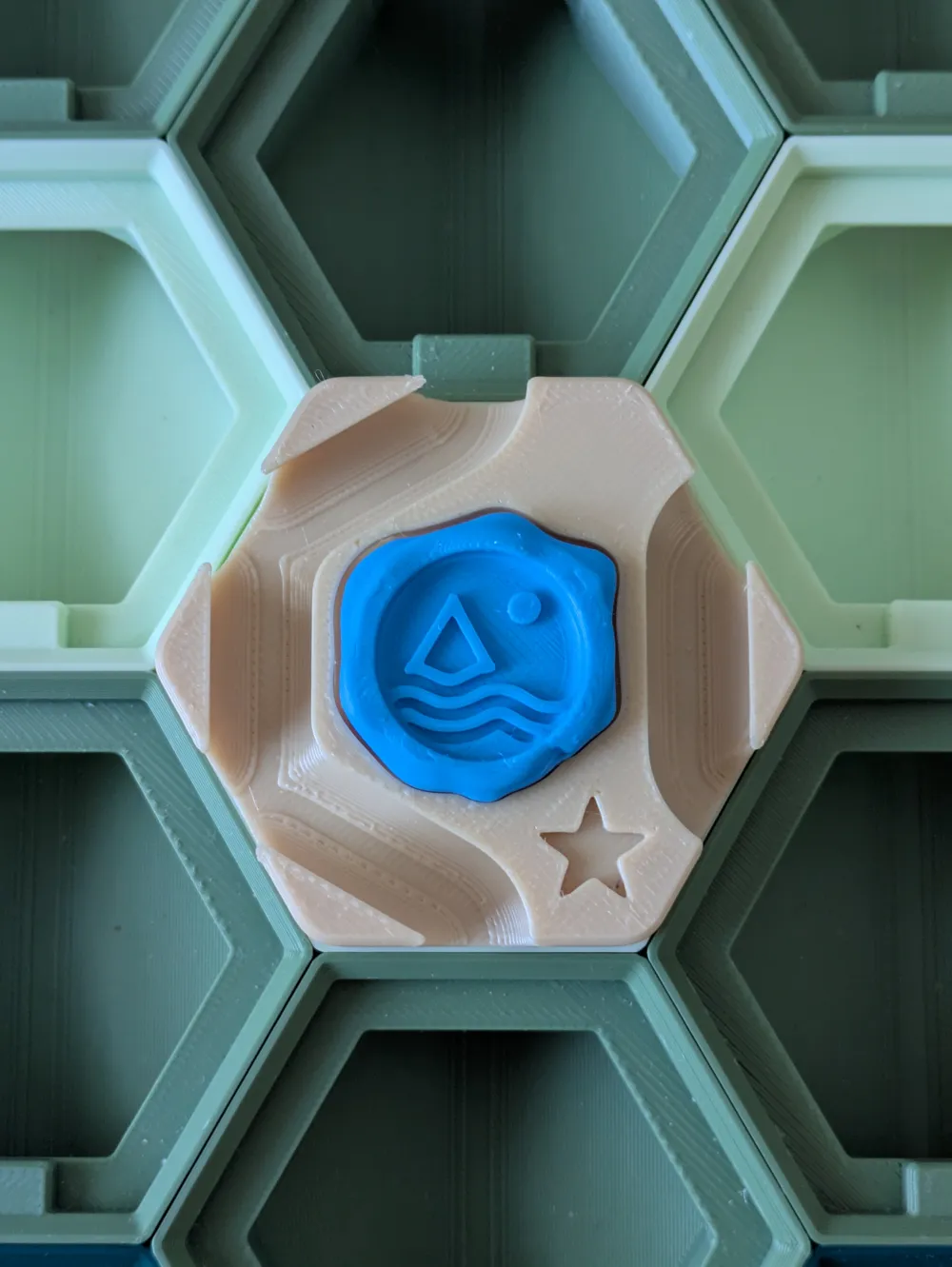
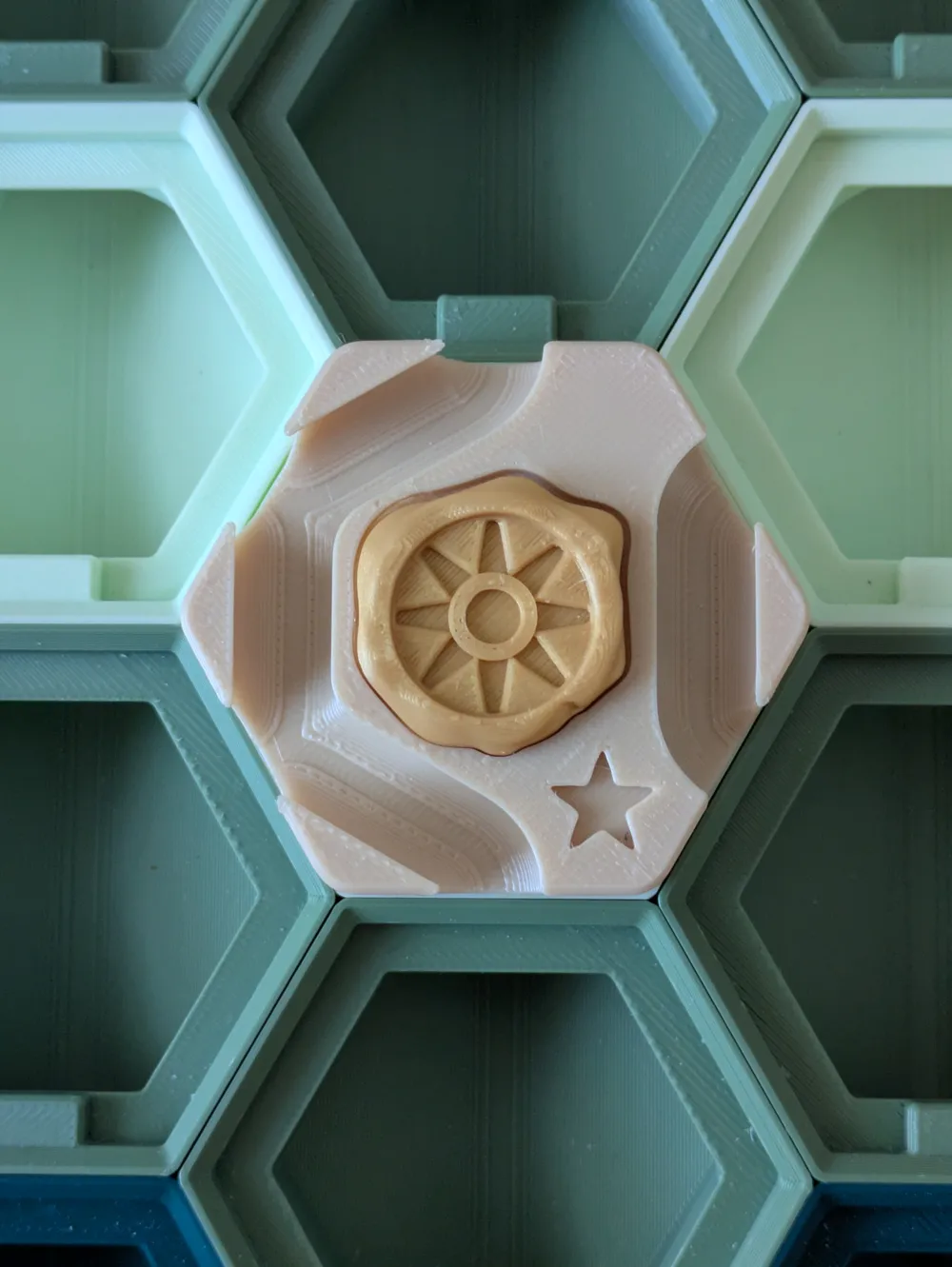
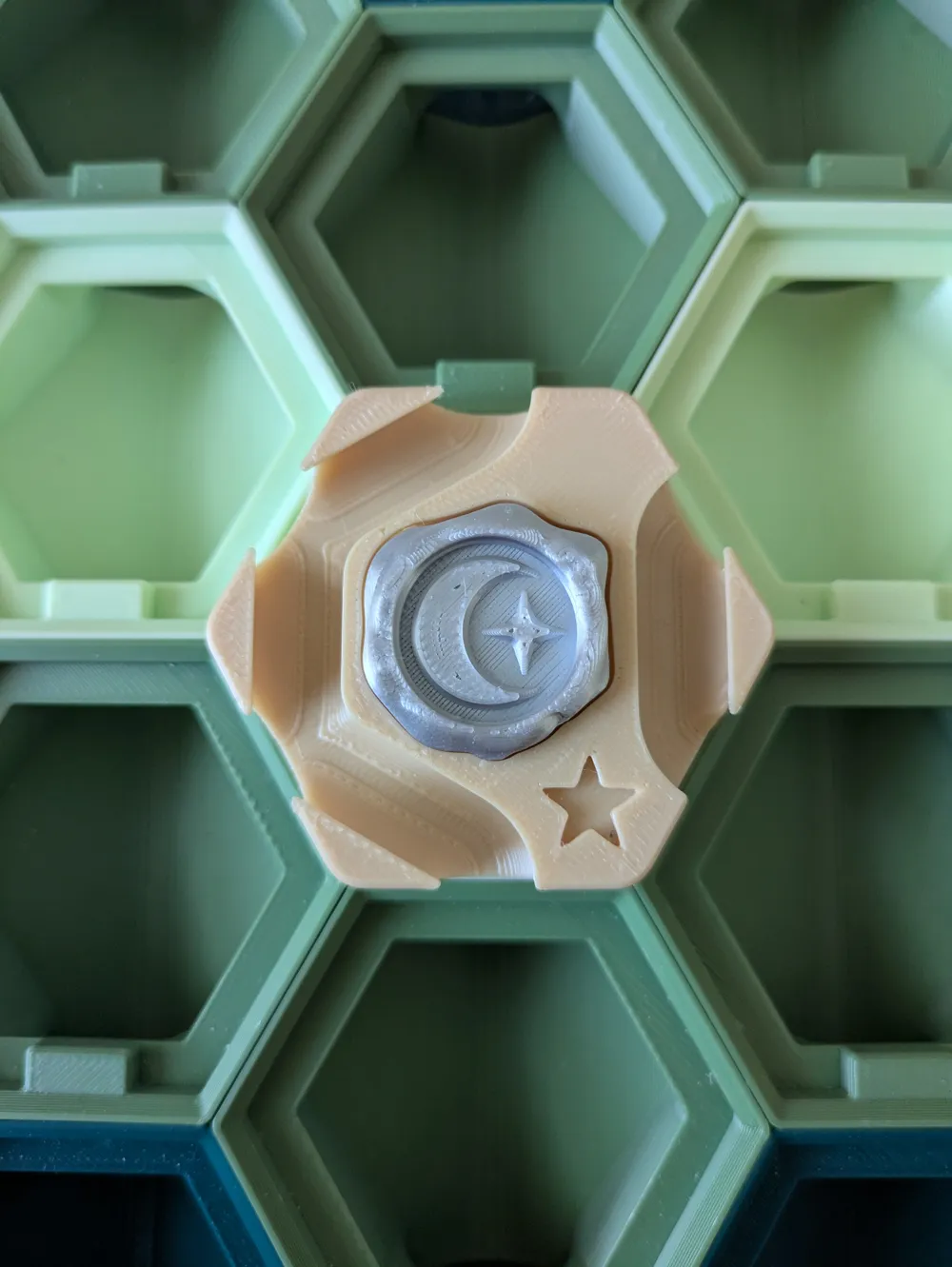
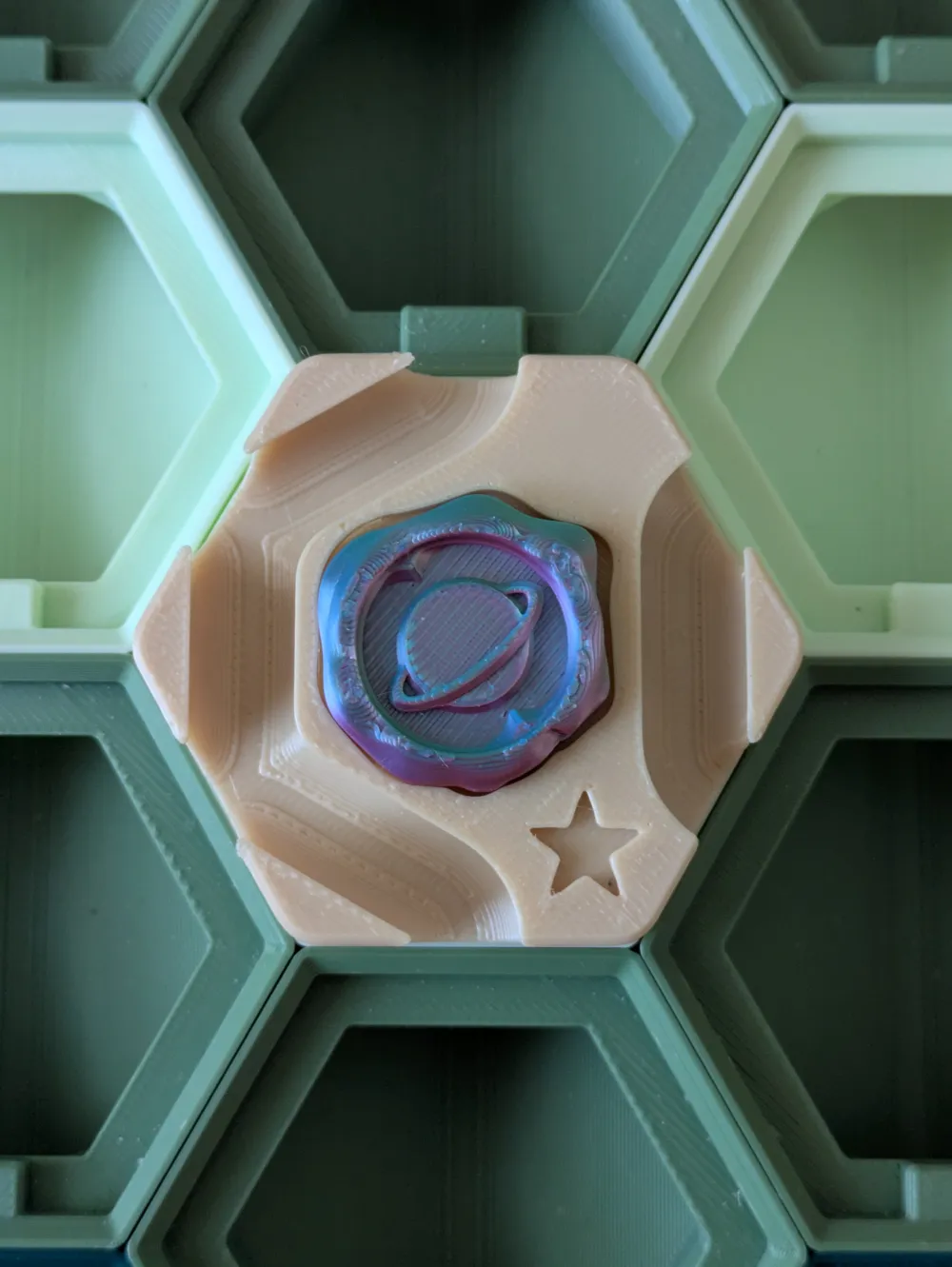
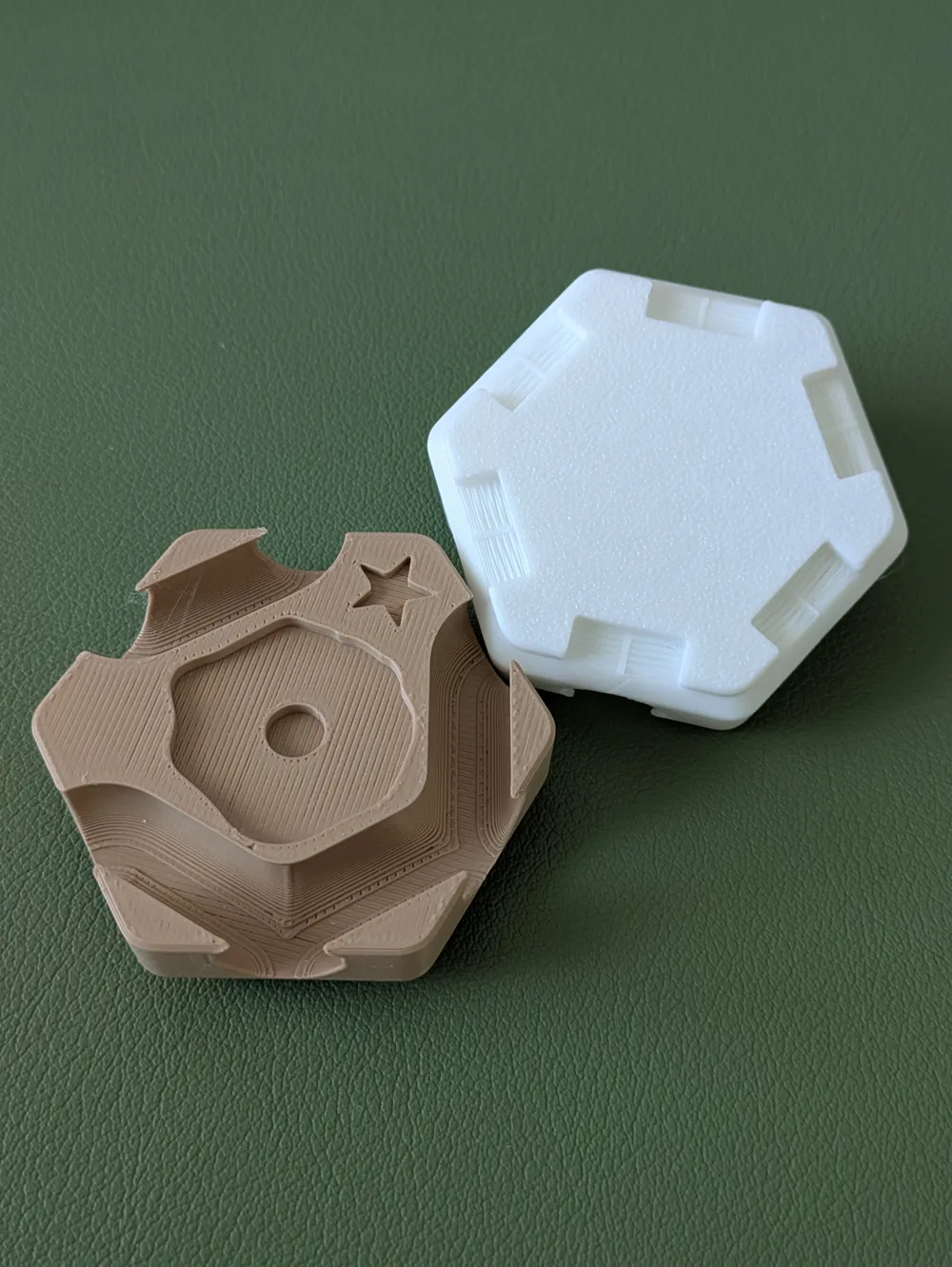
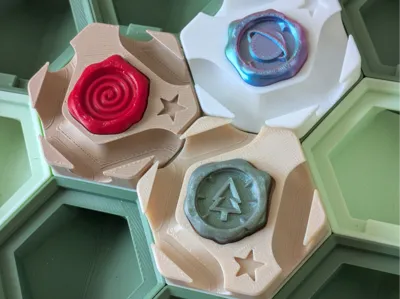
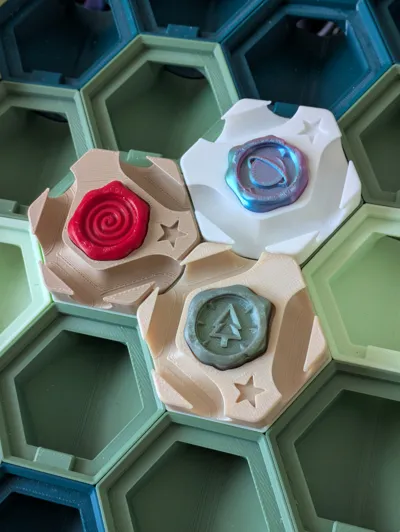
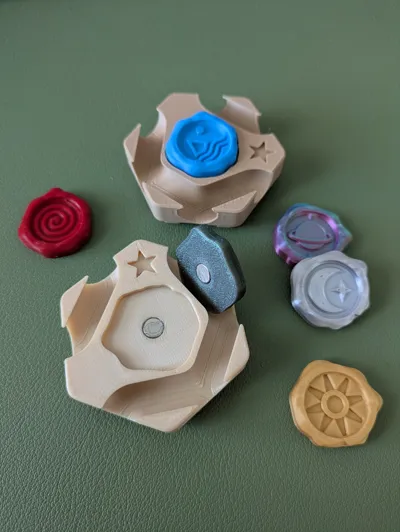
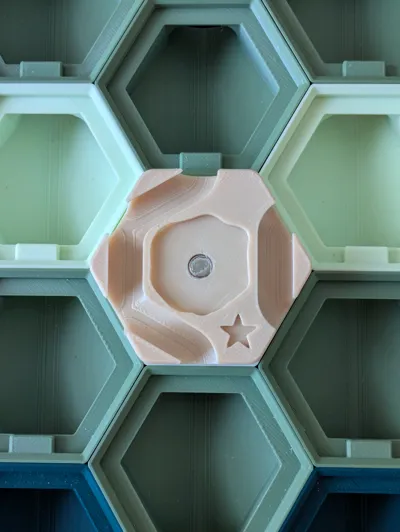
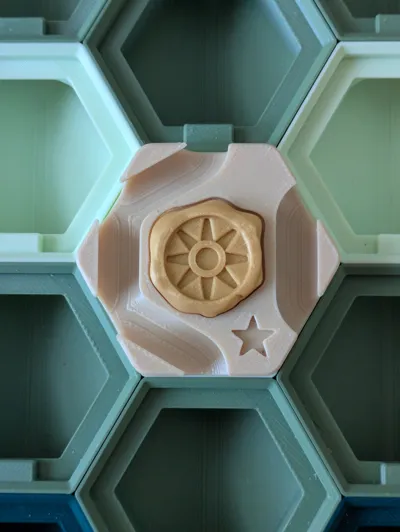
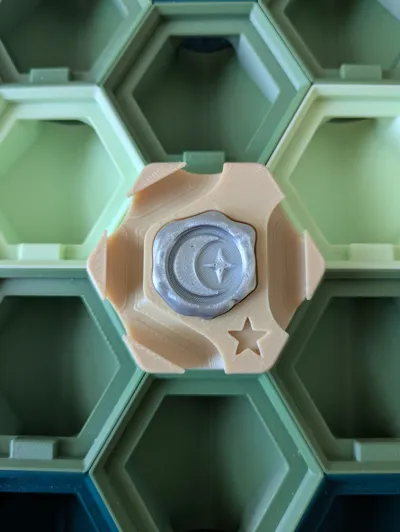
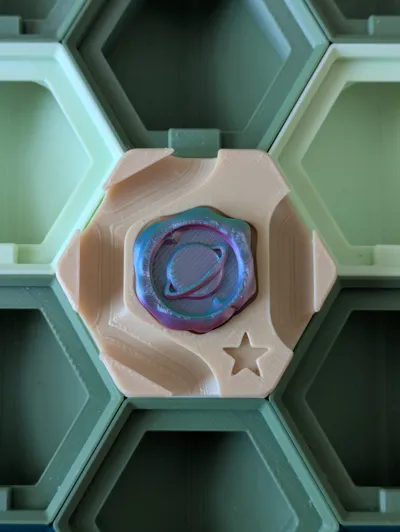
I present the Sealed Tile! On play, choose an Effect Seal from the virtual pool and equip it with a satisfying magnetic snap!
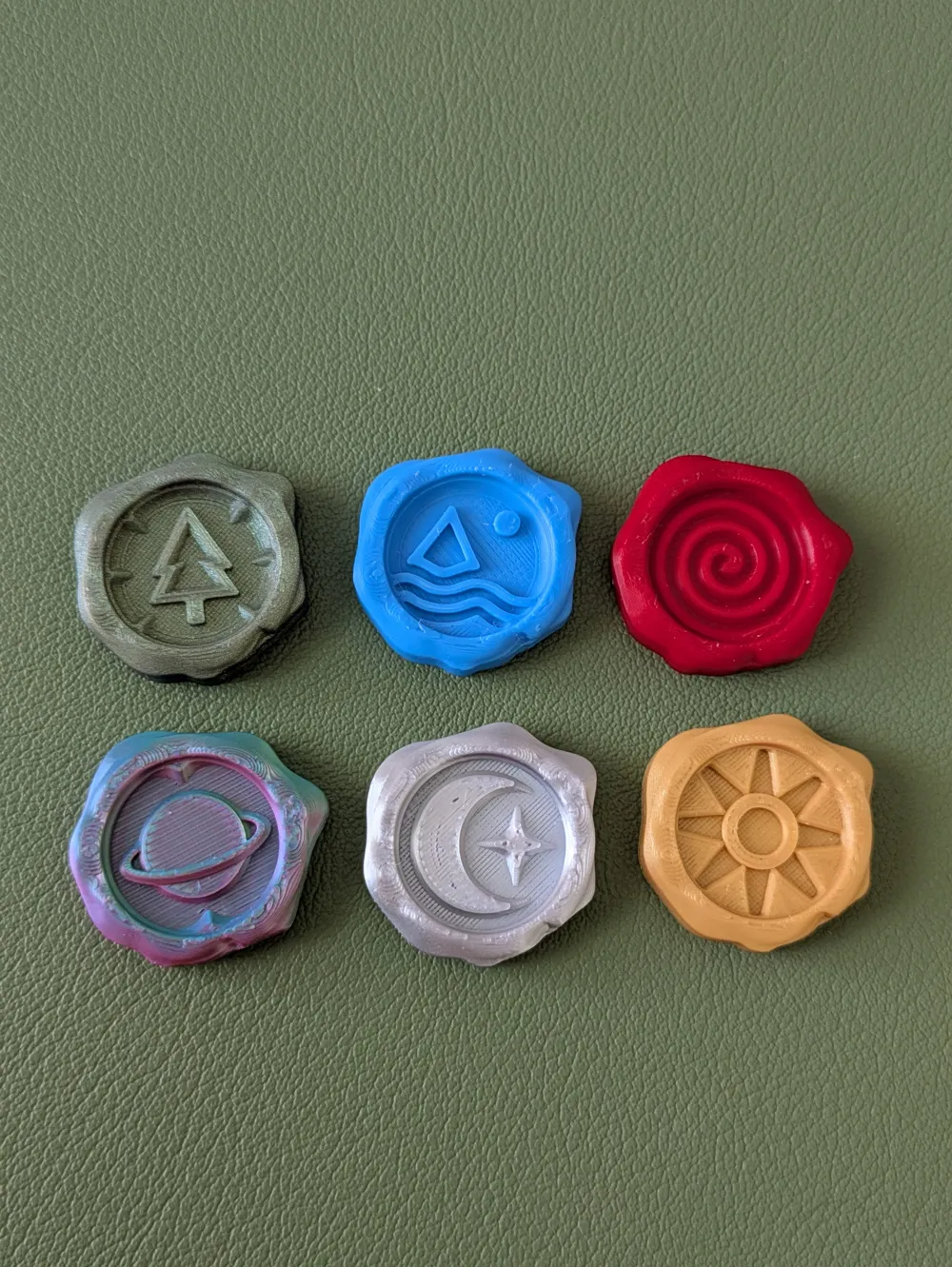
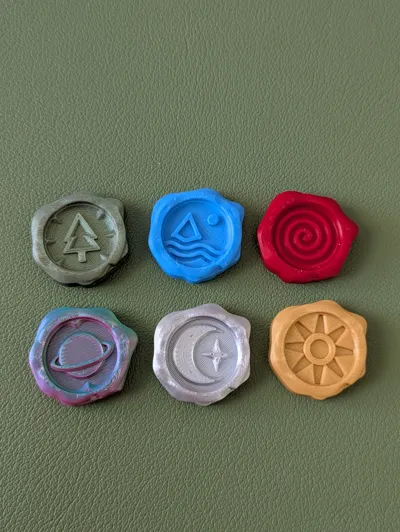
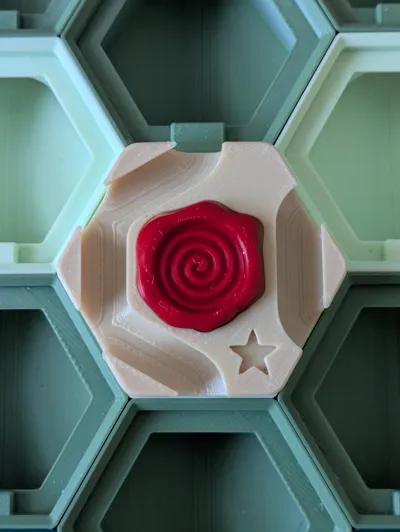
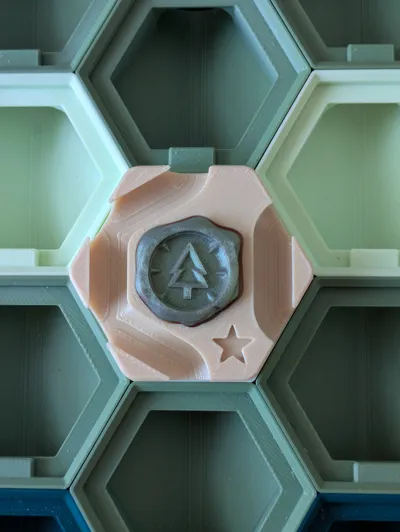
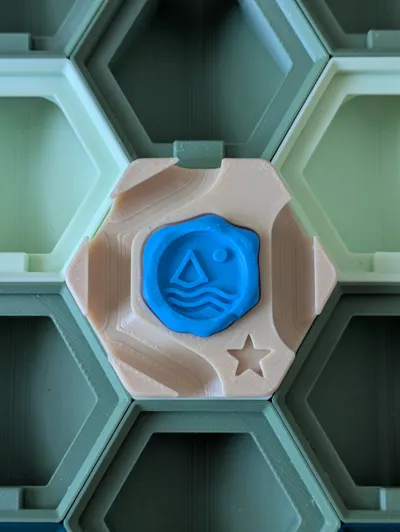
I've designed a set of 6 seals - the Spiral, Ocean, Forest, Sun, Moon, & Planet Seals. These all use On Play game logic, and draw from existing tile effects (see the rules section for specifics). You can print as few or as many as you'd like. I suggest printing one set of stock seals and 1-3 Sealed Tiles.
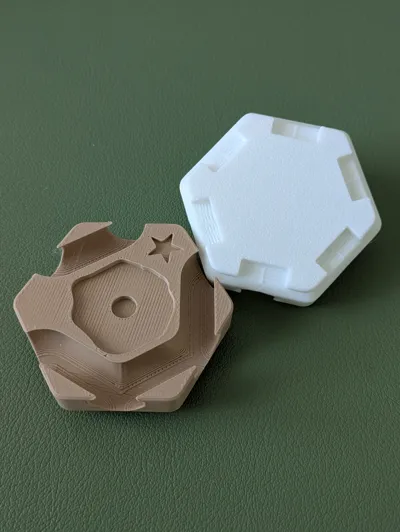
If you wish to design your own Seals, I've provided a Seal STEP file. For compatibility/standards, ensure the perimeter of the model remains the same. For my designs, I start from the circular plane in the center of the seal and extrude cut down to create details. Be mindful not to cut into the cavity for the magnet.
Rules
- Sealed Tile: On Play: Place a Seal on the tile.
- Spiral Seal: On Play: Rotate any tile any amount of notches.
- Ocean Seal: On Play: Clear all stuck balls from the board.
- Forest Seal: On Play: Play a random tile from the pool adjacent to this.
- Sun Seal: On Play: Choose a tile on the board and immediately replay it in the same spot.
- Moon Seal: On Play: Move an adjacent tle away in a straight line until it is blocked or at the edge of the board; or: move a tile to be adjacent to this.
- Planet Seal: On Play: Choose a tile on the board with an On Play effect. Copy it if possible.
Printing Suggestions & Assembly Instructions
- Consider short layer height and thin line width to get better smoothness on the seal models.
- For Seal cards, you'll want to print copies of the seals and glue them to the card. I've fit two seals per card to try and keep the overall number of cards low.
- To add the magnets, first glue one 6x2mm magnet into the tile. Then, when gluing a magnet into each sale, make sure they are properly aligned respective to the tile.
Boost Me (for free)
If you like this tile, please consider boosting the model! Boosts are a free way to support me and helps me make more fun tiles for Hextraction! Thank you for your support.
License



Comment & Rating (3)