
CharaChorder - Mid-thumb and Mid-finger Caps

Print Profile(1)

Description
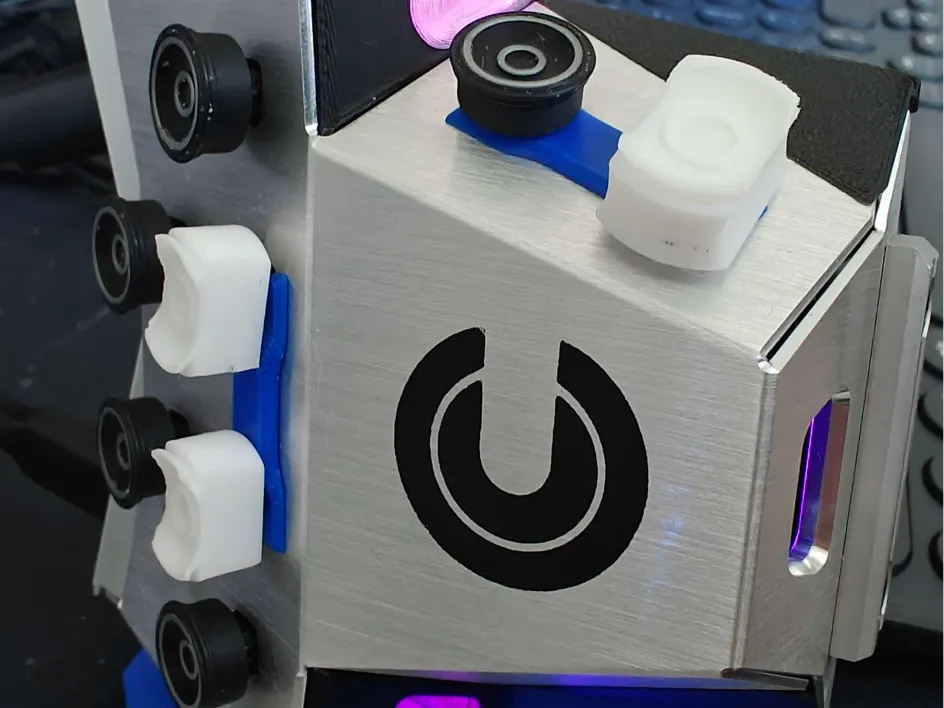
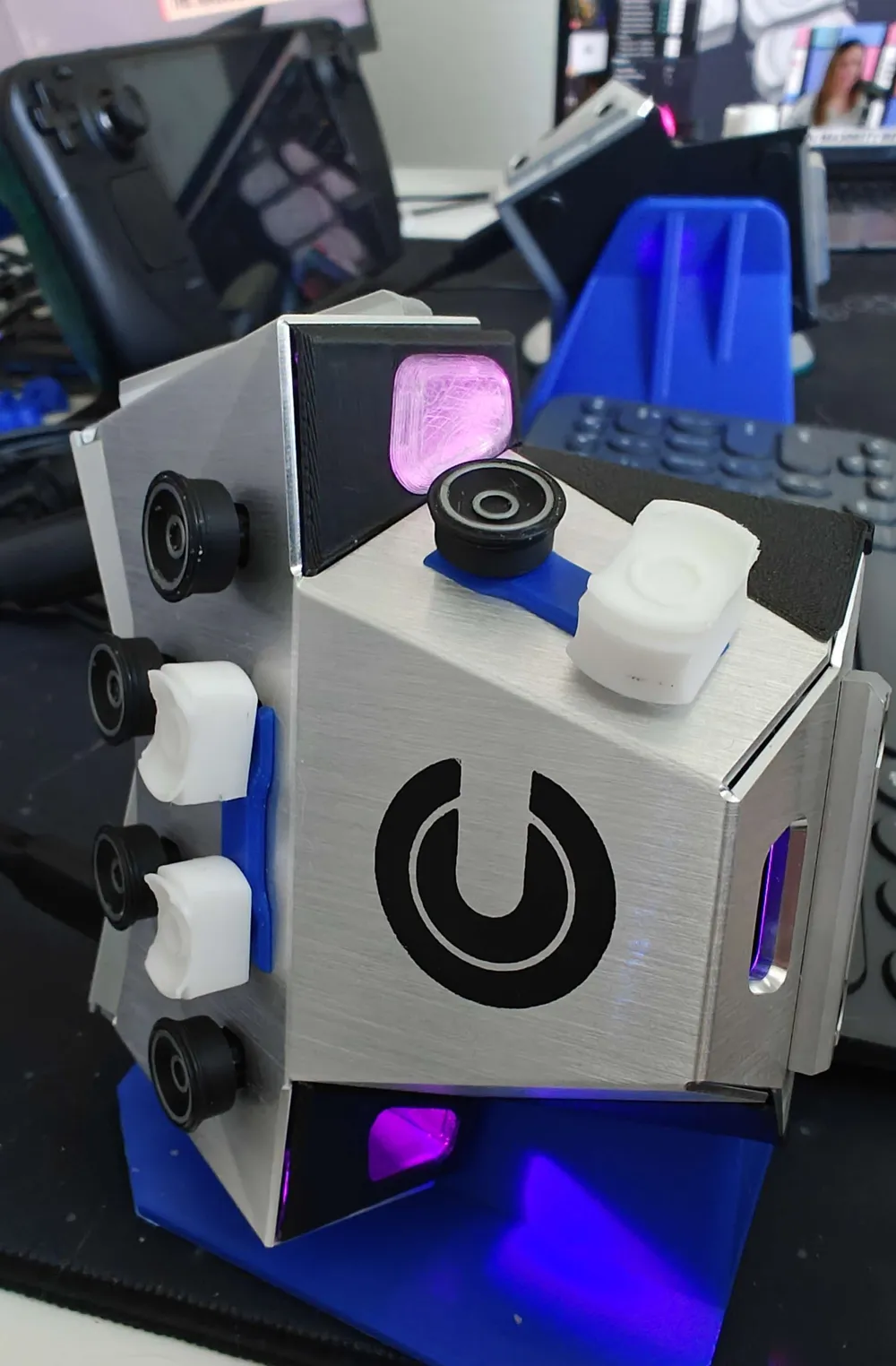
The row-two keycaps can be a bit challenging to actuate with your mid-finger and mid-thumb consistently. This model takes the base cupped keycap, increases it slightly for the finger and ~2x for the thumb, then carves out the front and back of each in a concave. That way, they can more easily grab your finger, while keeping your fingertips on the row-one caps.
There is a right and left thumb, with the mount holes slightly off center to allow for a more natural resting position. For the standalone .step file, you'll need to mirror the model to create the opposite thumb.
The “bridges” are meant to keep the mounting pins, which can spin freely, from spinning into a position that puts the cutouts in an uncomfortable position. To install, take off the row-two keys and the two thumb keys on each side and span the bridge forks between the pairs of exposed mounting pins, then attach the caps on top.
License



Comment & Rating (1)