
dji goggles 2 /goggles integra custome face plate
Print Profile(1)

Description
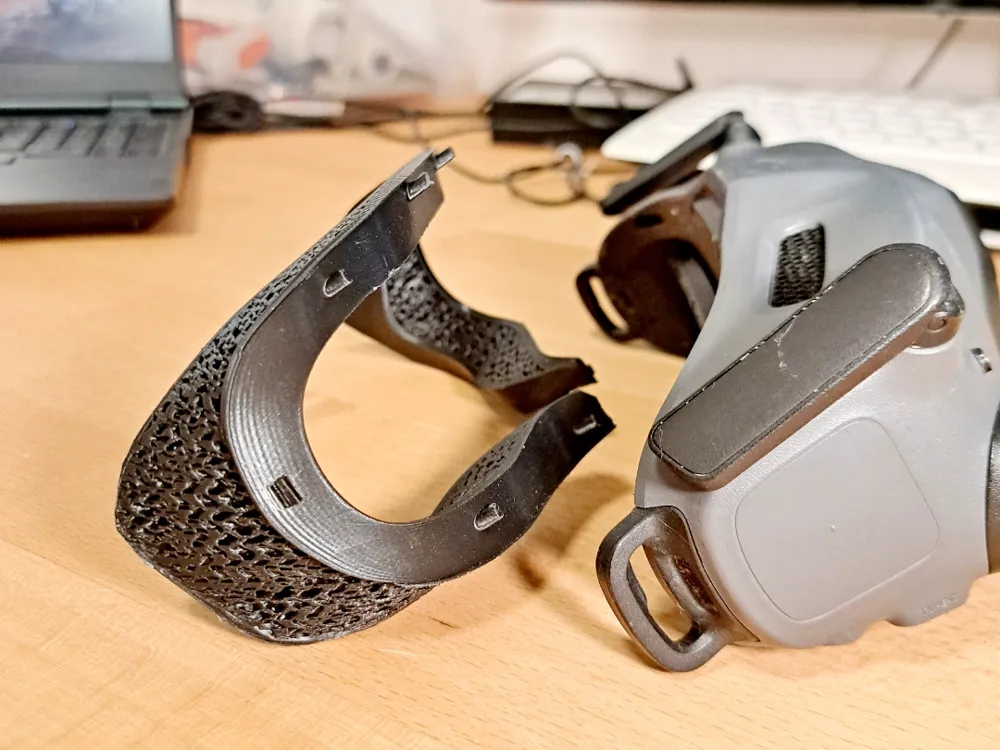
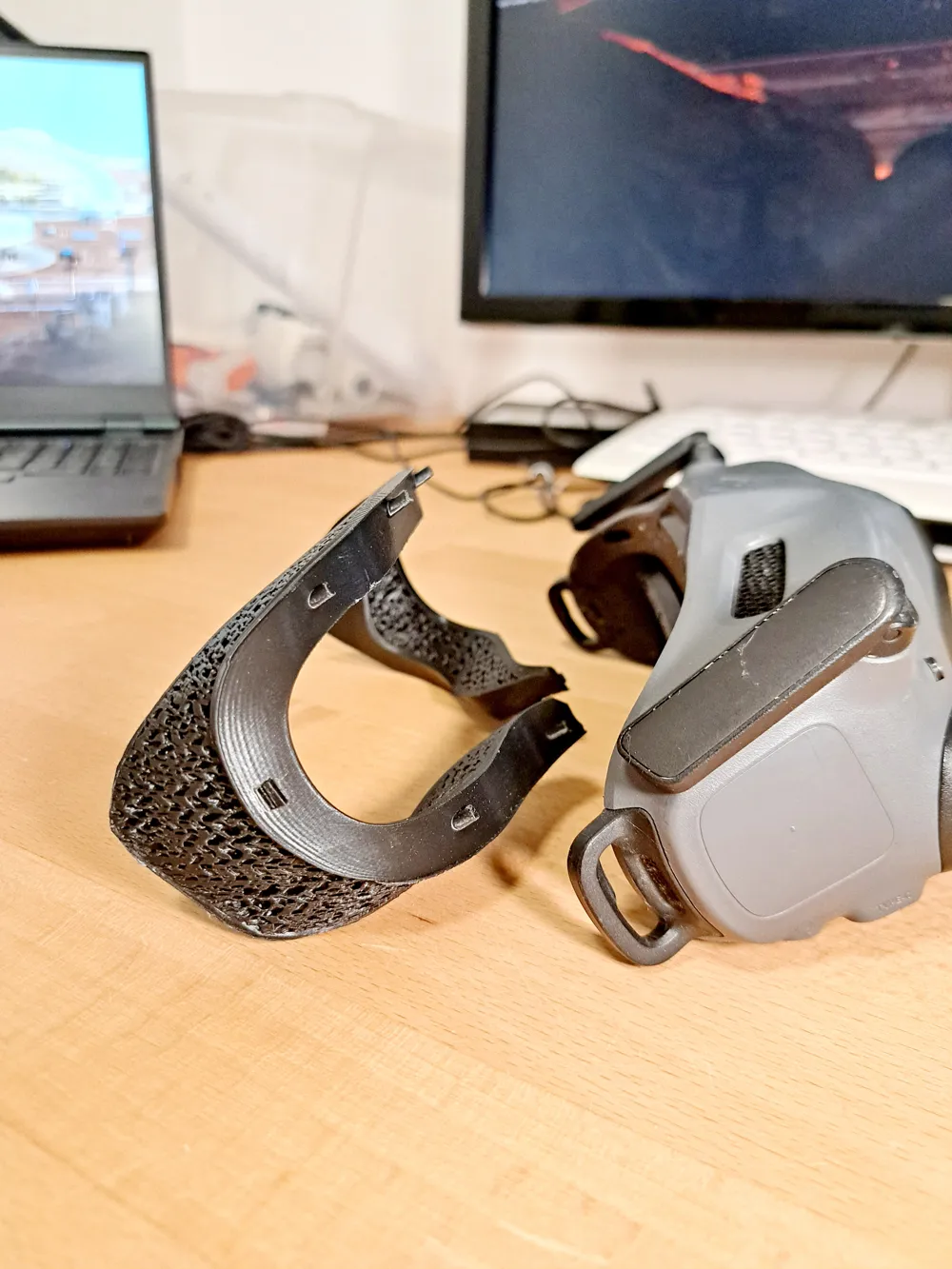
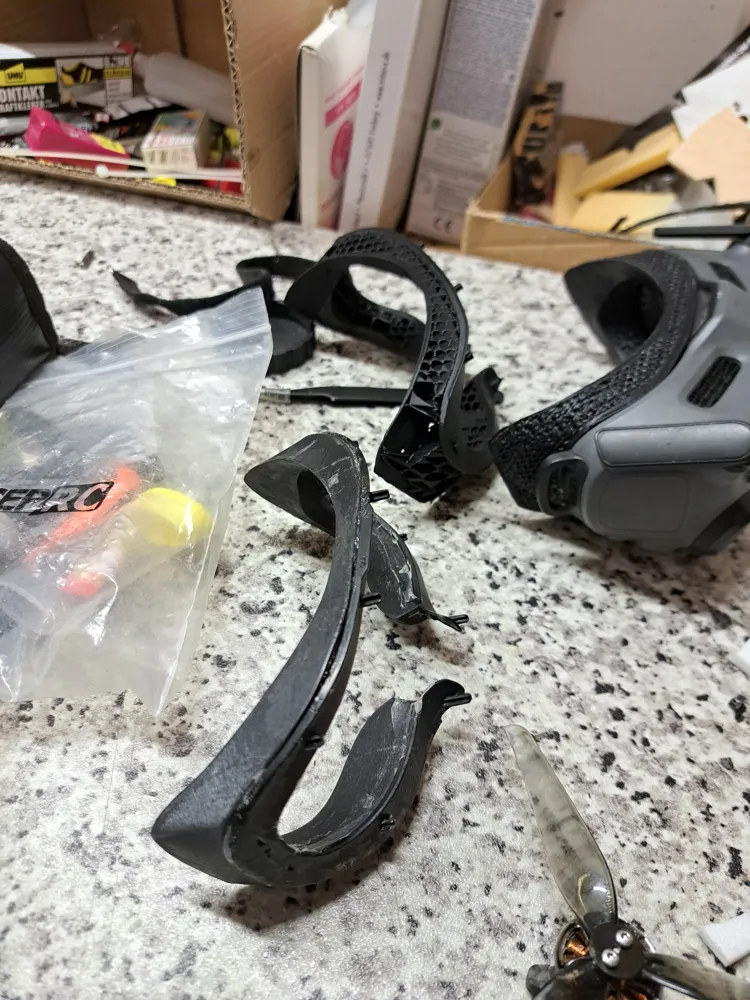
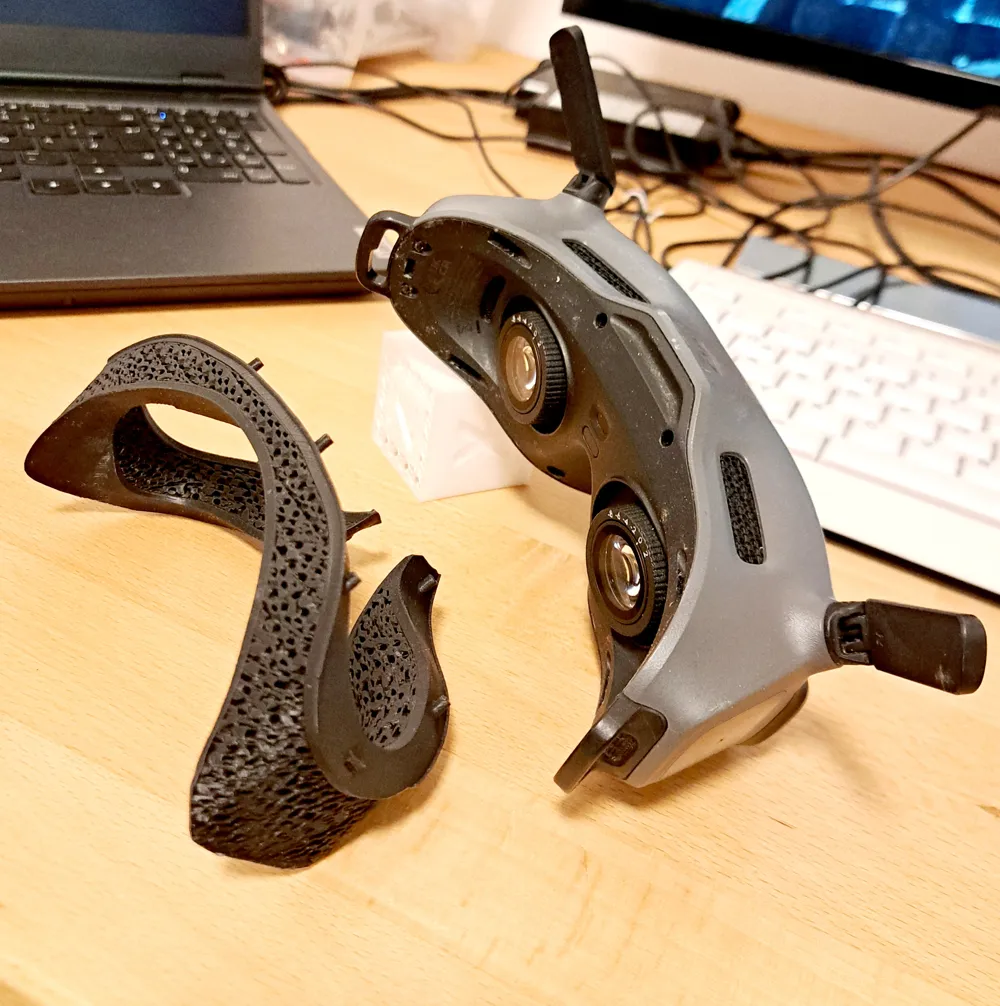
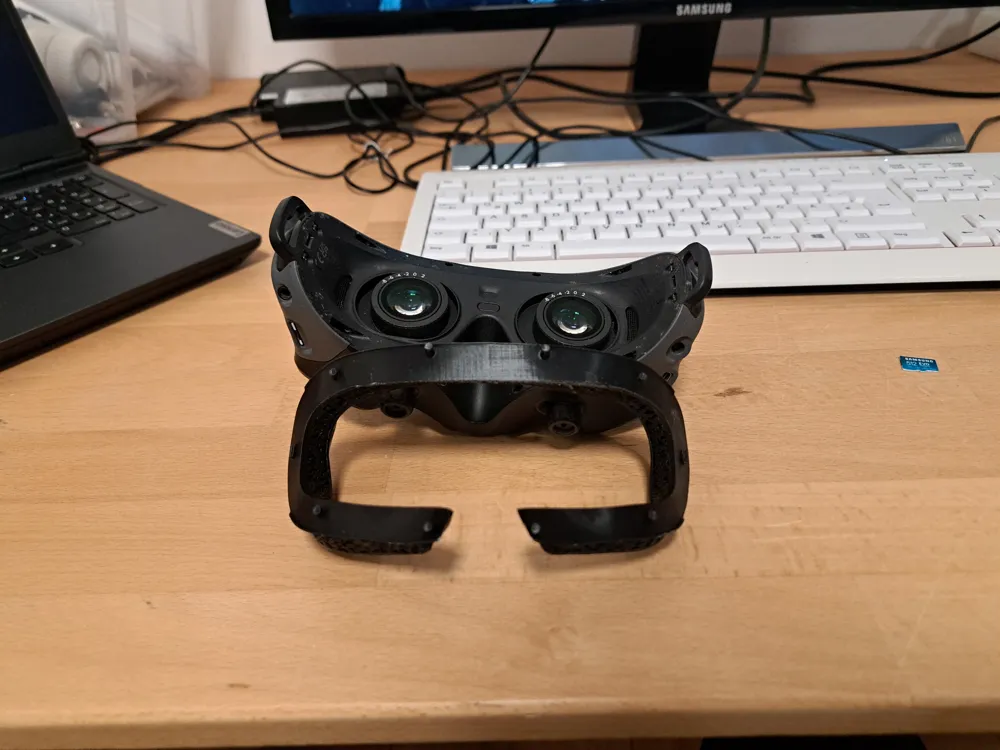
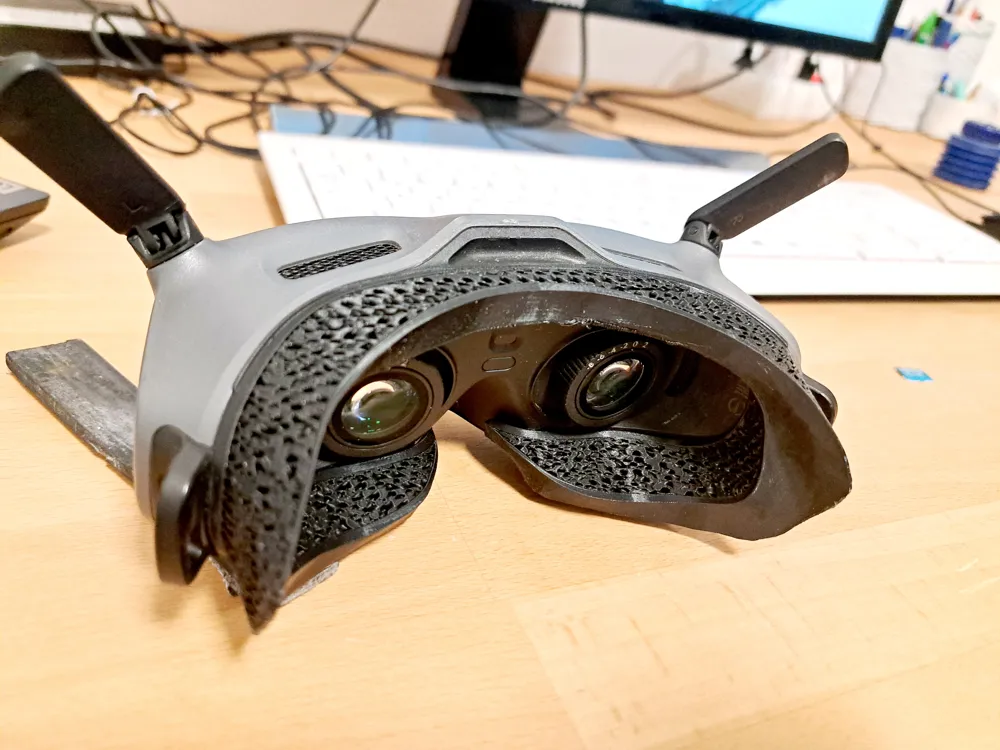
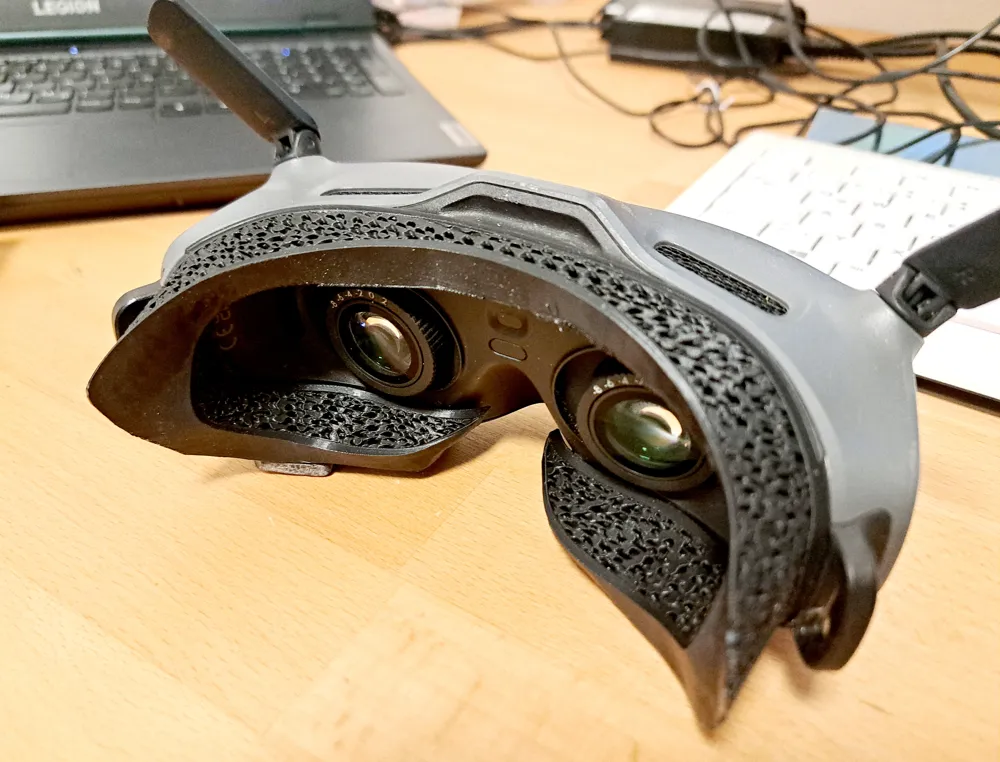
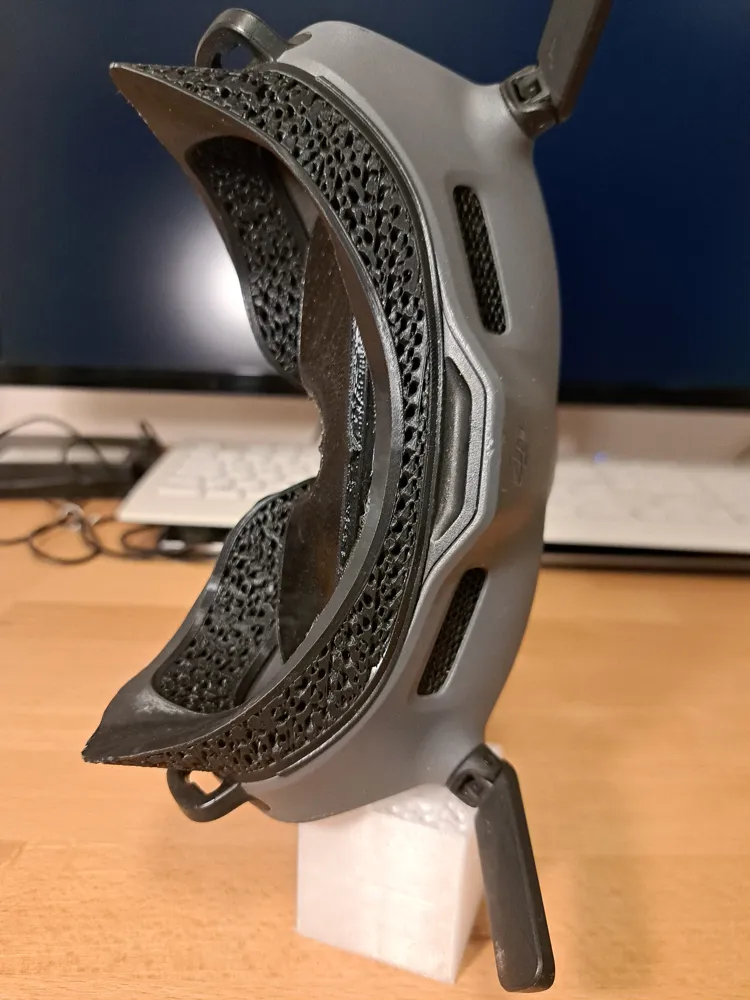
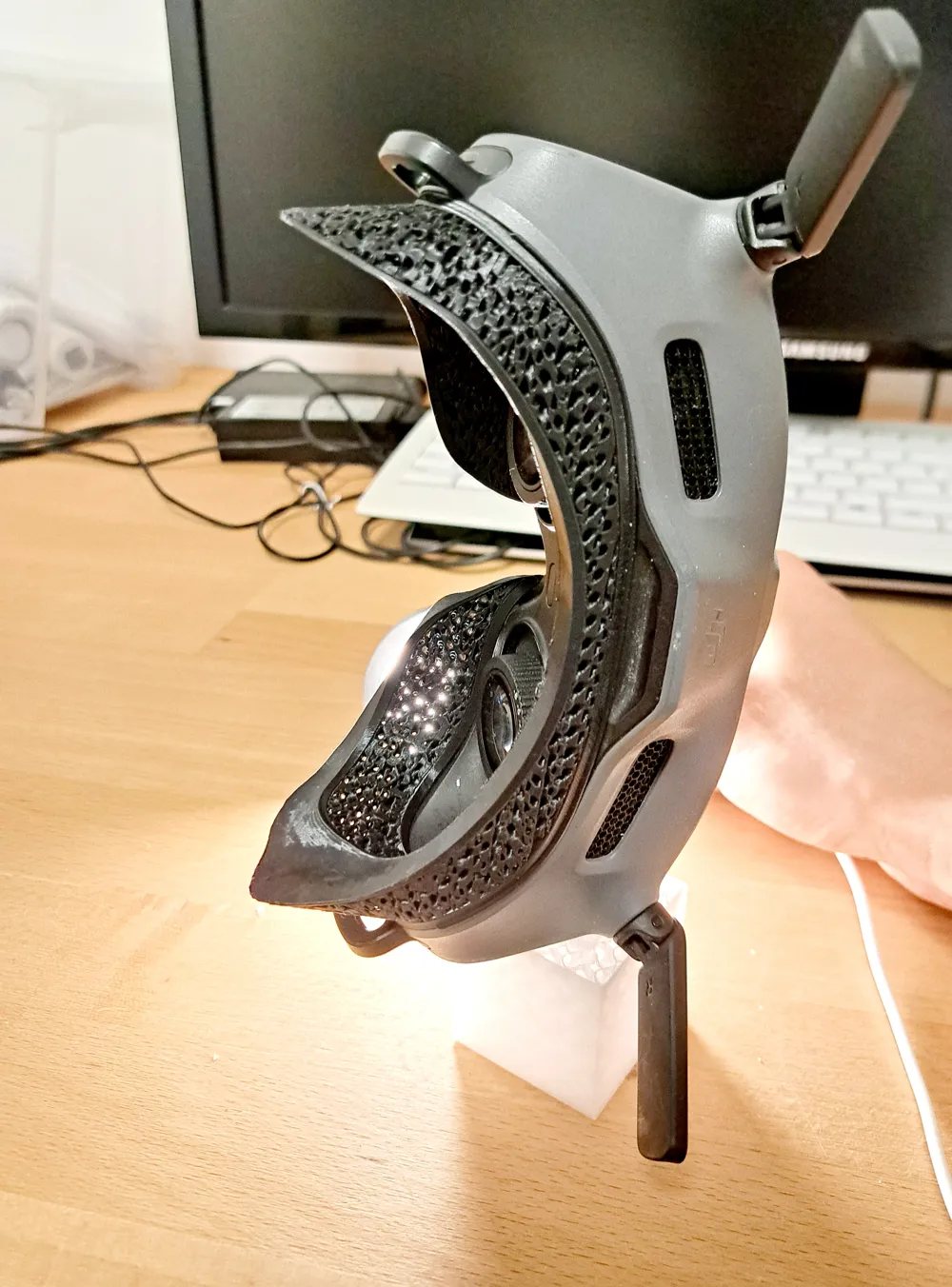
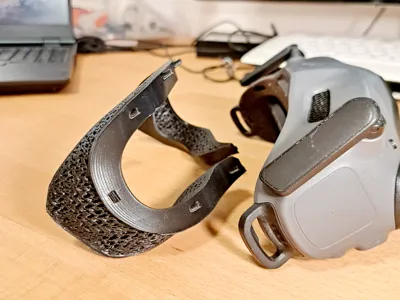
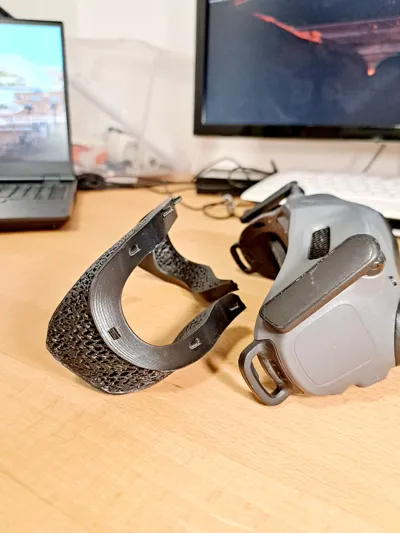
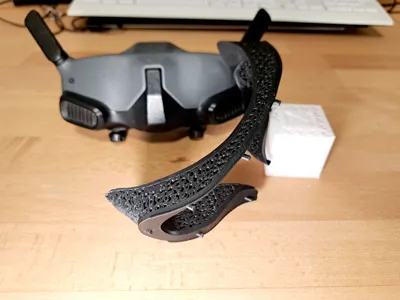
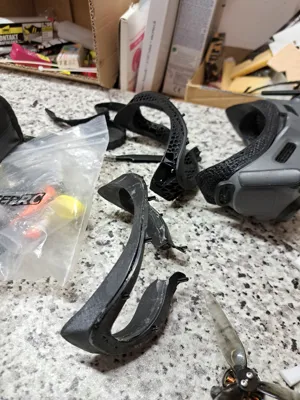
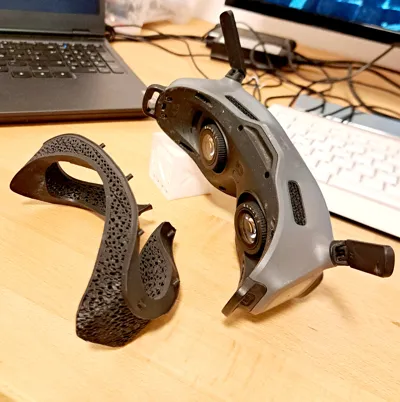
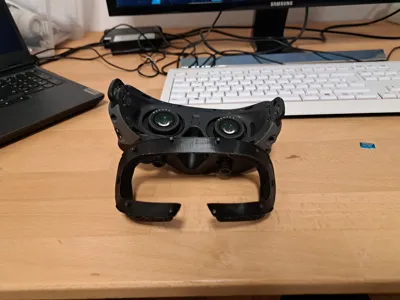
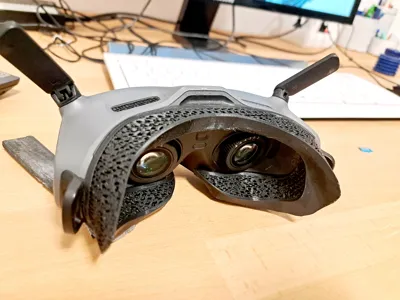
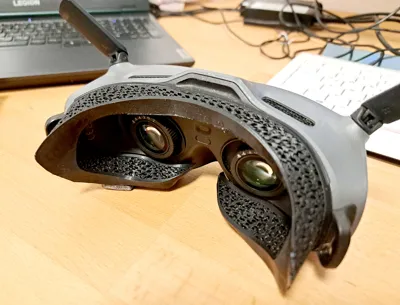
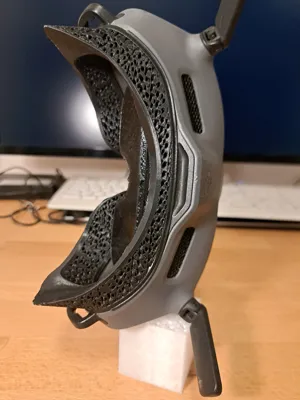
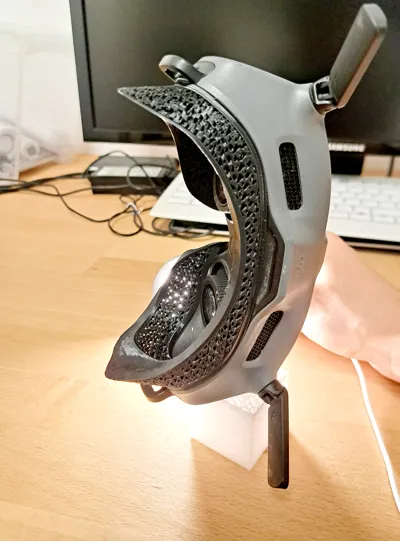
🥽 Custom Faceplate for DJI FPV Goggles 2 & Integra – Perfect Fit from a Face Scan
Say goodbye to fogging, light leaks, and poor comfort. This customizable faceplate for the DJI FPV Goggles 2 (and Integra) is designed to match your face exactly using a 3D face scan — delivering unbeatable comfort and clarity for every flight.
📽️ See It in Action: Watch the Build Tutorial on YouTube
Want to see how it works before jumping in?
▶️
Learn how to scan your face and modify the model step-by-step using free tools like Meshmixer, TinkerCAD, or 3D Builder.
✨ Key Features:
- ✅ Custom Fit – Uses your own 3D face scan to fit perfectly
- 🌫️ Reduces Fogging – Gyroid infill and no walls on the modified section allow better heat transfer and airflow
- 🔇 No Light Leaks – Face-hugging design blocks ambient light better than foam
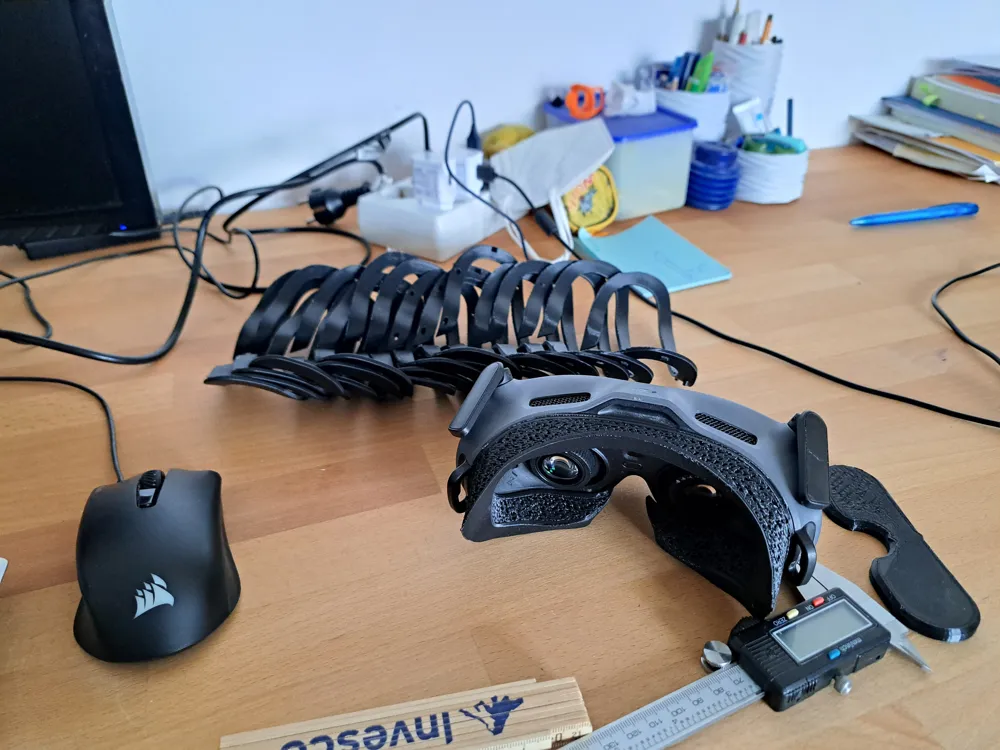
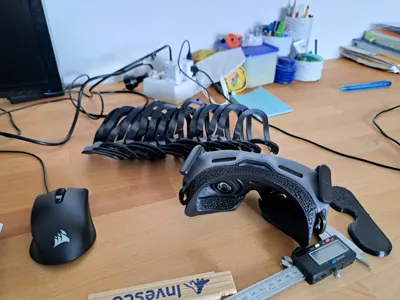
- 🧩 Modular Setup – Create multiple versions with different nose spacing, depth, or face angles
- 🔧 Easy to Customize – Designed for simple editing in free software
🛠️ How to Make Your Own:
- Download & Open the Modifier File
Open goggles_faceplate_modifier_Eye_alignment.3mf in software like Meshmixer, TinkerCAD, or 3D Builder. - Scan Your Face
Use your iPhone FaceID scanner, or any other 3D scanning method.
Watch the short tutorial here - Clean the mesh , use meshmixer or similar tools to create a watertight objekt. tutorial in meshmixer
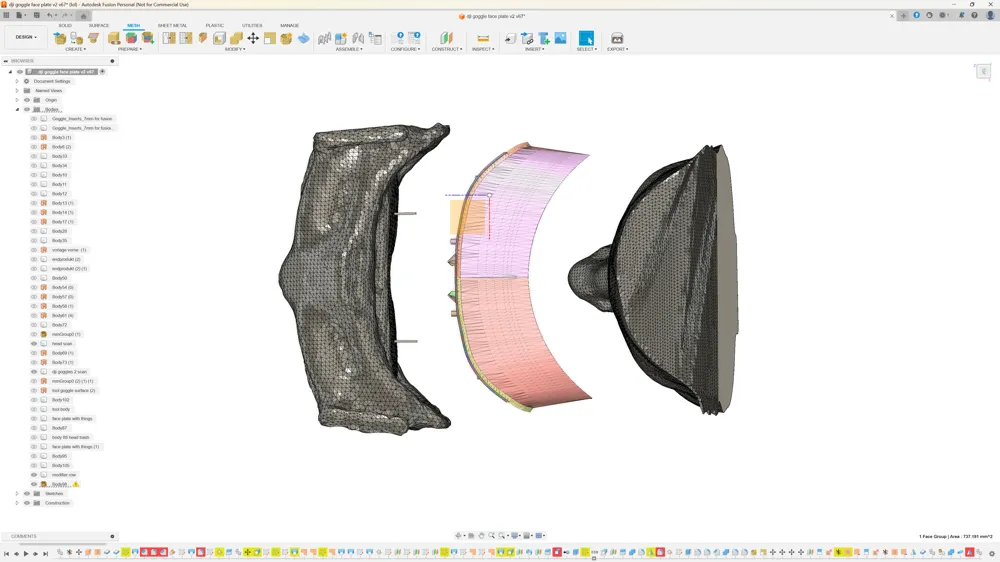
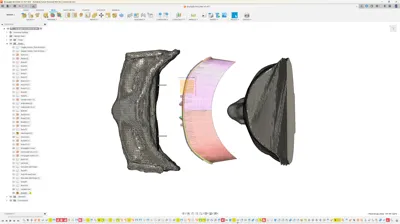
- Import the face scan objekt into goggles_faceplate_modifier_Eye_alignment.3mf
- Align the Eyes
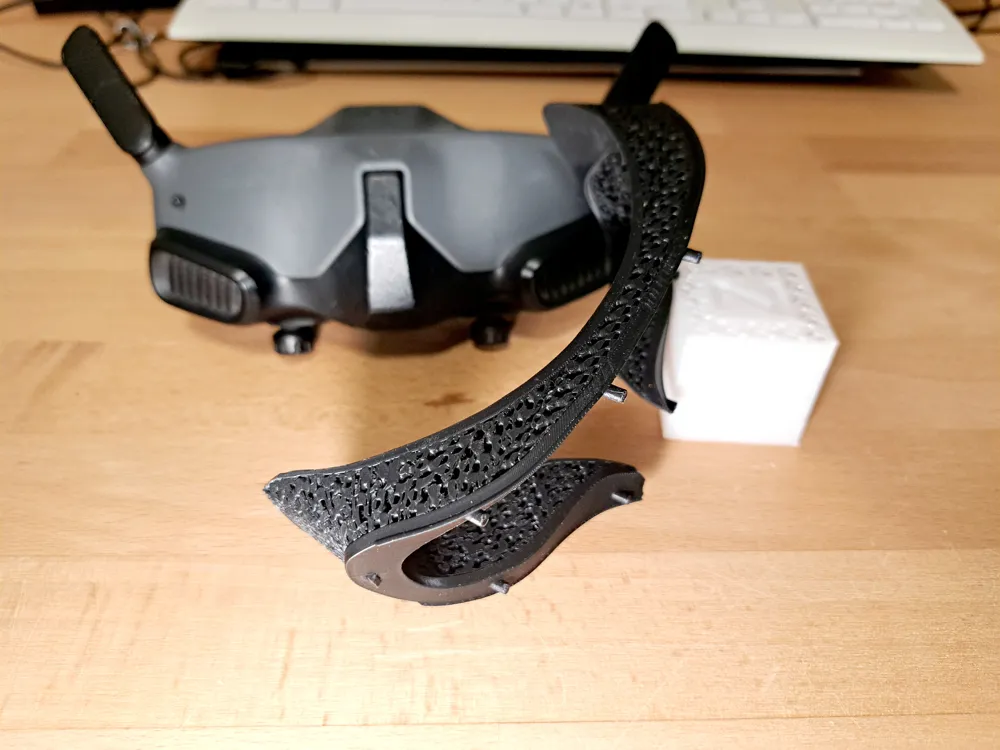
Use the small rods in the file to line up your eyes — this ensures correct distance from your face to the goggle lenses for optimal focus and comfort. - Subtract the Face from the Faceplate
This carves a perfect cavity into the faceplate to match your unique facial features. - (Optional) create the modifier
- Slide the secondary faceplate shell in front of the scan
- Move the face ~4mm closer to the goggles to creat the offset
Subtract the face again
- Slice & Print
- Use gyroid infill in the face-contact area
- No outer walls in the customized section to improve heat transfer
- Print in PLA for comfort, or similar. TPU and flexibles not tested.
🎯 Why It Matters
Stock foam just doesn’t cut it. It’s made for every face — which means it fits no face perfectly.
By scanning your own, you unlock:
- True comfort
- More immersion
- Less fog and distraction
With this mod, you'll fly longer and see clearer — especially in cold or wet weather where fogging is a killer.
Let me know if you want a thumbnail, title ideas for the YouTube video, or a script/narration. I can help you make this launch really shine ✨
License



Comment & Rating (10)