
3 mL Vial Niimbot D11 Label Dispenser
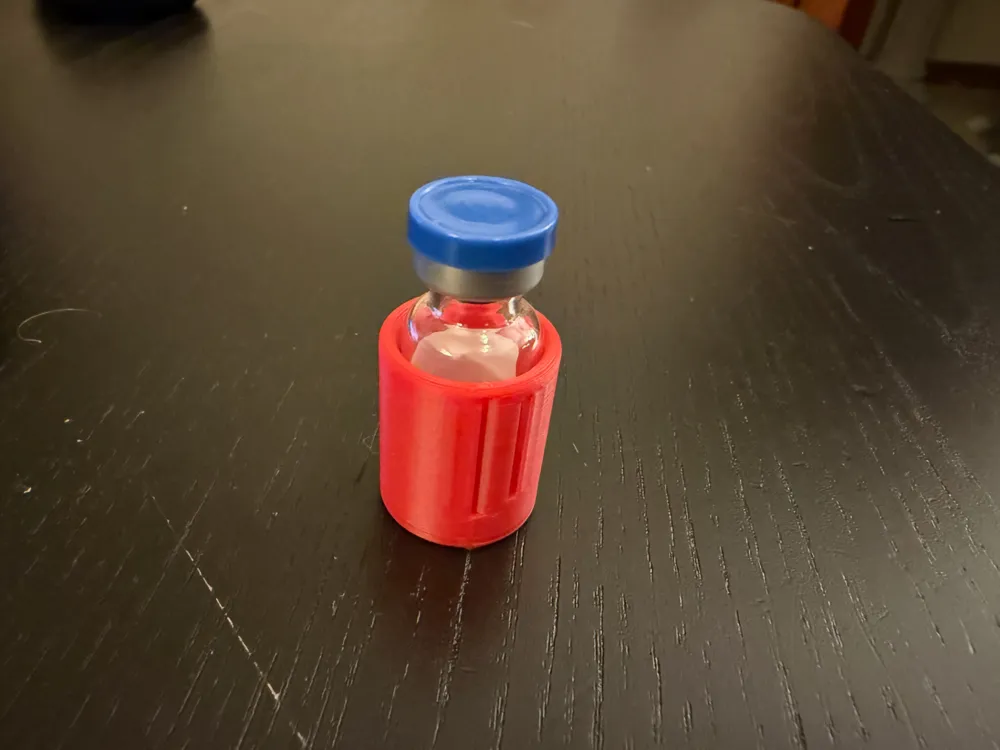
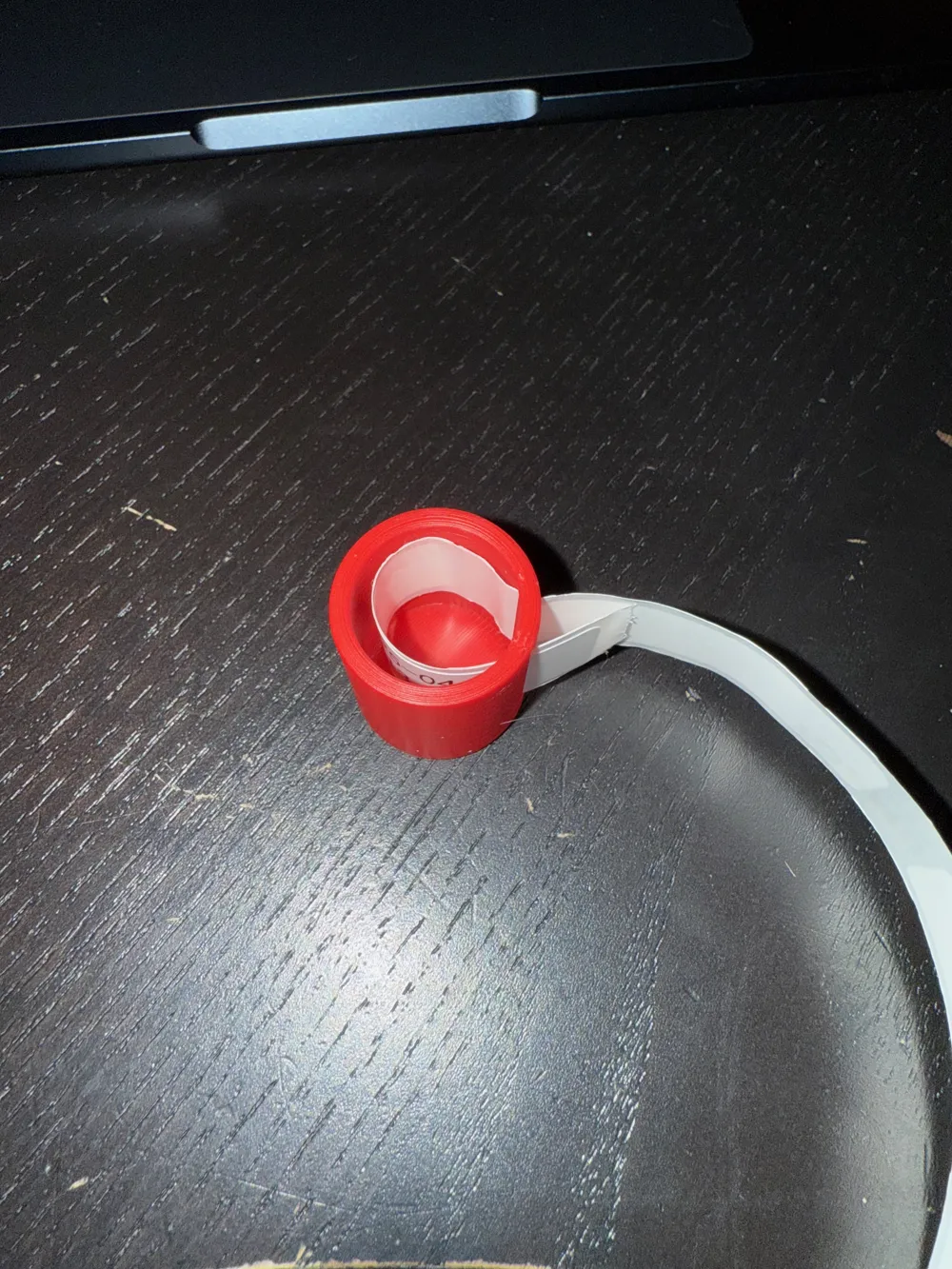
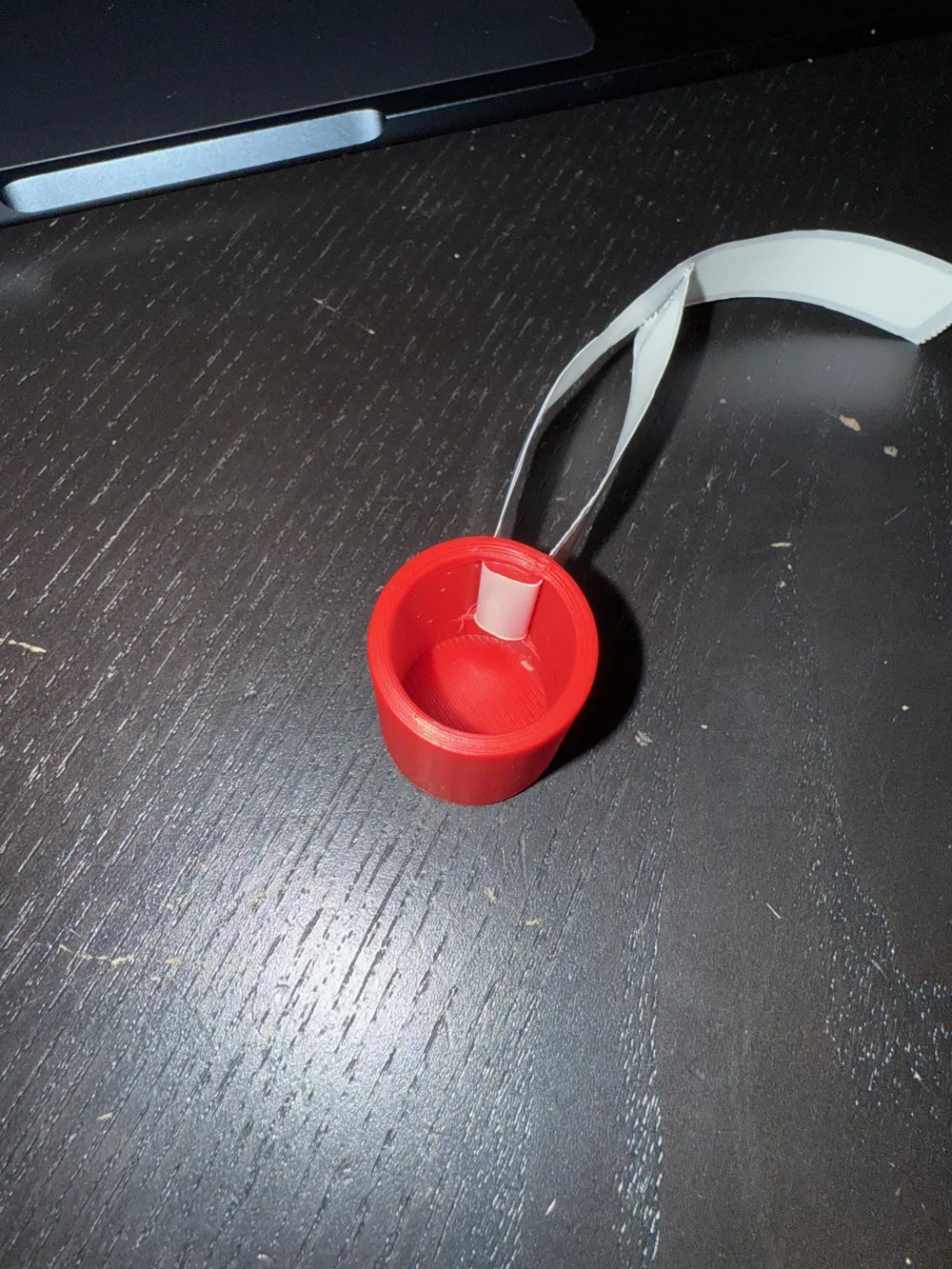
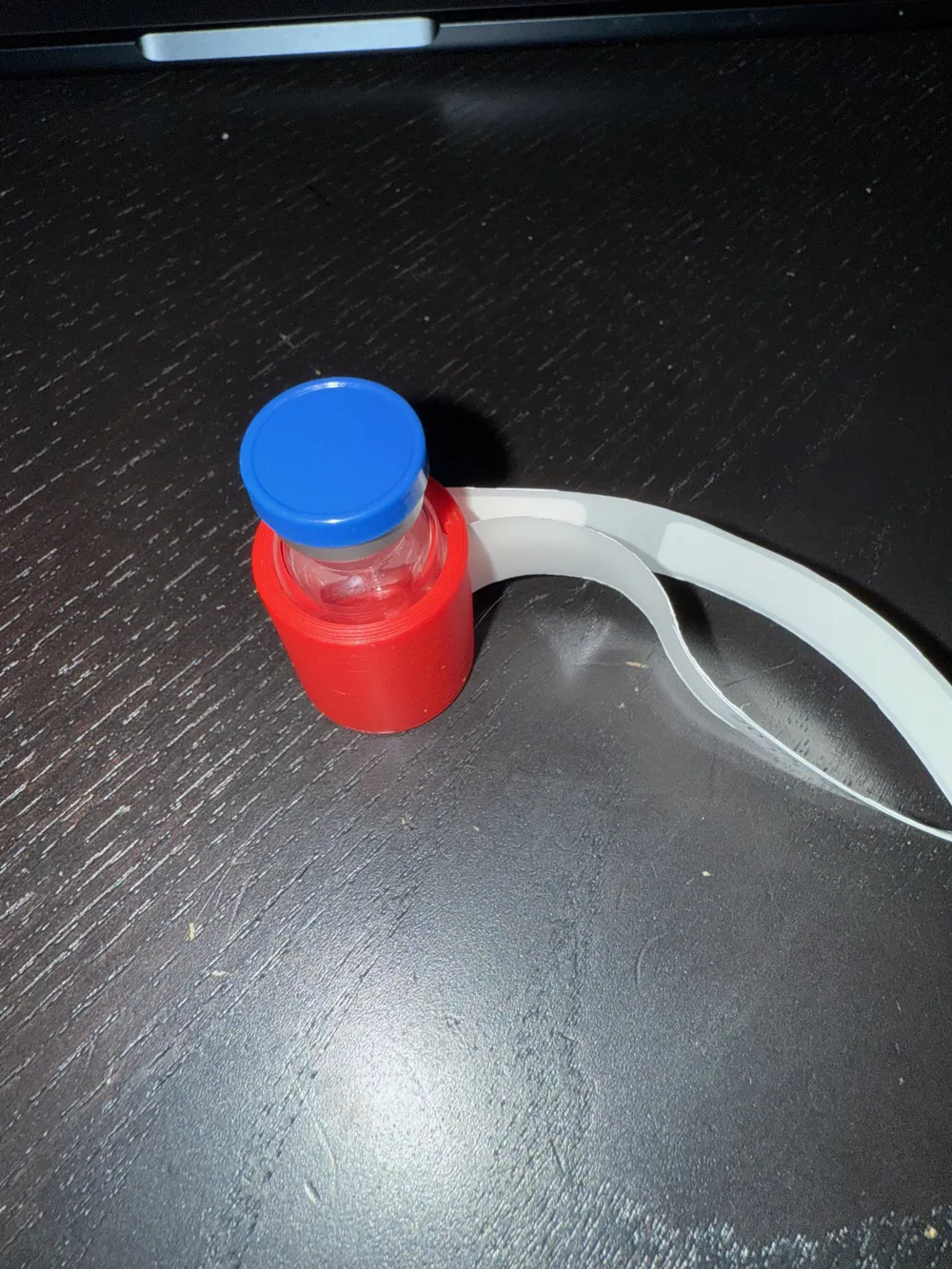

Print Profile(1)

Description
Membership
Like what you see and want to sell this model yourself. Click to join my membership program.
Please respect the licenses applied to models.
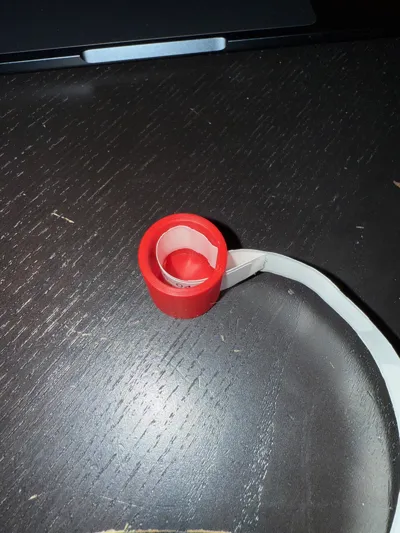
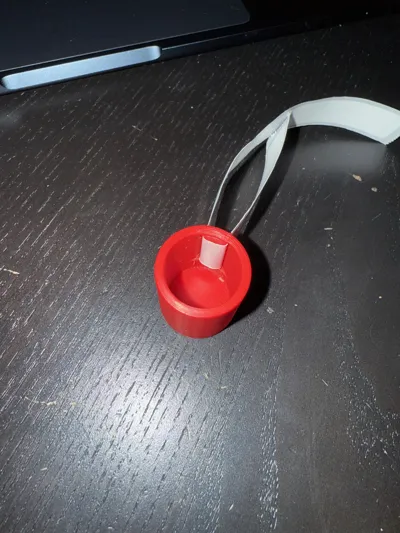
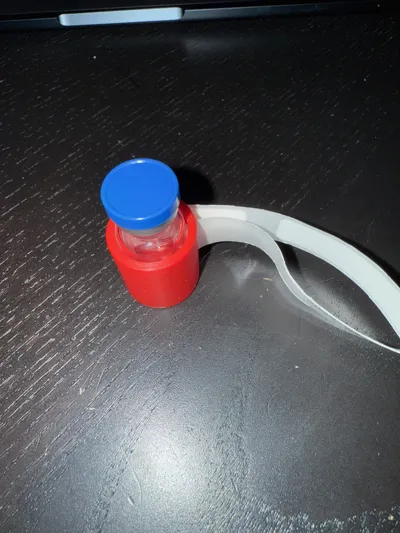
Have a hard time putting labels on your vials straight? You are not alone! This simple and useful tool will help ease your anxiety and takes all the guess work out. Simply add your vial, peel the label an inch and insert into the perfectly crafted slot. Rotate the vial and BAM! A label applied straight without the stress.
This fits labels from the Niimbot using their 12mm wide labels (the backing is 15mm wide). It may fit 14mm labels, but I do not have any to test at this time.
Pictures demonstrate how to use this, but follow these steps
1. Insert the label, face out, into the right slot.
2. Pull the label through and out the left slot, pulling it tight.
3. Insert your 3ml vial
4. Pull the label starting on the left side. Remove the vial after each label is attached. If you pull a bit too far, you can pull the right tab to back it up.
Boost Me (for free)
Every boost helps! If you enjoyed your model, please do not forget to boost!
License

You shall not share, sub-license, sell, rent, host, transfer, or distribute in any way the digital or 3D printed versions of this object, nor any other derivative work of this object in its digital or physical format (including - but not limited to - remixes of this object, and hosting on other digital platforms). The objects may not be used without permission in any way whatsoever in which you charge money, or collect fees.


Comment & Rating (32)