
Apple Logo Keyboard Clicker
Print Profile(1)

Description
Hello there!
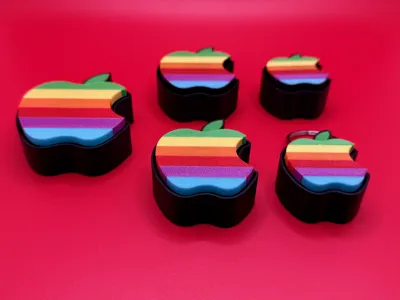
Think different… and click often! The Apple Logo Fidget Clicker brings sleek style and stress relief to your fingertips. Whether you're deep in thought or just pretending to be the next tech visionary, each click is a mini moment of genius. Perfect for fans of clean design, big ideas, and satisfying sounds. No Wi-Fi required!
You will need to purchase an MX Keyboard switch to make these work. You can purchase at Amazon using the link below or from AliExpress. The ones from AliExpress do require you to trim the wires and some plastic depending on which one you order. Much cheaper on AliExpress and are the ones I personally use. Highly recommend the Blue ones for a more satisfying click!
- https://www.amazon.com/dp/B0B1WVLJYD?linkCode=sl1&tag=mikeharmon-20&linkId=8ff1df4d6f1a23dc56de6965db132f27&language=en_US&ref_=as_li_ss_tl&th=1
- https://www.aliexpress.us/item/3256804099108371.html?spm=a2g0o.order_list.order_list_main.22.51d51802IN3dsi&gatewayAdapt=glo2usa
The cap of the clicker is printed face down to get the best results. I have modified the settings to optimize the face of the clicker. For best results, print from Bambu Studio and NOT the Bambu Handy App.
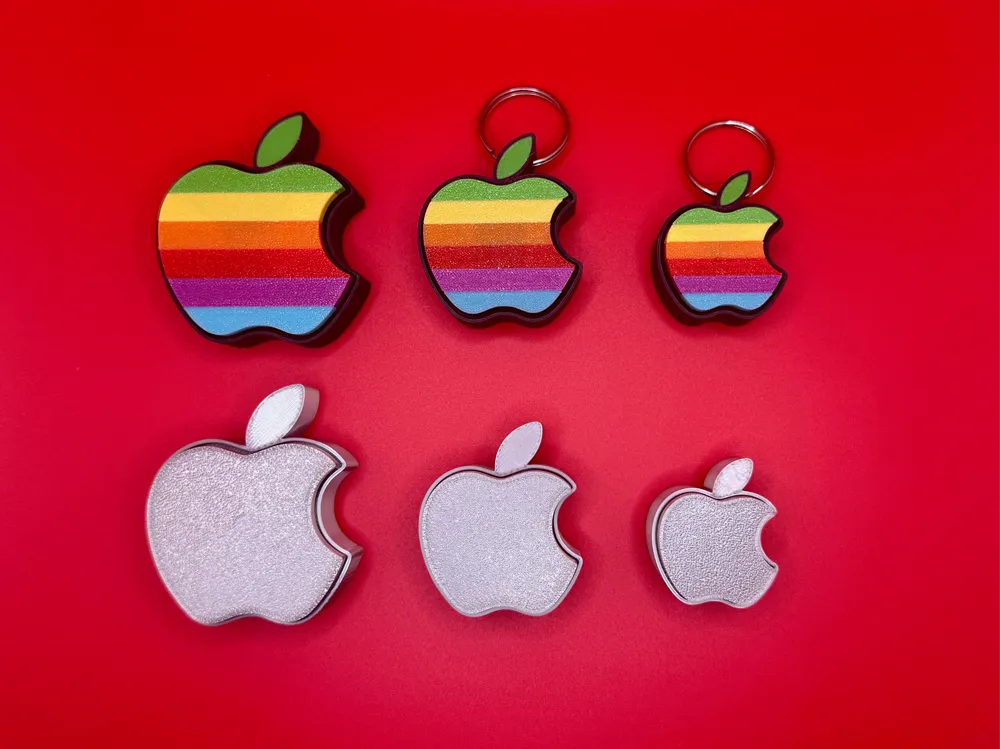
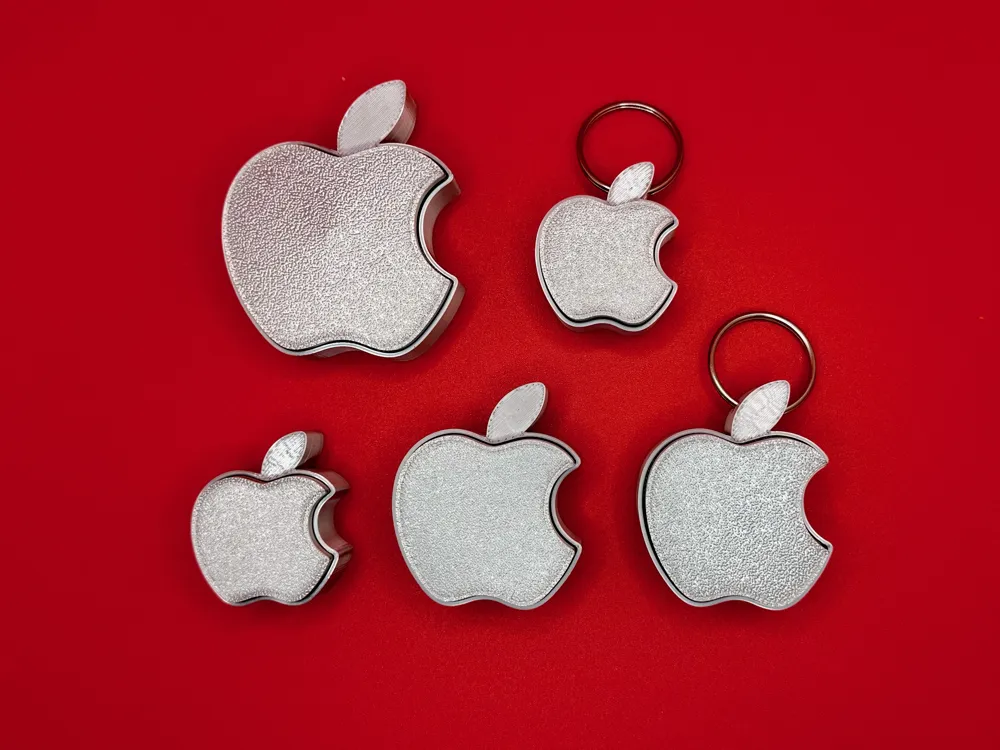
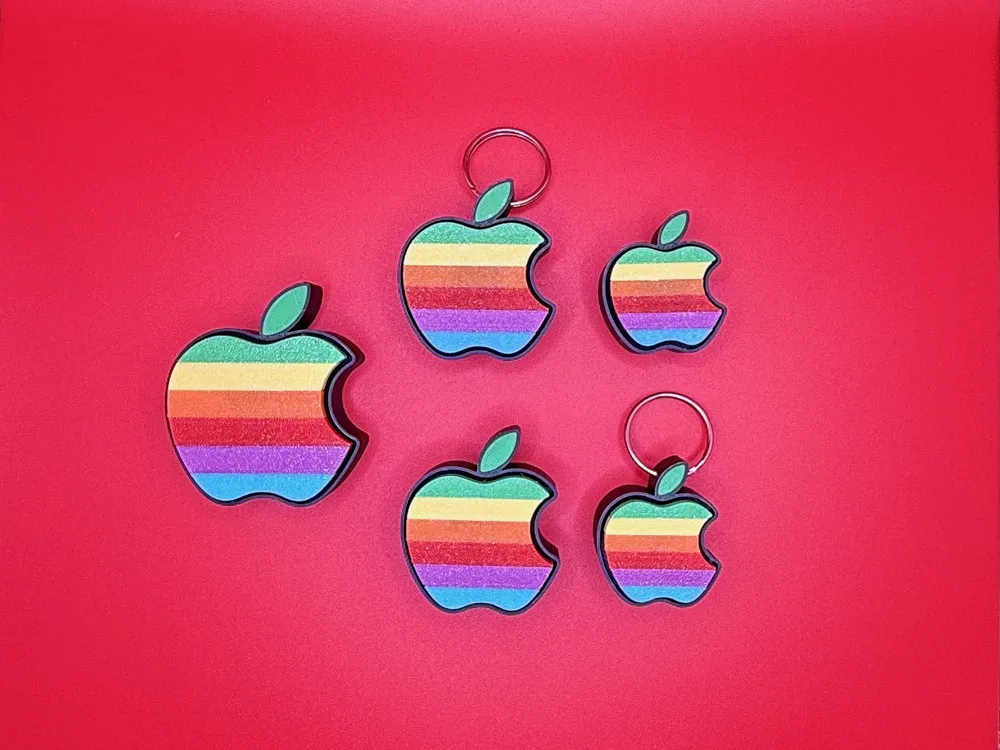
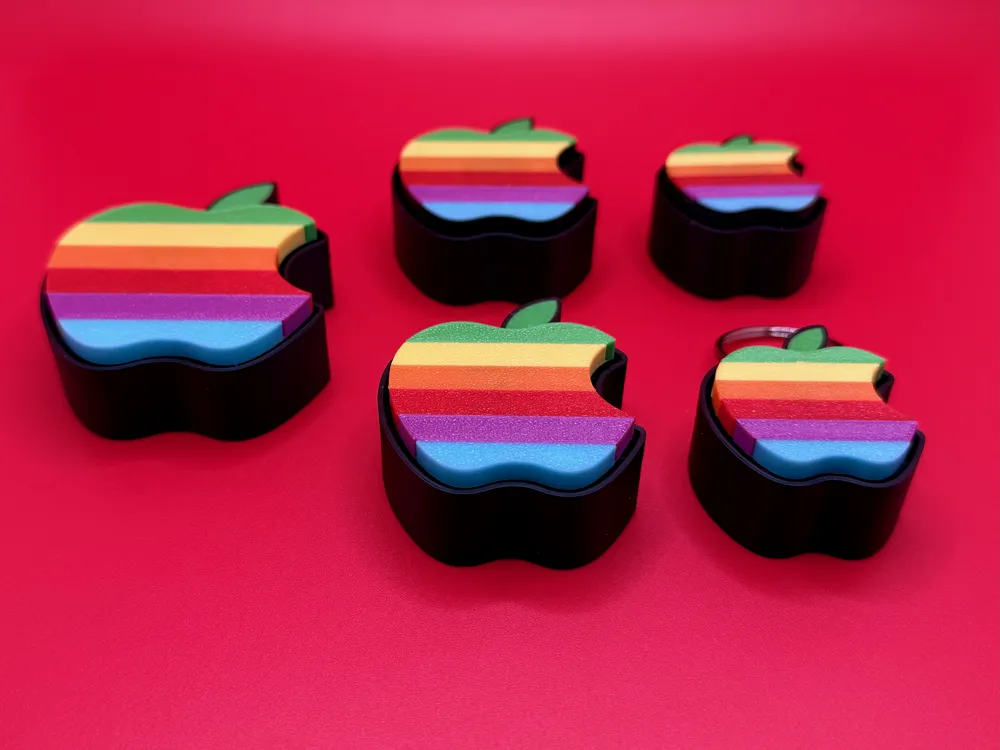
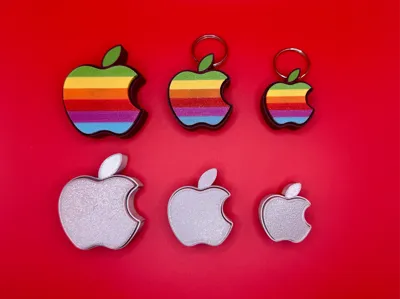
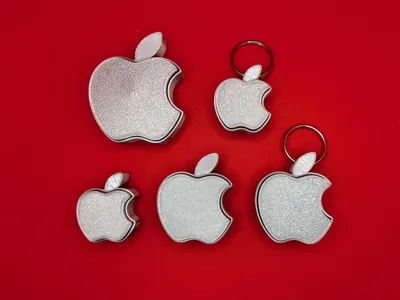
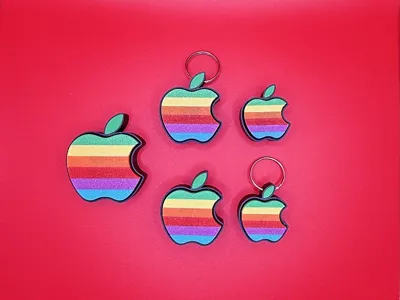
Included with the file is various sizes and designs. All these use the same style keyboard switch. The file also contains regular and some keychain versions.
Tested and prints great on the X1 Series, P1 Series, A1, and A1 Mini printers.
May the force be with you!
License



Comment & Rating (5)