
Quest Marker Door Sign - Custom
Print Profile(1)

Description
Boost Me (for free)
Like this model? Find it useful? Found me to be helpful? Please consider a boost if able. Every boost helps me create and publish these models. Thank You!
Boost Me (for free)
Like this model? I have some other ideas in the works, so please boost to support if able. Thank You!
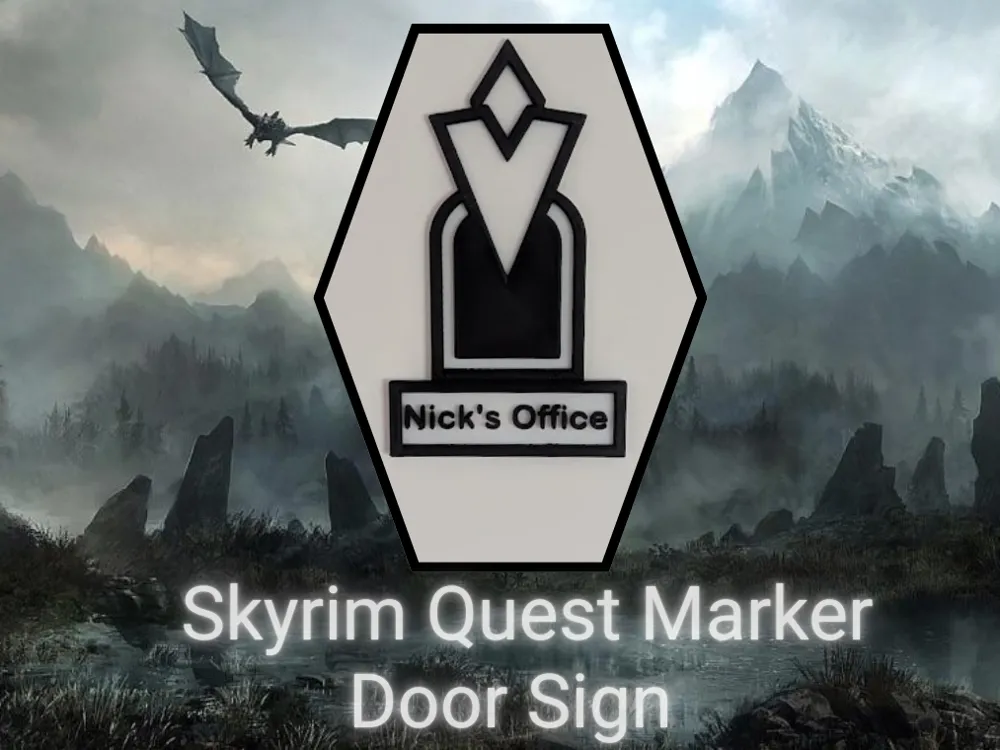
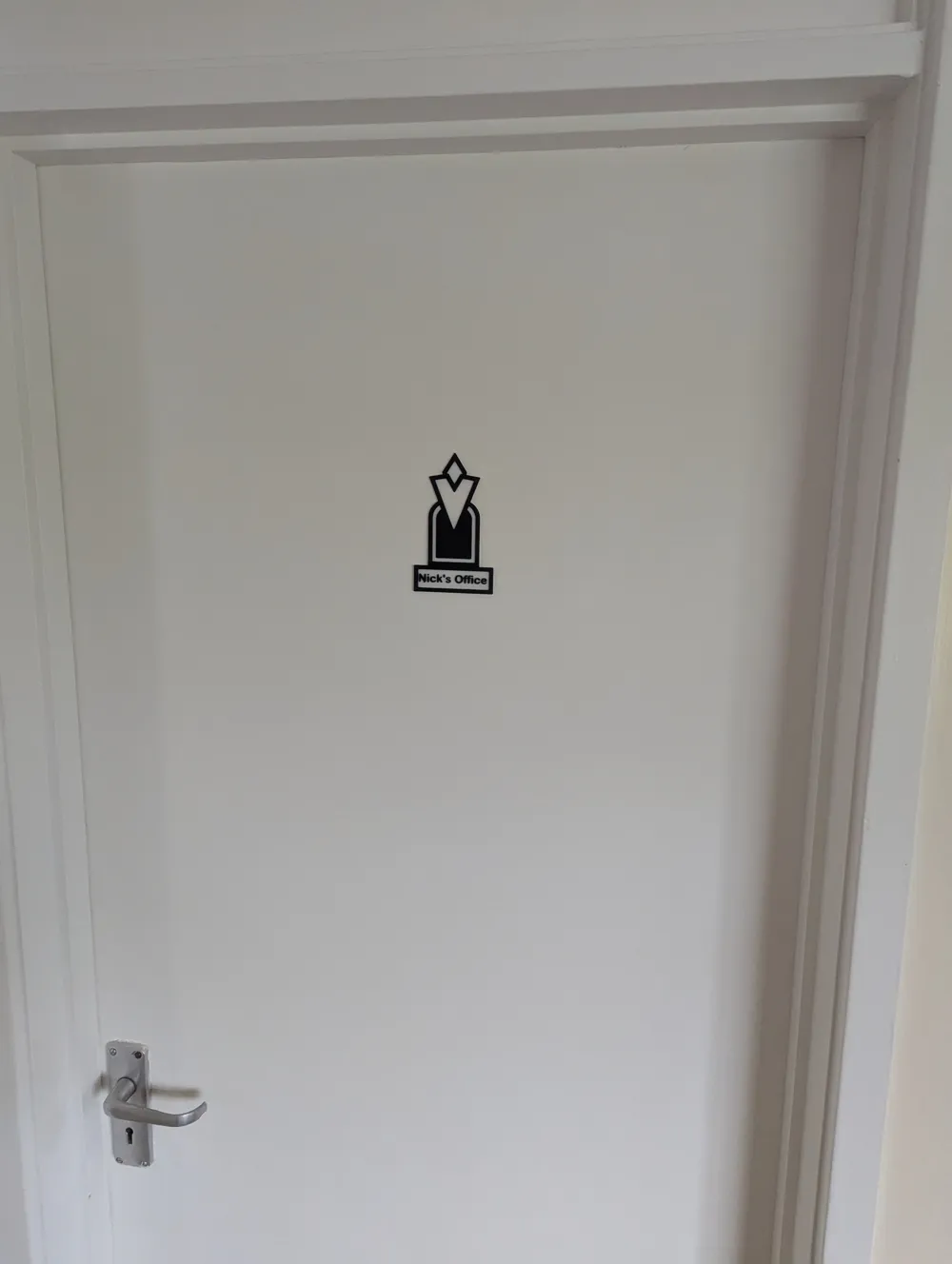
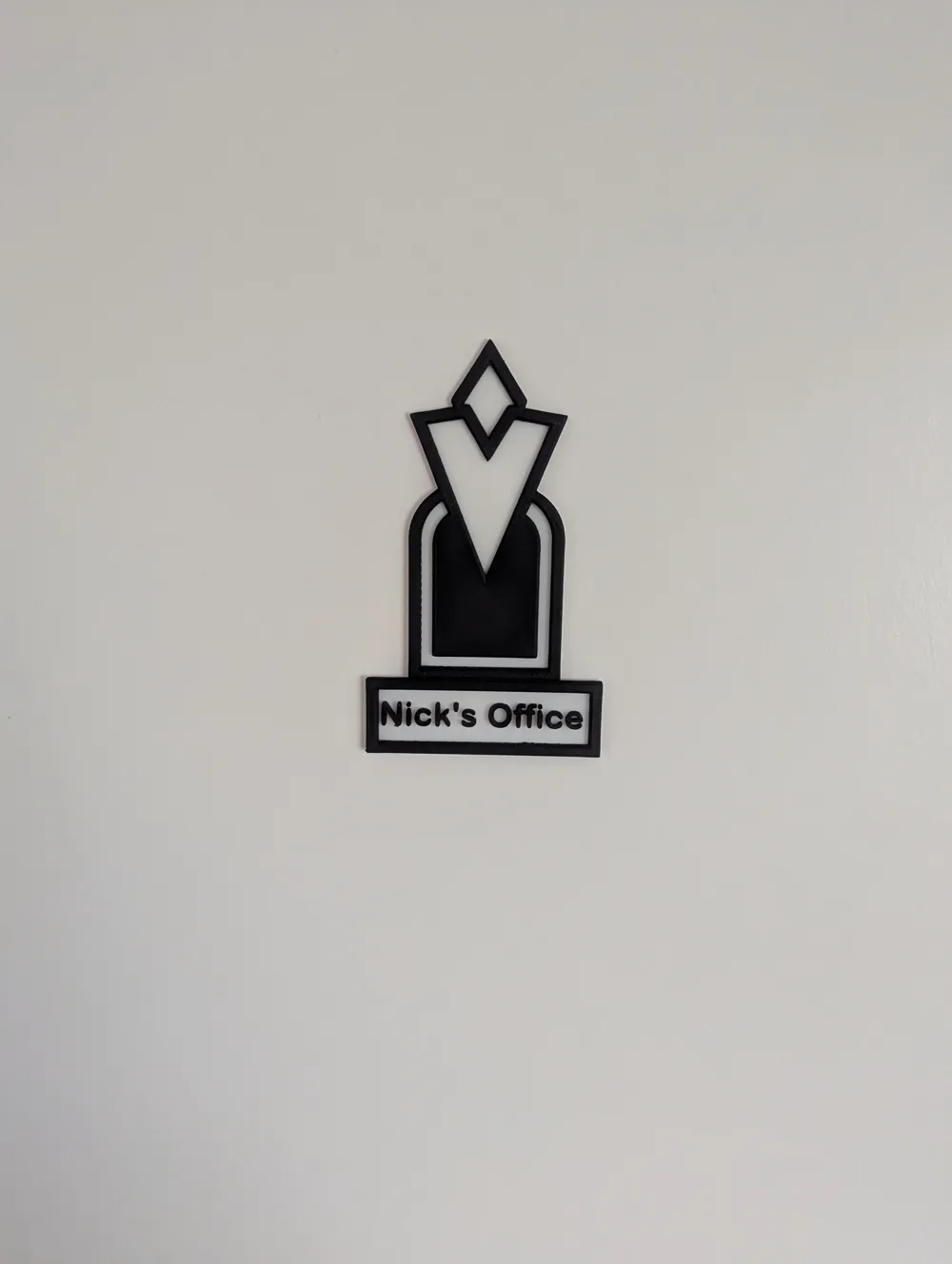
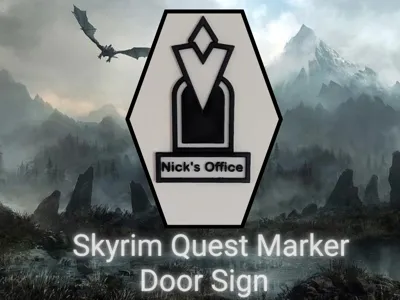
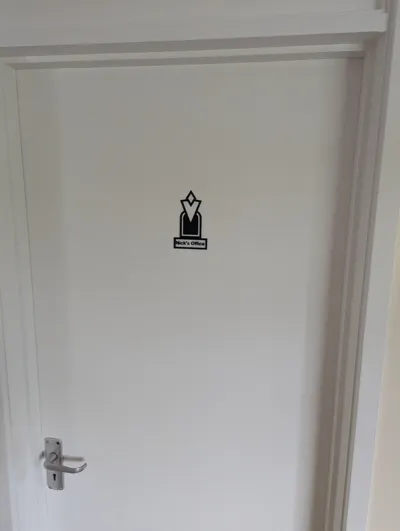
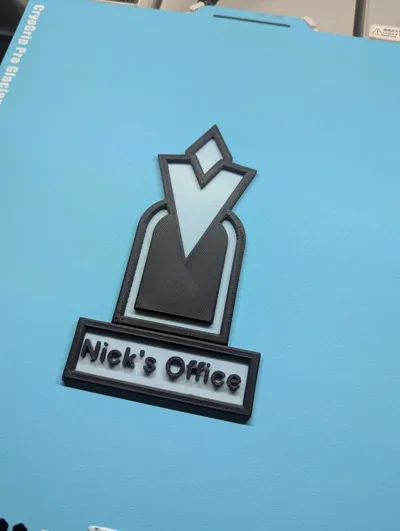
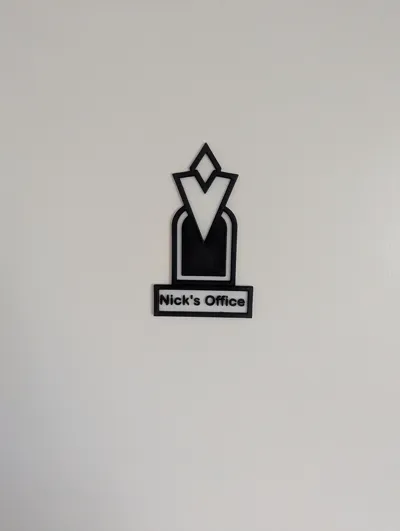
I designed this model for a friend. Although there are many Skyrim Quest markers out there on Makerworld, there were non that could show custom text and be used as a door sign. So I have uploaded this so that others can customise and use this model.
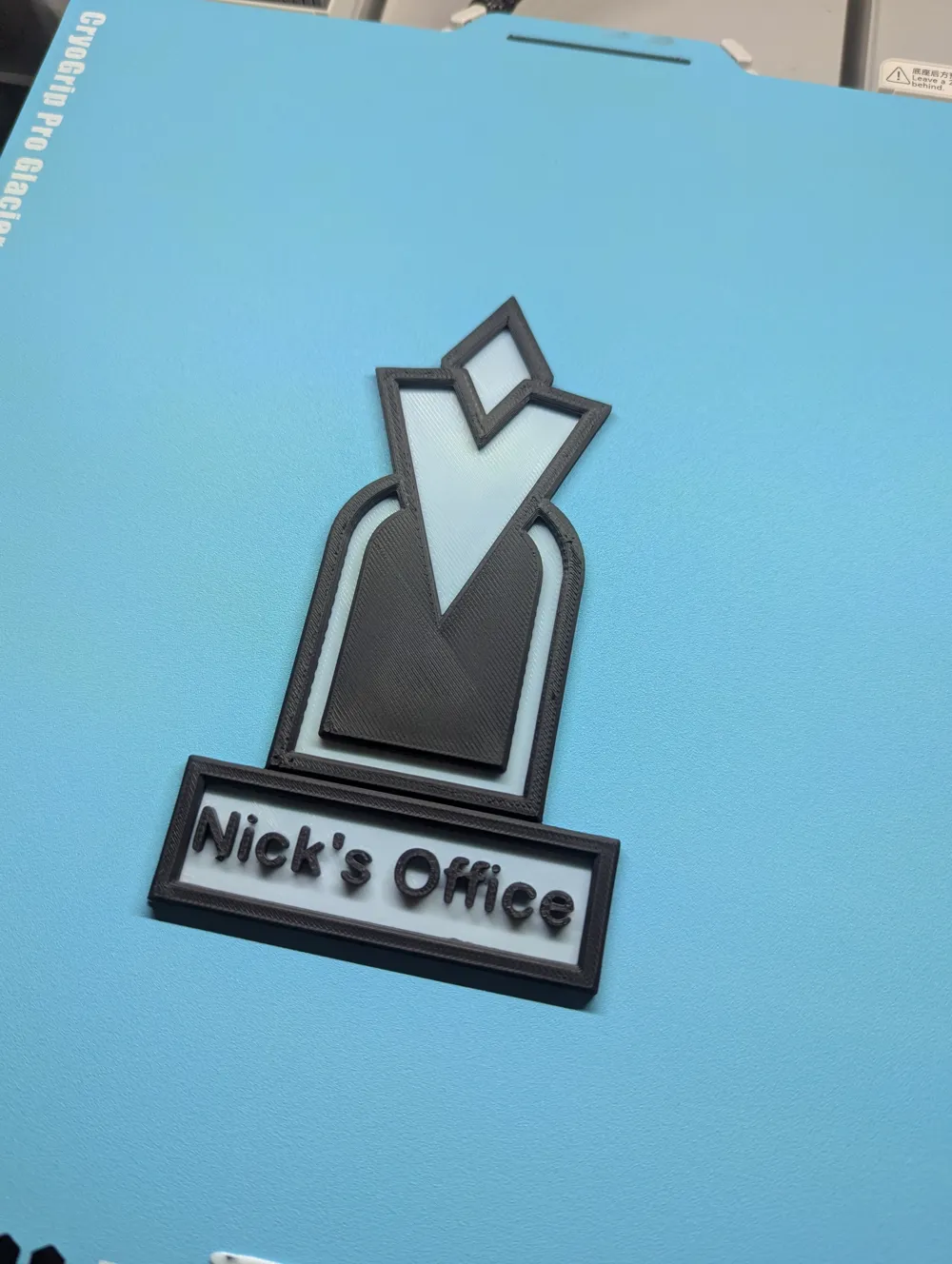
This is a quick print and uses little filament.
To edit the text:
- Open Bambu Slicer with this object loaded.
- Select Objects (In the prepare tab, next to where it says Process)
- Look for the text you want to change e.g. Passenger Name - Custom (all editable text are indicated by “Custom”)
- Right click and select Edit Text.
- If required rotate angle by -90degrees (omit this step if already in correct orientation).
- Slice and print.
- Enjoy!
License

You shall not share, sub-license, sell, rent, host, transfer, or distribute in any way the digital or 3D printed versions of this object, nor any other derivative work of this object in its digital or physical format (including - but not limited to - remixes of this object, and hosting on other digital platforms). The objects may not be used without permission in any way whatsoever in which you charge money, or collect fees.


Comment & Rating (2)