Search models, users, collections, and posts

Mains Power Voltage/Current Measurement Adapter
IP Report
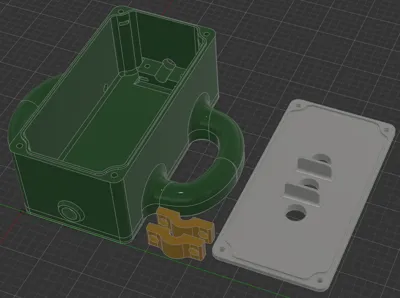
Print Profile(1)

0.2mm layer, 3 walls, 15% infill
Designer
4 h
1 plate
Open in Bambu Studio
Boost
8
22
1
1
8
2
Released
Bill of Materials
Maker's Supply Kits and Parts
Select all
List other parts
- 4mm safety banana socket with M12 thread x 3: (blue, brown/black and yellow-green, or whatever the appropriate color code in your country is) https://www.aliexpress.com/item/32684201221.html
- 6.3mm female spade connectors with isolation x 3: https://www.aliexpress.com/item/1005006184181064.html?pdp_ext_f=%7B%22sku_id%22:%2212000036178809182%22%7D
- cable end sleeves x 9:
- cable connectors/clamps, e.g. Wago 221-413 x 3:
- power cable x 1: i used H05VV-F3G1,5 mm² with an outer diameter of 8mm)
- Power plug (e.g. Schuko) x 1:
- Power socket (e.g. Schuko) x 1:
- M3x10 cylinder head screw (DIN912/ISO4762) x 8:
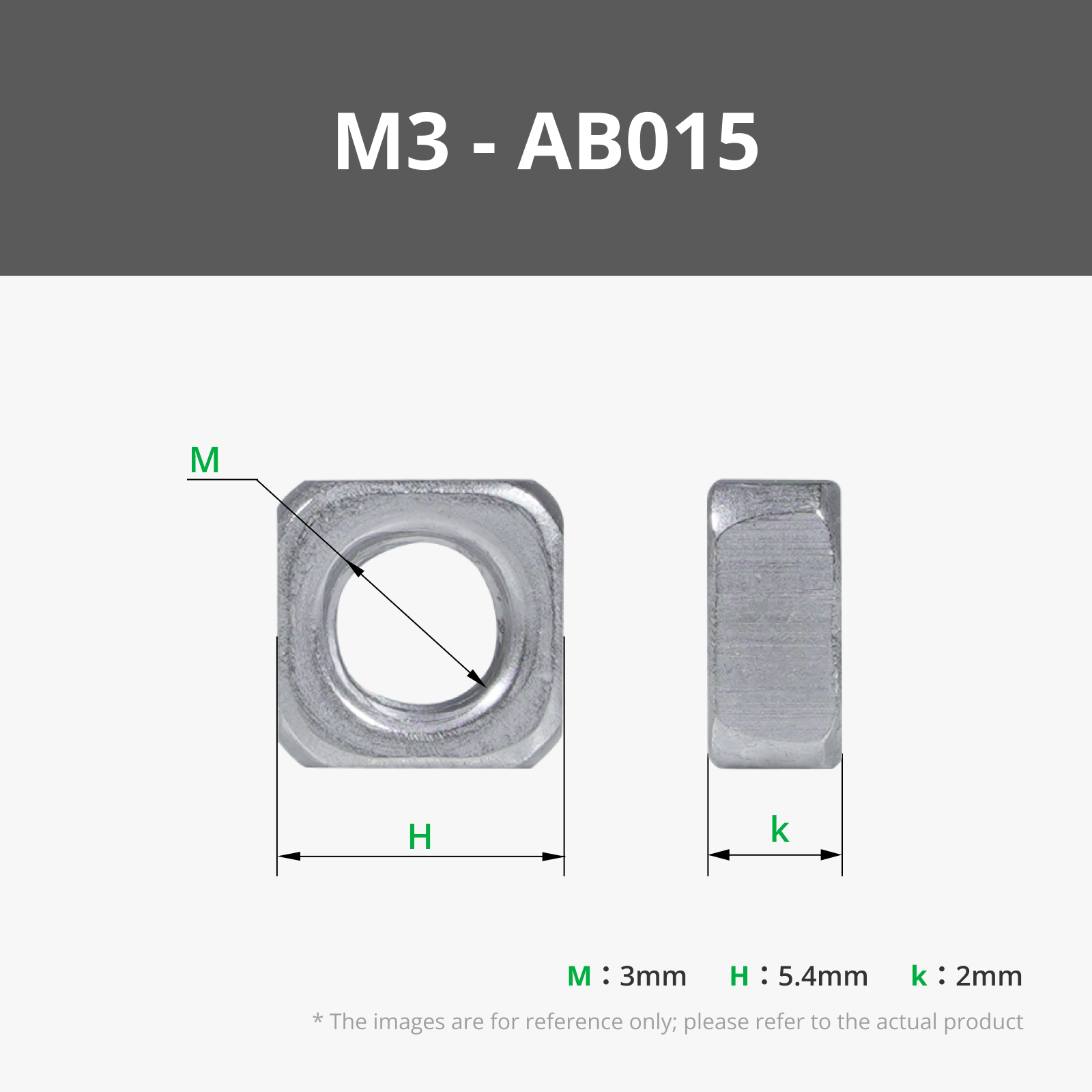
- M3 square nut (low form, DIN562) x 8:
Description
Description
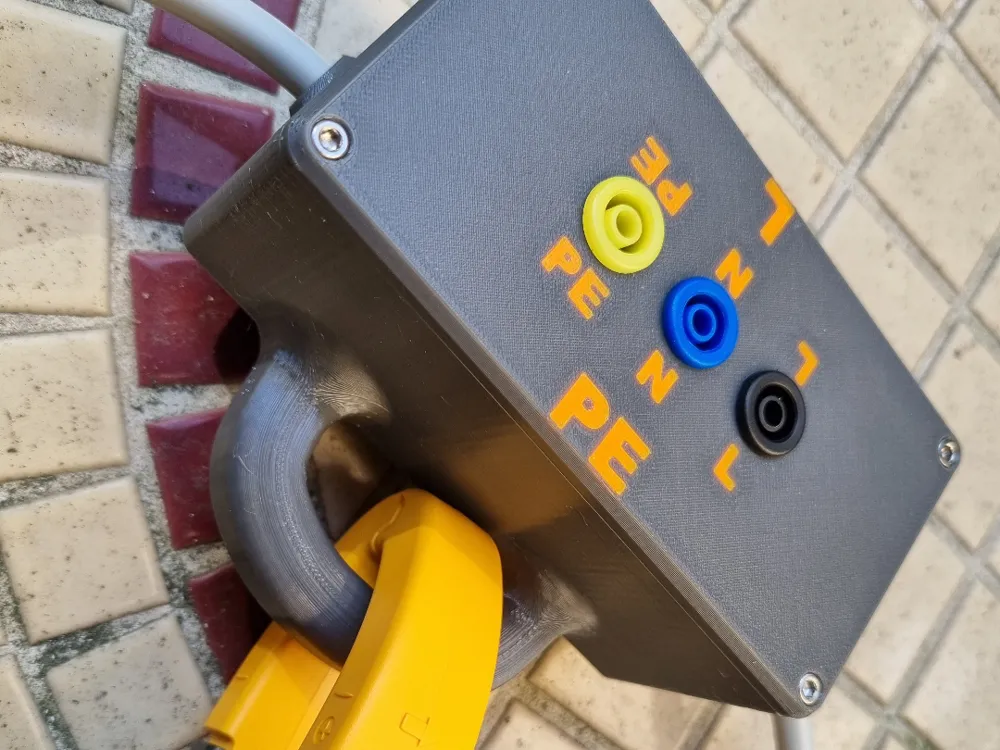
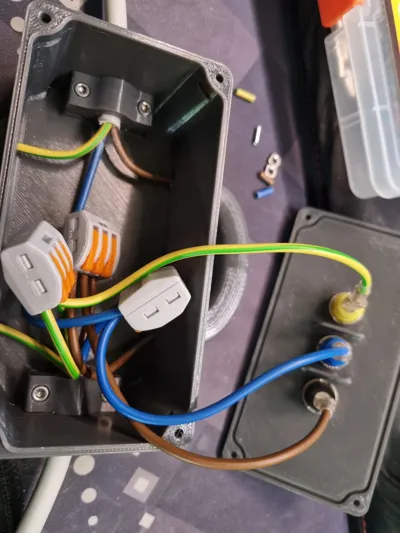
An inline adapter that allows you to safely measure voltage and current with a current clamp and a multimeter.
Please stick to the parameters provided under the instructions header, several elements of the model are optimized for those values.
Also, please only build this if you know what you are doing. Mains are at 230-240V (or 120 in weird countries) and can kill you.
Boost Me (for free)
Boost me - for free!
Hardware BOM
- 8x M3x10 cylinder head screw (DIN912/ISO4762)
- 8x M3 square nut (low form, DIN562)
- 3x 4mm safety banana socket with M12 thread (blue, brown/black and yellow-green, or whatever the appropriate color code in your country is)
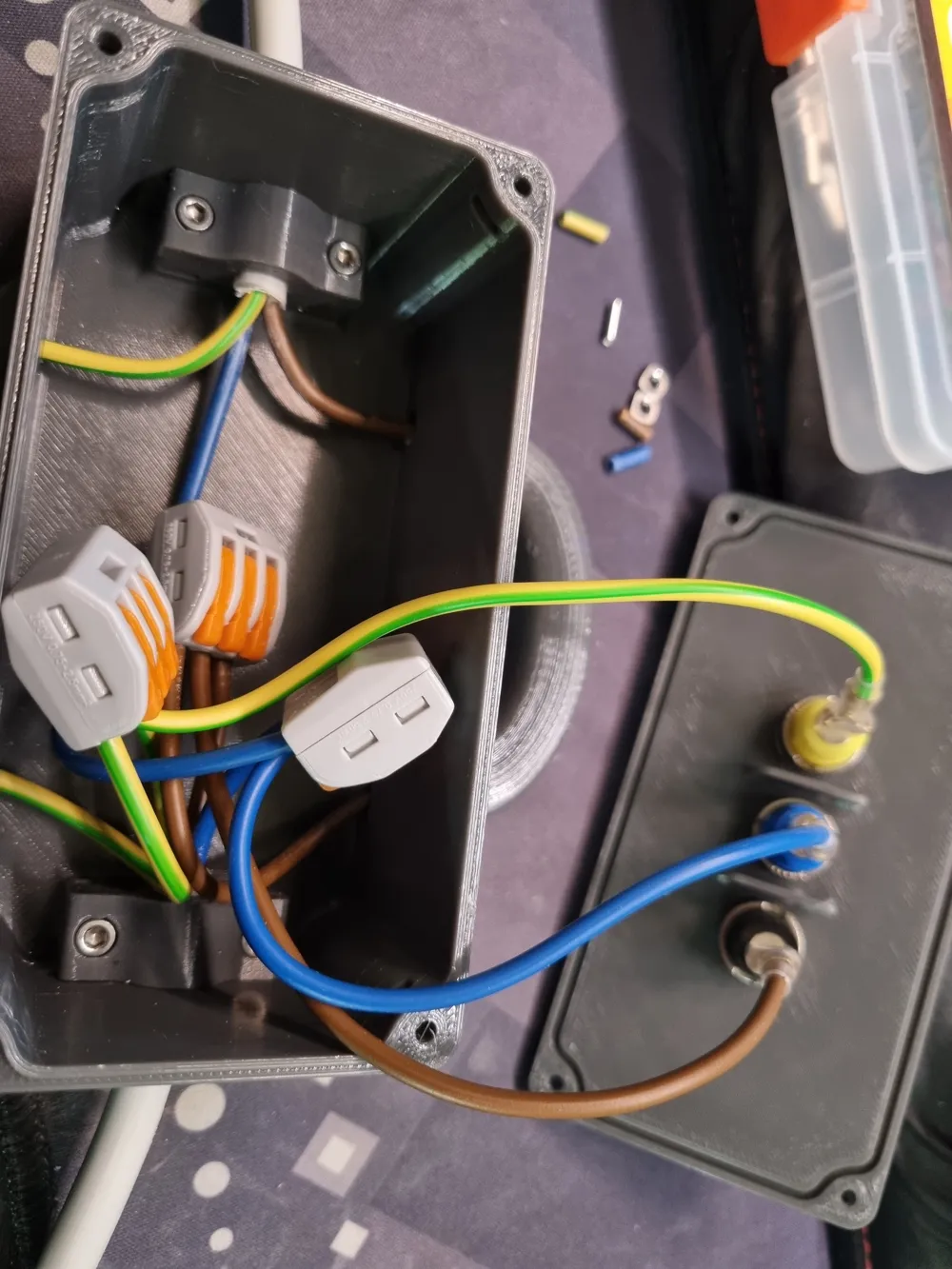
- 3x 6.3mm female spade connectors with isolation
- 9x cable end sleeves
- 3x cable connectors/clamps, e.g. Wago 221-413
- a piece of power cable (i used H05VV-F3G1,5 mm² with an outer diameter of 8mm)
- a power plug and socket, Schuko in my case.
Printing instructions
- 0.2mm layer height
- 0.45mm extrusion width
- 3 perimeter walls
- 5 top/bottom layers
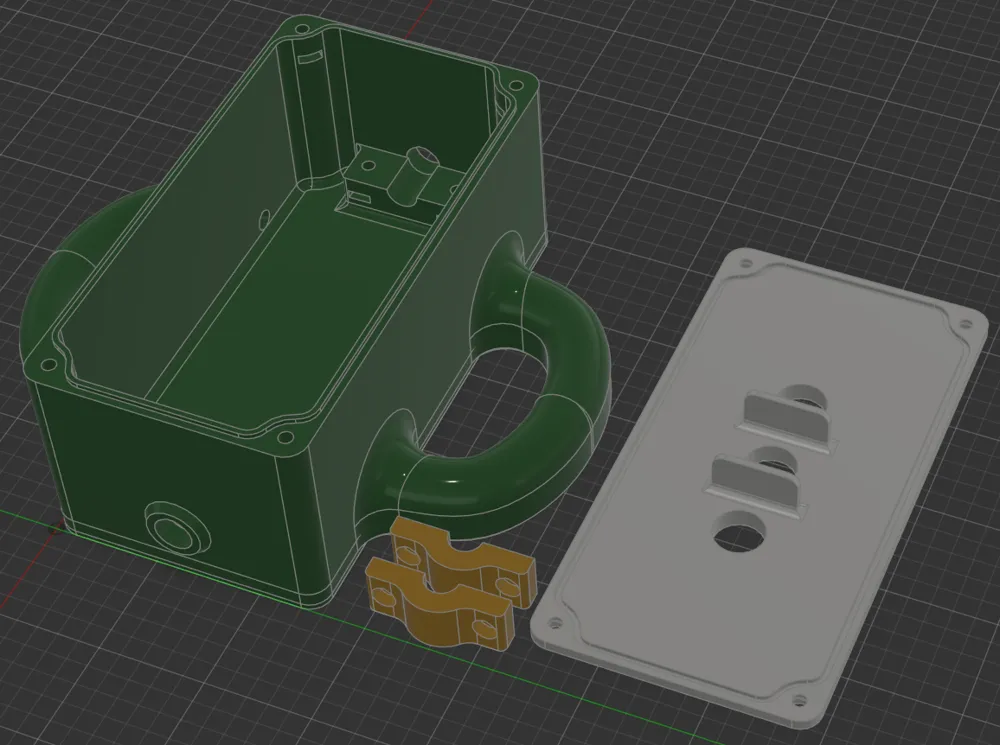
- The text for the top cover is embedded in the model, use the split/assemble functions of your slicer to choose a different color etc. if desired.
License

This user content is licensed under a
Creative Commons Attribution-Noncommercial-Share Alike


Comment & Rating (1)