
Wall Mount for Bambu Lab AMS (A1 / A1 Mini)
Print Profile(2)


Description
Description:
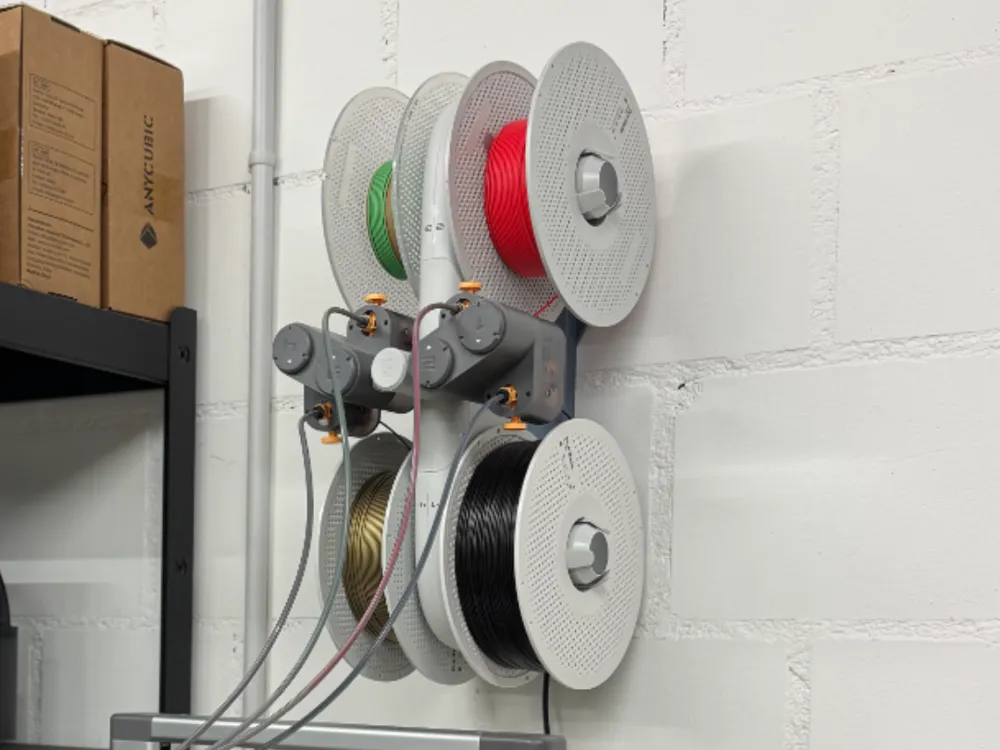
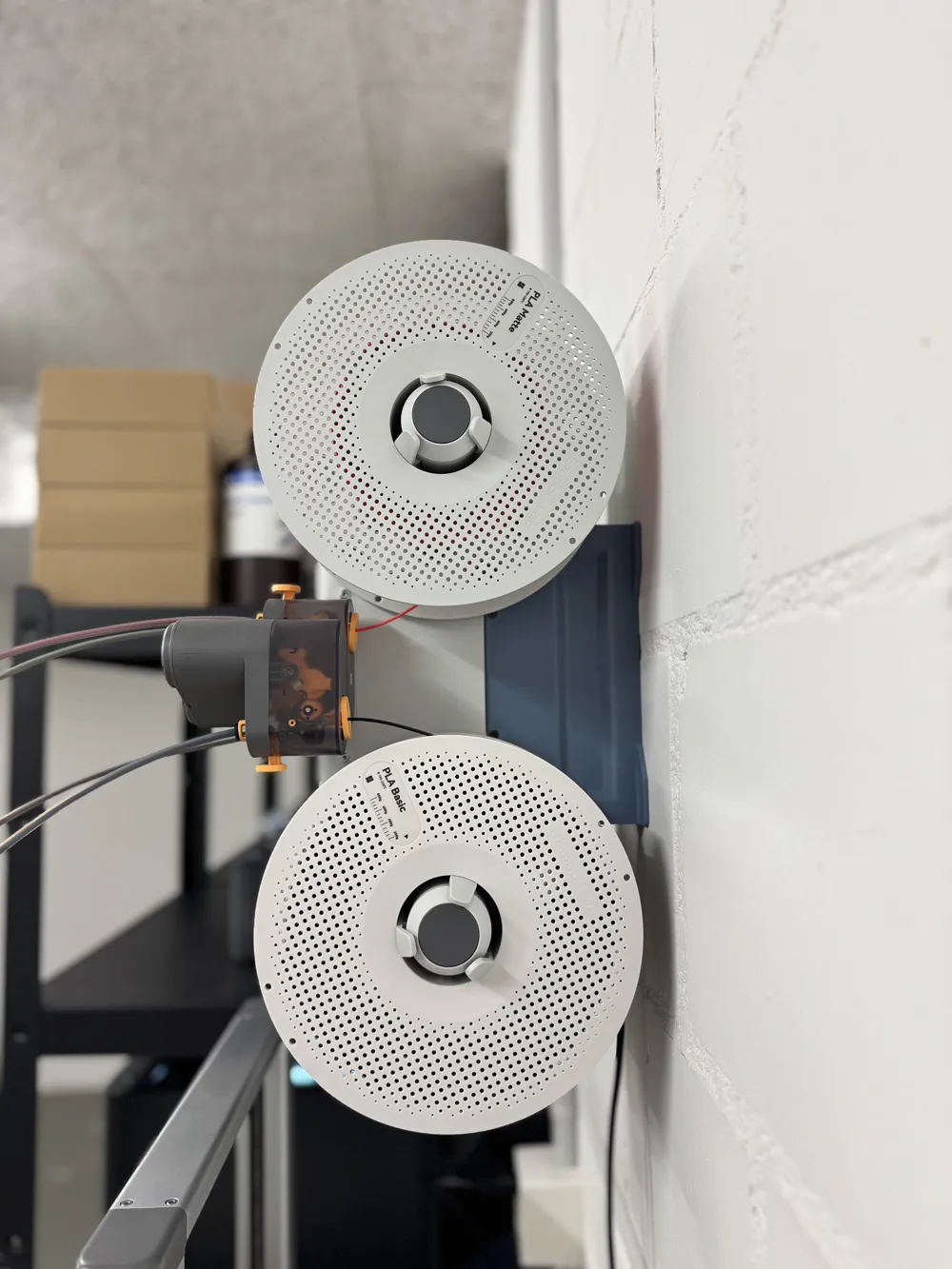
Something a little different this time! Normally, I'm all about props and blasters – but today, it's time for something actually useful: a wall mount for the Bambu Lab AMS (compatible with both A1 and A1 Mini)! 🎯
This simple but clever adapter lets you mount your AMS vertically behind your printer, saving precious workspace. No more wasting width by parking the AMS next to your machine – keep your setup clean, organized, and ready for action.
Boost Me (for free)
Leave a BOOST if you like this model!
Features:
- Space-saving design – mount your AMS directly behind the A1 or A1 Mini
- Stable and secure mount
- Quick and easy installation
Installation Tips:
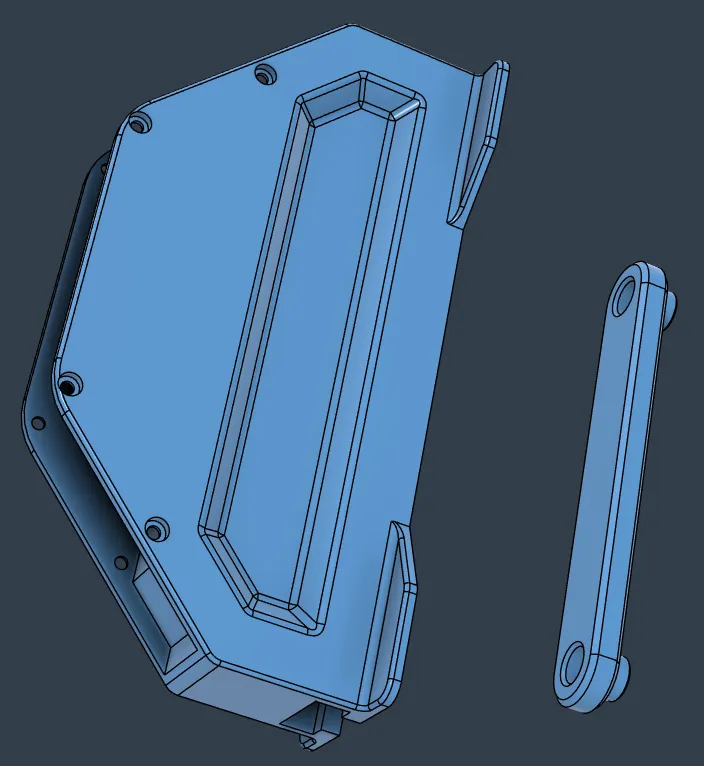
- Use wall anchors and screws suited for your wall type
- Adapter holes are diameter 5 mm
- For best results: print in a strong material like PETG or ABS
Disclaimer:
This wall mount is intended for indoor use with proper wall mounting. Always ensure your installation is secure based on your specific wall and load.
__________________________________________________

NEW! LEAH · A Modular Lighting Concept
My first Crowdfunding Project on MakerWorld · Made possible with your support!
License

You shall not share, sub-license, sell, rent, host, transfer, or distribute in any way the digital or 3D printed versions of this object, nor any other derivative work of this object in its digital or physical format (including - but not limited to - remixes of this object, and hosting on other digital platforms). The objects may not be used without permission in any way whatsoever in which you charge money, or collect fees.


Comment & Rating (289)