
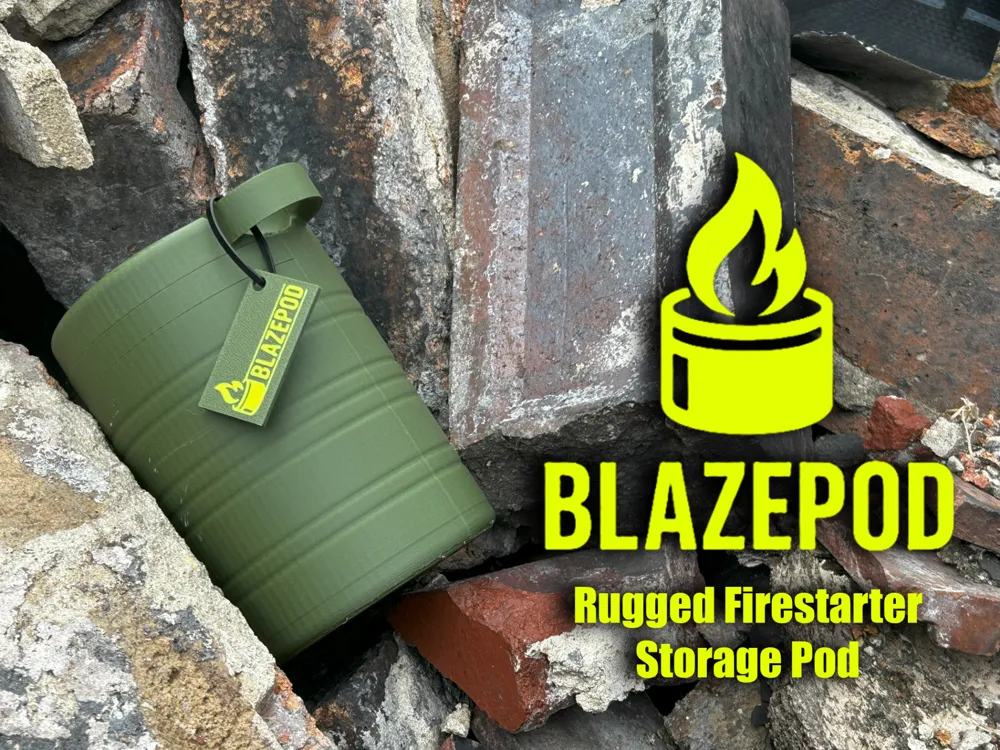
BLAZEPOD
Print Profile(1)

Bill of Materials

Description
Boost Me (for free)
If you like what you see, consider giving me a boost! they help out a lot. Don’t forget to like and follow for more 3D prints and creative builds!
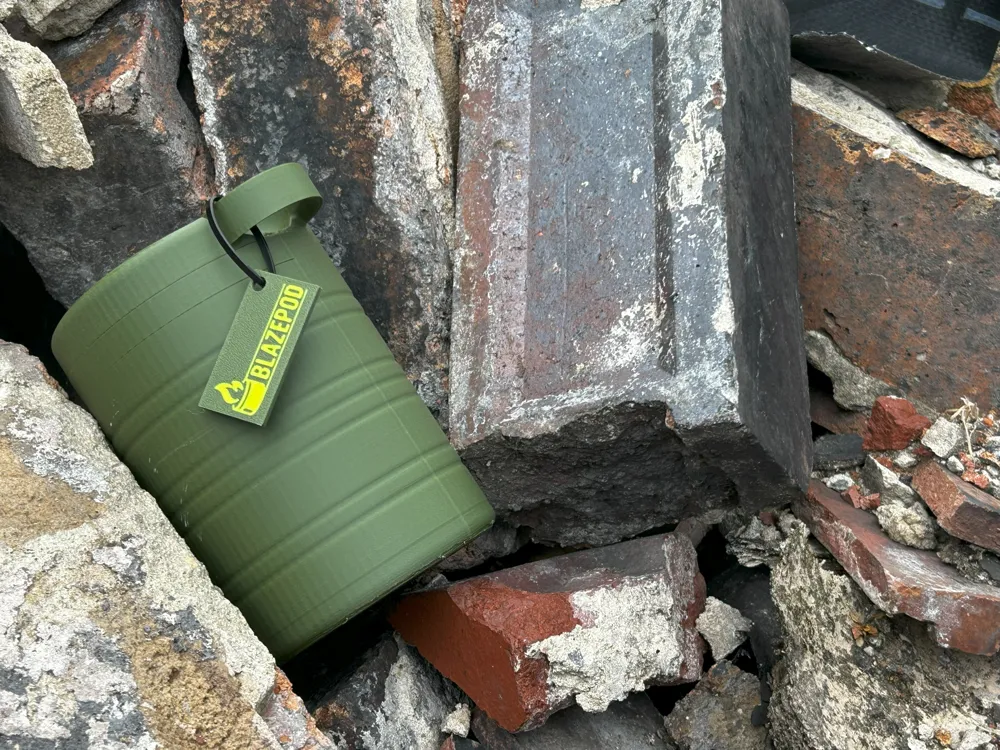
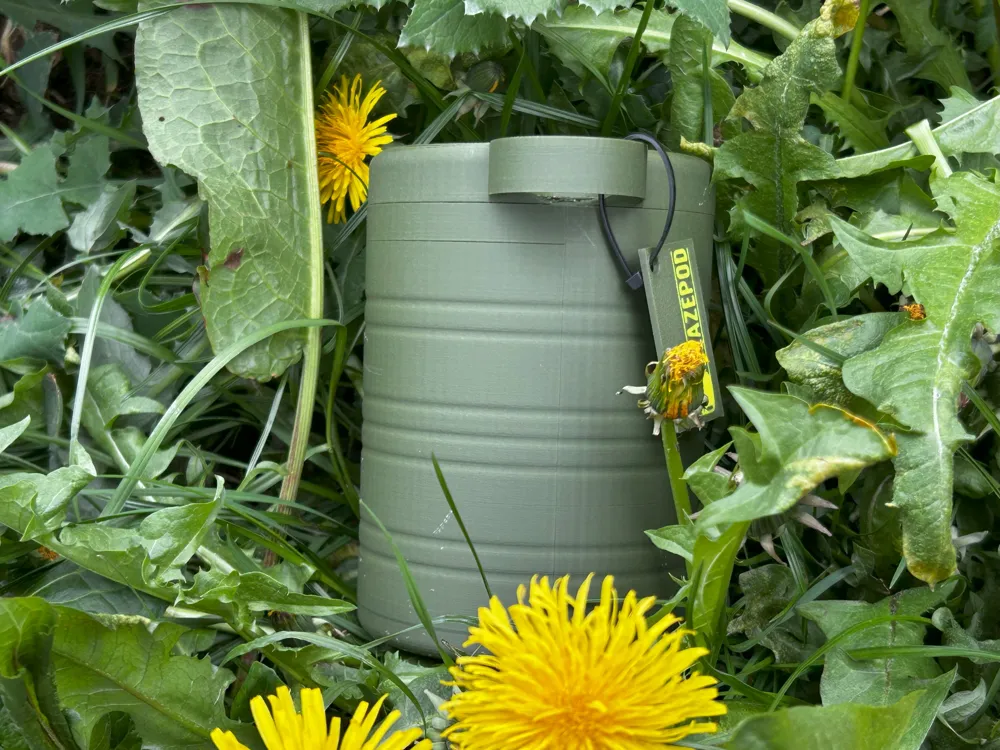
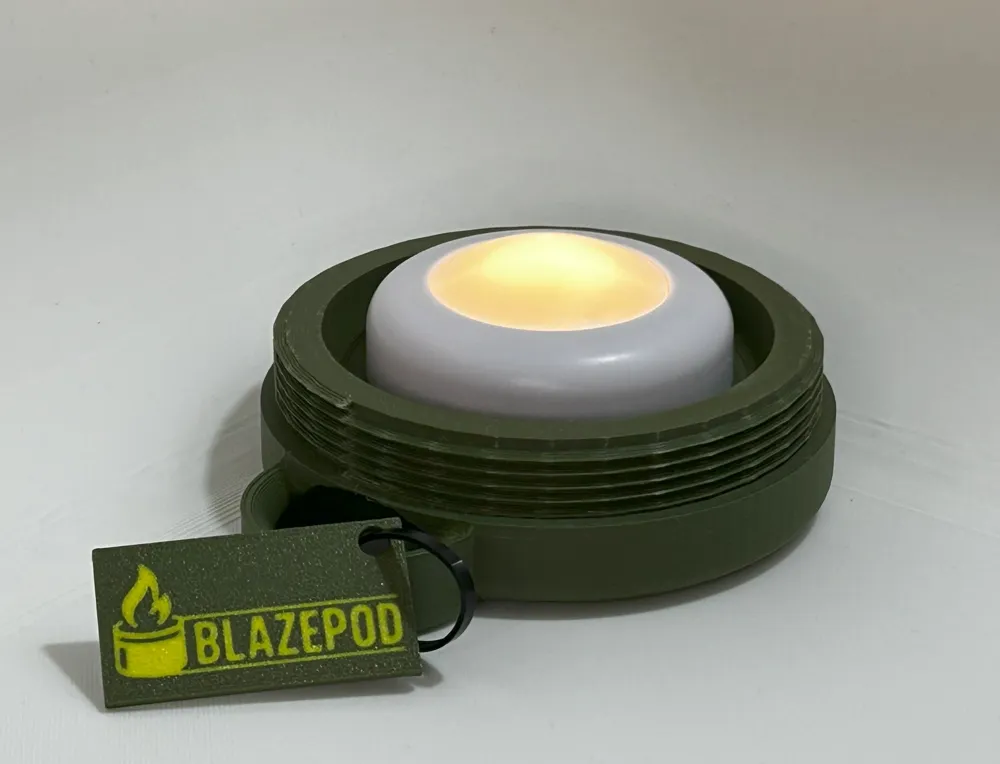
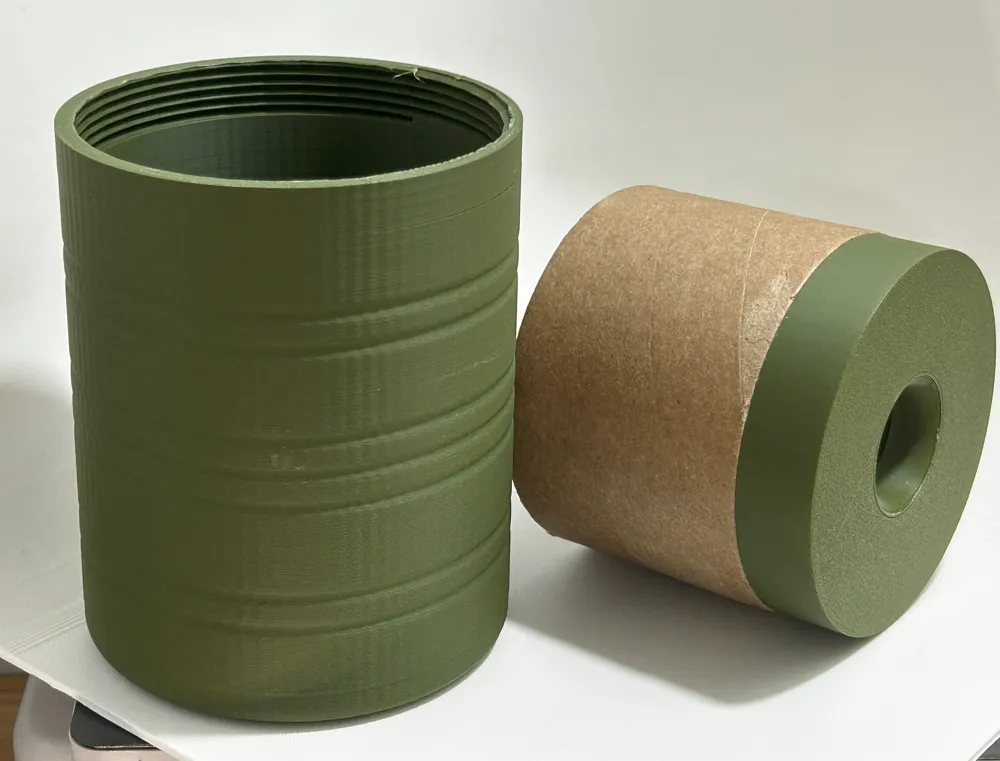
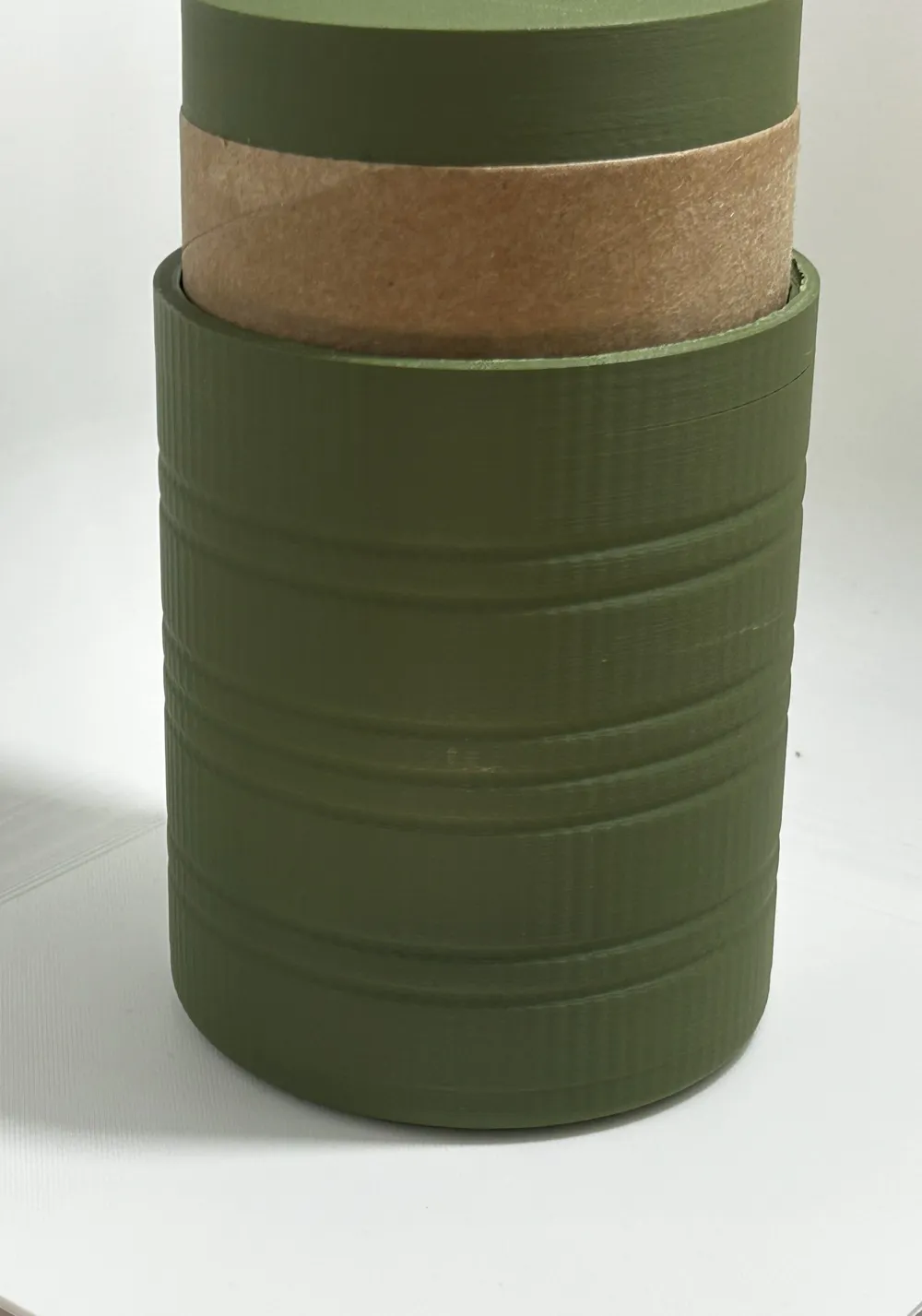
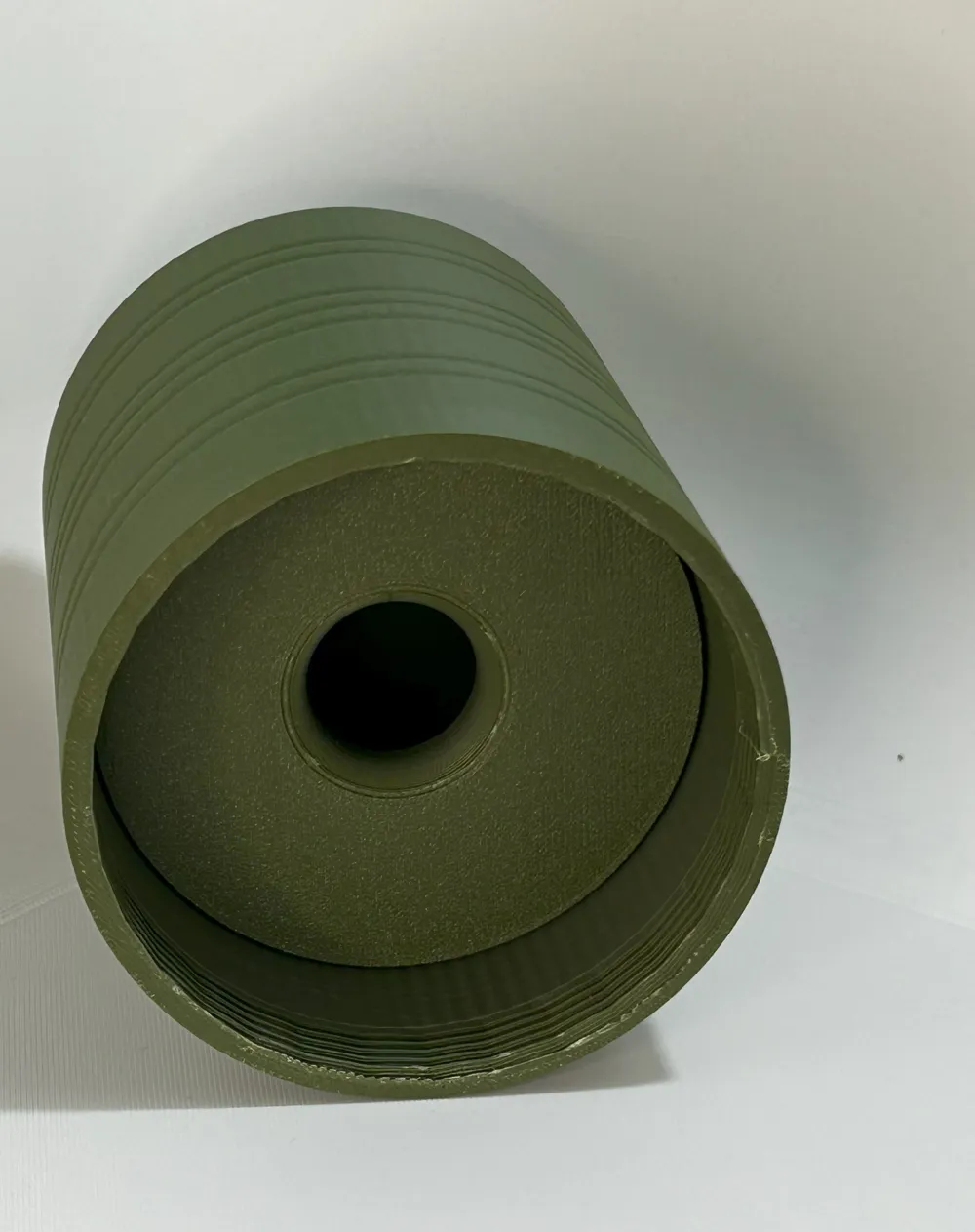
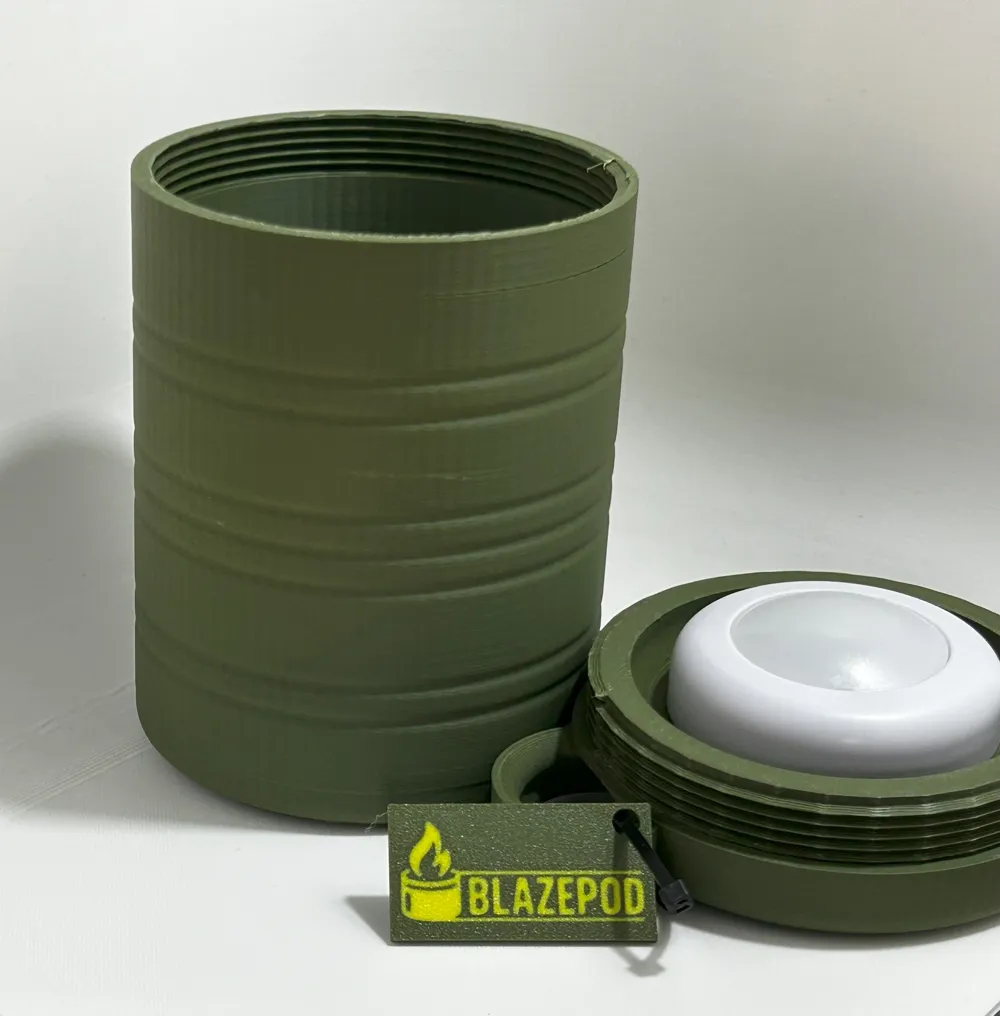
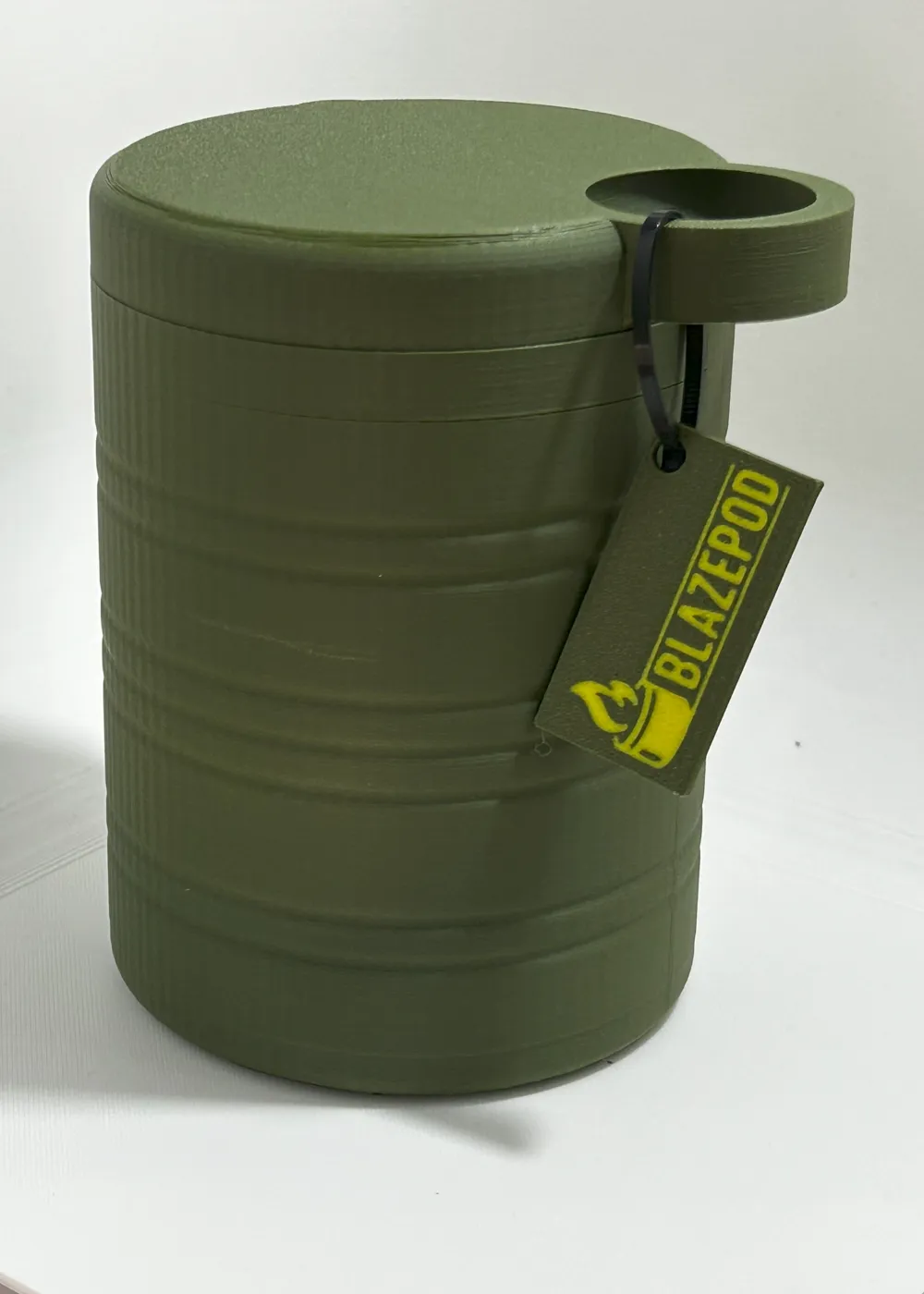
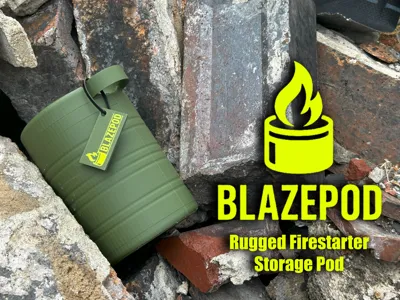
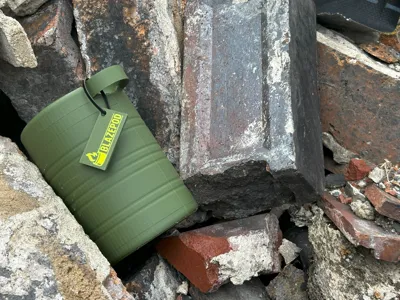
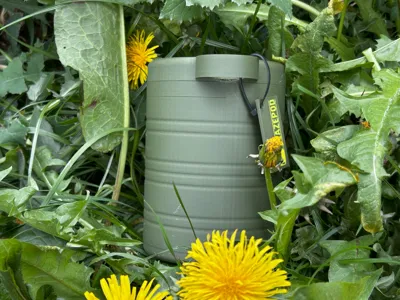
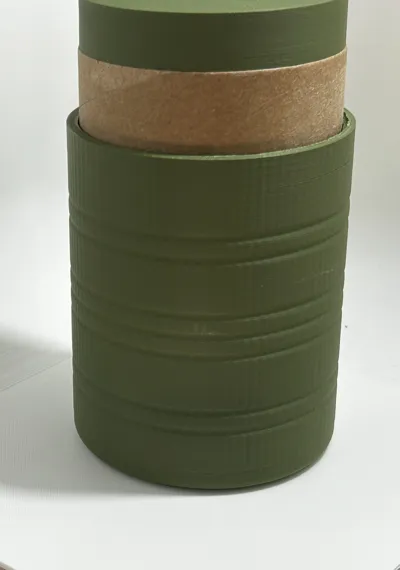
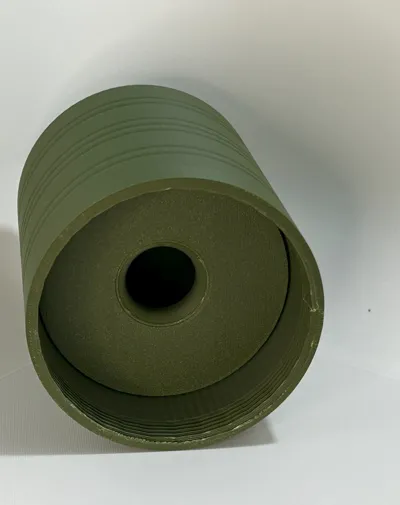
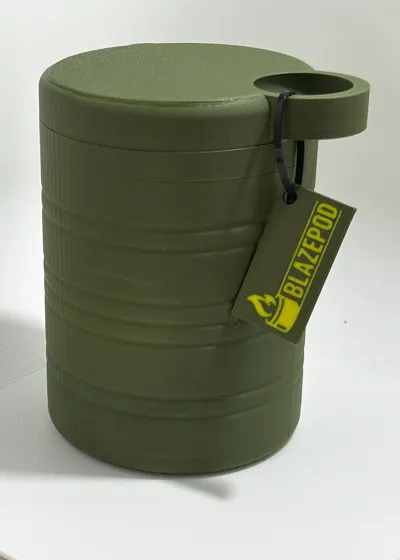
The BlazePod is a durable, rugged pod designed to securely store your fire-starting essentials wherever your adventures take you. Whether you're camping, hiking, or just prepping your gear, the BlazePod keeps your fire-starting tools safe, dry, and ready to go.
Key Features:
- Tough & Reliable: Built for the outdoors with a sturdy design that can handle the elements.
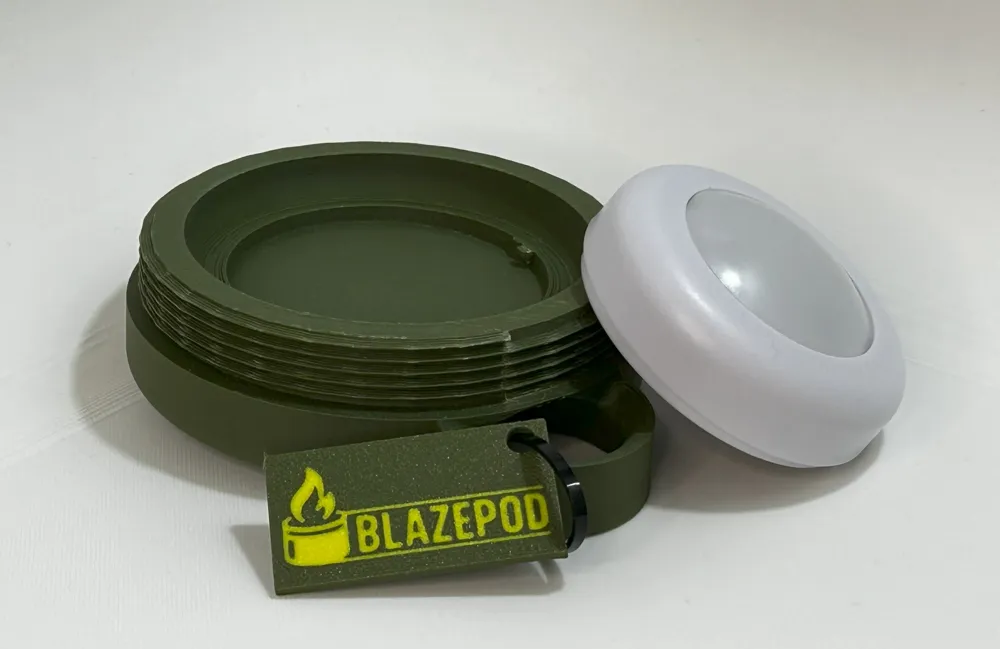
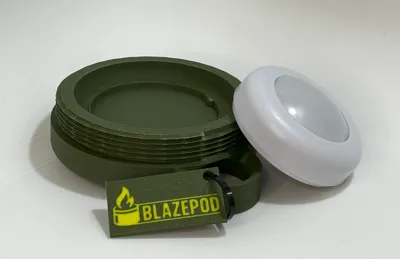
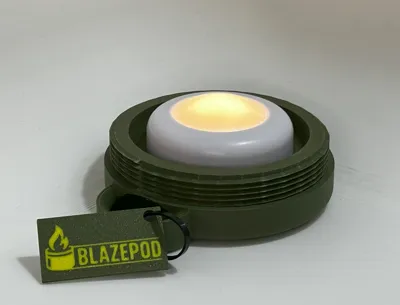
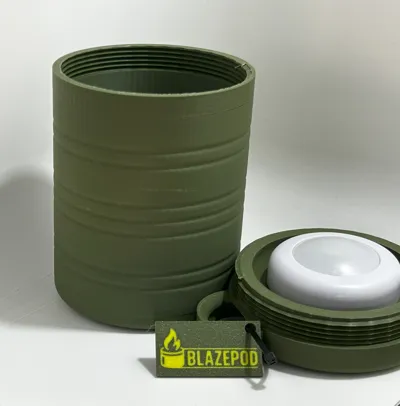
- Integrated Light Option: Designed to fit a standard puck light in the lid, making it easy to find your gear in the dark.
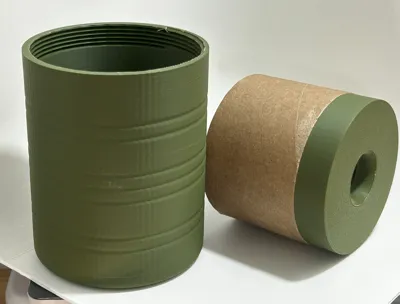
- Multi-Use Interior: The internal space is perfectly sized to hold a cardboard spool insert from Bambu filament, which doubles as effective kindling.
Compact, functional, and thoughtfully designed—the BlazePod is a must-have for any outdoor enthusiast or EDC setup.
In order to fix the puck light simply remove the back of the puck light so that the batteries are exposed and then screw the puck light into the lid of the pod it should screw on the same as the back does so half a turn should be all that you need to fix it to the lid.
I have only tested the fixing in the bottle with the puck lights from bambu https://uk.store.bambulab.com/products/remote-controlled-16-color-rgbw-puck-lights but if you are using other buck lights then any double sided tape should be fine.
A Quick Note
Each model is tested before sharing, but every printer is a little different — sometimes a small tweak is all it takes for a perfect print. If you run into trouble, try:
- Giving your build plate a good clean
- Rechecking bed leveling or Z-offset
- Slowing down the first few layers
- Using a brim or raft for extra grip
Still having issues? Let me know in the comments — I’m always happy to help troubleshoot or improve the design!
License

You shall not share, sub-license, sell, rent, host, transfer, or distribute in any way the digital or 3D printed versions of this object, nor any other derivative work of this object in its digital or physical format (including - but not limited to - remixes of this object, and hosting on other digital platforms). The objects may not be used without permission in any way whatsoever in which you charge money, or collect fees.


Comment & Rating (4)