
Rear Cap Newton Skywatcher 200PDS
Print Profile(0)
Description
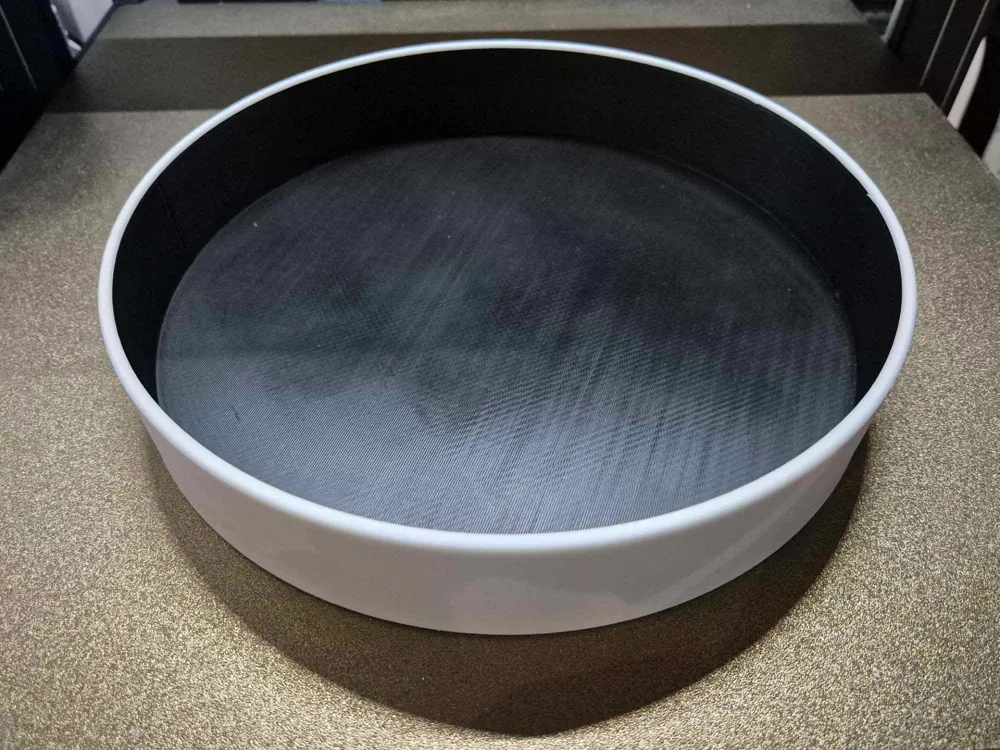
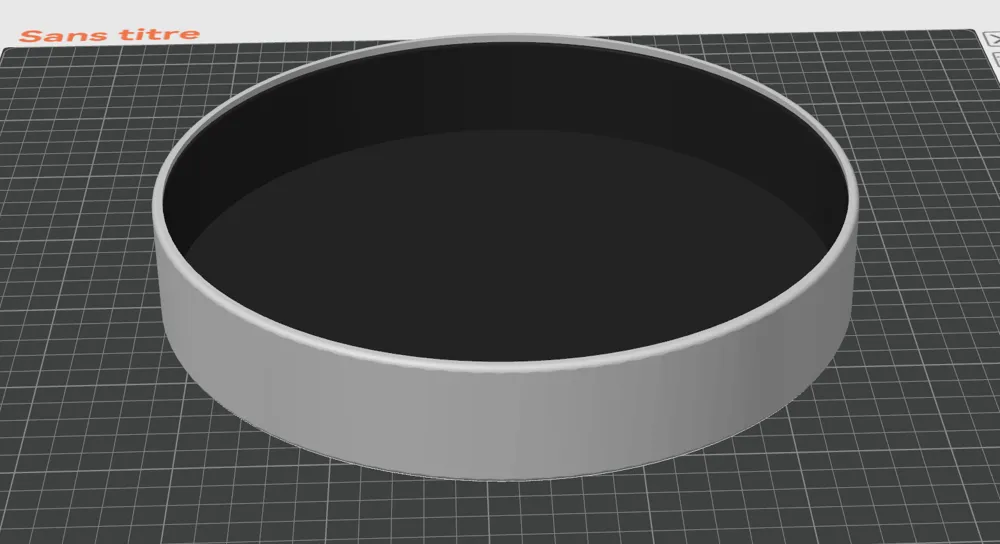
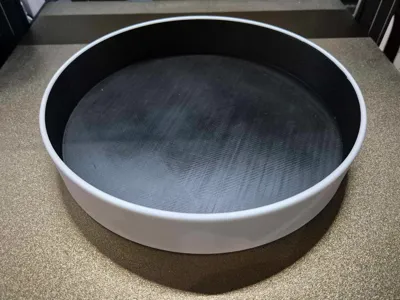
Rear cap for Newton Sky-Watcher 200PDS
This cap protects the primary mirror from stray light that may enter through the back of the telescope. It also protects access to the collimation screws, preventing accidental contact.
Model composition:
This model consists of two parts:
The first part, to be printed in black or dark filament, blocks light rays and can be used alone.
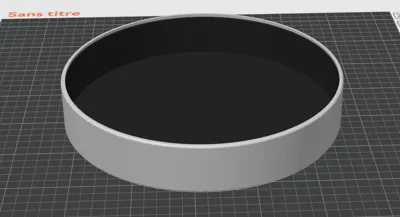
The second part is a white shell that fits around the first to maintain the aesthetic of Sky-Watcher telescopes. It integrates the black cap and incorporates the brand's characteristic colors.
Printing instructions:
Step 1: Printing the black cap
- Print the first part in black filament.
- Check that the part fits correctly on the back of the telescope tube and holds firmly in place.
- If necessary, adjust the tolerances or print size to ensure a good fit.
- Perform finishing (deburring, cleaning) so that it can integrate perfectly into the white shell.
Step 2: Printing the white shell
👉 The assembly of the two parts is done directly during the printing of the white shell, for this:
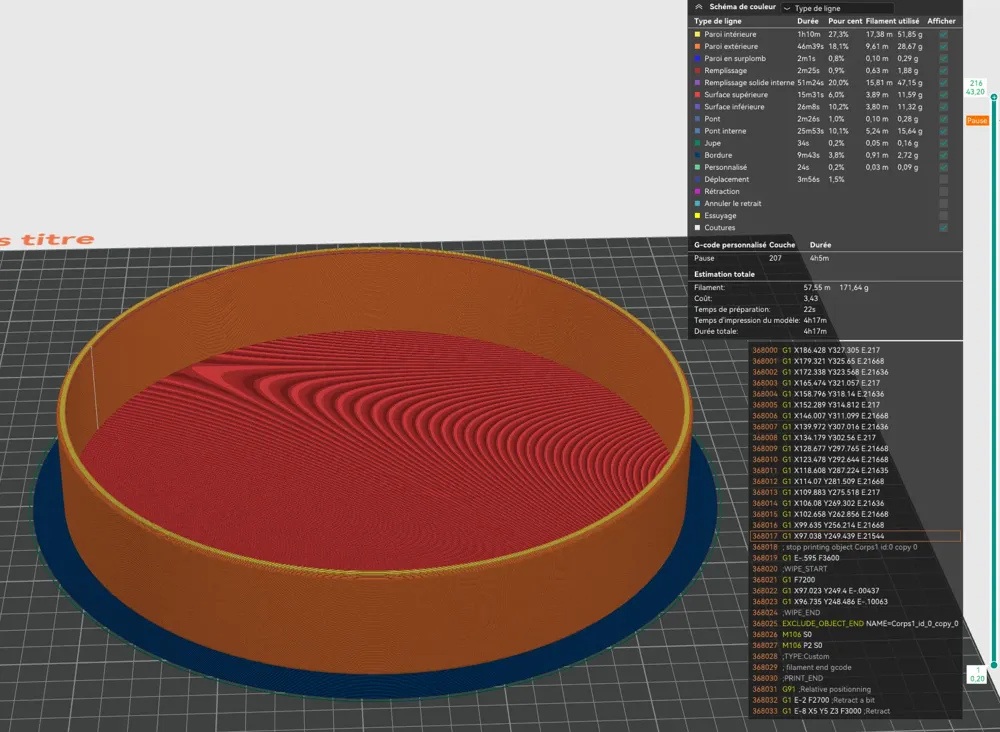
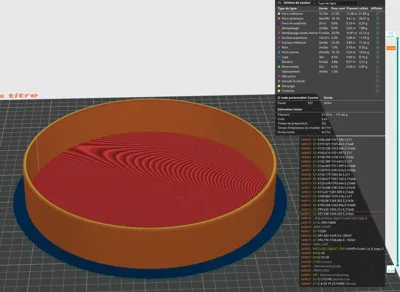
- Prepare the printing of the second part (white shell) by inserting a pause at layer 207/216 (in the case of printing with a layer height of 0.2 mm).
- During this pause, insert the black cap into the shell so that the two parts are printed as a single unit.
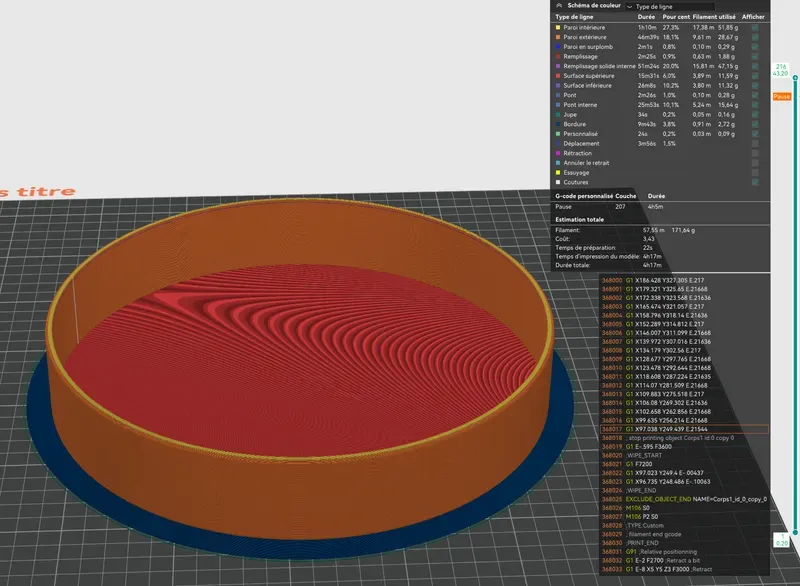
The goal is to integrate the first part (the black cap) during the printing pause, then resume printing so that the two elements form a single piece at the end.
⚠ Caution: when inserting the black cap during the pause, make sure that the two parts fit perfectly and are aligned at the same height.
Misalignment could cause a collision of the print head with one of the parts upon resumption, risking damage to the model or the printer.
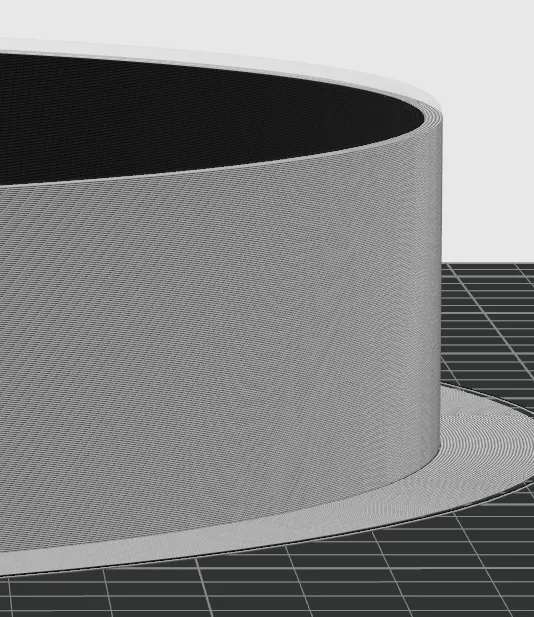
Print using your slicer's default settings for the selected material (PLA or PETG).
PETG printing recommended for better durability in outdoor conditions.
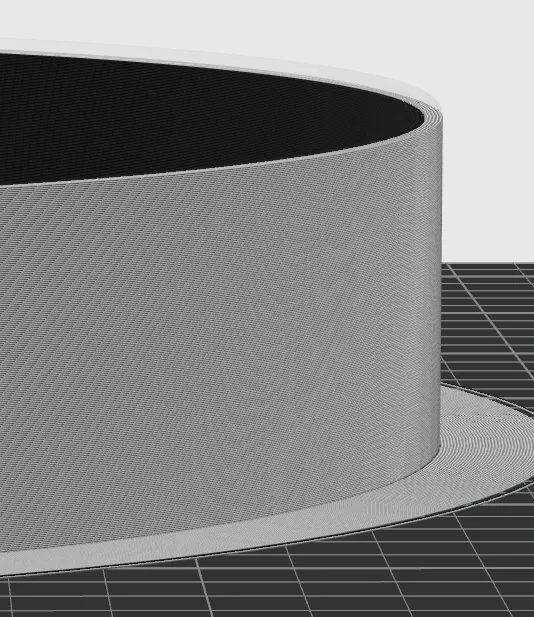
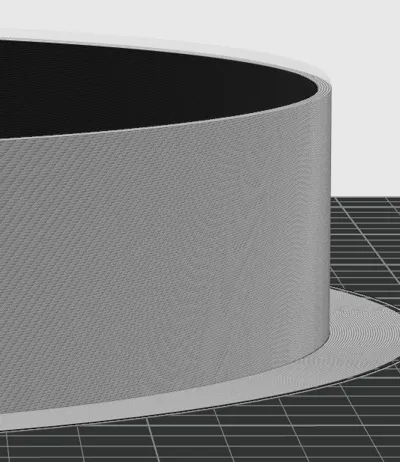
The use of a brim is recommended to ensure good adhesion to the plate during printing.
No support is needed for printing the second part: the first part (the black cap) serves as support once inserted.
License



Comment & Rating (0)