Search models, users, collections, and posts

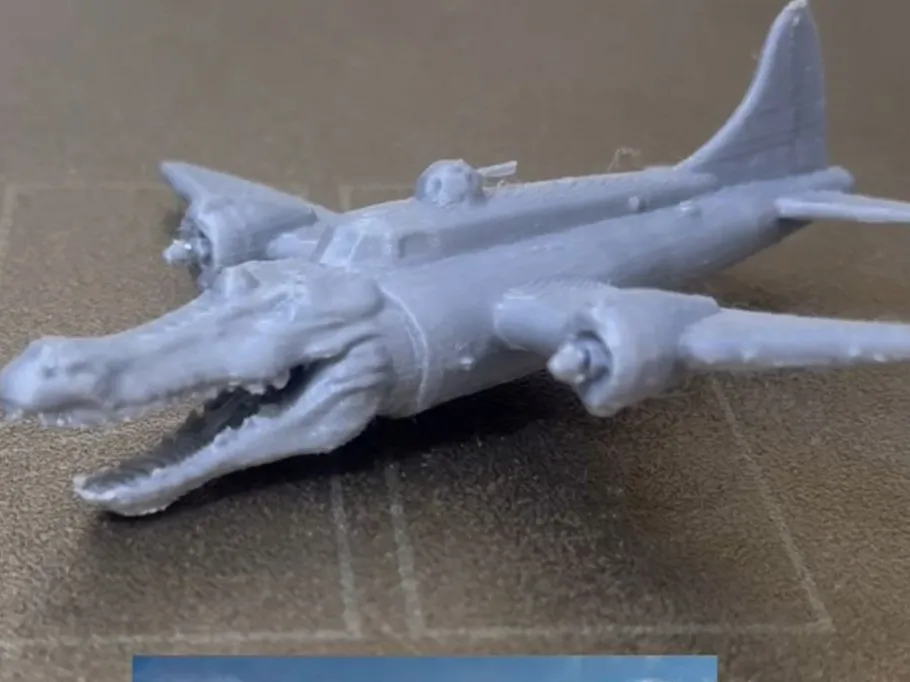
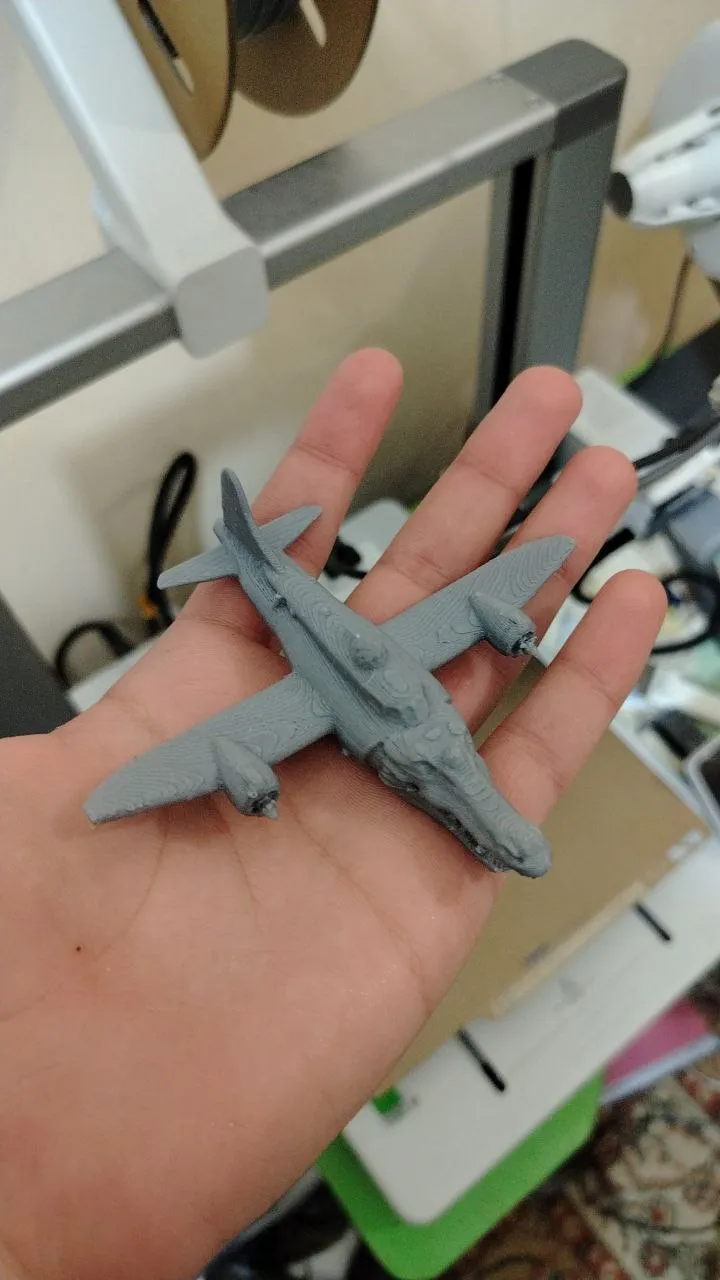
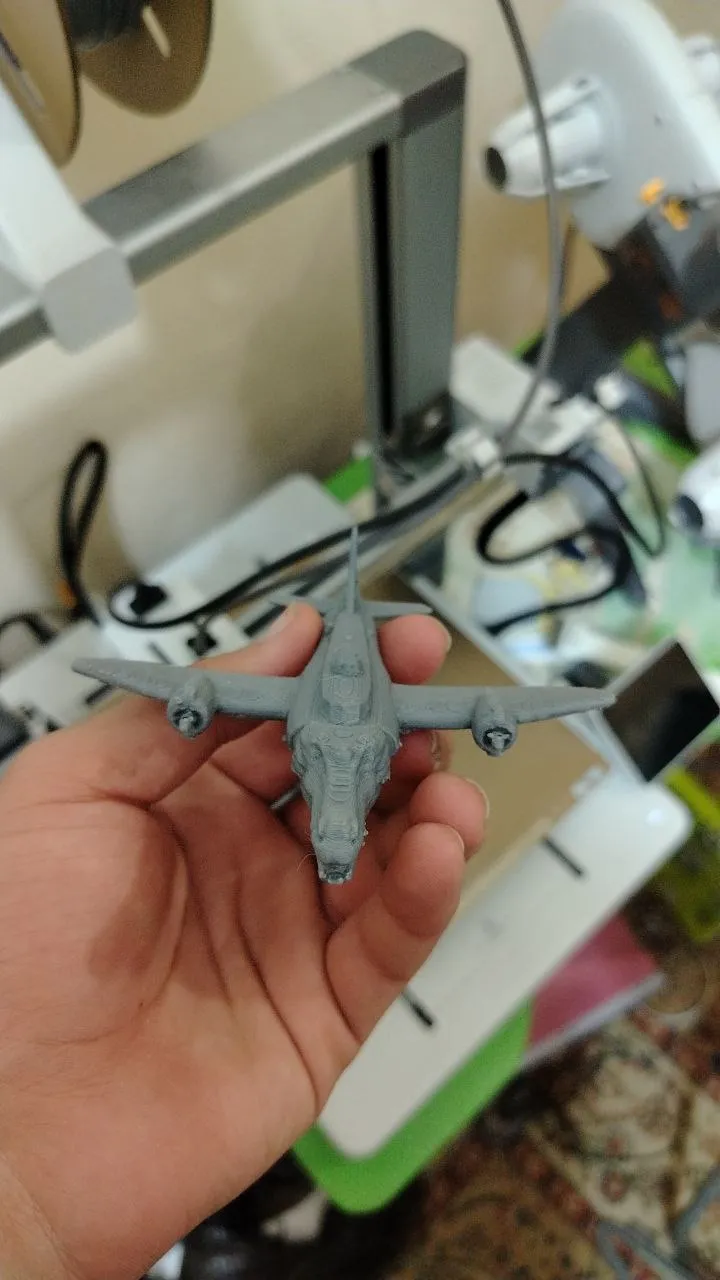
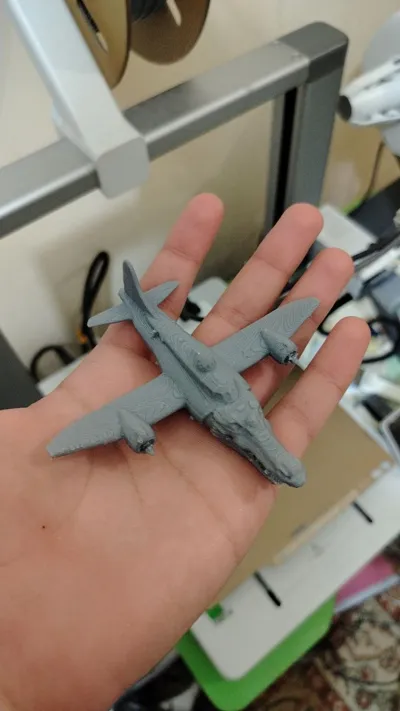
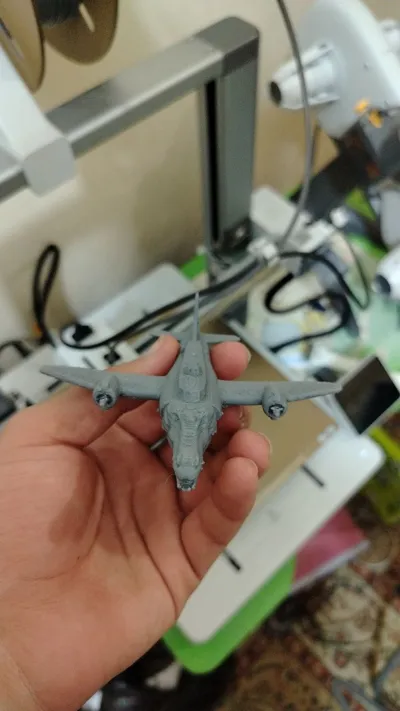
Crocodile bombardier

Print Profile(2)

All
A1
P1S
A1 mini
H2D
X1E
P1P
X1
X1 Carbon
H2D Pro
H2S
P2S
H2C
X2D
A2L

bad surface issue solved 0.2mm layer, 2 walls, 15% infill
Designer
1.5 h
1 plate
4.6(76)

0.2mm layer, 2 walls, 15% infill
Designer
1.9 h
1 plate
4.0(53)

Open in Bambu Studio
Boost
1082
1524
182
35
3.1 k
2 k
Released 

Description

follow me for more !!

Edit : use the second print profile for smooth surface and less time.

Comment & Rating (182)

(0/1000)

Pinned by Designer
I said this a lot but you guys still have to know...... Use the vertical print profile the surface issue is fixed, less supports to remove and propellers won't come off
(Edited)
1
Reply
Thanks a lot, this one is working!
designer
1
Reply
Print Profile
bad surface issue solved 0.2mm layer, 2 walls, 15% infill
Lol great print my cat really loves this bombardino crocodilo he is having so much fun
profile
5
Reply
Cute!
0
Reply
Awwww…
0
Reply
so cute
0
Reply
printing it vertically seems better than printing it flat, hides all the connections of the supports to the back of the wings, better structure for the propellers tho it still super delicate, and lastly greater detail in the teeth. oh and used less supports
(Edited)
The designer has replied
2
Reply
thank you for that! i will change the orientation for the print profile
1
Reply
brain rot
7
Reply
so
0
Reply
Print Profile
0.2mm layer, 2 walls, 15% infill
I broke the propellers while removing the supports, but he is really cute none the less thank you! I used Bambu Lab PLA basic in bronze.
The profile uploader has replied
profile
1
Reply
Use the second print profile for a smoother finish and less supports
0
Reply
Print Profile
0.2mm layer, 2 walls, 15% infill
Very good! It looks like the meme and it's quick to print.
profile
2
Reply
bombardillo crocodillo
6
Reply
The call to prayer for the pre-dawn meal
Show original
1
Reply
Print Profile
bad surface issue solved 0.2mm layer, 2 walls, 15% infill
perfecto
profile
1
Reply
Feedback: By setting the Z distance to 0.3 mm and the bottom distance to 0.6 mm, I was able to remove the supports more easily—starting with the propellers helped the most. I used a filament cutter for better precision. However, please note that the propellers are quite thin and may break easily during play, so extra care is recommended.
designer
1
Reply
Print Profile
0.2mm layer, 2 walls, 15% infill
everything is good but there were A LOT of supports
The profile uploader has replied
0
Reply
Use the second print profile, less supports and better surface finish
(Edited)
1
Reply
Print Profile
0.2mm layer, 2 walls, 15% infill
The profile uploader has replied
profile
1
Reply
I'm glad you like it :). Do you have any suggestions to enhance how the bottom of the model looks?
0
Reply
bombardilo croccodilo
(Edited)
profile
2
Reply

License

This user content is licensed under a Standard Digital File License.

You shall not share, sub-license, sell, rent, host, transfer, or distribute in any way the digital or 3D printed versions of this object, nor any other derivative work of this object in its digital or physical format (including - but not limited to - remixes of this object, and hosting on other digital platforms). The objects may not be used without permission in any way whatsoever in which you charge money, or collect fees.