Search models, users, collections, and posts

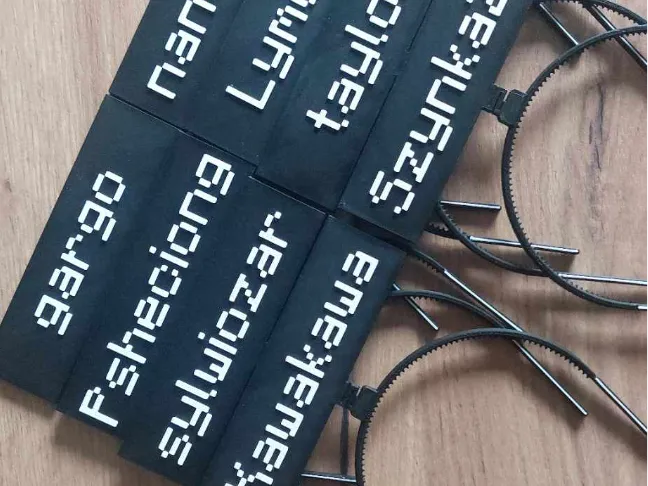
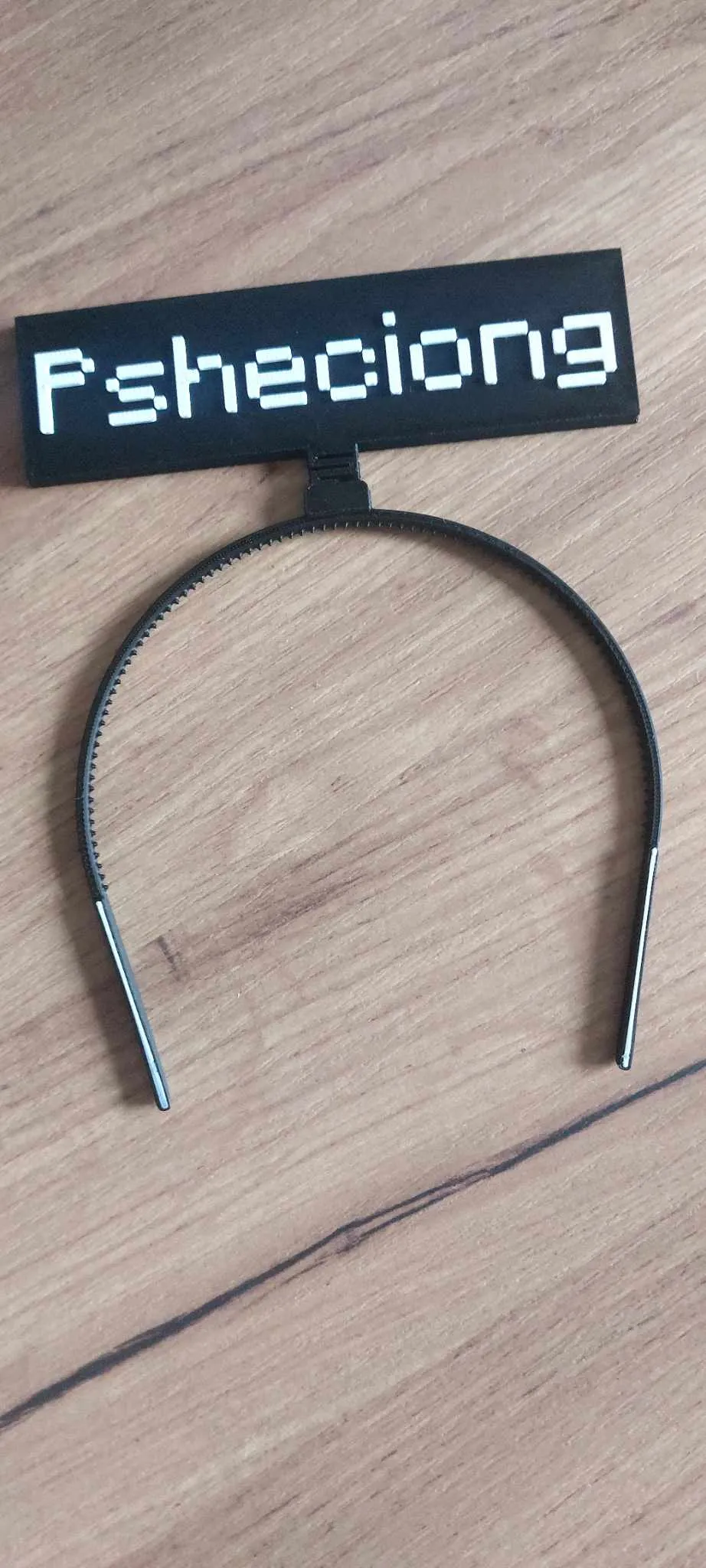
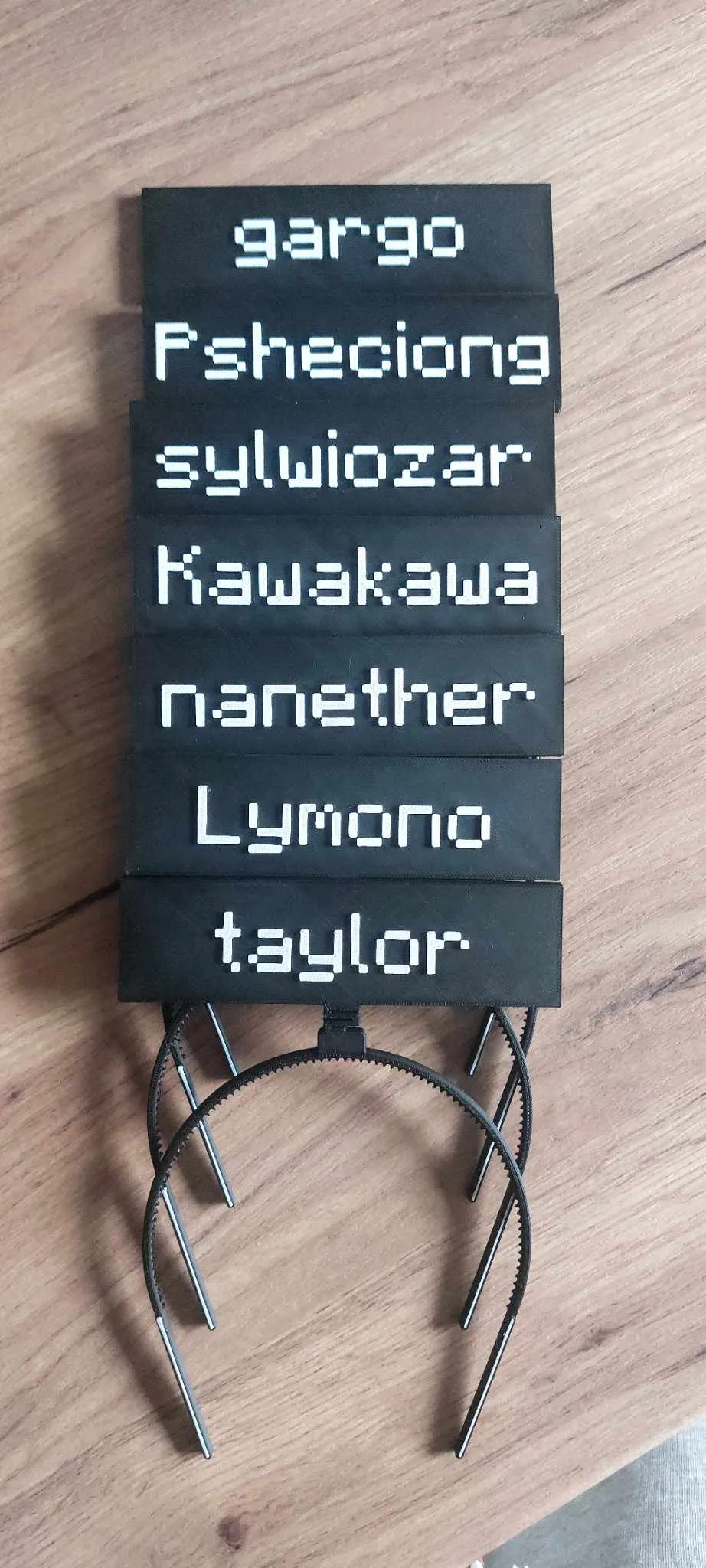
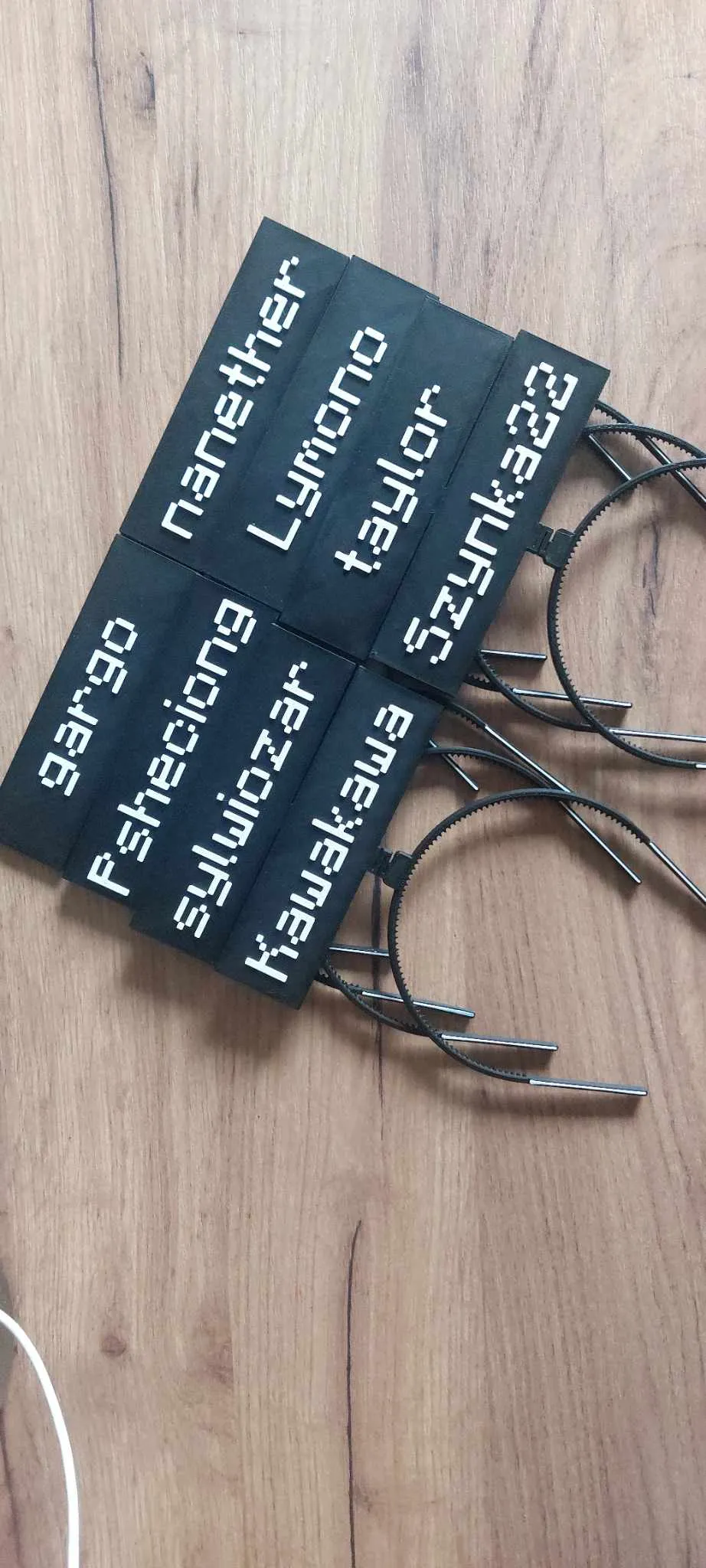
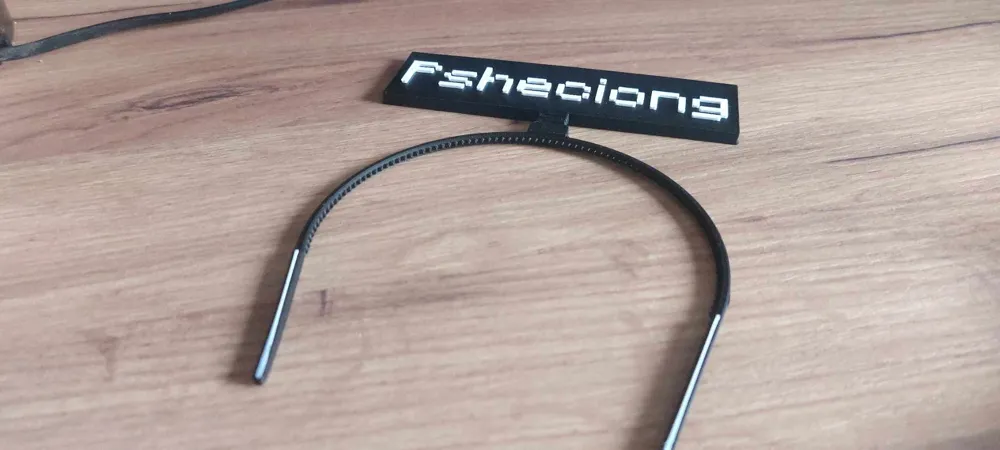
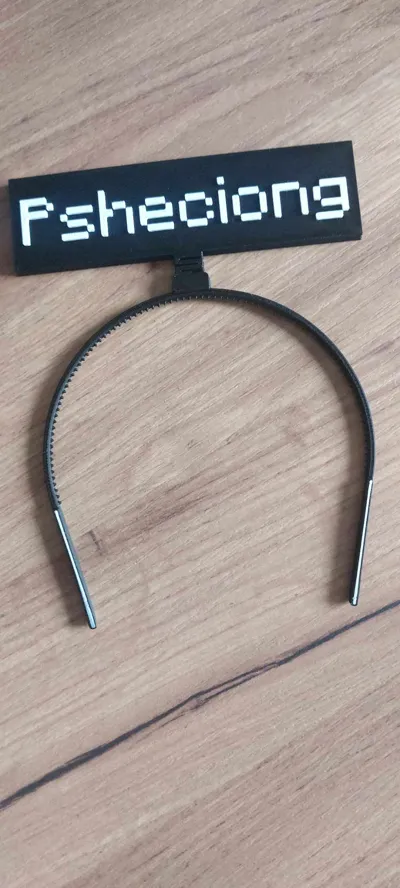
Customizable Minecraft Nickname Headband
IP Report
Print Profile(1)

0.2mm layer, 2 walls, 10% infill
Designer
38 min
1 plate
Open in Bambu Studio
Boost
43
81
3
2
35
10
Released
Description
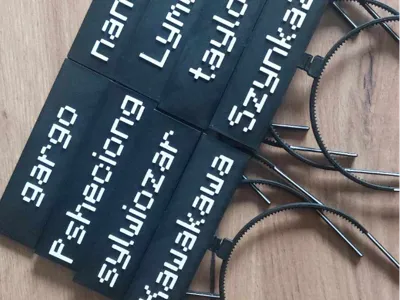
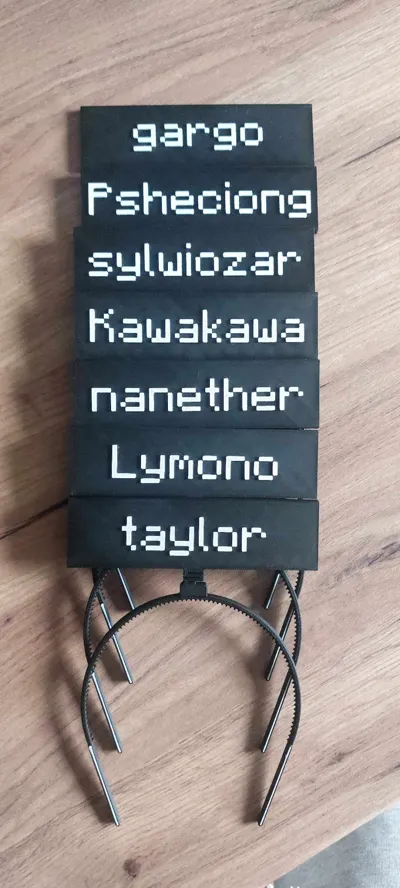
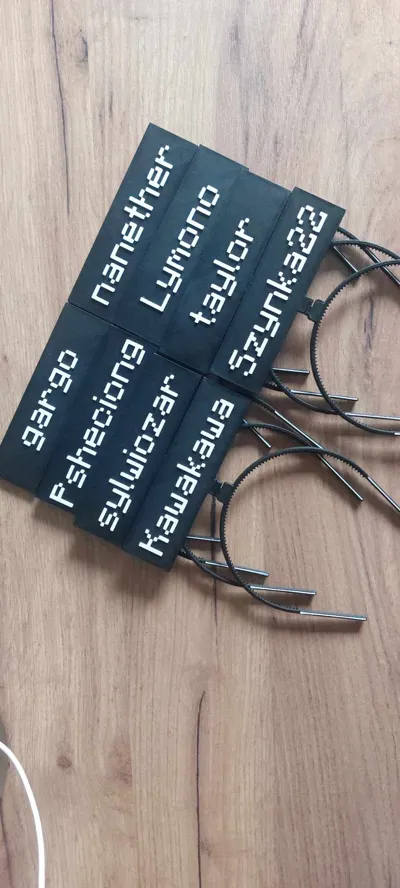
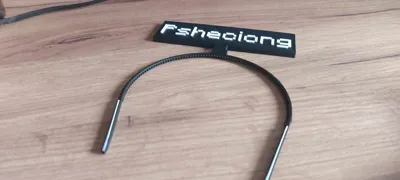
I introduce you to new project, which was inspired by new Minecraft Movie premiere. Since I knew I will see the best movie ever mad, I decided to use my imagination and create customizable nickname headbands for the premiere. Files are blank and have no letters. Here are the instructions on how to have your own nickname on your headband:
- Download stl. files.
- Download Minecraft Font which you want to use ( I used this one: https://fontmeme.com/fonts/minecraft-font/ ) and install it to your CAD program or onto your computer. If it doesnt work, convert that font file to ttf. file using online conventer.
- Next, use your font and your nicknames and simply extrude them ( it seems to work better when font is in ttf. format ). I used 1 mm extrusion.
- Export your headband with your custom nickname and happy printing!
- Remember, this is dual color print, which means you need to have atleast two colors to make it work as shown on pictures. You can either use Automatic Systems like AMS for BambuLab Printers, or, just like I did, use pause on the start of the font printing and change the filament. Once again, happy printing! If you have any questions, simply ask, I usually take one day to reach out.
License

This user content is licensed under a
Creative Commons Attribution-Noncommercial


Comment & Rating (3)