
Print Profile(1)


Description
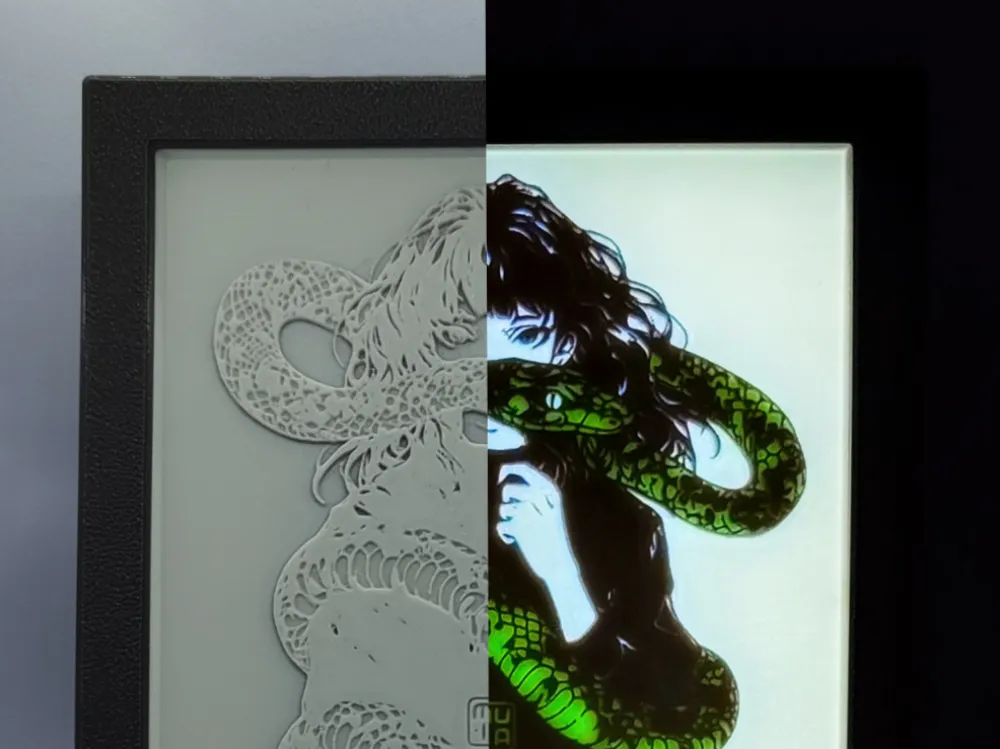
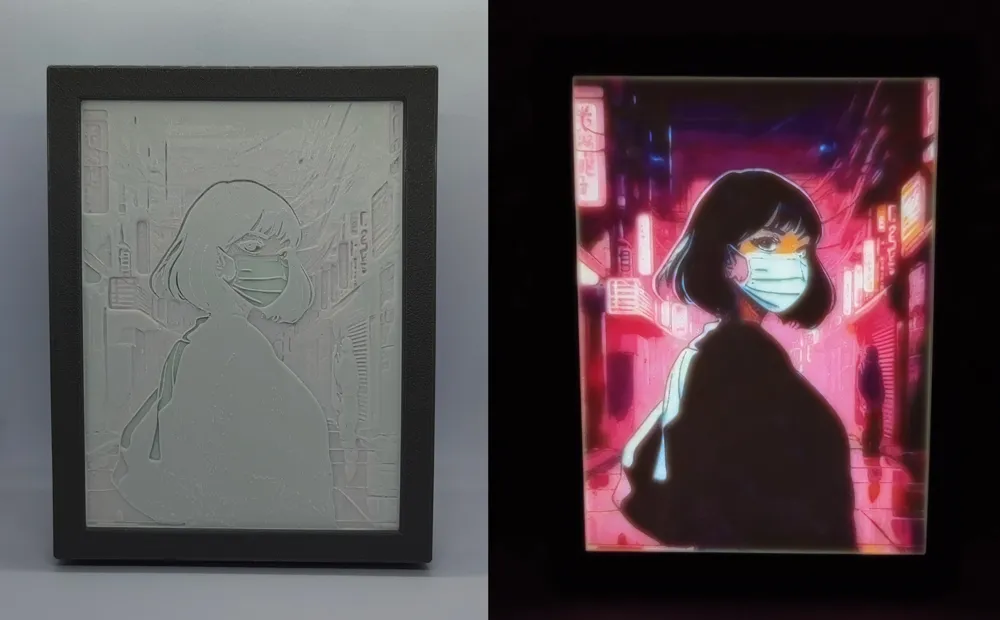
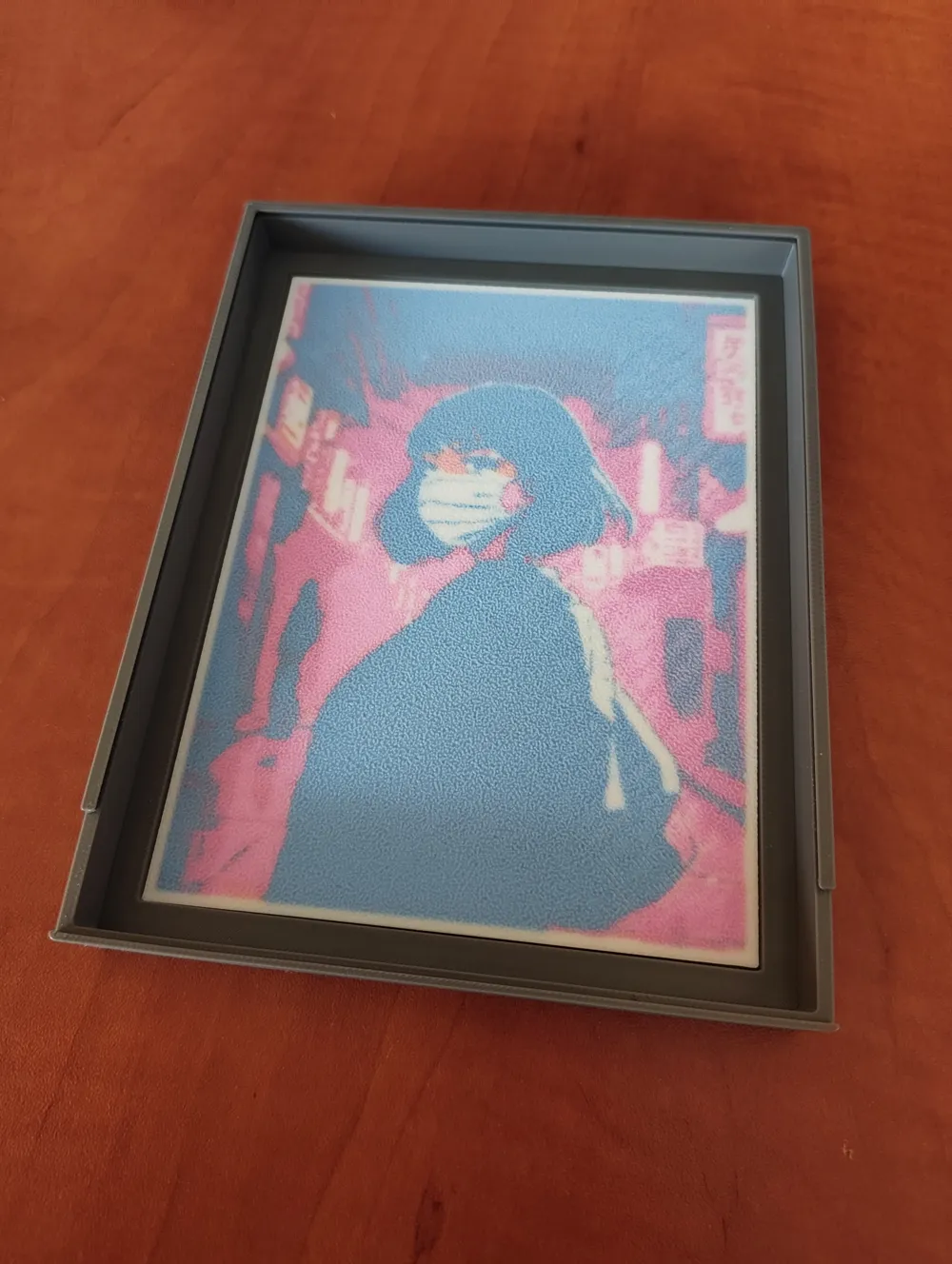
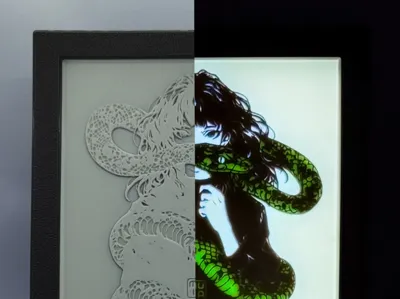
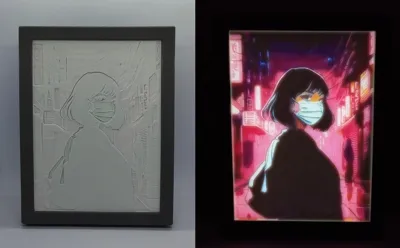
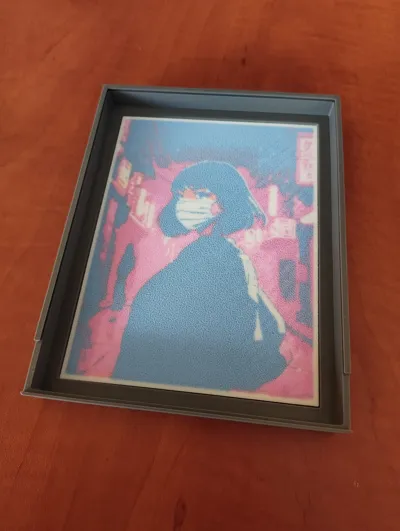
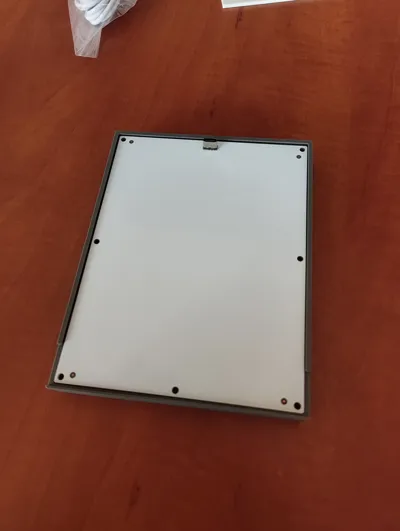
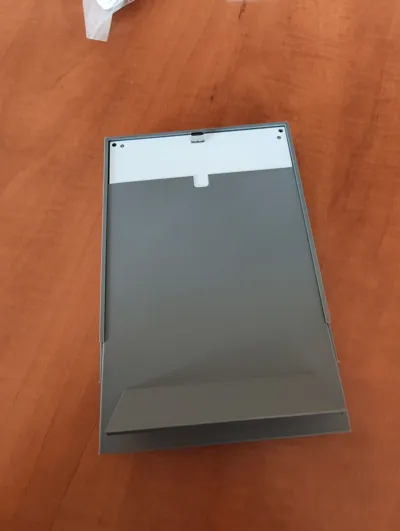
You probably know the great tool from makerlab that turns an ordinary photo into a beautiful lithophane with a full range of colors. The only downside for me has always been the included frame, which in many ways is not the best choice - light leaks, loose elements that fall out after time. In my project, I try to eliminate these problems.
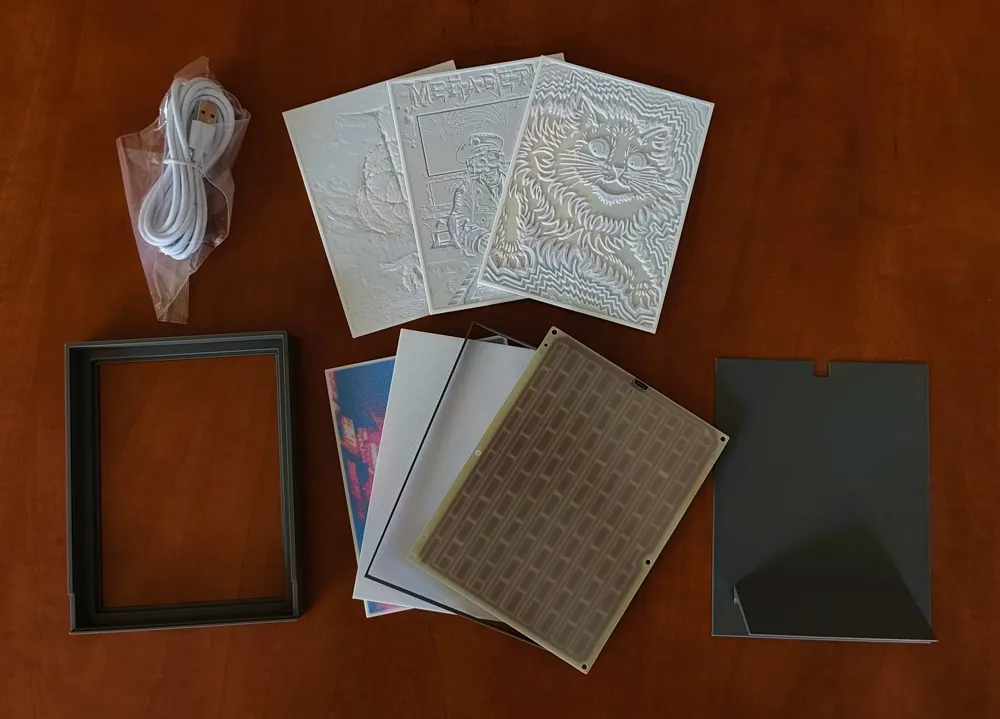
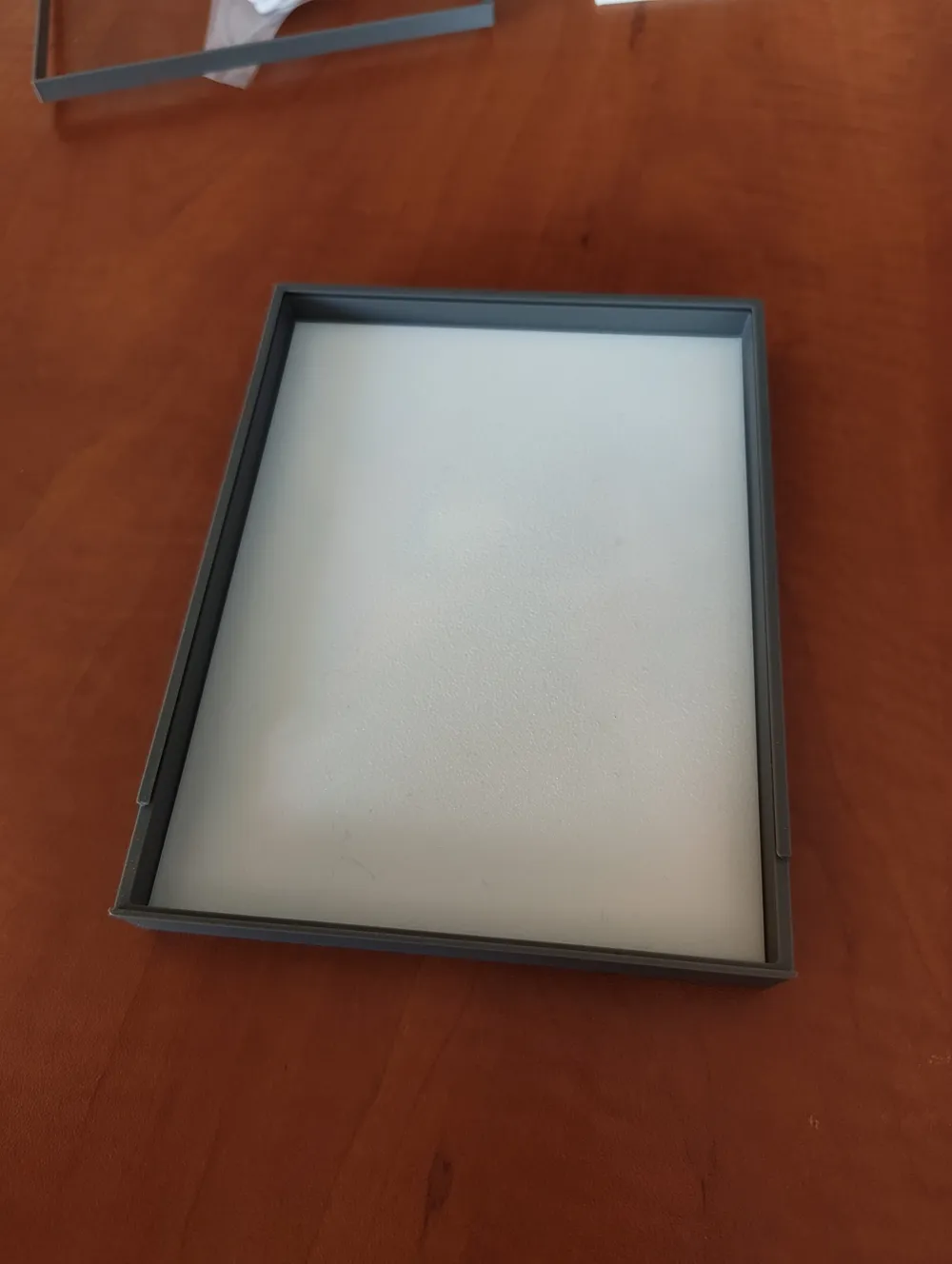
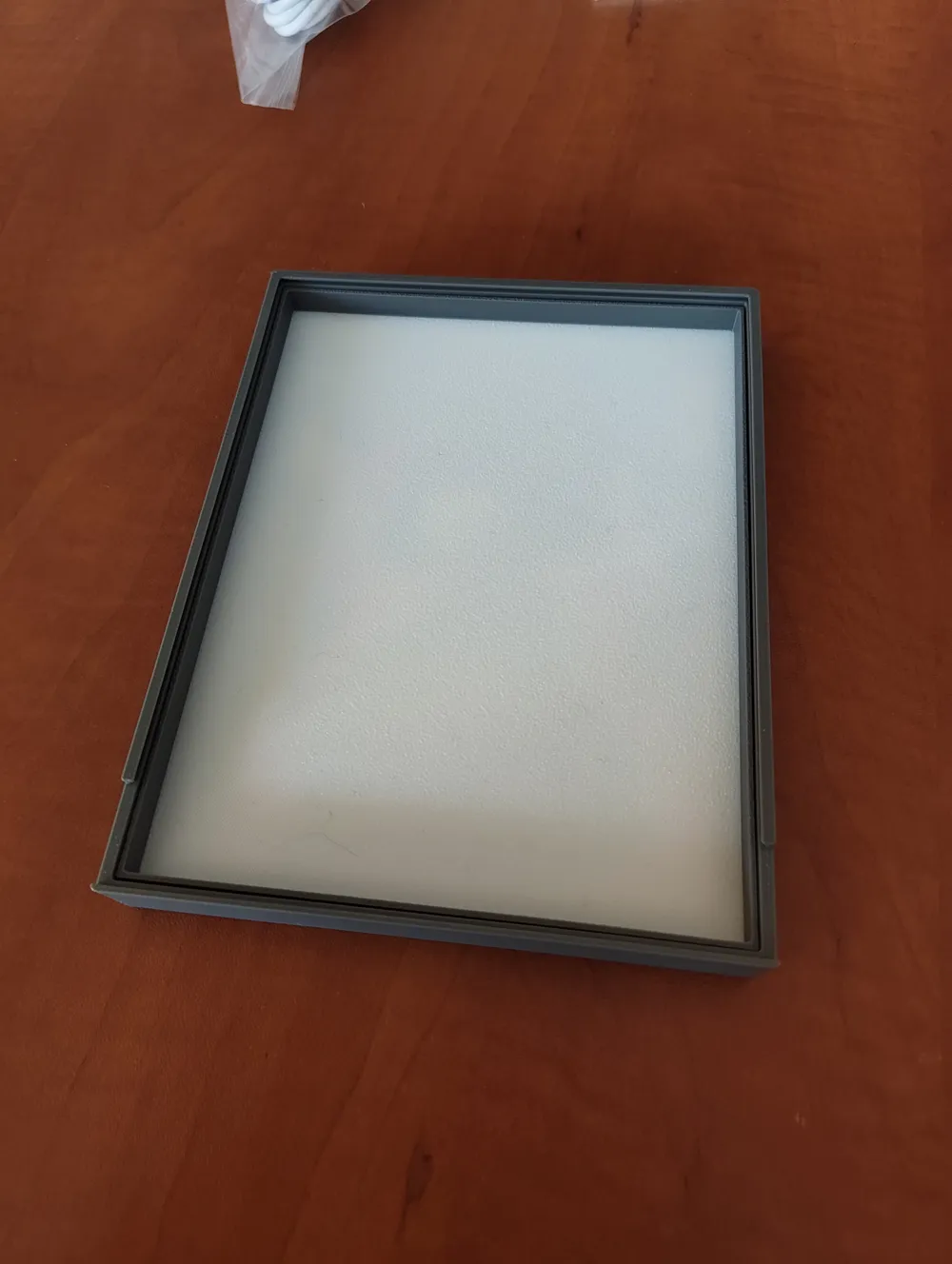
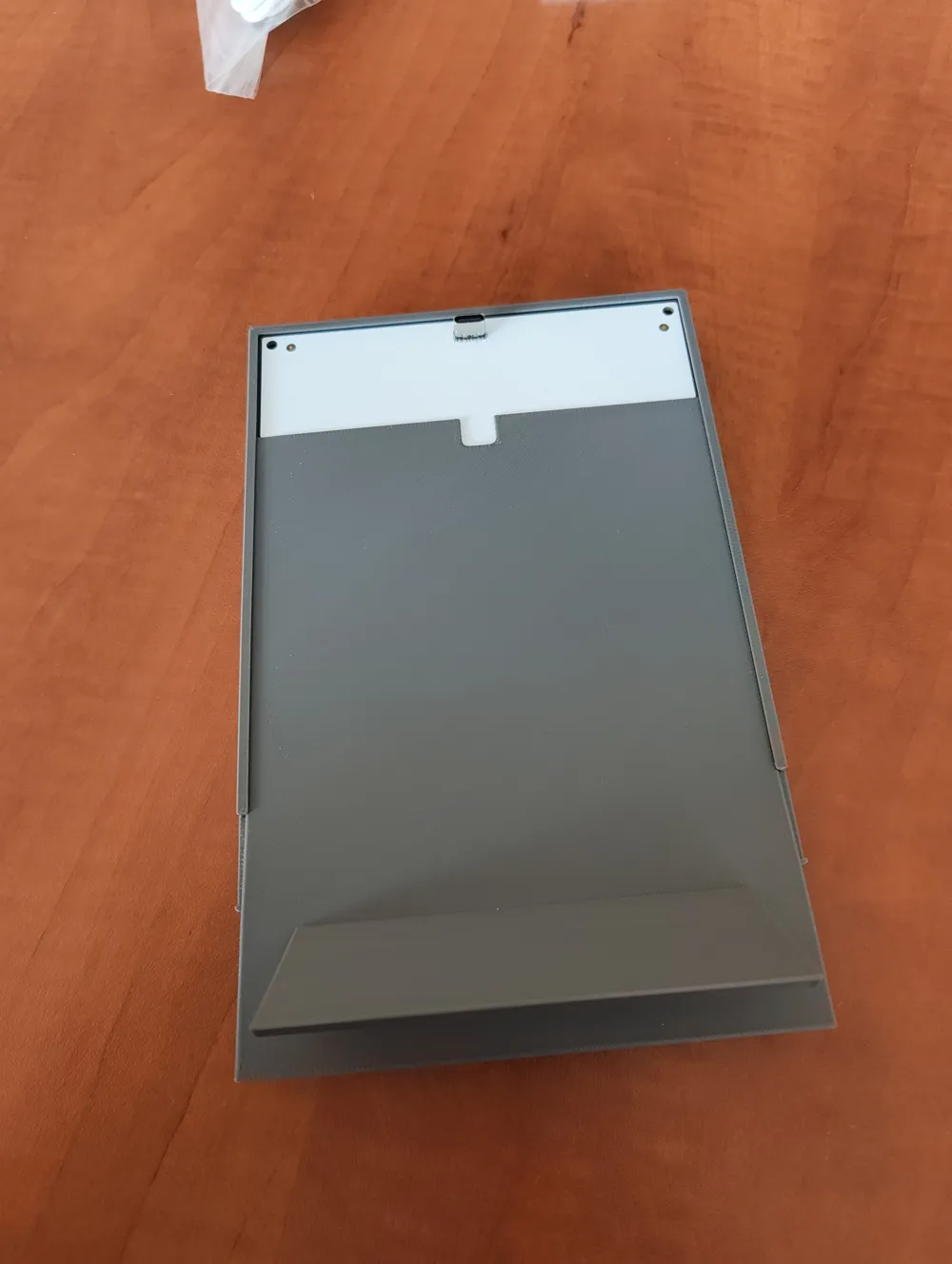
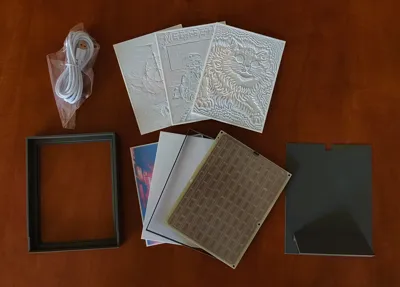
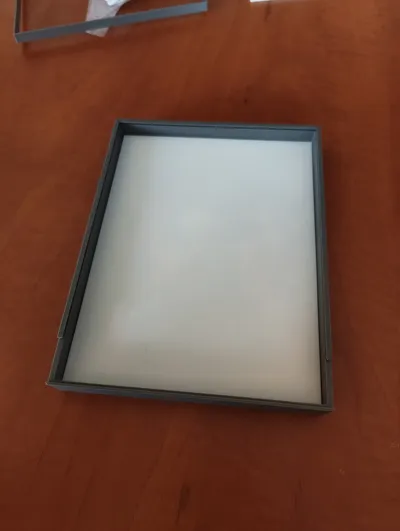
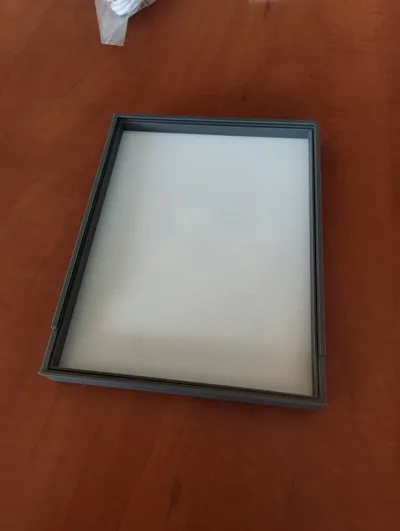
My frame, when assembled, is a solid whole and does not fall apart in your hands. I sacrificed the ability to quickly change the image for the absolute elimination of light leakage, which results in better illumination of the image. However, this does not mean that changing the image is not quick - unfolding the frame and putting it back together is child's play and takes a moment. Importantly, the frame maintains its original proportions, while looking much more elegant.
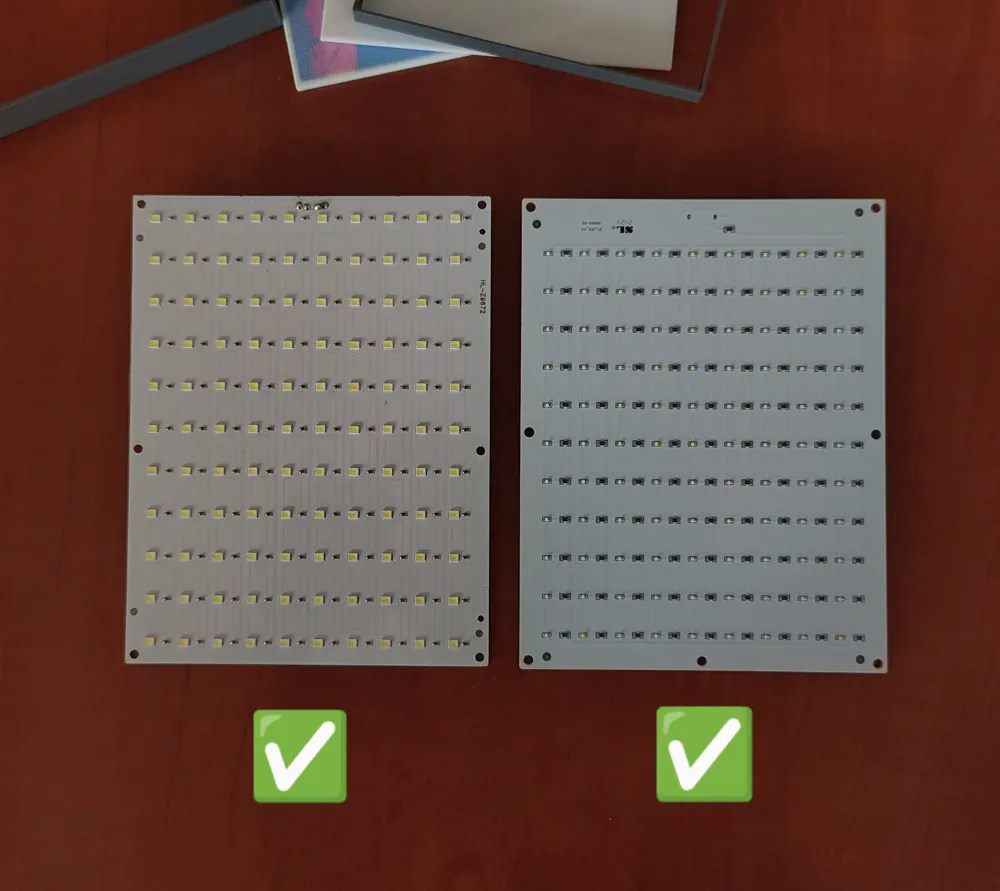
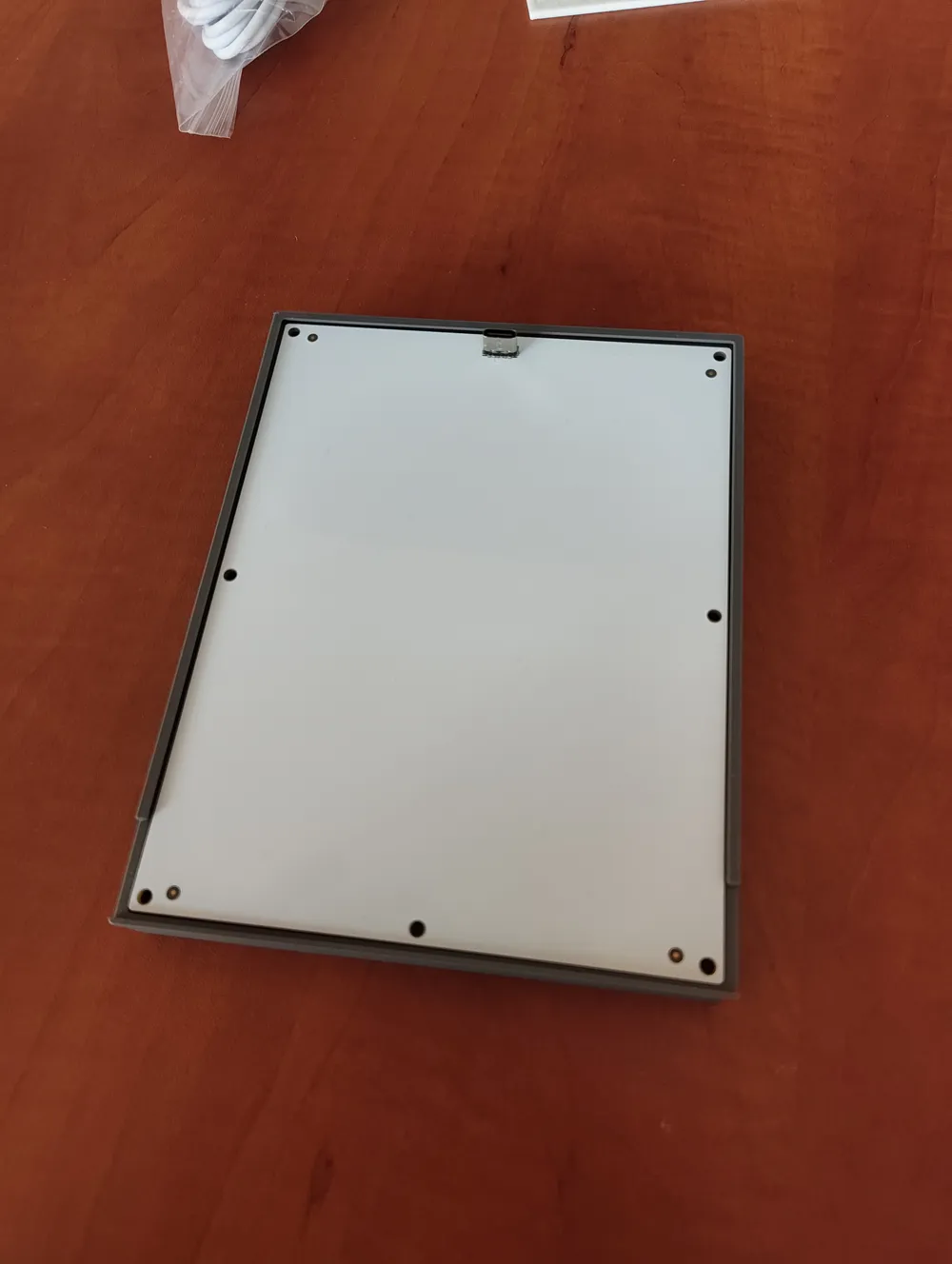
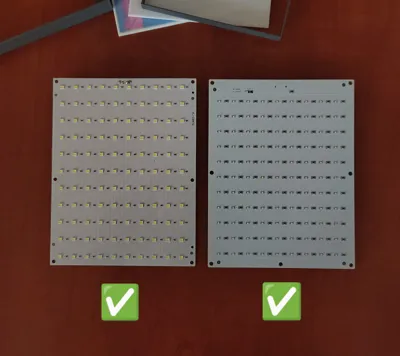
The frame supports not only the official LED panel from BambuLab, but also Chinese substitutes from Aliesxpress. There are 2 types of back panel available to maintain the possibility of placing the frame in horizontal mode.
The model does not require any changes in the slicer, and supports are not required either. To maintain the proportions of the elements, print with a 0.4mm nozzle with a layer height of 0.2mm (standard).
So far, I have not found a better alternative than my project, so I encourage you to check it out yourself and leave feedback on your comments and possible corrections. Happy printing!
License



Comment & Rating (16)