Search models, users, collections, and posts

Star Dragon

IP Report
Print Profile(3)

All
P1S
P1P
X1
X1 Carbon
X1E
A1
H2D
H2D Pro
H2S
P2S
H2C
X2D
A2L
A1 mini

0.16mm layer, 2 walls, 10% infill, 1 colour
Designer
8.6 h
1 plate
4.5(378)

0.16mm layer, 2 walls, 10% infill gyroid, support under chin
Designer
3.6 h
1 plate
4.4(162)

75% SCALE ~ 0.16mm layer, 2 walls, 10% gyroid infill
1.9 h
1 plate
4.3(22)

Open in Bambu Studio
Boost
2296
4546
634
338
13.1 k
6.6 k
Released 

Description

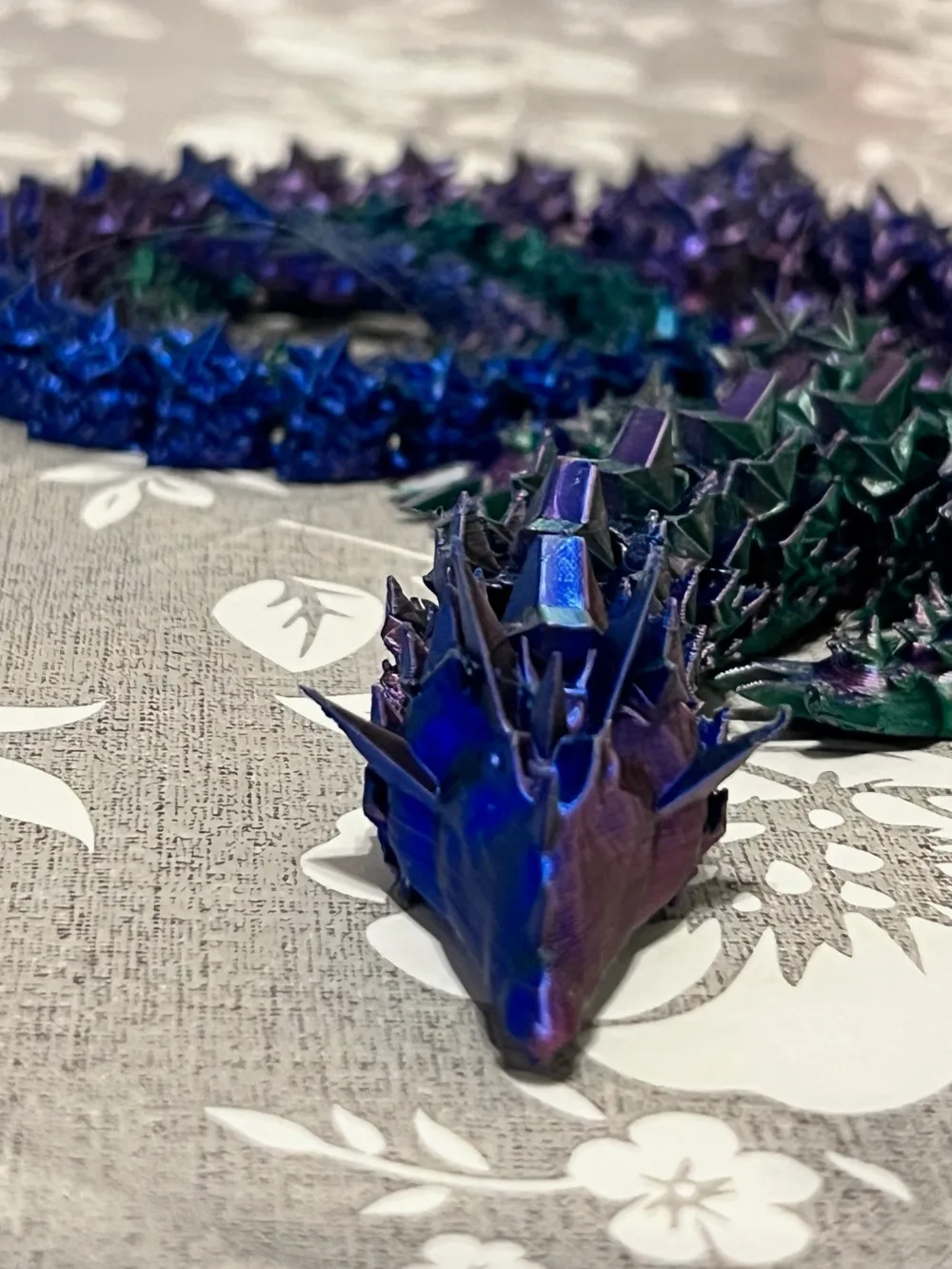
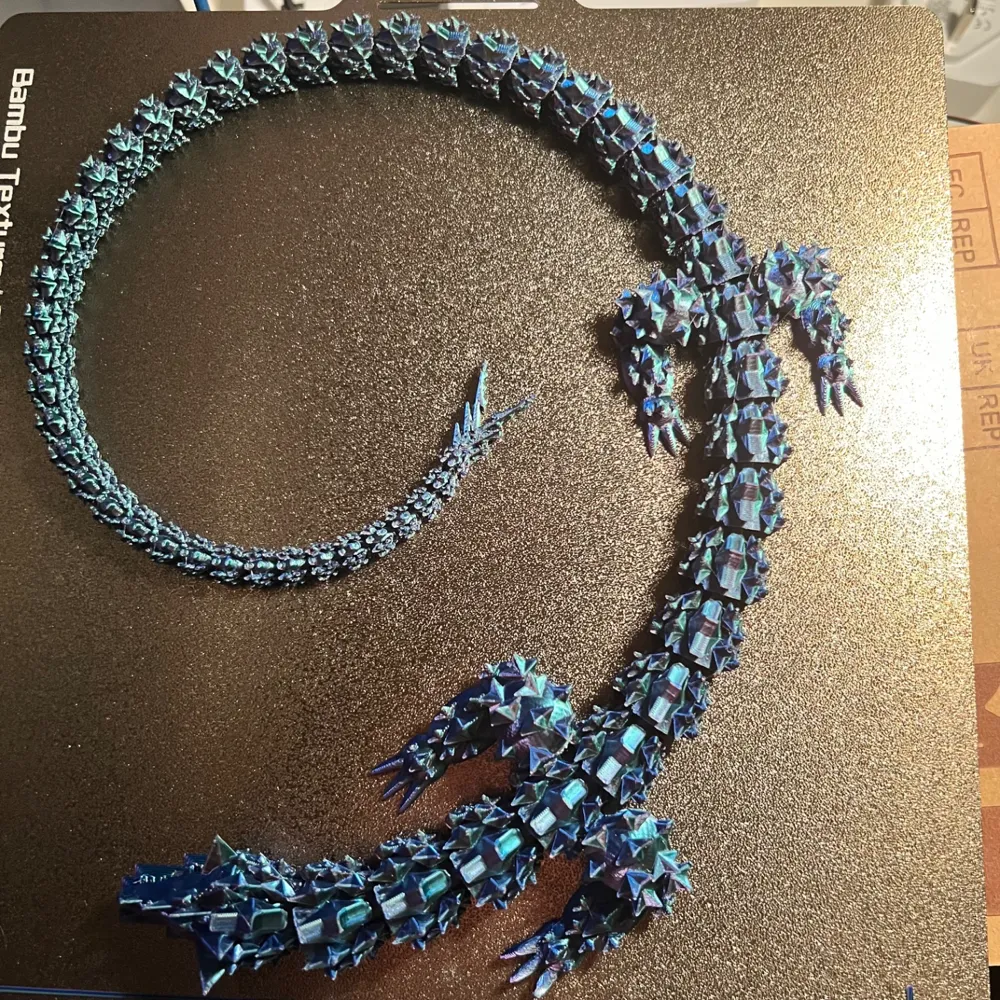
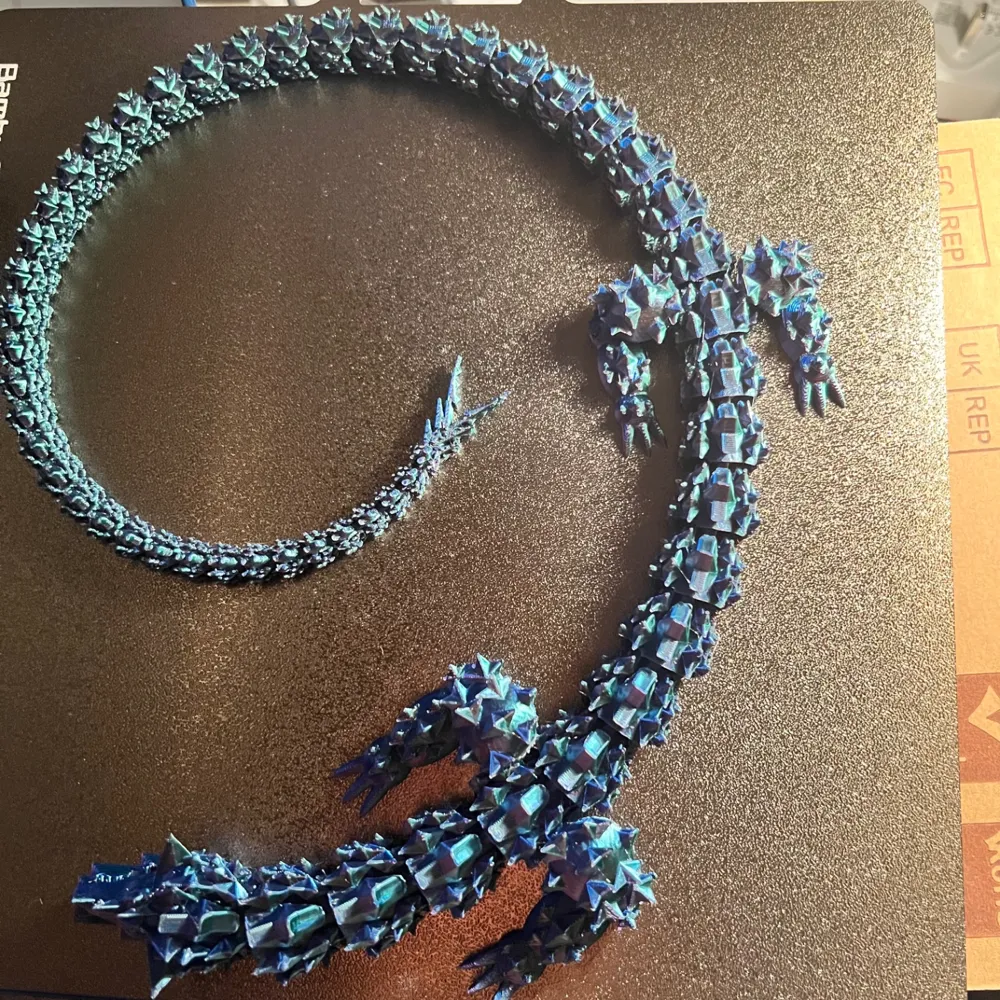
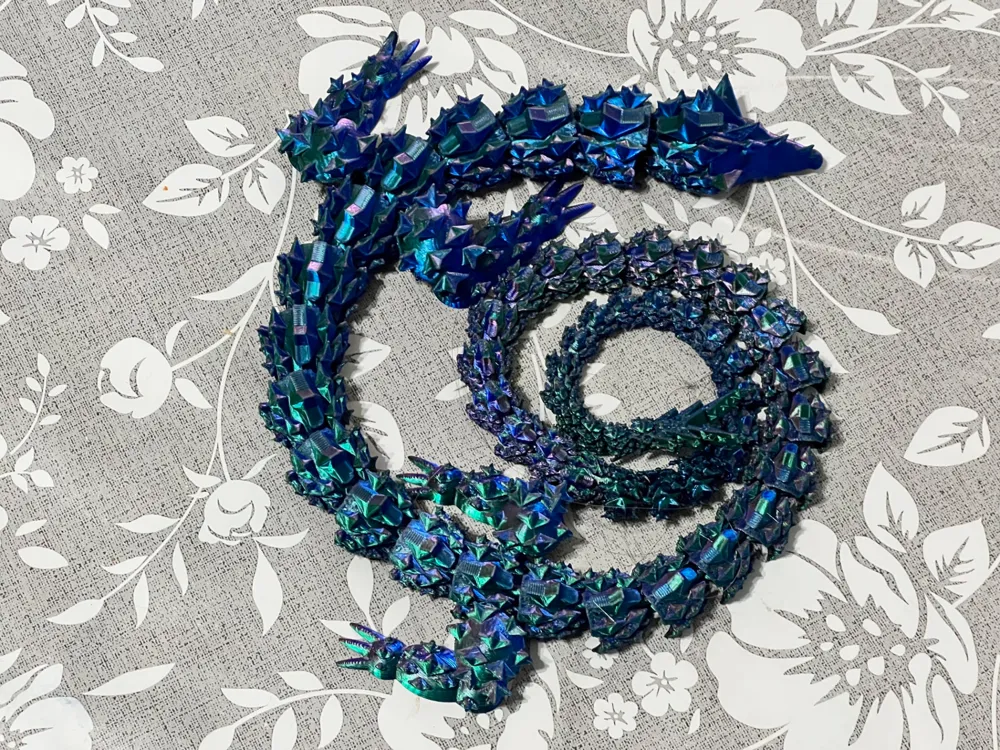
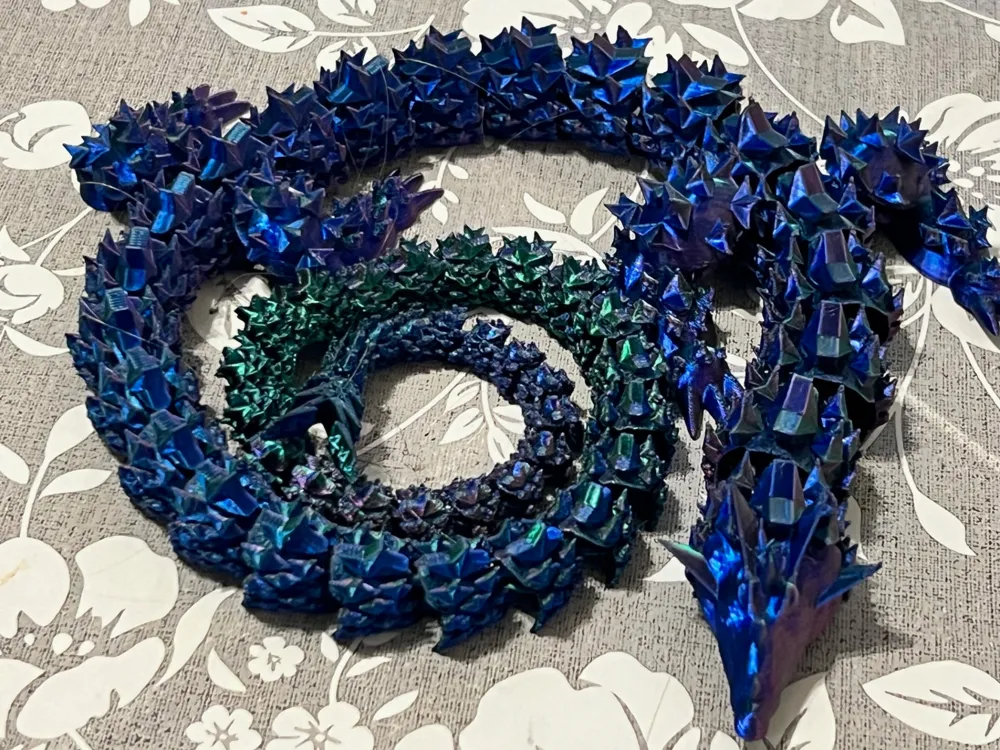
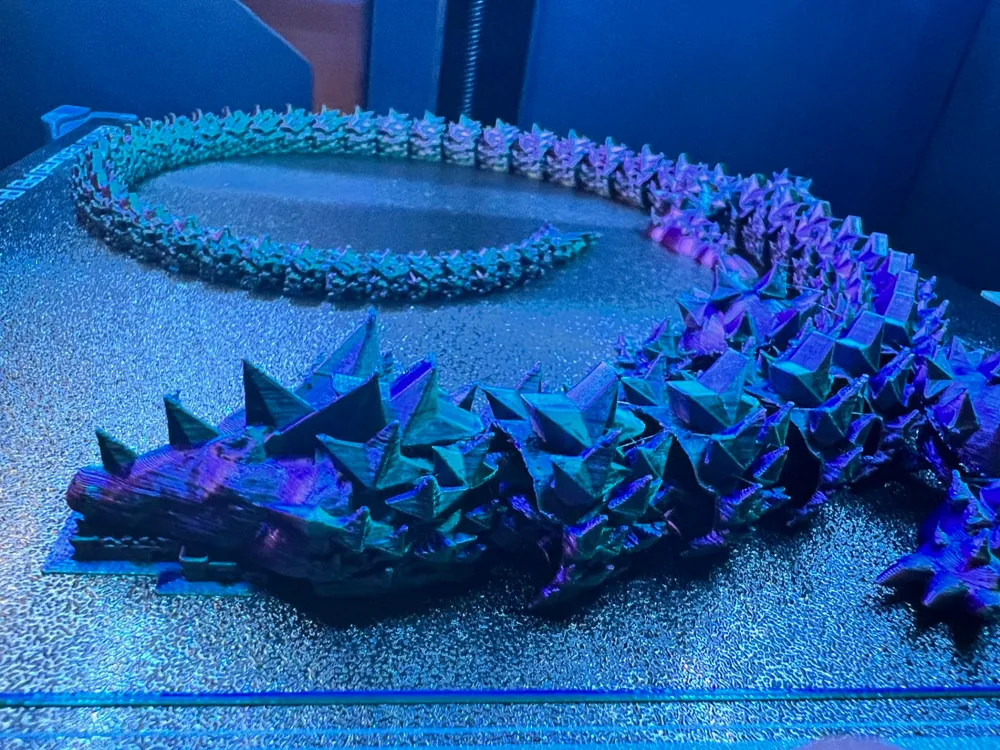
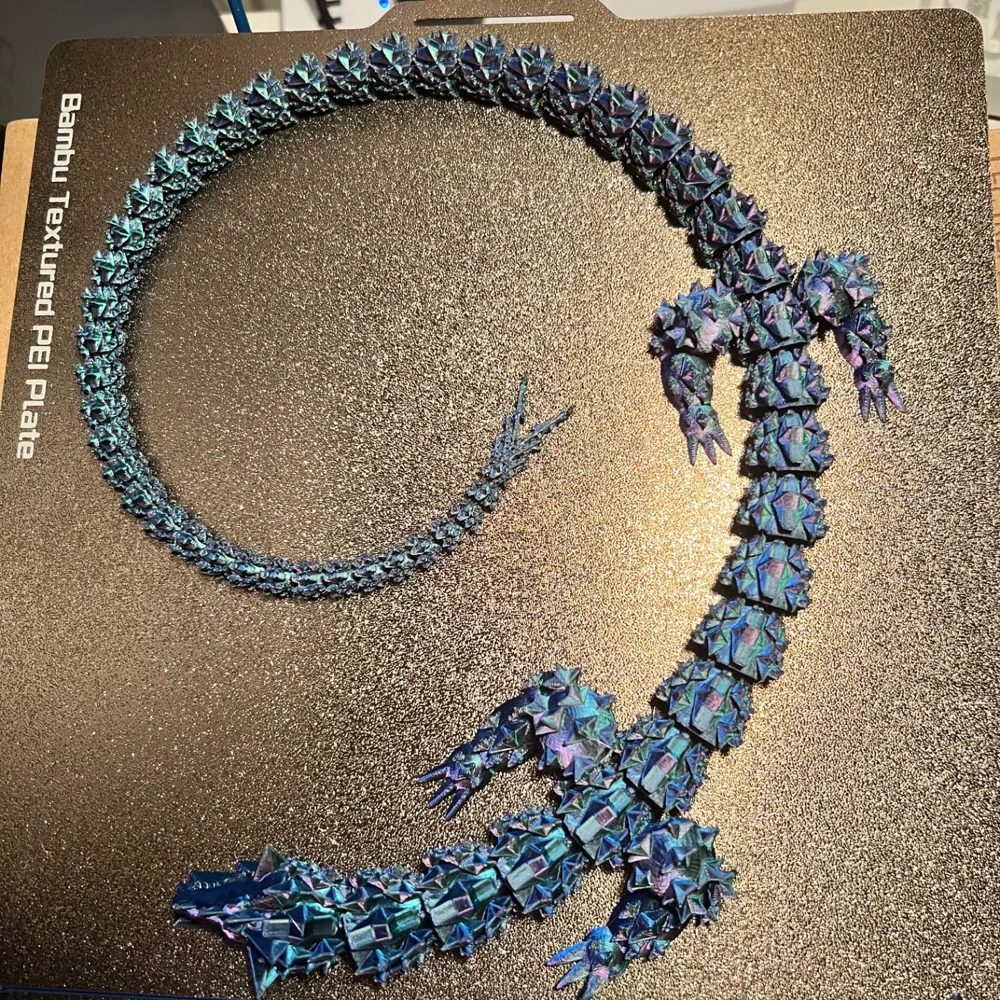
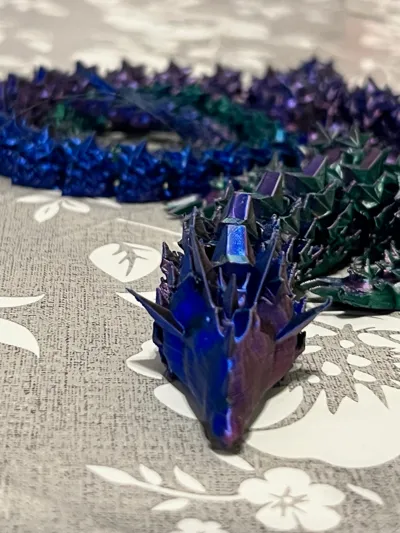
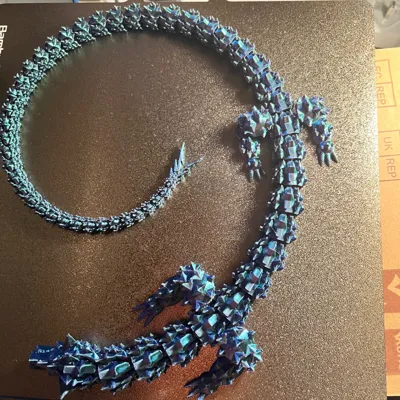
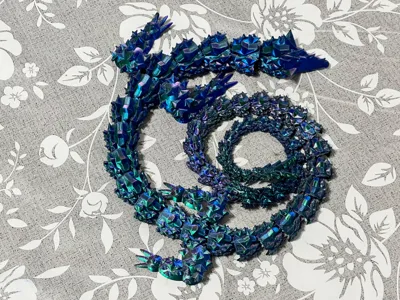
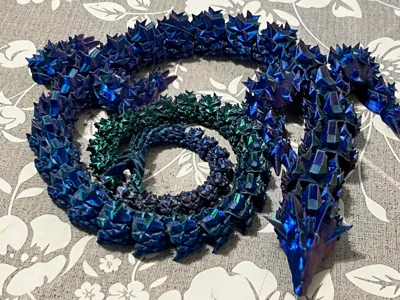
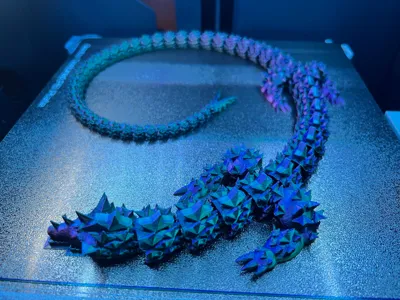
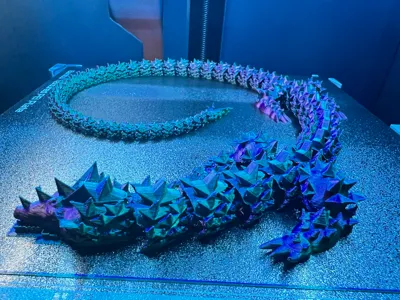
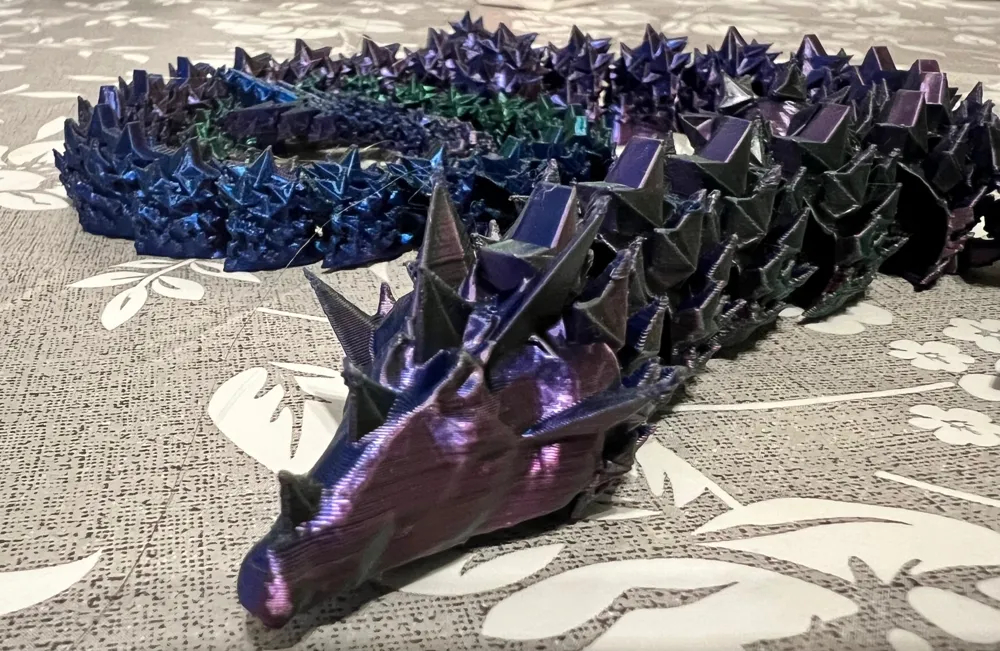
First large design done by 11 year old son and dad! It pushed Tinkercad and my laptop to the limit!

Following a youtube video on how to make an articulated dragon, he designed most of the dragon himself, with only a few finishing touches by dad.

He would be over the moon if people downloaded his model.

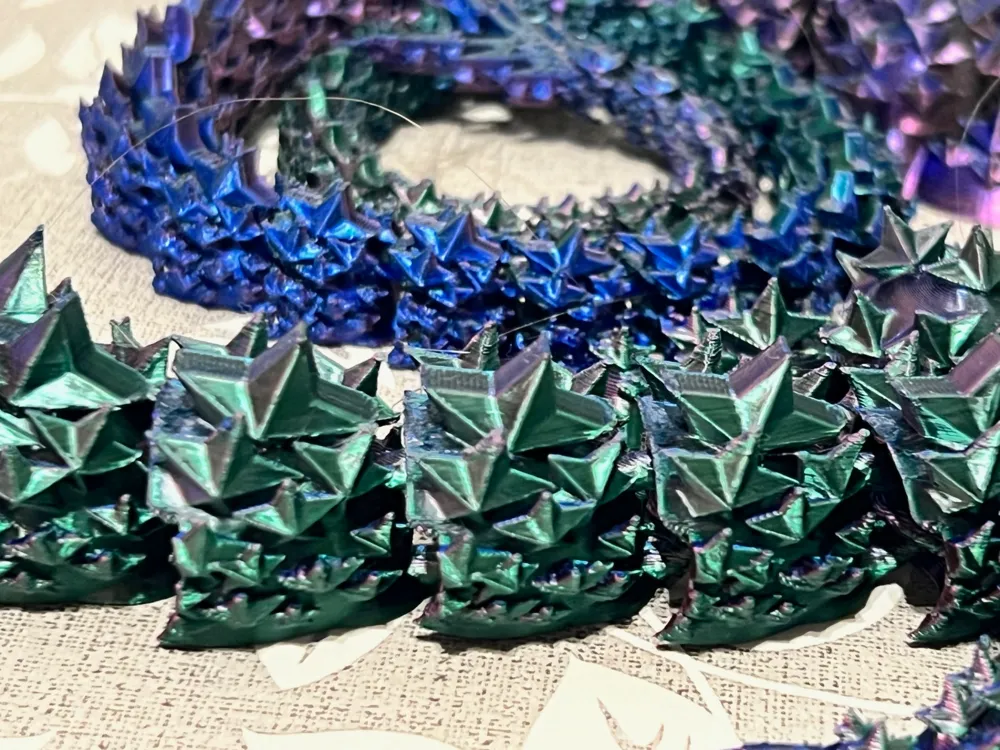
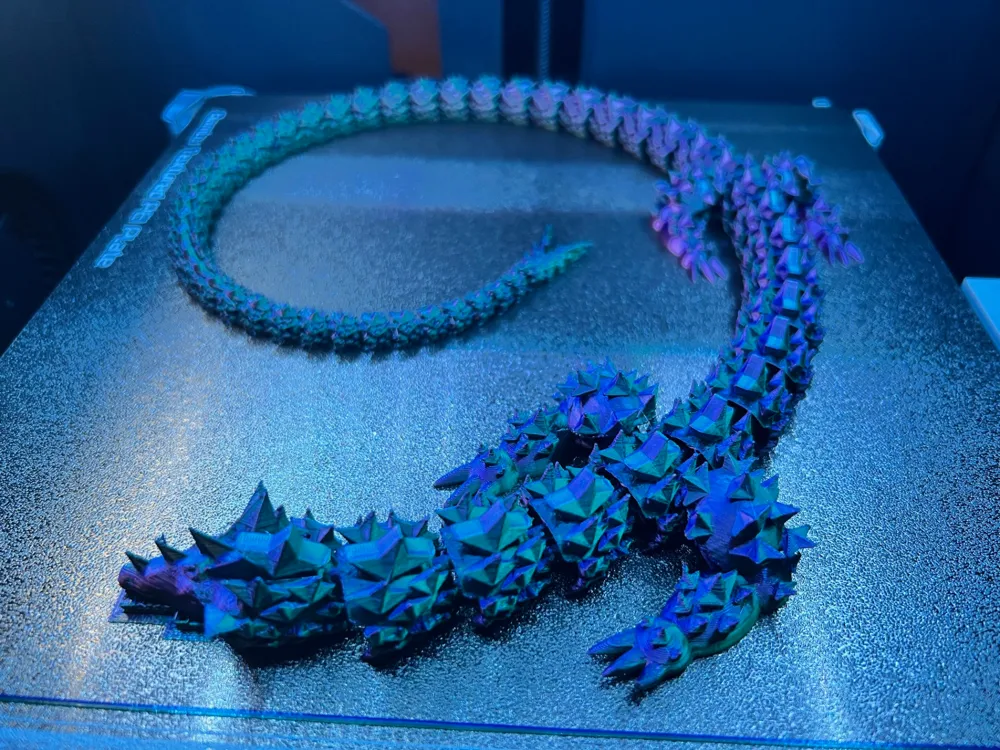
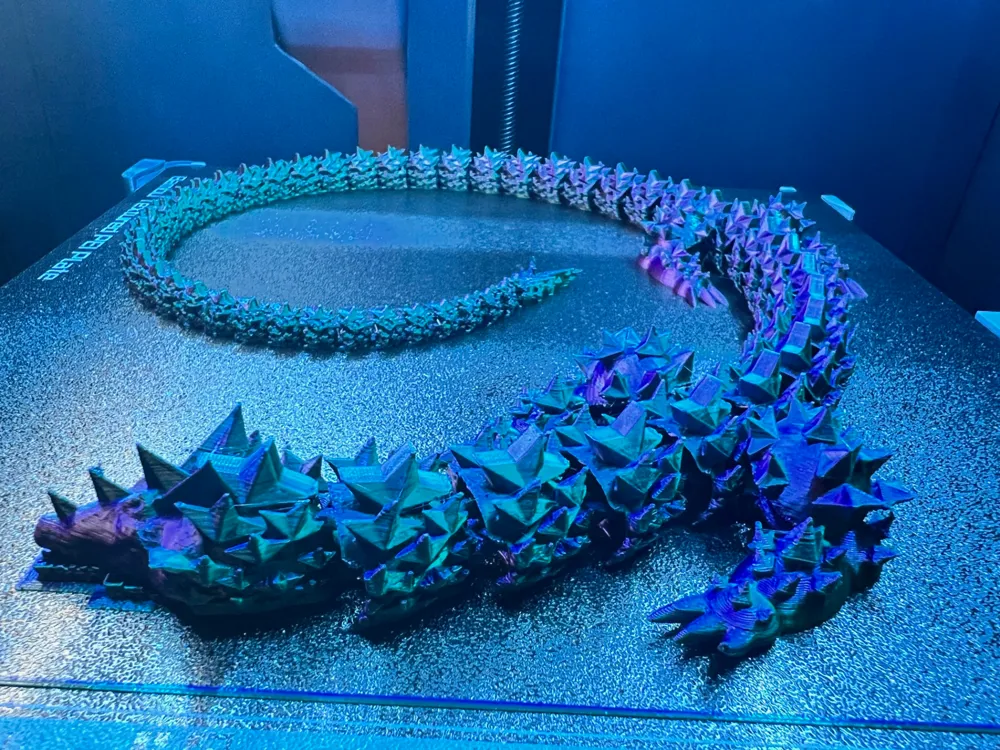
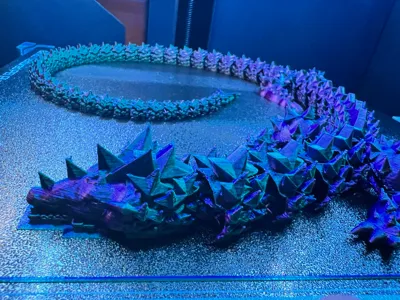
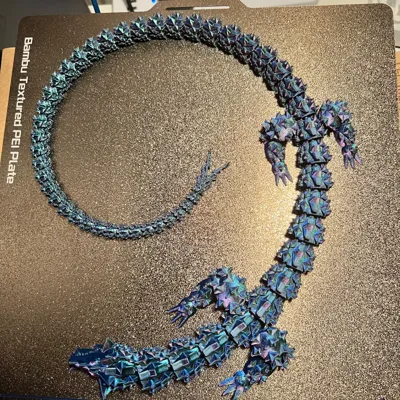
We printed it with Silk Rainbow PLA, so no colour changes needed.

Comment & Rating (634)

(0/1000)

I printed this one out the other day. I noticed in its original scale, it was so big, it was starting to touch the area on the plate where the flow calibration lines get printed. I tried it anyway and it had first layer adhesion issues in that area. I decided to scale it down to 90% size, which seemed to take up most of the plate without going out to those edges. It printed nicely on my X1C using multicolor silk filament, except one of the segments near the tail broke off when I tried to remove the brim I'd printed around it. Still looks good, and nobody would know it's supposed to have that 2-pronged tail if they didn't see the original print file.... but I'd say don't try printing with a brim if you scale this one down!
designer
19
Reply
This is a great print. it’s amazing in detail and the length for the final product. We did it in glow in the dark PLA and the result was amazing.
6
Reply
Hello, what brand of filament is it?
Show original
0
Reply
Print Profile
0.16mm layer, 2 walls, 10% infill, 1 colour
print came out great other than a layer issue on one leg. good detail in the model and the joints seem sufficient for the task at hand. Its a good test of how good your bed adhesion is.
The profile uploader has replied
profile
4
Reply
Thanks for the review. I’ve been using the gold PEI plate and had good success with the recommended settings.
(Edited)
1
Reply
how long is the dragon?
(Edited)
0
Reply
I don5 kno2 why, but every time I try to print something in the back corner of the print bed, and I mean anything, it always starts to worp, all the wile the rest of the print is perfectly fine can anyone please help me with this? idk what to do.
0
Reply
try cleaning your print bed with warm soapy water, there is probably oil buildup
0
Reply
check for a slight draft in that area. curling/warping prints is an indication of cooling to quickly. also as Riggy mentioned clean your print bed with hot soapy water, wipe it down with 90-99% rubbing alcohol as well.
1
Reply
It's because the claws are not level with the rest of the model. They are suspended just enough to be printed on layer 2. One quickfix for this is to lower the whole model by one layer height.
0
Reply
Print Profile
0.16mm layer, 2 walls, 10% infill gyroid, support under chin
Strength Issue:this dude is incredibly thin. he’s going to be so incredibly delicate. I didn’t read other reviews meticulously enough before letting my child print this. but the reviews make it clear, this guy is delicate.
Missing Model Parts:the tail has unused supports which tells me… it wasn’t done. again, once I scoured reviews, it was clear in all of the photos that the tail was not complete. it’s certainly a cute design. just… leaves a lot to be desired.
1
Reply
mine was worse lol
0
Reply
our dragon is also broken
Show original
0
Reply
Boosted
I find you a bit rude I looked at your photos and mine doesn't have these problems except for the tail and I find you rude because it's still an 11-year-old child who made it (with the finishing touches by his father) so don't be surprised if it's not perfect I find it incredible that an 11-year-old can do this I don't want to be mean to you but I found your comment a bit rude
Show original
0
Reply
Print Profile
0.16mm layer, 2 walls, 10% infill, 1 colour
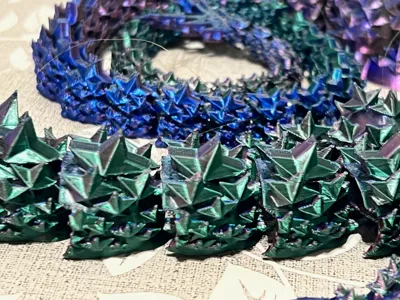
My son really loved the spikes on this dragon, but wanted it to be multicolored turned out great with the colors he chose.
2
Reply
Very cool design. Decreased the size and printed on a FlashForge Adventurer 3 Pro.
The designer has replied
designer
1
Reply
I’m glad it came out ok when you decreased the size. I was worried the tail would be too thin. What percentage did you use? thanks 👍🏻
0
Reply
Print Profile
0.16mm layer, 2 walls, 10% infill, 1 colour
don't know what happened
0
Reply
it is past the print space so it is like that. but it stile look's cool!
0
Reply
Print Profile
0.16mm layer, 2 walls, 10% infill gyroid, support under chin
Other Issues:very stringy
1
Reply
I have the same problem 😕
0
Reply
What kind of filament did you use?
(Edited)
2
Reply
Print Profile
75% SCALE ~ 0.16mm layer, 2 walls, 10% gyroid infill
Very cute! feels like just a spiky little guy, I like the model, had no issues
0
Reply
I printed it at 70% size by the way! I think it suits it, feels like a cute little work
0
Reply