
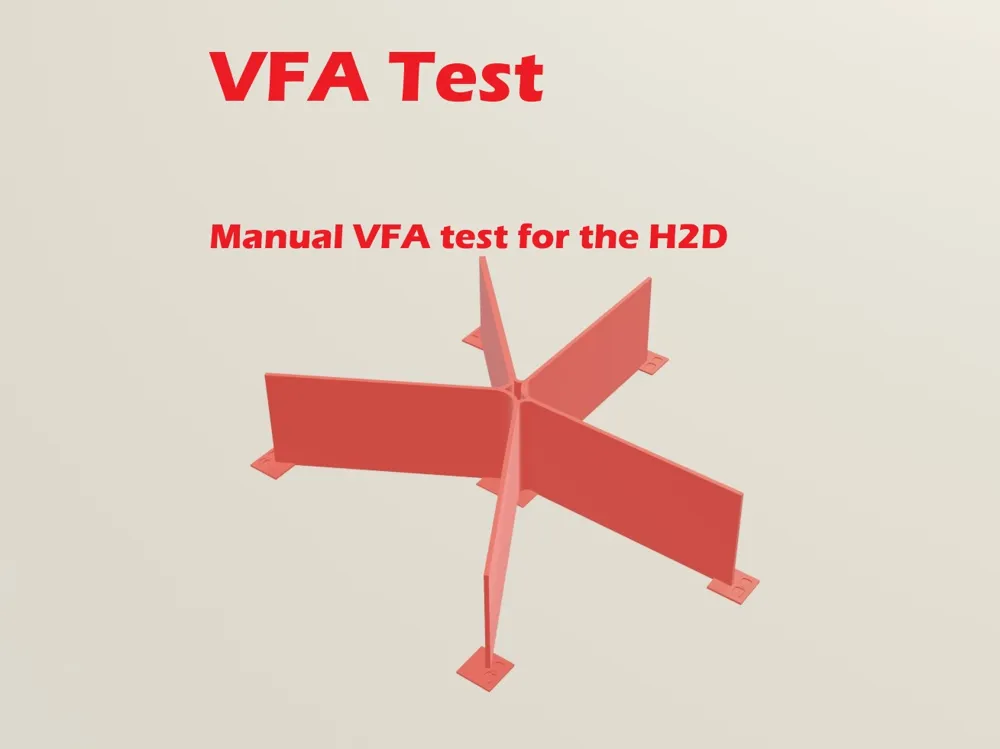
H2D Manual VFA Test
Print Profile(3)


Description
Boost Me (for free)
If this is a useful tool for you, please give it a boost.
Thanks!
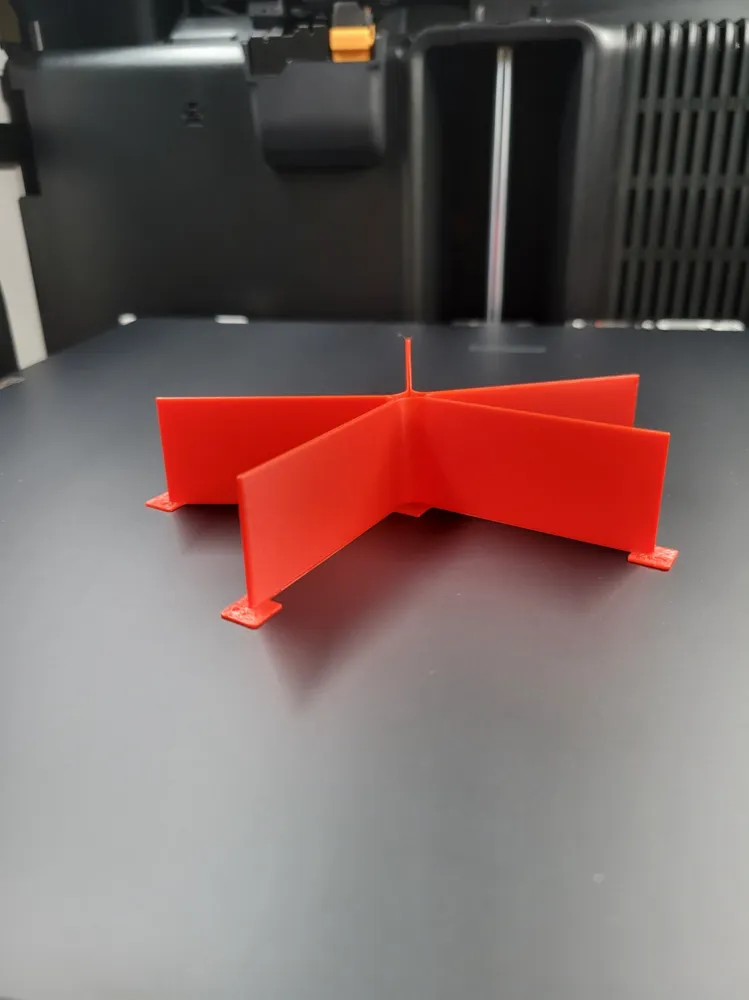
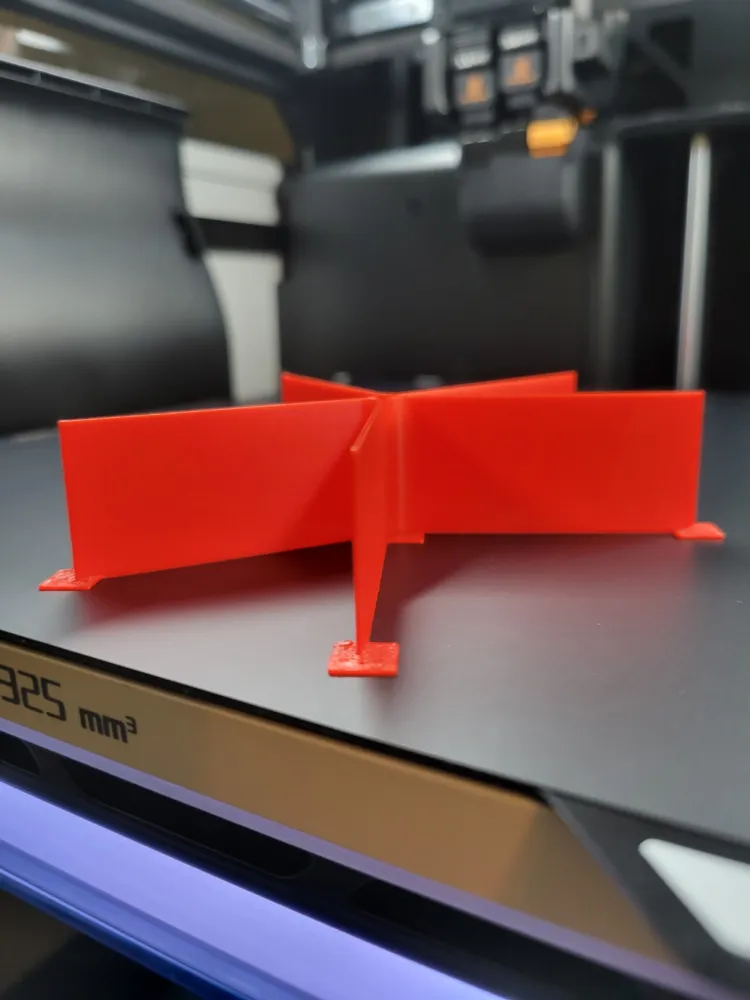
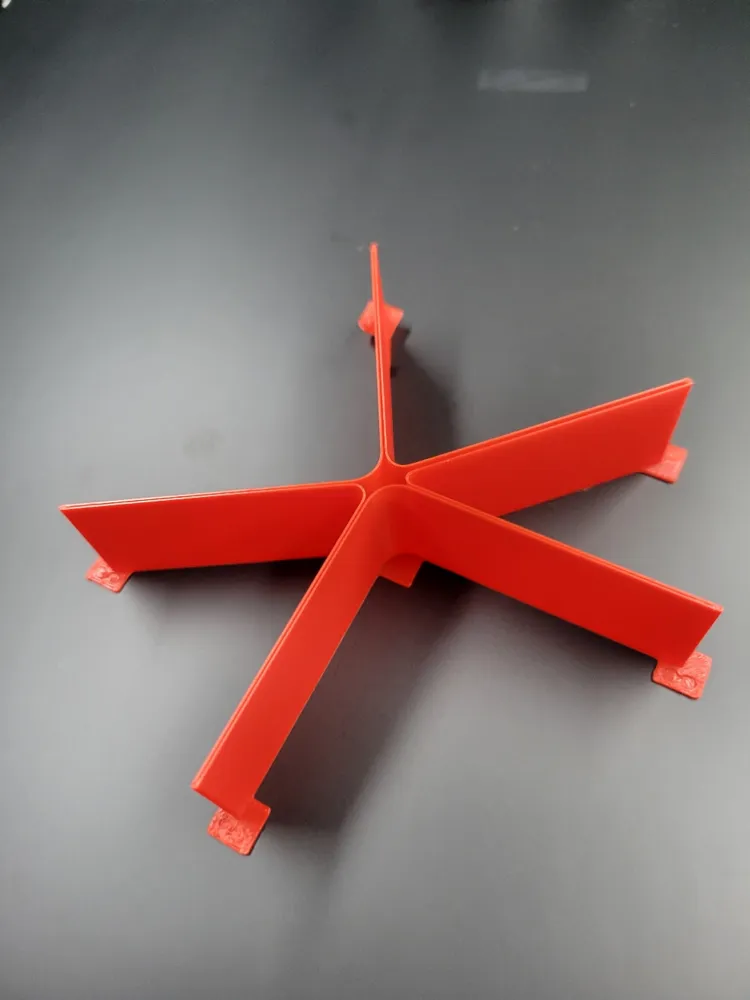
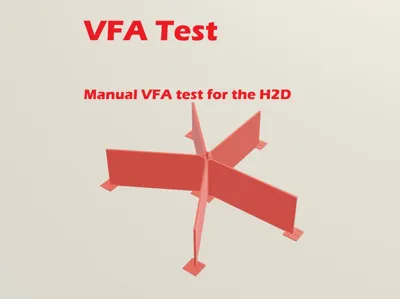
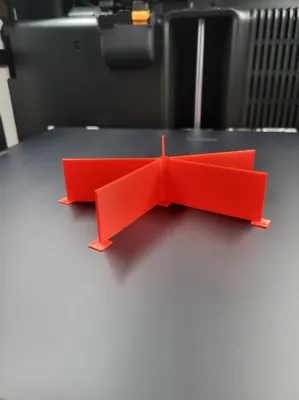
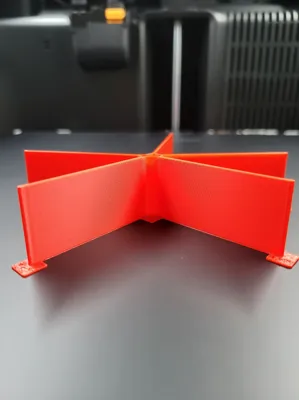
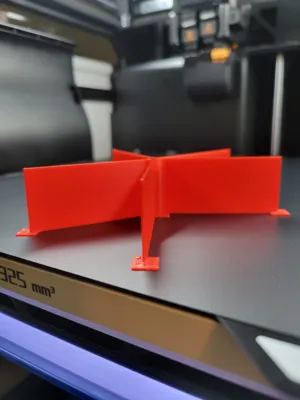
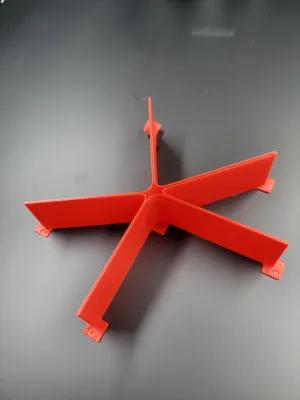
This is a manual VFA test that you can run on your H2D (or any printer). As of now, Bambu Studio appears to have a bug that limits the ability to add in height modifiers to these test prints. Because of this, you can only test one speed at a time. I chose 25mm Z height, but feel free to uncouple the scaling locks and lower the Z axis to the level you prefer for a quicker test.
There will be tests for 50, 75, and 100 mm/sec.
Running the test:
- Choose the speed you would like to run the test for (generally all three is ideal)
- Modify the Z height if desired (perfectly fine to leave it alone)
- Run the print
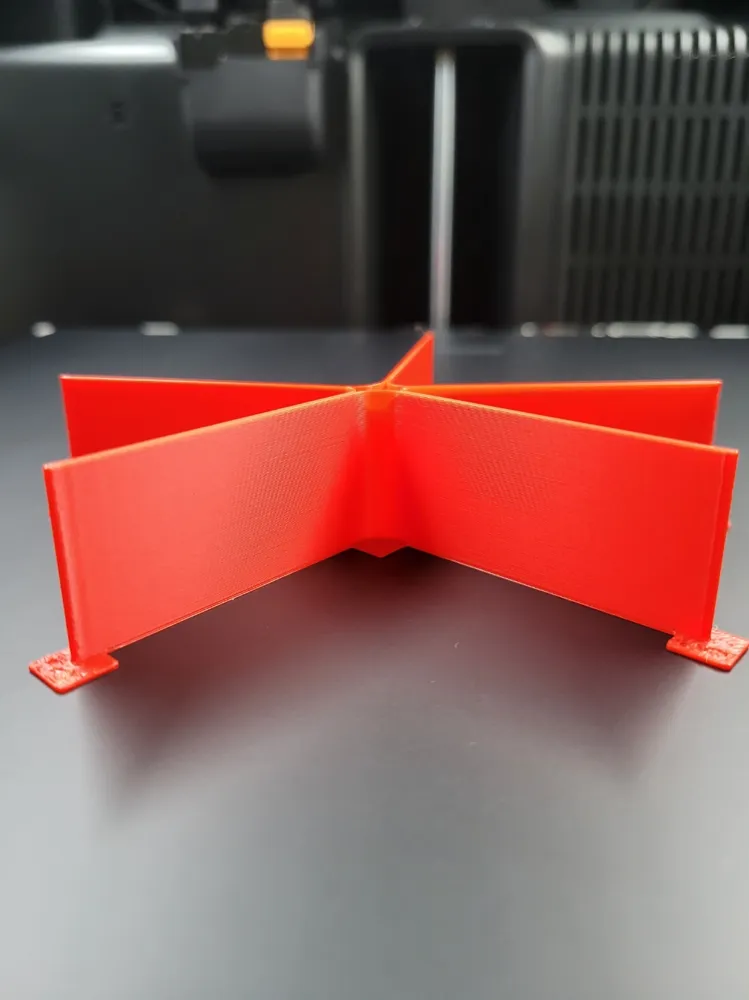
- Assess the vertical lines (artifacts) on the straight tall surfaces.
Ideally, there will be zero artifacts, but that is not reasonable. You should expect to see artifacts, but only very slight. If things are working well, you will need to inspect it very closely to find the artifacts. Also note, the different areas of the print will show vertical line artifacts differently, so look around the entire print for a full assessment.
License



Comment & Rating (0)