
Fidget Clicker
Print Profile(2)


Description
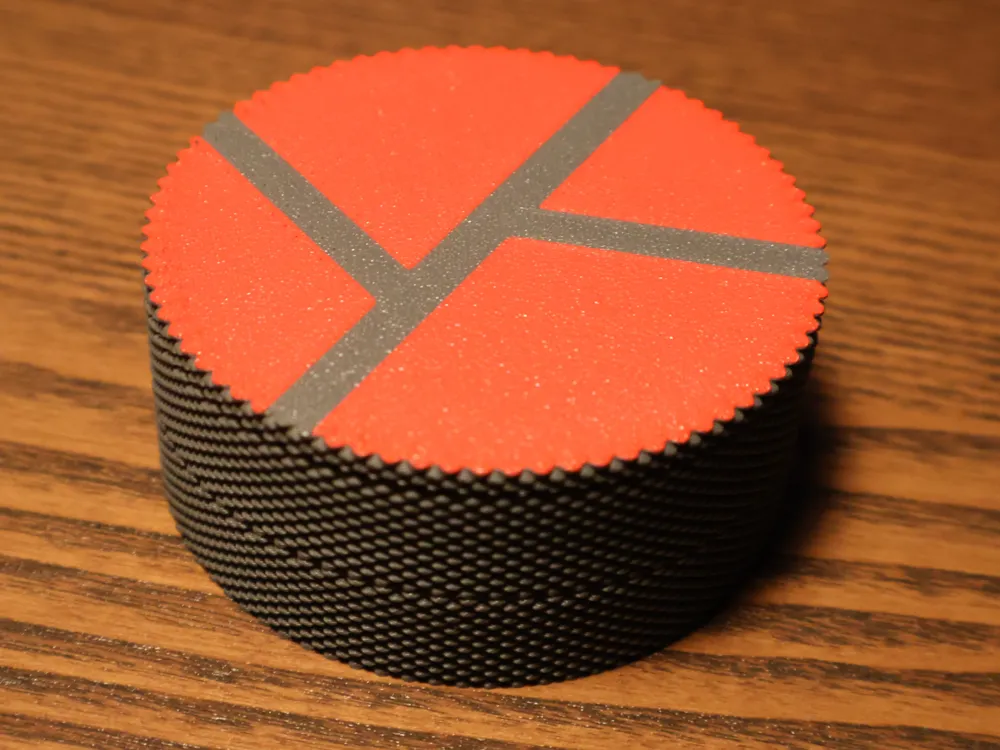
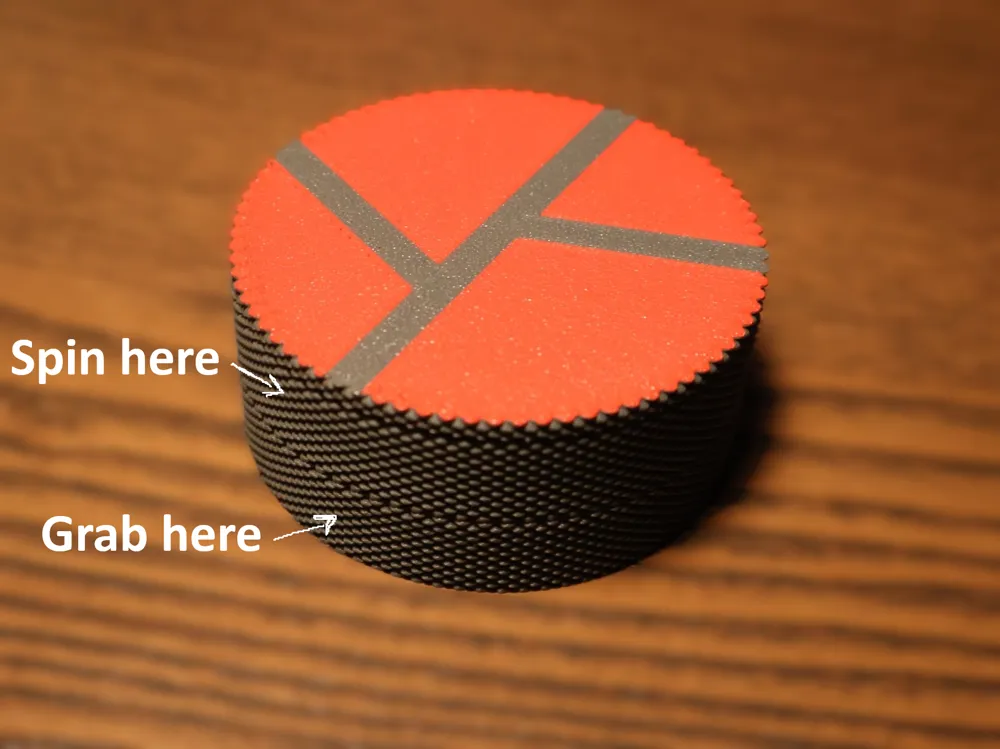
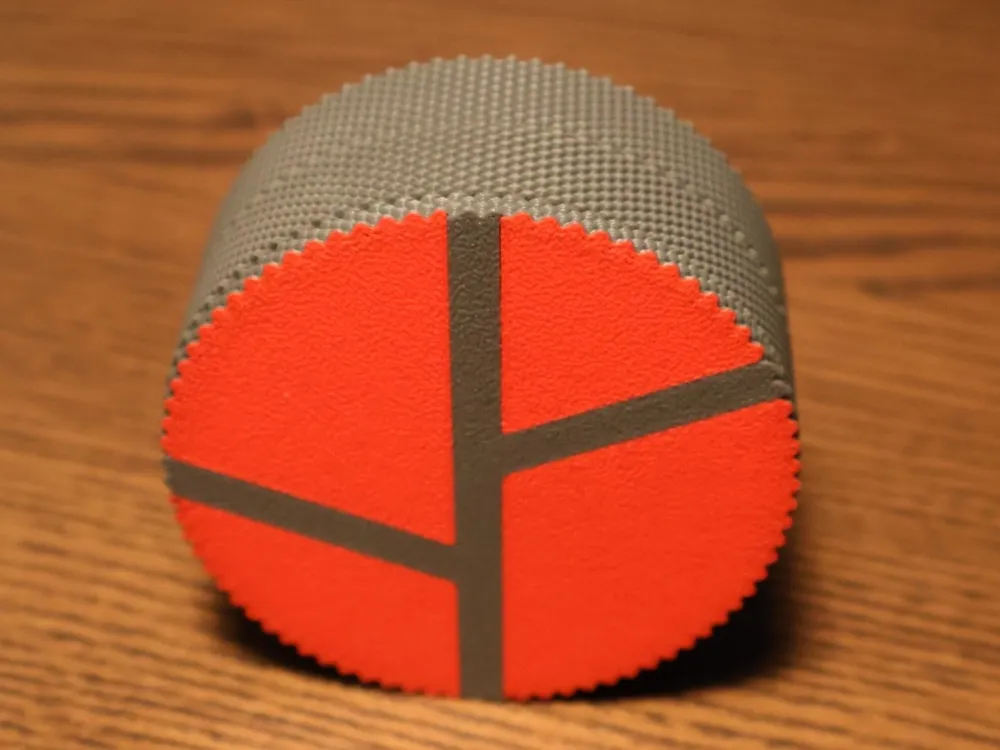
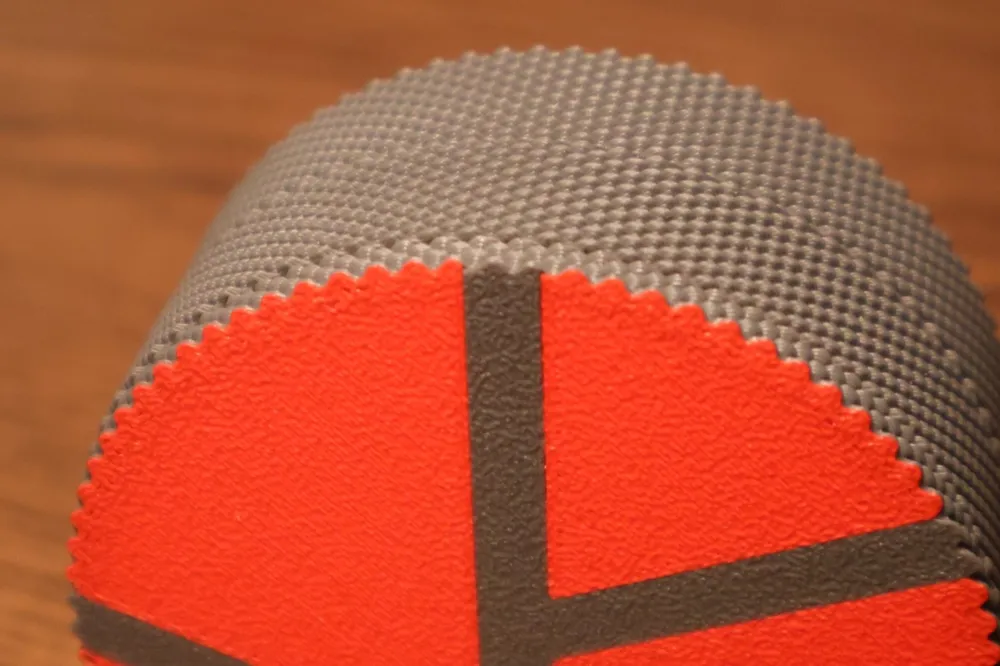
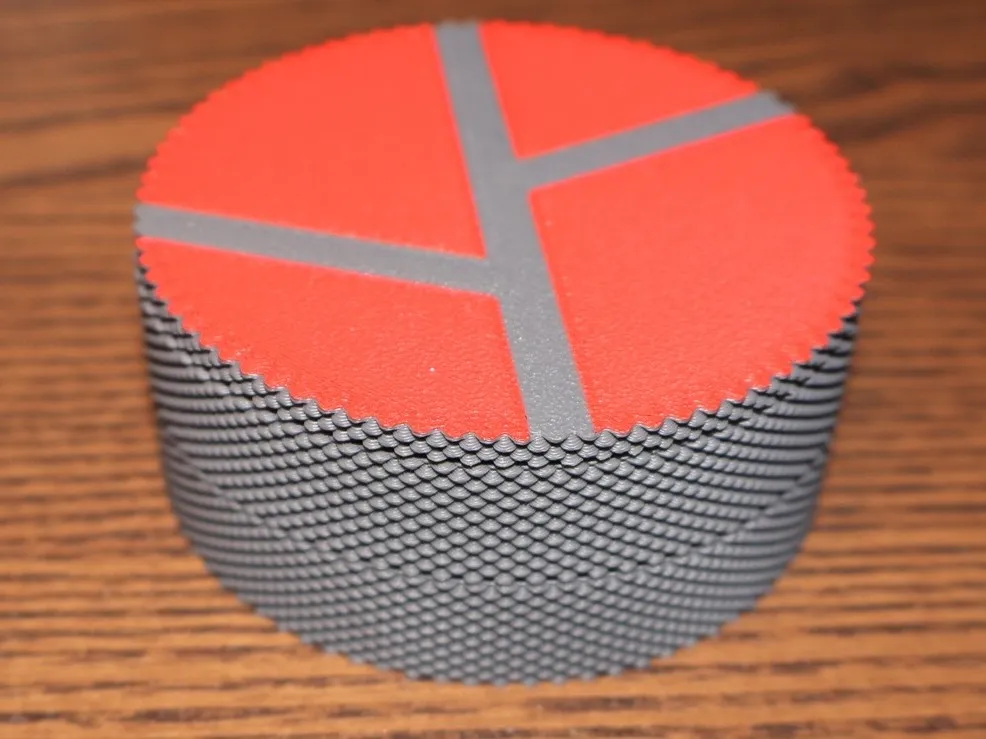
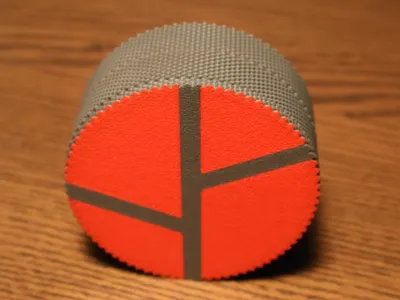
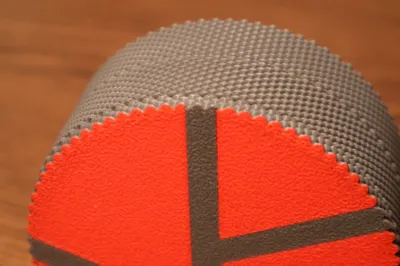
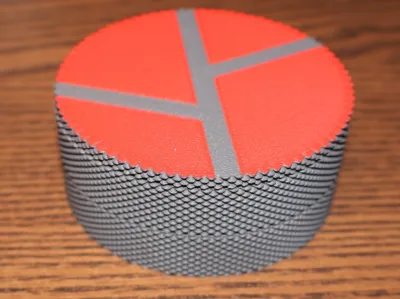
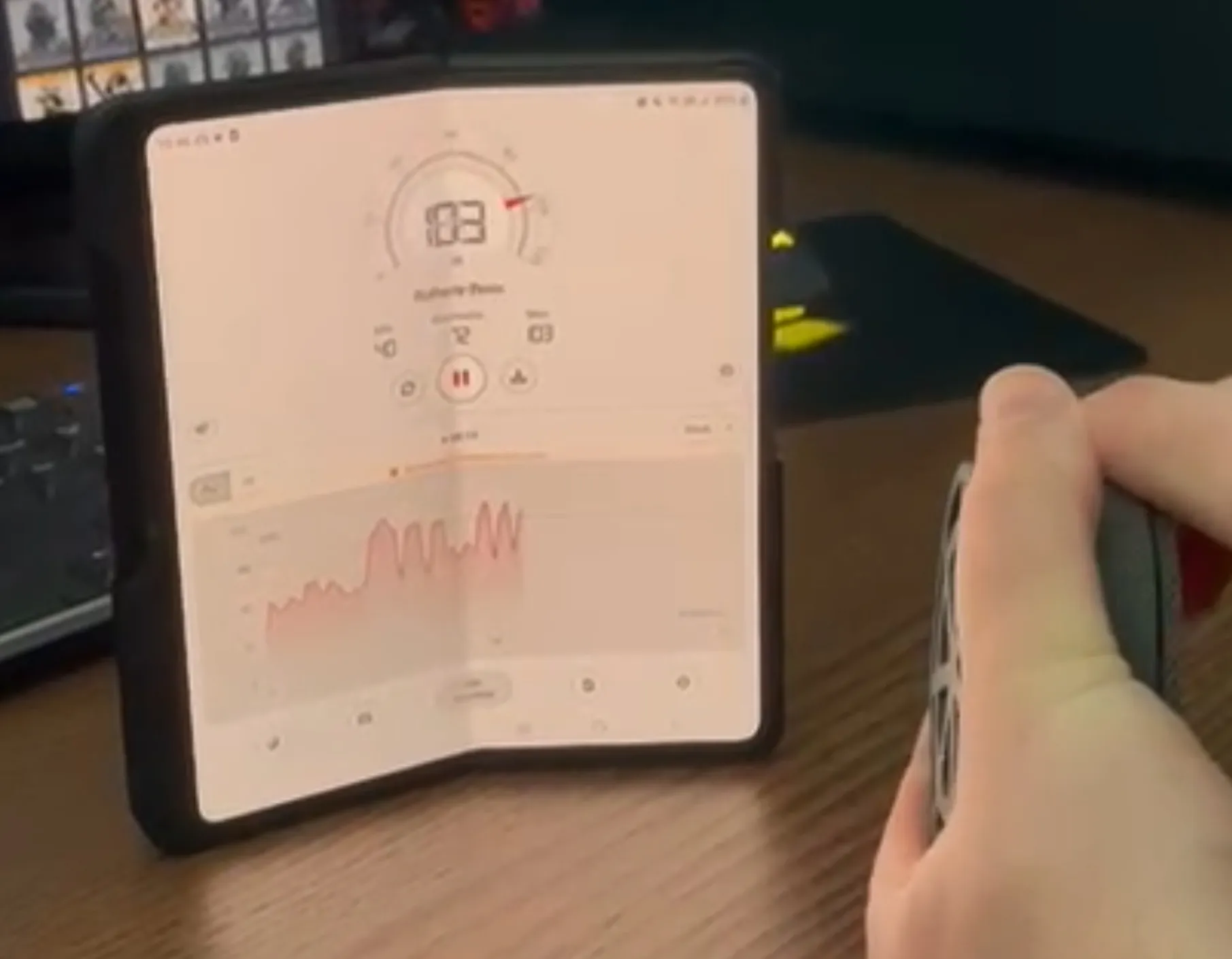
This Fidget is LOUD
(103 db peak)
(Assembly below)
ASSEMBLY:
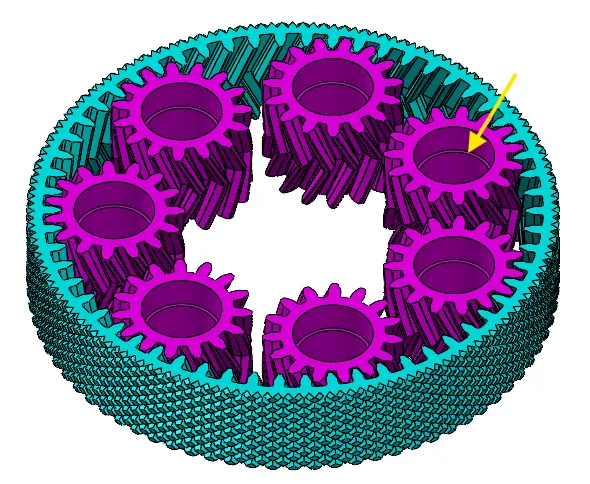
Step 1:
Make sure you lay the gears on a table out like this:
!!__Make sure the slope of the pink gears point up!__!!
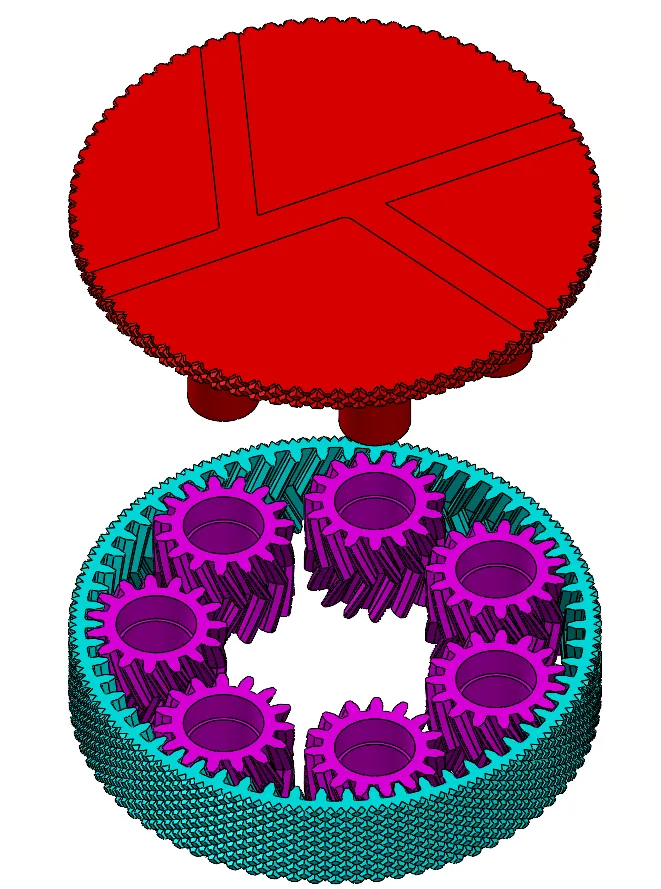
Step 2:
Grab the gears off the table with the red part.
You have to put the red part through the holes.
Grab them and flip them over like the last of the 3 picture group below:
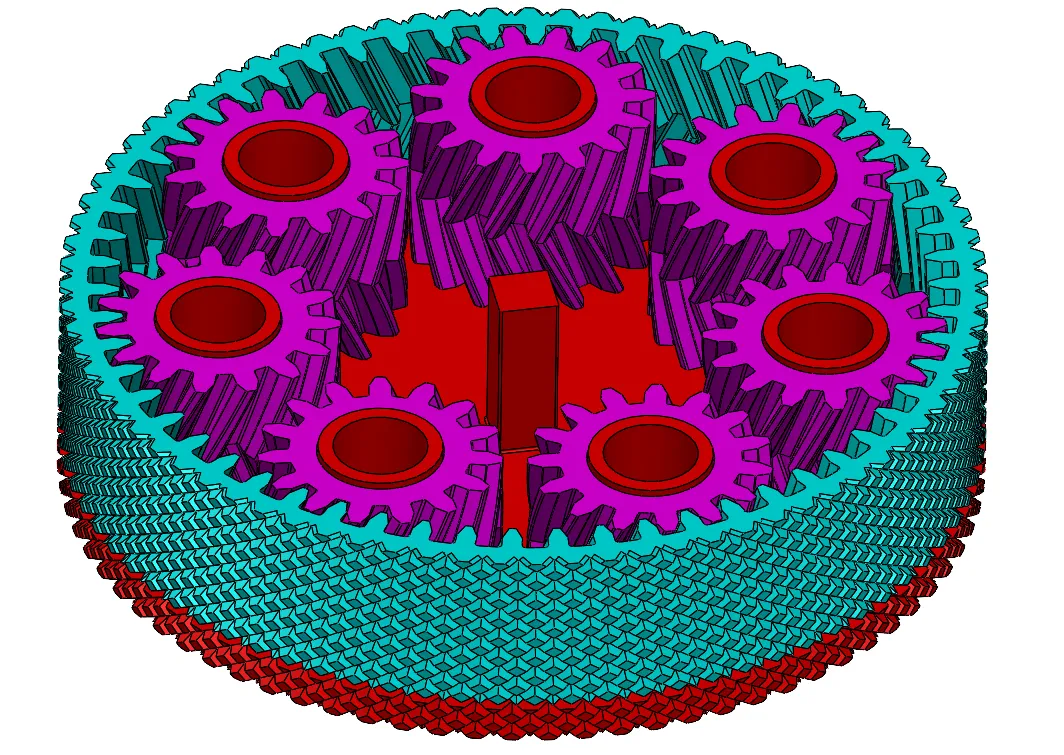
Step 3:
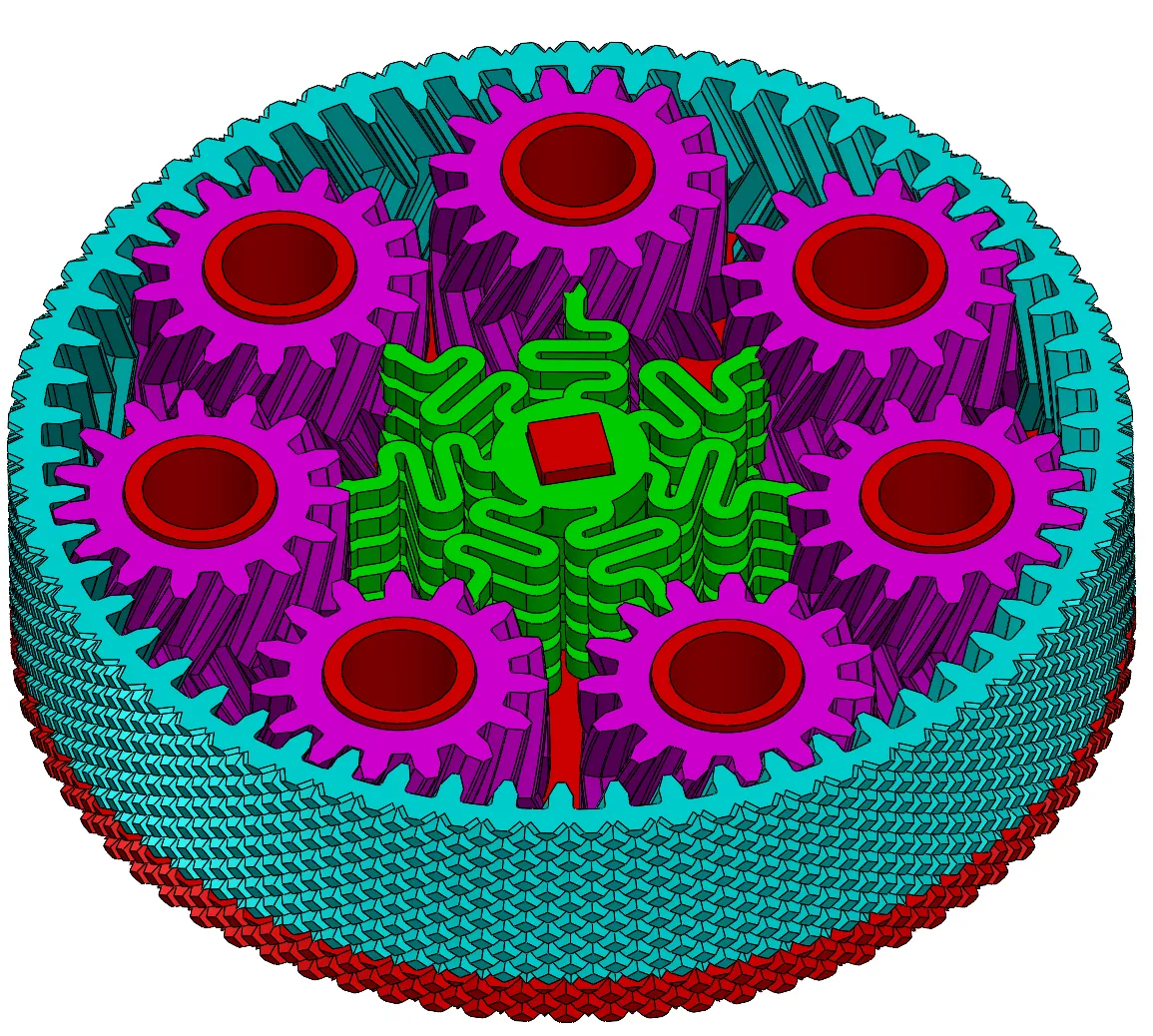
Push the green clicker parts in.
Make sure that every 7 fingers of them are pointing exactly to a gear like in the picture.
Make sure that the flat side is looking up.
Last Step:
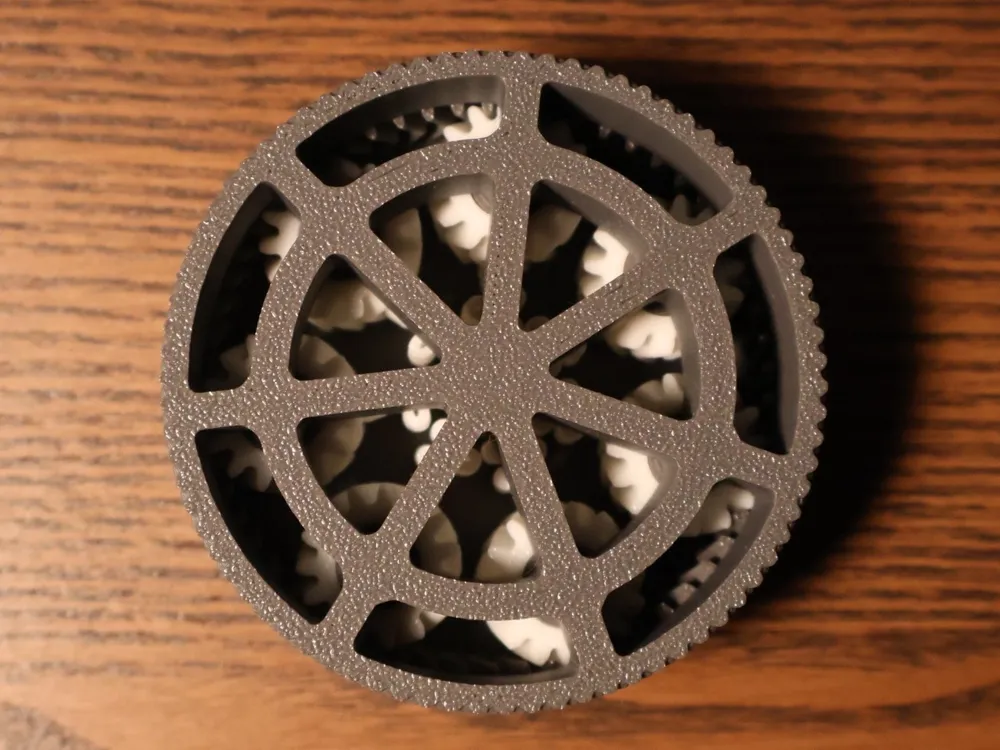
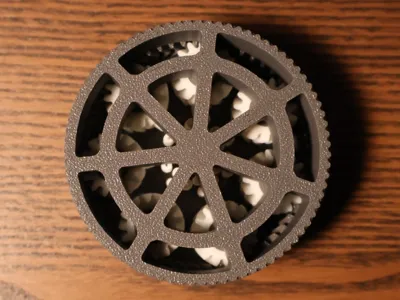
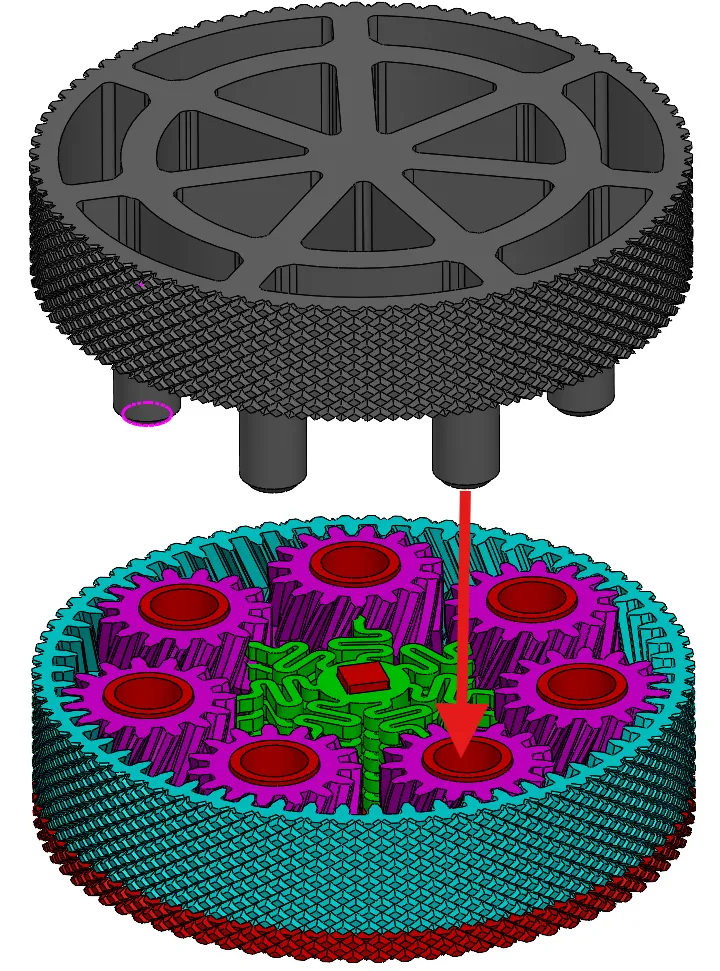
Put everything together ith the grey part.
License

You shall not share, sub-license, sell, rent, host, transfer, or distribute in any way the digital or 3D printed versions of this object, nor any other derivative work of this object in its digital or physical format (including - but not limited to - remixes of this object, and hosting on other digital platforms). The objects may not be used without permission in any way whatsoever in which you charge money, or collect fees.


Comment & Rating (0)