
QNAS FRAMEWORK V1 Open-Source NAS Adaptable ITX Motherboard
Print Profile(11)


Description
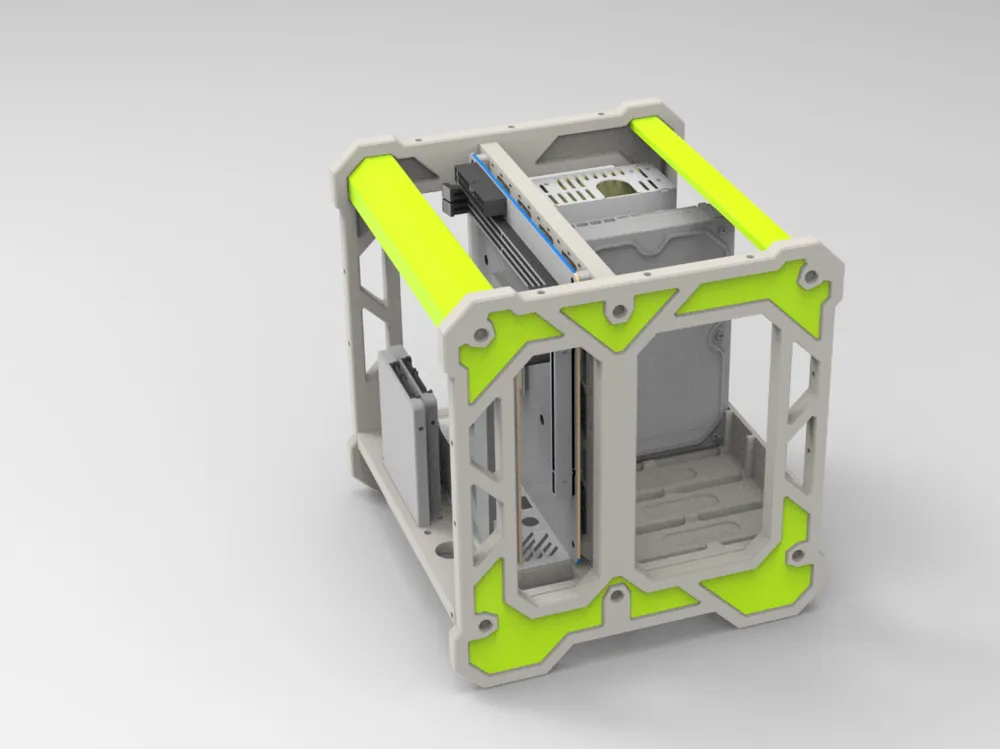
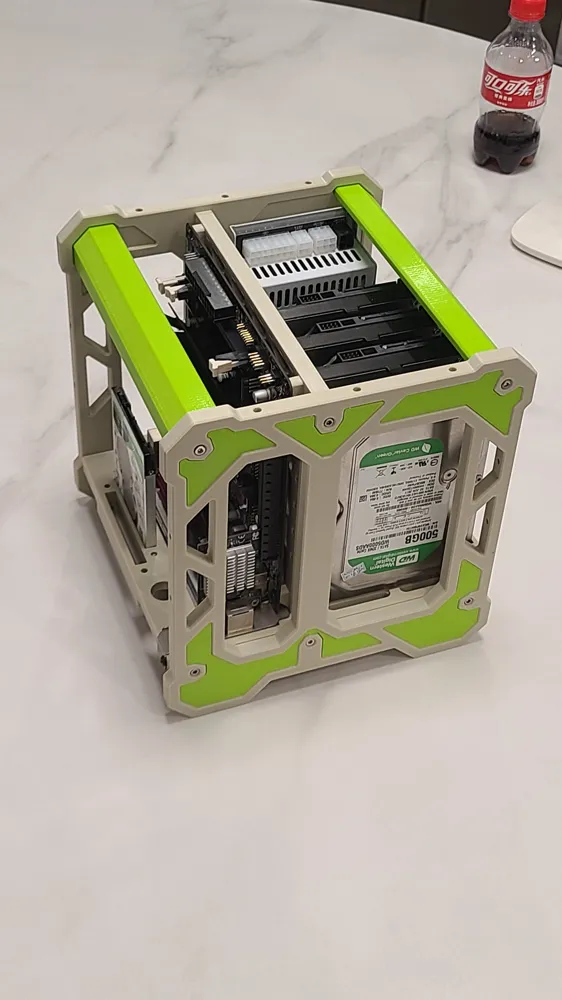
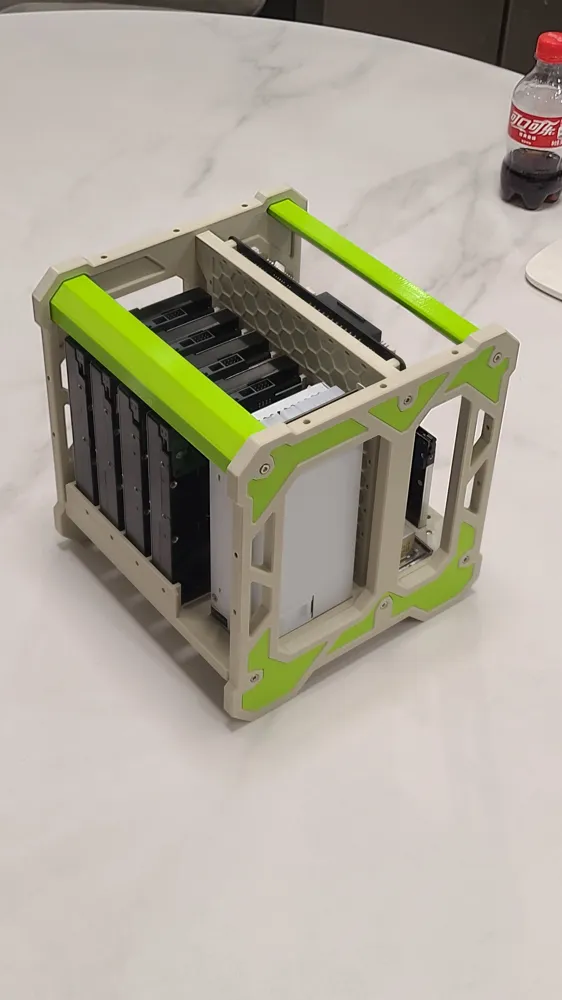
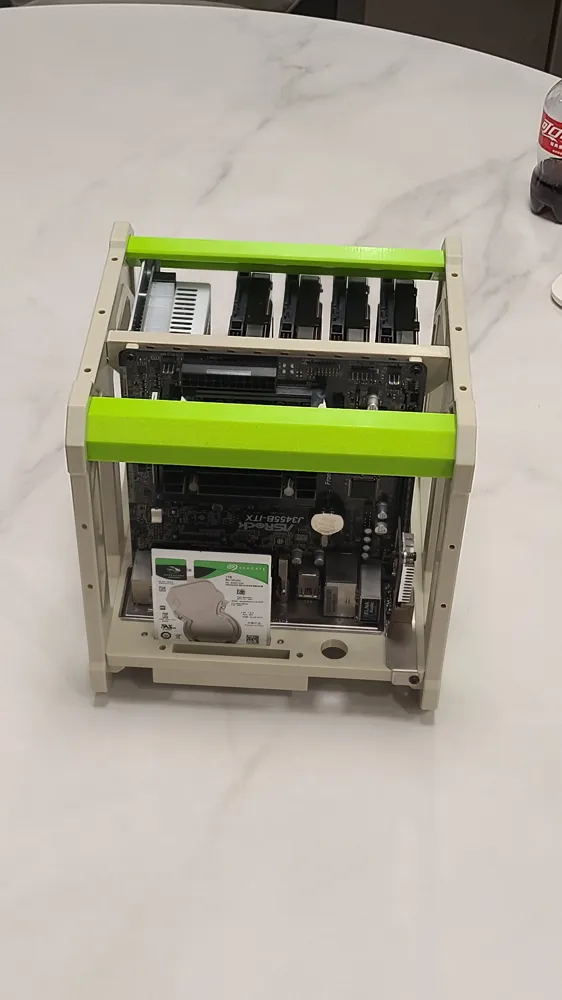
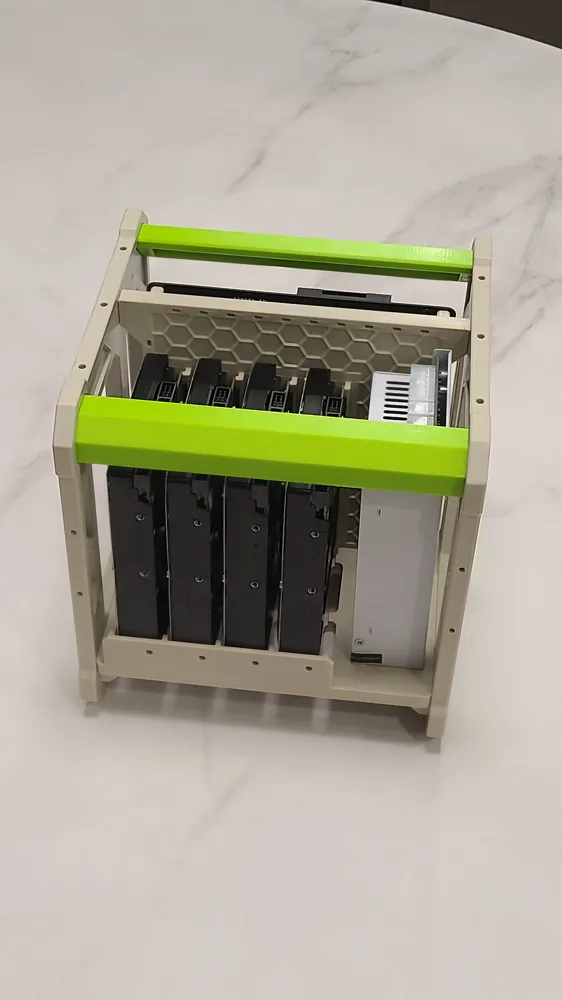
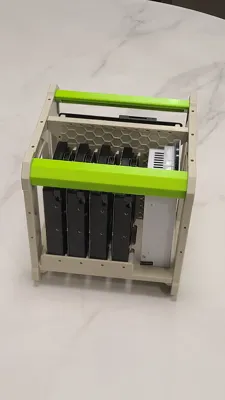
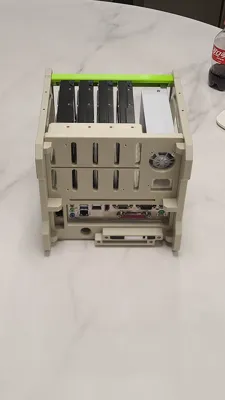
QNAS FRAMEWORK V1
An open-source NAS framework compatible with ITX motherboards
2025.5.2
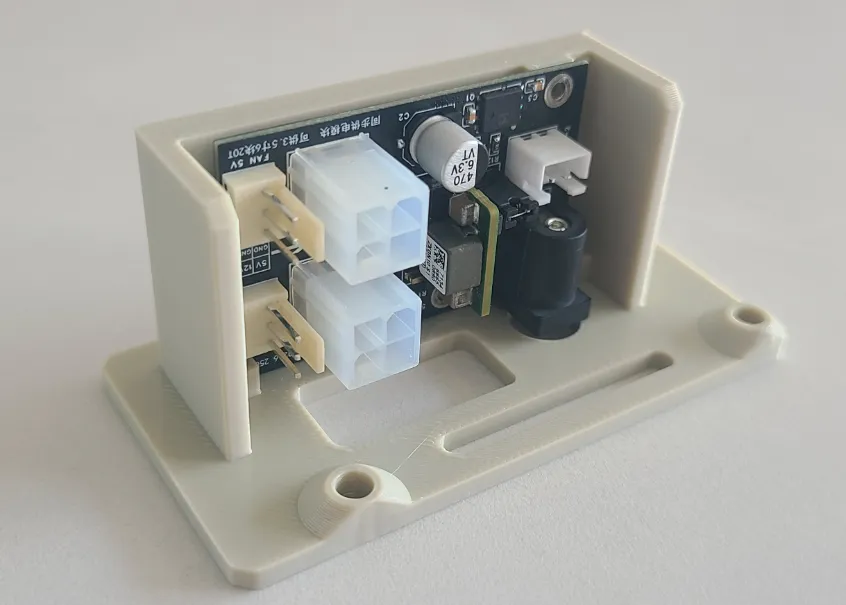
Added a hard drive power adapter STL
For powering hard drives independently using a 12V power adapter, replacing the FLEX power supply
This module requires two M2 screws (heat-melt nuts are M2*3*3) to secure it to the adapter plate
The adapter plate is secured to the original power supply location using three M3 screws
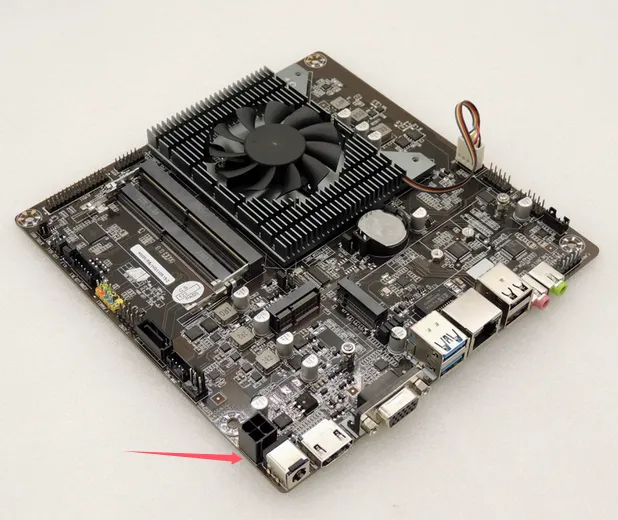
Simultaneously, the motherboard can utilize more affordable thin ITX motherboards (around 300 yuan)
This hard drive power module includes a sync cable, allowing for simultaneous startup and shutdown with the motherboard
2025.4.25 Update
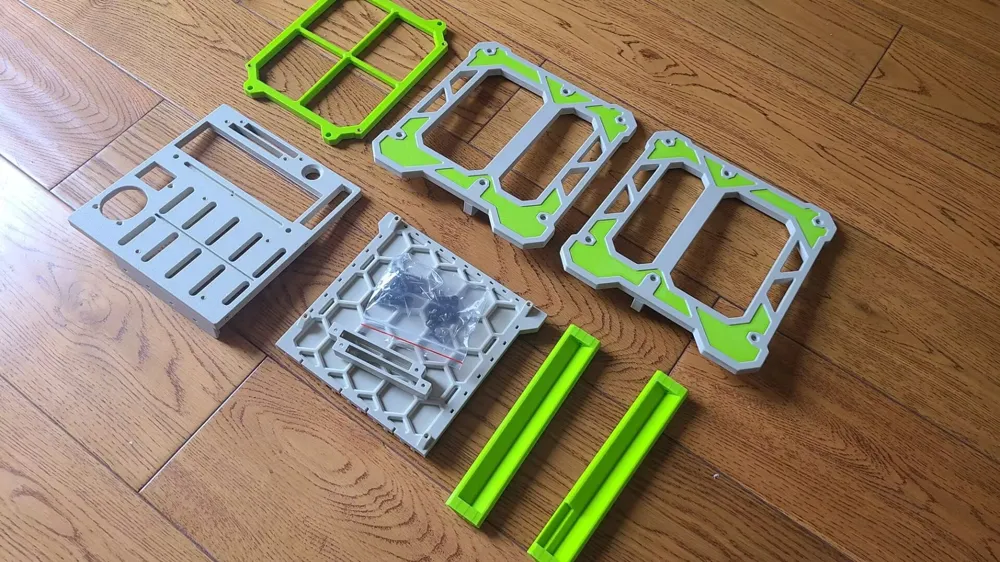
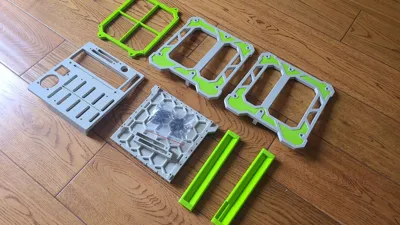
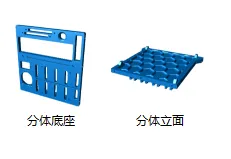
Added two STLs: a separate base and a separate front panel
After separation, three M3 screws are required to connect the two parts
The purpose of the separation is to allow for the shipment of individual components, reducing package size and shipping costs
2025.4.24 Update
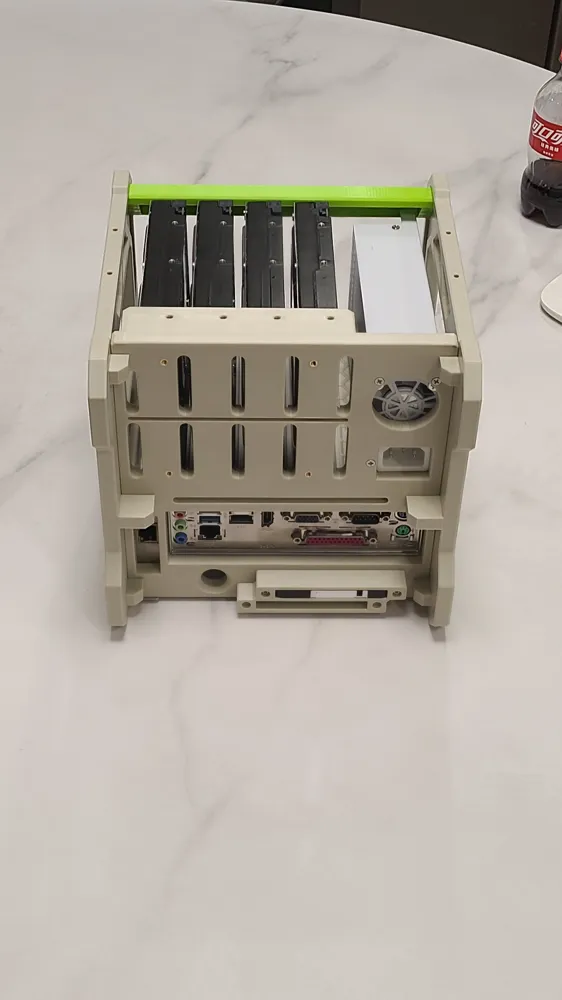
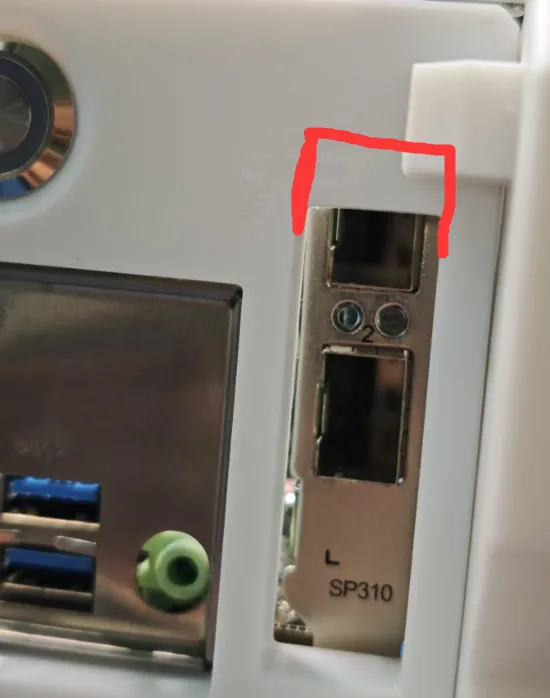
Added a chassis with two STL models, increasing the PCIe opening area
To avoid interference with the output port of certain network cards
2025.4.18 Update
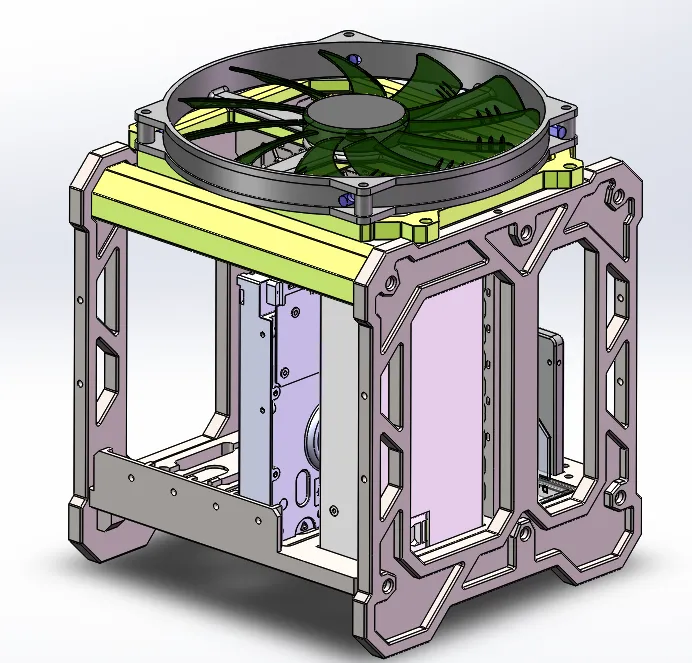
Added a fan mount STL file for installing a 20cm fan on top for overall NAS cooling
The cooling effect has been tested, and with a room temperature of 25 degrees, the hard drive temperature is suppressed to around 30 degrees
The fan used is an aerocool 20cm chassis fan, slowed down to approximately 500 RPM using a speed reduction cable for silent operation
2025.4.16 Update
Added a column with two STL files to accommodate a 170MM tall FLEX modular power supply
--------------------------------------------------------------------------------
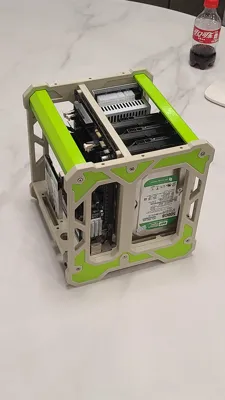
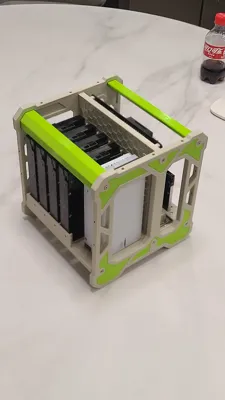
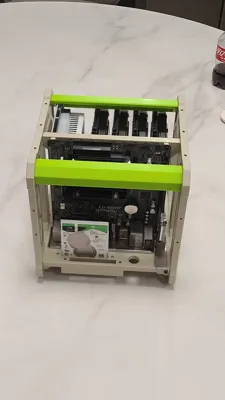
Compatibility Scheme: (This is the initial scheme, future updates will enhance compatibility)
ITX Motherboard 17*17CM
FLEX Power Supply or 12V DC Power Supply with hard drive power module
Four 3.5-inch HDD hard drives
Two 2.5-inch 7MM SSD hard drives
Half-height expansion card for expanding network cards or hard drive cards
20CM fan position at the top of the chassis
Uses a 16MM circular computer power switch
FLEX Power Supply Noise Reduction Scheme:
Purchase a high-quality 12V 0.05A 0.6W 4020 fan, 2PIN, to replace the original fan
A resistor can be connected in series with the red power wire (12V positive) of the fan to further reduce speed
Because the fan's reduced speed prevents effective negative pressure airflow, the fan's direction should be reversed to blow air into the power supply
Printing Instructions
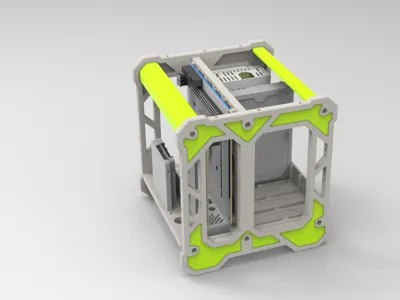
Original color scheme is gray, white, and bright green
Support is required for the recessed areas on the side panels If you have an AMS, it is recommended to use a dedicated support material, significantly reducing support removal difficulty
A flat metal pry bar can be used for support removal
Use fast-drying adhesive to secure the green decorative pieces Ensure the bonding surfaces of the side panels are completely clean before applying adhesive
It is recommended to use ABS or PETG for printing
Required Accessories:
3.5-inch hard drive vibration-damping screws 8
Screws for securing 3.5-inch hard drives American-style screws 4 6#-32, flat head
Heat-melt nuts 20-30 M3*5*4.5
M3 pan head screws for assembling the frame 12 M3*12
M3 screws with washers for securing the motherboard 4 M3*6
Countersunk screws for securing the power supply 3 Some power supplies use M3, others use American-style screws
M3 screws for securing 2.5-inch hard drives 2-4 M3*4
M3 screws for securing the 2.5-inch bracket 2 M3*15
M3 screw for securing the PCIe expansion card 1
Oval silicone pads for the bottom of the hard drives 4 45*13*3MM
Some accessories come with screws, such as the motherboard, adjust screw purchases accordingly
Boost Me (for free)
License

You shall not share, sub-license, sell, rent, host, transfer, or distribute in any way the digital or 3D printed versions of this object, nor any other derivative work of this object in its digital or physical format (including - but not limited to - remixes of this object, and hosting on other digital platforms). The objects may not be used without permission in any way whatsoever in which you charge money, or collect fees.


Comment & Rating (22)