
Print Profile(1)





Description
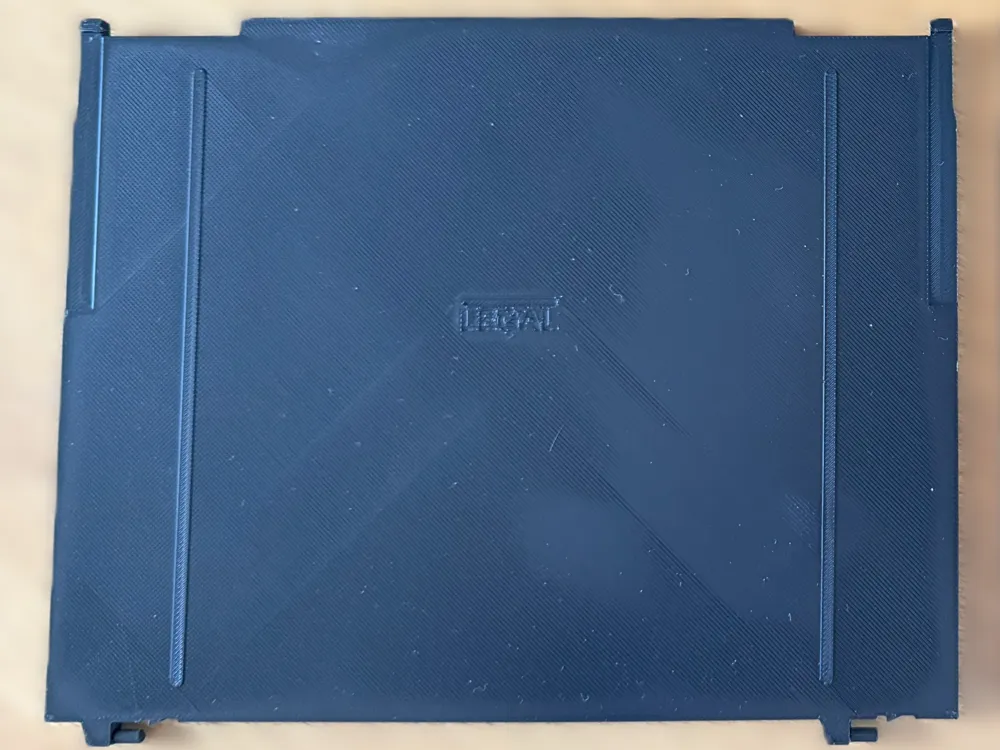
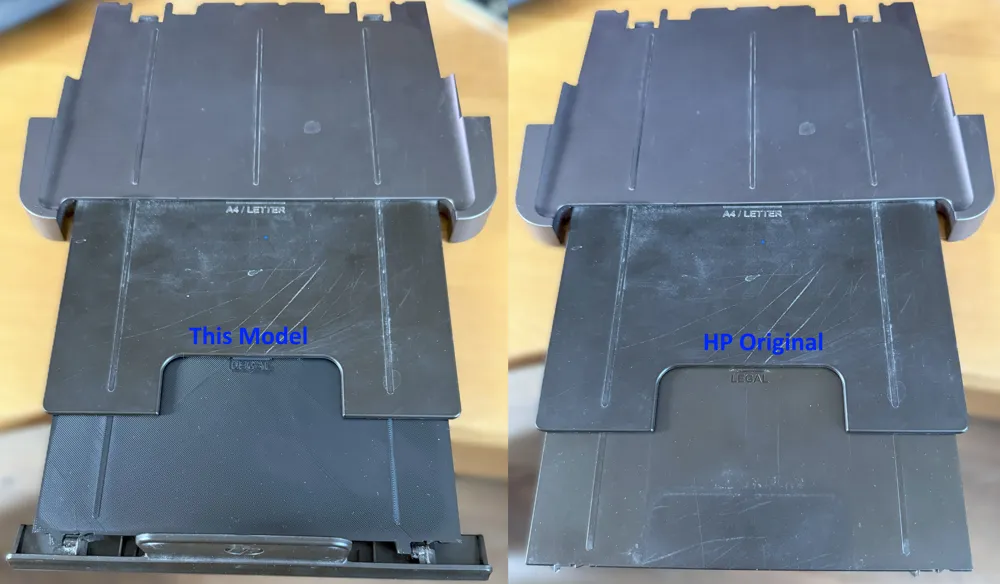
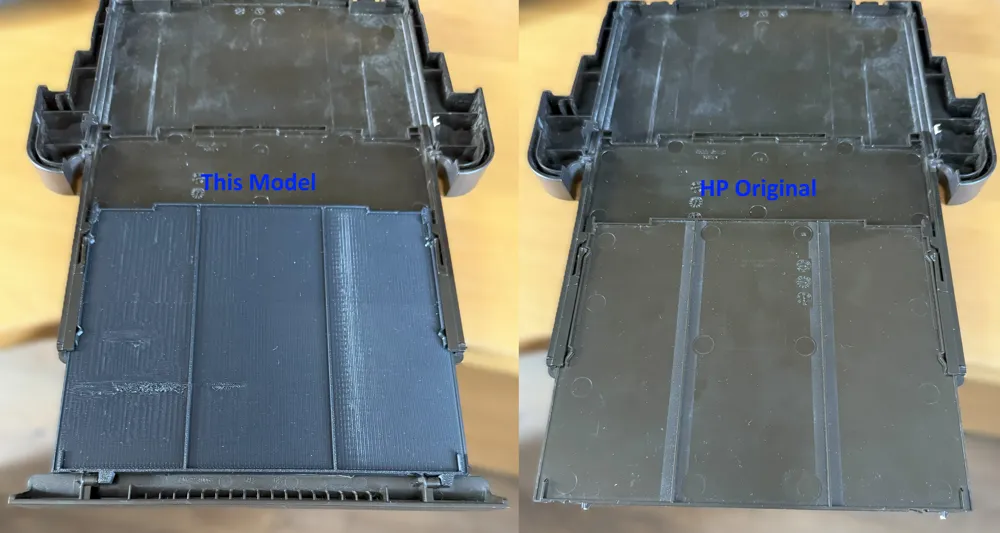
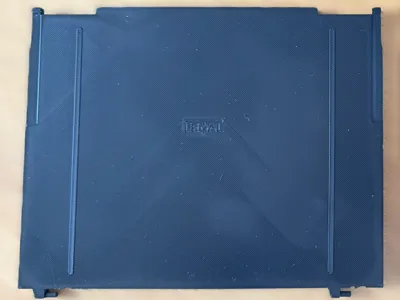
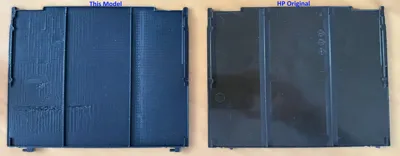
A common problem for the HP Officejet 8600 series printers was that the "pins" on the paper output tray snap off easily, even when gently pulling out the end-stop. As a long-discontinued printer there are no spare parts available, so I have modeled the original to create a near-perfect replica.
The initial model was so accurate that while I was testing the fit the pins snapped off in the exact same way as the HP Original part! So the brackets that support them have been reinforced. In the Bambu Studio model I have also cut the part into 2 so that the pins and their supports have 100% infill.
I've done numerous test prints during development in PLA and found them to be robust enough for use, however I have chosen to do my “final” print in PETG HF for added strength around the pins.
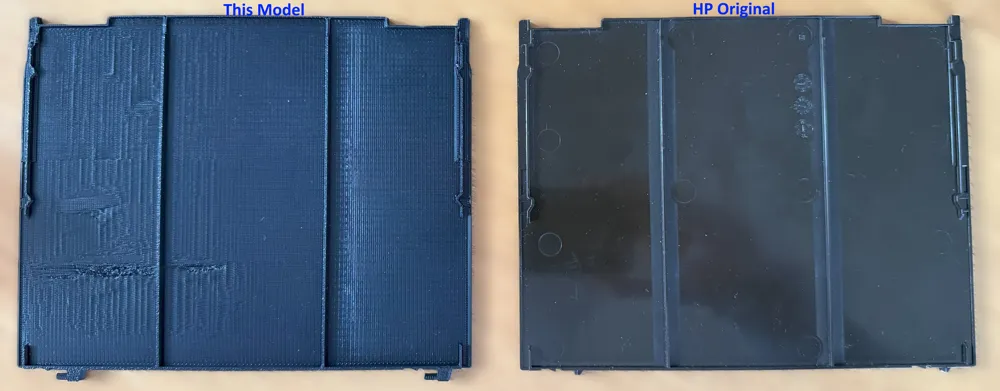
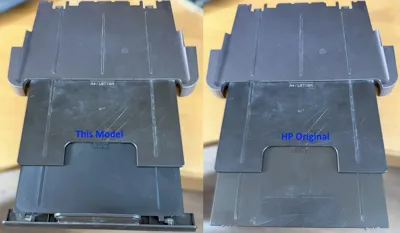
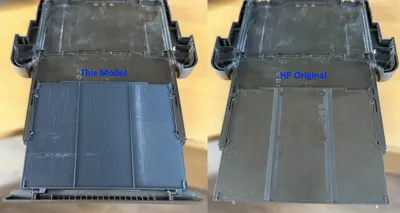
As you can see from the bottom photos I had a little trouble printing the first layer of the bridge. It can be a little miss and maybe someone with more experiance could do better with the settings; I've only had a 3D printer 2 weeks at the time of writing!
The print profiles are setup for Bambu Labs PETG-HF using Bambu Labs PLA for support for easy removal, I've followed the guides for this combination and so the temperatures are already adjusted in the included fillament profiles - if you change to different fillament types take note! If you don't use different materials for the model vs support I would suggest you undo the tweaks I made to the support around Top Z distance, 0 might be hard to remove if you just print in a single material.
Finally good luck with repairing your printer! From HP Forums I believe this was a common fault and the part almost never comes up for sale second hand, but it is still a reliable machine for me so I want to keep it running.
Boost Me (for free)
If you can make use of it to keep your printer going please consider a boost. It's my first-ever model and I'd really appreciate knowing you valued it.
License

You shall not share, sub-license, sell, rent, host, transfer, or distribute in any way the digital or 3D printed versions of this object, nor any other derivative work of this object in its digital or physical format (including - but not limited to - remixes of this object, and hosting on other digital platforms). The objects may not be used without permission in any way whatsoever in which you charge money, or collect fees.


Comment & Rating (0)