
Deconstructed Benchy
Print Profile(1)

Description
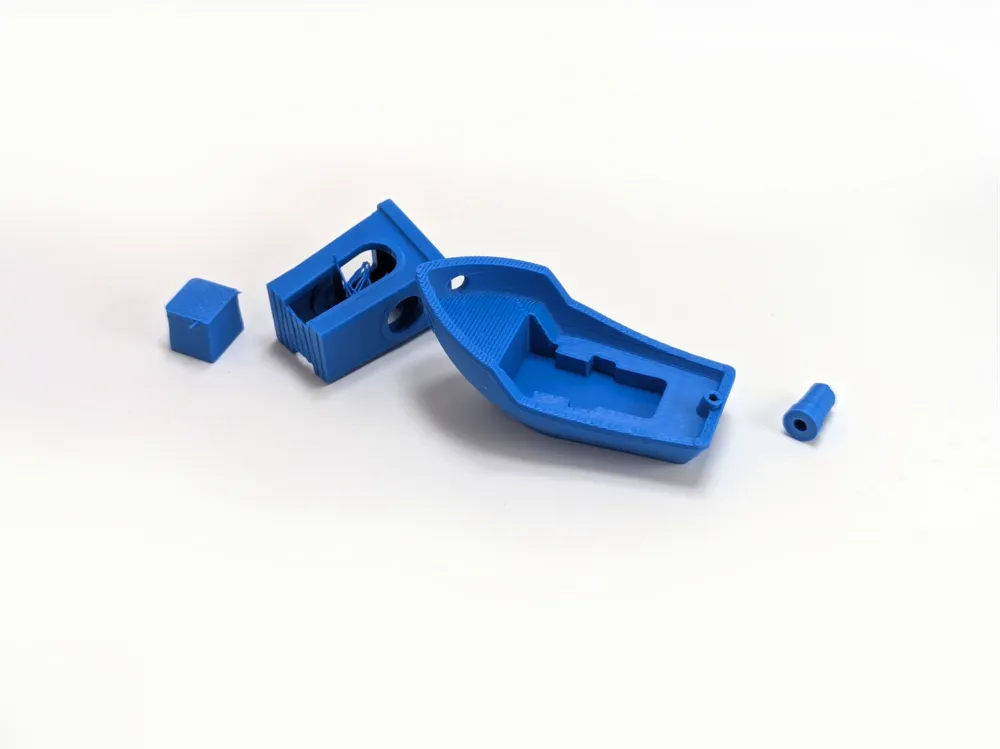
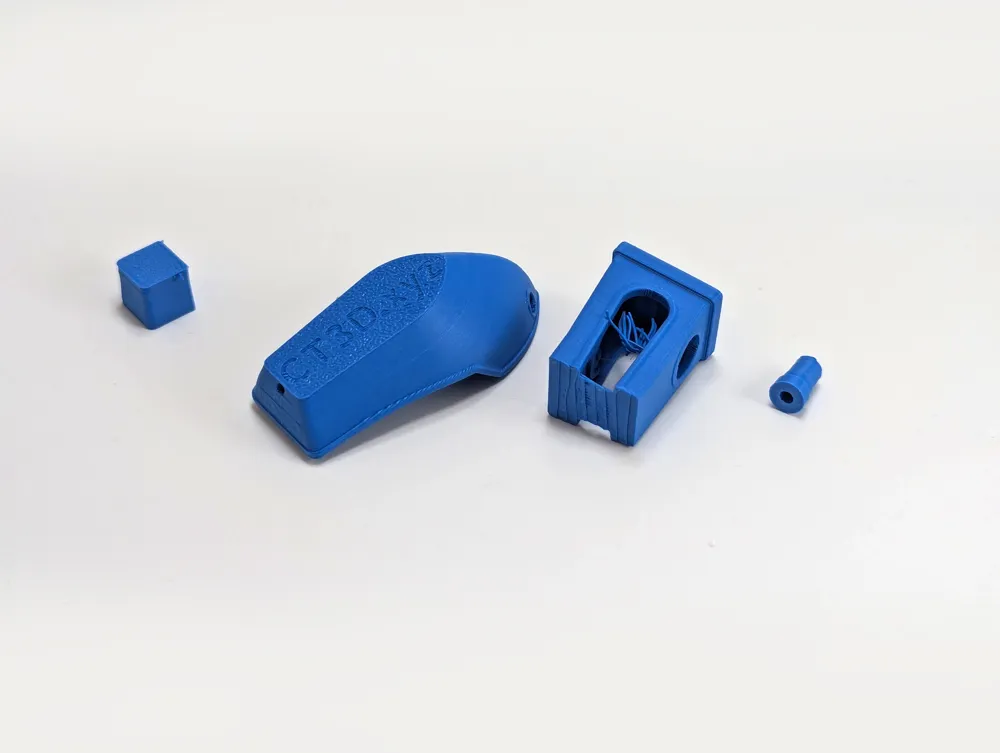
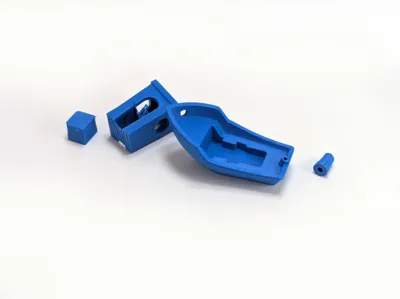
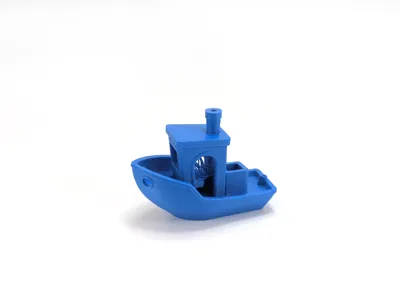
Deconstructed Maritime Vessel
A contemporary interpretation of a 3d printing tradition.
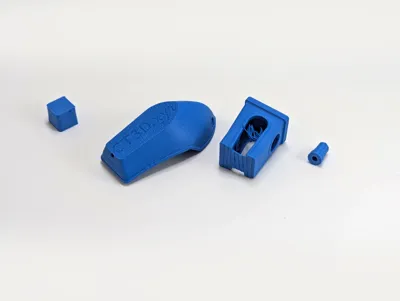
A curated selection of hand-hewn Benchy parts, lightly extruded and scattered in artistic disarray, evoke the raw essence of the hull. The smokestack is presented as a standalone sculpture—cut at a slant, with intentional imbalance to symbolize directionless possibility. The livewell rests nearby, aligned with the hull, hinting at former propulsion.
The cabin, presented upside down and at an unnecessary distance, with the wheel still in place, but stringing and without support tells a story of lost structural integrity. The hull, now bare and without function, captures the spirit of a 3d printing misadventure, as a memory of seafaring travel.
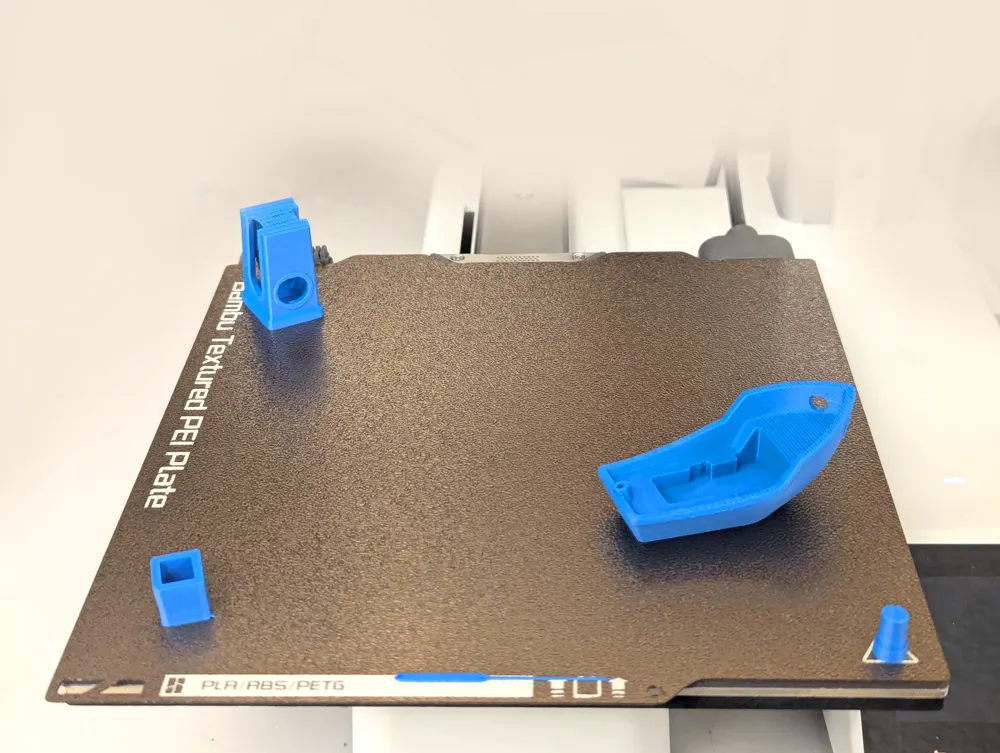
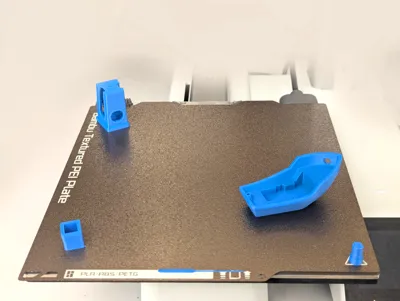
The components needlessly print using a ‘by object’ printing sequence, rendered useless by the uniform color, but presenting a whimsical celebration of 3d printing technology and its progress.
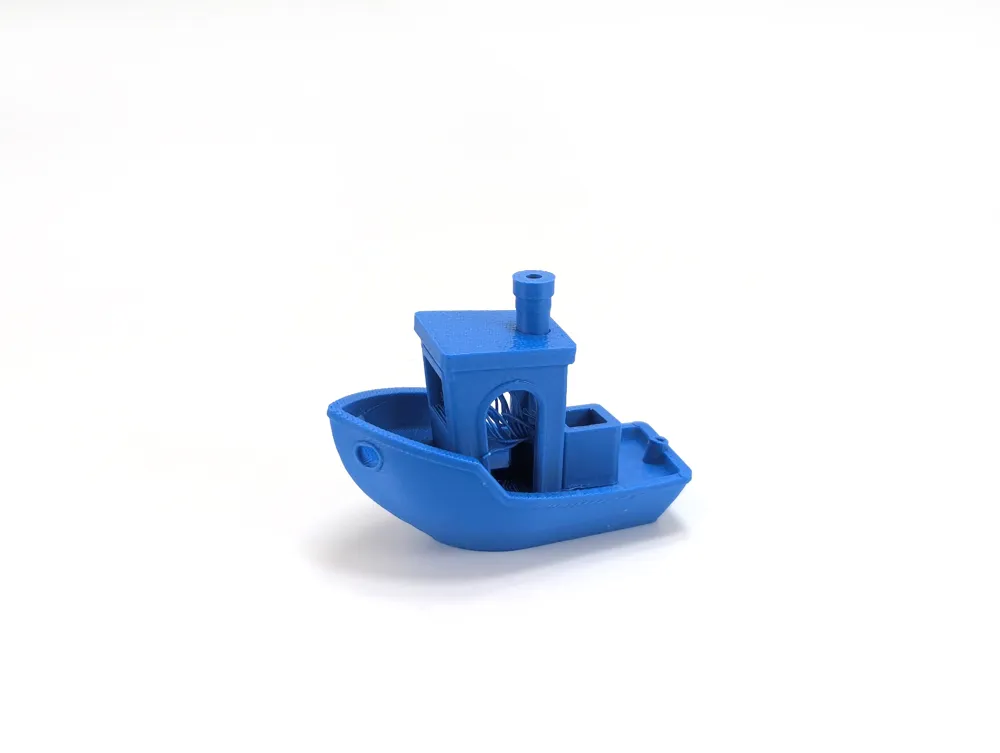
Perhaps these remnants can be reassembled into their past form…
Served on a textured print bed, with a whisper of melted blue PLA for ambiance.
Bon voyage.
Please remember to rate your prints!
Profile ratings are not only important for other users but also serve as valuable feedback for designers!
Click here to see my other models
Boost Me (for free)
If you like this model, please boost! It's free to you, but it's a meaningful way to support me and my designs.
General 3d Printing Tips
- Make sure your printing plate is clean! Oils from your skin can cause adhesion issues for your prints. Regularly wash your print plate with a detergent like Dawn, and avoid touching the surface when removing prints from the bed.
- If it's an option on your printer, always level the bed before each print. If you have to perform this manually, do so after every few prints. It takes a bit of time and patience, but it's a fair trade for reliable results.
- Ensure bed and nozzle temperatures are within the expected range for the material you're printing. Temperatures that are too high or too low can negatively affect the print, causing warping, malformed layers, or adhesion issues.
- Reduce your printing speed. Slower speeds are especially important for overhangs, as they give the material more time to cool as it's deposited.
Membership
Click here to obtain a commercial license to sell physical prints of my 3D models.
License



Comment & Rating (0)