Search models, users, collections, and posts

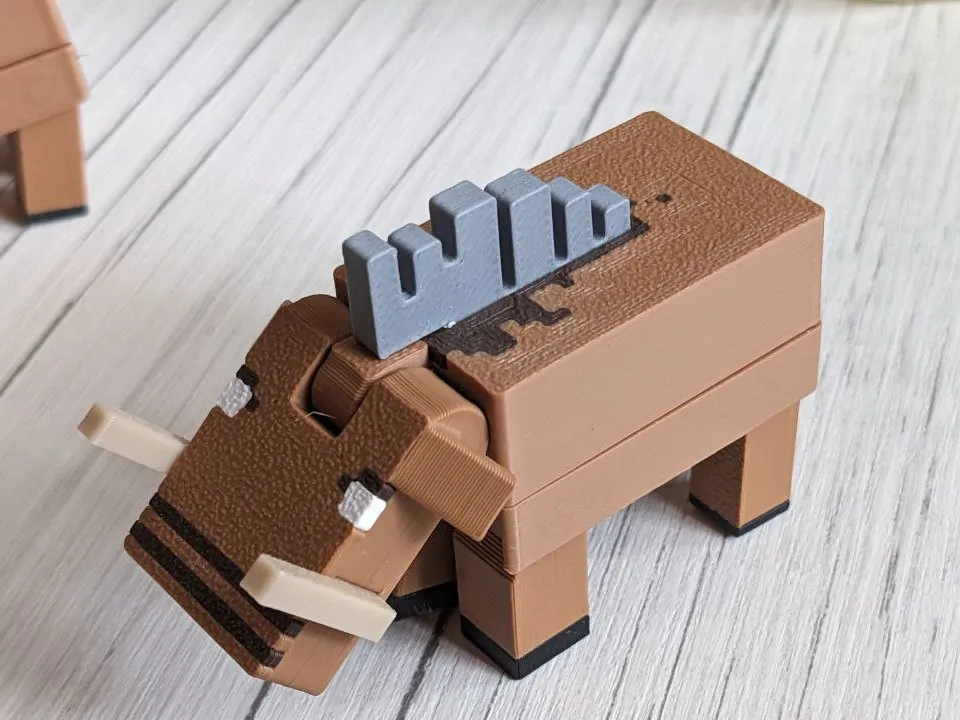
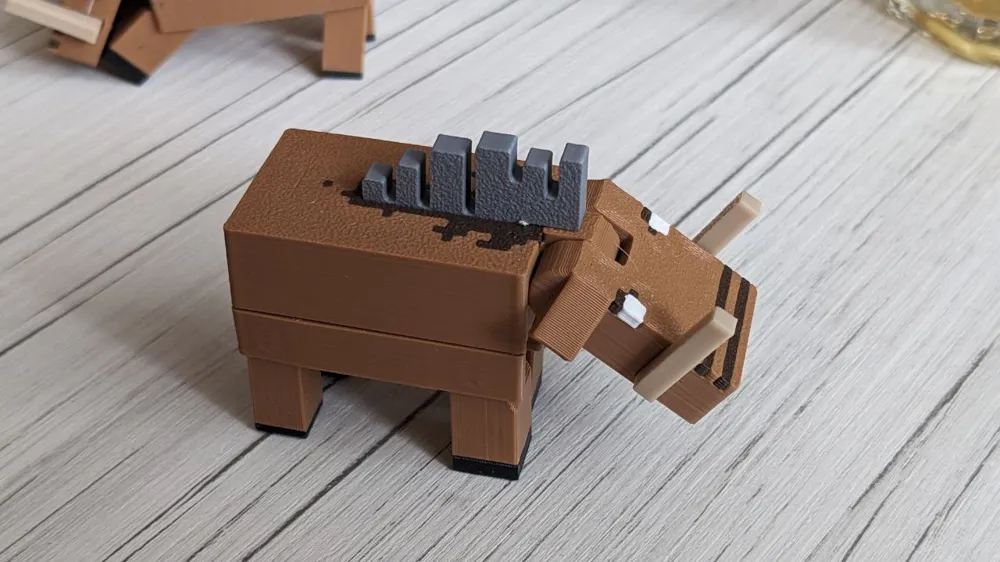
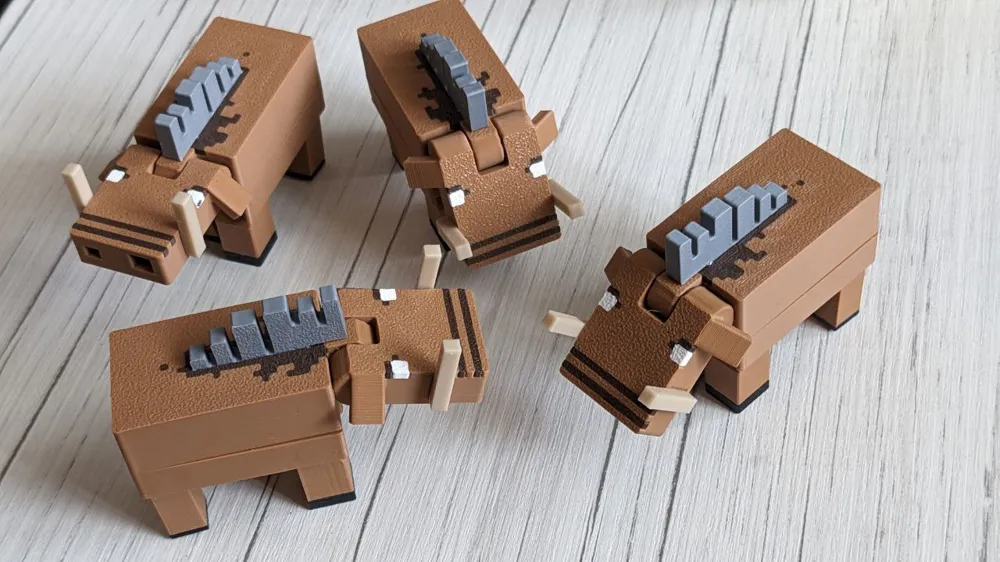
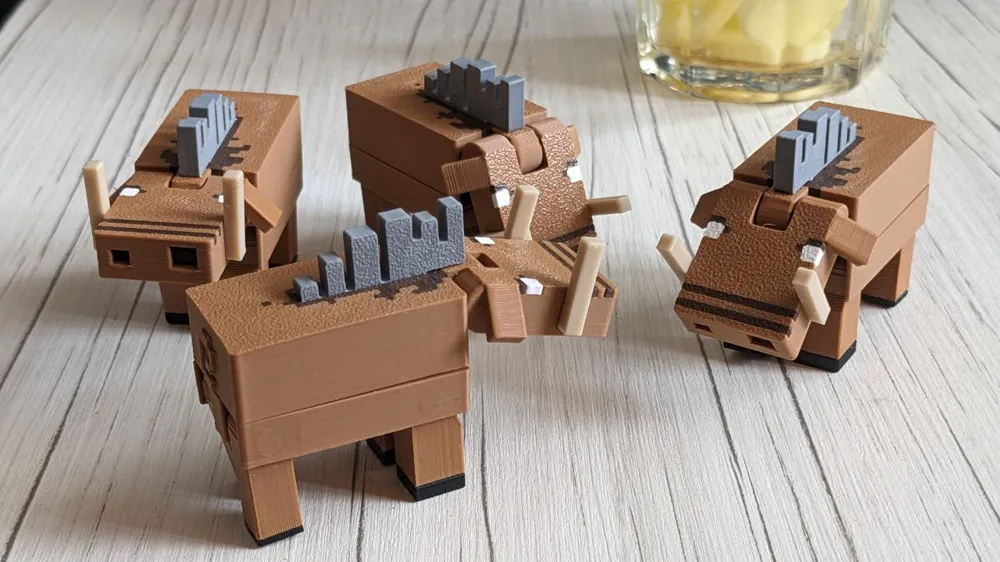
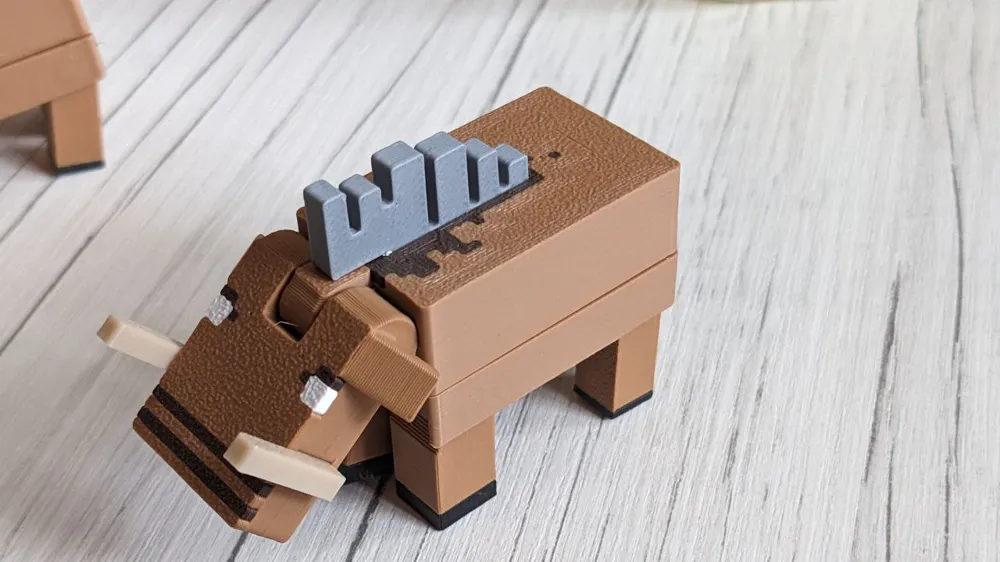
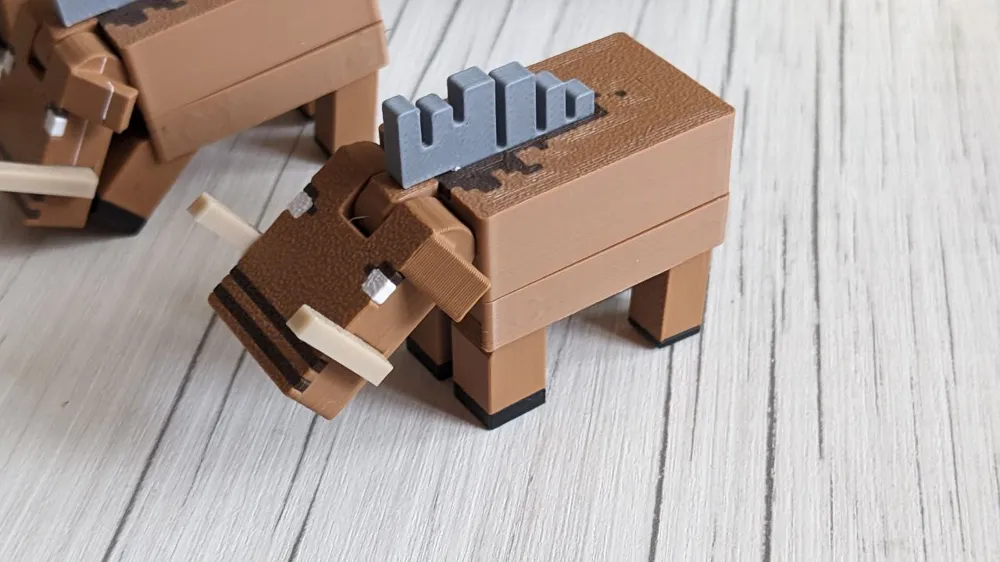
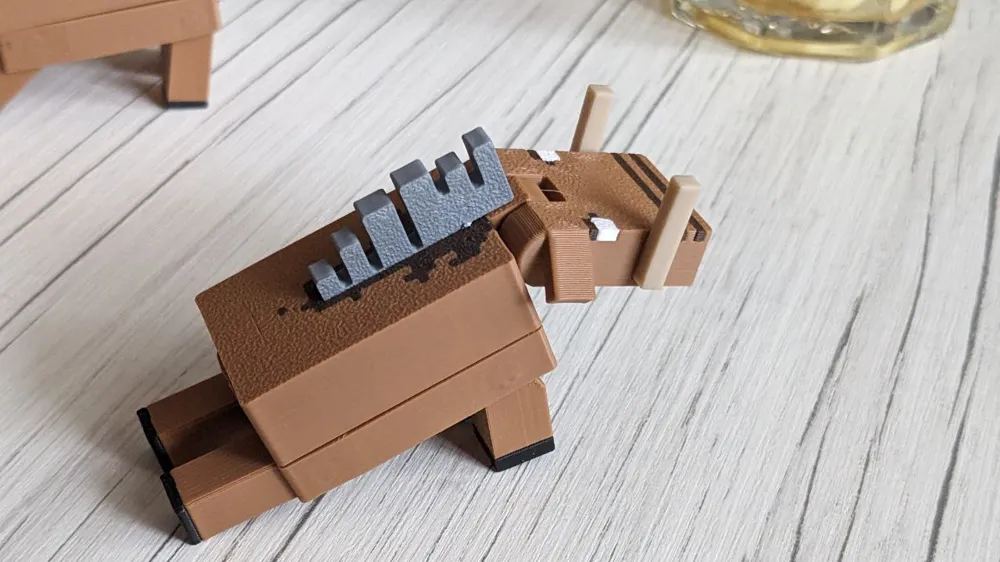
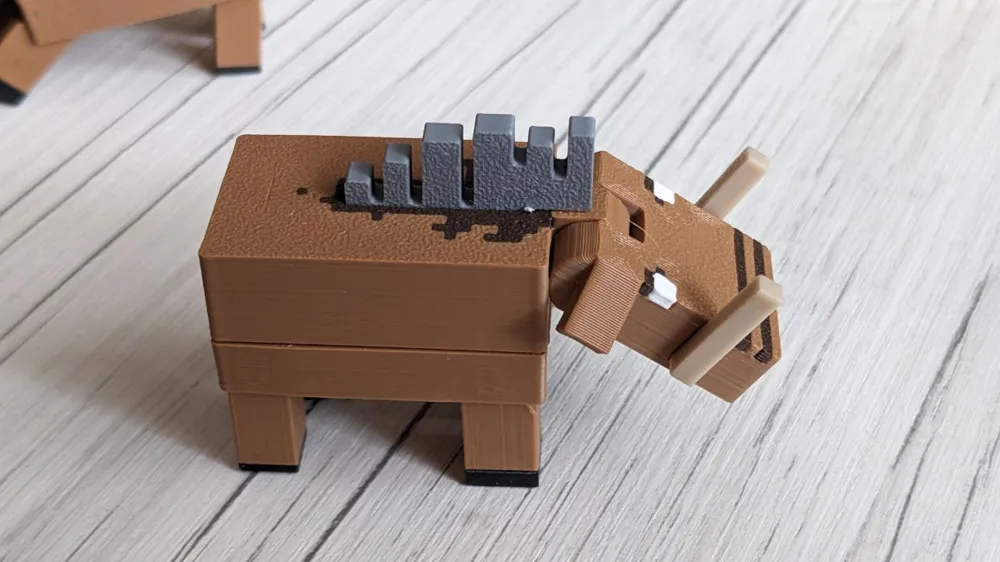
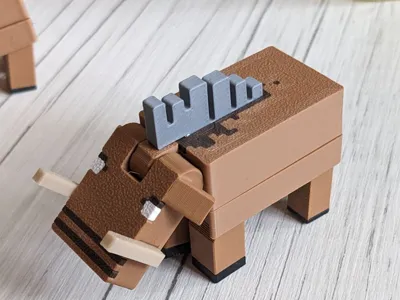
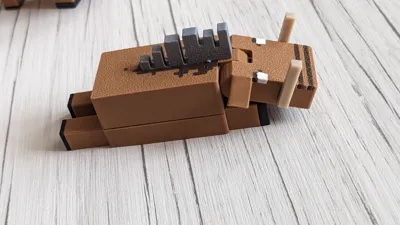
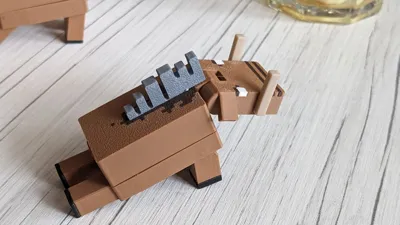
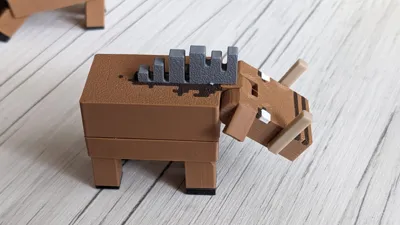
Minecraft Hoglin Articulated
IP Report


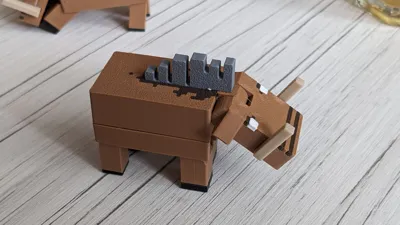
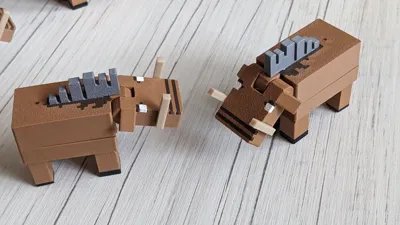
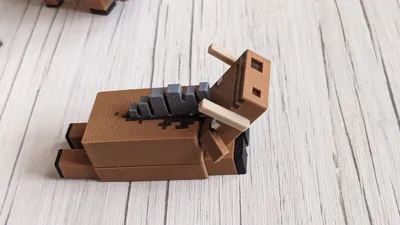
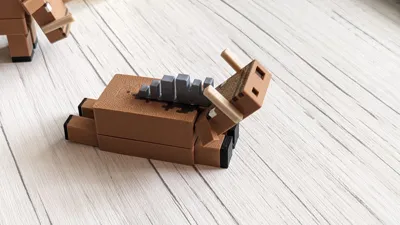
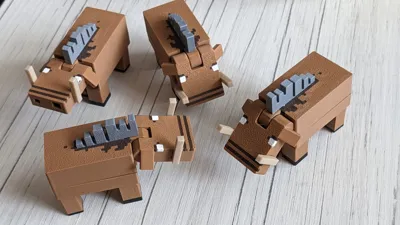
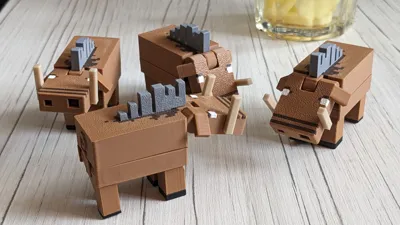
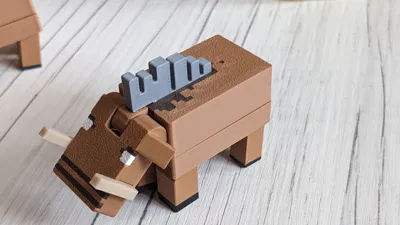
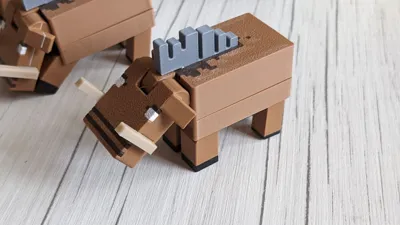
Print Profile(1)

Hoglin 75% Scale
Designer
4.1 h
3 plates
Open in Bambu Studio
Boost
131
239
5
3
101
55
Released
Description
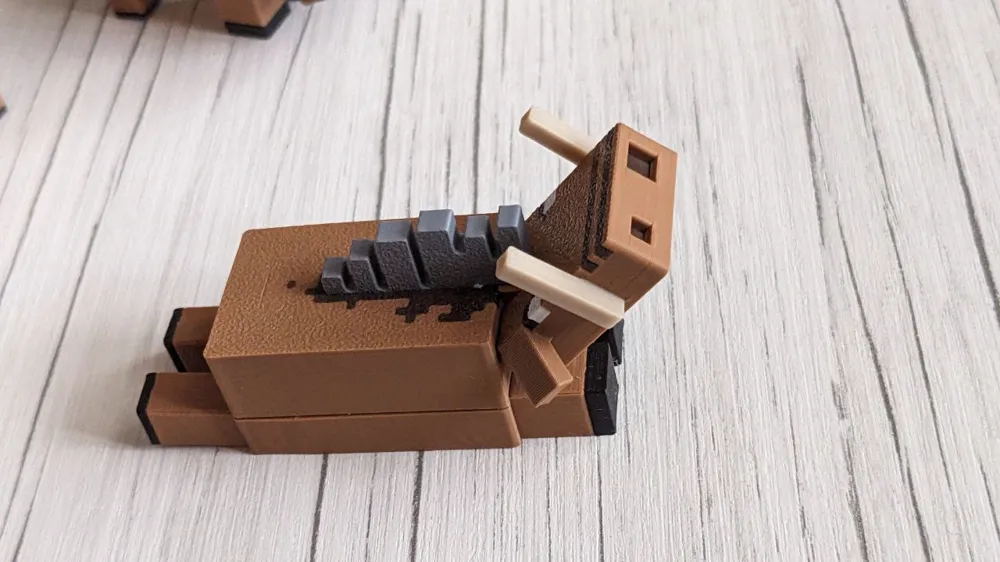
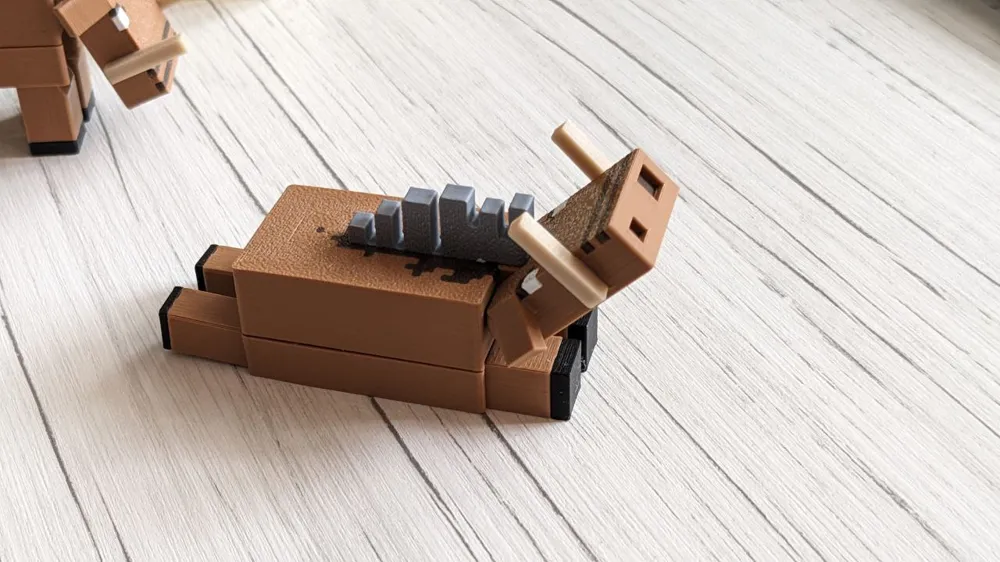
- Minecraft Hoglin Articulated
- Vanilla Ratio, Immersive Texture
- No supports, No Brims, No Overhangs, No Glue
- Use Hammer to connect parts
- Ratio: Ears 2x height to strengthen
- Tusks are fully outside to keep the face looking better
- Texture on the back uses brown color to minimize filament waste
- Multicolored, average color-switch complexity
- Important! New profile version fixes uneven body connection due to big peg size, so please use latest version
- Turns into Zoglin
Installation:
0) Use hand protection gloves
1) Connect upper and lower body using hammer (may require force)
2) Insert Hair Coat Fur into the body, It might be enough to rotate it and push entire model over some flat surface to get it in
3) Insert Tusks into the head, should be fairly easy
4) Unlock Head and Legs Rotation just move them
Enjoy!
License

This user content is licensed under a
Creative Commons Attribution-Noncommercial-Share Alike


Comment & Rating (5)