
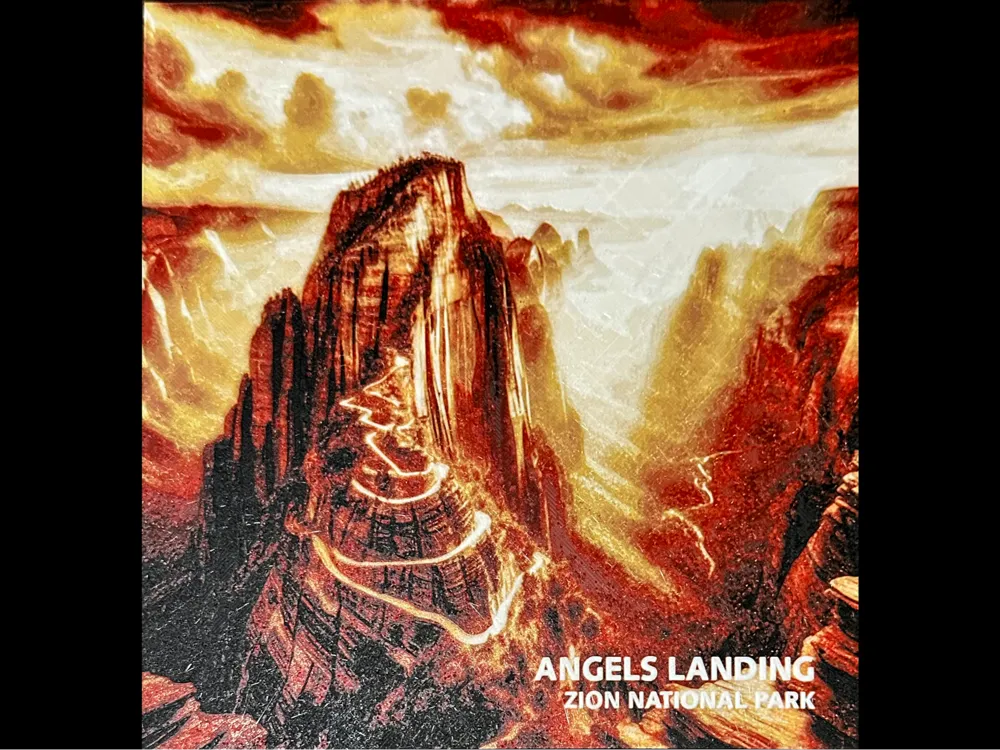
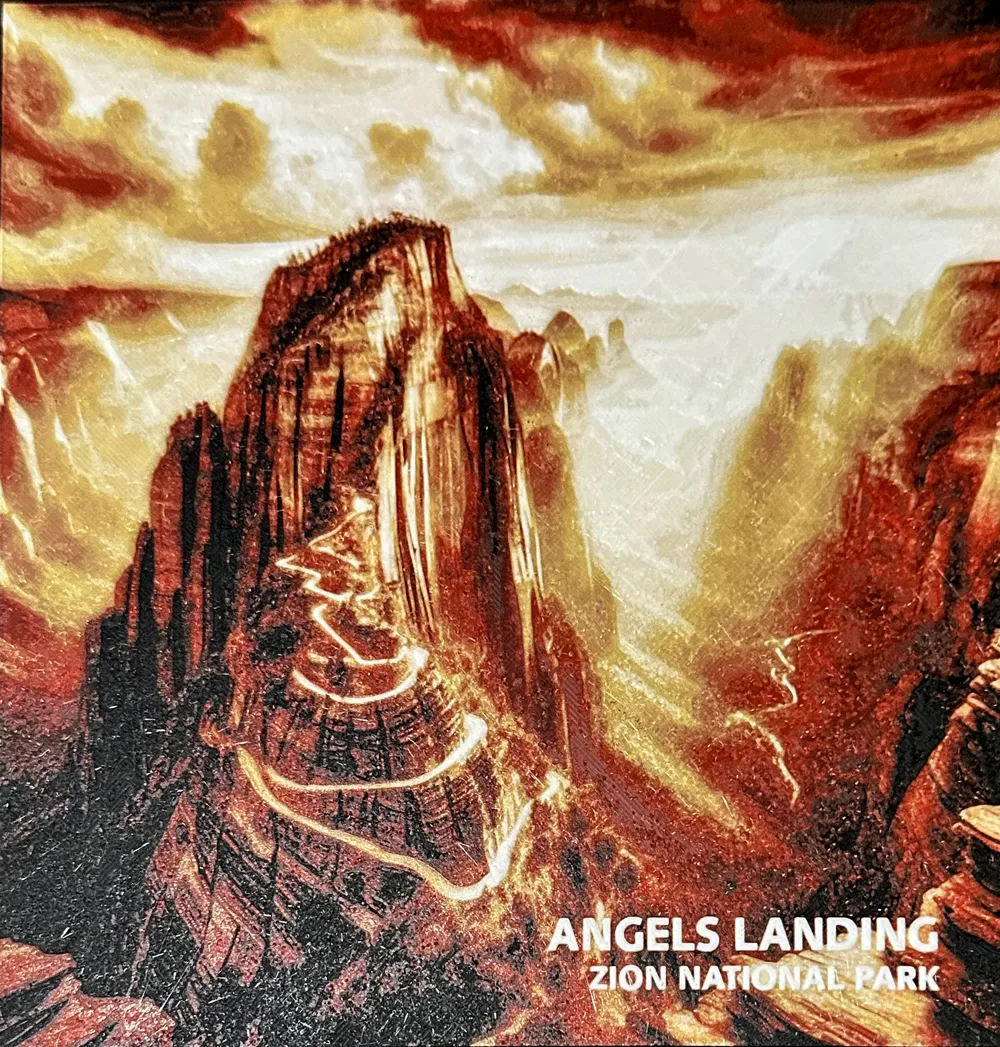
Angels Landing at Zion National Park Hueforge

Print Profile(1)

Description
Boost Me (for free)
If you would like to financially help me continue to create content, it would be much appreciated https://buymeacoffee.com/daninplanotx THANK YOU
Angels Landing at Zion National Park Hueforge
NOTE: The printed samples were printed using .04mm layer height. However, you can print in .08mm layer height as well, you just get more gradual shading using .04mm layer height. In Bambu Lab Studio, change the layer height to .08 and then reslice and use the swap values supplied for .08mm layer height. They both use the same STL.
PRINTING DIRECTIONS .04MM LAYER HEIGHT:
Print at 100% infill with a layer height of 0.04mm with a base layer of 0.16mm
The Model is 200x200mm in size. (If you resize this hueforge - do not change the Z scale or the colors will not be correct when printed)
You may print at higher layer heights below the Min Depth of 0.48mm
The Max Depth is 2.2mm and the Actual Depth is 1.6mm
Filaments Used:
PLA BambuLab Basic Black Transmission Distance: 0.8
PLA BambuLab Basic Red Transmission Distance: 4.8
PLA BambuLab Basic Yellow Transmission Distance: 10
PLA BambuLab Basic White Transmission Distance: 8
This print uses 4 unique filaments
Swap Instructions:
Start with Black
At layer #14 (0.68mm) swap to Red
At layer #18 (0.84mm) swap to Yellow
At layer #24 (1.08mm) swap to White for the rest.
PRINTING DIRECTIONS .08MM LAYER HEIGHT:
Print at 100% infill with a layer height of 0.08mm with a base layer of 0.16mm
The Model is 200x200mm in size. (If you resize this hueforge - do not change the Z scale or the colors will not be correct when printed)
You may print at higher layer heights below the Min Depth of 0.48mm
The Max Depth is 2.2mm and the Actual Depth is 1.6mm
Filaments Used:
PLA BambuLab Basic Black Transmission Distance: 0.8
PLA BambuLab Basic Red Transmission Distance: 4.8
PLA BambuLab Basic Yellow Transmission Distance: 10
PLA BambuLab Basic White Transmission Distance: 8
This print uses 4 unique filaments
Swap Instructions:
Start with Black
At layer #8 (0.72mm) swap to Red
At layer #10 (0.88mm) swap to Yellow
At layer #13 (1.12mm) swap to White for the rest.
License



Comment & Rating (0)