
G-code to clean nozzle after print ends (X1/P1)
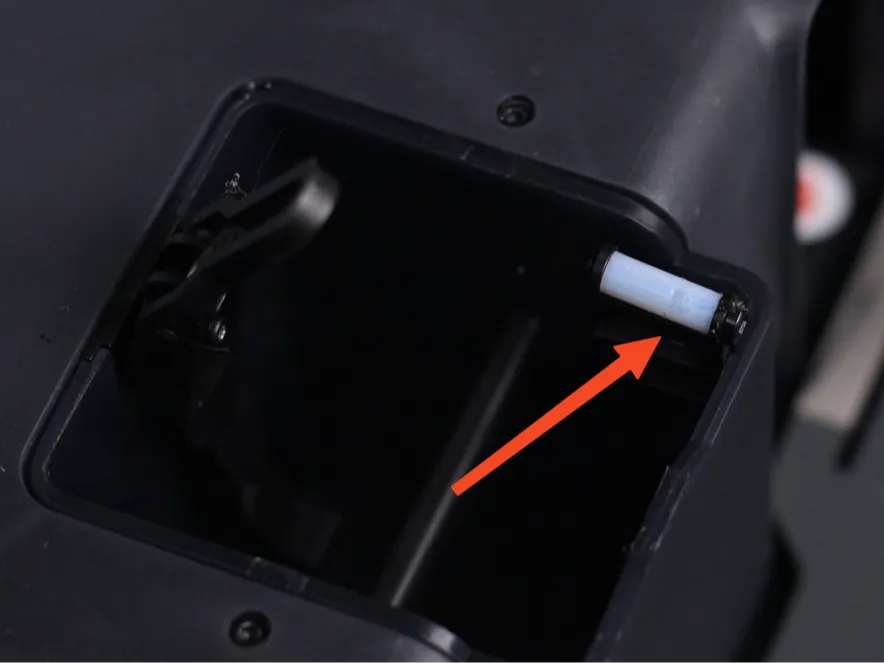
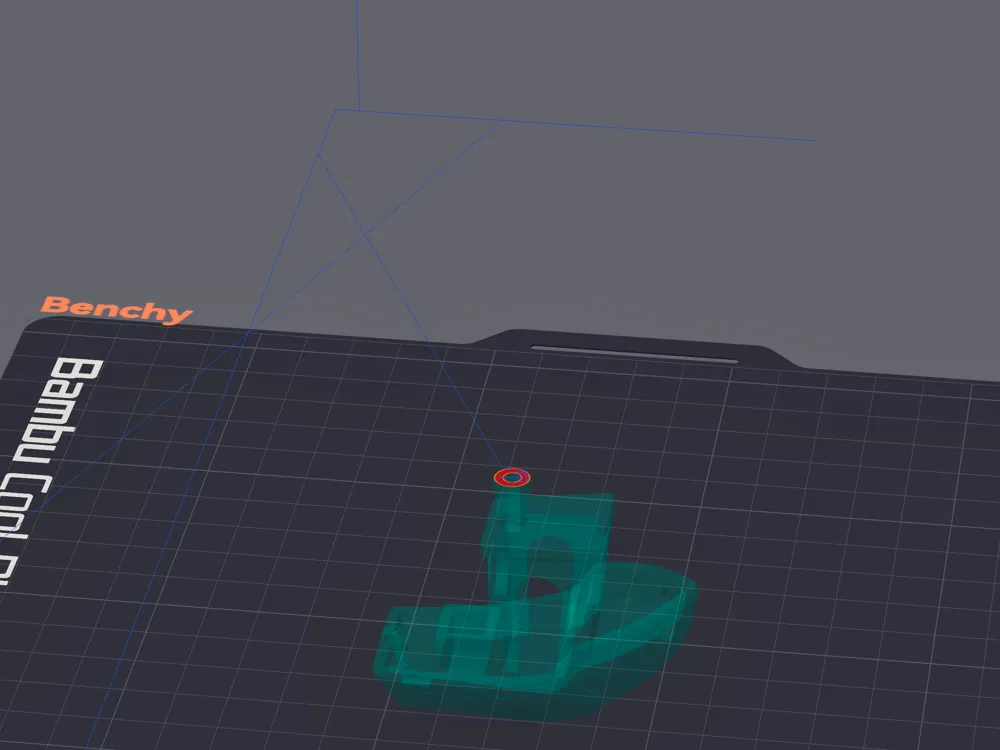
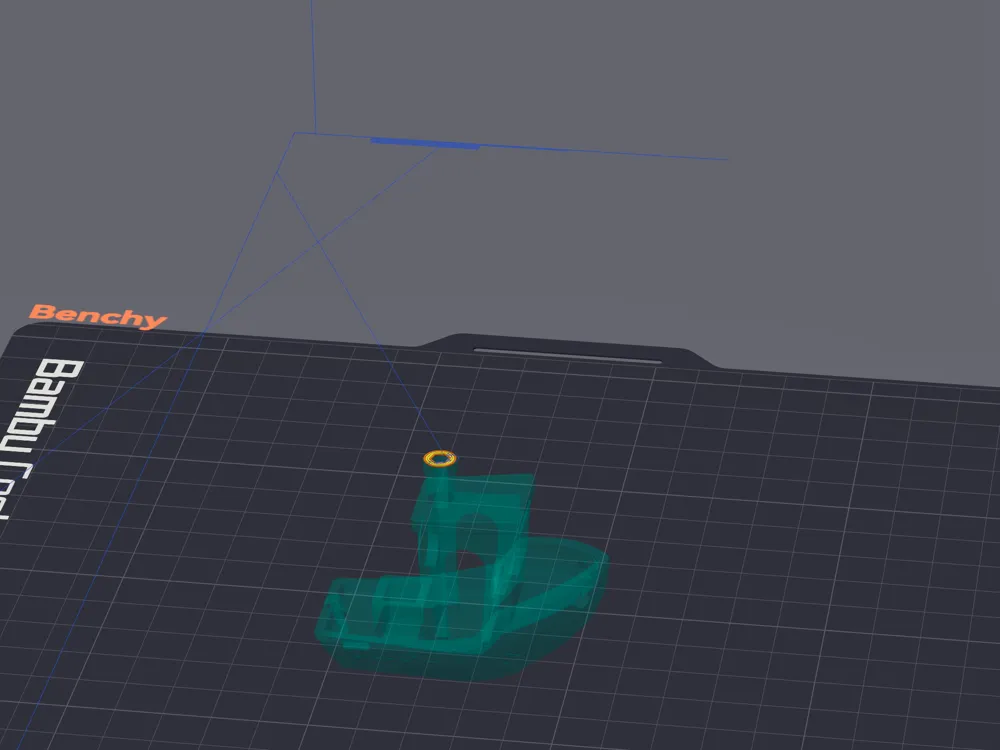
Print Profile(0)
Description
Custom g-code to clean nozzle after printing is finished. Developed in OrcaSlicer for use in X1C but should be compatible with P1 series printers.
The goal is to get nozzle reasonably clean after print. Especially helpful with “stickier” filaments (e.g. PETG).
I have included a version that works with stock nozzle wiper as well as an additional one for “Nozzle Wiper V3.4” by Maleko (https://makerworld.com/en/models/437463-the-nozzle-wiper-v3-4-x-p-series#profileId-342665).
You can find examples of modified machine end g-codes in the included filament profiles or attached text files.
To implement, replace following line that turns off hotend in “Machine end G-code” with the provided code blocks. Below you can see the location of that line.
G1 X100 F12000 ; wipe
; pull back filament to AMS
M620 S255
G1 X20 Y50 F12000
G1 Y-3
T255
G1 X65 F12000
G1 Y265
G1 X100 F12000 ; wipe
M621 S255;#########################################################################
M104 S0 ; turn off hotend ← replace this line;#########################################################################
M622.1 S1 ; for prev firmware, default turned on
M1002 judge_flag timelapse_record_flag
M622 J1
M400 ; wait all motion done
M991 S0 P-1 ;end smooth timelapse at safe pos
M400 S3 ;wait for last picture to be taken
M623; end of “timelapse_record_flag”
Stock Wiper
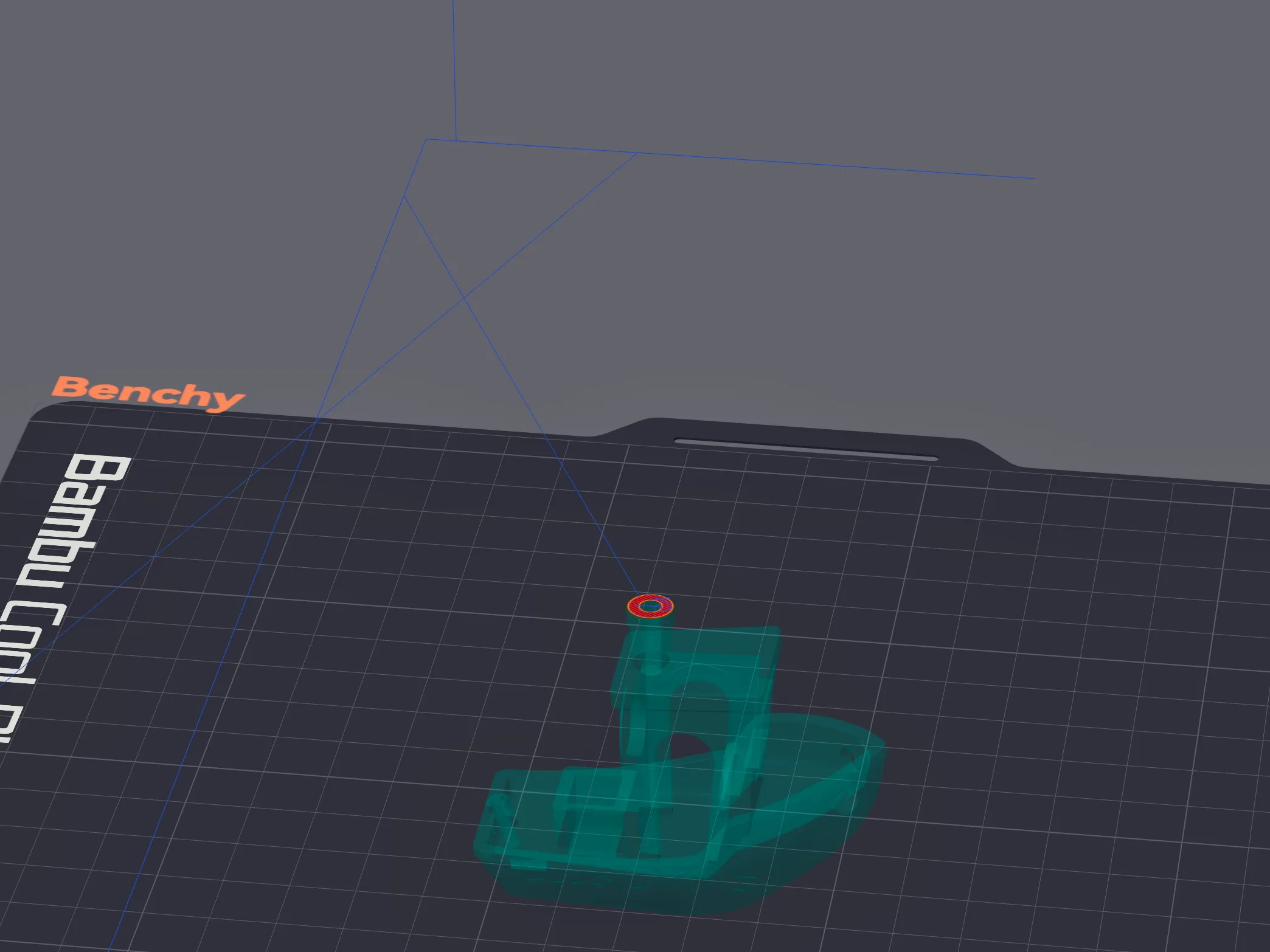
;#########################################################################
;===== Final Nozzle Wipe - Start ====================
;===== Version 1 - 03/11/2025 ====================
;========== prepare
M1002 gcode_claim_action : 14; "Cleaning nozzle"
G1 X70 F21000 G1 Y245 G1 Y265 F3000 M400; move to poop chute
;========== allow filament to melt and drip
M104 S{nozzle_temperature_initial_layer[initial_no_support_extruder]}; set nozzle temperature to extrusion temp;M104 S250 ← alternatively can set to “common flushing temperature”
;M104 S300 ← alternatively can set even higher temperature to better melt build-up
M400 S60; pause for 60sec
;========== wipe and shake
G1 X76 F15000
G1 X65 F15000
G1 X76 F15000
G1 X65 F15000; shake to put down garbage
G1 X80 F6000
G1 X95 F15000
G1 X80 F15000
G1 X165 F15000; wipe and shake
;========== cool nozzle and repeat wipe
M109 R140; set+wait until hotend reaches 140ºC
; wipe and shake
G1 X76 F15000
G1 X65 F15000
G1 X76 F15000
G1 X65 F15000; shake to put down garbage
G1 X80 F6000
G1 X95 F15000
G1 X80 F15000
G1 X165 F15000; wipe and shake
;===== End - Final Nozzle Wipe ====================
G1 X70 F21000 G1 Y245 G1 Y265 F3000 M400; move to poop chute
M104 S0 ; turn off hotend
;#########################################################################
Nozzle Wiper V3.4 by Maleko
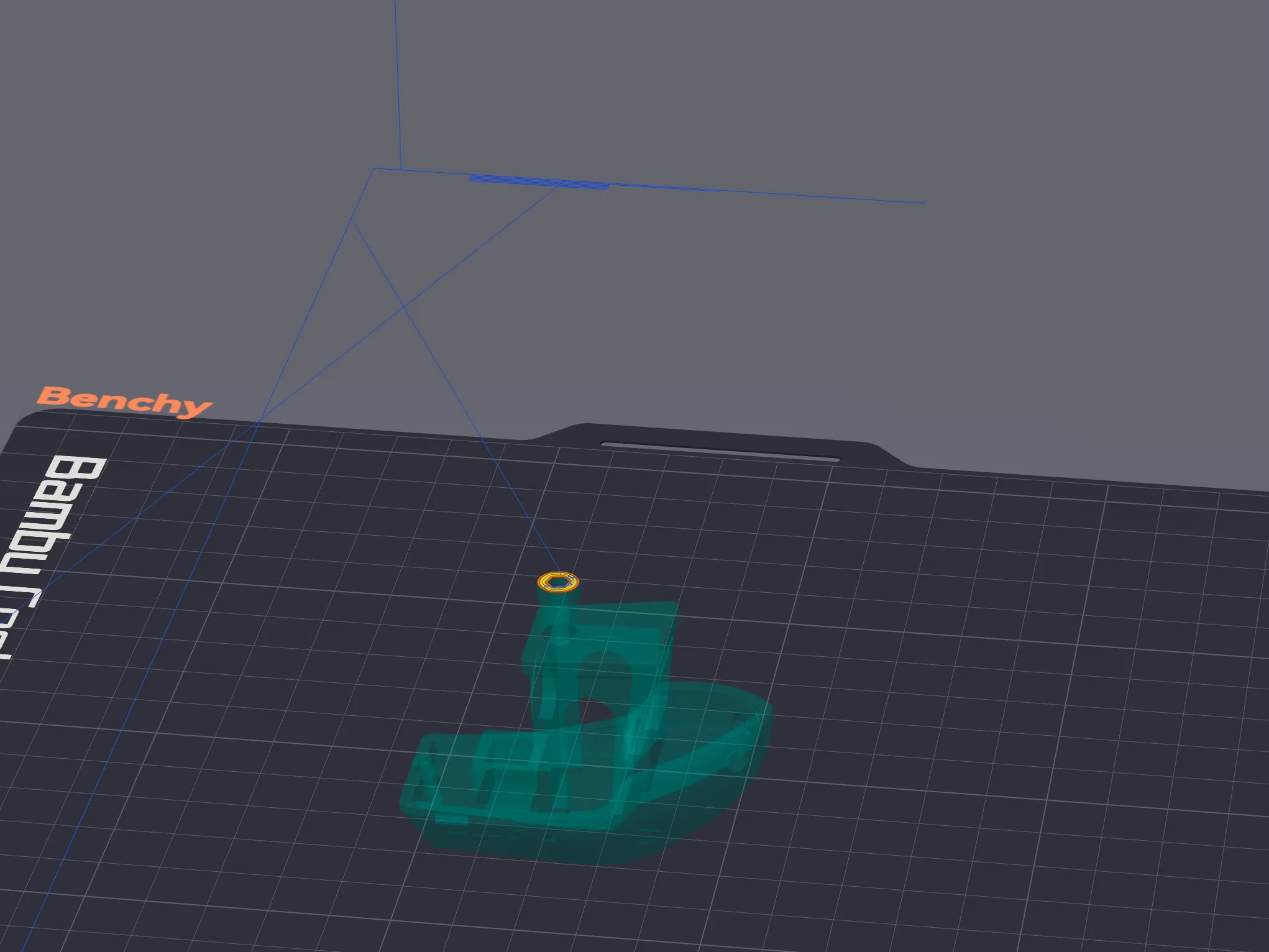
;#########################################################################
;===== Final Nozzle Wipe - Start ====================
;===== Version 1 - 03/11/2025 ====================
;========== prepare
M1002 gcode_claim_action : 14; "Cleaning nozzle"
G1 X70 F21000 G1 Y245 G1 Y265 F3000 M400; move to poop chute
;========== allow filament to melt and drip
M104 S{nozzle_temperature_initial_layer[initial_no_support_extruder]}; set nozzle temperature to extrusion temp;M104 S250 ← alternatively can set to “common flushing temperature”
;M104 S300 ← alternatively can set even higher temperature to better melt build-up
M400 S60; pause for 60sec
;========== wipe and shake
G1 X76 F15000
G1 X65 F15000
G1 X76 F15000
G1 X65 F15000; shake to put down garbage
G1 X80 F6000
G1 X95 F15000
G1 X80 F15000
G1 X165 F15000; wipe and shake
;========== cool nozzle
M109 R140; set+wait until hotend temp safe for silicone wiper
; wipe and shake
G1 X76 F15000
G1 X65 F15000
G1 X76 F15000
G1 X65 F15000; shake to put down garbage
G1 X80 F6000
G1 X95 F15000
G1 X80 F15000
G1 X165 F15000; wipe and shake
;========== Wipe using wiper V3.4
G90 ; Set to absolute positioning mode
G1 X128 Y265 F30000 ; Move to the starting position
G91 ; Switch to relative positioning mode
G1 X-45 F15000 ; Perform a snake pattern motion from top to bottom
G1 Y-0.5 ; Slightly increment the Y-axis and repeat the back-and-forth motion while adjusting Y
G1 X25
G1 Y-0.5
G1 X-25
G1 Y-0.5
G1 X25
G1 Y-0.5
G1 X-25
G1 Y-0.5
G1 X25 ; Reversing direction
G1 X-25
G1 Y0.5
G1 X25
G1 Y0.5
G1 X-25
G1 Y0.5
G1 X25
G1 Y0.5
G1 X-25
G1 X45
G90 ; Switch back to absolute positioning mode
G1 X128 Y265 ; Return to the starting position
G1 F3000 ; Restore the previous acceleration settings
;===== End - Final Nozzle Wipe ====================
G1 X70 F21000 G1 Y245 G1 Y265 F3000 M400; move to poop chute
M104 S0 ; turn off hotend
;#########################################################################
Notes
- By default, nozzle is heated to filament extrusion temperature and parked over poop chute for 1 min to allow leftover plastic to melt.
- Alternatively, you can set to 250ºC ("common flushing temperature") or even higher to better remove debris.
- 250ºC works for wide range of filaments.
- You can also add more wiping passes. By default, I have two rounds of wiping.
References
- Inspiration for adding pause to allow plastic to melt → https://forum.bambulab.com/t/how-to-add-extra-nozzle-wipe-after-finishing-printing-with-petg/30831/11
- Bambu Lab specific gcode implementation → https://forum.bambulab.com/t/bambu-lab-x1-specific-g-code/666
- More gcode commands → https://github.com/jphannifan/x1plus-testing/blob/main/Gcode.md
- How to access values set in the slicer when writing gcode → https://wiki.bambulab.com/en/software/bambu-studio/placeholder-list
Documentation (2)
License



Comment & Rating (1)