Search models, users, collections, and posts

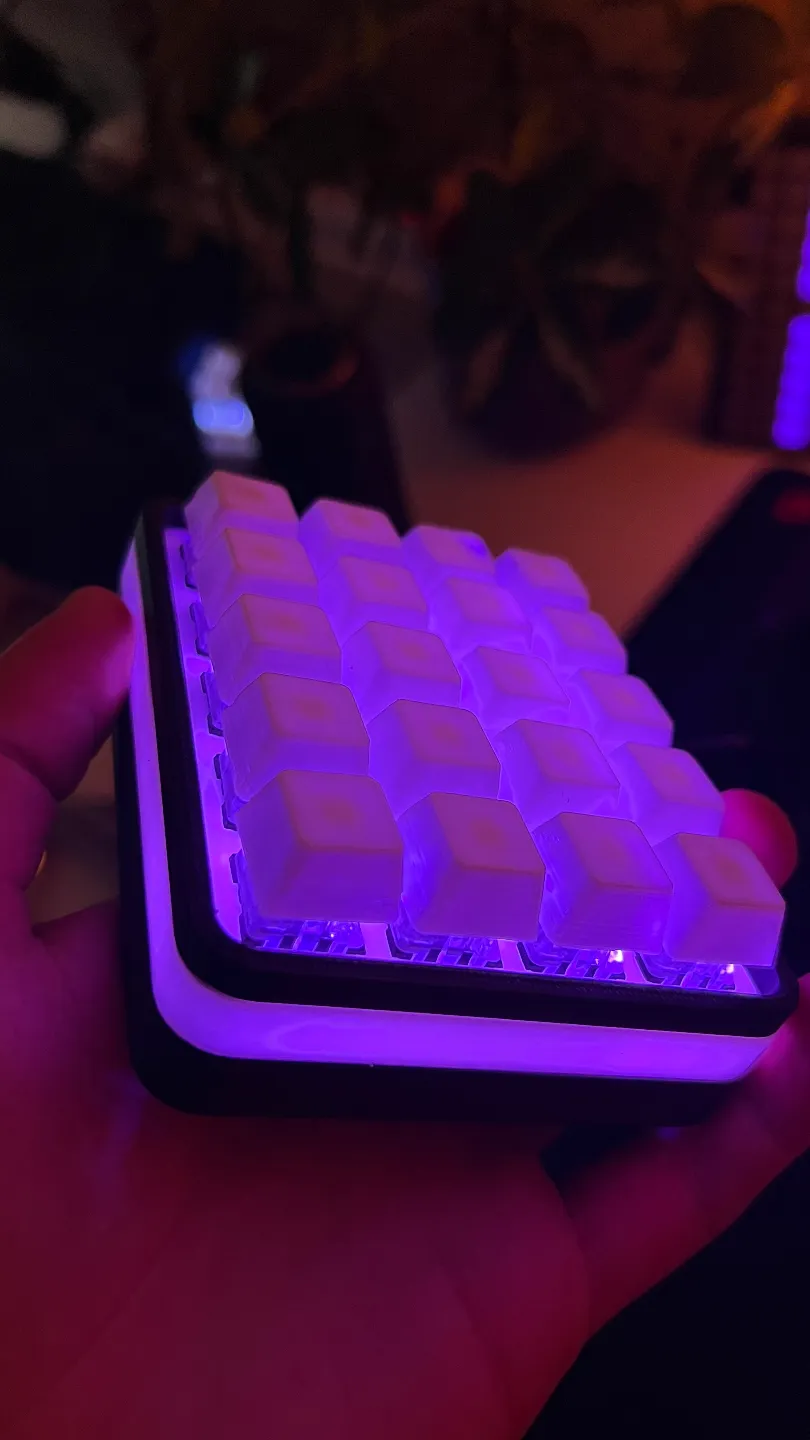
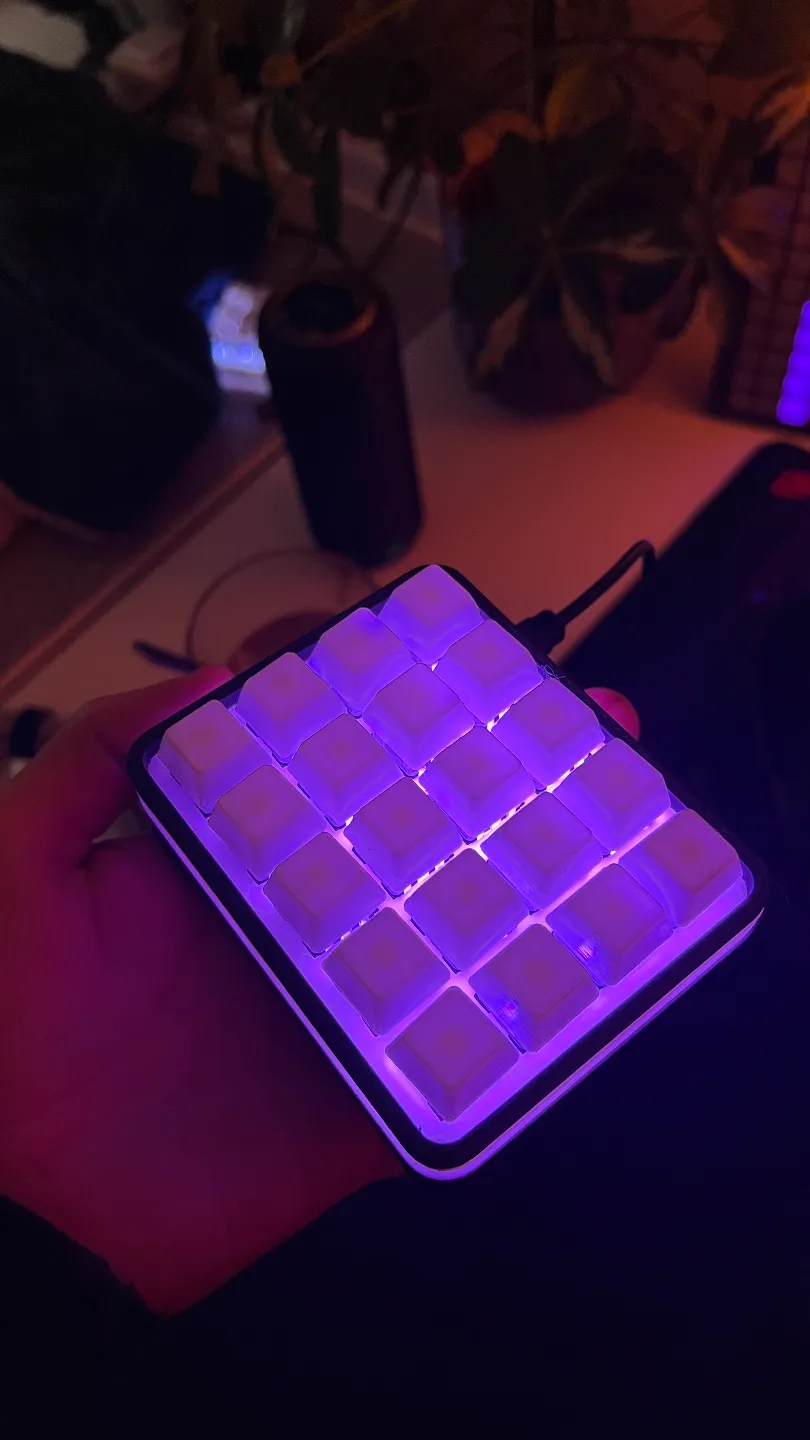
4x5 MacroPad for HomeAssistant / ESPHome

Print Profile(1)

All
A1 mini
P1S
P1P
X1
X1 Carbon
X1E
A1
H2D
H2D Pro
H2S
P2S
H2C
X2D
A2L

0.2mm layer, 2 walls, 15% infill
Designer
2.1 h
3 plates
5.0(3)

Open in Bambu Studio
Boost
34
103
12
2
82
35
Released 

Description

After printing i removed midle support X things  with calipers or you coud delete them in your slicer. 
Top Plate for Switchces is sturdy as hell without them. 


ESP Home Config In Documents


Documentation (1)

Other Files (1)
ESPHome Config_2dab5850-3960-49e0-ae27-93d32cfbc267.txt

Comment & Rating (12)

(0/1000)

Boosted
thank you for the great model and the esphome config. it works and looks great. how did you connect all the switches to the esp? did you use a PCB or did you solder it all together?
The designer has replied
designer
1
Reply
No just directly soder in to ESP. Its is sodered like a grid.
0
Reply
Boosted
Replying to @NoroCreative :
Okay, thank you! :)
0
Reply
does this have room for an ESP32?
The designer has replied
0
Reply
I used full size ESP. As i mention in description off project. You can. Just need to remove suport X thing in midle to acomodate full size ESP.
0
Reply
What switches did you go with?
The designer has replied
0
Reply
I don’t know something brown… But same MX standard. Standard hight, they are from older keyboard that I disassemble.
(Edited)
0
Reply
Looks like an awesome project, especially with the ESP Home config, but it would be great to have more information. I assume Cherry MX with diodes, ESP32 WROOM and 16 LED neopixel ring? The ESP just glued to the bottom?
0
Reply
do you have a video on you tube?
0
Reply
Print Profile
0.2mm layer, 2 walls, 15% infill
great design, thanks for sharing
0
Reply
Print Profile
0.2mm layer, 2 walls, 15% infill
profile
1
Reply
Print Profile
0.2mm layer, 2 walls, 15% infill
profile
1
Reply
No more