
Square Reader and Business Card Display Stand
Print Profile(1)

Description
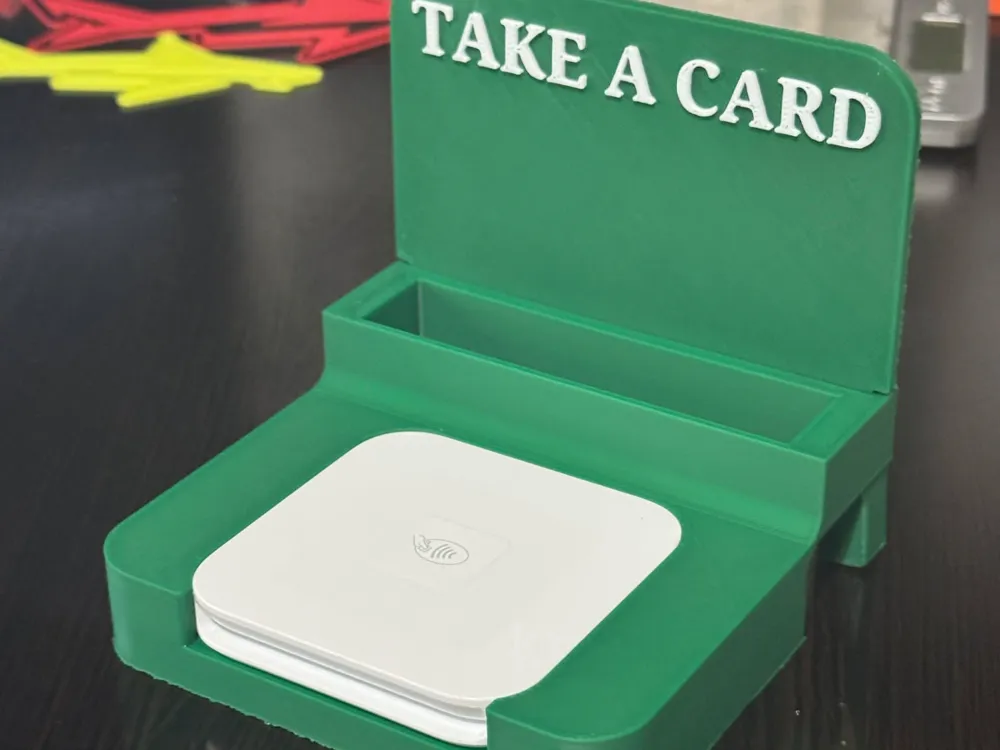
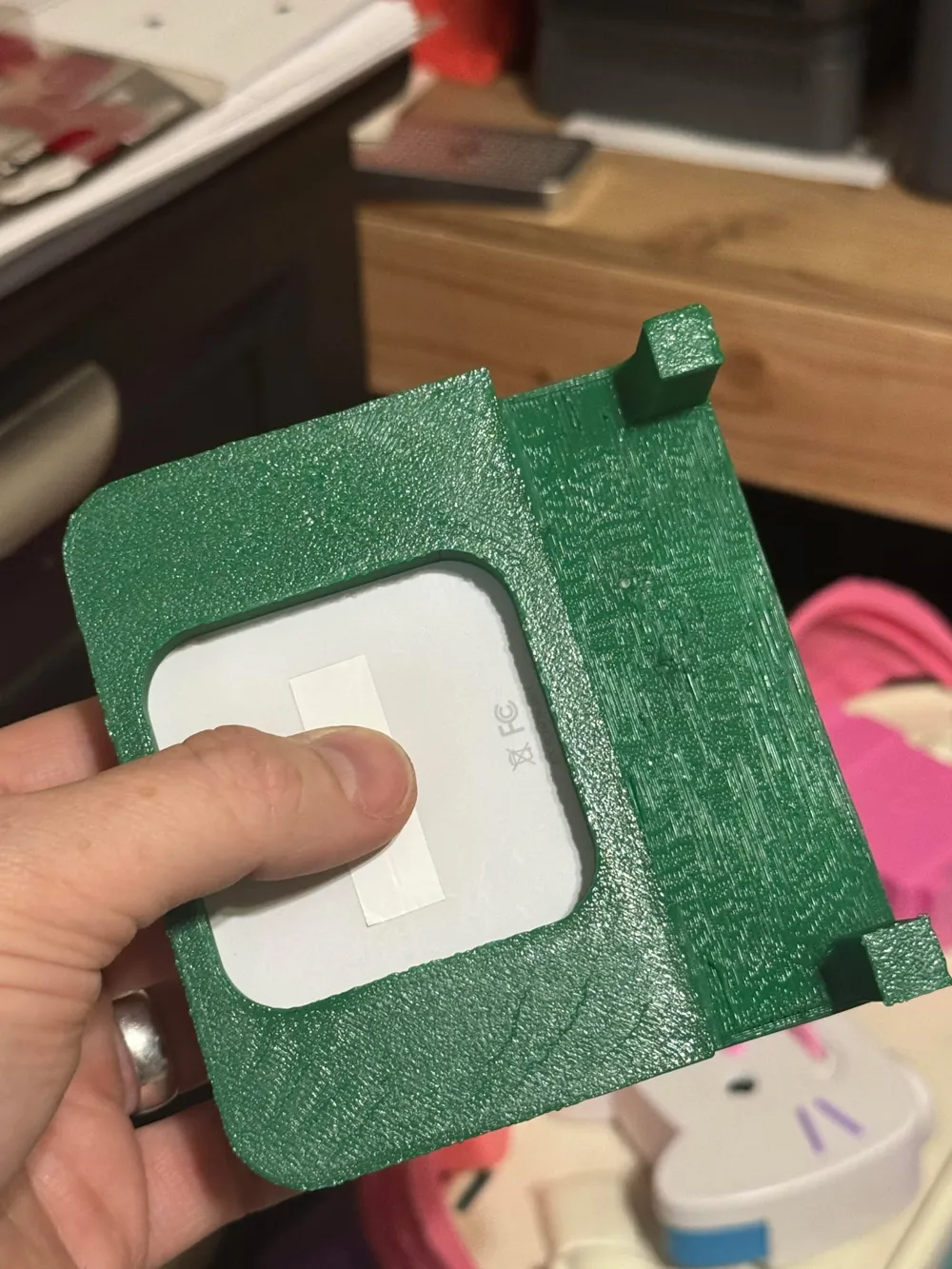
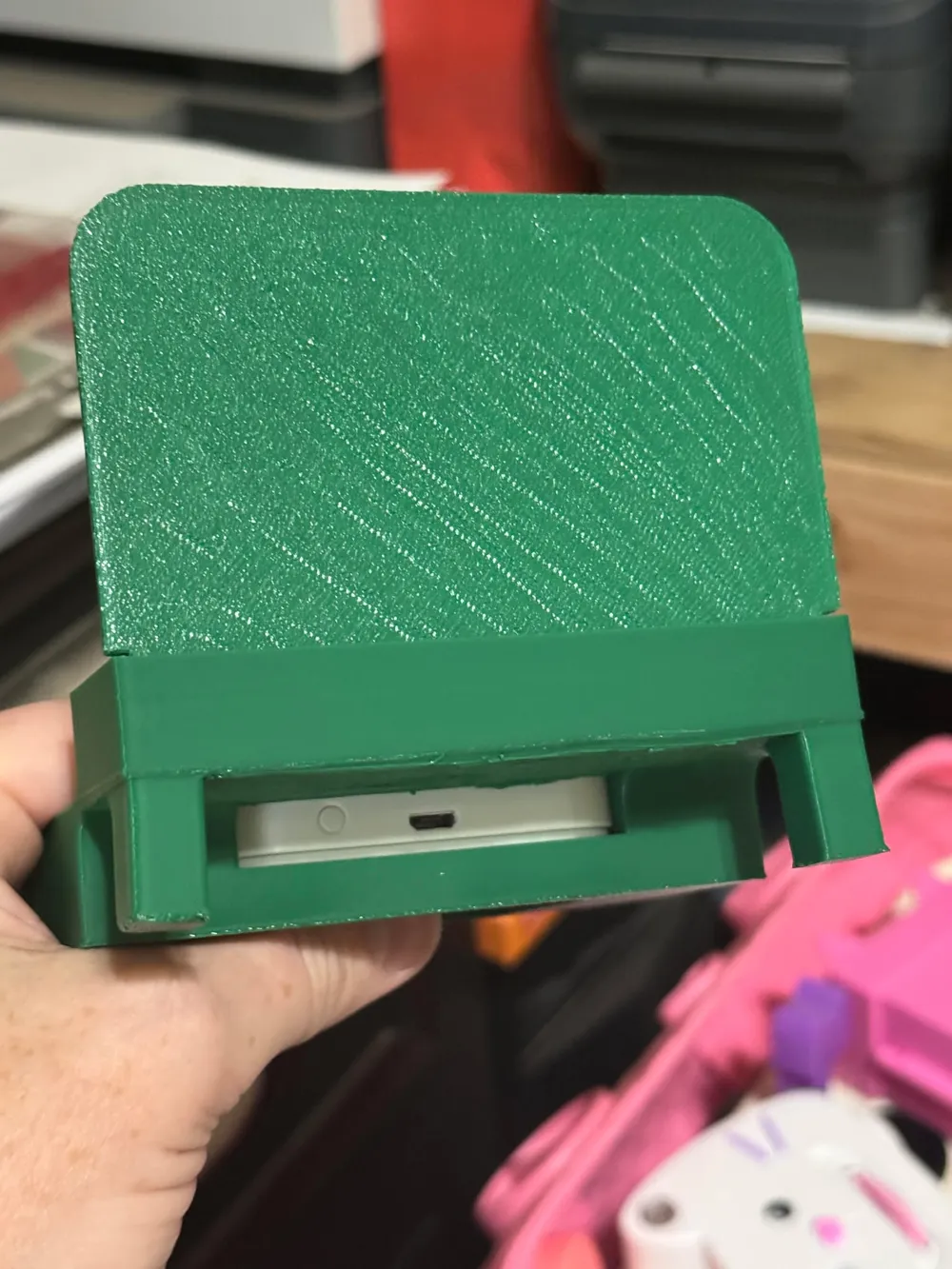
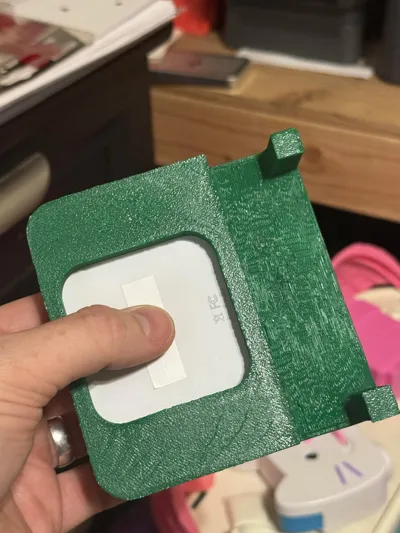
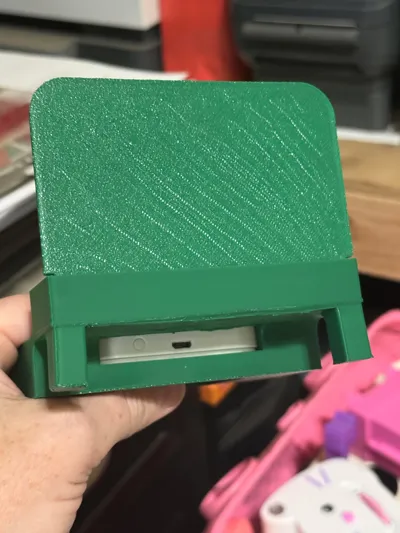
This is a simple stand for holding your square reader and business cards. Good for putting on your desk or table at vendor events. It is compatible with both square gen 1 and gen 2 devices. There's a cutout at the back to allow for your reader to be plugged in while in use. There's also a hole in the bottom under where the reader goes to make it easier to remove the reader if needed.
---===[ UPDATE ]===---
4/22/2025 - BL helped resolve the issue. Apparently if you have ‘print by object’ selected, it causes isssues with their ‘cloud slicing’ system, so it restricts to whatever printer type was last sliced. I changed it back to ‘print by layer’ now, and all printers are available for printing.
4/14/2025 - For some reason, the print profile is only showing as avaiable for the A1. I have all printers selected in the profile settings, and have a ticket open to figure out what's going on with it. I'll have it fixed as soon as BL intervenes.
---===[ PRINTING NOTES ]===---
The print profile for is configured to use PLA for the model and PETG as supports with 0 top and bottom z-distances. This will help to achieve a cleaner and smoother finish on the underside of the print. Ensure your flush volumes are high enough to fully purge PETG from the system prior to resuming PLA printing, or your layers will come apart and the legs will break off!!! I have set the flush values in the print profile for 800mm^3 when going between the 2 materials. You may need to increase or decreae the value based on your own printing variables.
If you do not have PETG (or PLA if printing the main item in PETG), then I recommend changing the z-distances to .2 or whatever you have had luck with on your printer when using the same filament as the main model for your supports. I also have it set to print by object, with the main body being printed first, so that the backer (that says “TAKE A CARD”) prints last, resulting in fewer filament changes.
License

You shall not share, sub-license, sell, rent, host, transfer, or distribute in any way the digital or 3D printed versions of this object, nor any other derivative work of this object in its digital or physical format (including - but not limited to - remixes of this object, and hosting on other digital platforms). The objects may not be used without permission in any way whatsoever in which you charge money, or collect fees.


Comment & Rating (29)