
1/56 Scale Simple Vending Machine
Print Profile(1)

Bill of Materials

Description
All models are printed and tested using the following:
Filament Used For Testing: Generic (Sunlu/Bambu Basic/Deeplee)
Profile Used: Generic PLA High Speed
Nozzle Size: 0.4mm Hardened Steel OR 0.2mm Steel Nozzle where the profile indicates the more detailed nozzle has been used
Plate Used: Bambu Smooth PEI Plate (No Adhesive)
I test these models extensively prior to release to make it close as possible to a click and print profile.
Please feel free to add your own profiles if you want to improve material/time efficiency
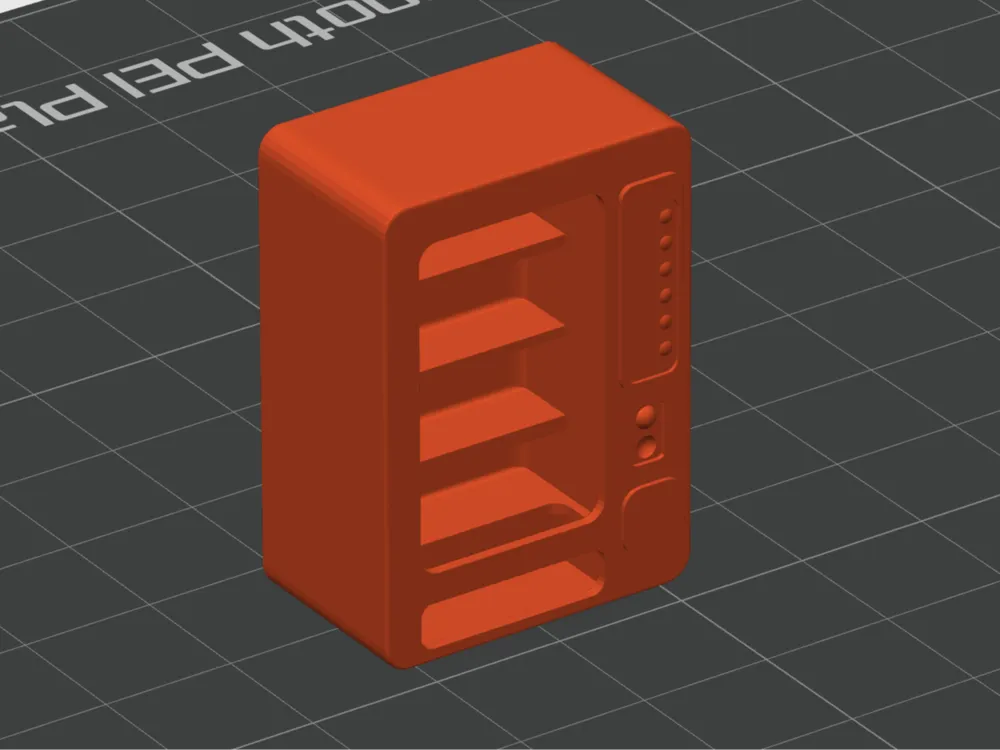
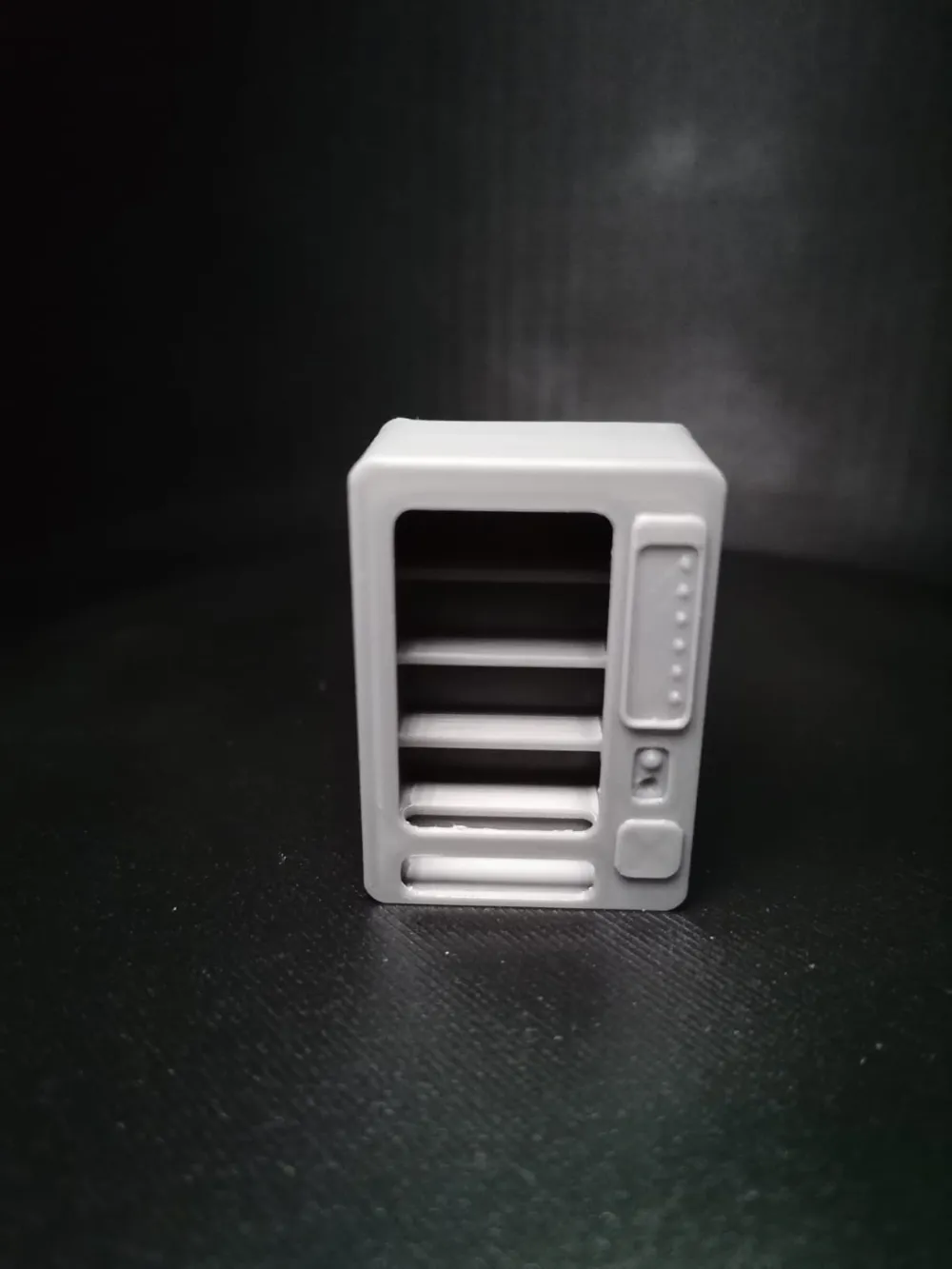
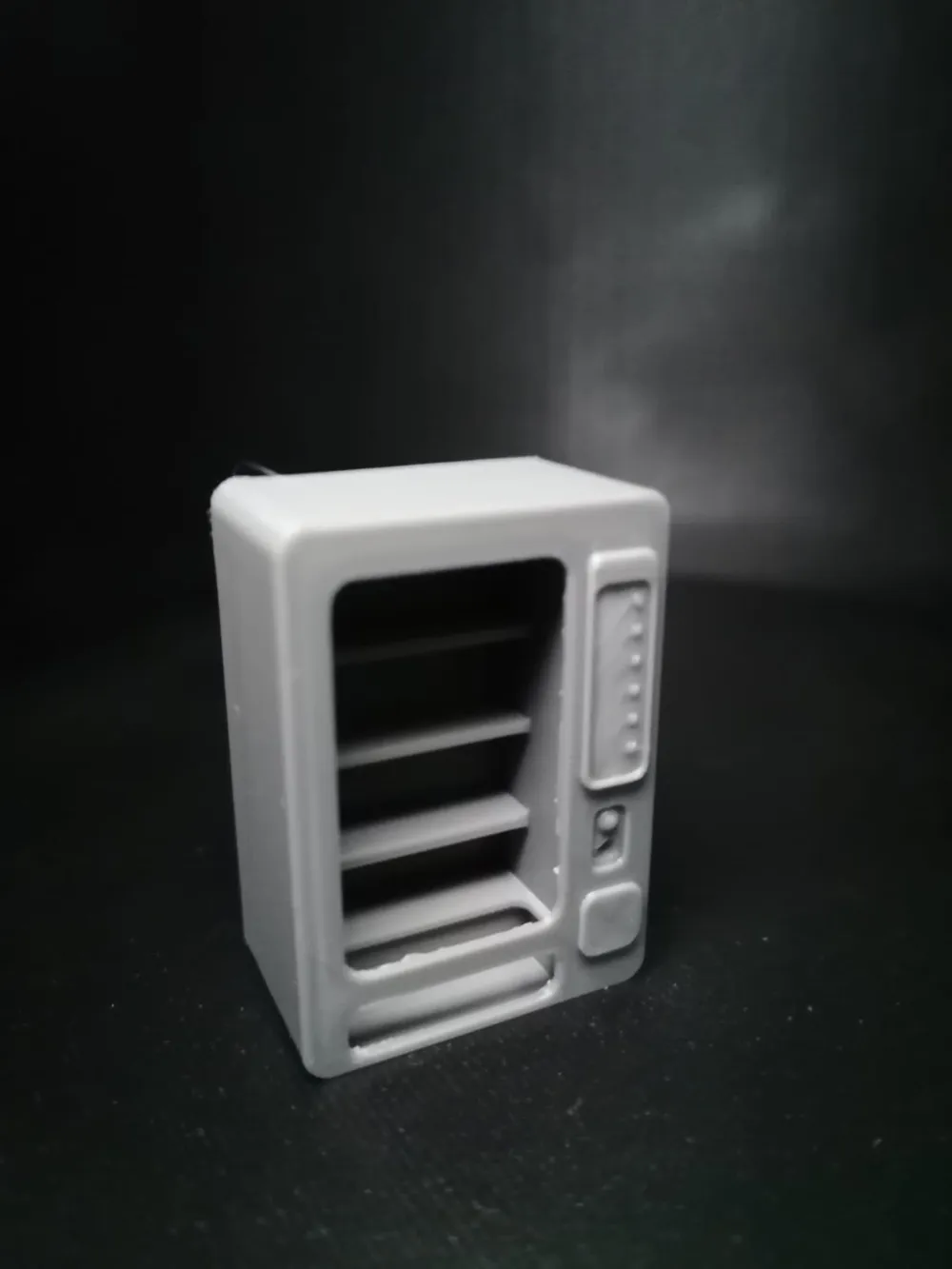
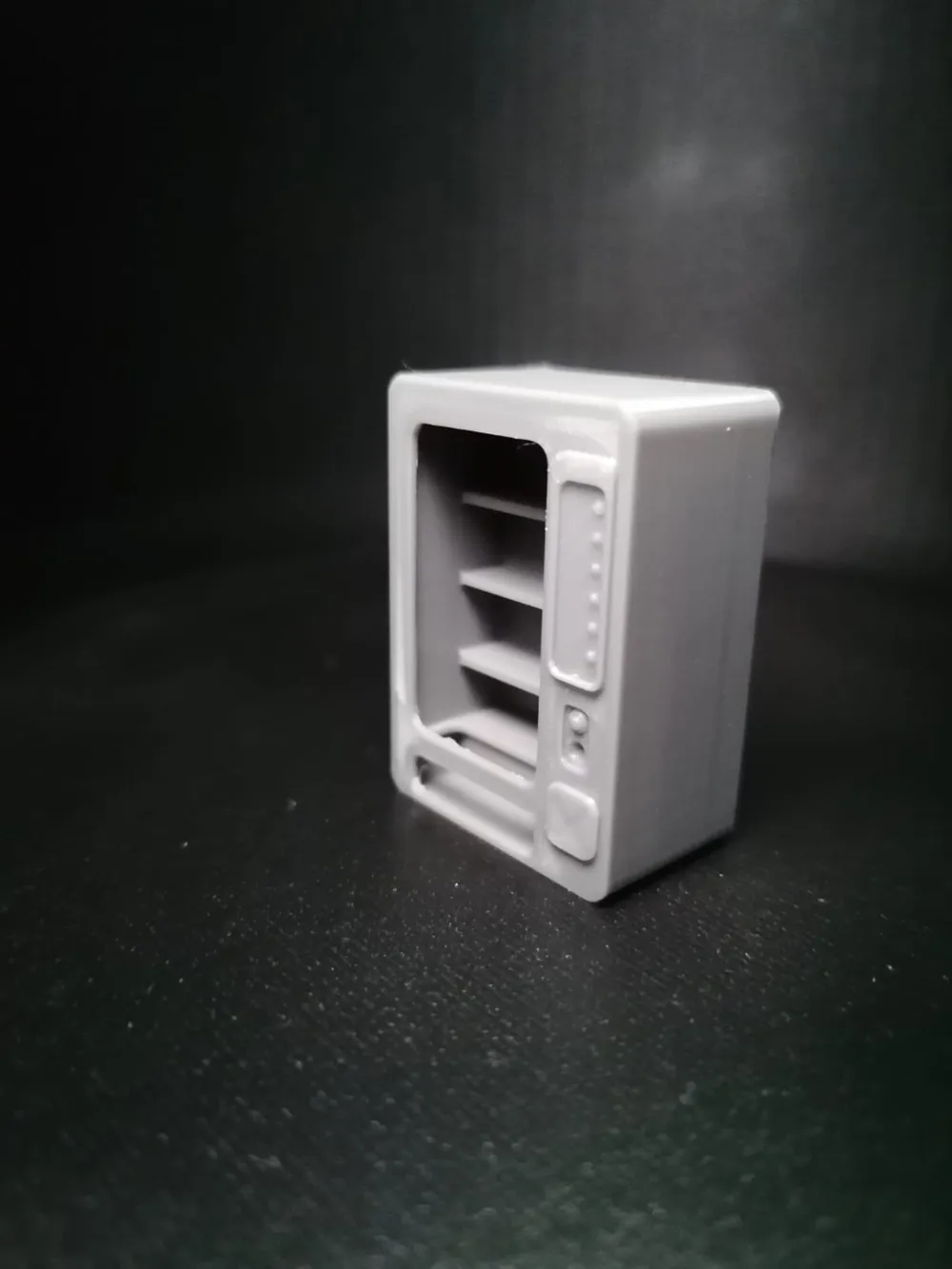
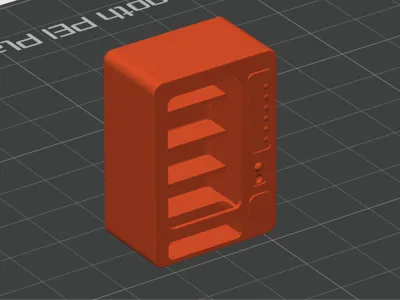
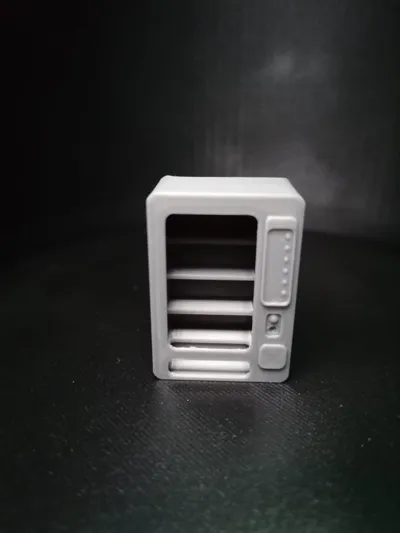
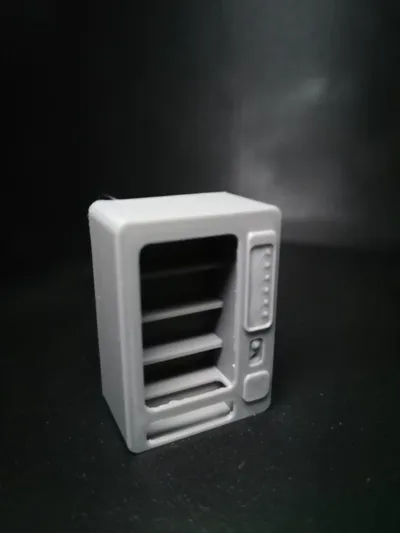
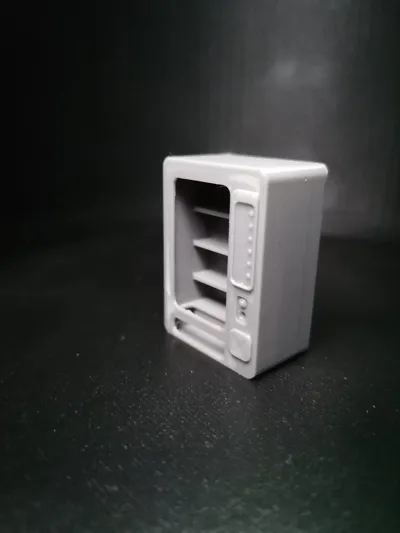
1/56 scale simple vending machine, created in a fallout era style with curves. Shelves are kept simple for FDM printing
Print on back with no supports, dry filament and correct bridge calibration and you should get a perfect print every time.
You can add supports internally if changing scales at all, or if you want to print vertical for any reason id recommend custom supports under the shelves
Features 4 shelves suitable for scatter terrain style cans etc. 6 raised buttons, and some panels. Designed for a 1/56 scale diorama as part of an old dystopian workshop service area. Can be printed with a 0.4 nozzle however the details on the panels will be lost
>>>>>>>>>>>>>>>>>>>> BEFORE YOU ATTEMPT TO PRINT <<<<<<<<<<<<<<<<<<<<
- Ensure that your printing plate is clean!
- Ensure that your filament is DRY! This is the main cause of stringing and quality issues
- All prints have had multiple runs on a clean smooth plate with no adhesive
- If you have adhesion issues consider using the Bambu liquid glue if compatible with your plate
- Ensure your nozzle is clean prior to starting your job
- Always run bed levelling
- Ensure that there is no direct airflow on your print area from fans/windows
- If the room you are printing in fluctuates in temperature and/or humidity use the flow calibration before each print
- ALWAYS ensure to monitor the initial layers of your print to confirm adhesion
Boost Me (for free)
All of my creations come from my own experience with my hobbies and daily requirements. I have begun to list these where I have been unable to find solutions that meet my needs. A lot of time and trial goes into making these models suitable for distribution! Your boosts help me to dedicate even more time to producing new models, and revising existing ones with community suggestions and variations. Thank you!
License

You shall not share, sub-license, sell, rent, host, transfer, or distribute in any way the digital or 3D printed versions of this object, nor any other derivative work of this object in its digital or physical format (including - but not limited to - remixes of this object, and hosting on other digital platforms). The objects may not be used without permission in any way whatsoever in which you charge money, or collect fees.


Comment & Rating (5)