
A1/MINI Bed x Nozzle Saver

Print Profile(1)

Description
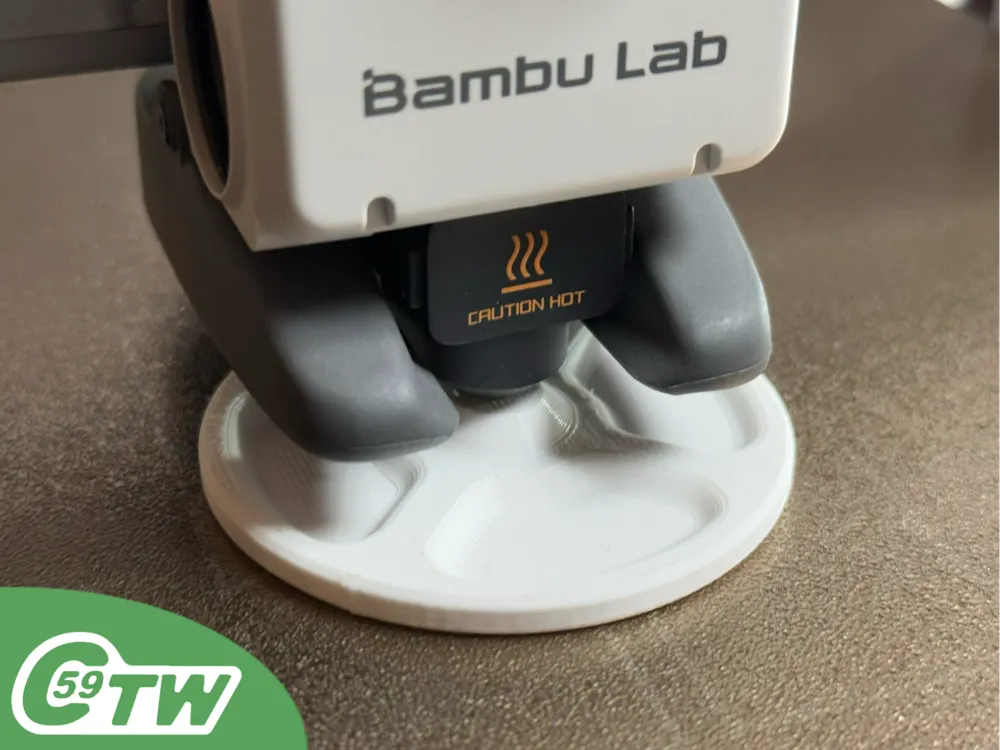
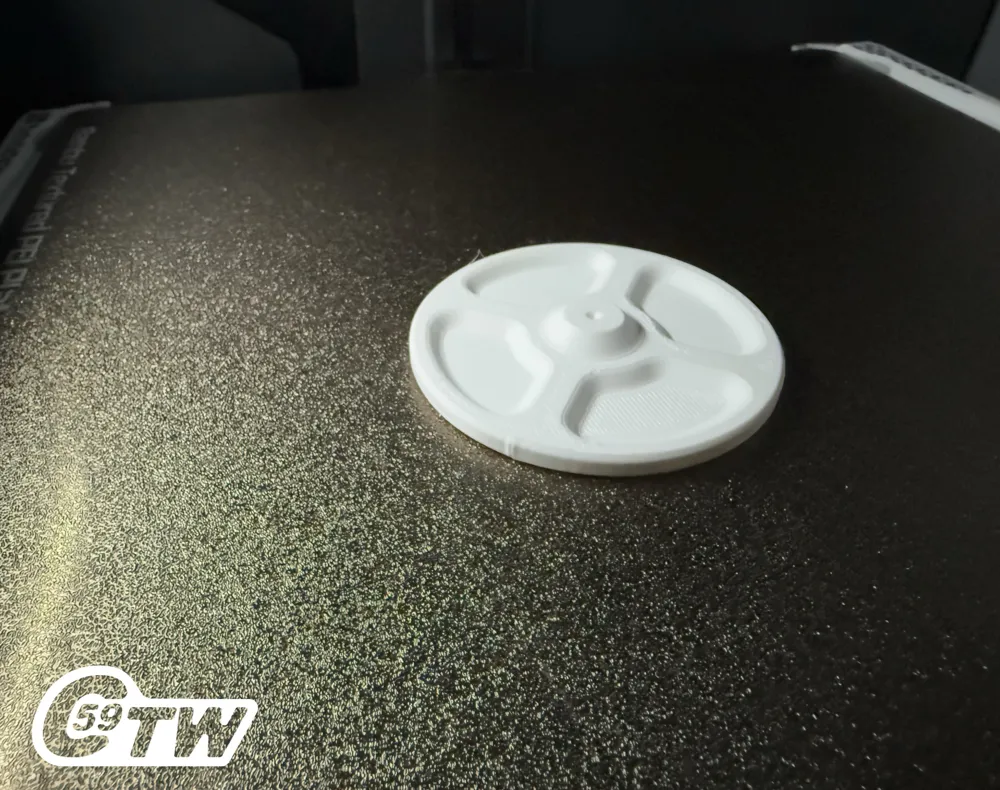
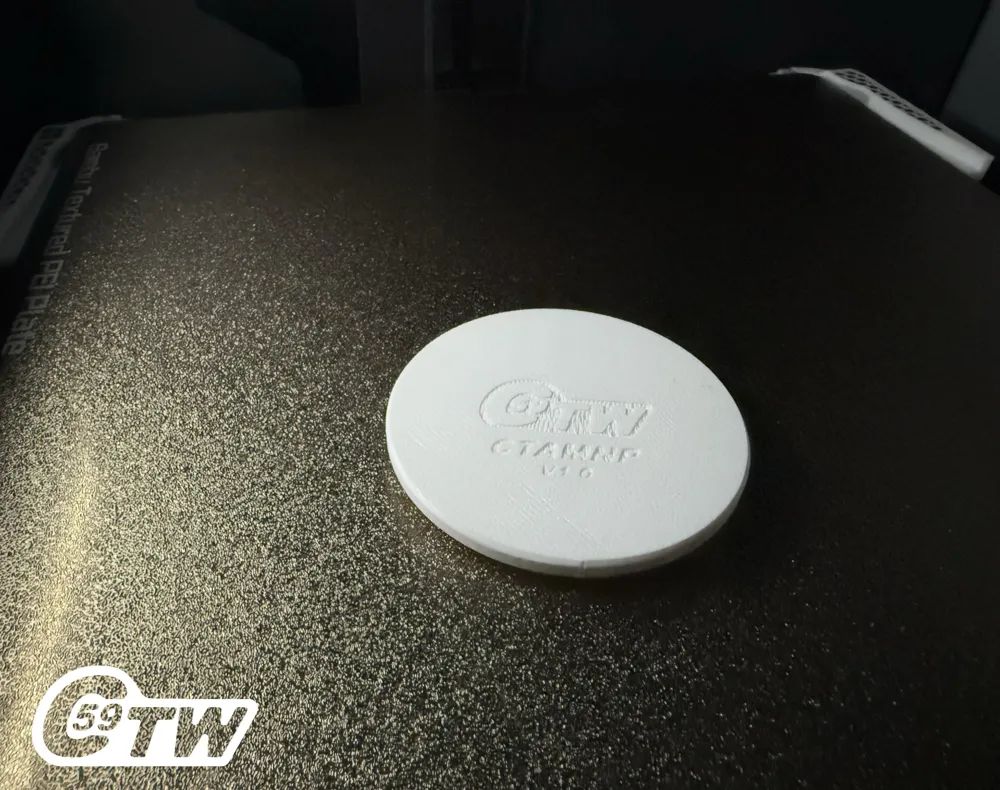
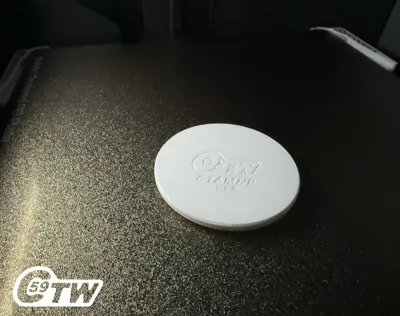
Bed X Nozzle Saver__ Work Plate CTAMNP
C59 ToolWorks – High-Performance Printable Tools
Nozzle Workplate – Protection & Stability for Toolhead Maintenance
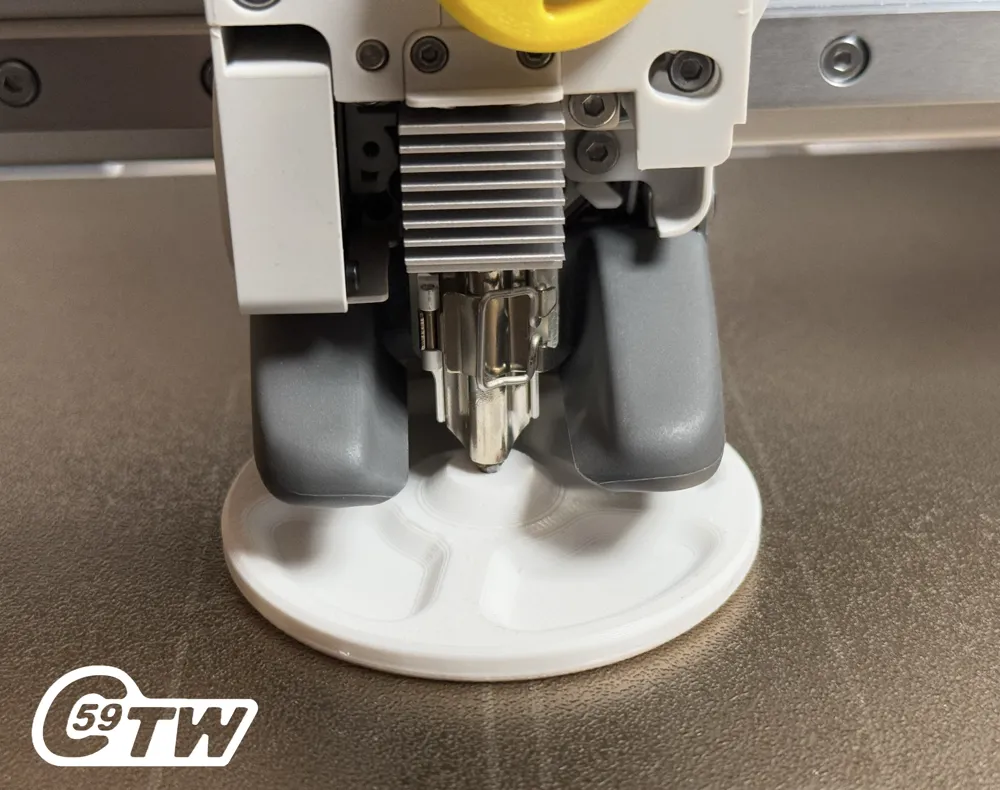
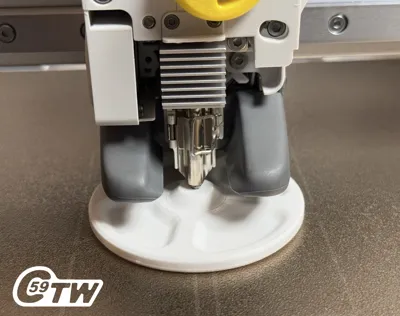
The Nozzle Workplate is designed to protect your build plate, nozzle, and gantry alignment (MINI) while performing maintenance on the toolhead.
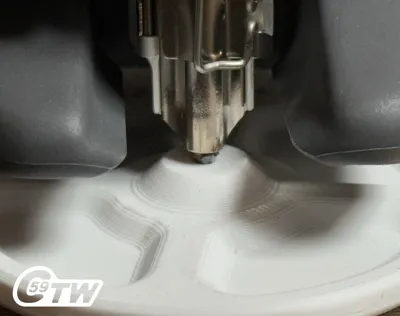
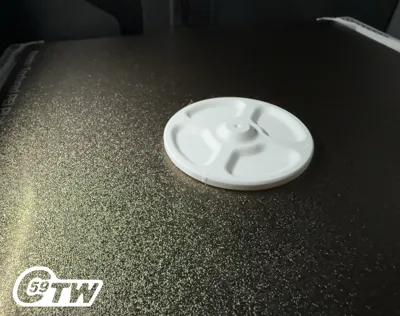
It also serves a practical purpose by preventing small screws from rolling away—there are four dedicated trays to help keep your workspace organized.
Whether you're removing the Hub-Lok, hub spring, or performing any other non-nozzle-related tasks, this tool helps distribute applied force safely, reducing the risk of damage to your machine. It also eliminates the need to hold the toolhead steady during work.
⚠️ Important:
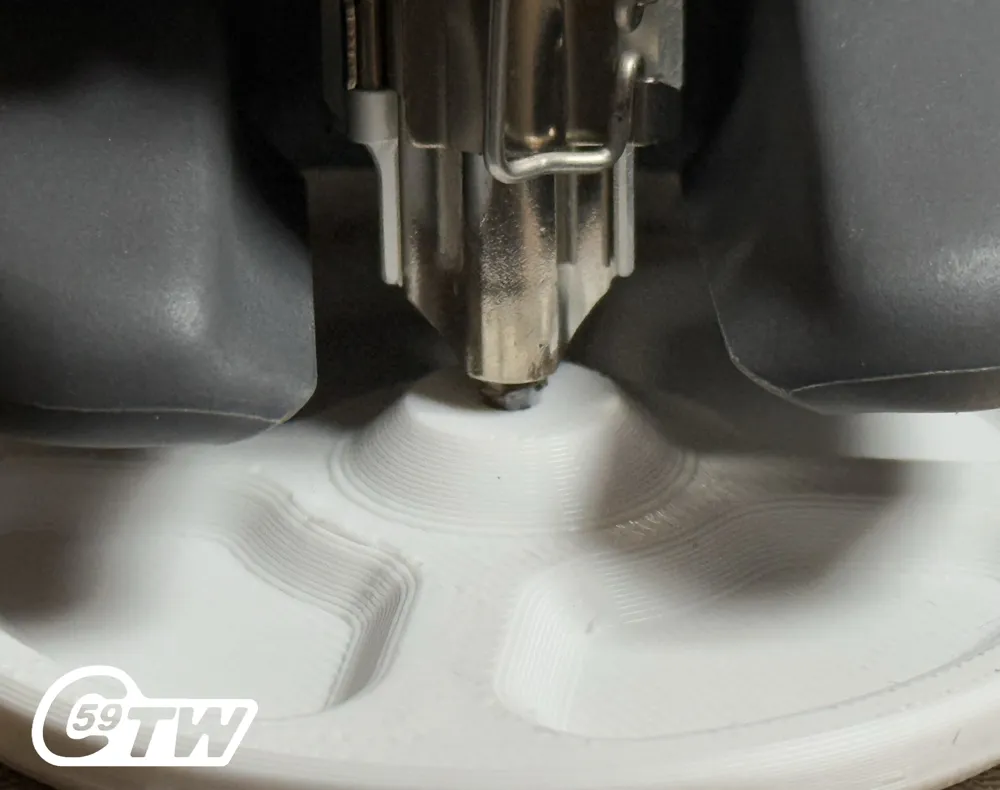
This workplate is intended for use with a clean, material-free, and cool nozzle. Always clean the nozzle and allow it to cool before placing it on the plate.
Instructions
Tip: Gently rub the nozzle back and forth to clean off any debris.
Lowering the Nozzle onto the Plate Saver
- ⚠️ Important:
Do not fully lower the Z-axis using the screen interface. The height sensor will not function with this tool. - Position the Plate Saver under the nozzle.
- Use the screen controls to slowly lower the Z-axis until the nozzle is just above the Plate Saver.
- Power off the printer.
- Manually lower the toolhead the rest of the way until it gently contacts the Plate Saver.
- Once in position, it's safe to work on the toolhead without risking damage to the gantry, nozzle or build plate.
- ✅ For best results, keep the toolhead as centered on the X and Y axes as possible. This ensures even weight distribution and safer handling.
Additionally, the Nozzle Saver offers peace of mind during transport by preventing the nozzle from pressing down onto the bed while the unit is being moved.
Removing Instructions
- Power on the unit and go to the control menu to lift the Z-axis.
- You’ll be prompted with the message “Home Axis.” Do not proceed with homing.
- If the plate comes off with a single press, you're all set! If not, refuse the homing action and manually bump the Z-axis up again.
Enjoy the peace of mind while we handle the little details that keep your machine running smoothly!
Action HD Shorts Video: Soon!
V1.0 Print Specifications
Material: Whatever you like !
Printer Settings:
- Profile: Standard
- Layer Height: 0.20 mm
- Material used: PETG
- Mode: CERTIFIED LUDICROUS
- Infill: 15%
- Walls: 2
- Bottom Layers: 3
- Top Layers: 5
Printing Details:
- Supports: Not required
- Print Time: 00:24:27
- Filament Usage: 0.31 oz
- Estimated Cost: ~$0.27 (based on a $26 PETG spool)
Boost Me (for free)
🚀 Boost Your Project! 🚀
If you love what I'm working on, hit the Boost button! Your support helps me continue to create, improve, and share even more exciting designs. Thank you for being part of this journey!
Enjoy your printing journey, and remember—keep your fingers away from the poop chute, she's angry!
“I’ll be sure to keep you updated with any future developments. If you come across any issues or need assistance, don’t hesitate to reach out—I’m here to help!”
You shall not share, sub-license, sell, rent, host, transfer, or distribute in any way the digital or 3D printed versions of this object, nor any other derivative work of this object in its digital or physical format (including - but not limited to - remixes of this object, and hosting on other digital platforms). The objects may not be used without permission in any way whatsoever in which you charge money, or collect fees.
Current ver.1.0_04/09/2025
© 2025 C59 Design Lab. All rights reserved.
License

You shall not share, sub-license, sell, rent, host, transfer, or distribute in any way the digital or 3D printed versions of this object, nor any other derivative work of this object in its digital or physical format (including - but not limited to - remixes of this object, and hosting on other digital platforms). The objects may not be used without permission in any way whatsoever in which you charge money, or collect fees.


Comment & Rating (12)