
35mm Mounted Slide Adapter - DigitaLIZA
Print Profile(1)

Description
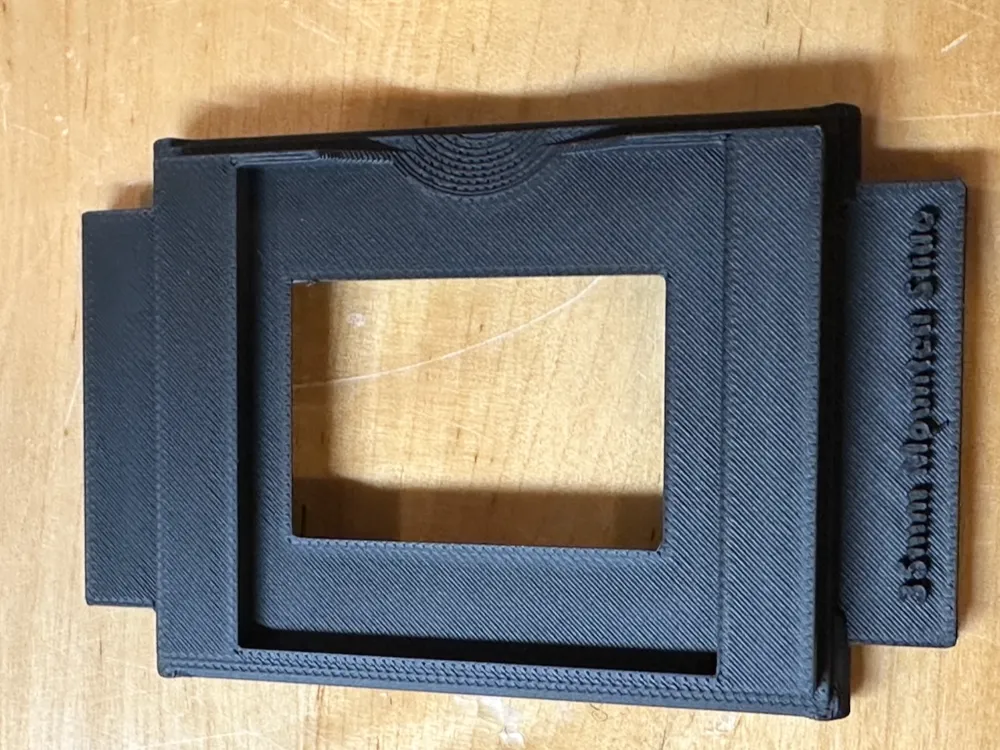
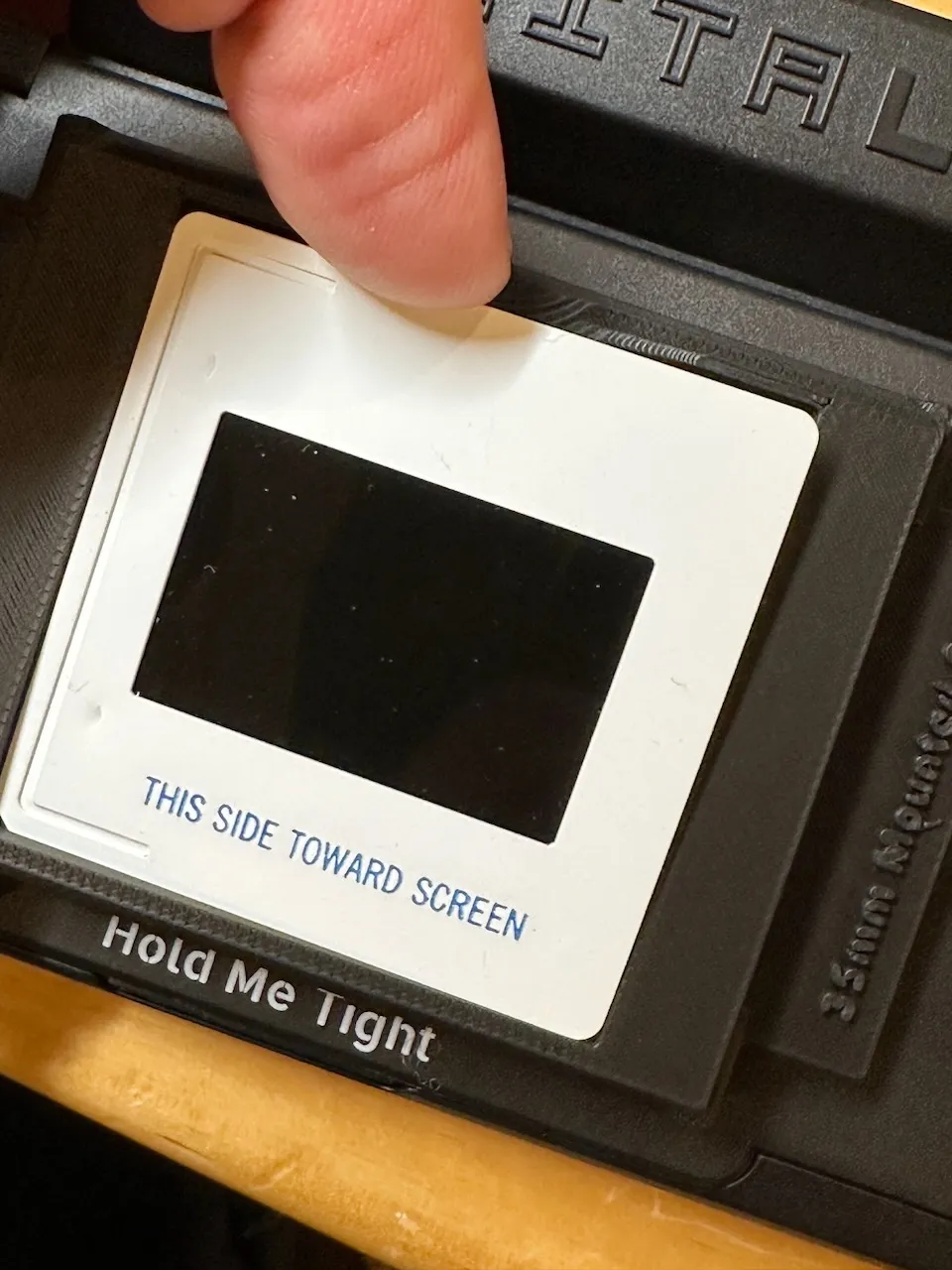
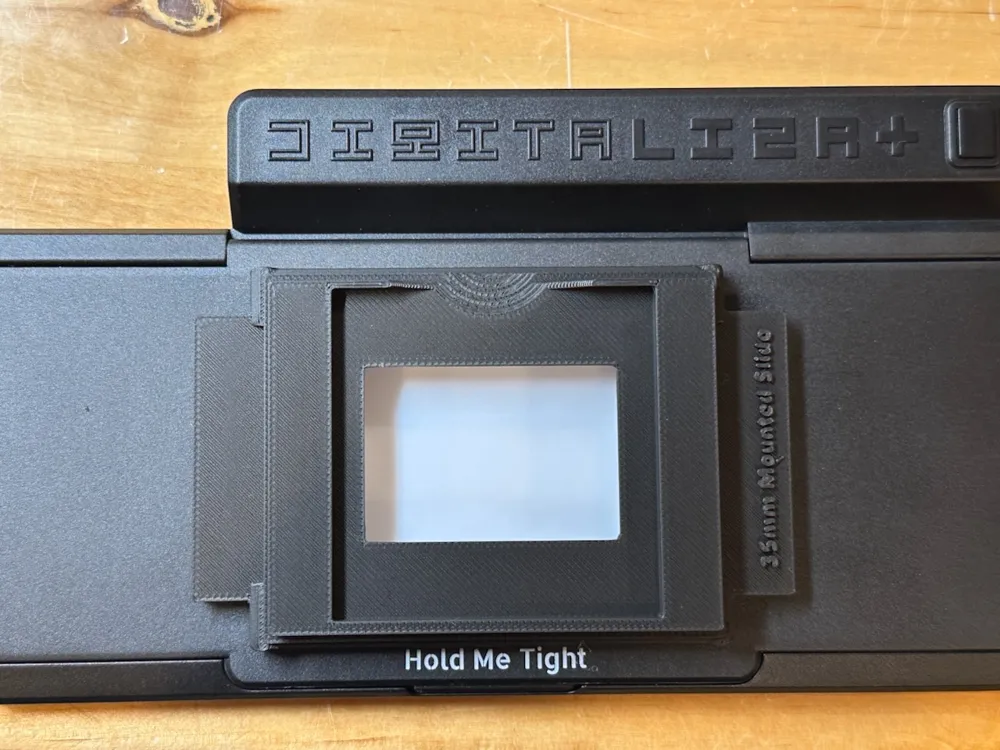
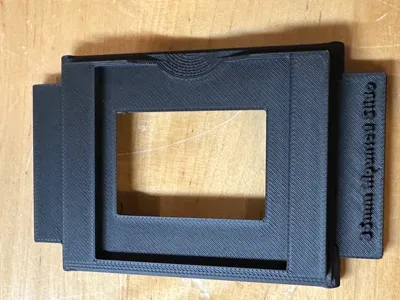
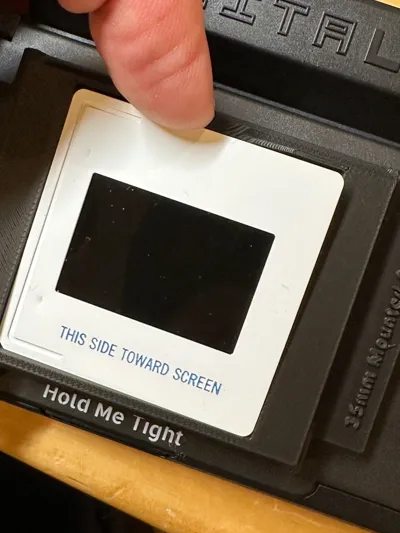
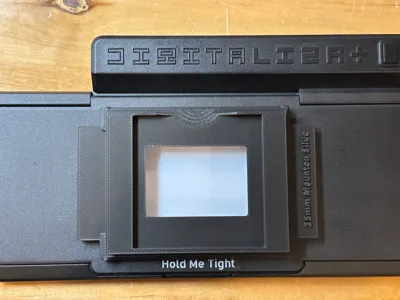
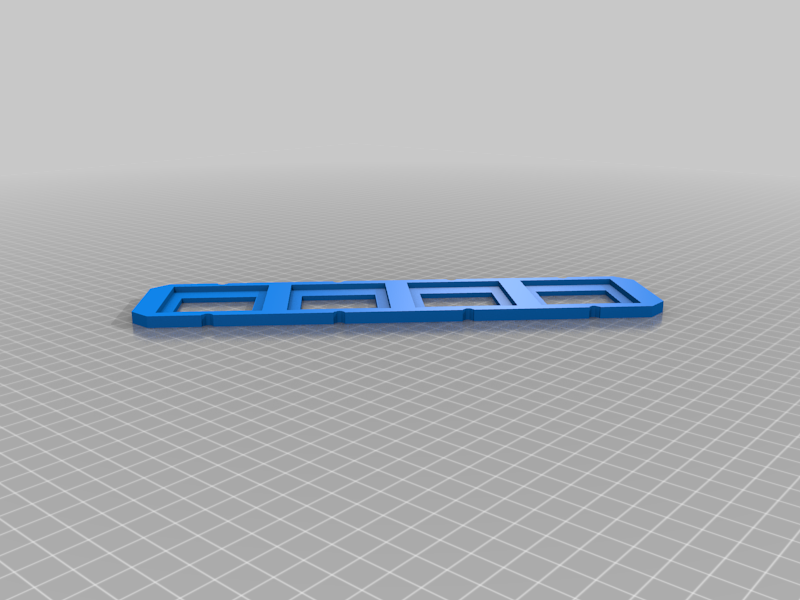
This is a snap in adapter to hold mounted 35mm slides in a DigitaLIZA film converter.
DigitaLIZA is a great tool for converting analog film to digital images using a camera and macro lens. The tool includes a bunch of adapters. Unfortunately there is nothing for mounted 35mm slides. This is a remix of two adapters that allows you to quickly and reproducibly photograph slides withe the DigitaLIZA tool.
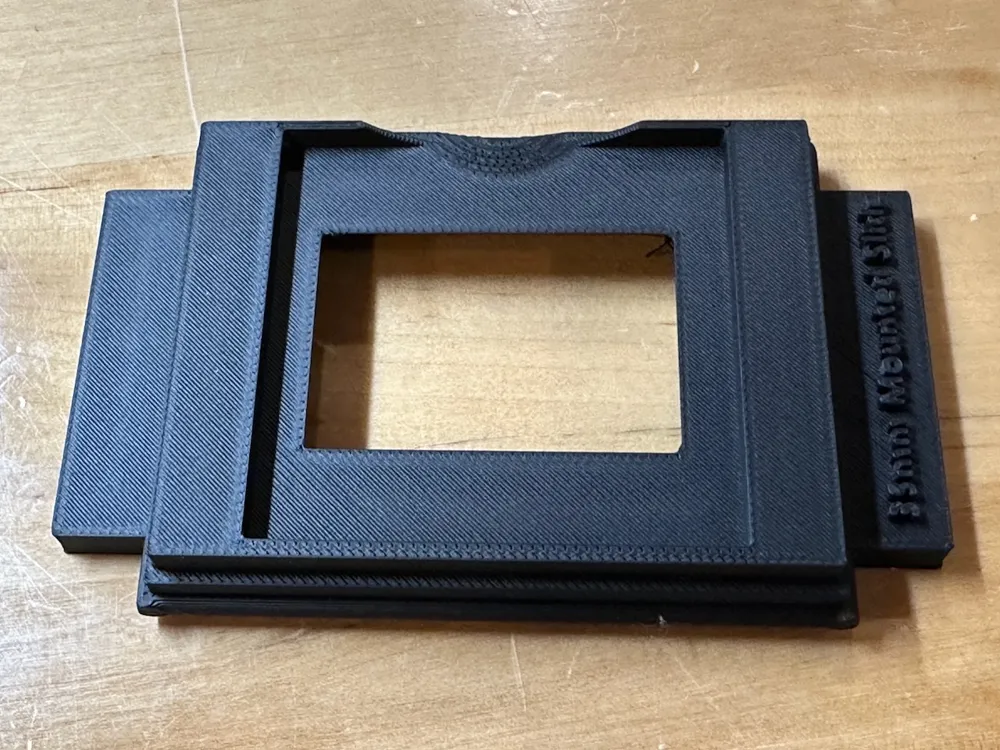
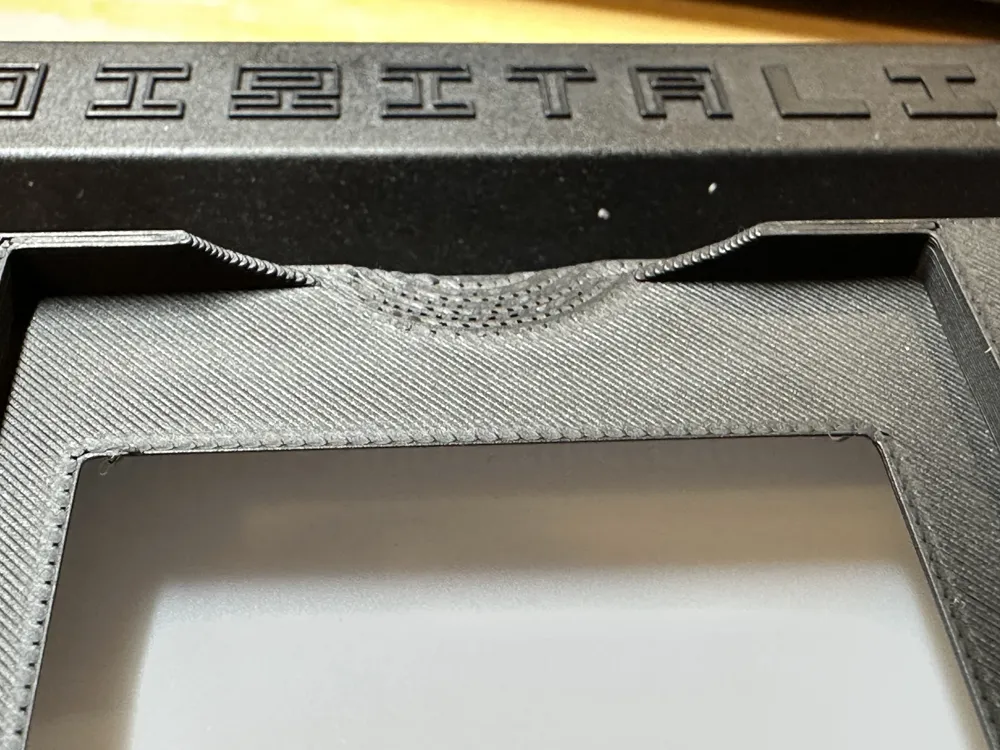
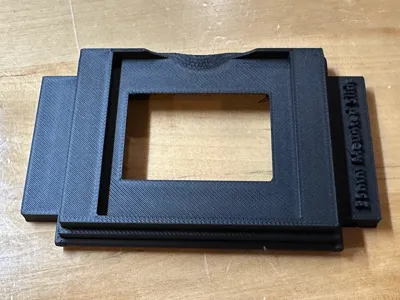
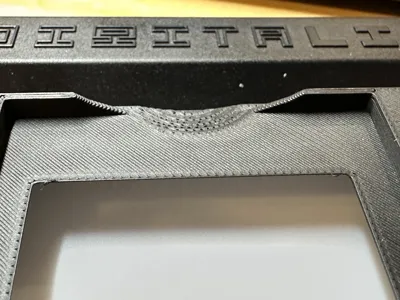
The adapter should snap onto the two raised tabs on the “Hold Me Tight” frame. The fit is reasonably tight, it should stay in place while manipulating slides. 35mm slides sit up high enough that any dust on the light screen will not affect the image. I've included a thumbnail area to easily remove slides from the adapter. The opening for the adapter is a few mm larger than the mounted slide. Meaning the adapter does not mask the slide - the slide mount will do all the masking.
Yes it is true that the best way to digitize 35mm slides is to remove the mount, there will always be a slight amount of bowing in a mounted slide. Removing the mount, especially cardboard, is a lot of work. Photographing a mounted slide is faster, sacrificing a little bit of precision at the edges.
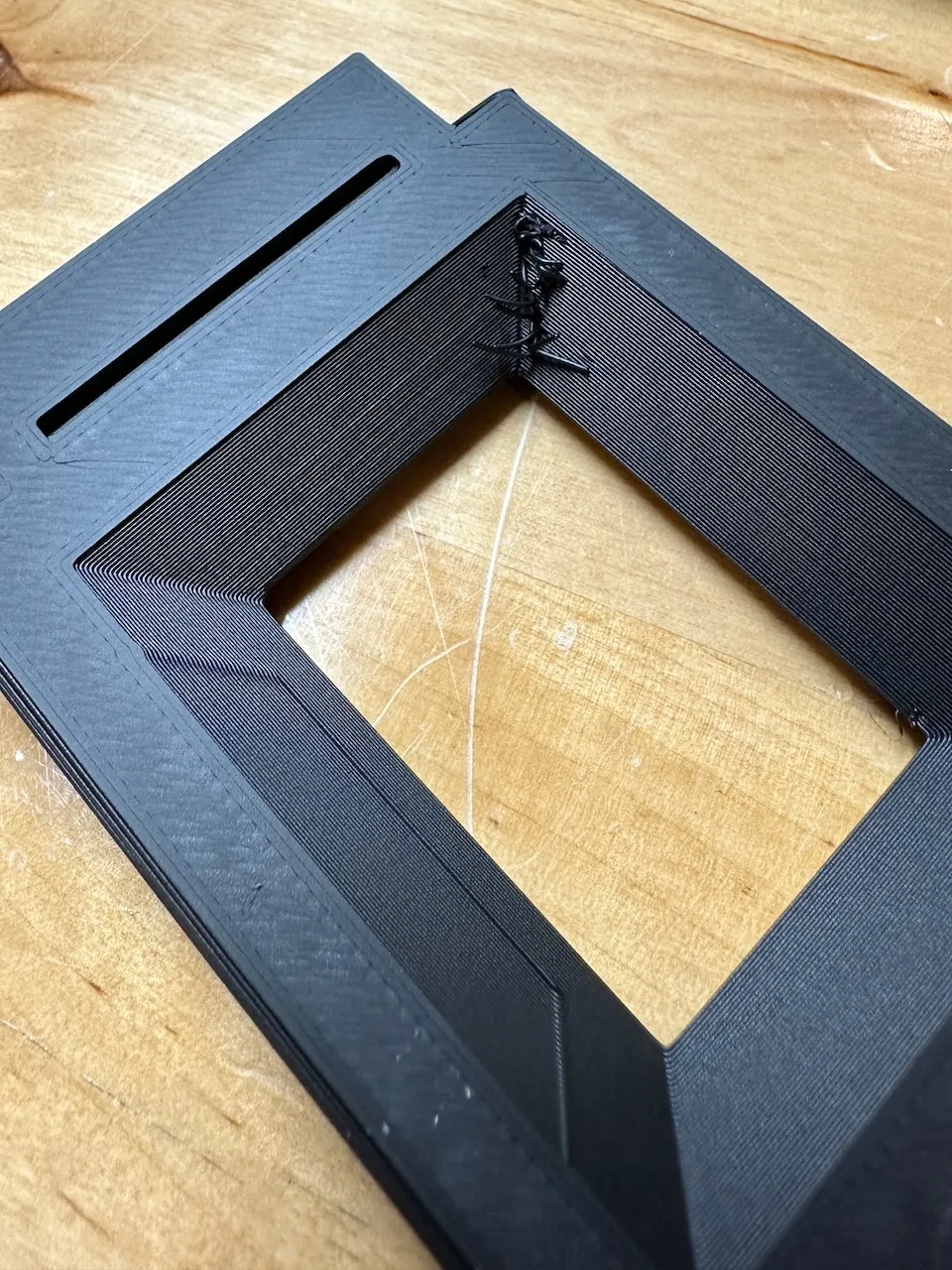
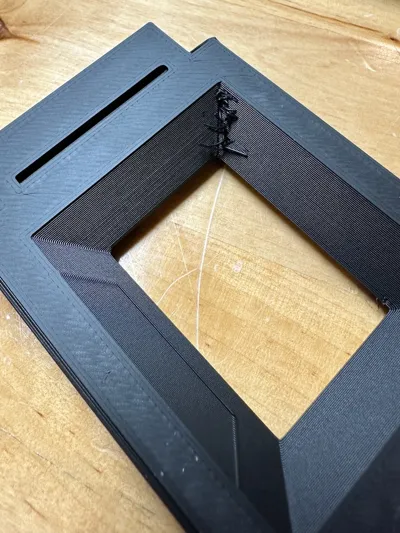
Printed with Bambu PLA Matte Charcoal on an Bambu Labs A1. Any matte black PLA filament would probably work. It's important to use Matte to avoid any reflections off the mask. You might end up with a few stray filament bits on an inside corner (see photo). Theoretically, they are way outside the frame and could be left as is, a hobby knife will remove them pretty easily. Sadly, I worked and worked to get rid of those small hairs, but could not figure out how to fix it.
This is an extensive rebuild of two adapters. The first is a beautifully made 4 slide adapter for a scanner. I used one of those frames to hold the mounted slides. The second is a 35mm half frame adapter for DigitaLIZA that served as the base. I married the two and made a cutout for the full frame. It turned out the base was sloppy in the DigitaLIZA opening. I added two wings with cut outs for the tabs (similar to the 35mm roll film adapter in the DigitaLIZA kit). Cutting the inside edge of the adapter to 45 degrees was a challenge. Babmu studio was unable to truly “fix” the half frame adapter, and that is where I suspect the hairy corner comes from. Because the half frame adapter was smaller than the opening and that might have caused a bit of light leak at the edges; I added a ring of bumpers. And finally, to make removing slides easier I added a sphere cut out for a thumbnail.
I hope you find this useful. Given manufacturing differences and printer tolerances, I hope this fits on your DigitaLIZA. The Hold Me Tight lid is pretty flexible.
This remix is based on

License



Comment & Rating (2)