
Print Profile(1)

Description

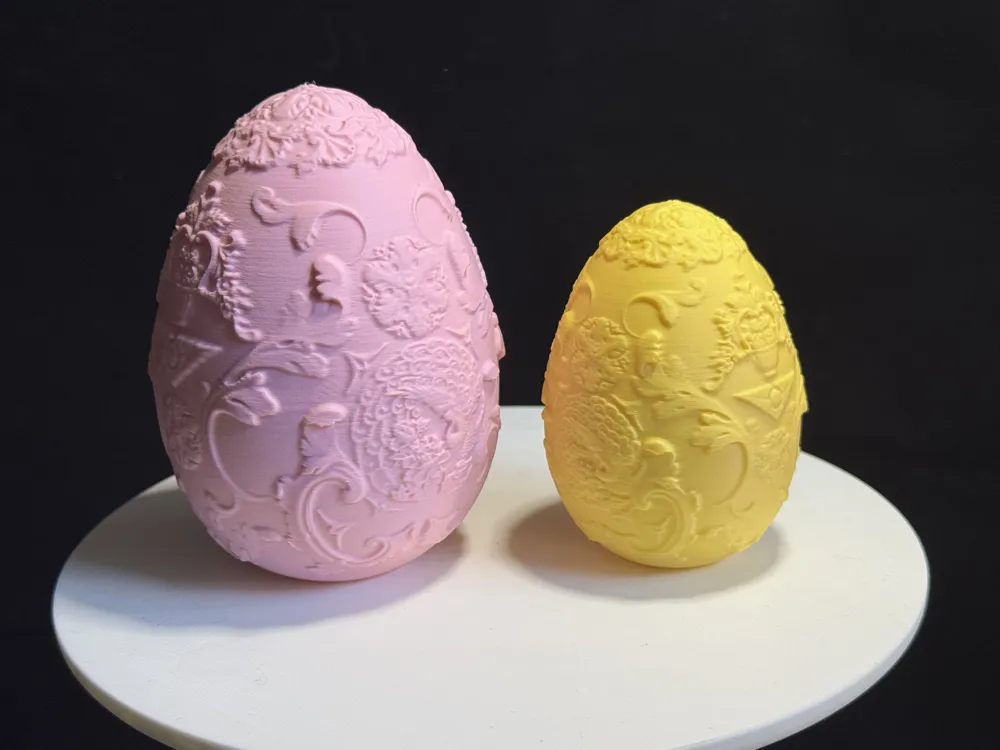
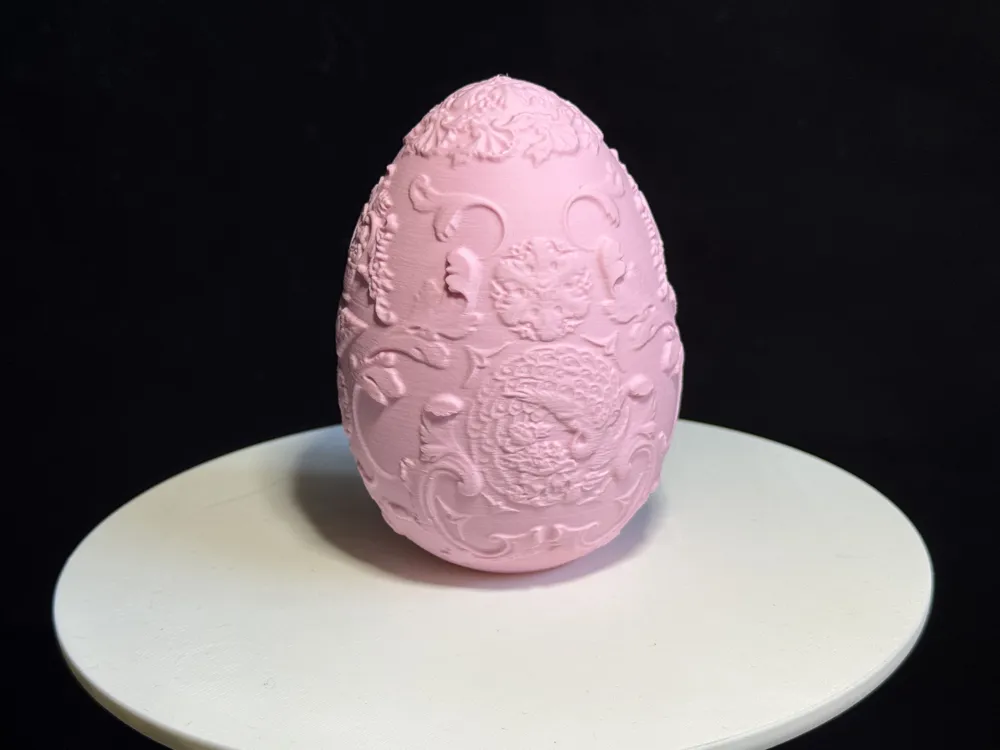
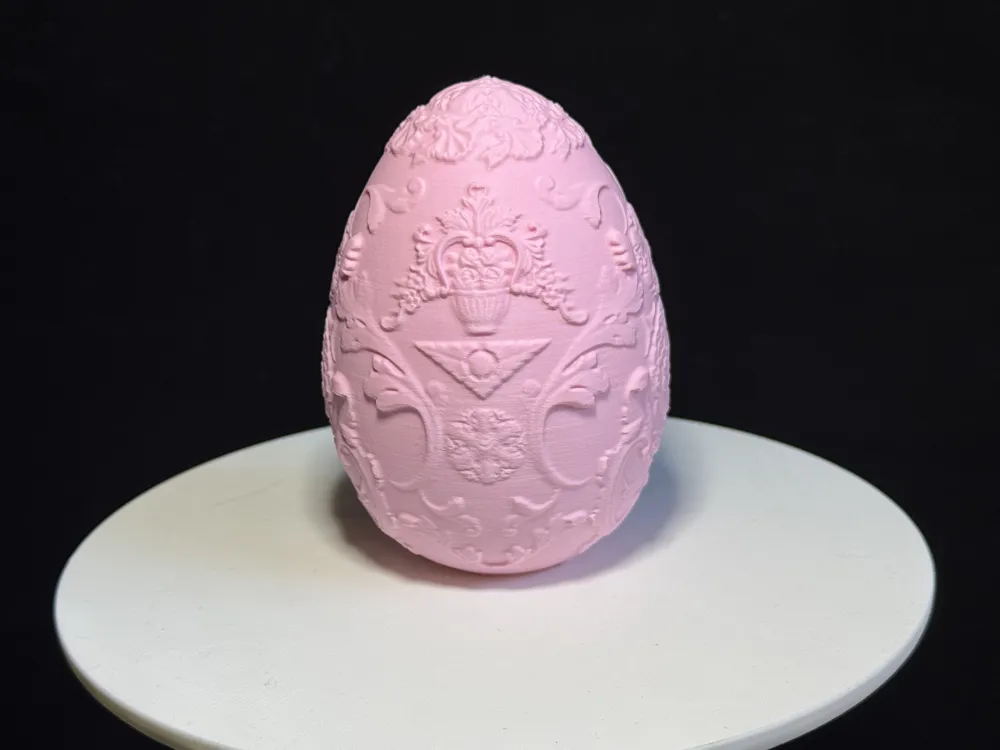
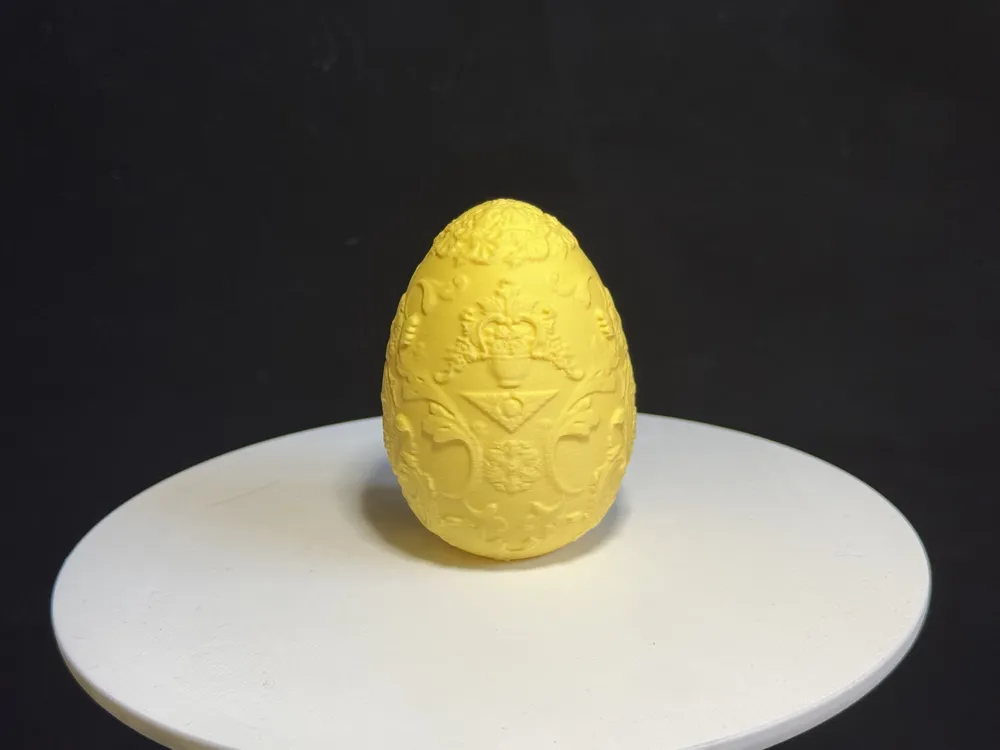
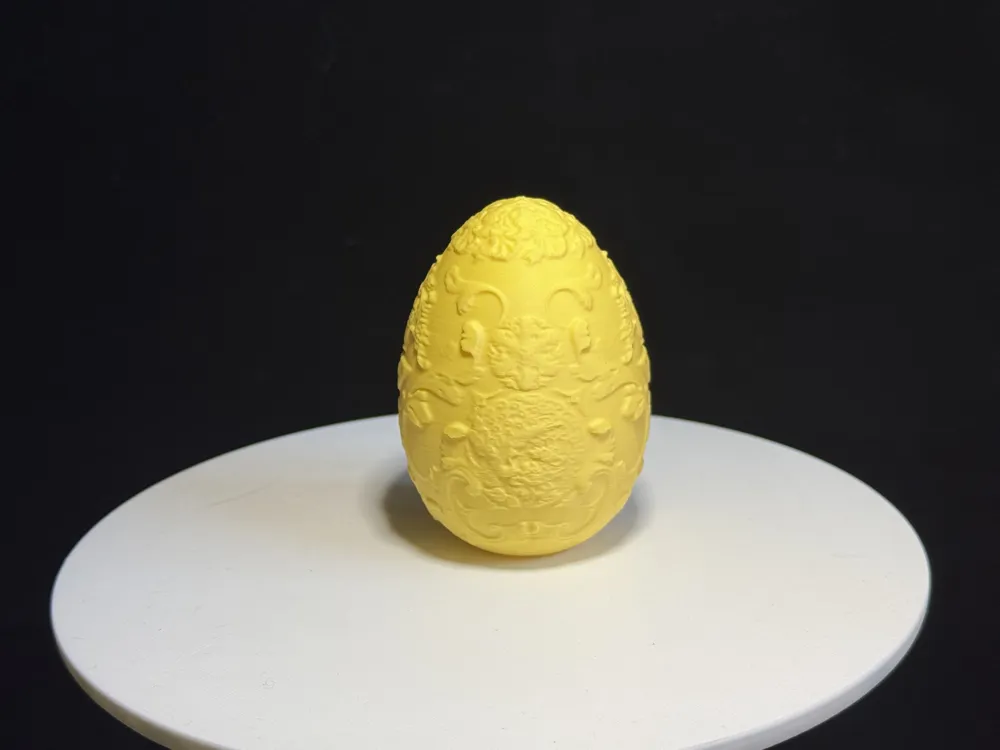
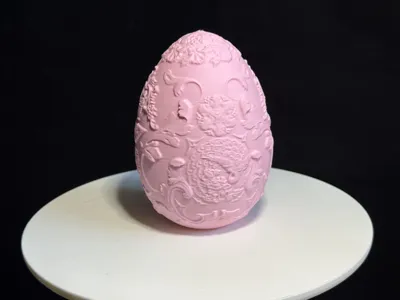
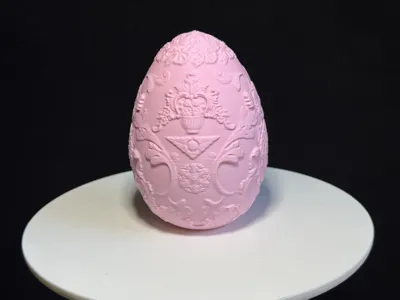
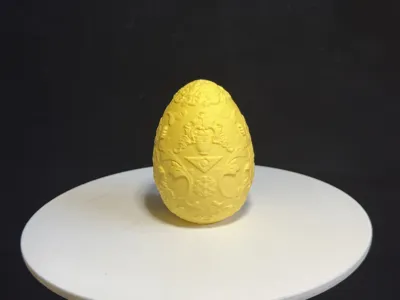
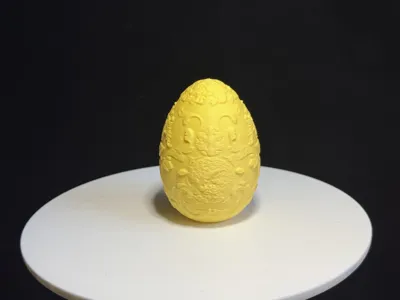
Intricate Easter Egg with Carvings
No Supports, One-Click Printing via Mobile App
- Exquisitely carved surface textures
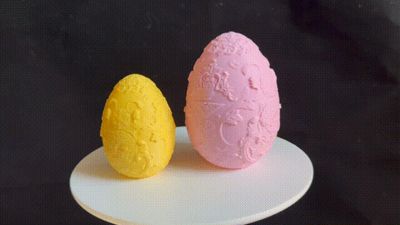
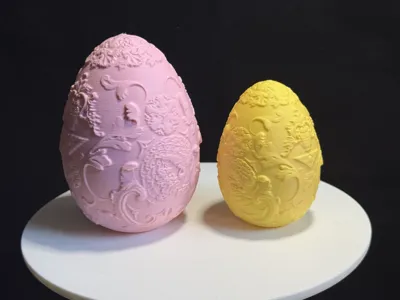
- Dimensions provided are 63.5X62.9X88mm, can be scaled to your needs or hand-painted
- Variable layer height of 0.16mm, minimal supports, one-click printing via mobile app
- If overhang quality is unsatisfactory, pay attention to cooling! Calibrate flow rate and ensure filament dryness!
- For any questions, please comment below, and I will improve it promptly.
Boost Me (for free)
If you enjoy this model, you can boost me to buy a cup of milk tea, thank you all!
Printing Tips and Precautions
(Most models released by creators have been tested, and any questions can be actively discussed in the comment section)
I have provided some precautions below; for more questions, please contact customer service or refer to the Bambu Wiki, which contains a lot of helpful information.Print Quality and Troubleshooting | Bambu Lab Wiki
- Ensure the build plate is clean, and regularly clean it!Oil residue from touching the print bed will significantly reduce adhesion. Similarly, debris from previous prints and small residues from print jobs also affect the quality of the first layer, reducing the yield.
- Pay attention to filament drying; this will significantly impact your print quality and experience! Filaments that have been stored for a long time are prone to moisture absorption, and if stringing occurs, it is recommended to consult the manufacturer for drying parameters and dry the filament accordingly. Most manufacturers do not dry the filament before shipment; therefore, newly opened filaments will still have some moisture, and drying before use is also recommended.
- When using filaments from a new manufacturer, it is recommended to print and calibrate filament flow immediately and adjust the calibration coefficient, which will significantly impact your print quality. This is also a necessary process to allow the new filament to adapt to your printer.
- If the print quality suddenly deteriorates, and the yield decreases,check if the nozzle is clogged, or try recalibrating the printer.
- Print at the recommended speed specified in the model description. Overhang quality is directly related to print speed; an appropriate speed (neither too fast nor too slow) allows the material more time to cool and form during deposition.
- Set the bed and nozzle temperatures appropriately according to the material.Temperatures that are too high or too low will lead to warping, layer deformation, or adhesion problems, affecting print quality and success rate.
License

You shall not share, sub-license, sell, rent, host, transfer, or distribute in any way the digital or 3D printed versions of this object, nor any other derivative work of this object in its digital or physical format (including - but not limited to - remixes of this object, and hosting on other digital platforms). The objects may not be used without permission in any way whatsoever in which you charge money, or collect fees.


Comment & Rating (0)