
Airbox - air quality monitor for Home Assistant
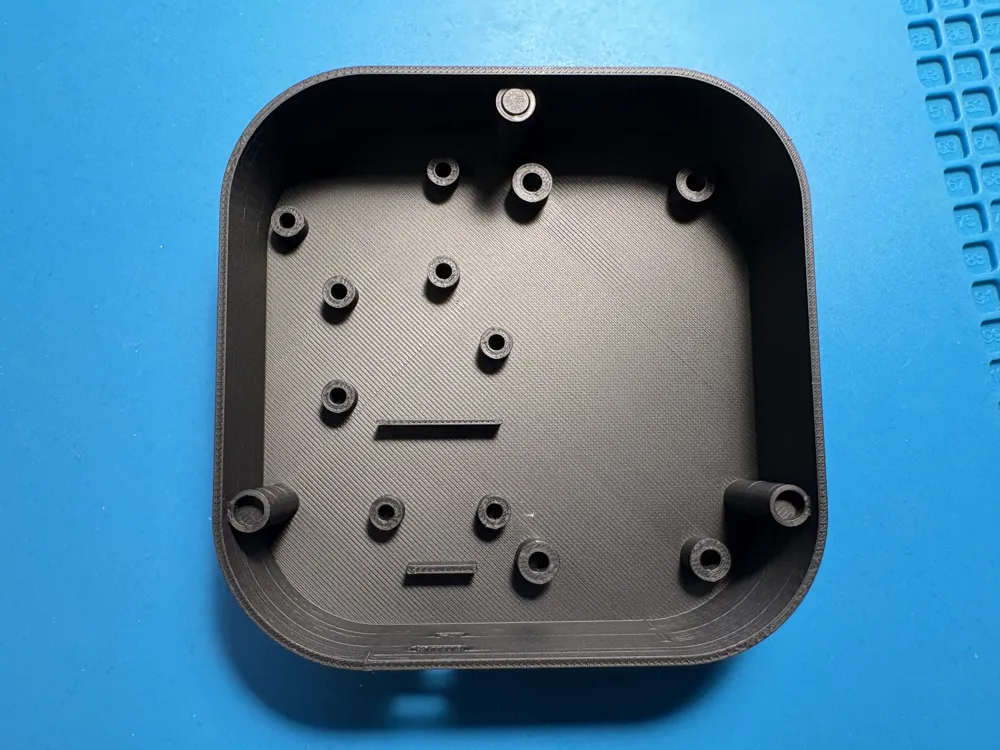
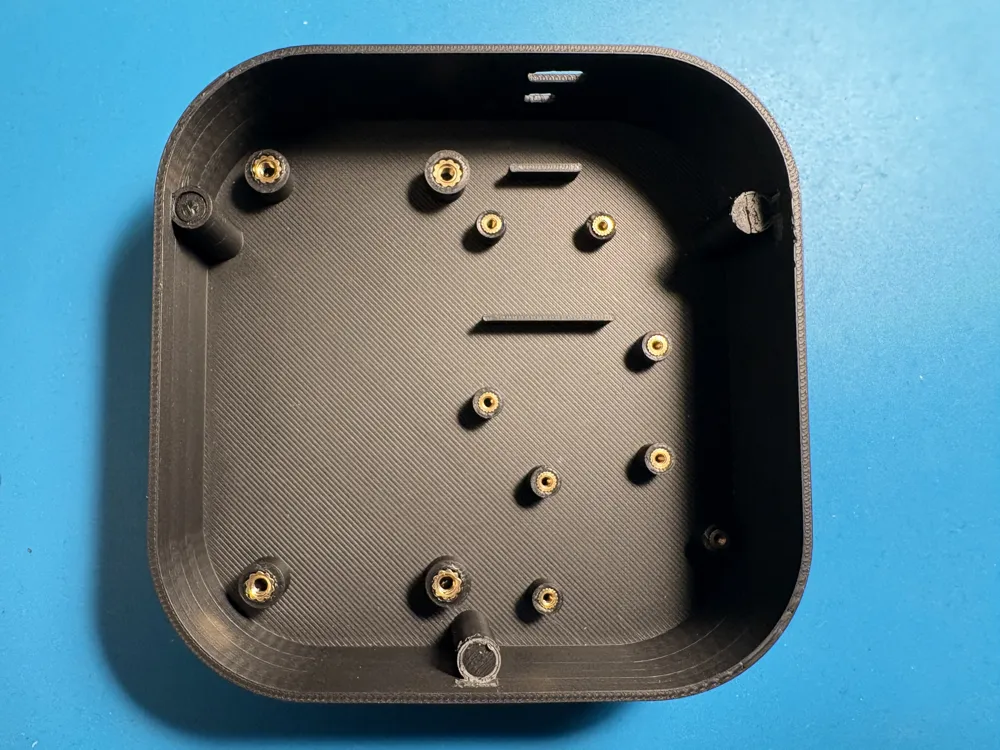
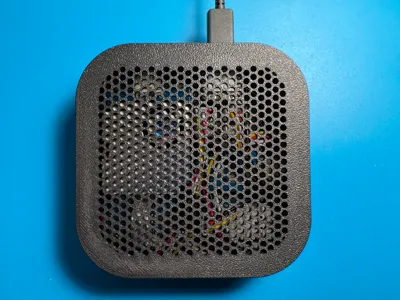
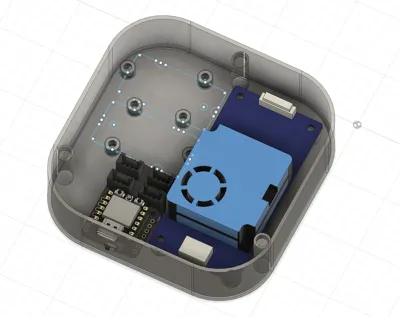
Print Profile(1)

Bill of Materials

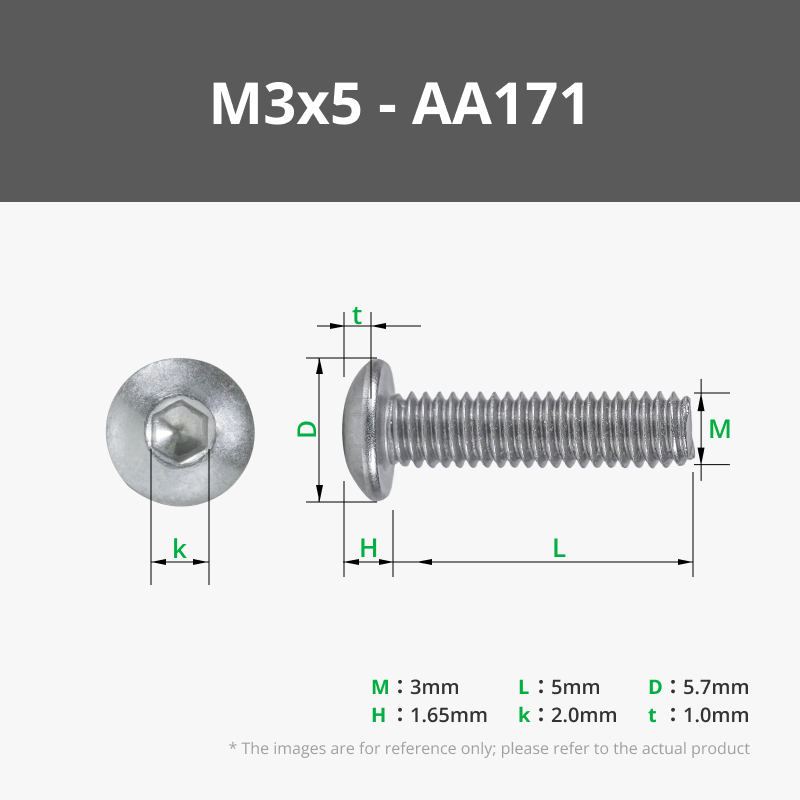
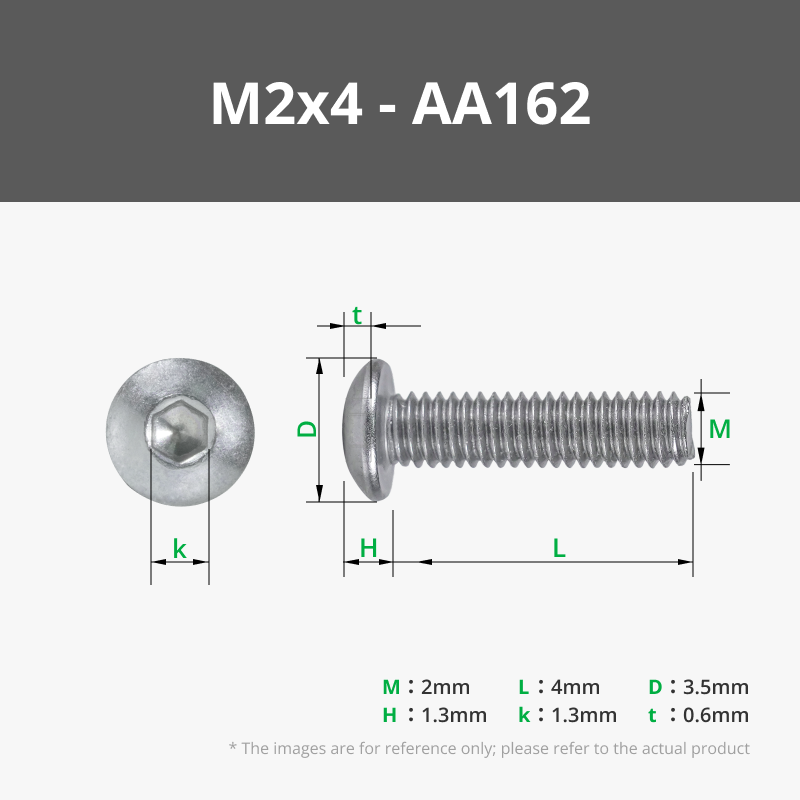


- Seeed Studio XIAO ESP32C3 x 1: https://www.seeedstudio.com/Seeed-Studio-XIAO-ESP32C3-Pre-Soldered-p-6331.html
- Grove Shield for XIAO with battery management chip x 1: https://www.seeedstudio.com/Grove-Shield-for-Seeeduino-XIAO-p-4621.html
- Grove - Temperature&Humidity Sensor Pro(DHT22) x 1: https://www.seeedstudio.com/Grove-Temperature-Humidity-Sensor-Pro-AM2302-DHT22.html
- Grove - Laser PM2.5 Sensor (HM3301) x 1: https://www.seeedstudio.com/Grove-Laser-PM2-5-Sensor-HM3301.html
- Grove - VOC and eCO2 Gas Sensor - SGP30 x 1: https://www.seeedstudio.com/Grove-VOC-and-eCO2-Gas-Sensor-for-Arduino-SGP30.html
- Grove - Branch Cable (needed if connecting two I2C sensors) x 1: https://www.seeedstudio.com/Grove-Branch-Cable-5PCs-pack.html
- USB-C Cable and Power Adapter x 1: Any USB-C cable and compatible power adapter will do
Description
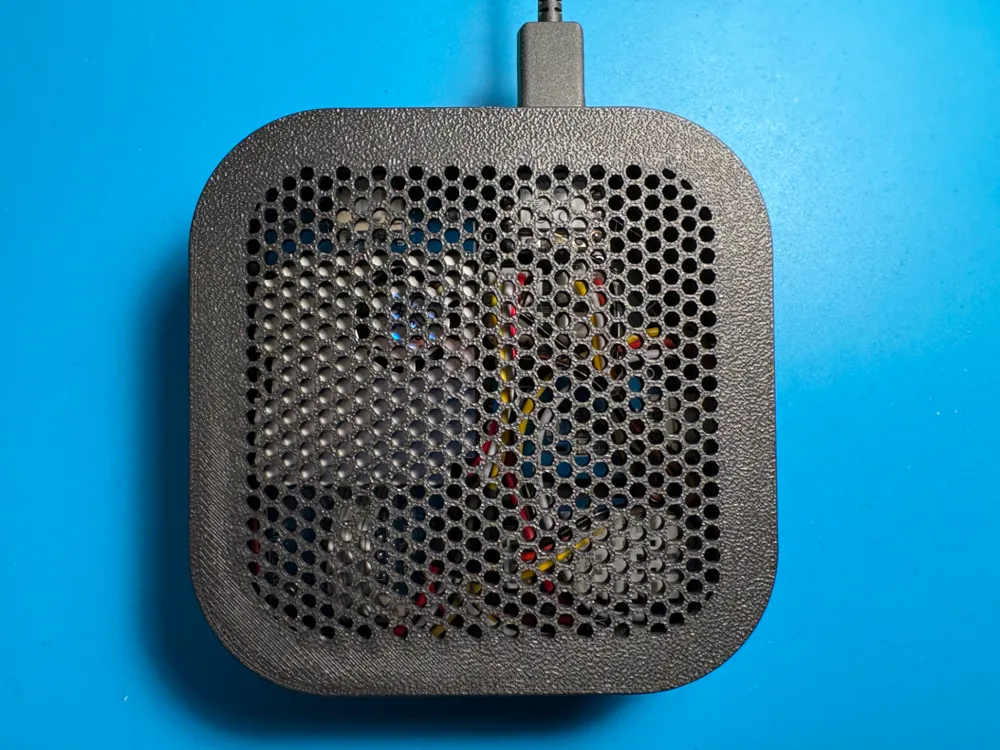
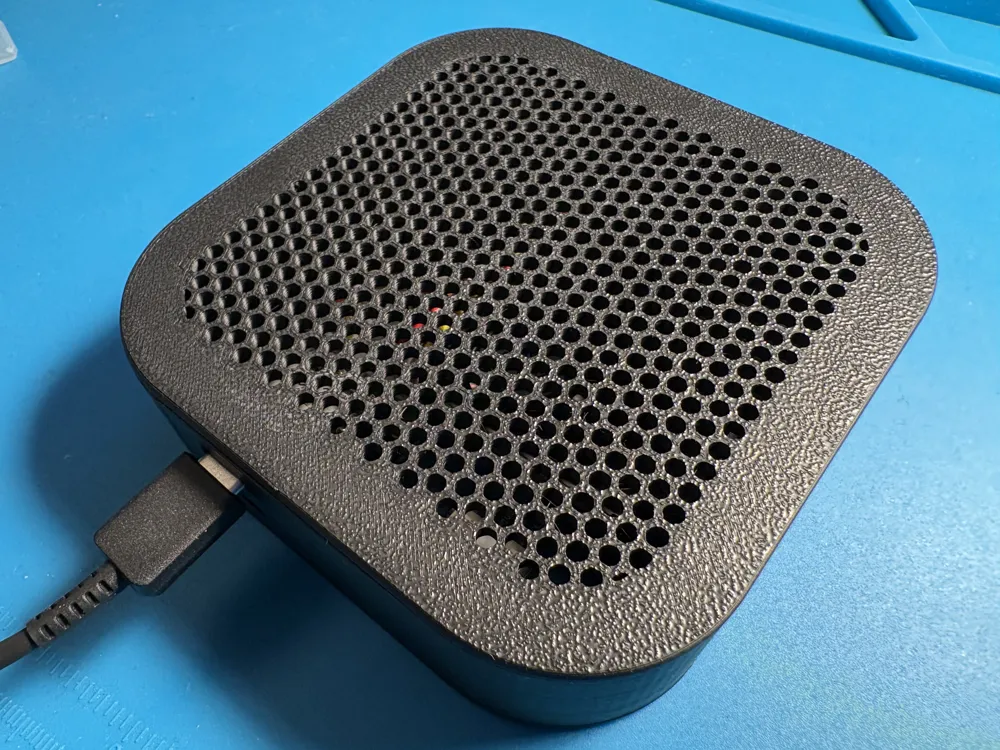
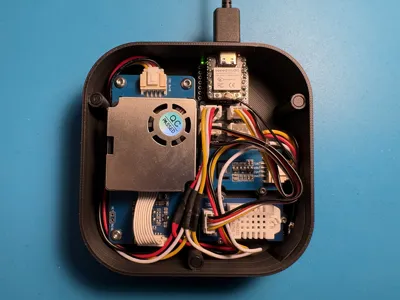
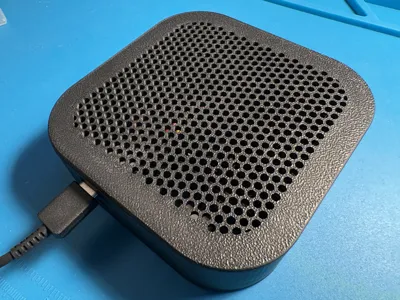
Airbox is a magnetic enclosure for air quality monitor build with Seeed Studio and Grove sensors.
Air quality information is collected and published to Home Assistant via ESPHome integration.
It monitors:
- Temperature
- Humidity
- Small Particle Pollution PM 1.0, PM 2.5 and PM 10
- AQI - Air Quality Index
- CO2 ppm
- TVOC ppb (Total Volatile Organic Compounds)
Example of Home Assistant dashboard utilizing the monitor data:
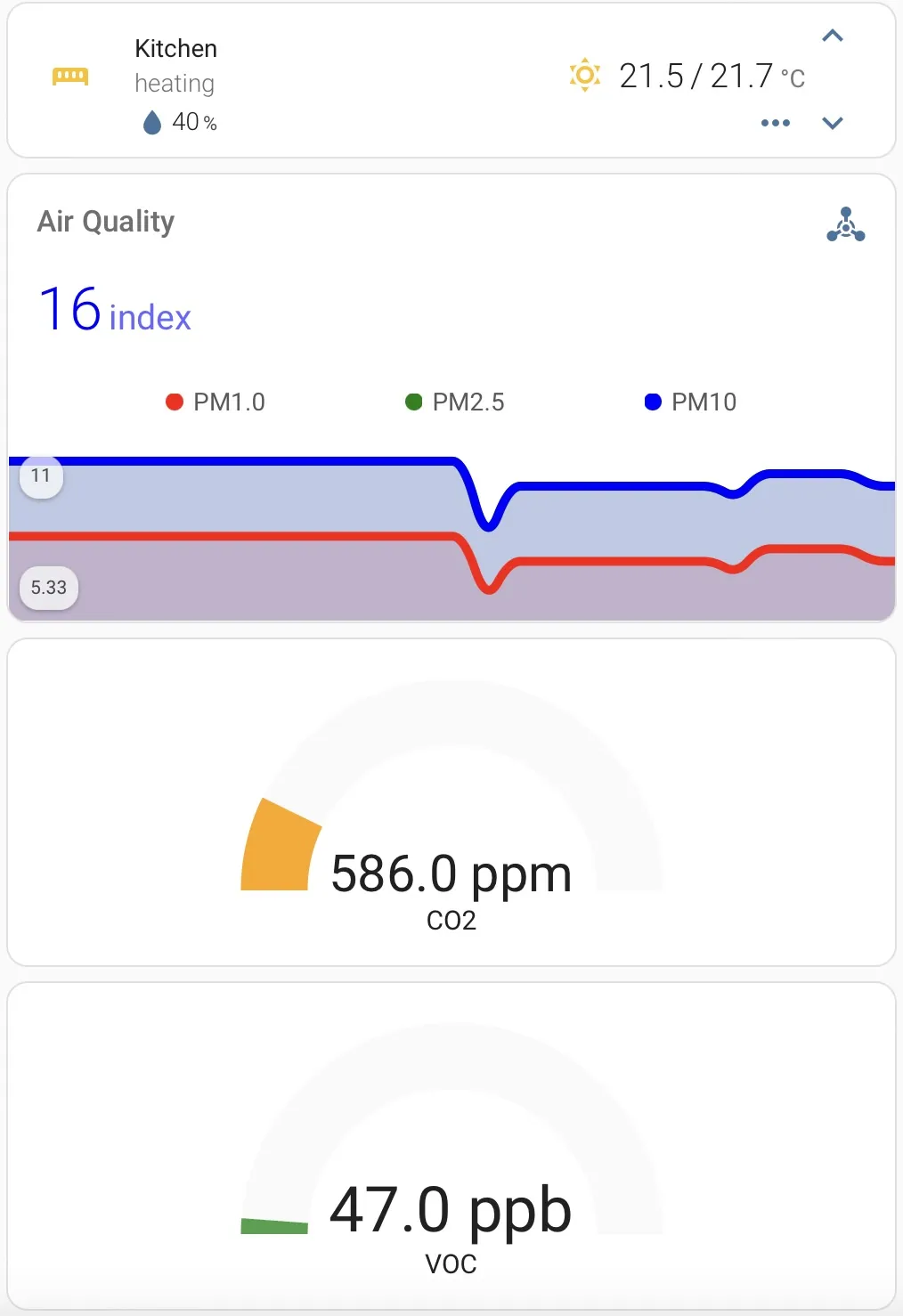
Since the monitor is build on ESP32 microcontroller it's compatible with wide range of applications utilizing Bluetooth LE, WiFi and other protocols.
Printing and assembly
- No supports needed
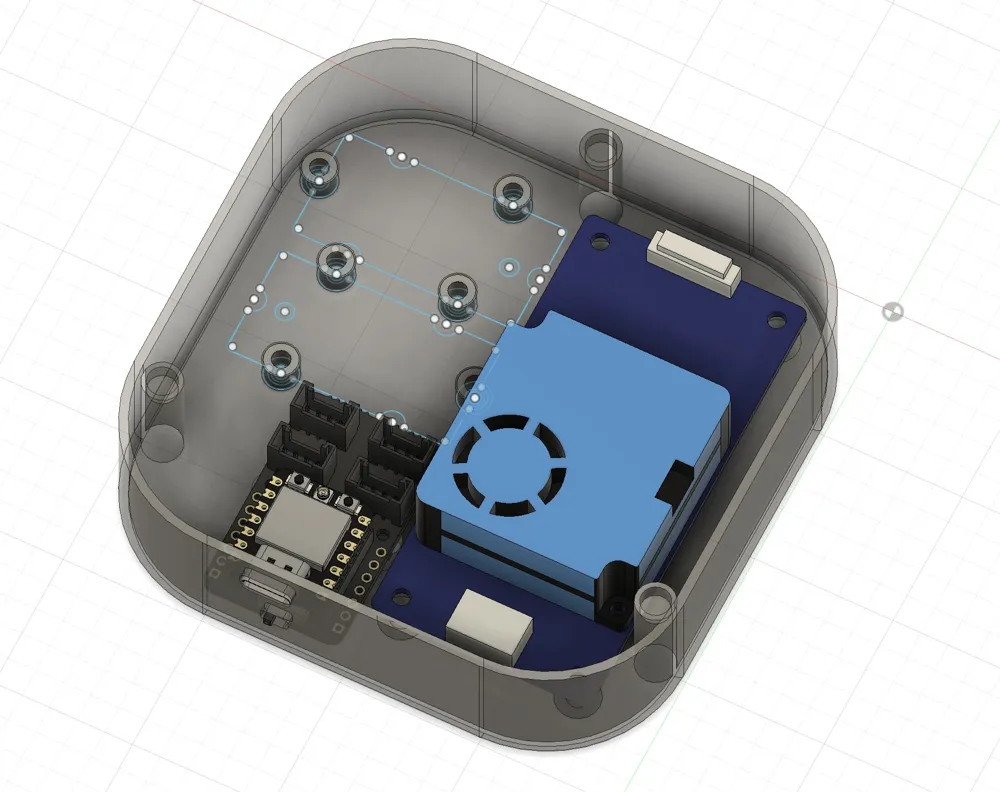
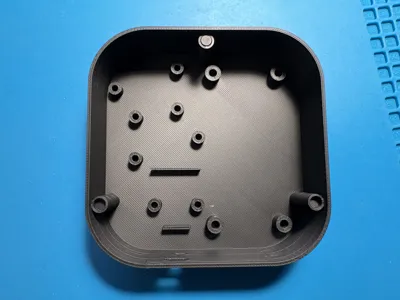
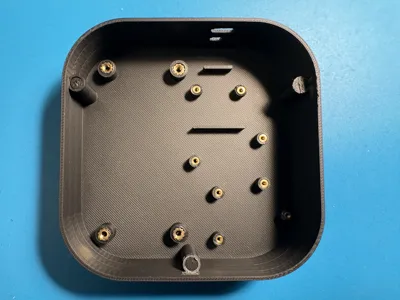
- Insert the magnets into the case and cover prepared slots (be mindful about magnet polarity). Glueing magnets is optional.
- Use soldering iron to install the heat set insert
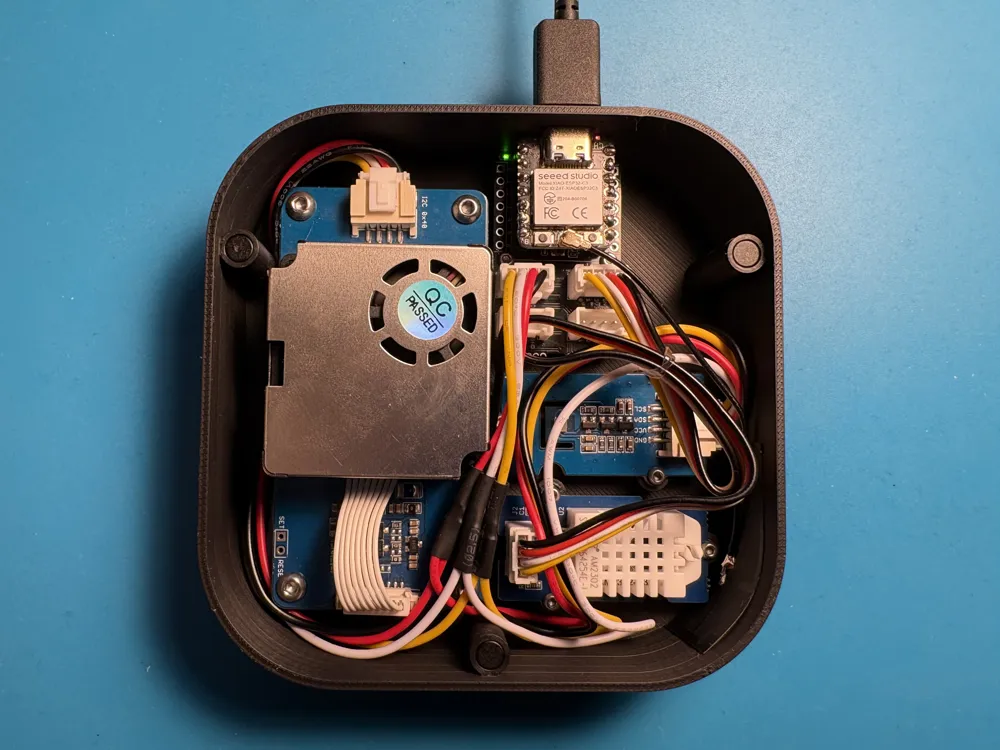
- If installing 2 sensors with I2C protocol Grove Branch Cable will be required as there is only enough room for shortened version of XIAO Shield with only one I2C port. Alternative would be to solder two sets of Grove standard cables with each other
- Organize the cables neatly for flat cover fit (You might want to either shorten the wires, or squeeze them in between sensors if You're lazy like I am :P)
I uploaded the ESPHome yaml config in the Document section (just remove the “.txt” extension)
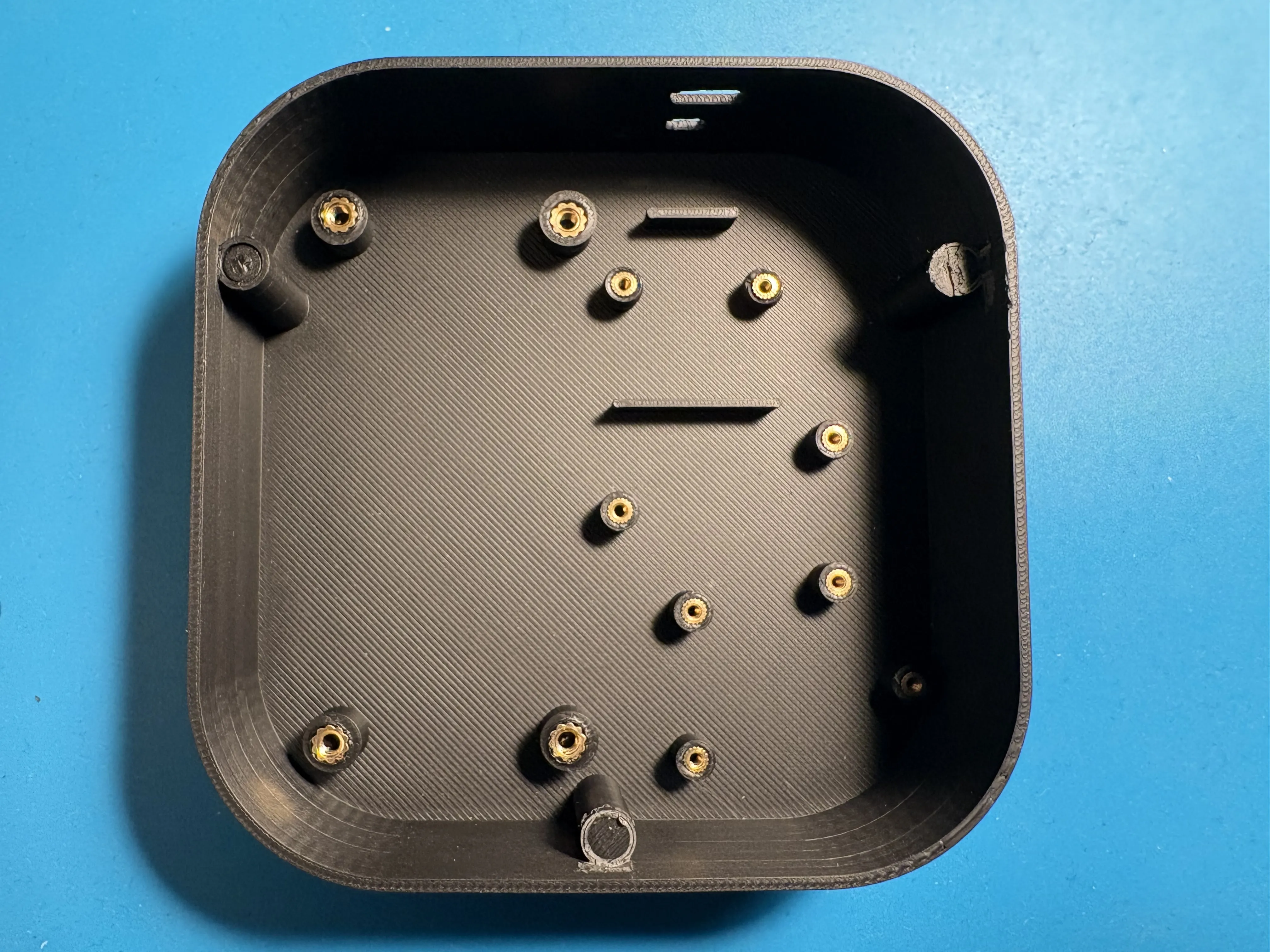
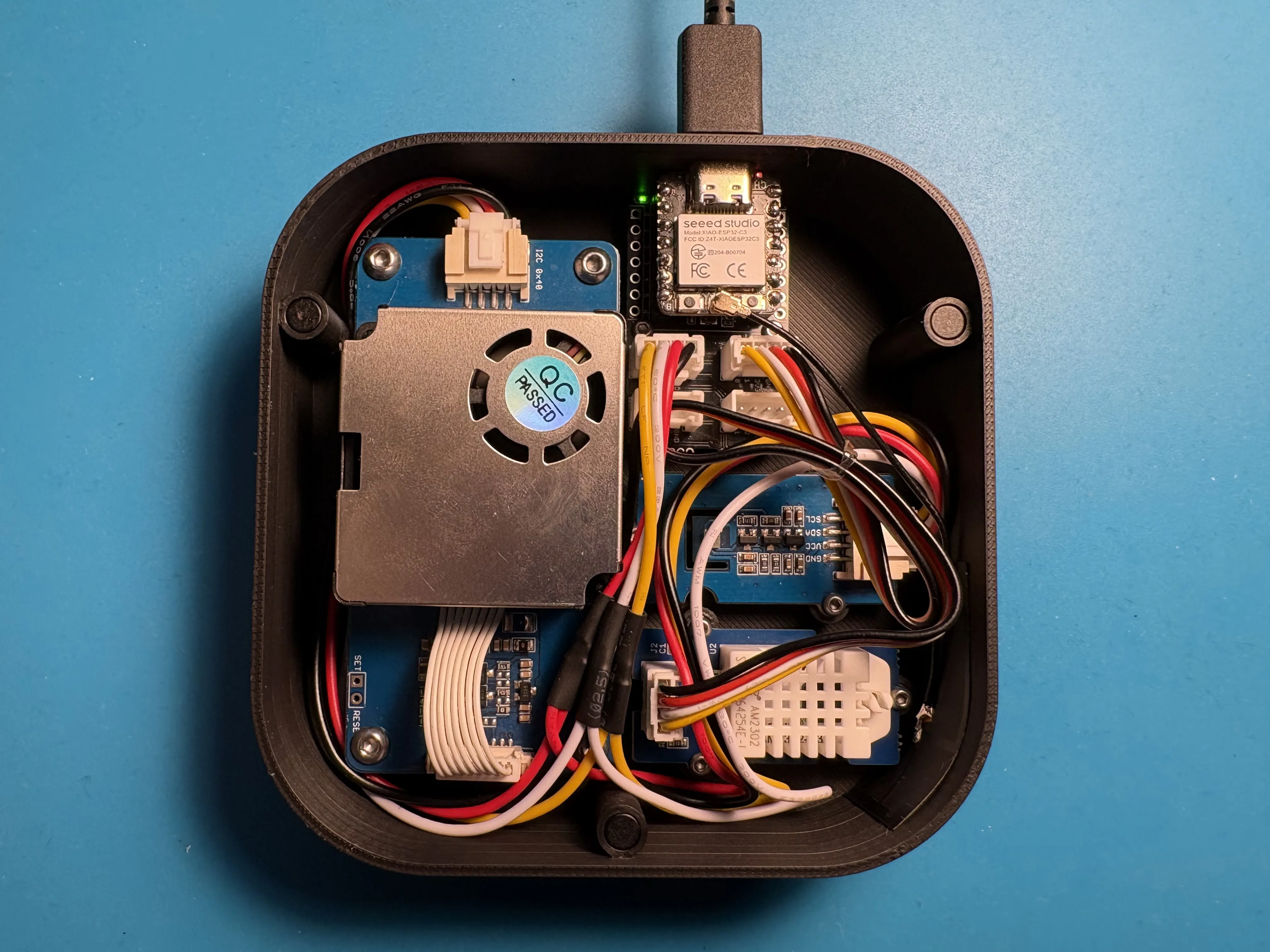
More details in Assembly and Installation Manual in Documents section
Boost Me (for free)
I spent many evenings refining this model, leave a boost if You like it!
Documentation (2)
License

You shall not share, sub-license, sell, rent, host, transfer, or distribute in any way the digital or 3D printed versions of this object, nor any other derivative work of this object in its digital or physical format (including - but not limited to - remixes of this object, and hosting on other digital platforms). The objects may not be used without permission in any way whatsoever in which you charge money, or collect fees.


Comment & Rating (34)