
AceSnap Fidget Slider
Print Profile(2)


Description


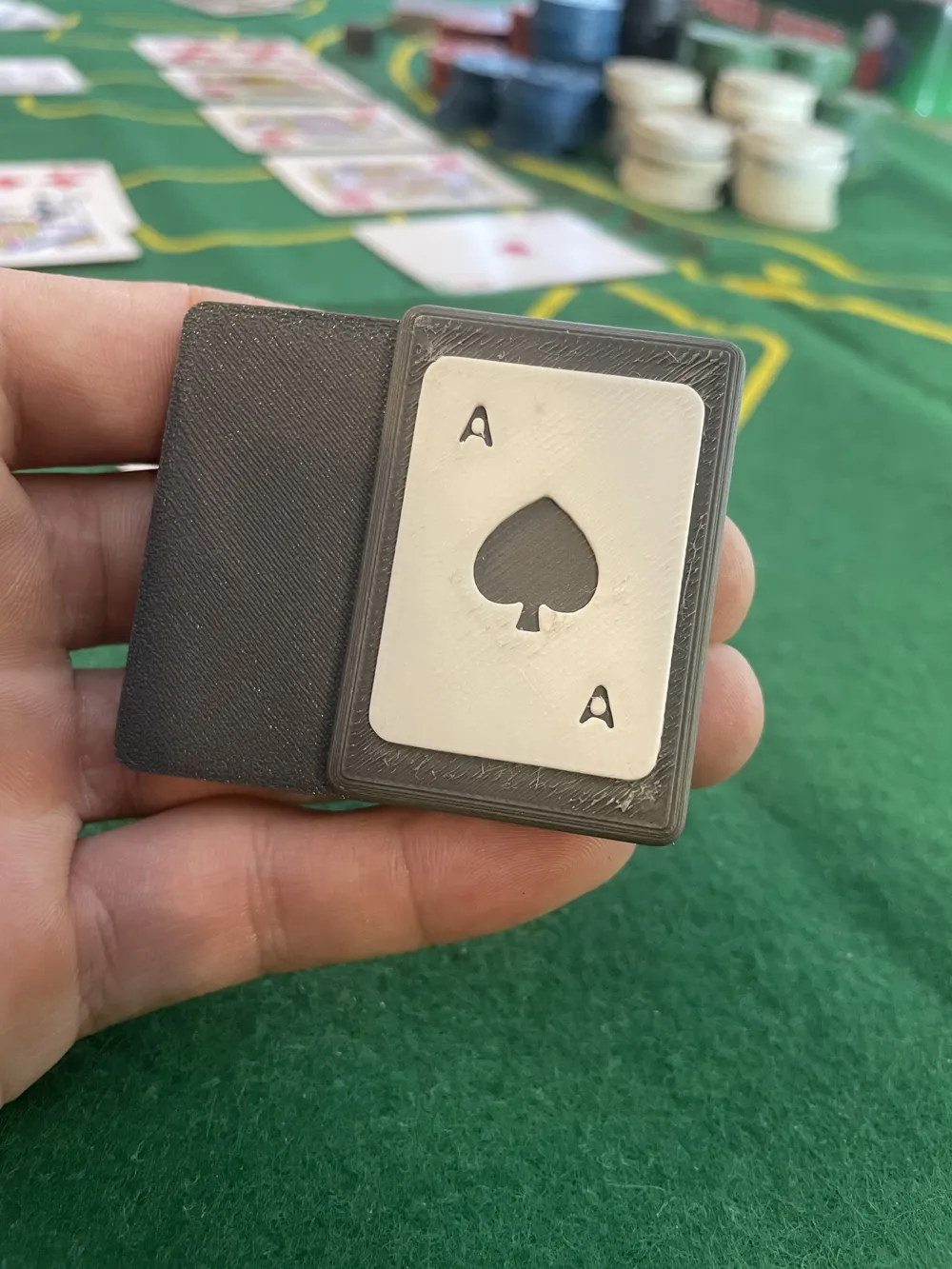
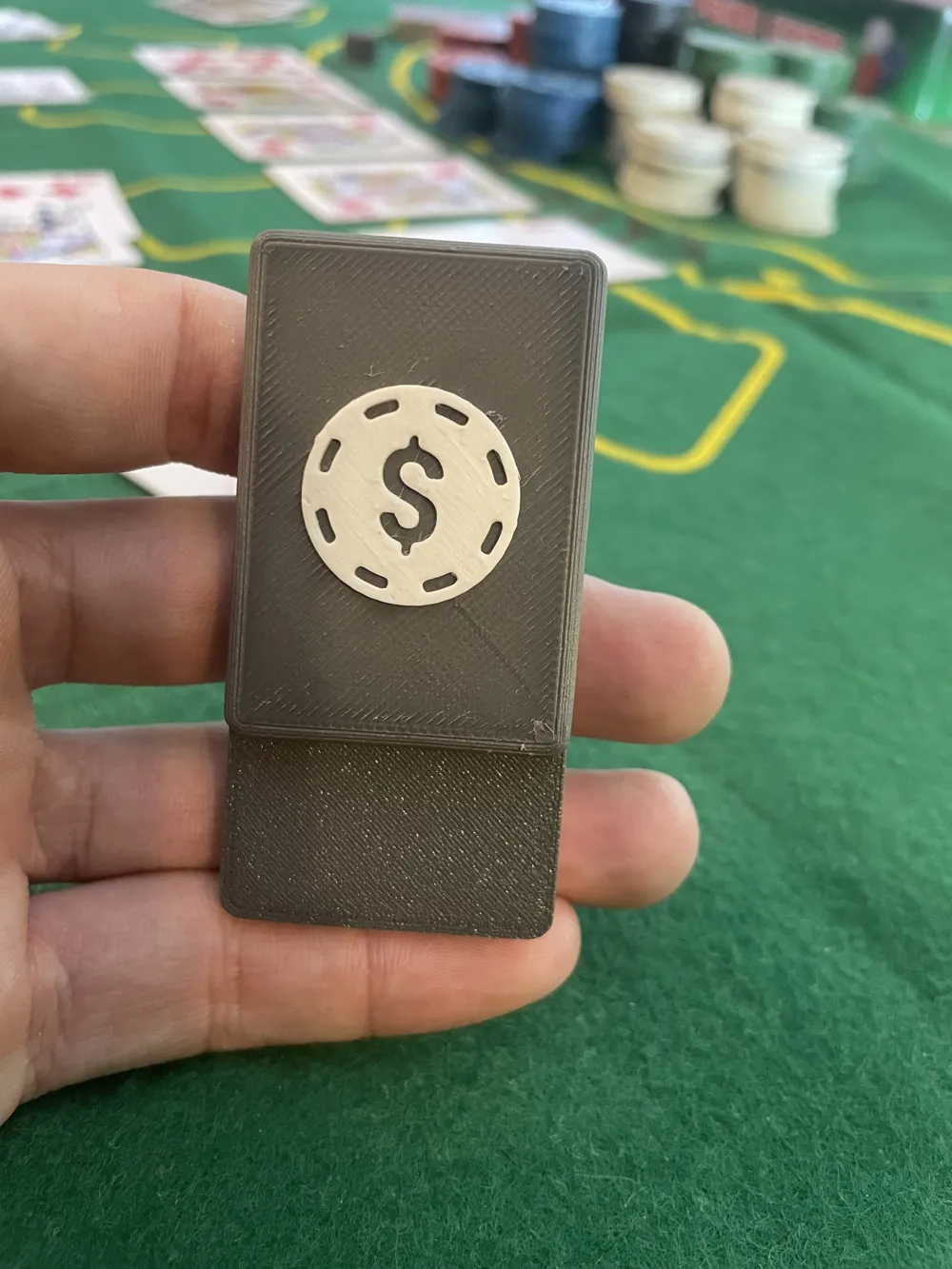
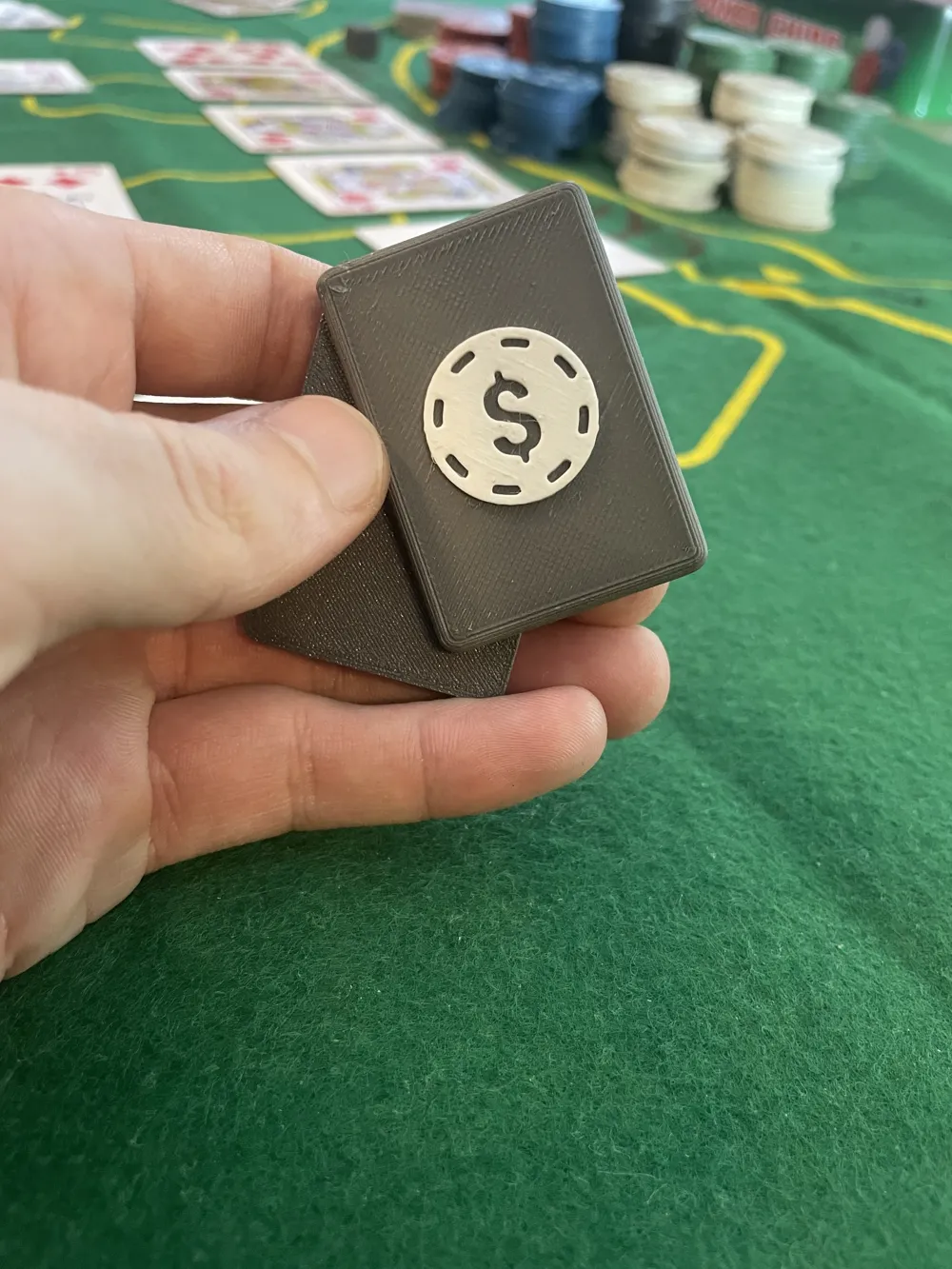
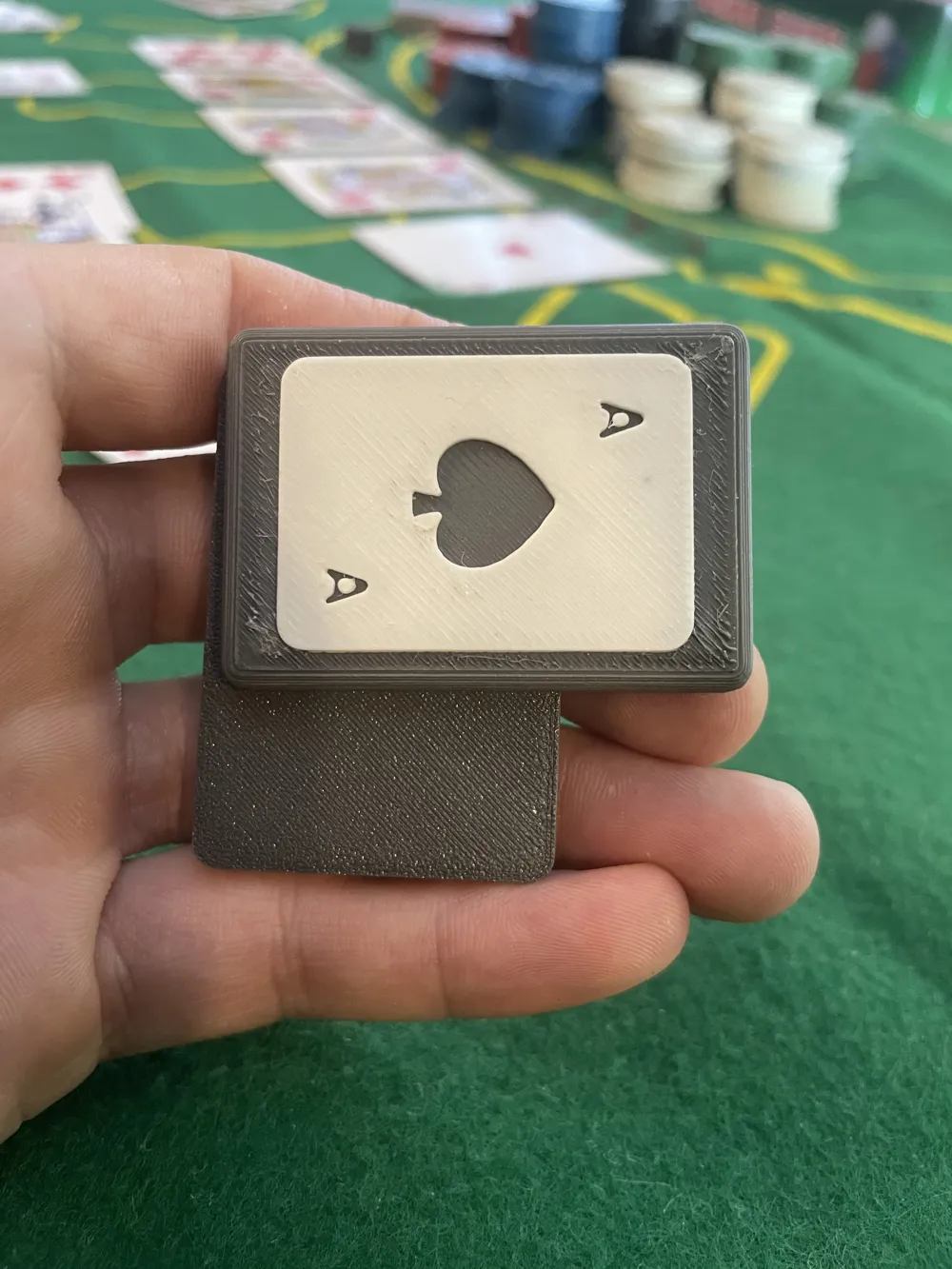
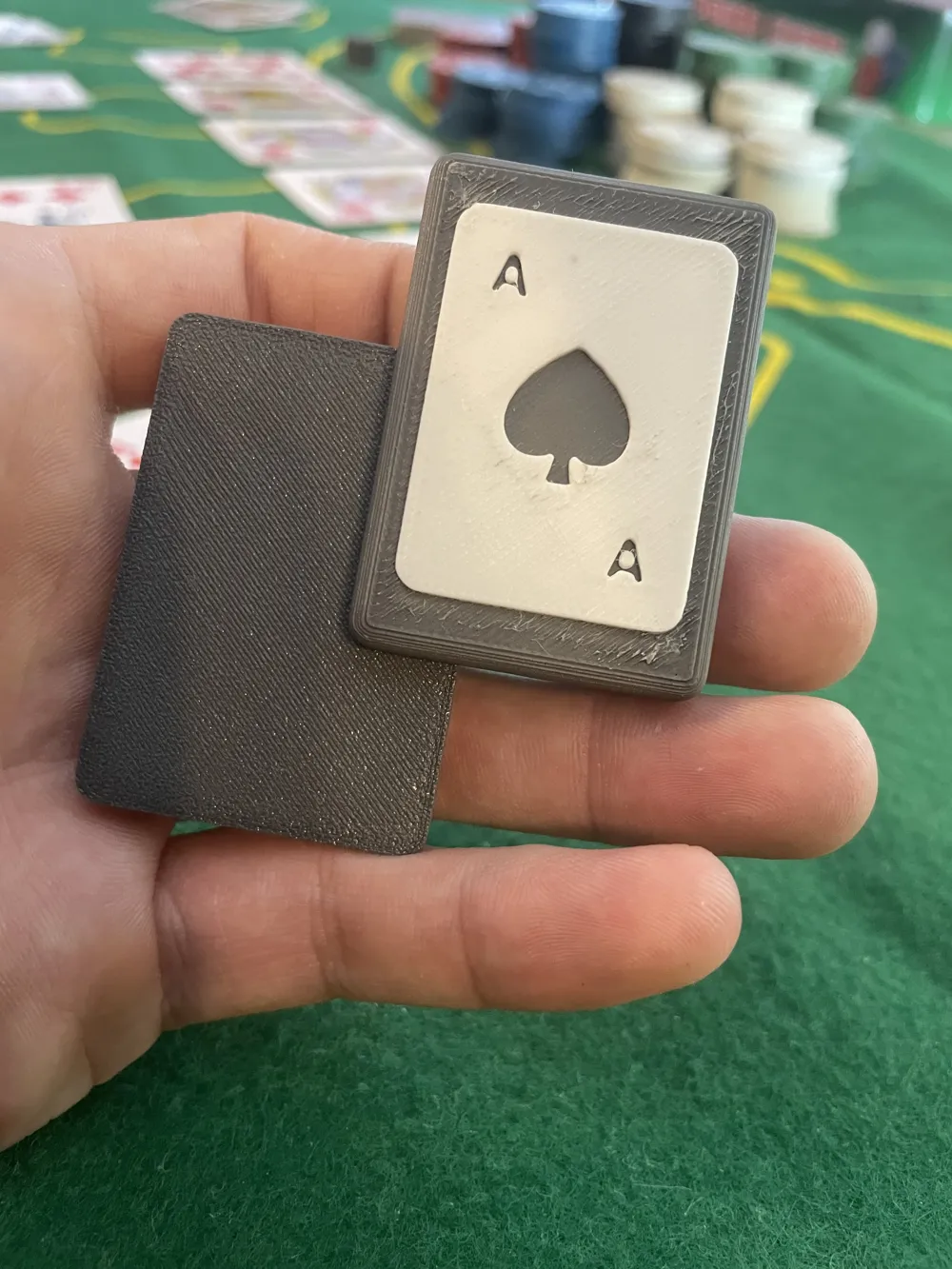
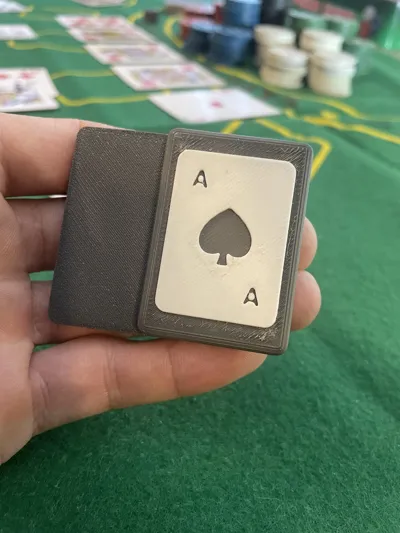
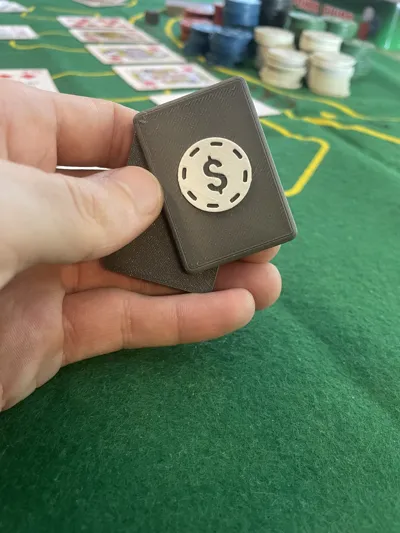
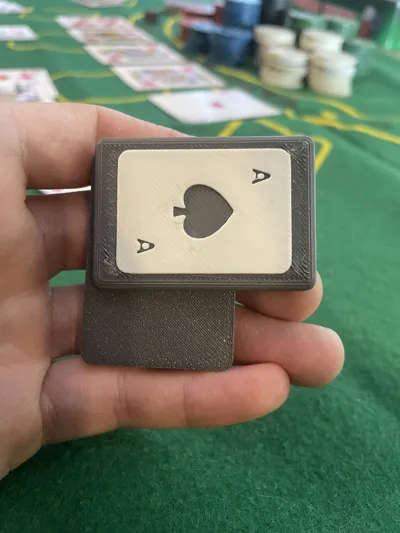
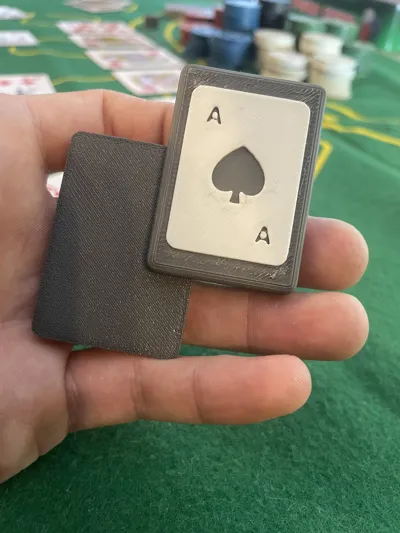
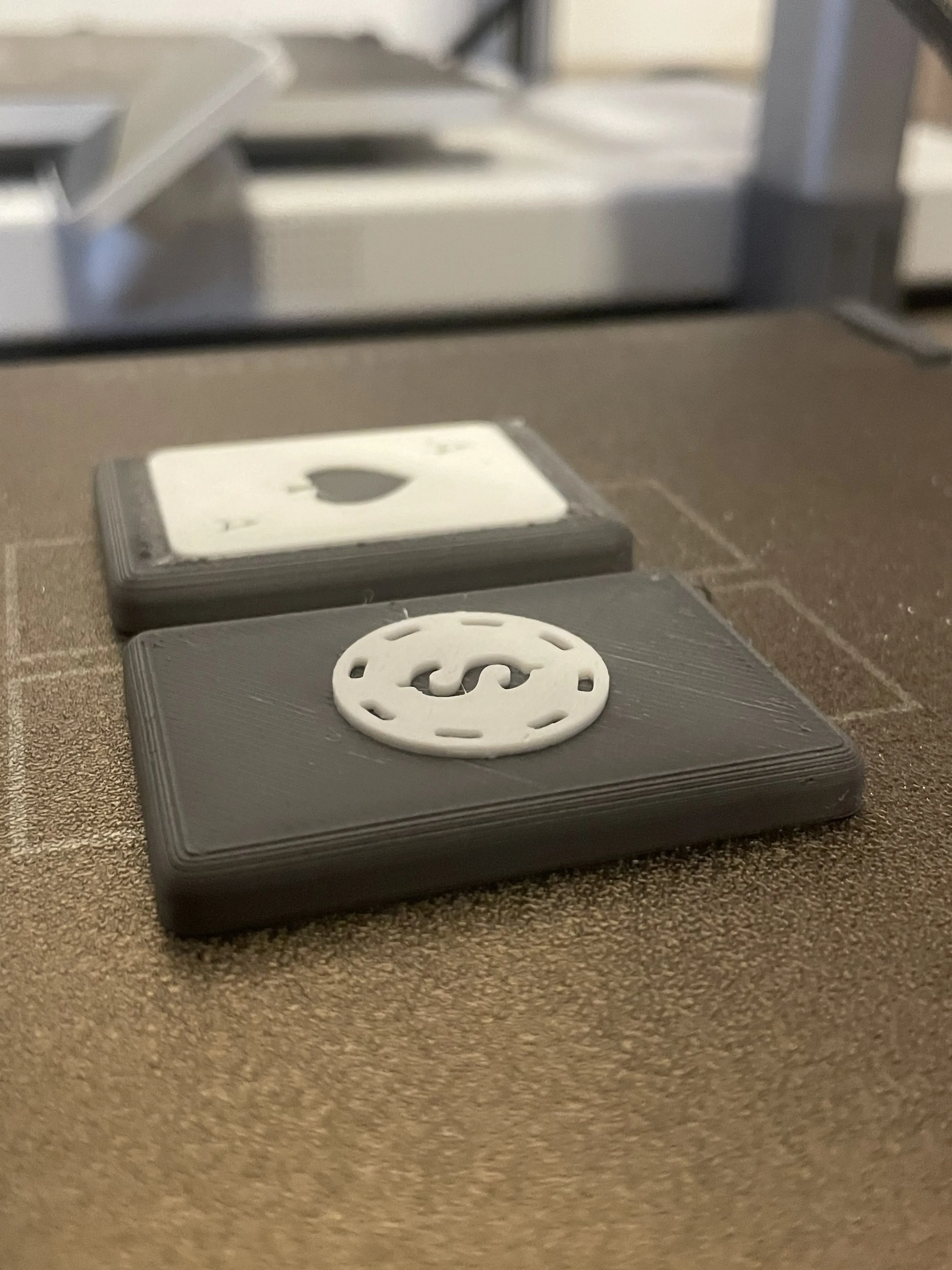
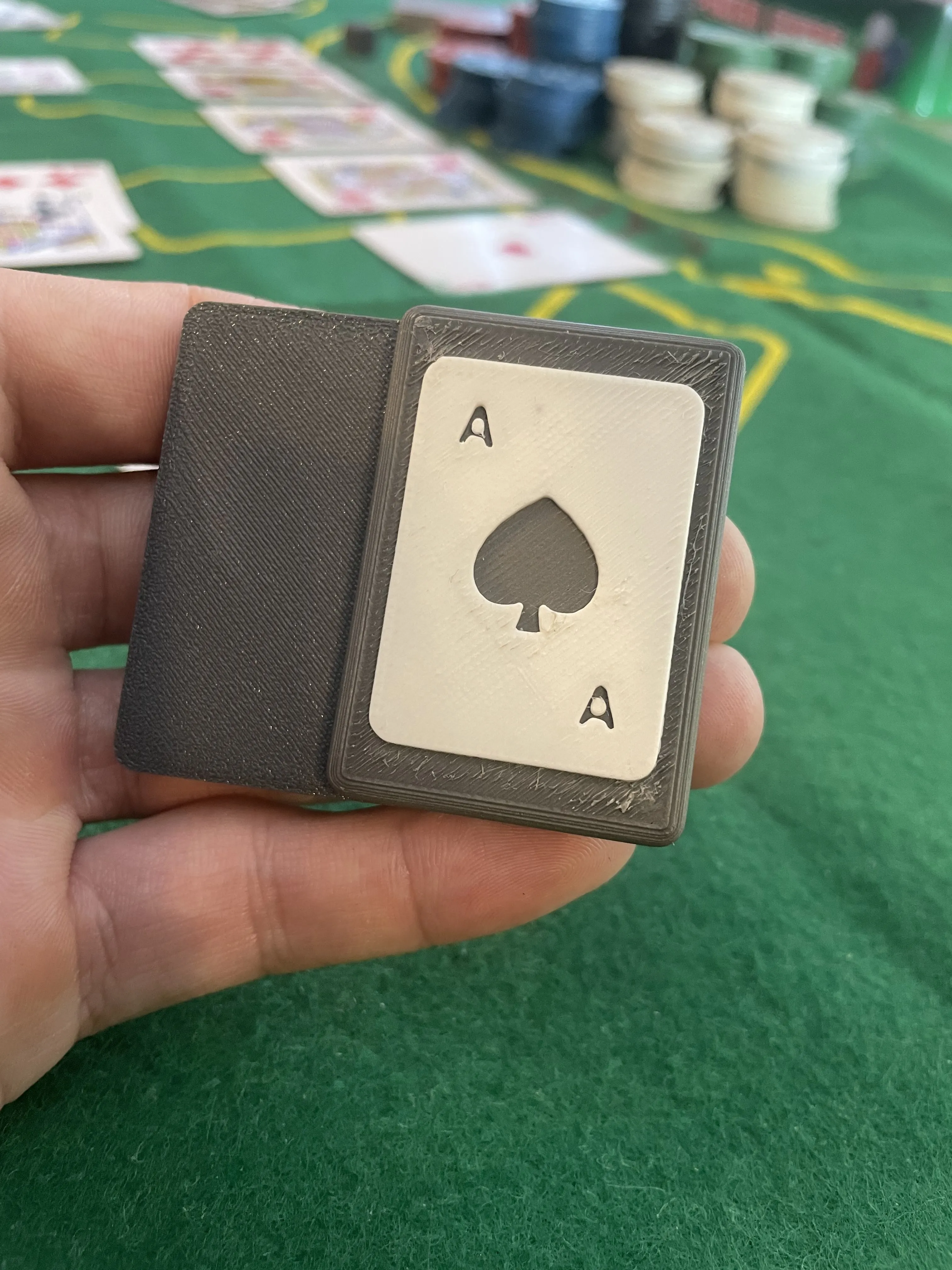
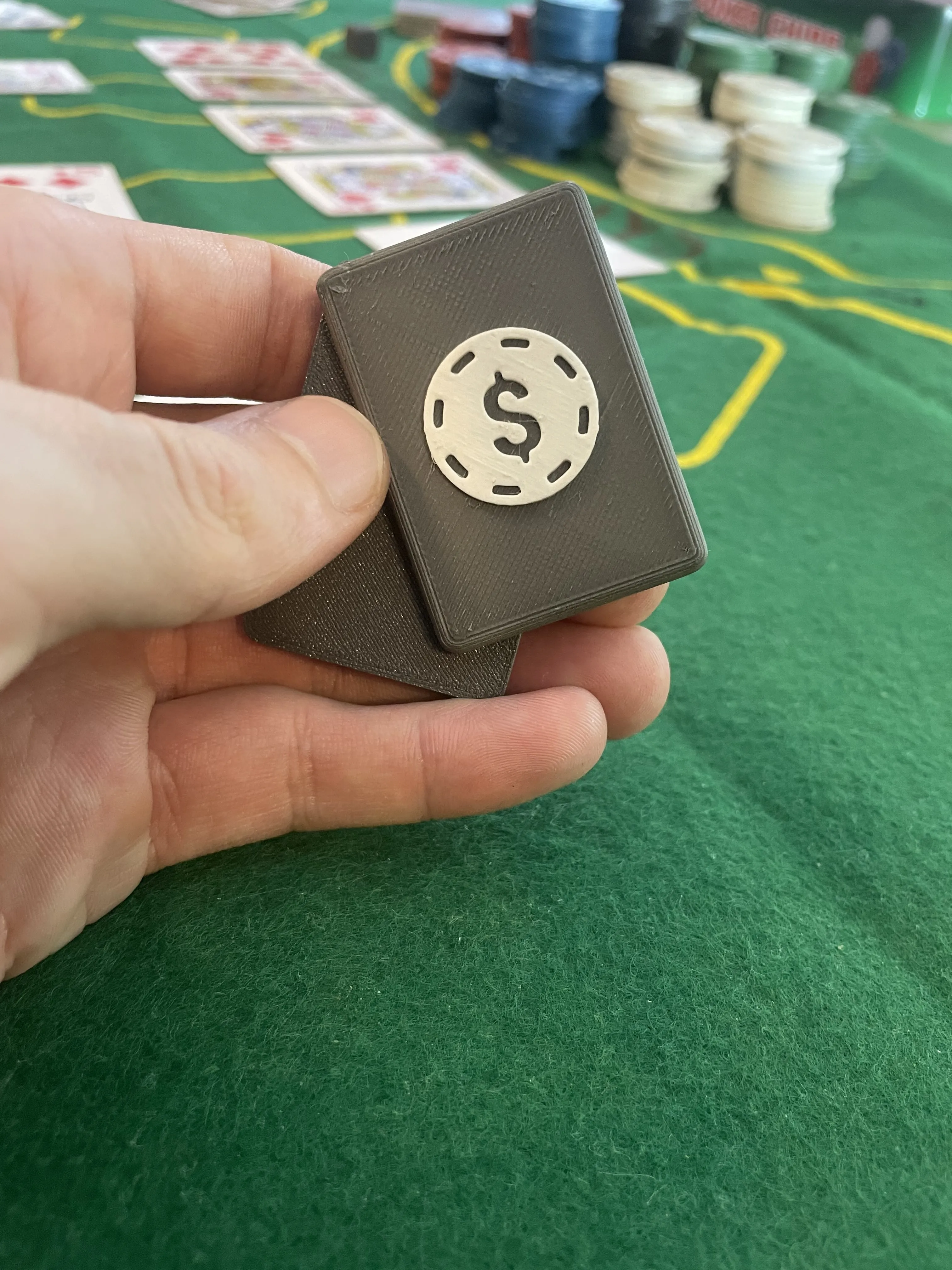
Magnetic Ace Slide Fidget – Clean Snap, Sharp Design 🃏
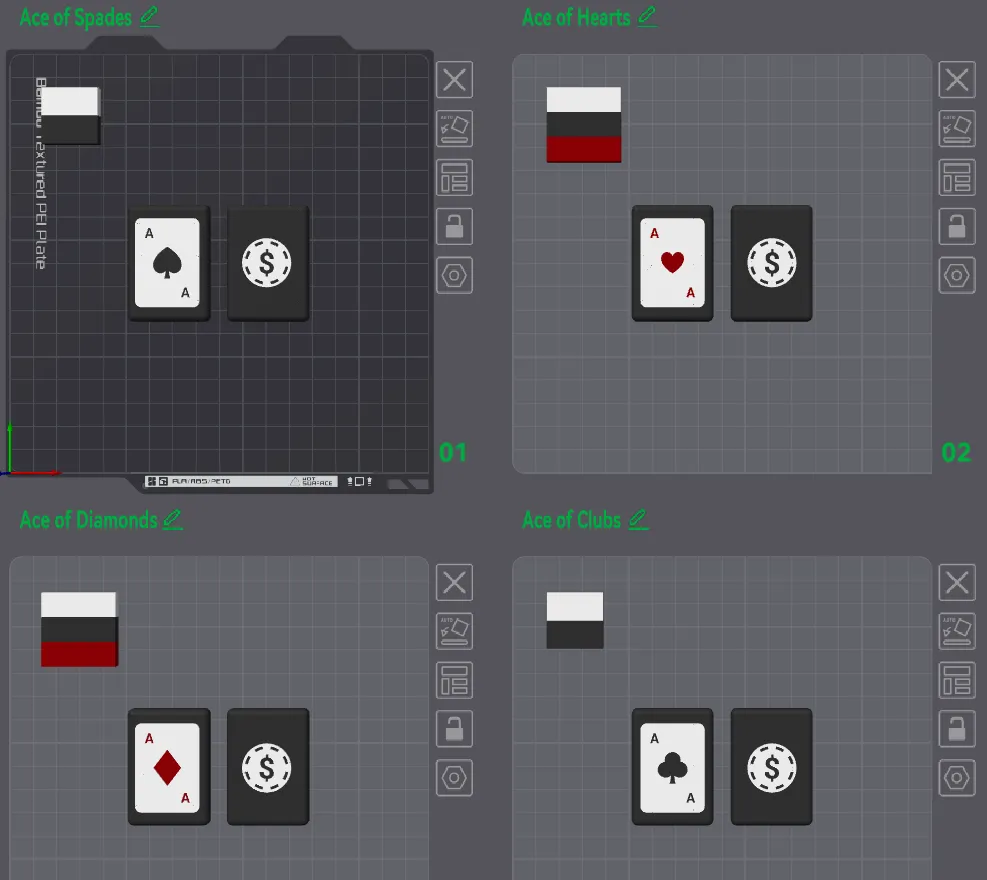
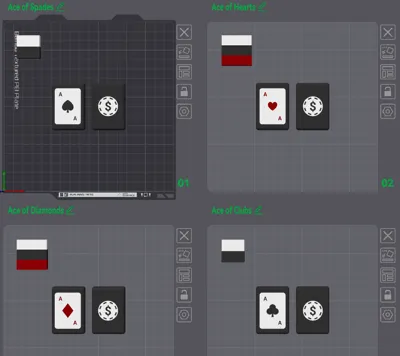
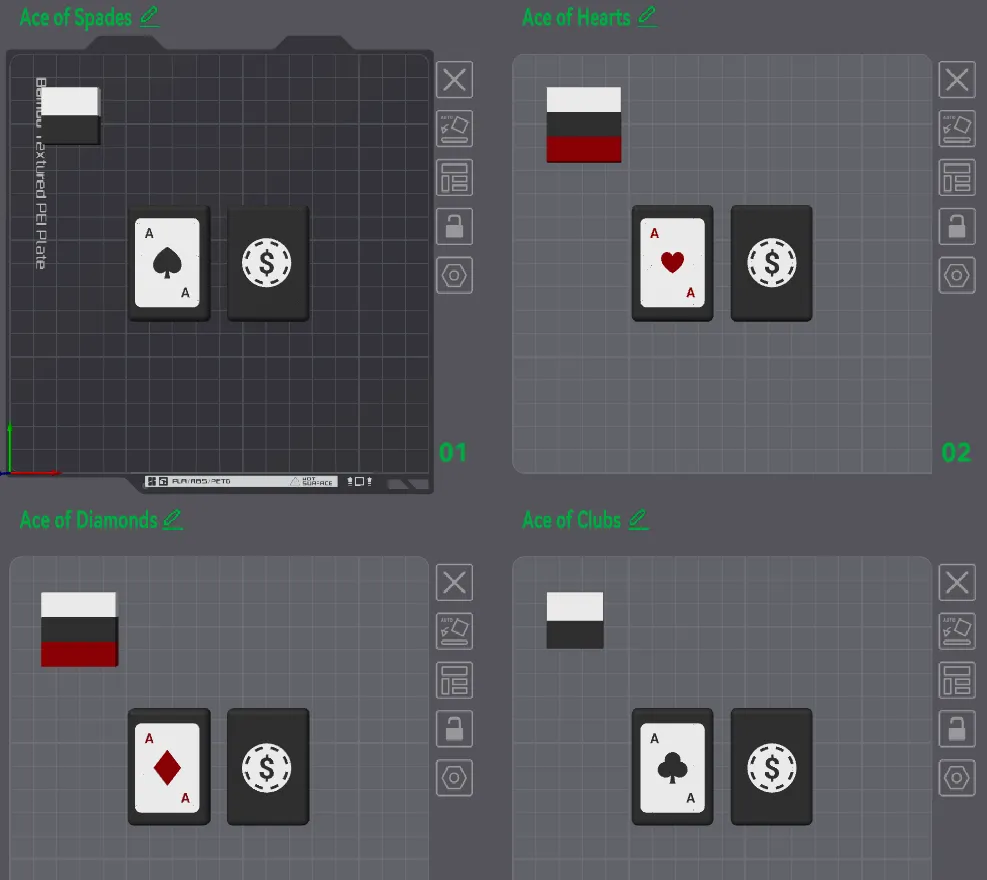
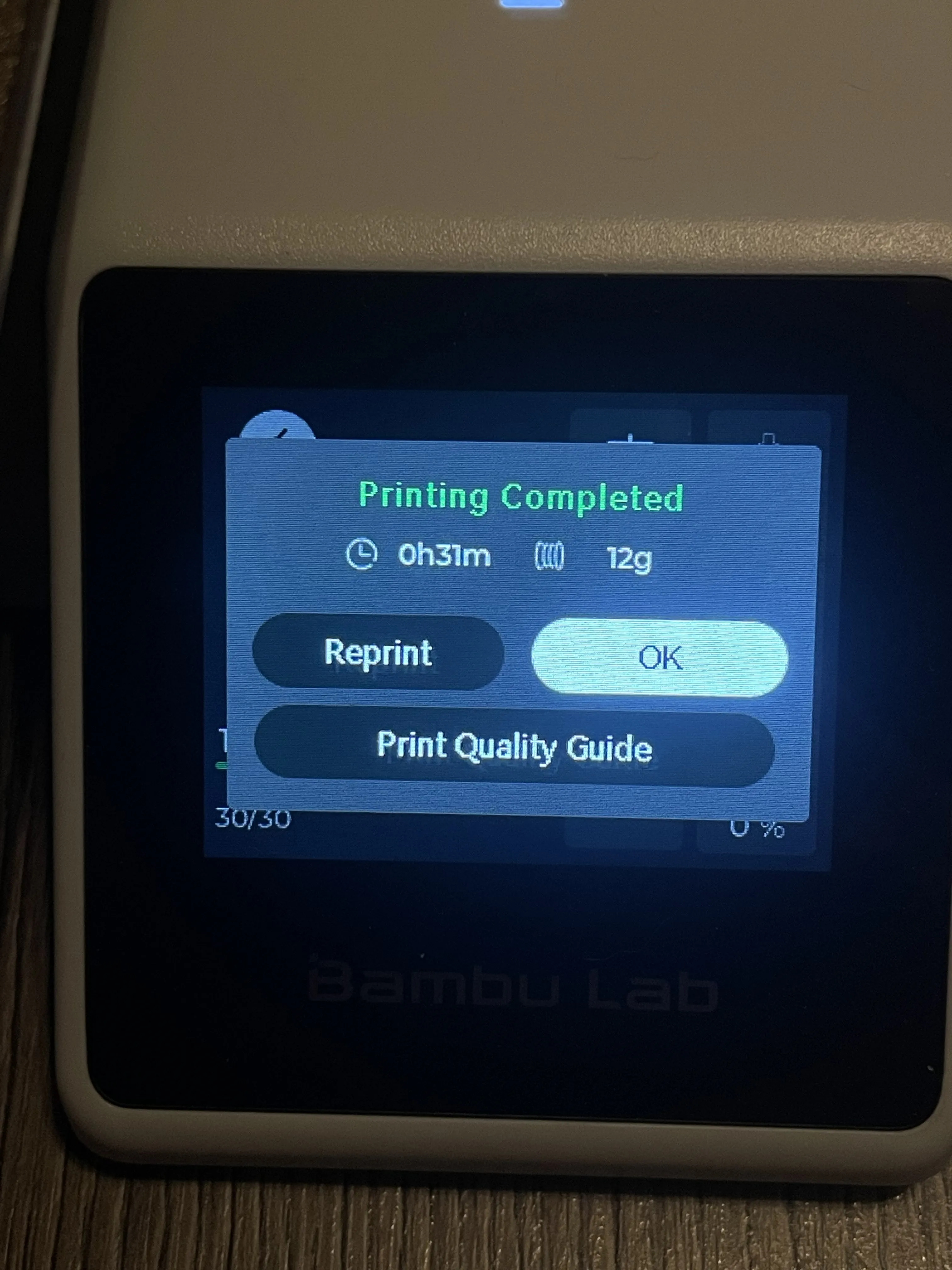
12g - 30 mins for one plate (4 plates to choose from)
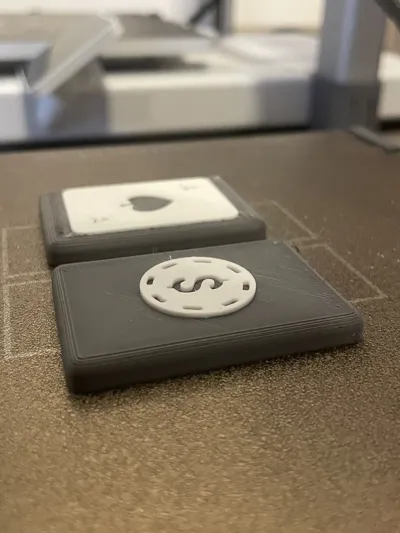
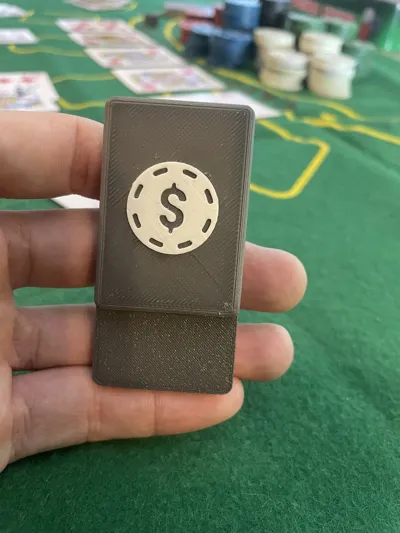
A functional model with real fidget utility, combined with a smart, collectible-style design. Perfect for your desk, pocket, or poker table.
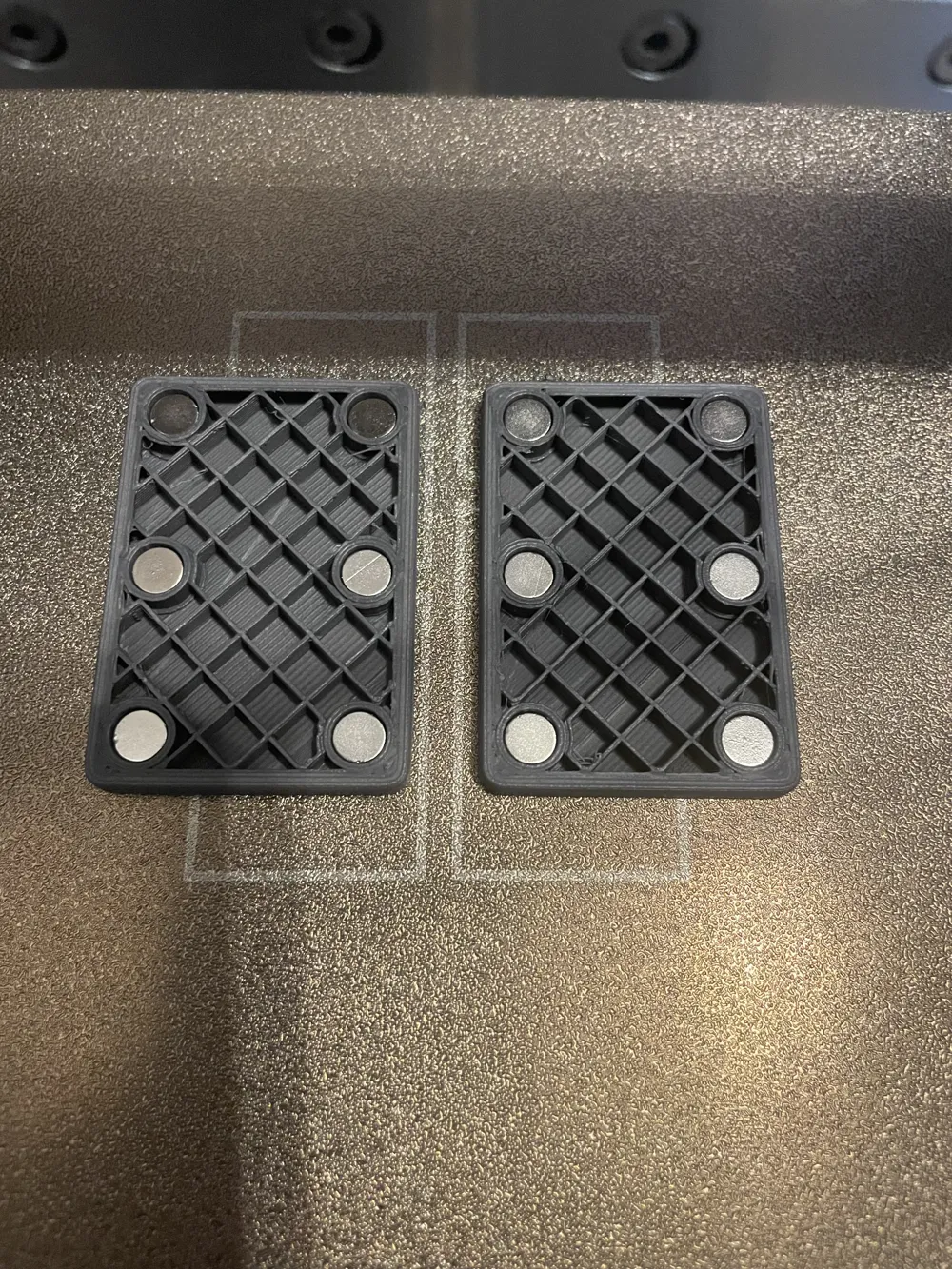
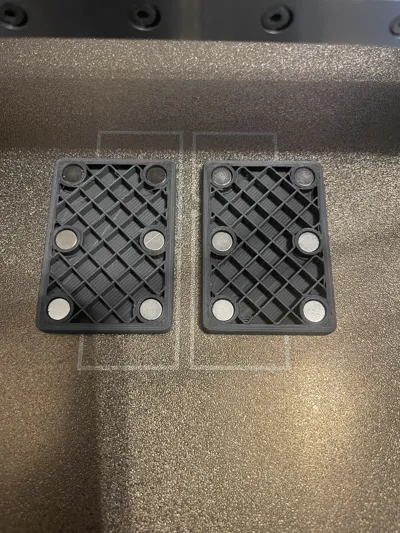
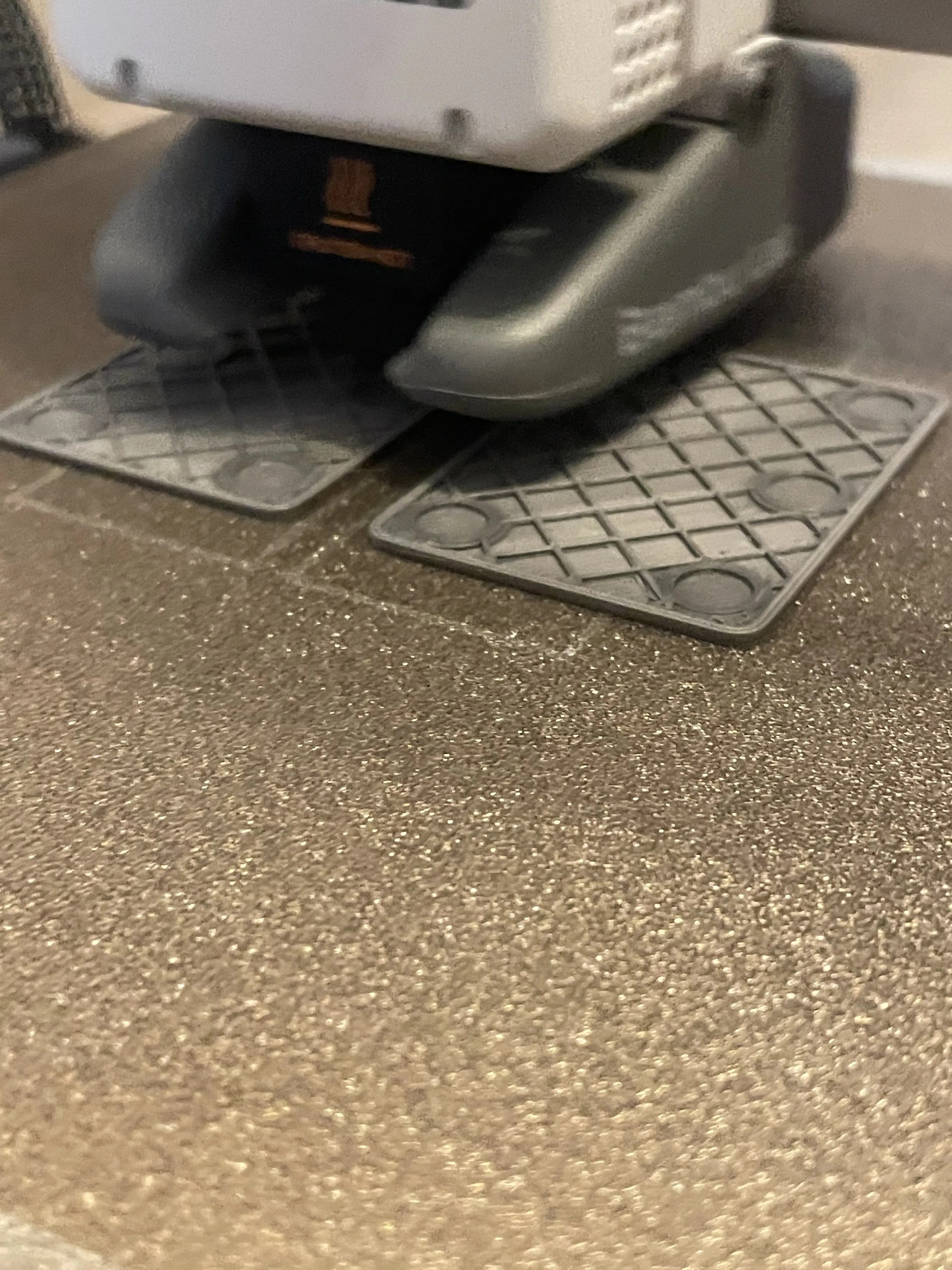
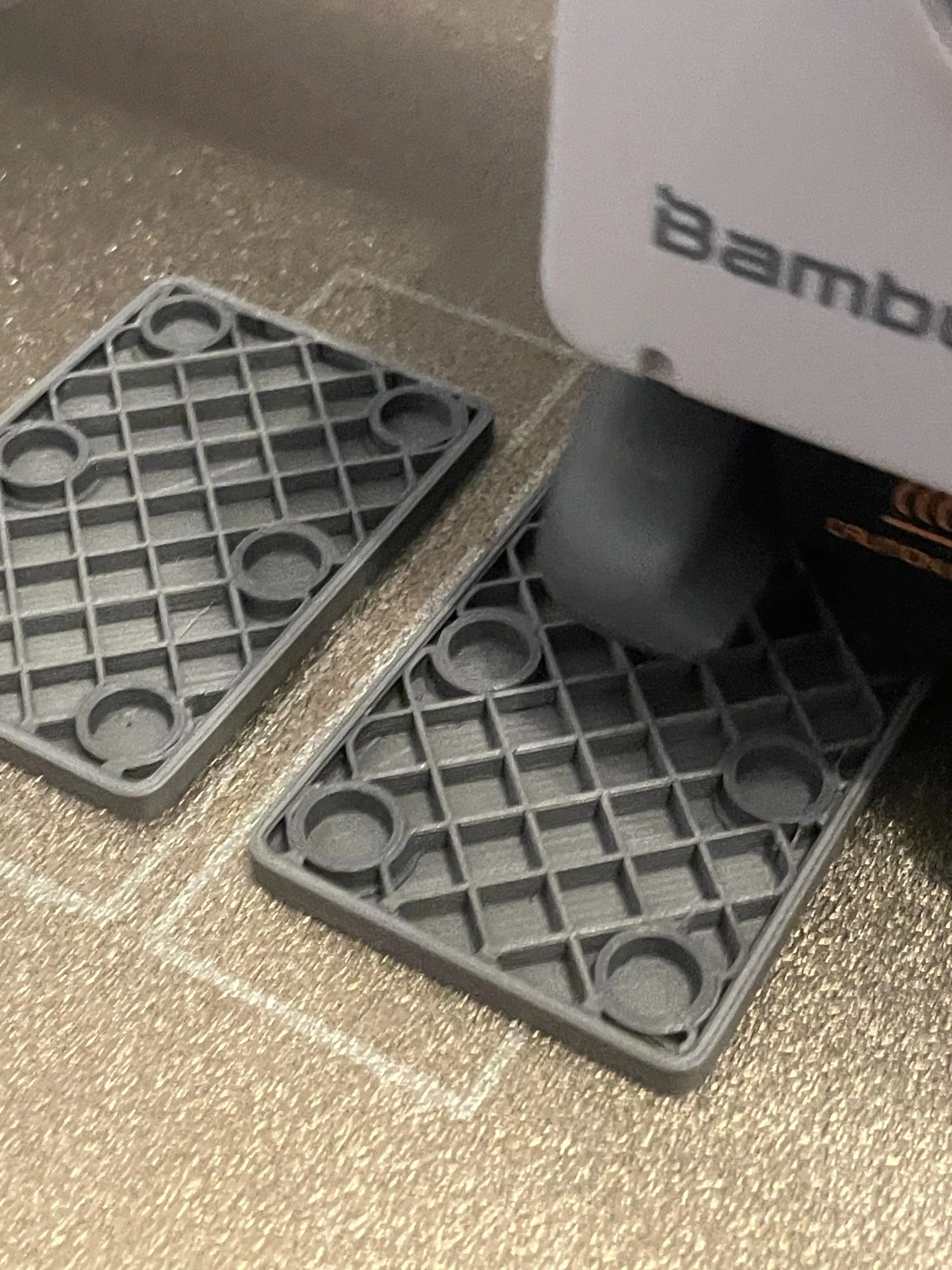
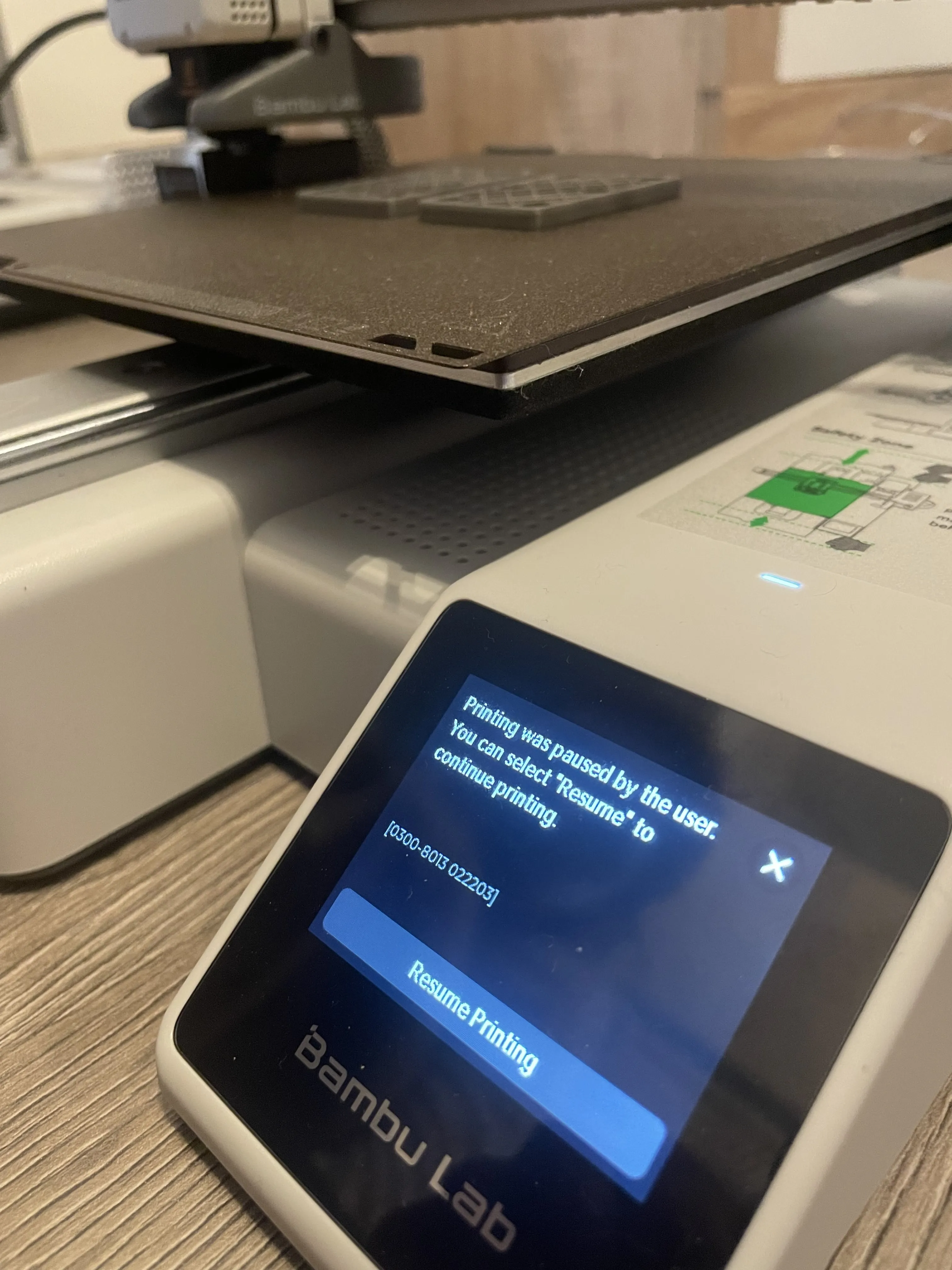
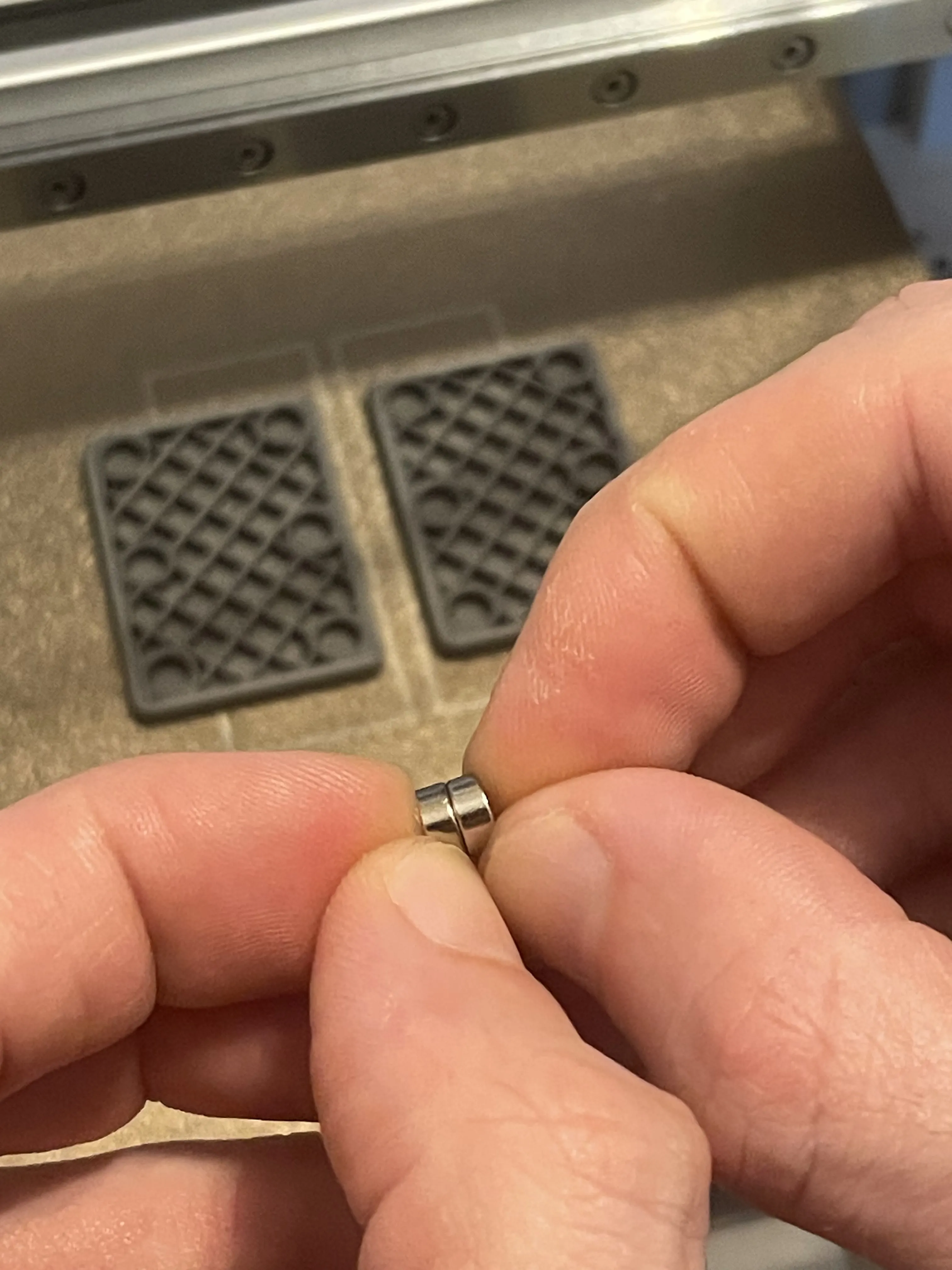
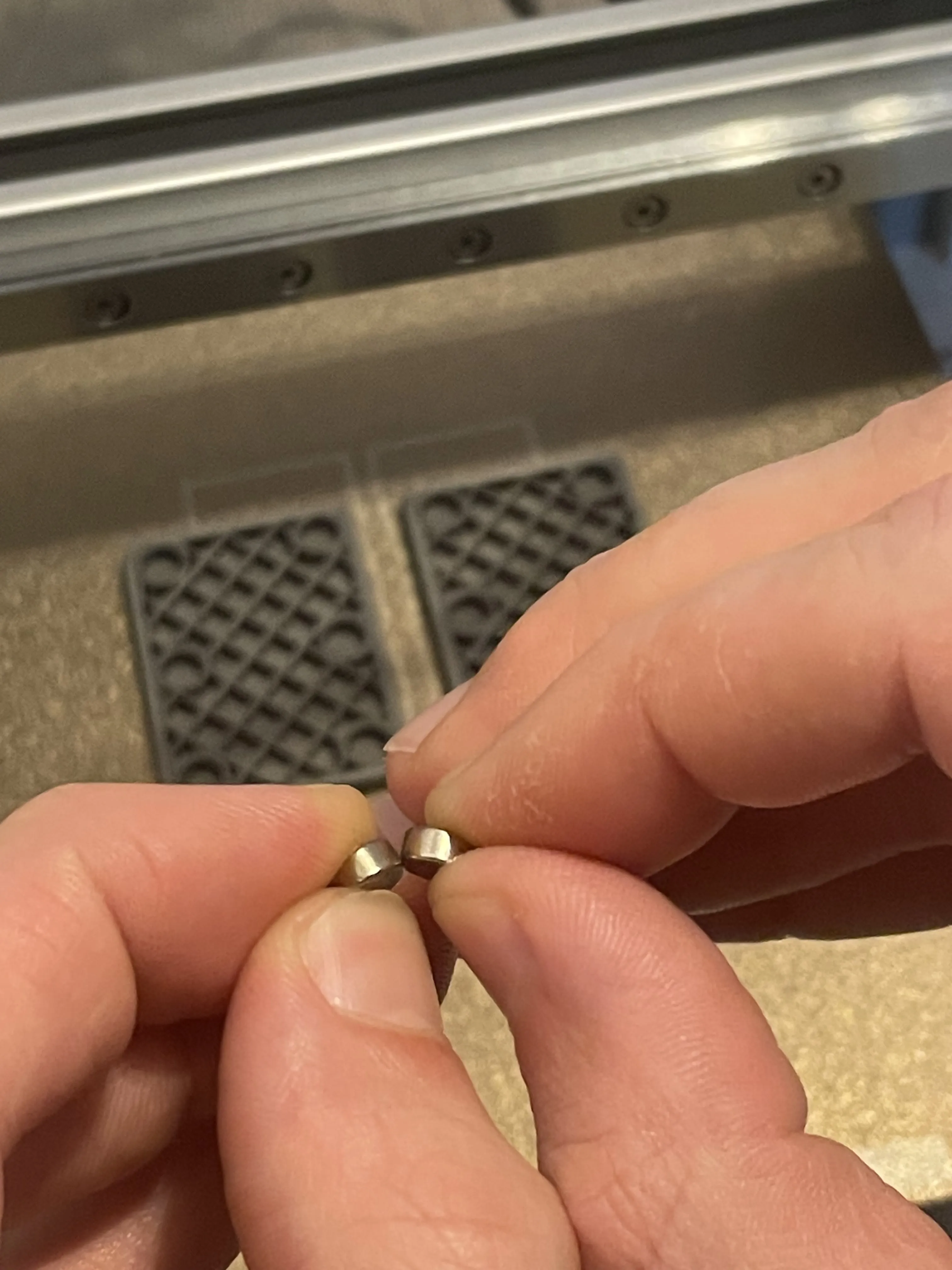
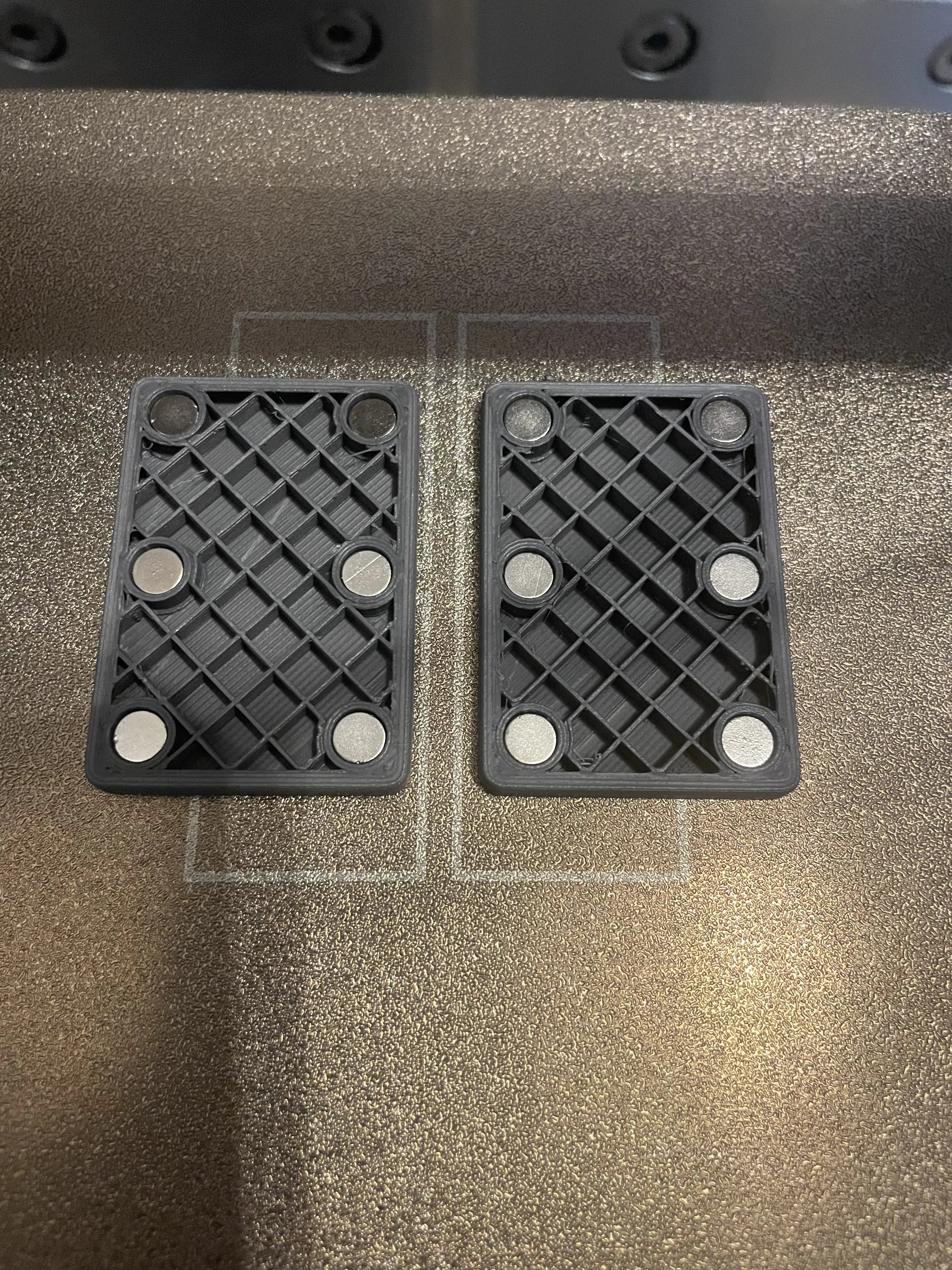
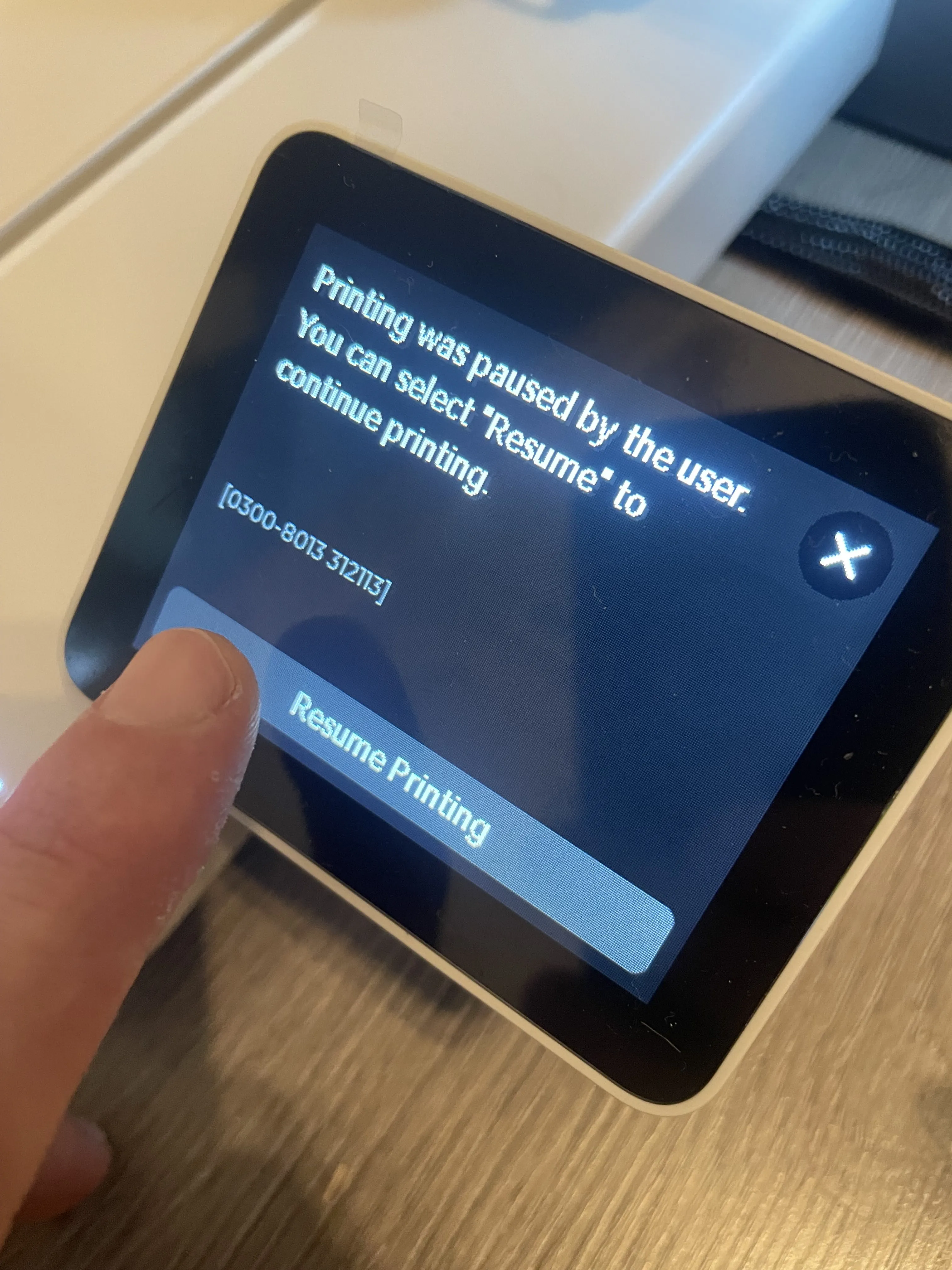
This magnetic fidget toy is inspired by playing cards and built for a strong, satisfying snap every time you slide. It uses 12 neodymium 6x3mm magnets, inserted during the print thanks to an automatic pause at layer 21. Once placed (watch magnet polarity), the print resumes and encapsulates the magnets cleanly inside.
🔧 What’s included:
- Sliding action with strong magnetic pull
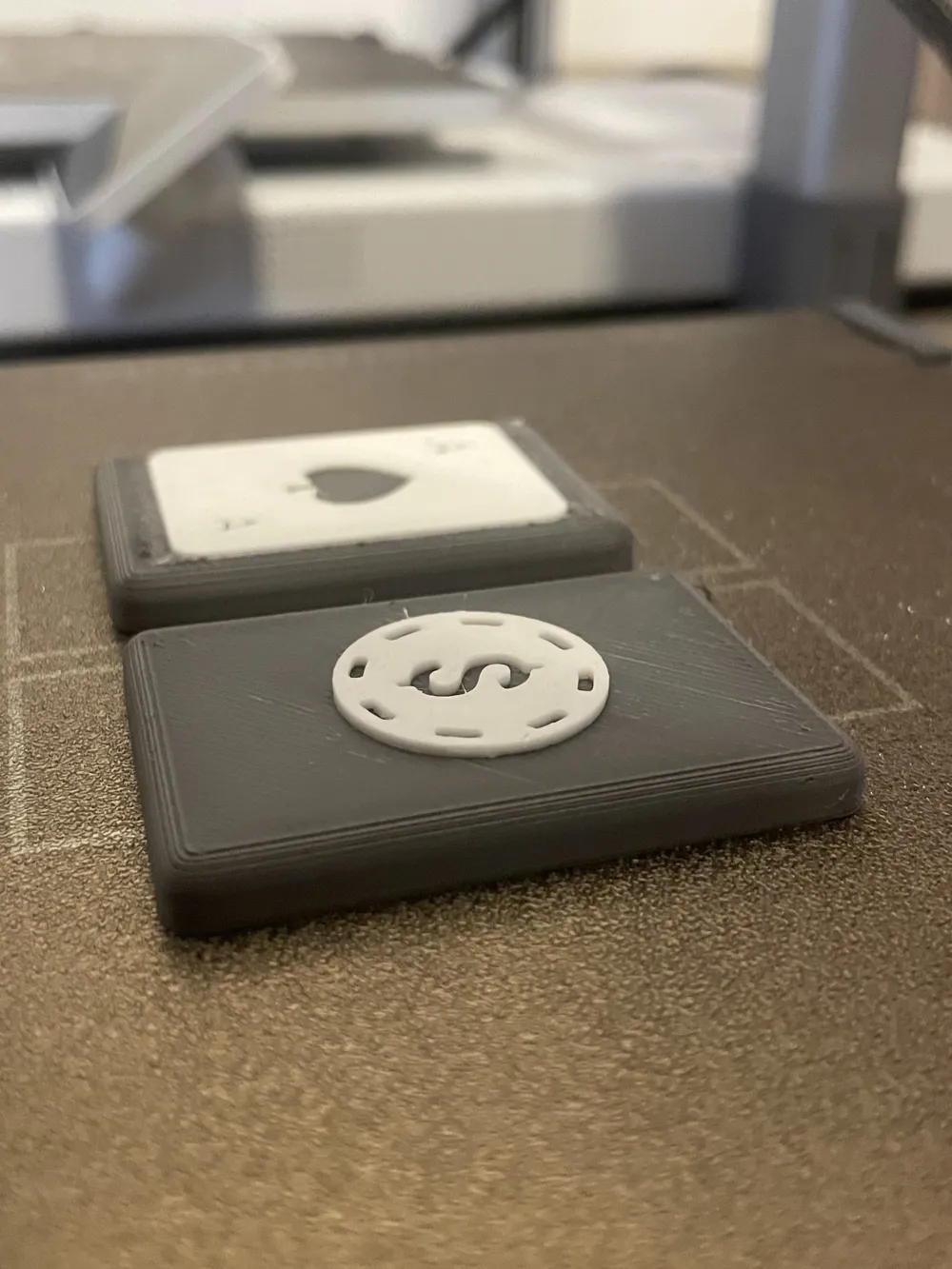
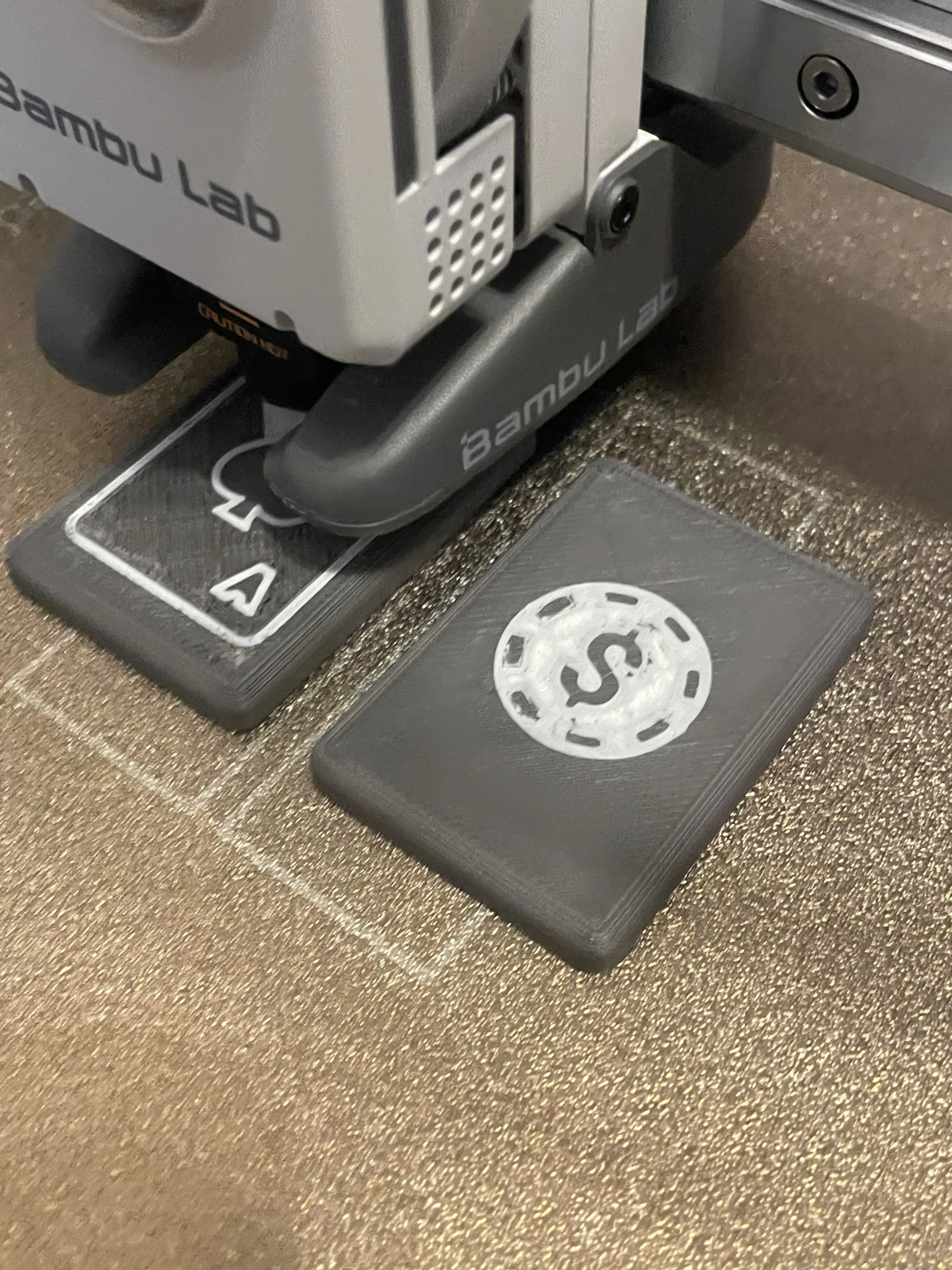
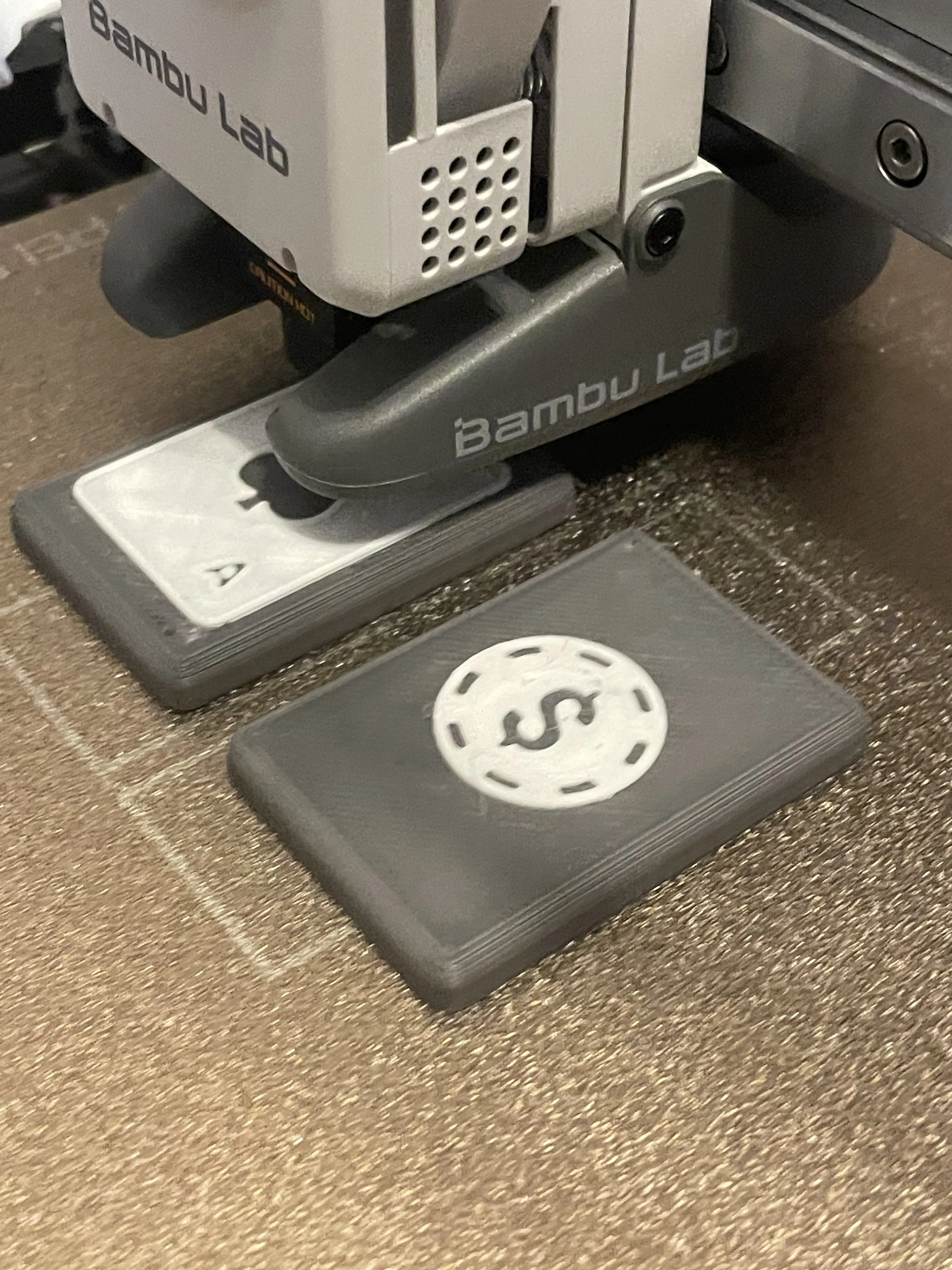
- Playing card-style face – choose from ♠️ ♣️ ♥️ ♦️
- Two profile options:
- With AMS – automatic dual-color print with one pause for magnets.
- Without AMS – two pauses: one for magnets, one to manually switch filament for dual-color
🎯 Designed for the feeling
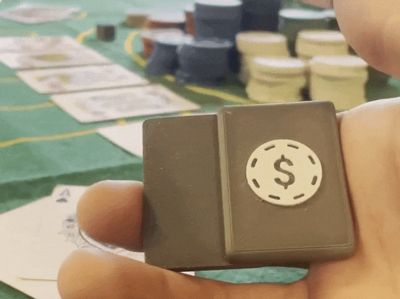
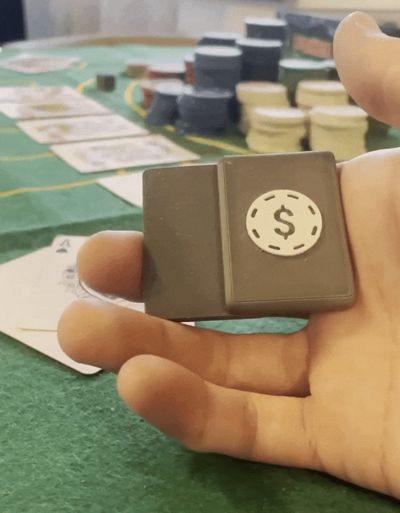
Magnet slots are intentionally offset (6.3 / 3.3mm) to enhance the tactile “snap” and clicking sound when the pieces meet.
📌 Print Details:
- Orientation: print face-down as provided, no rotation needed
- Magnets: 6x3mm neodymium, 12 total – insert with consistent polarity
- Recommended material: PLA for clean detail, PETG for durability
- No glue required: magnets fit snugly into place and are atracted to the PEI sheet.
Clean print. Powerful click. Pocket-sized satisfaction.
Boost Me (for free)
If you enjoy it, feel free to download and print it! I’d really appreciate a like or a little 🚀 (boost )for my work — think of it as buying me a beer! 🍺 Cheers!
Video preview:
https://youtube.com/shorts/ag3j9pax9gc?si=Jc7EPPadW57RSH8o
Steps:
🛠️ Step-by-Step Printing Instructions:
- Download & Slice the Model
- Choose the version you want (♠️ ♣️ ♥️ ♦️)
- Use the provided print orientation (face-down on the bed)
- Prepare Your Magnets
- 12x neodymium magnets, size 6x3mm
- Optional: test polarity in advance to ensure correct attraction
- Start the Print
- The print will automatically pause at Layer 21
- (If you're using the no-AMS version, there will be a second pause later for filament change)
- Insert Magnets
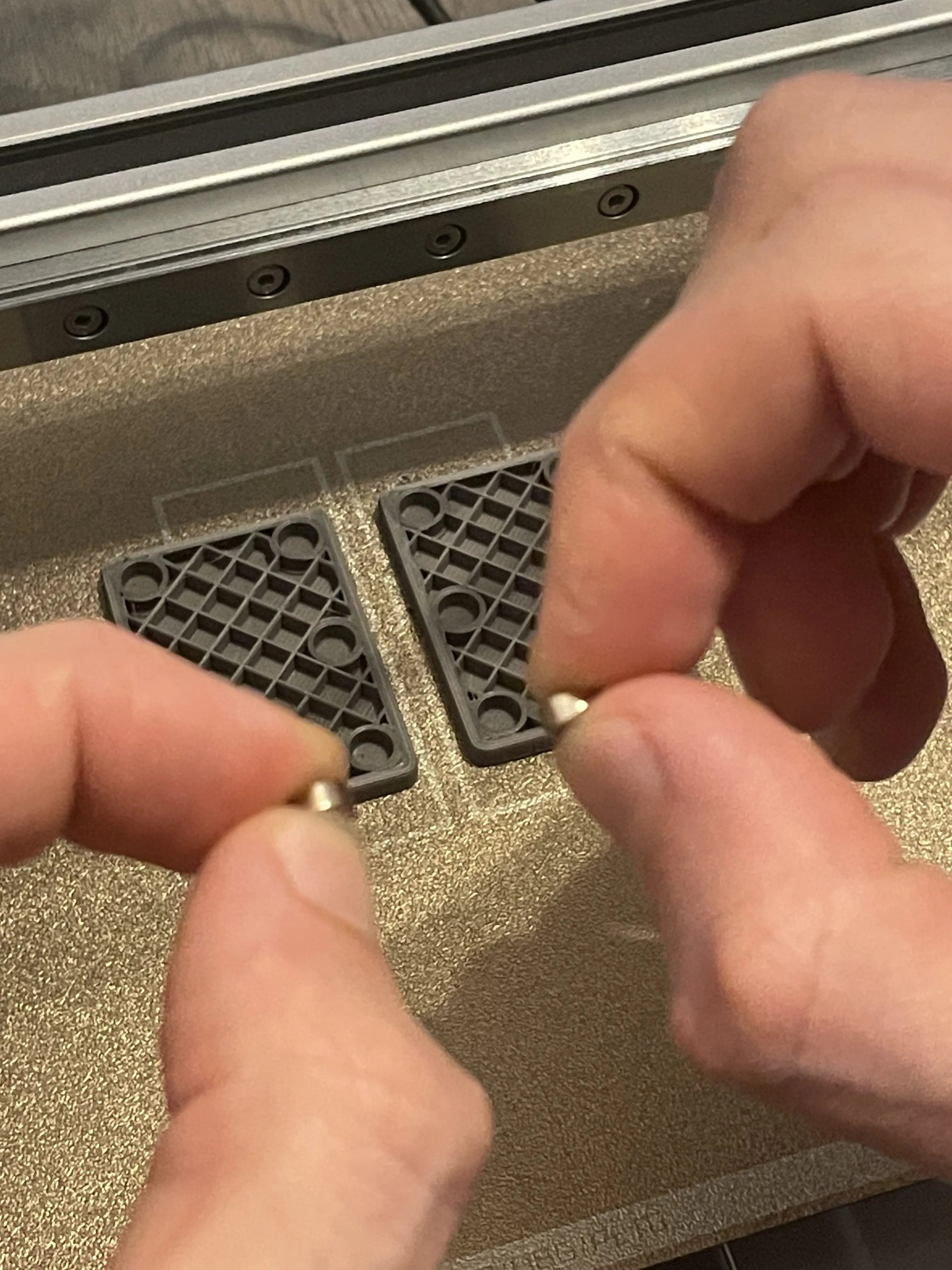
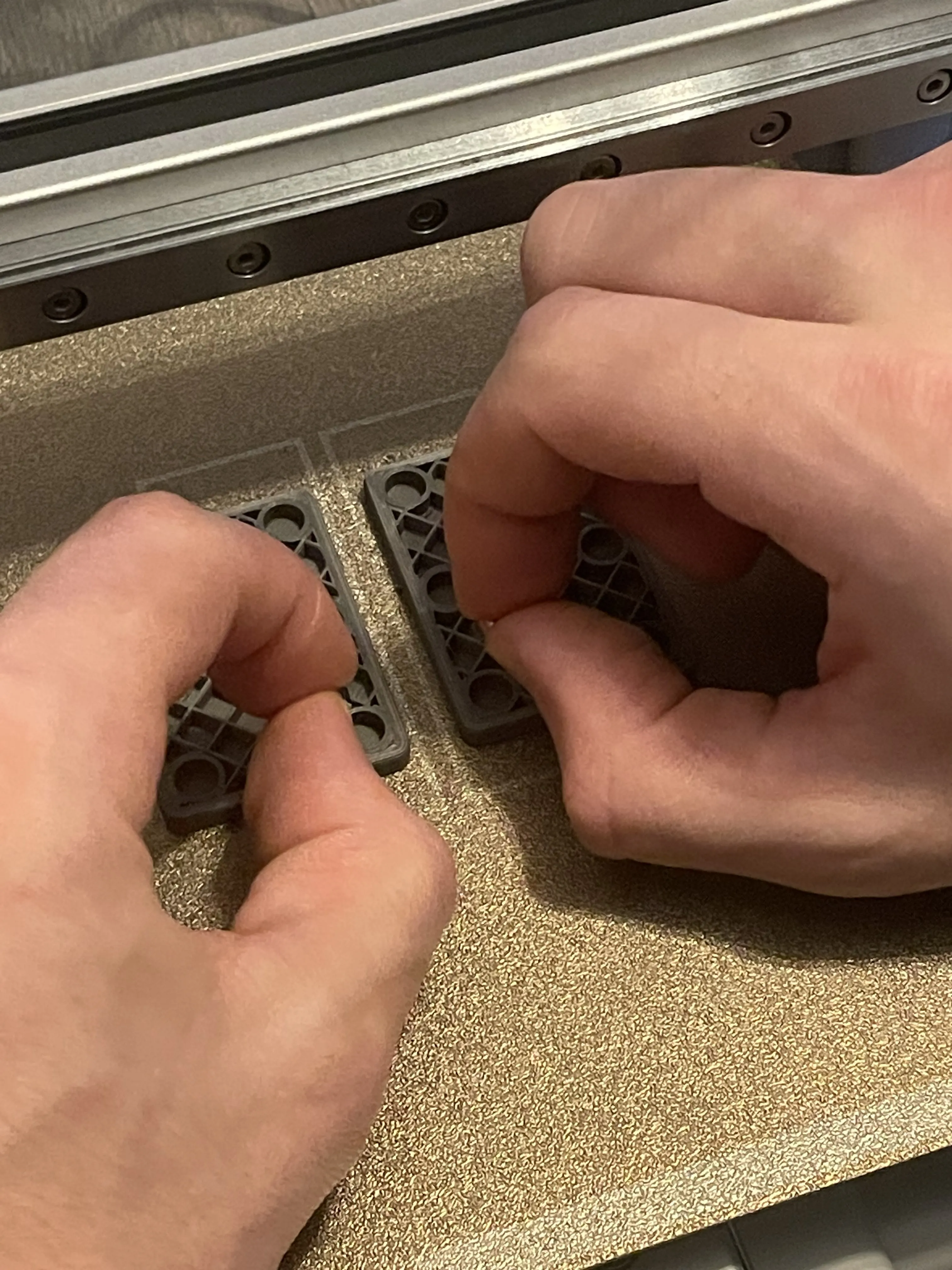
- Carefully place one magnet in each of the 12 slots
- Important: make sure all magnets are inserted with the same orientation (polarity)
- Resume Printing
- Continue the print to seal the magnets inside
- For no-AMS version: switch filament when prompted to print the top design in a second color
- Let it Cool & Remove from Bed
- Once finished, allow the print to cool down before removing
- No glue needed – magnets should fit tightly
- Test the Snap & Enjoy
- Bring the two halves together and feel the crisp click
- Slide, snap, repeat – it’s addictive!
 |
 |  |  |
 |  |  |  |  |
 |  |  |  |  |
 |  |
This model was inspired by other fidget models and was created in Tinkercad from scratch.
✨ Enjoy my designs? Please boost, like, and follow! Your support makes a big difference! ✨
If you'd like to go further, you can buy me a beer here: 🍺 buymeacoffee.com/bobel.
Thank you!
License

You shall not share, sub-license, sell, rent, host, transfer, or distribute in any way the digital or 3D printed versions of this object, nor any other derivative work of this object in its digital or physical format (including - but not limited to - remixes of this object, and hosting on other digital platforms). The objects may not be used without permission in any way whatsoever in which you charge money, or collect fees.


Comment & Rating (13)