Search models, users, collections, and posts

Your Custom Poker Chip!
Print Profile(2)
All
A1 mini
P1S
P1P
X1
X1 Carbon
X1E
A1
H2D
H2D Pro
H2S
P2S
H2C
X2D
A2L

0.2mm layer, 2 walls, 100% infill
Designer
6.2 h
4 plates
4.7(62)

0.16mm layer, 2 walls, 100% infill, Text object corrected
1.9 h
1 plate
4.8(8)

Open in Bambu Studio
Boost
449
1182
111
36
2.2 k
963
Released 

Description

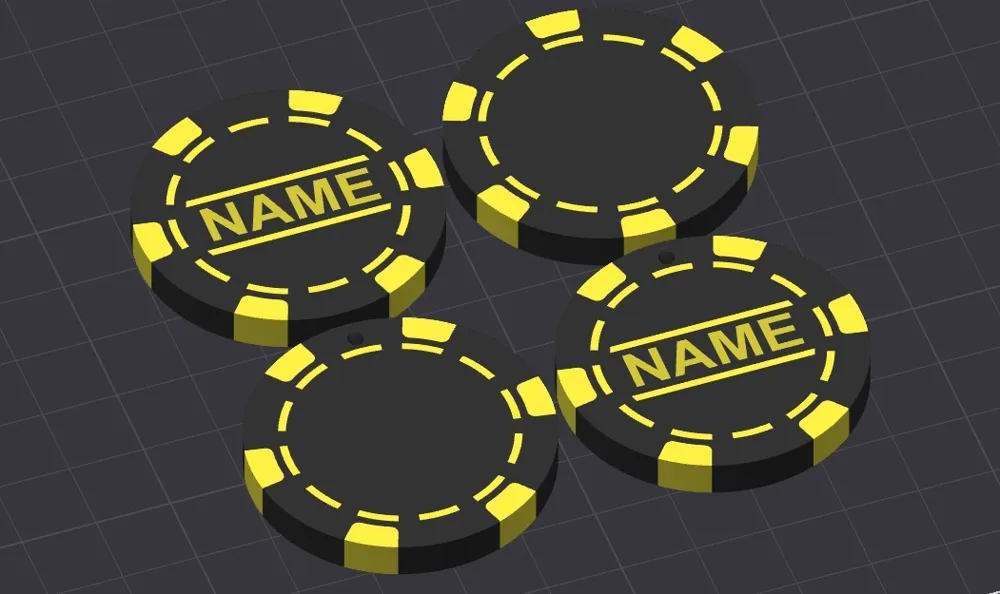
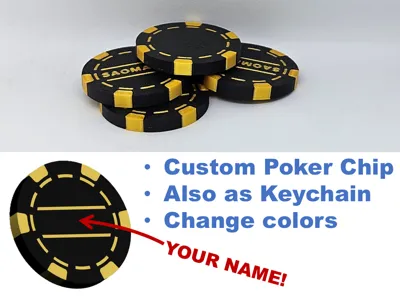
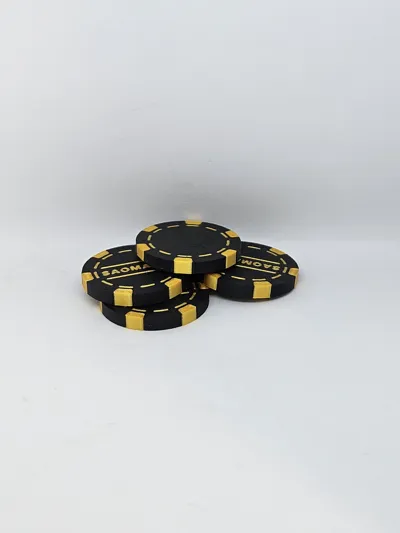
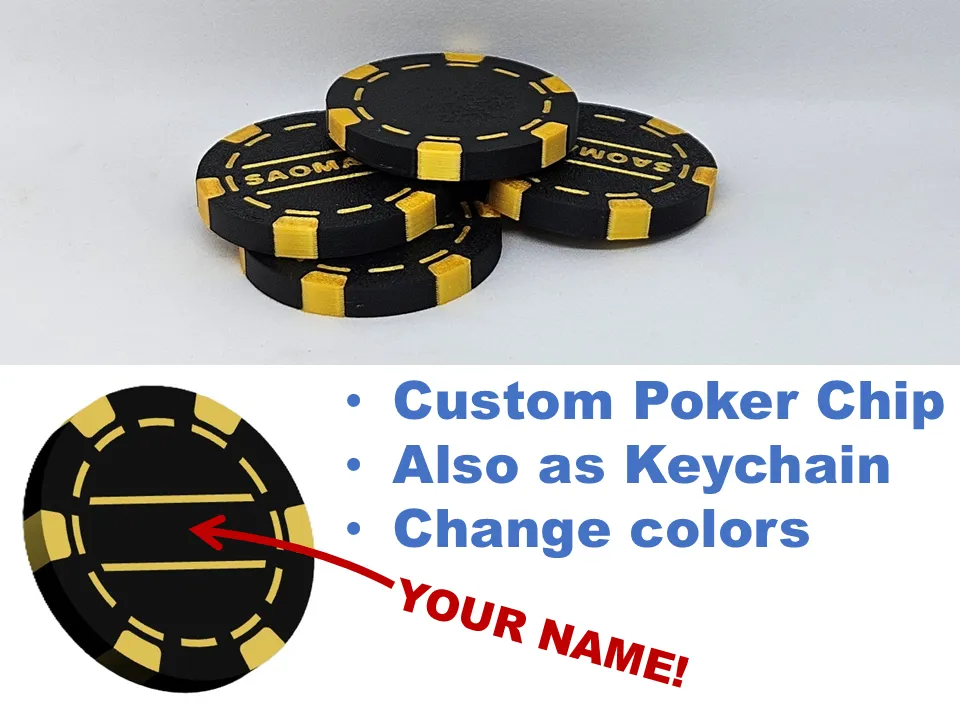
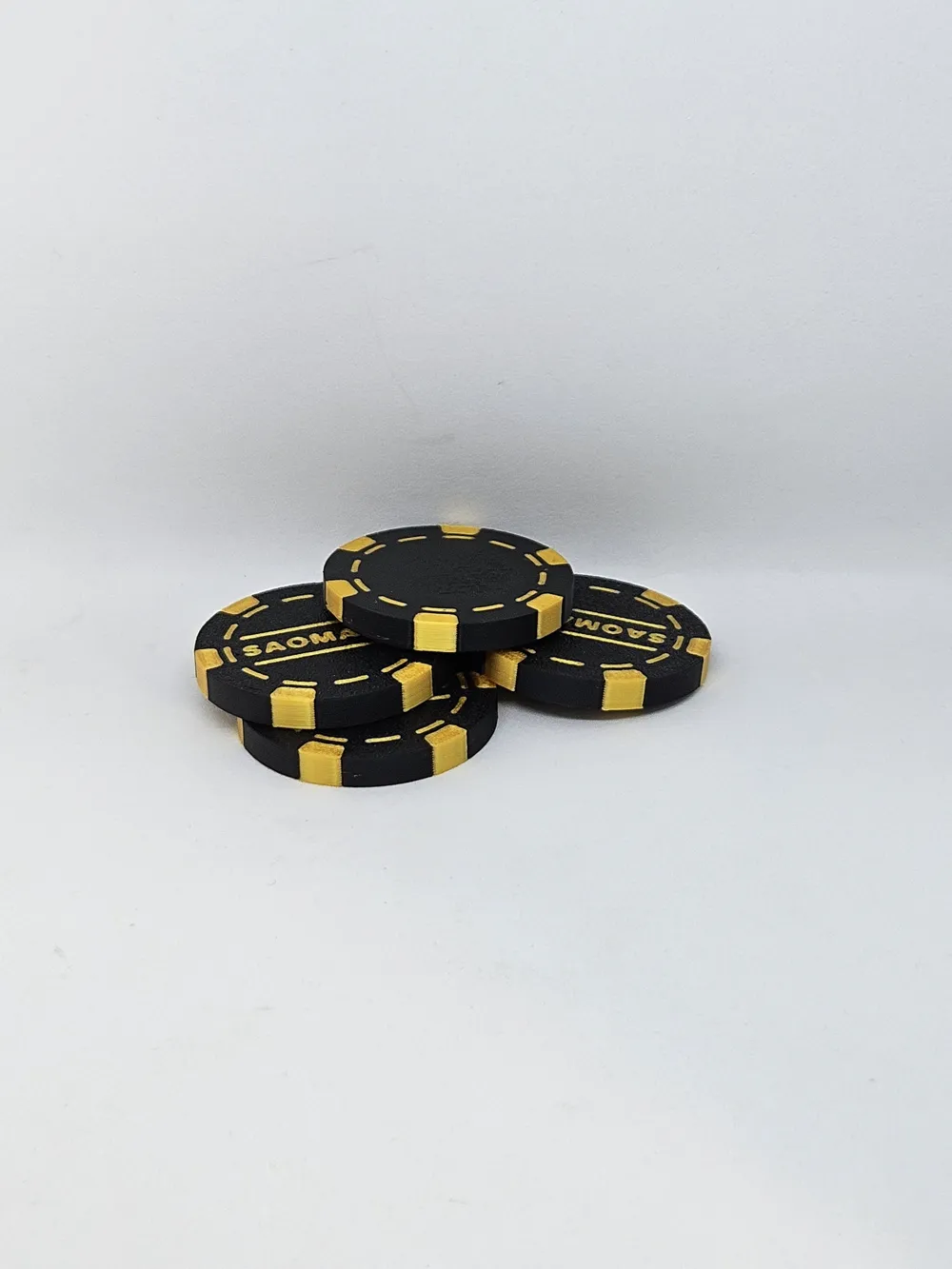
🎲 Personalized Poker Chip – With Your Name! 🎲

Design your own poker chip with your name and custom colors – perfect as a gift, collectible, or keychain!

Also, this chip can be scaled down!


🔹 Features:

- Fully customizable name or text on the chip

- Choose your own color combination – ideal for multi-color prints (filament swap or MMU)

- Optional version with keychain hole

- Great as a gift, decoration, or for themed poker games


🔧 Recommended Print Settings:

- Print with the name/text side facing the build plate

- No supports needed

- Layer height: 0.2 mm

- Works great with filament change for dual-color prints


🛠️ Editable file included

Personalize directly in your slicer or 3D design tool! 

Make your mark with this unique poker chip – fun, personal, and easy to print!


💡 Tip: Black and gold look sleek, but you can go wild with your favorite colors!


Boost Me (for free)

Like the Poker chip? Yor boost would mean a lot!

Comment & Rating (111)

(0/1000)

Print Profile
0.2mm layer, 2 walls, 100% infill
came out perfect!
The profile uploader has replied
profile
2
Reply
glad you like it!
0
Reply
how did you print multiple chips at once?
0
Reply
Replying to @imaguy :
I used Bambu studio on the computer to clone the chip it asks you how many.
0
Reply
Print Profile
0.2mm layer, 2 walls, 100% infill
Cool model, but the finish of the text leaves something to be desired
The profile uploader has replied
Show original
0
Reply
the print looks good. What could be better?
0
Reply
Replying to @danshti :
The finish on the top of the print tab is not ideal, I don't know how it could be corrected When trying to flip the tab in the slicer so the side with the text faces down, it disappears after slicing the build plate Thank you for sharing the model
(Edited)
Show original
0
Reply
Replying to @ROdse :
Thanks for the picture! To me it looks like a leveling error, because I did not have issues with the first layer. And according to the fotos of others, these issues also did not occur. What printer did you use?
0
Reply
Print Profile
0.16mm layer, 2 walls, 100% infill, Text object corrected
For the poker club members they loved it thank you
Show original
profile
1
Reply
what font did you use and how did you get the finish so good?
0
Reply
Print Profile
0.2mm layer, 2 walls, 100% infill
very nice print
The profile uploader has replied
profile
1
Reply
Thanks! Shalom from Germany!
0
Reply
Print Profile
0.2mm layer, 2 walls, 100% infill
these were fun I will be printing more, Thank you
The profile uploader has replied
profile
1
Reply
Thanks!
0
Reply
Print Profile
0.2mm layer, 2 walls, 100% infill
I don't play poker, but I wanted to try chip shuffling
Show original
profile
1
Reply
Hello, I attempted to print a personalized chip. Bambu Studio displays the name, but the printout lacks it. What am I doing wrong?
The designer has replied
Show original
designer
1
Reply
Hello, I have updated the print profile. Does it work now?
Show original
1
Reply
Replying to @danshti :
Yes, thank you. It works now.
Show original
0
Reply
Replying to @danshti :
im trying the same thing and its not working
0
Reply
Print Profile
0.2mm layer, 2 walls, 100% infill
(Edited)
Other Issues:Tried everything and the writing would not adhere to the chip or work at all.
The profile uploader has replied
0
Reply
sorry to hear that. What filament did you use? because silk filament, for example, sometimes does not stick very well to surfaces. This file obviously works for others, as seen in the comments
0
Reply
Replying to @danshti :
I used PLA and switched to a smaller nozzle. I had "Pub" in text on the top of the chip and "Beer" in text on the bottom of the chip and it didn't print either of the words. It was all blank
(Edited)
profile
1
Reply
Replying to @aocnl4 :
This makes sense. The file is not made for the 0.2 nozzle. The Text has a setting for a defined height, so it keeps the height, even if switched to a smaller nozzle. If you make such big changes like the nozzle size, of course things might not work the same. If you keep the original nozzle size, as intended, you will get a normal result. Or you can manually change the text settings
0
Reply
Print Profile
0.2mm layer, 2 walls, 100% infill
Other Issues:I really liked the visual design of the model. However, an issue with the original profile prevented me from getting acceptable quality for the lettering. First, the letters are raised, which creates an unpleasant feeling when touched. In addition, the letters are only a single layer thick, which makes the underlying color show through a lot. I don’t know exactly how the model was built, but I had difficulty fixing this last point. In the end, I had to remove the "text_shape" and reapply it, with 1 mm of embedding. I also changed the settings to 0.16 mm layer height to improve the quality of the lettering. Finally, since I’m not a fan of ironing, I flipped the model and placed the lettering directly on the build plate to take advantage of the smooth first layer. (On photo... The first print, the corrected one, and the last is printed on the plate. (textured one, a smooth plate can be better).
0
Reply
After testing quite a few chips now, all of them for the trash can, I'm now happy to have discovered your chip. Great print, clean transitions! It's nice that the text on the top is printed at the end and not on the first layers on the print plate, so you get a much nicer finish with the right settings!! I then immediately installed a negative cylinder and now have a great NFC chip :)) Later, the yellow will be replaced with gold. THANKS
(Edited)
The designer has replied
Show original
designer
1
Reply
Thank you for the feedback! Gladly and have fun with it!
Show original
0
Reply

License

This user content is licensed under a Standard Digital File License.

You shall not share, sub-license, sell, rent, host, transfer, or distribute in any way the digital or 3D printed versions of this object, nor any other derivative work of this object in its digital or physical format (including - but not limited to - remixes of this object, and hosting on other digital platforms). The objects may not be used without permission in any way whatsoever in which you charge money, or collect fees.