
Milwaukee M12 Clip-In Foot LITE (Pls See Desc.)
Print Profile(3)


Description
Boost Me (for free)
Feel free to boost me if you enjoy this! Please leave comments if you have recommendations for changes. Thank you!
Why?
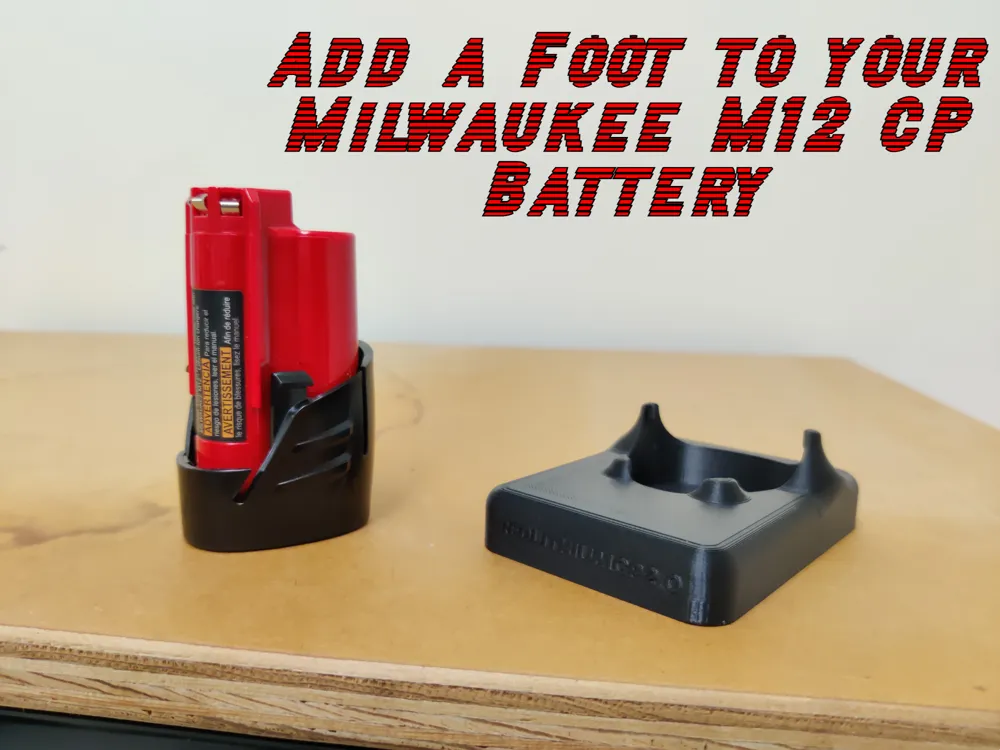
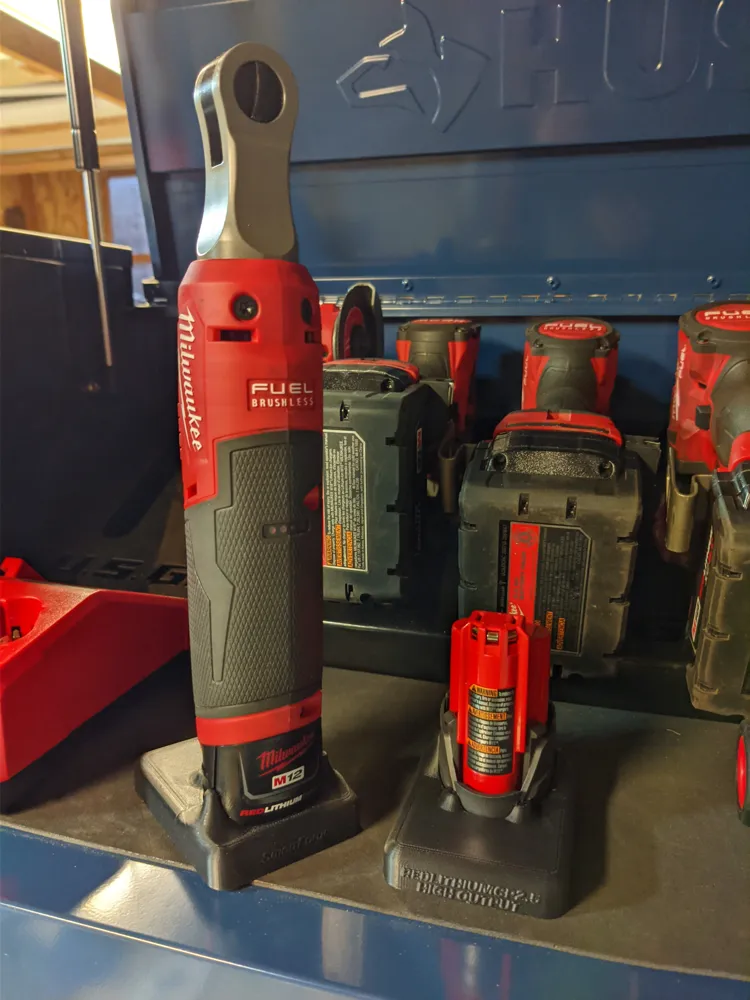
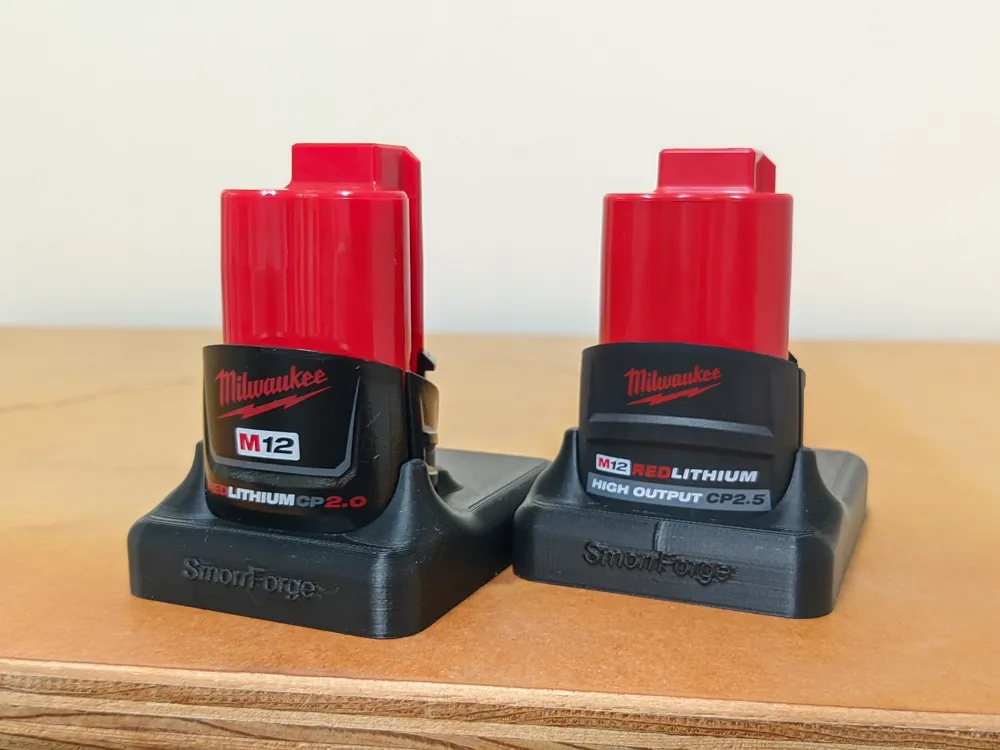
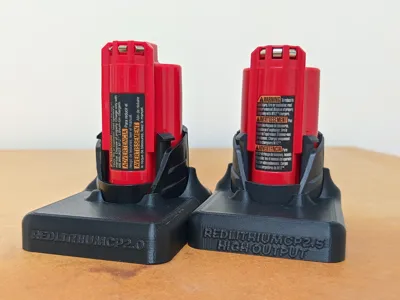
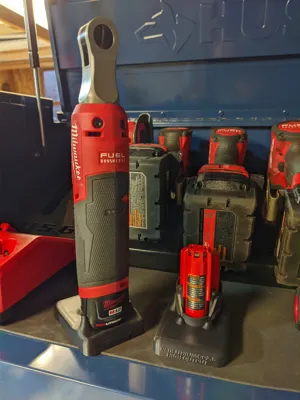
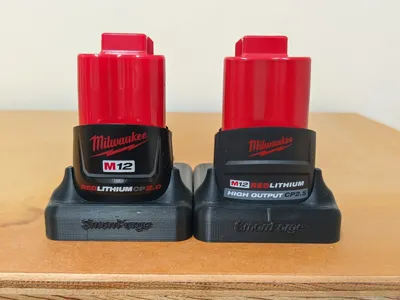

If you're like me you have a bunch of these compact M12 batteries that are frustrating to use because you can't stand anything up. Yes they are compact, but they can be converted! Here is a semi-permanent take on converting your CP to an XC size.
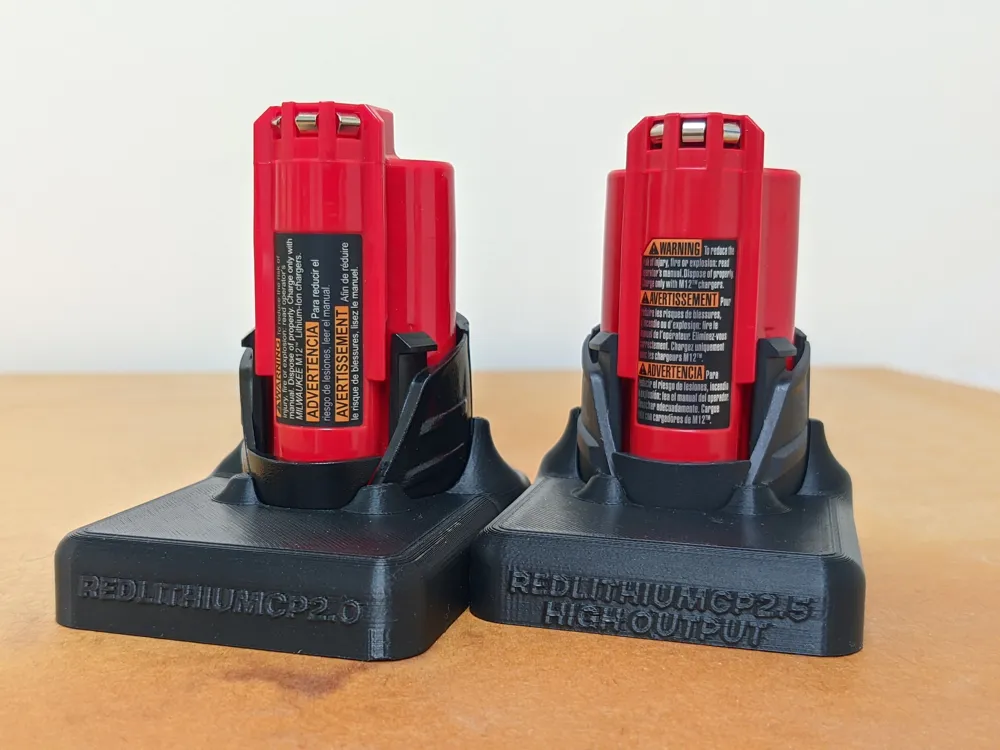
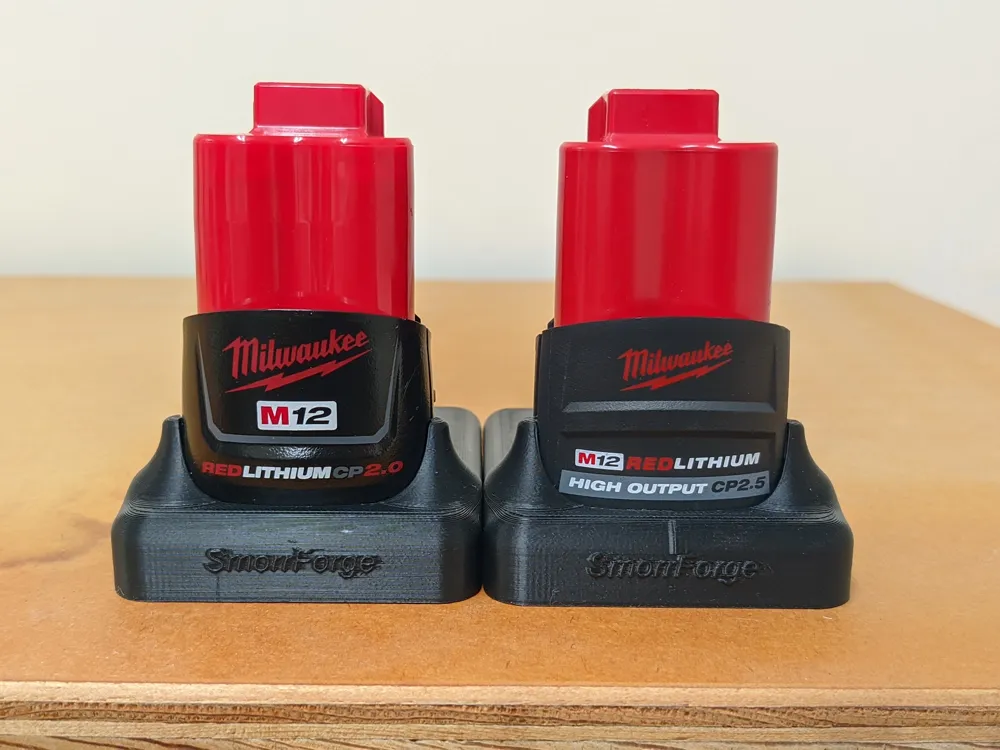
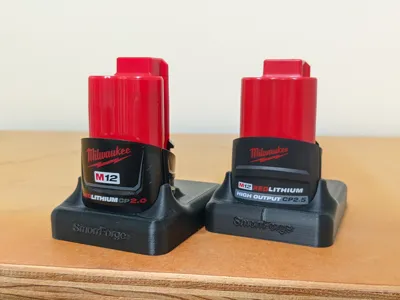
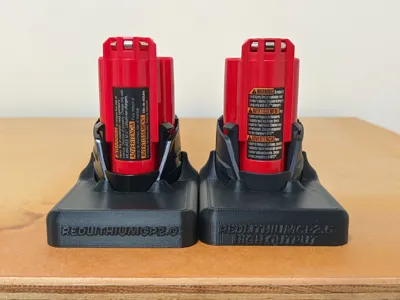
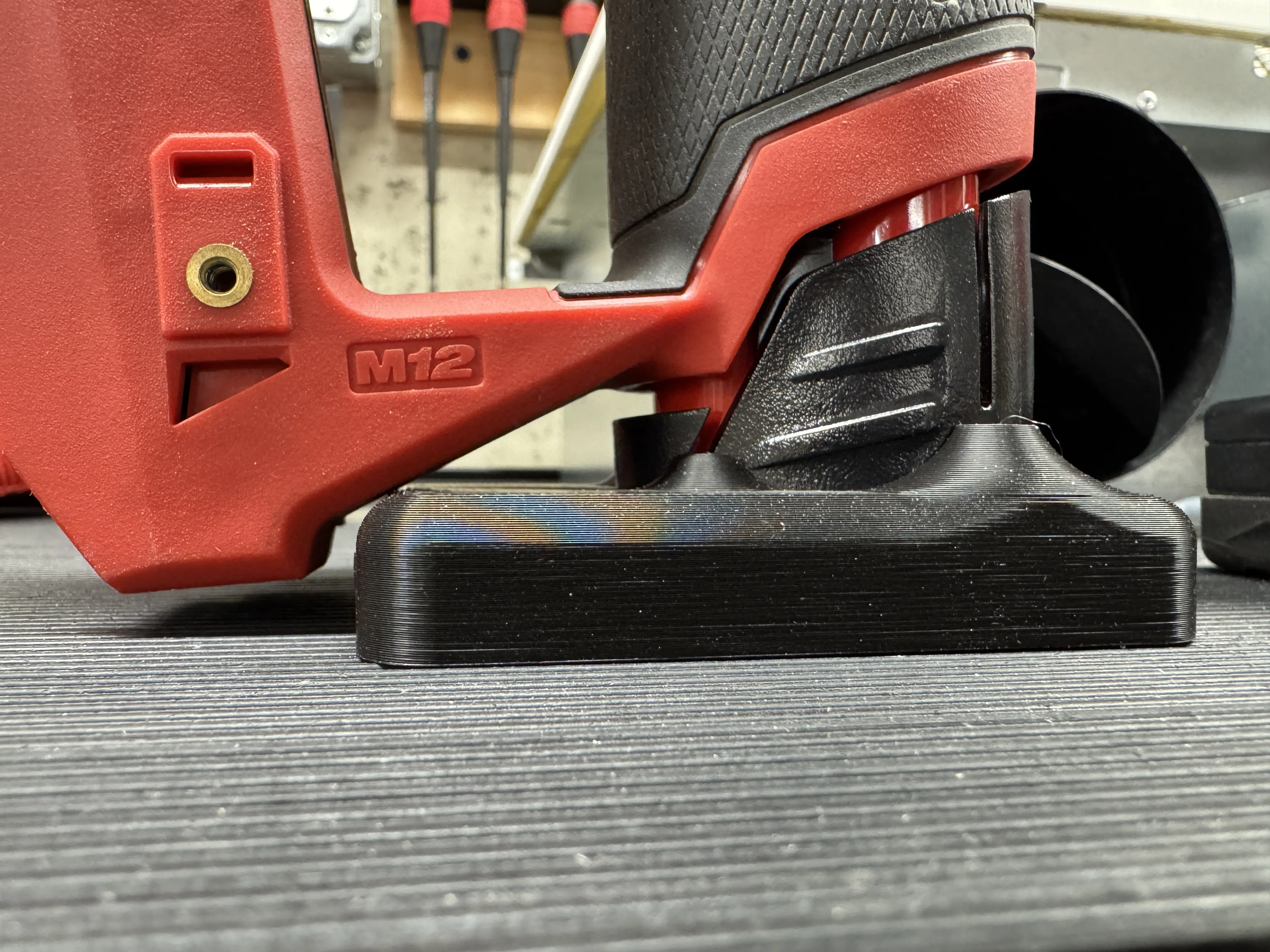
Well, after 25+ versions and design tweaks I finally landed on this M12 Compact battery foot design for the CP1.5, CP2.0, High Output CP2.5 battery (I have yet to test CP3.0). There are a couple iterations of this out there on the web but typically you have to superglue it or wrap the battery with tape.
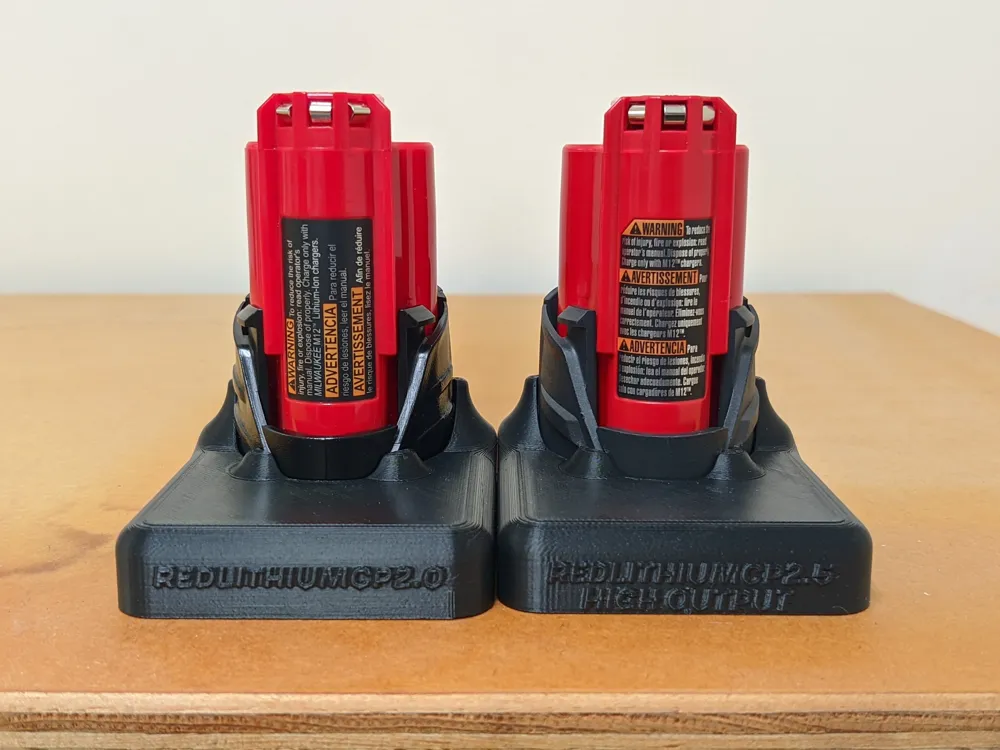
I wanted a print that utilizes the battery shape to clip in place, and it had to be tight enough to hold it. This design utilizes small gaps in the battery where you squeeze the tabs. My design ‘hooks’ into these slots and stays fixed in place.
READ ME:
- Being as this is the LITE version, this battery+foot combo is intended to fit most M12 tools but not all. This is a healthy compromise between print time, filament cost, and simplicity for the average user. Please visit the Tool Incompatibility List (section below) to see which tools this battery+foot combo won't fit. A FULL version is to come soon…
- If you are downloading this as an STL or for use NOT on a Bambu, I highly recommend implementing some specific print settings when you go to print. Please try to mimic them if you are not using the Bambu printer/slicer. They are necessary for the function of the hooking feature, otherwise the prongs may break off during installation.
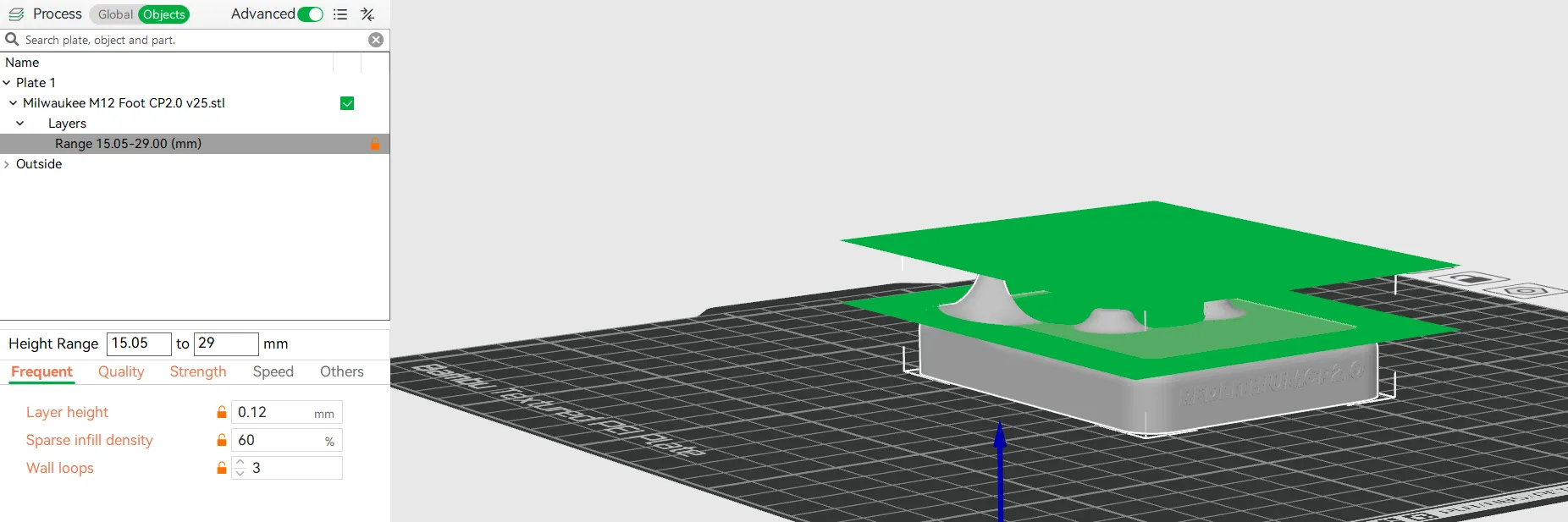
- The 3mf file I created, made for Bambu and Maker World, utilizes a feature called a “Height Range Modifier”. In essence this lets you stipulate at a certain height on the print to implement different settings than can be found on the rest of the print.
- Here is how I have it setup:
- The first 15 mm of the body are a regular print with 20% infill, using the 0.16 layer height preset.
- Then from 15 to 29 mm, the body is modified to 60% infill with 0.12 layer height and 3 wall loops. This is to bring rigidity and strength to the hooked prongs. See photo below for detail.
- I suggest using PETG or ABS. I have an A1 printer so the best I can do is PETG. But you need something strong and temperature resistant.
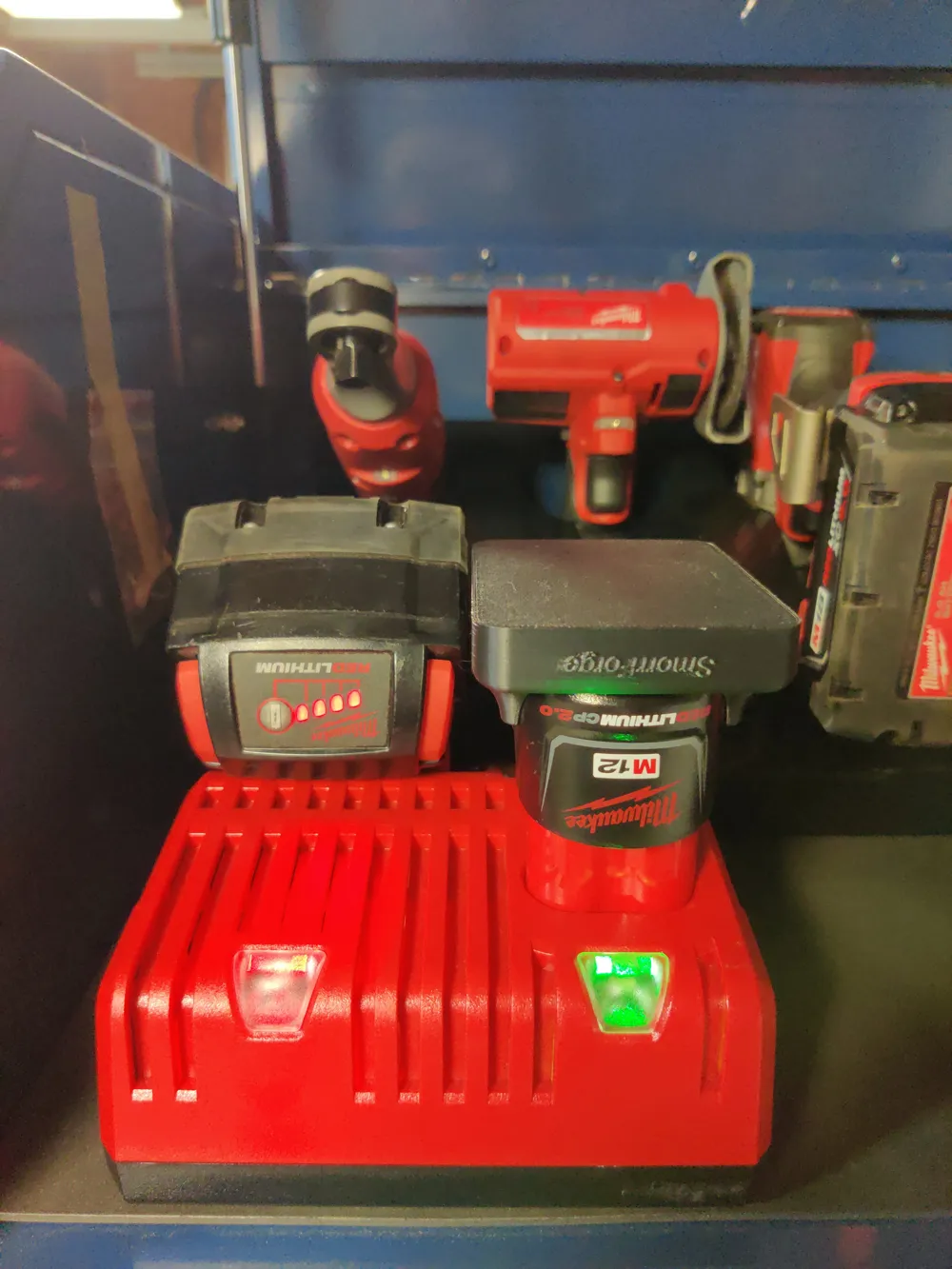
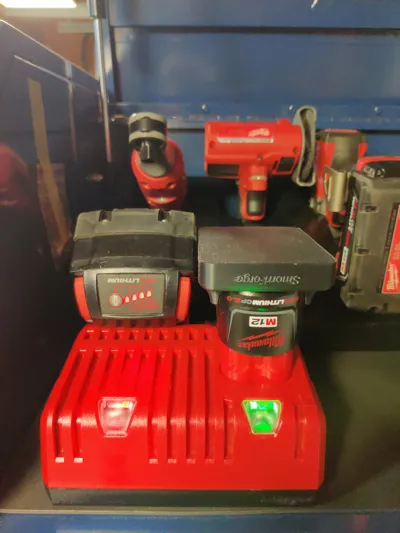
- The foot itself shares the exact same width and length dimensions as the Milwaukee XC style batteries, so once equipped you shouldn't find any instances where the foot gets in the way. The height is slightly different which creates some compatibility issues with certain tools (see Incompatibility list).
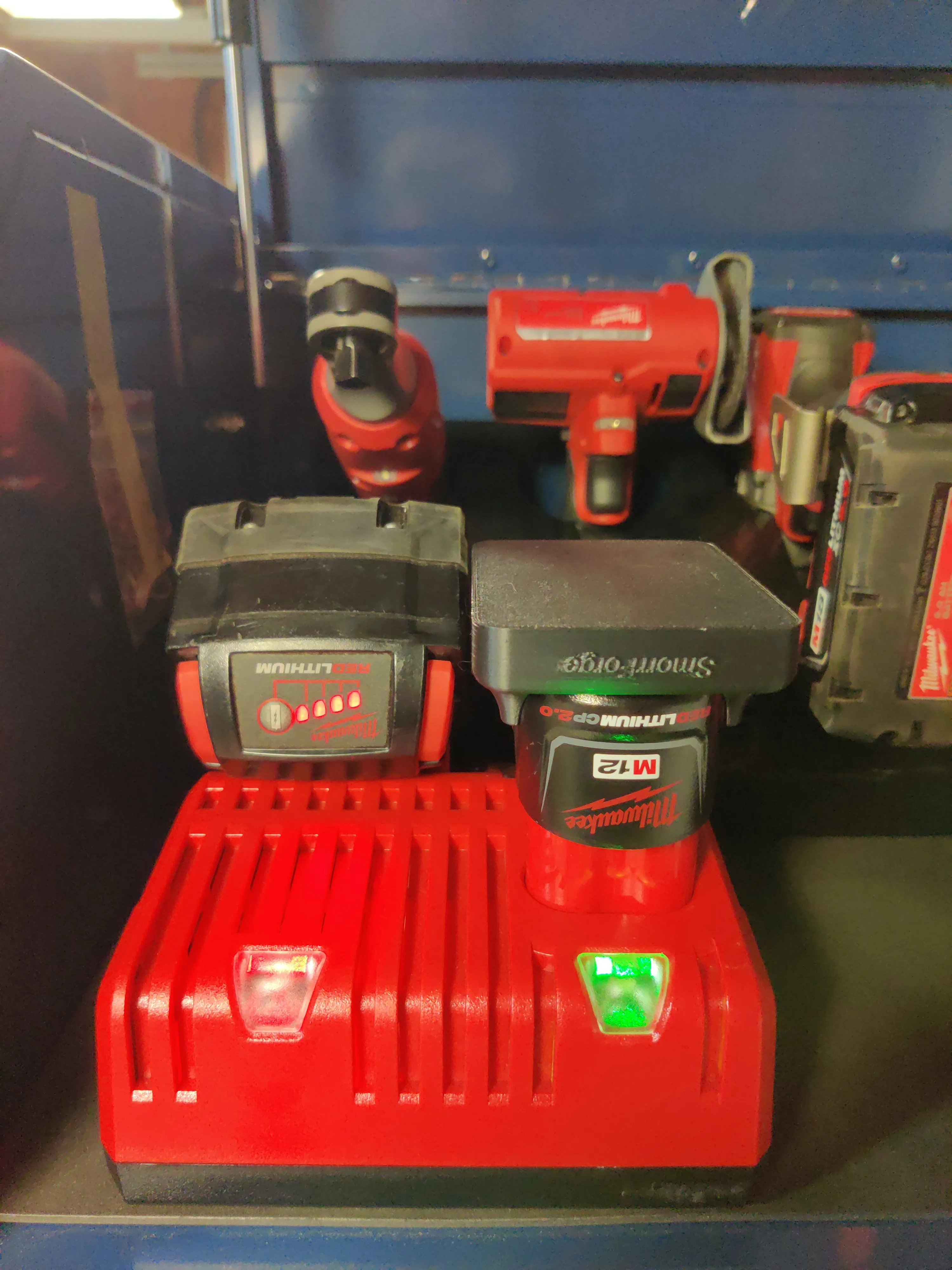
- The High Output battery has a slight rubber protective coating to it which WILL get marred/scratched when fitting it to this foot. In my opinion these tools are meant to be used so I don't care about scratches.
- In no way will the battery be damaged beyond functionality. This print will not crack the shell or interfere with the tabs you press to release the battery from various tools.
Tool Incompatibility List ❌❌❌:
These are tools that this LITE battery+foot combo will NOT fit:
(Above image and incompatibility input provided by ‘cdvma’ on Reddit. Thank you!)
Tool Name and Model Number:
M12 FUEL™ Installation Drill/Driver - 2505-20
M12 FUEL™ Rivet Tool - 2550-20
M12 FUEL™ Plastic Pipe Shear - 2470-20
M12 FUEL™ Crown Stapler - 2447-20
M12 FUEL™ Brushless Pruning Shears - 2534-20/21 (two model variations -20 and -21)
…
Please Inform me if you find something that doesn't fit!
Installation 🔨✅:
I would suggest sliding in the battery at an angle between the front 2 prongs and the back 2 prongs and slowly pressing it in, you should hear an audible click when all the tabs find their slot. You will likely have to push very hard to fully seat the battery against the bottom. This is by design so that it (hopefully) can't fall out without extreme force.
Removal 🗑️❌ (if need be):

There is no “good” removal method I have found, remember these are supposed to be semi-permanent. You can break the back prongs off to remove the battery. Also if you take the battery and smack the front of the plastic foot against a table at an angle it will likely release. It may take a few hits because it was designed to be as good a fit as possible (see below). Don't feel bad about breaking it, you can just print another!
License

You shall not share, sub-license, sell, rent, host, transfer, or distribute in any way the digital or 3D printed versions of this object, nor any other derivative work of this object in its digital or physical format (including - but not limited to - remixes of this object, and hosting on other digital platforms). The objects may not be used without permission in any way whatsoever in which you charge money, or collect fees.


Comment & Rating (48)