Search models, users, collections, and posts

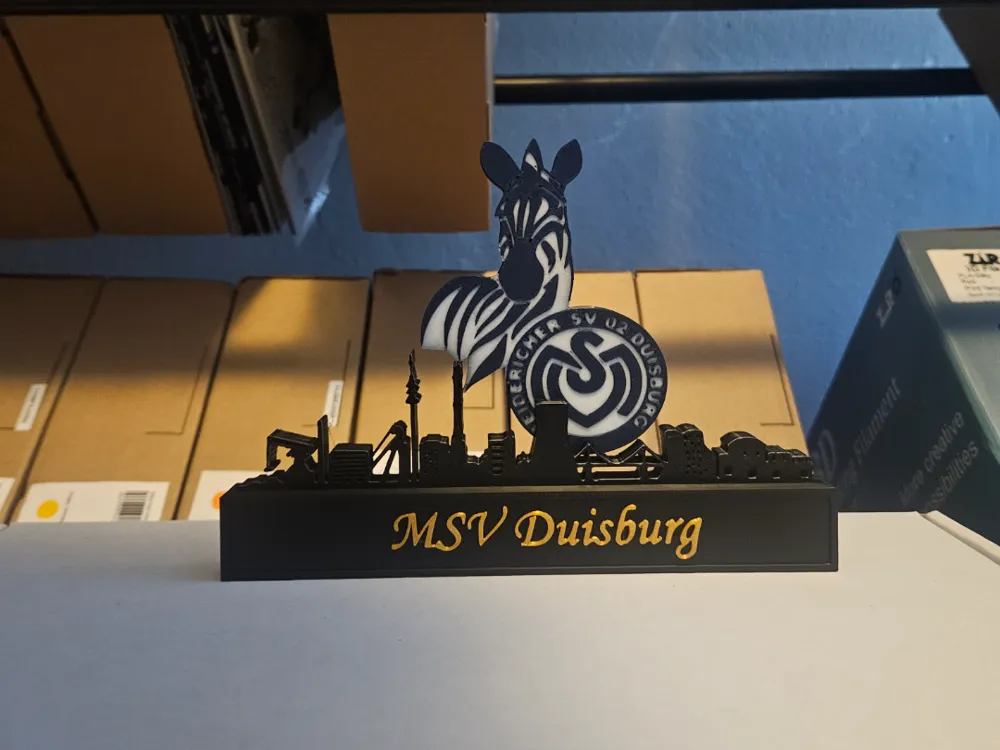
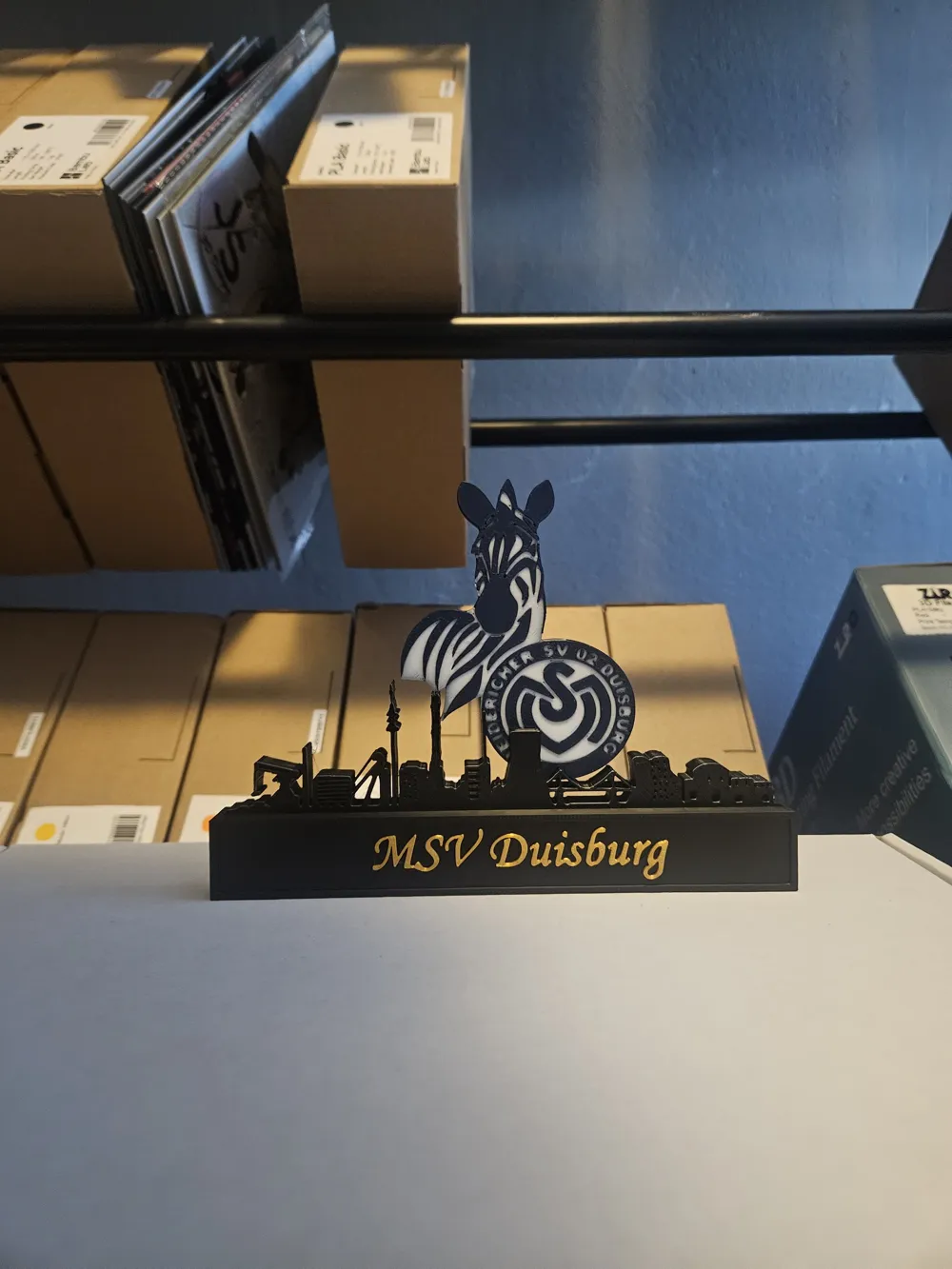
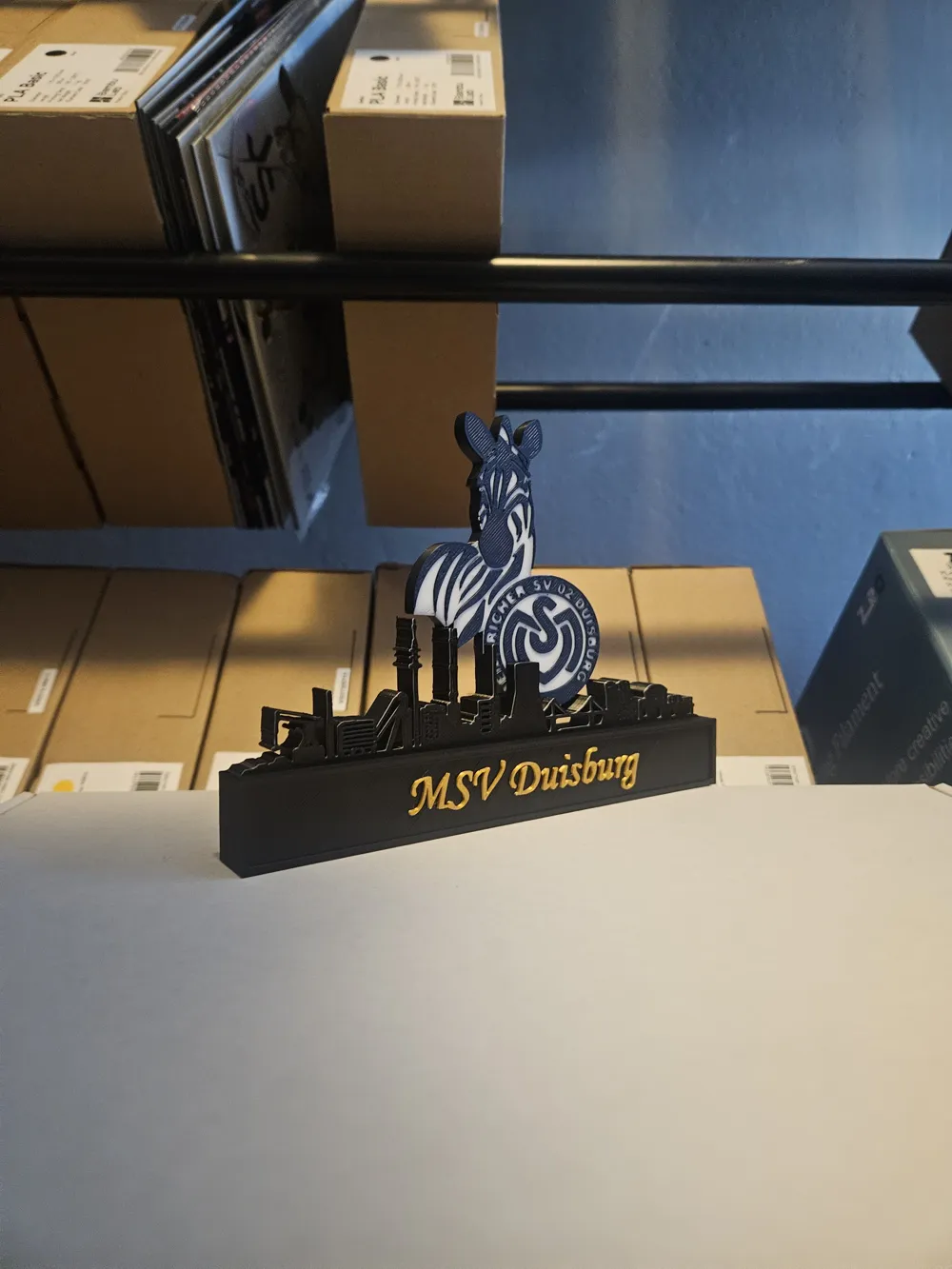
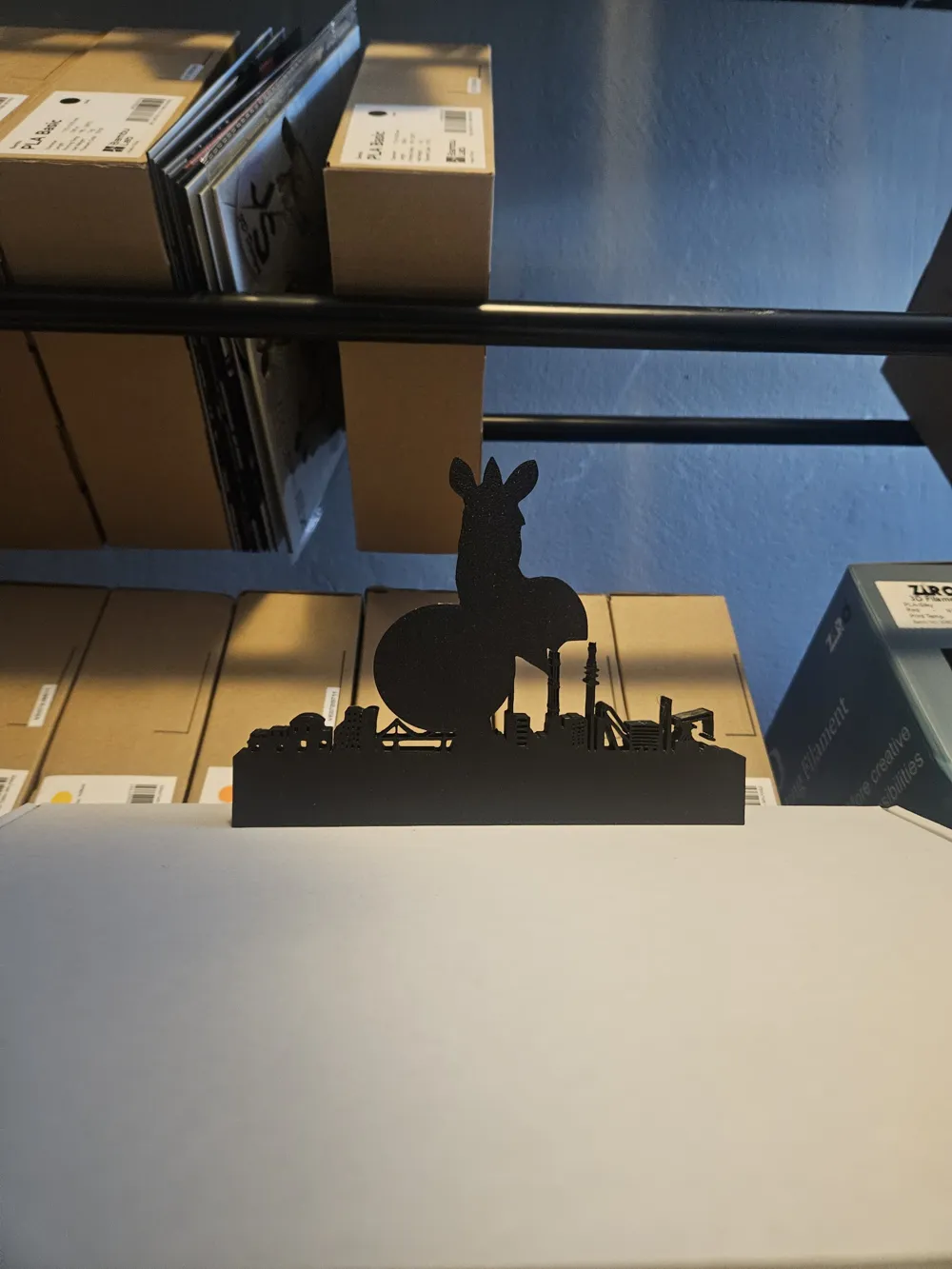
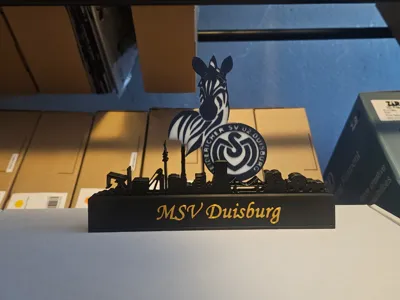
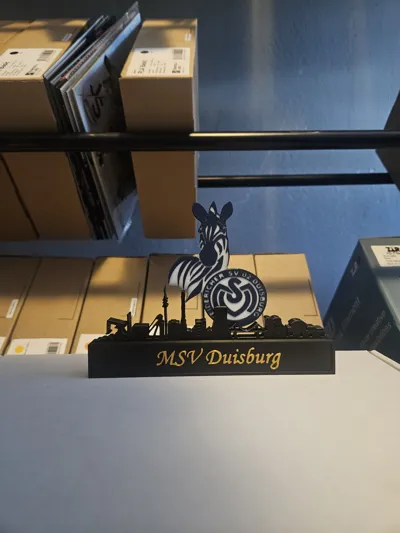
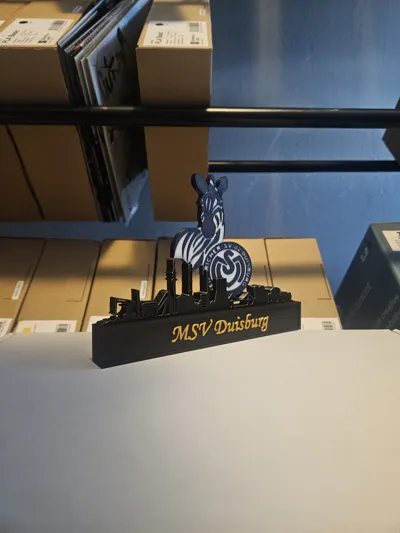
MSV Duisburg with skyline of Duisburg

Print Profile(1)

All
P1S
P1P
X1
X1 Carbon
X1E
A1
H2D
H2D Pro
H2S
P2S
H2C
X2D
A2L

0.2mm layer, 2 walls, 15% infill
Designer
5.1 h
1 plate
4.9(38)

Open in Bambu Studio
Boost
48
89
50
16
252
151
Released 

Comment & Rating (50)

(0/1000)

Print Profile
0.2mm layer, 2 walls, 15% infill
Excellent print file, very cool
The profile uploader has replied
Show original
0
Reply
enjoy!
0
Reply
Boosted
Print Profile
0.2mm layer, 2 walls, 15% infill
Truly fantastic model, worked immediately and looks absolutely amazing My passionate MSV FATHER xD was absolutely delighted
The profile uploader has replied
Show original
0
Reply
enjoy! :D
0
Reply
Boosted
Print Profile
0.2mm layer, 2 walls, 15% infill
Great file 👍
Show original
1
Reply
Print Profile
0.2mm layer, 2 walls, 15% infill
top
0
Reply
Print Profile
0.2mm layer, 2 walls, 15% infill
It worked well, slightly enlarged on the H2D
Show original
0
Reply
Print Profile
0.2mm layer, 2 walls, 15% infill
Excellent! Printed as a birthday gift for a friend, looks really great!
Show original
0
Reply
Print Profile
0.2mm layer, 2 walls, 15% infill
Gut
0
Reply
Print Profile
0.2mm layer, 2 walls, 15% infill
super
0
Reply
Hello, as a beginner, I just stumbled upon this file and as an MSV fan, I'm naturally thrilled. It would be a great gift for tomorrow if I can manage to make it spontaneously. How do you achieve the different colors? Is everything first printed in black and then the color layers on top? If so, when would I know when to manually switch colors? I've only had the Elegoo Neptune 3 Pro since yesterday. Maybe I'll be lucky and someone can help me. Best regards and Merry Christmas
The designer has replied
Show original
1
Reply
Hello Merry Christmas to you too I do not have a profile to insert a color stop for each color You could do this yourself in the file by slicing it and then checking when a different color appears Afterward you can manually insert a color stop in the slicer
Show original
1
Reply
hello did you manage and can you explain it to me
Show original
0
Reply
Replying to @user_3647205449 :
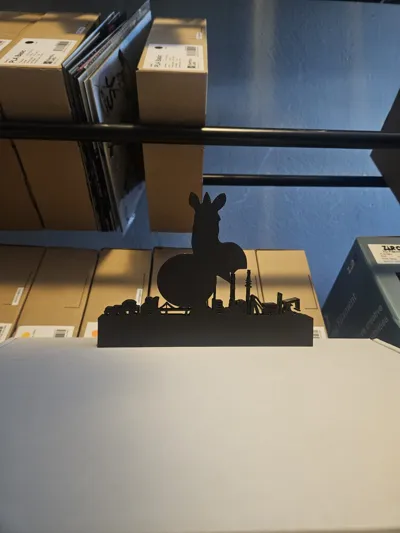
Hello. We changed the color manually. We looked at which layer was pressed. For example, the skyline will also be printed in white, so that the zebra also contains white. But you will only see this on the side later
Show original
0
Reply
Print Profile
0.2mm layer, 2 walls, 15% infill
0
Reply

License

This user content is licensed under a Standard Digital File License.

You shall not share, sub-license, sell, rent, host, transfer, or distribute in any way the digital or 3D printed versions of this object, nor any other derivative work of this object in its digital or physical format (including - but not limited to - remixes of this object, and hosting on other digital platforms). The objects may not be used without permission in any way whatsoever in which you charge money, or collect fees.