
Pendant Lamp Shade
Print Profile(5)




Description
✦ Welcome to Ikigaiform — where Japanese minimalism meets parametric design. Every model is crafted to bring calm, organic beauty to your space. ✦
Boost Me (for free)
🚀 If this model inspired you or earned a print, a Boost helps it reach more makers. It's free, one click — thank you!
Membership
✦ Love what you see? 🤍 Join my Supporter tier ($5/mo) to keep new designs flowing. Running a business? The Commercial Use license ($30/mo) lets you print and sell freely. Going big? Enterprise ($149/mo) has you covered. ✦

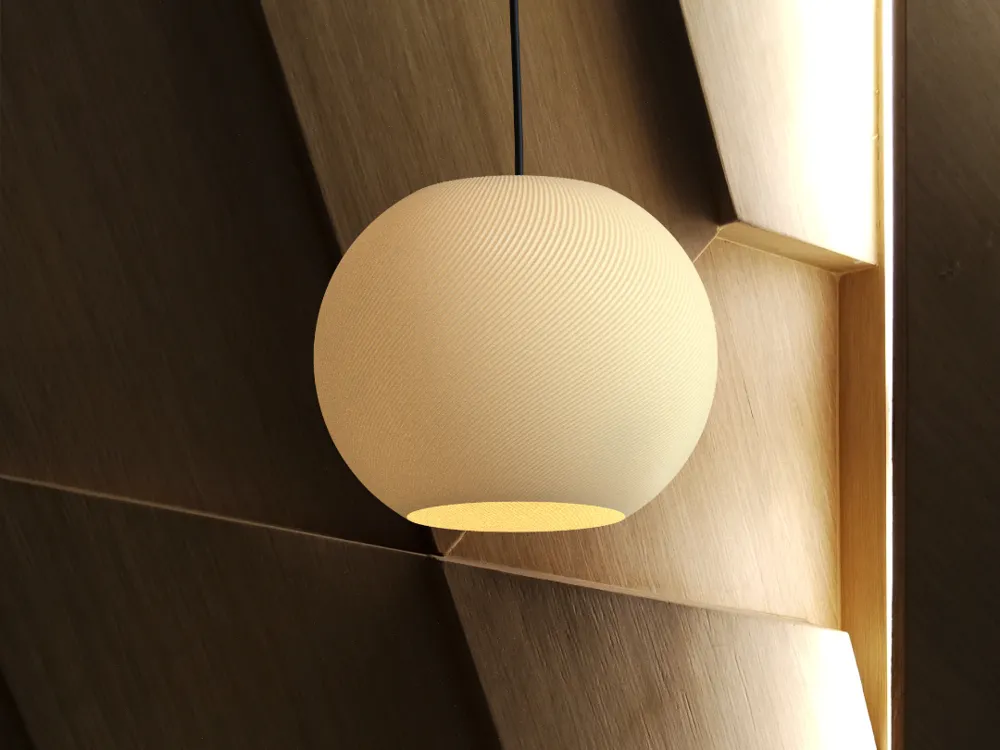
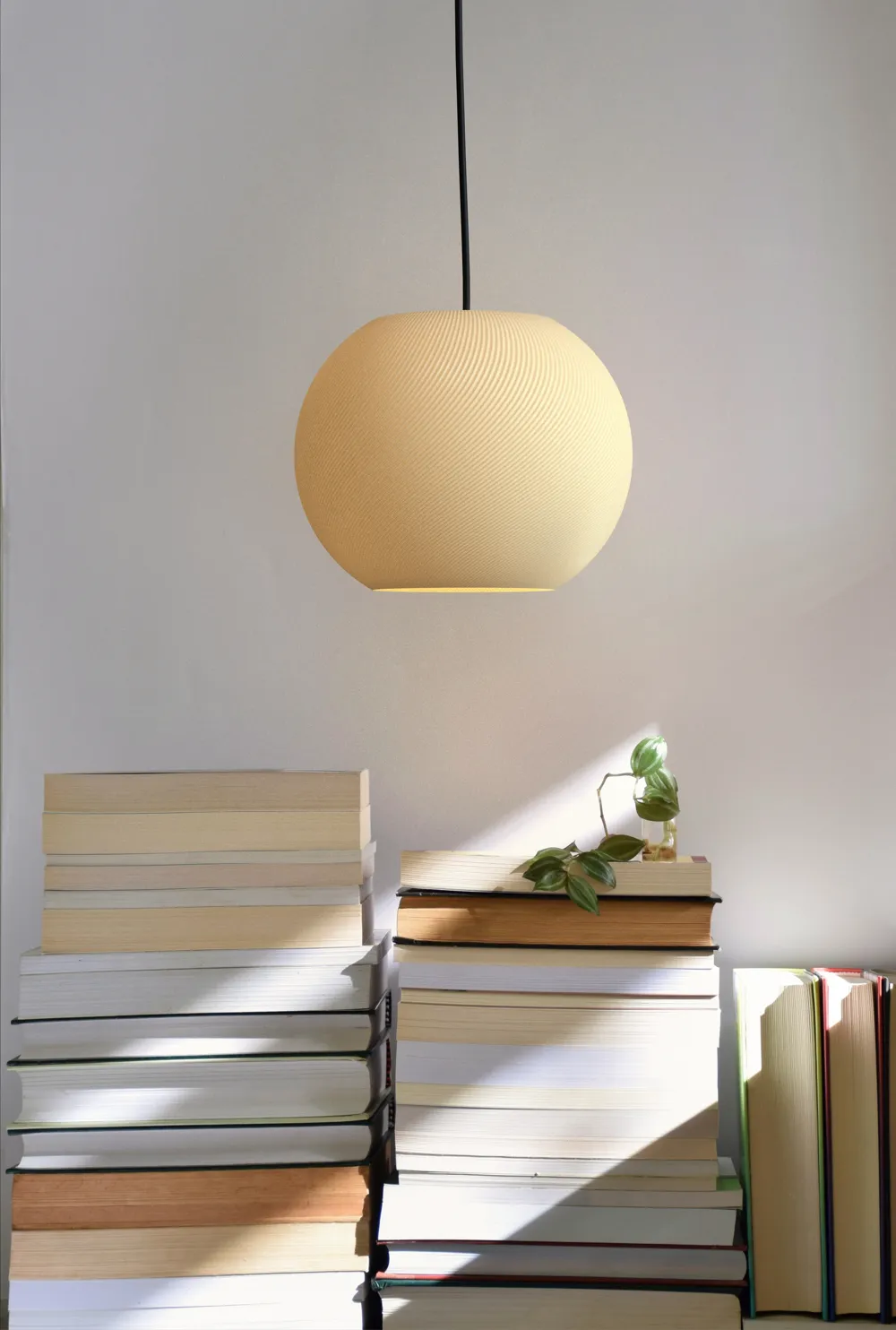
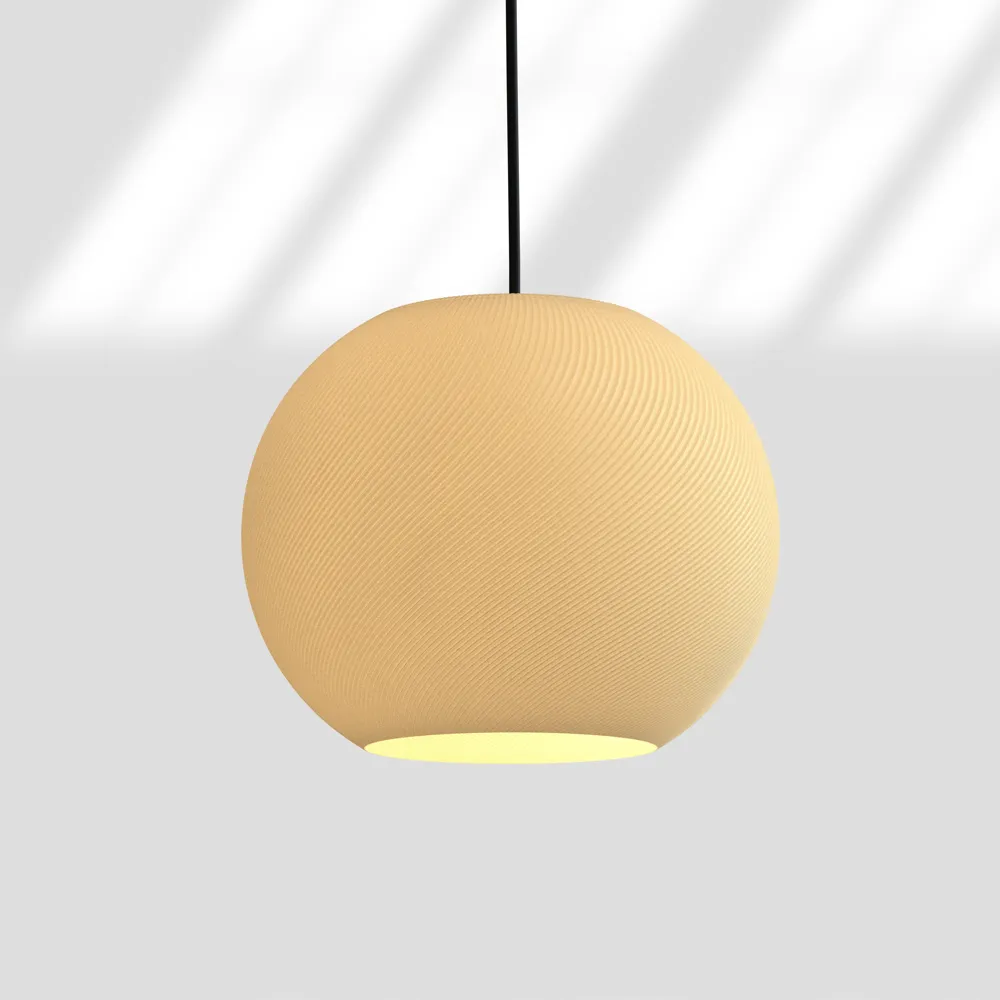
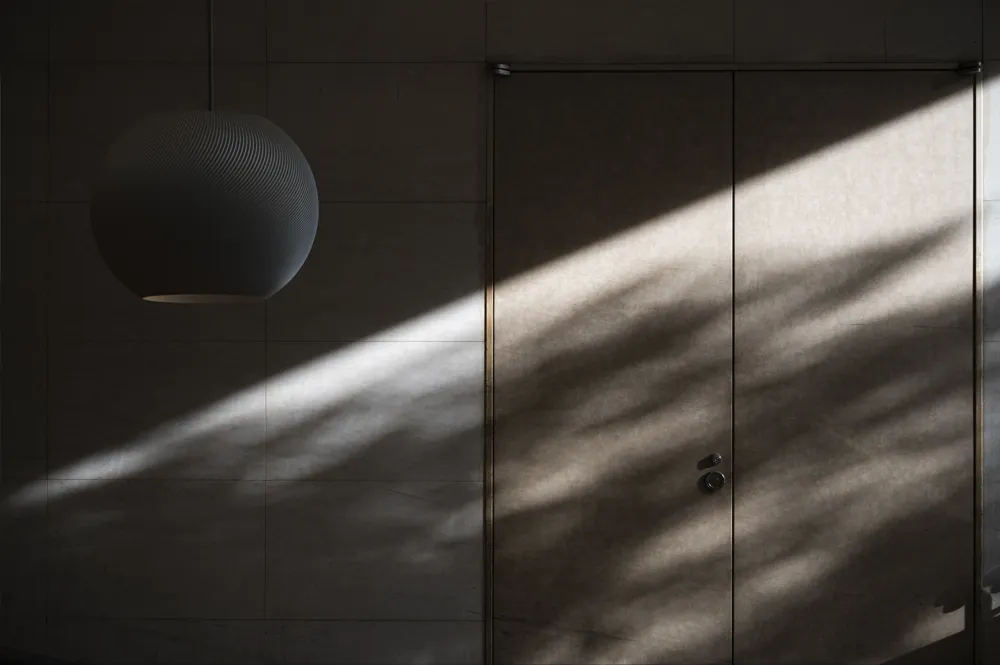
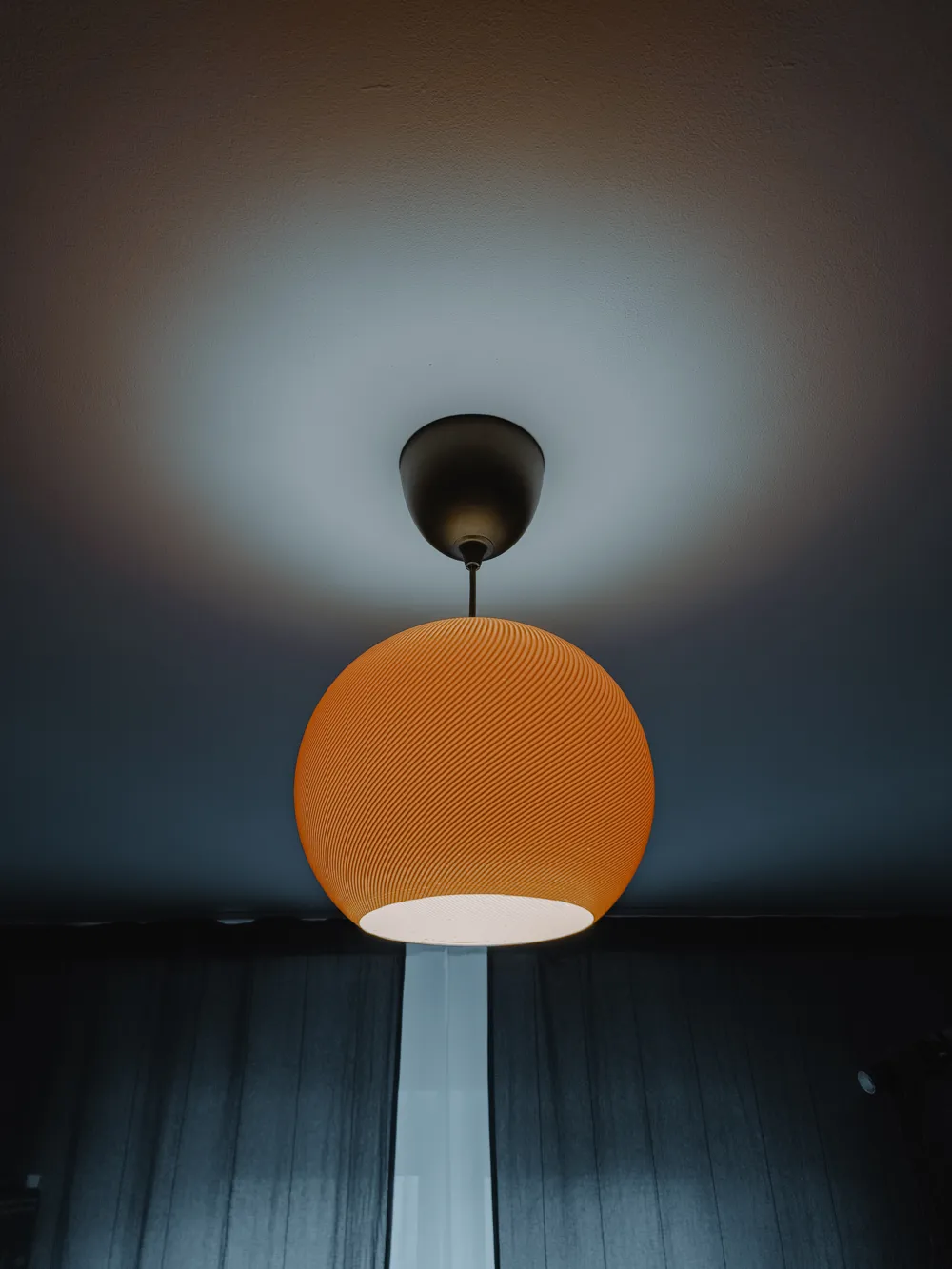
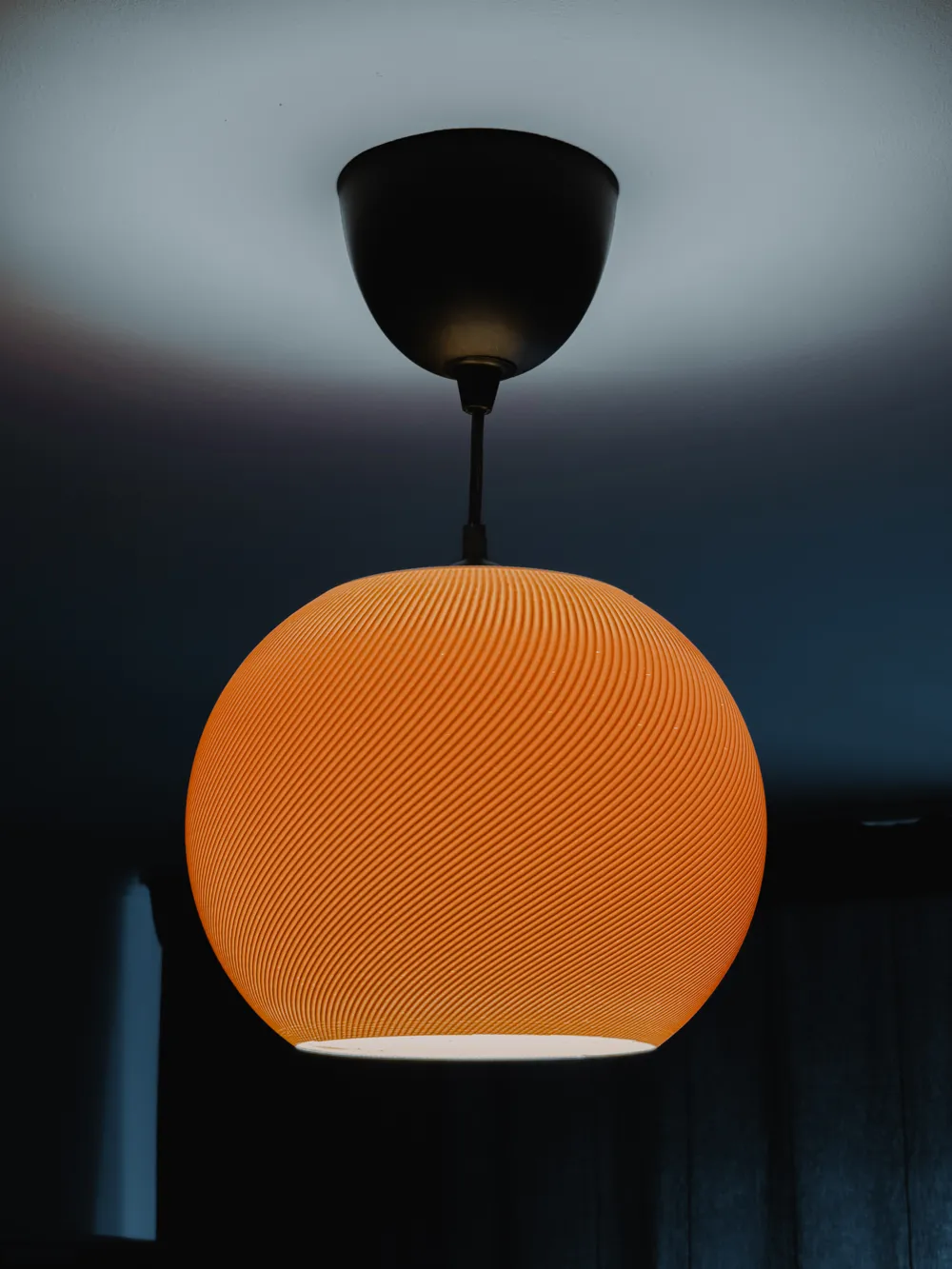
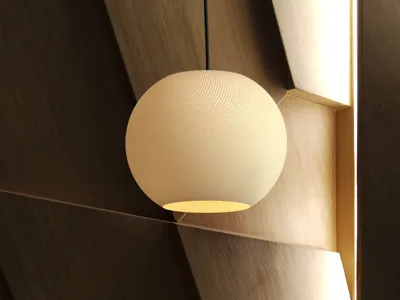
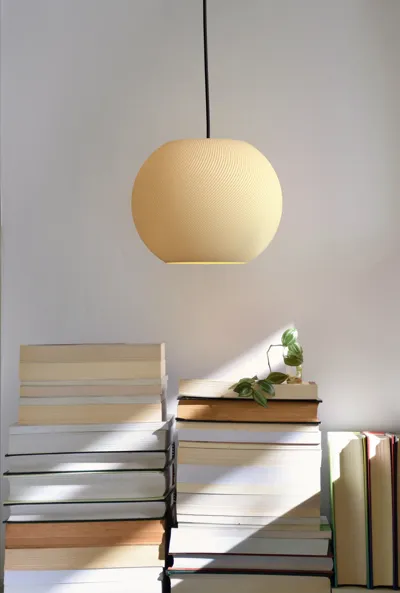
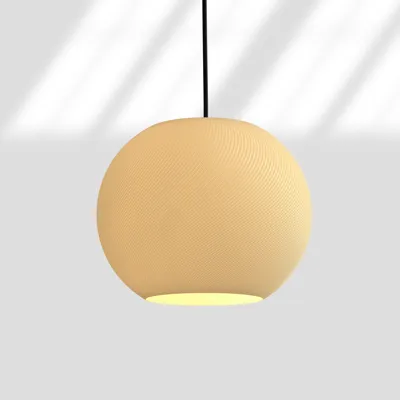
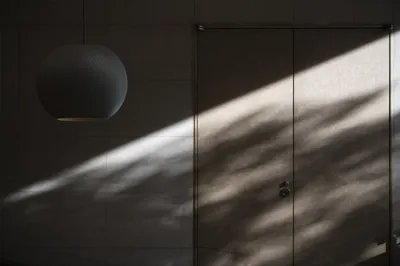
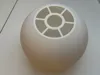
This pendant lampshade was designed to bring a warm, modern touch to any space, blending organic forms with digital design tools.
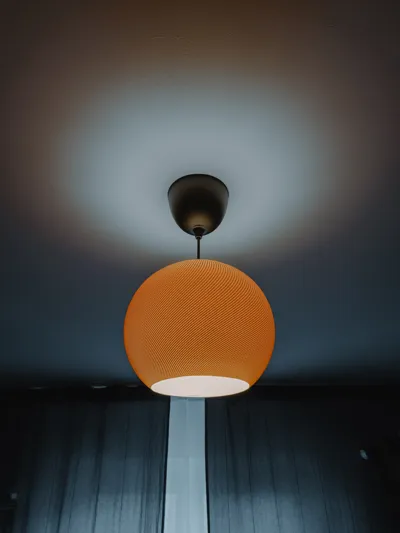
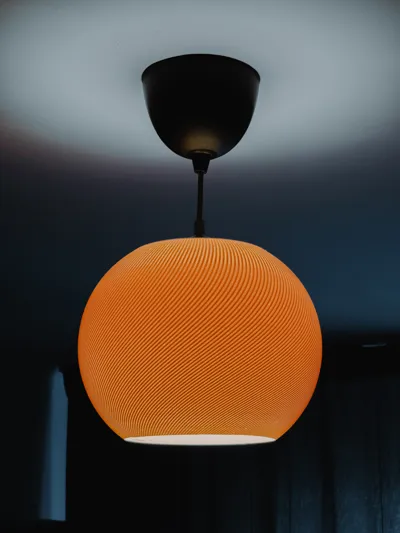
The lampshade is mounted on the IKEA HEMMA Set with an E27 4000K 2000 lumens bulb.
The base support was modeled in Fusion 360, while the soft, flowing lines of the lampshade itself were created parametrically using Grasshopper in Rhino.
✨ Designed for aesthetic light diffusion & clean geometry lovers.
You’ll find two STL files included:
- The lampshade (optimized to be printed with only 1 external wall if you use a 0.6 or 0.8 nozzle)
- The base holder, to attach it securely to the HEMMA set
For my print test, I used Bambu Lab PLA WOOD at 0.28 mm layer height, but the result was not the cleanest — mostly because of poor print settings and the rough texture of PLA WOOD.
If you print it with Matte PLA or standard PLA at a lower speed (already included in the .3mf) and lower layer height (0.16 / 0.20mm), the result will be smoother and closer to a premium look.
💡 Pro tip: If you use a 0.6 or 0.8 nozzle, print it with only 1 external wall at 0.9 or 1mm layer height. That will make the light diffusion much more uniform and elegant.
💡 There are two versions of this model included: a Strong version and an Optimised version. The Strong one is designed with thicker walls for extra durability, while the Optimised version is lighter, uses less material, and prints faster, while still keeping a good structure.
However, please note that when trying to upload the Optimised version on MakerWorld, I get a warning saying:
"Gcode conflicts detected after slicing. Please make sure the 3mf file can be successfully sliced in the latest Bambu Studio."
Additionally, in Bambu Studio, you may also see a gcode path conflict warning (as shown in the screenshots), mentioning that the objects are too close. You can safely ignore this warning as it will slice perfectly fine. The STL files are valid and work without any issue.
Boost Me (for free)
I’d love your support! If you like my designs, a simple upvote, comment, or share helps me a ton and lets me keep making more models. No cost, just a quick boost to help me grow.
Boost Me (for free)
🚀 If this model inspired you or earned a print, a Boost helps it reach more makers. It's free, one click — thank you!
Membership
🌱 Your subscription directly funds new Ikigaiform designs — from parametric sketches to print-ready profiles for your Bambu. 🤍 Supporter — $5/mo — keep the creative process alive 🏢 Commercial Use — $30/mo — print & sell freely 🏭 Enterprise — $149/mo — full commercial scale, unlimited use
License

You shall not share, sub-license, sell, rent, host, transfer, or distribute in any way the digital or 3D printed versions of this object, nor any other derivative work of this object in its digital or physical format (including - but not limited to - remixes of this object, and hosting on other digital platforms). The objects may not be used without permission in any way whatsoever in which you charge money, or collect fees.


Comment & Rating (187)