Search models, users, collections, and posts

HP-Elitedesk-G3-HD-Tray
IP Report
Print Profile(1)

0.2mm layer, 2 walls, 15% infill
Designer
1.4 h
1 plate
Open in Bambu Studio
Boost
11
34
7
0
28
11
Released
Description
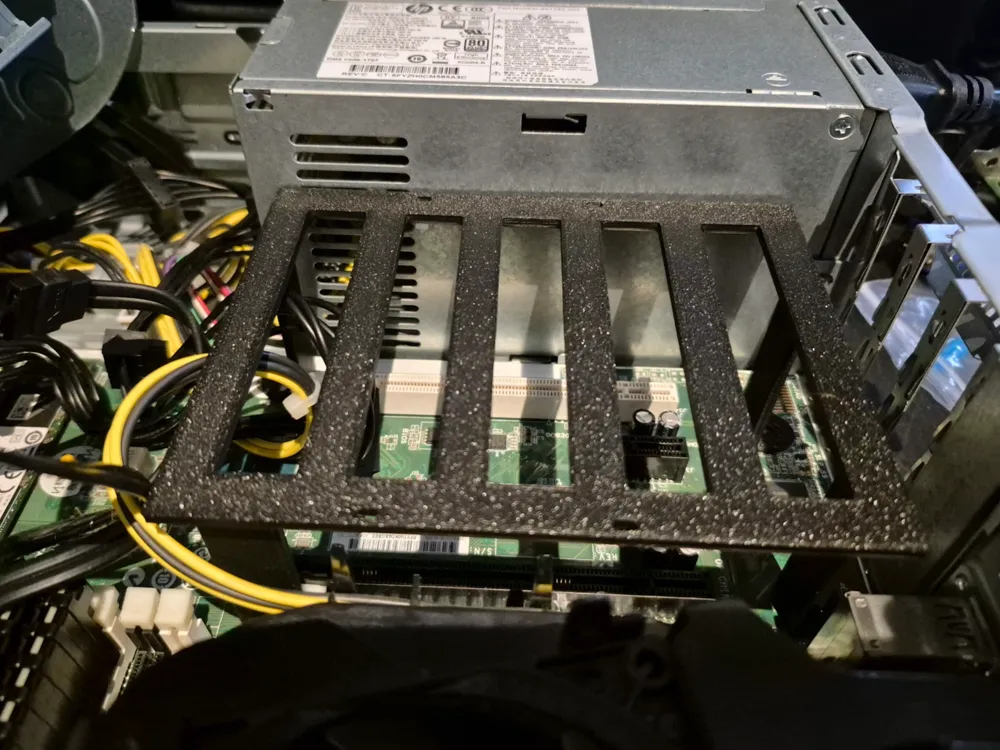
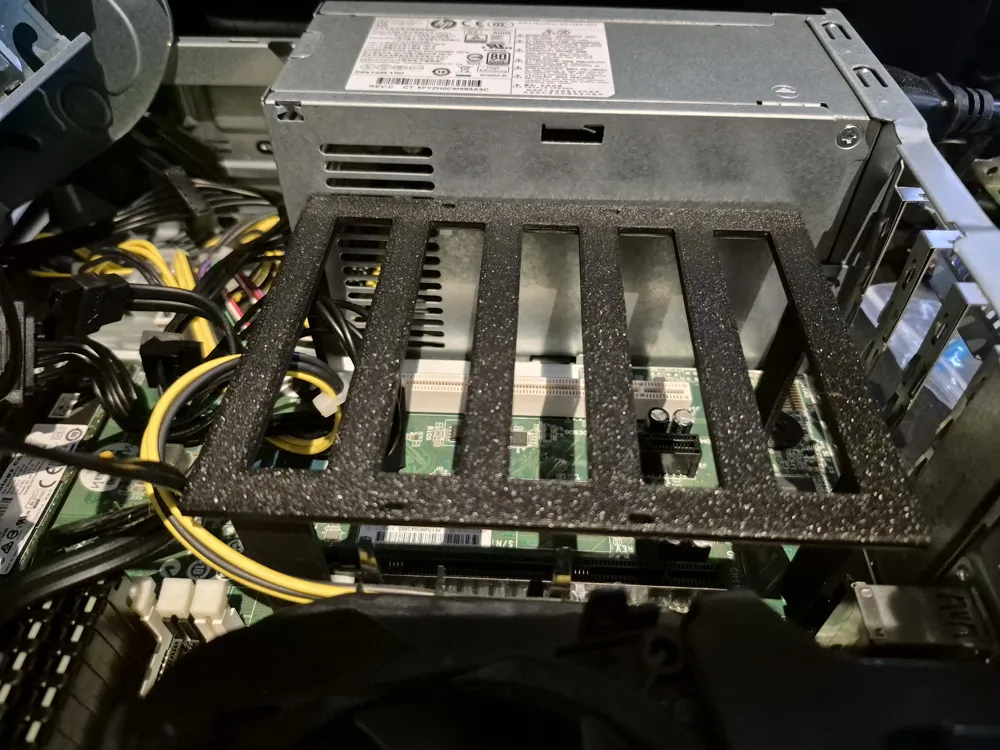
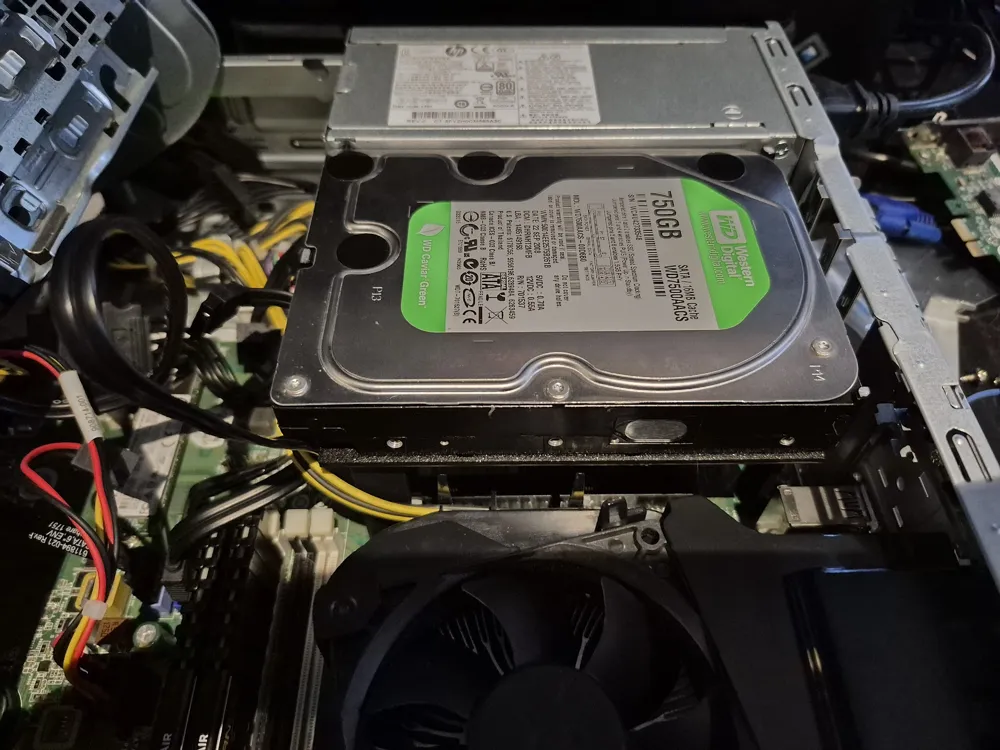
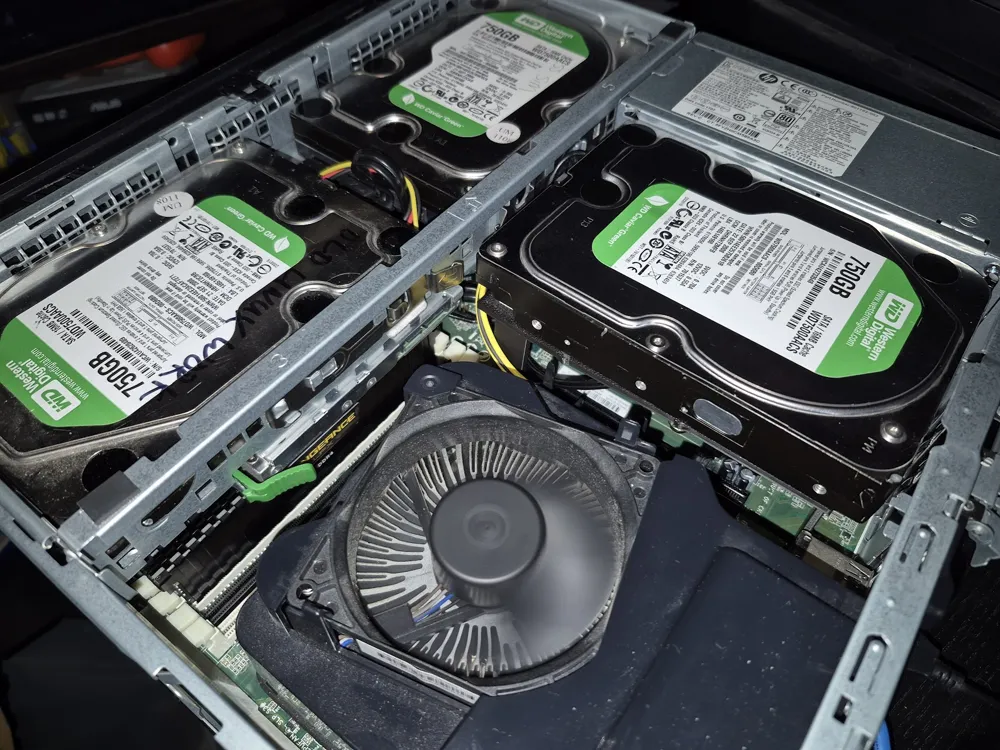
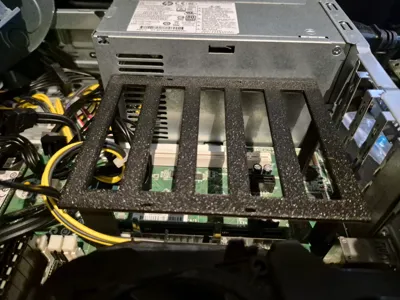
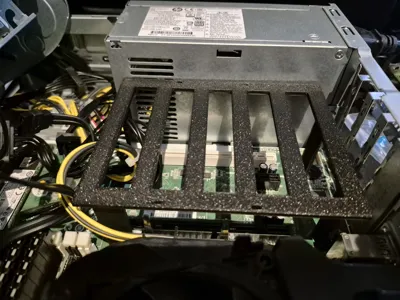
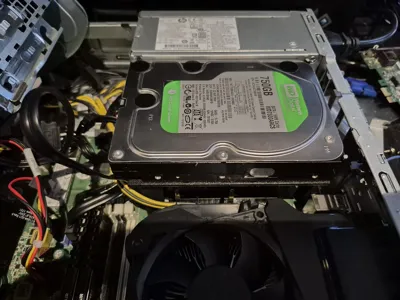
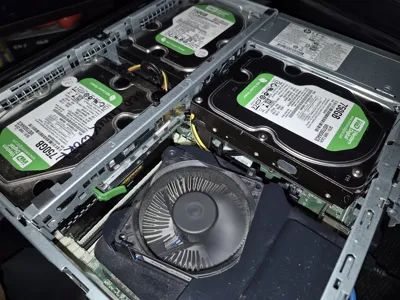
Tray to mount a 3rd hard drive into a HP Elitedesk G3 SFF.
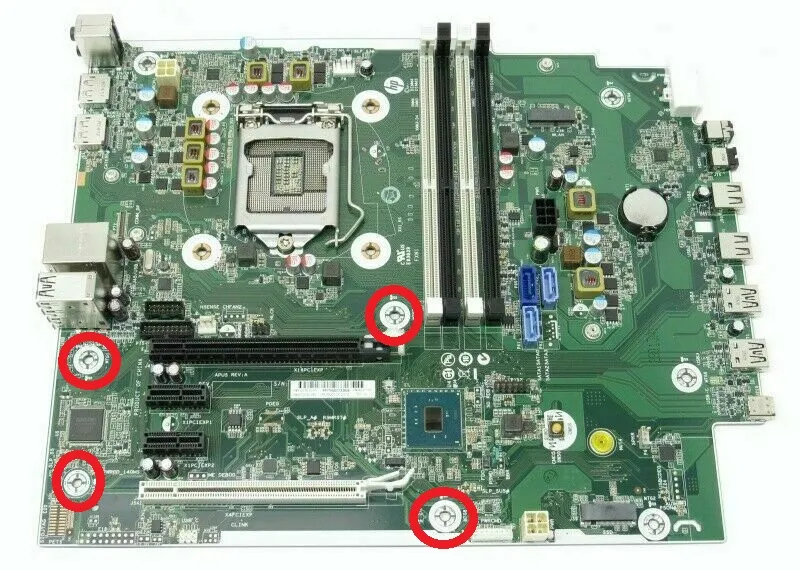
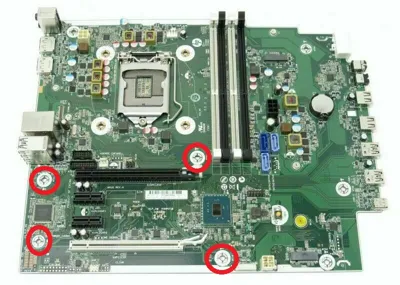
It mounts to existing the motherboard screw holes, using the original screws.
Screws to mounts HD to tray are required.
This is my first attempt at modeling anything. It's not perfect, but it does the job well.
PCI ports are blocked by the tray.
Installation notes:
The tray is a snug fit, so installation is a little fiddly.
1 - Attach the HD to the tray first.
2 - Remove the 4 screws from the motherboard and pre-set them into the holes in the tray legs.
3 - Insert 2 screws at the back of the motherboard.
4 - Insert the last 2 screws.
The legs are flexible, you will likely need to wiggle it to line up the screws as the dimensions aren't perfect.
License

This user content is licensed under a
Creative Commons Attribution-Noncommercial


Comment & Rating (7)