
Plant Markers for Cannabis Strains
Print Profile(1)
Description
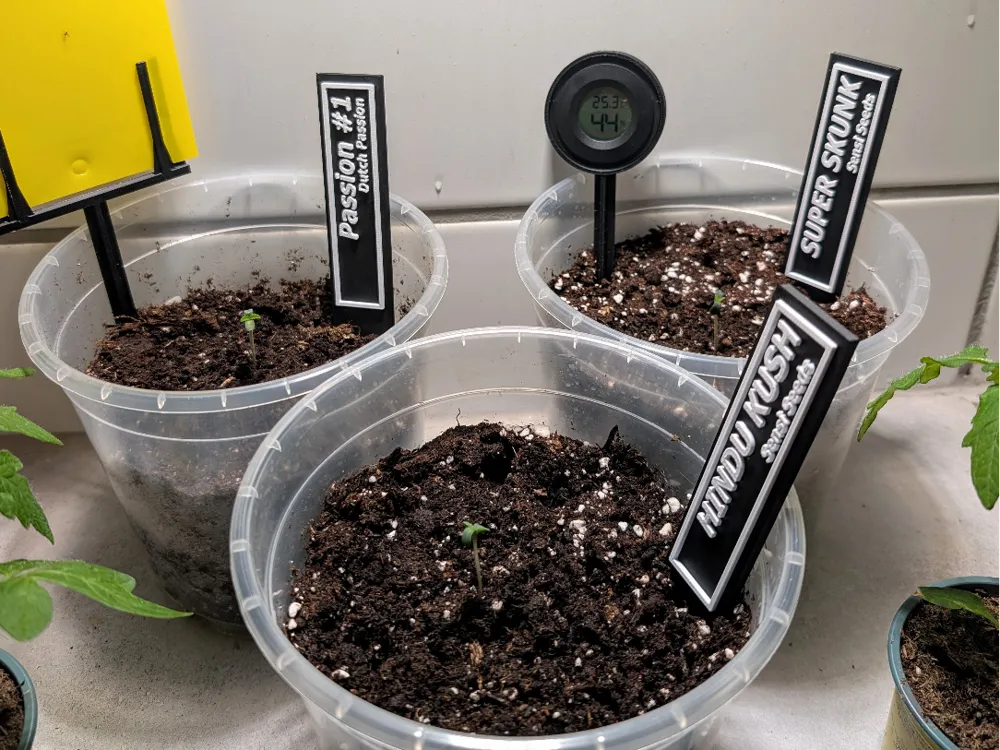
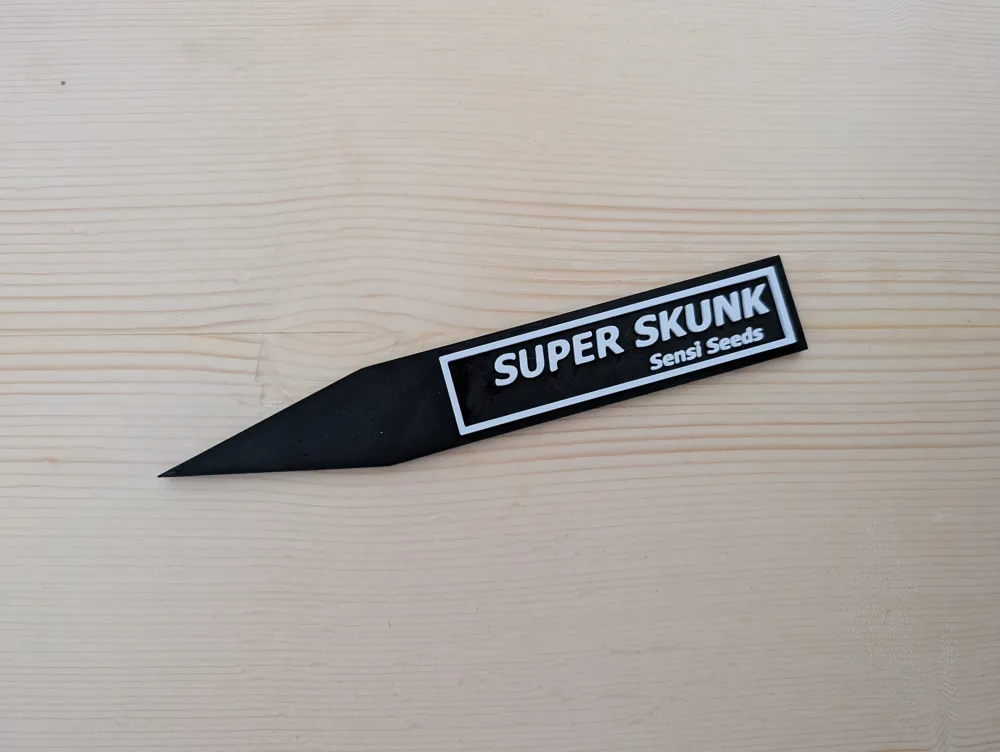
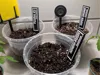
This 3D-printed plant marker allows for clearly labeling your cannabis plants. The uploaded model is labeled with Super Skunk but can be easily customized to include any desired strain and breeder.
Customizing the Plant Marker:
Open the model in Bambu Studio.
- Select the plant marker and go to “Objects” in the menu on the left.
There you will find two text elements:
- Textshape 1 – for the cannabis strain
Textshape 2 – for the breeder
Right-click on the respective field and select Edit Text.
- Customize the label to your strain.
Example settings:
- Font: Tahoma
- Font Size: 12
- Thickness: 2
- Align the text: After confirmation, the text may appear horizontally aligned and need repositioning. Use “Rotate” to reposition it correctly.
Printing the Marker in Two Colors:
- After customizing the plant marker, go to “Slice Plate”.
- A pause should already be inserted in the right sidebar at Layer 22; if not, right-click and insert a pause.
- Start the print and wait for the pause.
- Once the printer pauses, change the filament, for example, to White.
- Resume printing – the label is now in a different color!
Of course, you can also label any other plant with it :D
License

You shall not share, sub-license, sell, rent, host, transfer, or distribute in any way the digital or 3D printed versions of this object, nor any other derivative work of this object in its digital or physical format (including - but not limited to - remixes of this object, and hosting on other digital platforms). The objects may not be used without permission in any way whatsoever in which you charge money, or collect fees.


Comment & Rating (5)