
GraBBee: The Card Picker-Upper



Print Profile(4)




Description
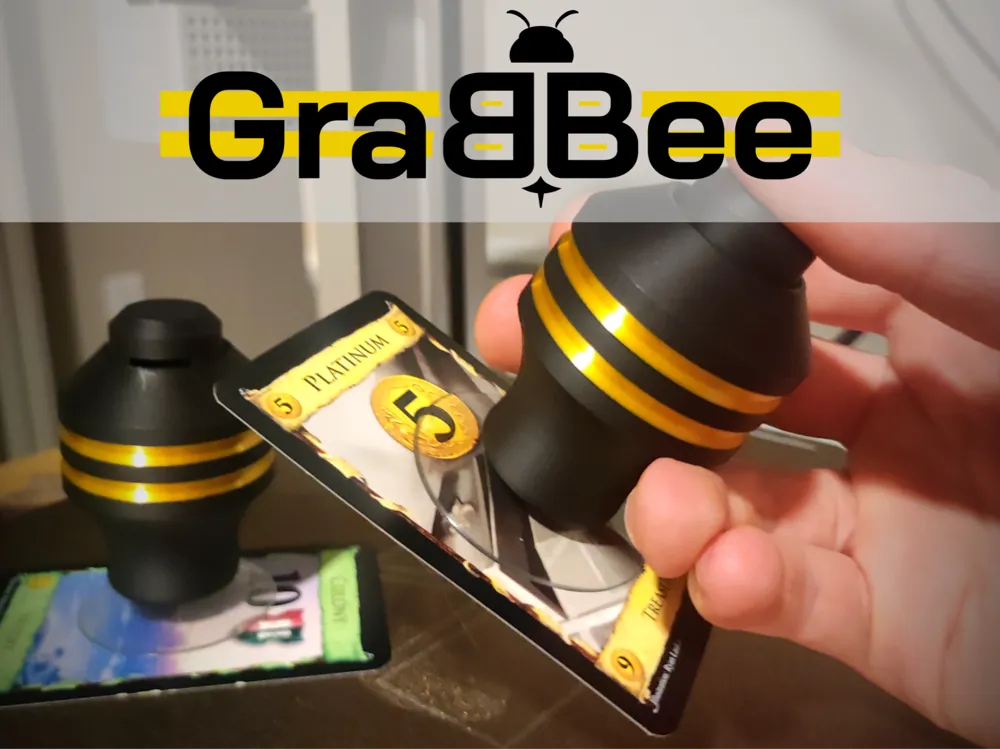
Introducing GraBBee: The easy to use, magic card picker-upper that will make you look like a wizard at game night!
Credit where credit's due, I got this idea from P'kup. To be clear though, this isn't a direct copy of their design. I don't have their product myself so I don't know how the internal mechanics of their device work. Instead, I designed this similar but unique tool from scratch.
To create a GraBBee, you'll need:
- A suction cup (the model is sized specifically for these suction cups but if you're experienced with 3d modeling you can adjust the scale)
- A 4.75mm x 9mm compression spring (I ordered mine in bulk from mcmaster-carr but you can just steal one from a pen if you'd like)
- A tool to drill or poke a roughly 2.788mm hole through the center of the suction cup.
Assembly:
- Print the provided print profile with the provided orientation and support settings
- Drill or poke a roughly 2.788mm hole through the center of the suction cup. Unplugging this hole should let air escape. This is how the GraBBee toggles it's suction
shove the attachment point of the suction cup into the bottom of the Grabbee_Insert piece. This will be a very tight squeeze so be careful not to break your part. It helps to rotate the suction cup as you do it.
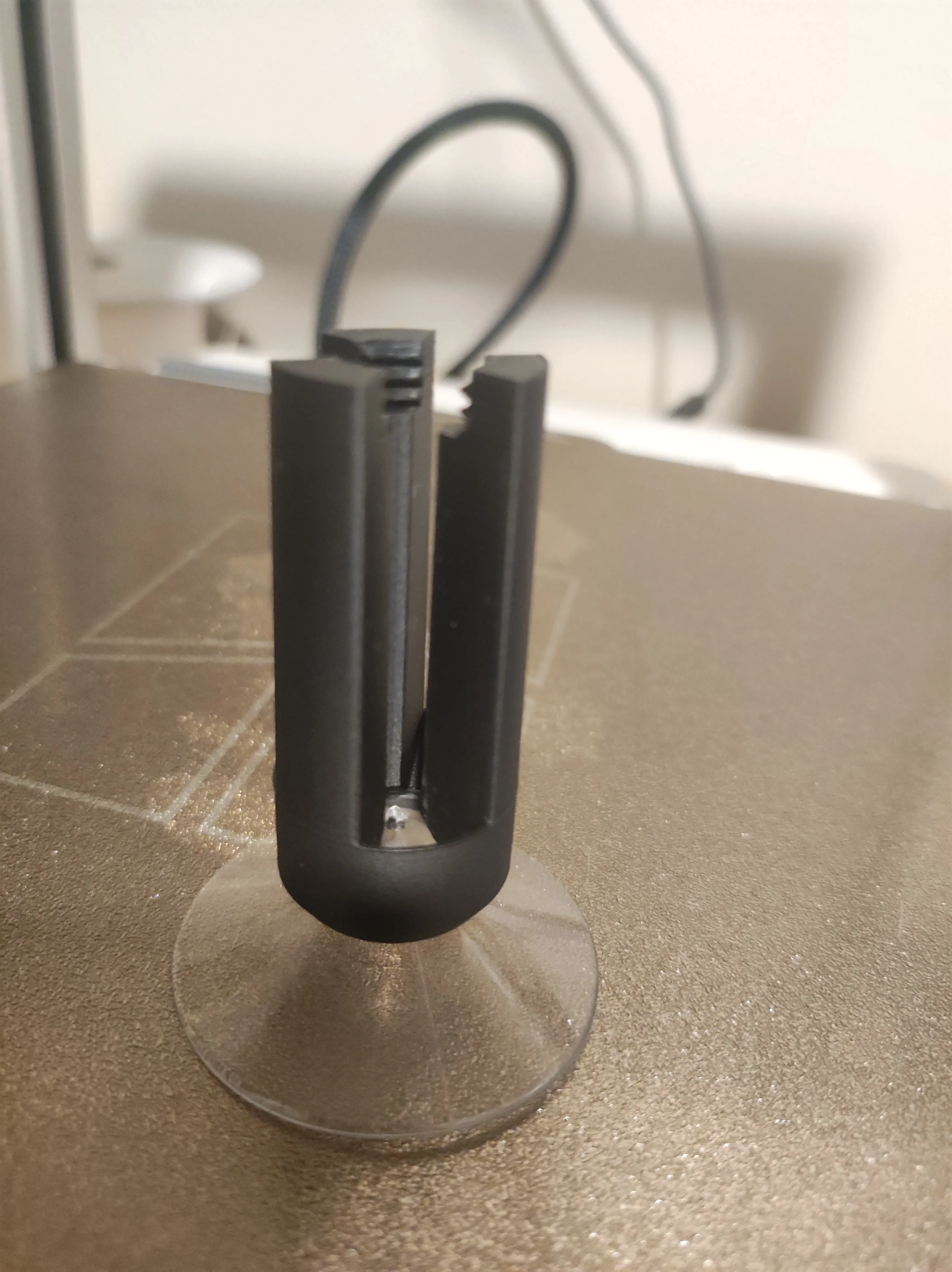
insert the Grabbee_Insert piece into the bottom of the Grabbee_Body piece
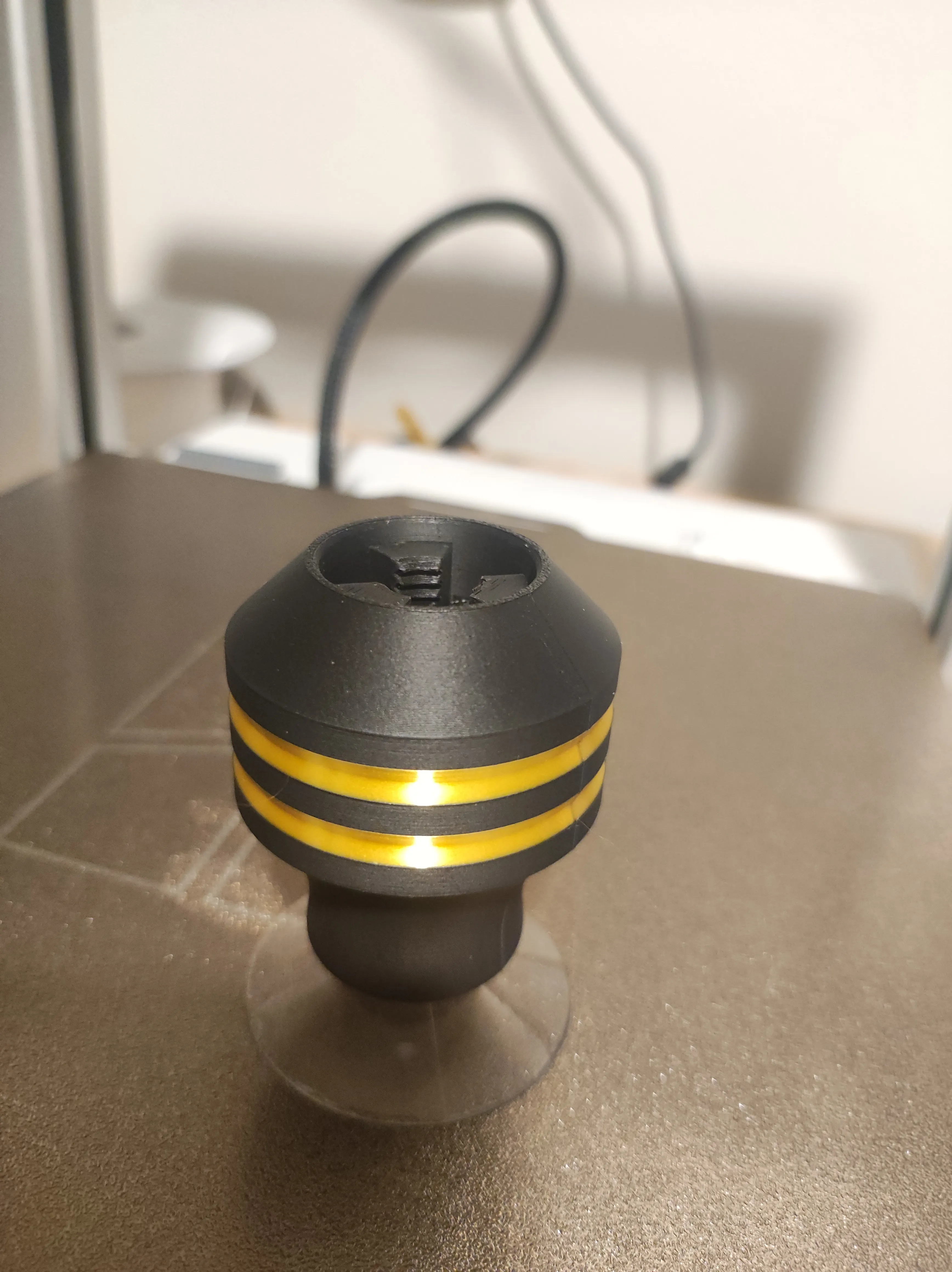
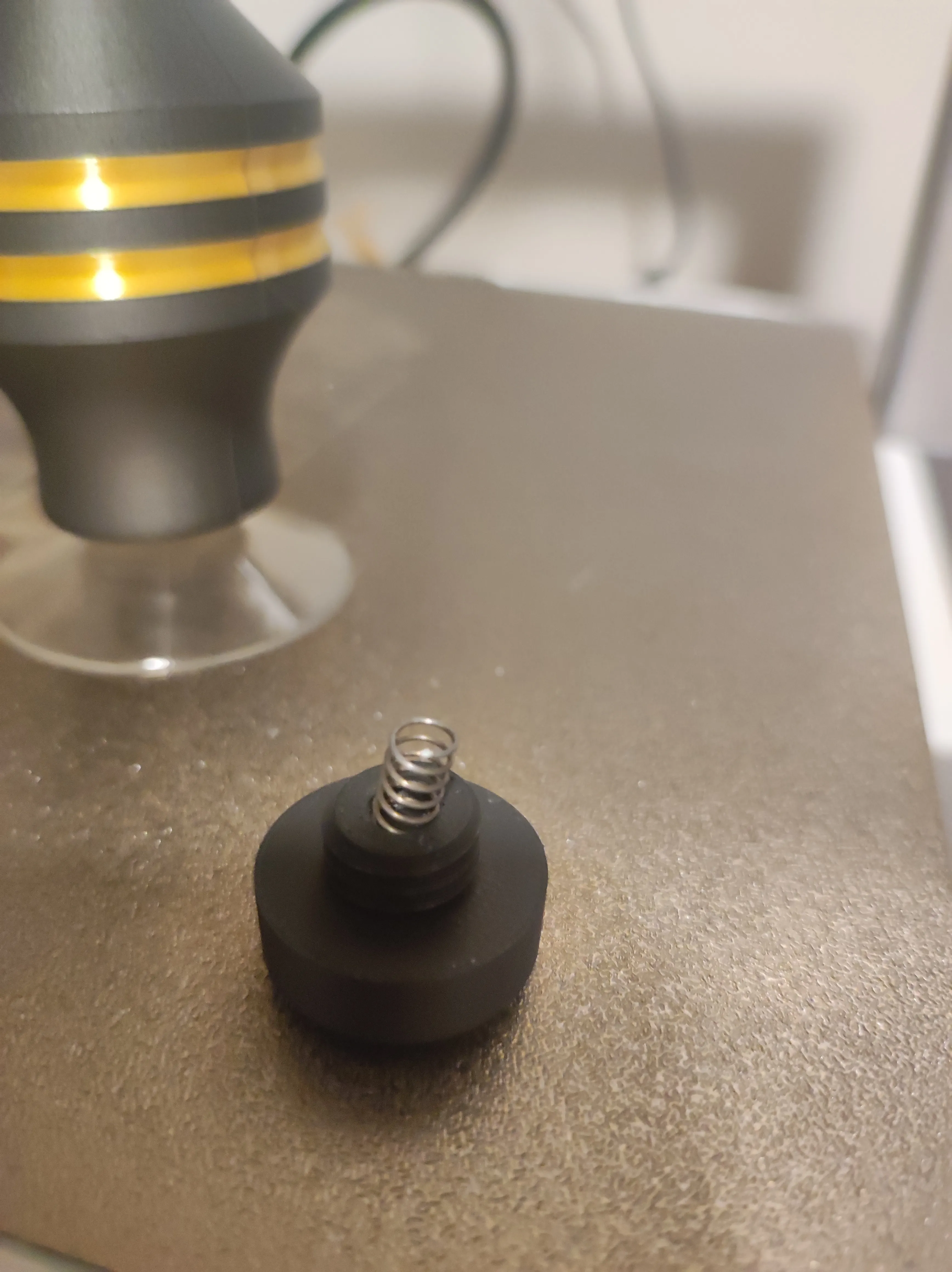
insert the 9mm long spring into the small hole on the bottom of the Grabbee_Button. The spring won't be very secure but it should be secure enough to flip the button upside down without the spring falling out
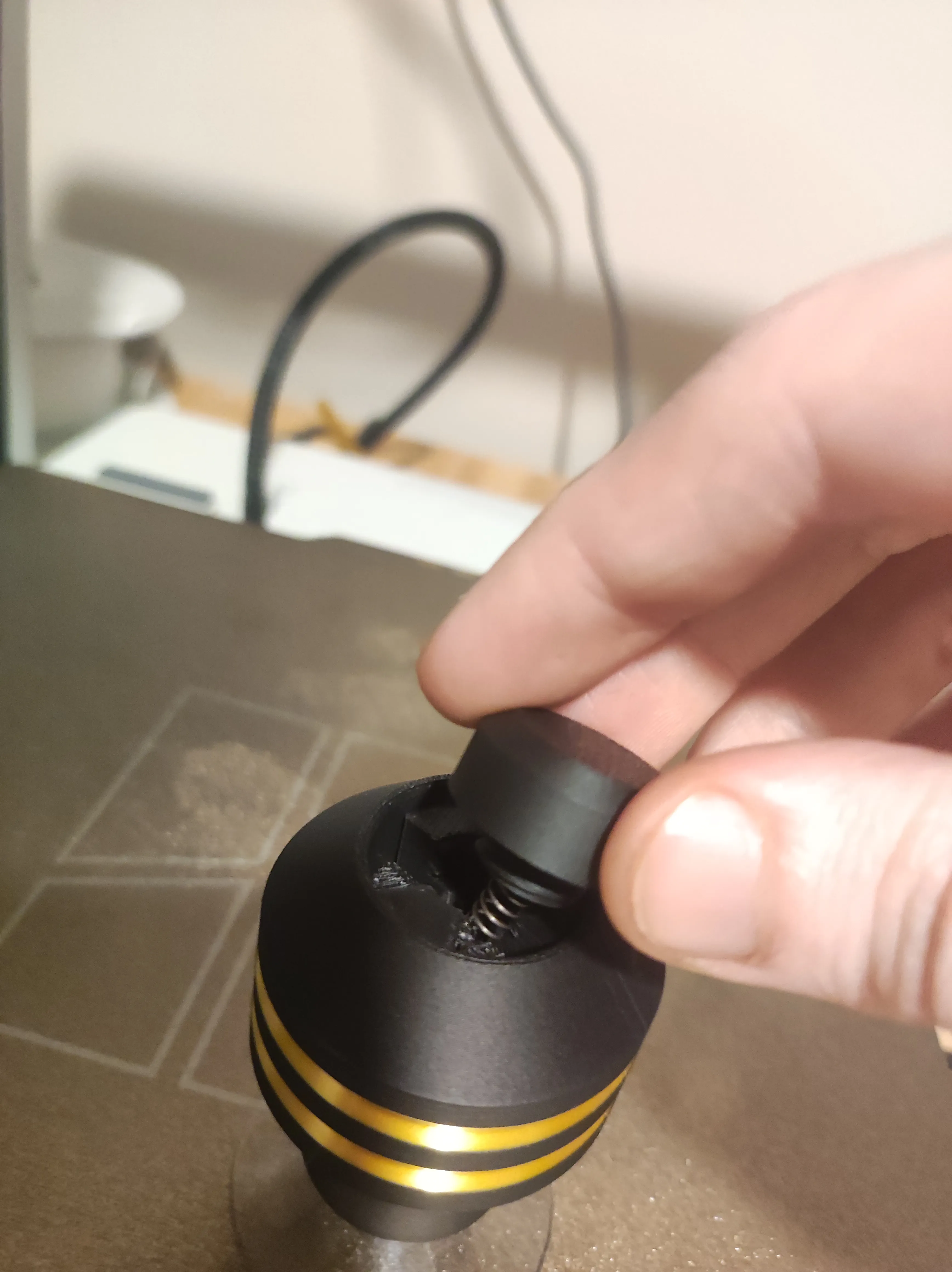
slowly screw the button into the top of the GraBBee - being careful to keep the spring oriented vertically
- make sure you don't over tighten the button! it's possible to screw too far and dammage your GraBBee
Tips for Use:
While incredibly cool, the Grabbee can be finicky at times. Card materials, deck thickness, and table surfaces will hugely impact your GraBBee's performance.
- To pick up a single card, push your GraBBee streight down into it and wait a moment. The card will want to stick to the table at first. After a moment however, the card's suction with the table will lesson, but your GraBBee will continue to hold onto the card firmly. Lift the GraBBee up and the card should follow. The GraBBee holds onto single cards very strongly so don't try to pull the card off. Instead, press the button on top of your GraBBee to release the suction and the card will gently fall off
- To pick up several cards in a sequence, do the same thing as you did to pick up one card, but repeat it pushing your full stack of cards into the next one you wish to pick up. This may take some practice, to time right, but pretty soon it'll be easier than using your hands! Note that the more cards you pick up, the harder it will be to maintain suction on all of them.
- To pick up an entire deck, press firmly into the deck letting out all the air both in the GraBBee, and between the cards. Ready your other hand nearby, lift the GraBBee, and quickly transfer the deck to your hand. For small decks you'll have plenty of time do do this but for larger decks you'll need to be very quick.
- Picking up cards with sleeves can range from easier, harder, to impossible depending on the texture. Some sleeves are too textured and don't pull a suction, while others have a glossy finish which makes picking up entire decks a breeze!
- If you're having trouble learning, practice using a playmat. This makes it much easier to pick up cards because they don't stick to the table.
I've had many people tell me to sell this but lucky for you all, I have more fun designing and sharing cool tools than I do profiting off them. If you'd like to help support my work however, you can buy me a coffee or:
Boost Me (for free)
License

You shall not share, sub-license, sell, rent, host, transfer, or distribute in any way the digital or 3D printed versions of this object, nor any other derivative work of this object in its digital or physical format (including - but not limited to - remixes of this object, and hosting on other digital platforms). The objects may not be used without permission in any way whatsoever in which you charge money, or collect fees.


Comment & Rating (131)