
FilaMan Revamped - NFC based spoolman scale
Print Profile(4)


Bill of Materials


Description
FilaMan Revamped
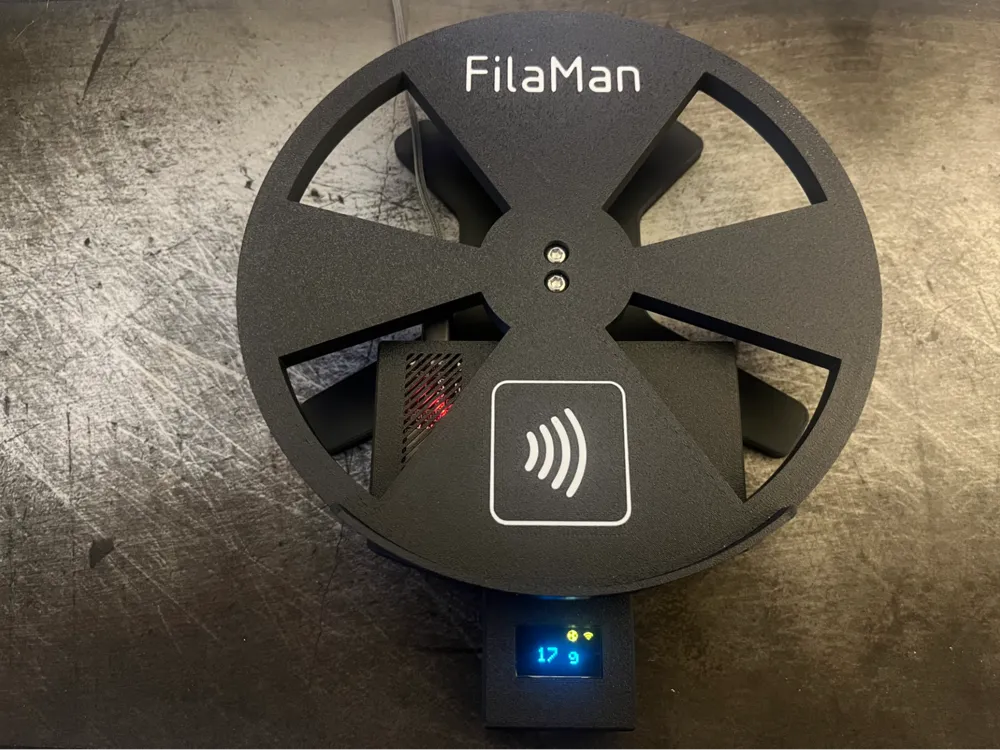
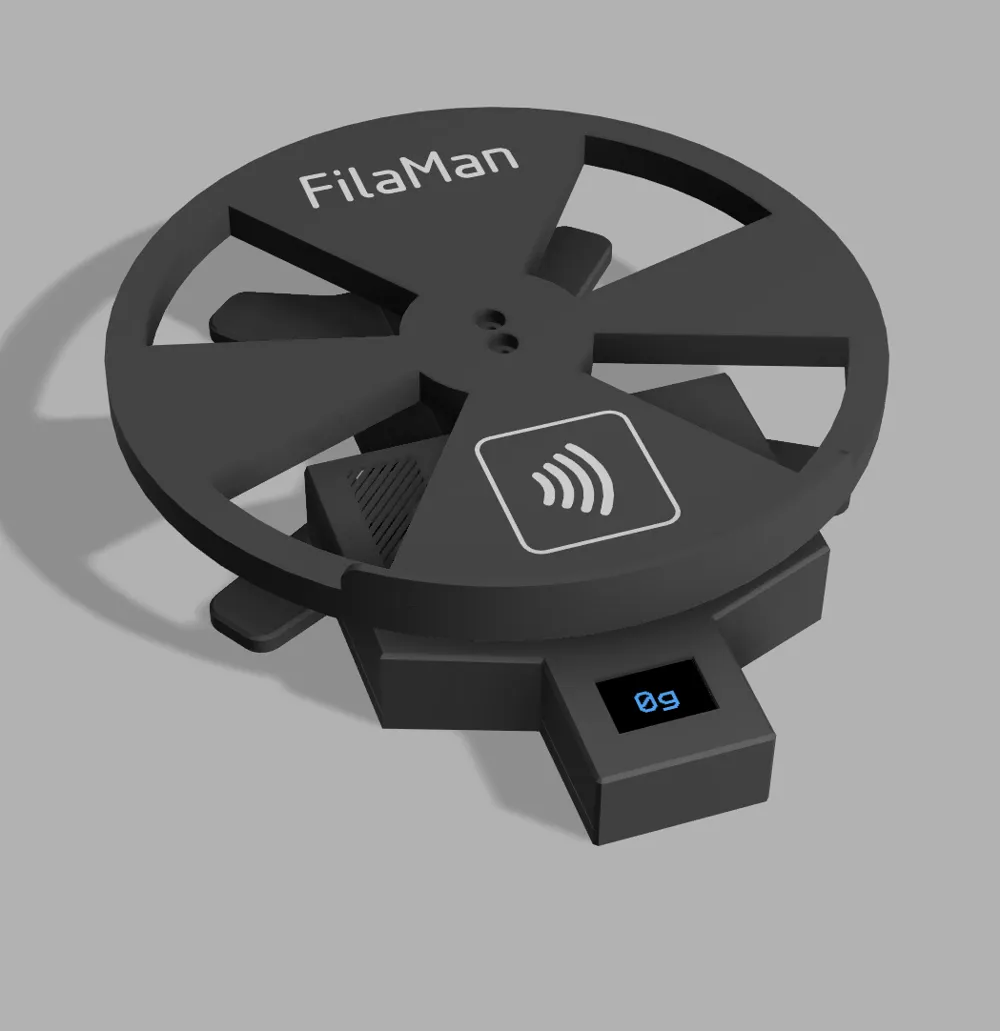
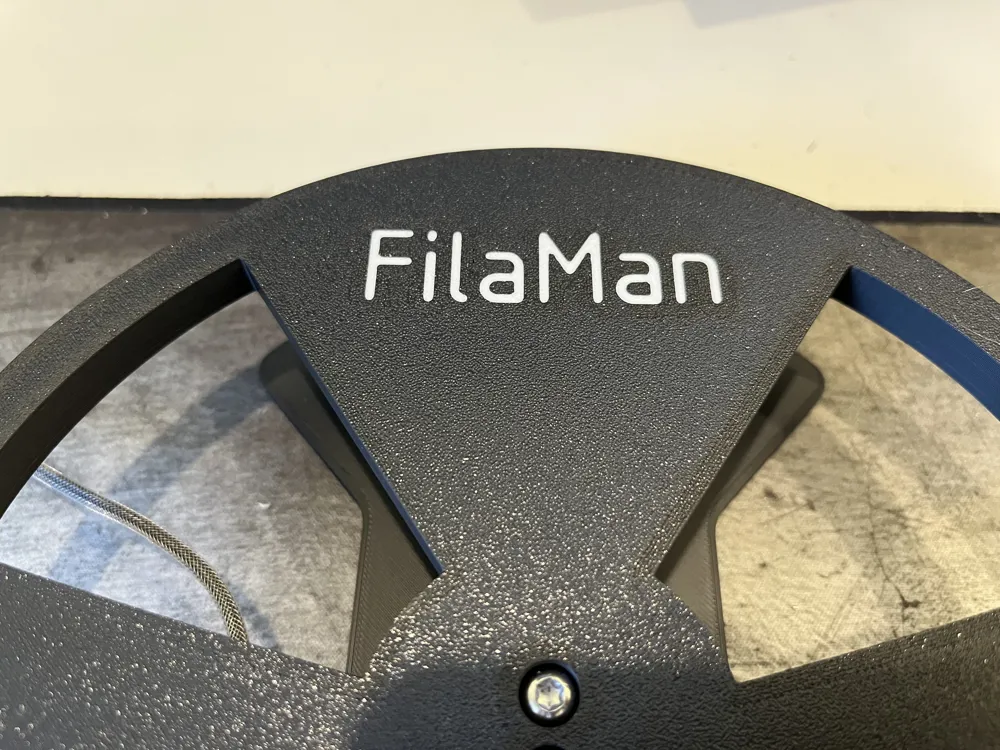
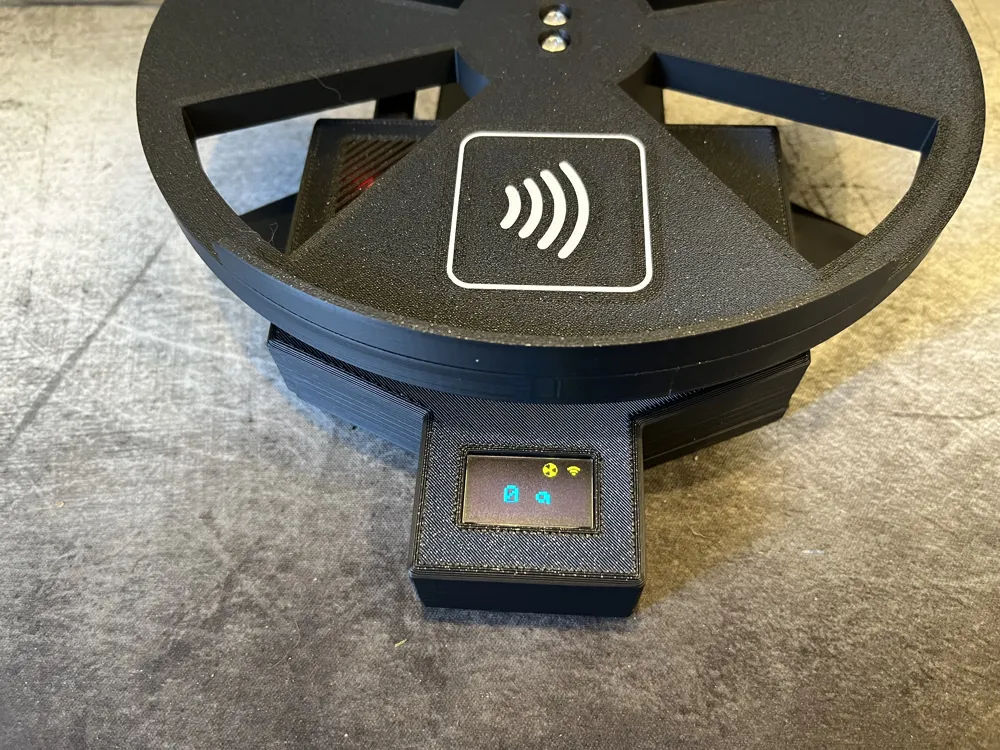
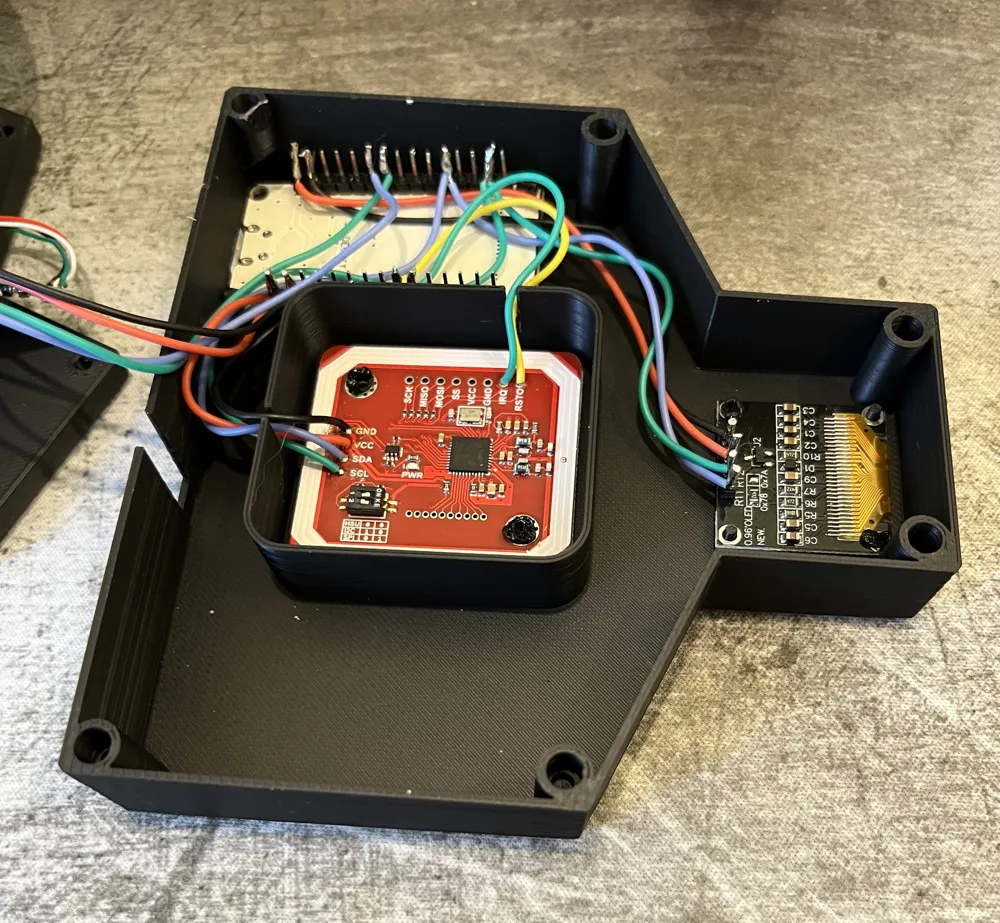
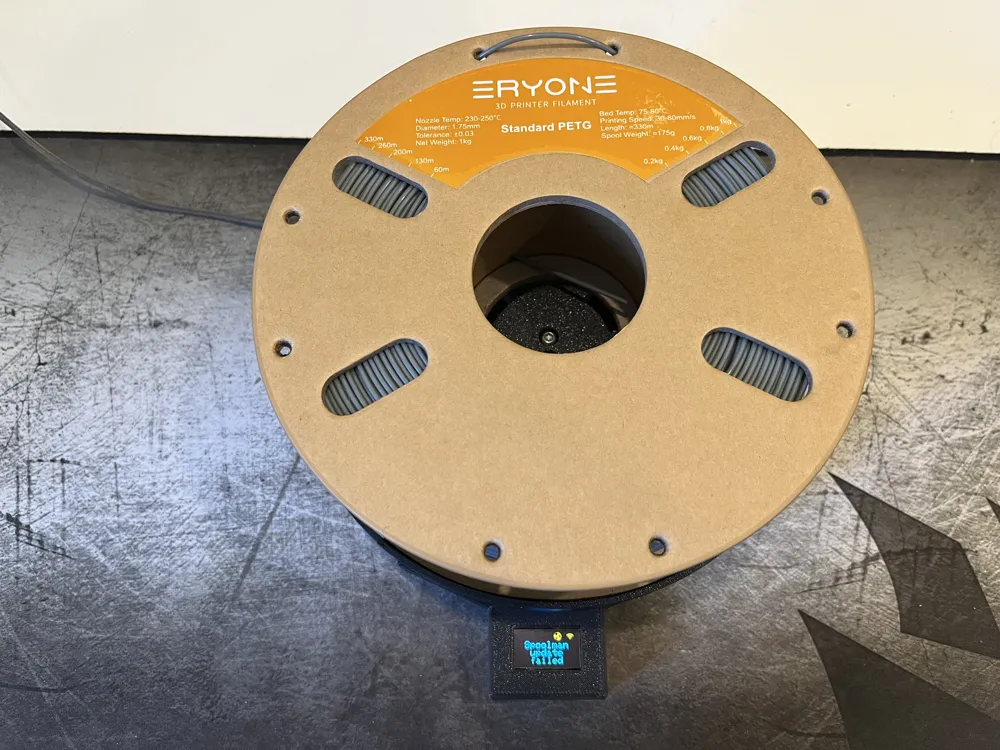
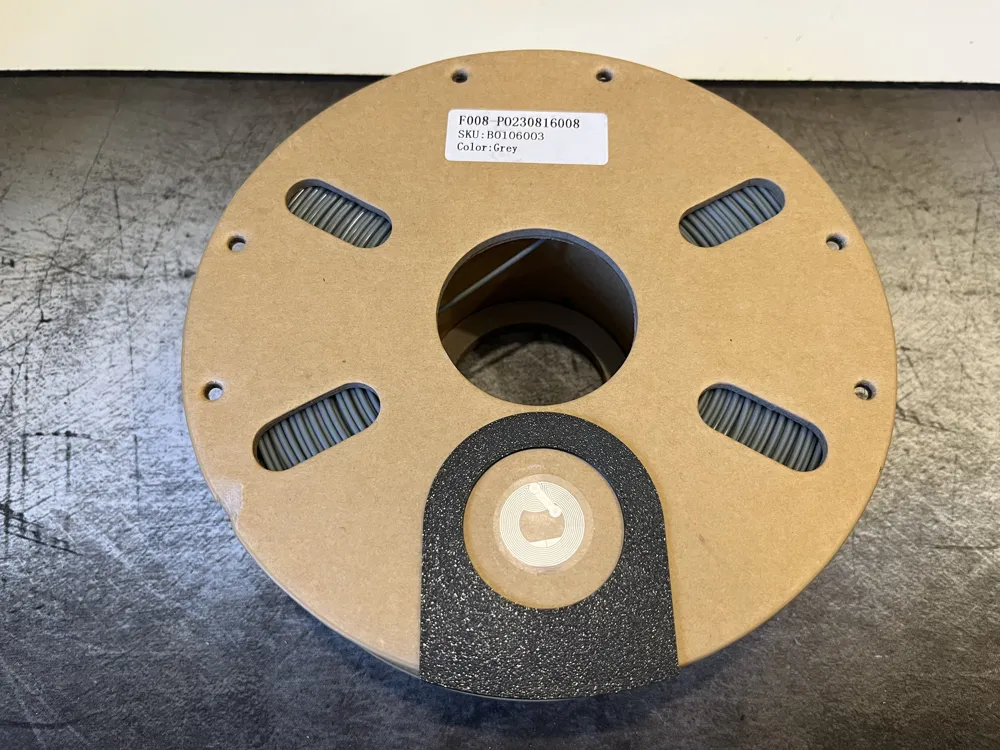
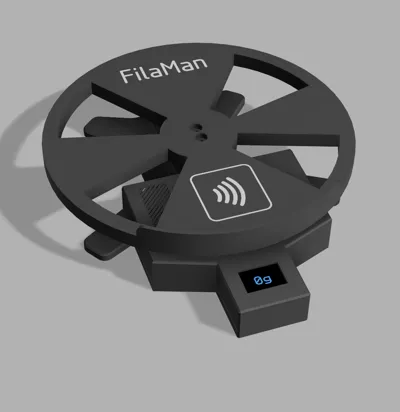
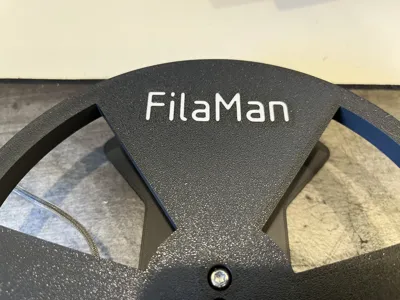
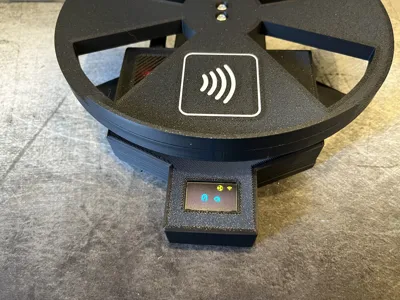
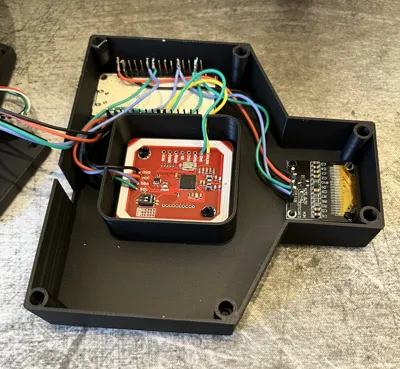
This is my version of a scale for the FilaMan project. Its an NFC powered automatic scale for Spoolman. I was going for a clean elegant look, hiding as much of the electronics and cables as possible. Please check the instructions below to choose the correct model version for your parts. There is also a sticker guide available that helps you placing the NFC tags on your spools.
I provide all my models for free, if you want to support my work, you can buy me a coffee!
Required Hardware:
- 4x Screw M4(M5), 20-25mm long button head (M4/M5 depending on your load cell)
- 6x Screw 6x M3, 6-13mm long, button head
- 6x Heatset insert M3x5.5mm, Outer diameter 4.6mm
- Remaining hardware as specified in the FilaMan readme
Model Variants:
The load cell as well as the displays that are supported by the FilaMan project can vary in their dimensions. For that reason I provide multiple versions of the files for all the variants that I am aware of. The following information should provide you the needed information to identify the correct version for you. If you still have a different variant you can either change the model yourself using the provided fusion 360 project or I am happy to do the change for you. In that case I only need the mentioned dimensions from you.
Load Cell:
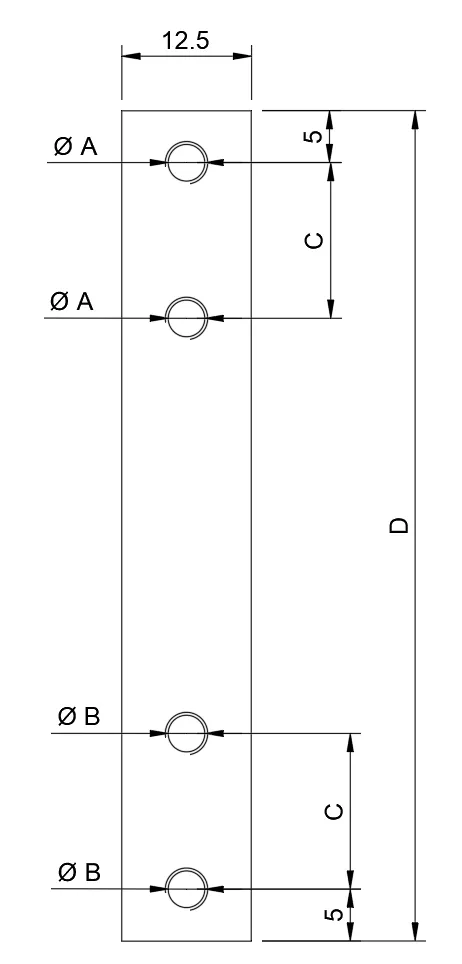
| Version | A | B | C | D |
| LC1 | M4 | M4 | 10mm | 75mm |
| LC2 | M4 | M5 | 15mm | 80mm |
Currently I am aware of two different versions of the load cell. You can check the dimensions in the table above. It is important that the other dimensions are the same, as mentioned in the diagram.
Display:
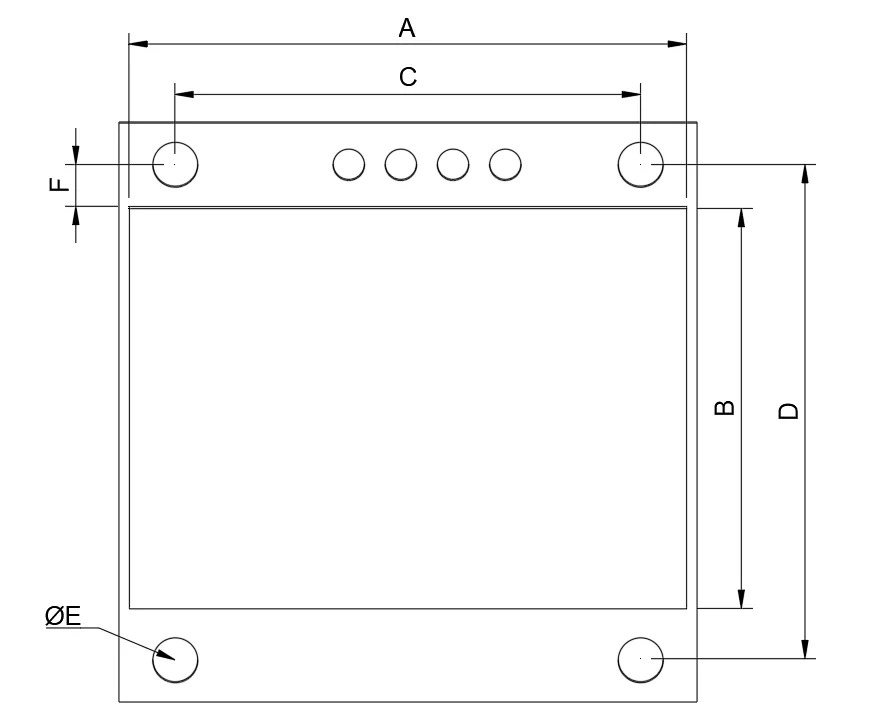
| Version | A | B | C | D | E | F |
| D1 | 25.0 mm | 14.5 mm | 22.0 mm | 22.0 mm | 2.2 mm | 3.0 mm |
| D2 | 26.7 mm | 15.3 mm | 23.5 mm | 23.7 mm | 1.7 mm | 2.5 mm |
| D3 | 24,9 mm | 17.0 mm | 20.6 mm | 21.6 mm | 2.0 mm | 2.0 mm |
| D4 | 24.8 mm | 16.7 mm | 21.7 mm | 21.9 mm | 2.0 mm | 3.1 mm |
| D5 | 26.7 mm | 19.2 mm | 22.3 mm | 23.8 mm | 2.1 mm | 2.0 mm |
| D6 | 24.8 mm | 16.8 mm | 20.5 mm | 22.8 mm | 2.7 mm | 3.3 mm |
| D7 | 24.8 mm | 13.8 mm | 20.5 mm | 22.8 mm | 2.7 mm | 3.3 mm |
| D8 | 26.7 mm | 14.4 mm | 23.0 mm | 23.7 mm | 2.0 mm | 1.3 mm |
There seems to be a wide variety of displays. Please refer to the table above to identify the version that fits your display. I would recommend to print the display sample for the relevant display version first, before printing the whole model. This is an easy way to check the dimensions first.
Printing advice:
The model is designed for easy and clean printability. The best orientation should be obvious, if in doubt please refer to the provided 3mf project files. I recommend to use support for the screw holes on the upper and bottom part. Additionally you should not generate support for the slit of the upper insert, its very tight and fiddley to remove and not required. For the coloring of the upper part you can either use the provided project files or use the smart-fill feature of your slicer. The text and logos are embedded as edges in the mesh files.
Material considerations:
I printed everything using PLA, I guess this is not the best choice and PETG would be better. Try to prevent using carbon fiber re-enforced materials as this might cause issues with the NFC reader. One user also reported problems using ABS getting decent NFC coverage.
What needs to be printed:
- Bottom part - same for all variants
- Upper insert - same for all variants
- Sensor plug - same for all variants, only needed if you install the TTP233
- Upper - the variant matching your load cell
- Electronics compartment - the variant matching your display
Changelog:
06.04.2025: Updated electronic compartment to version 33 now including a spot to place the TTP233 sensor for taring the scale and some visual spot on the outside to visualize the correct spot.
25.05.2025: Updated to version 37. Added new display variants 7 and 8. Added info regarding material choices for printing.
License



Comment & Rating (64)