
HSW Formetra Workshop System
Print Profile(1)
Description
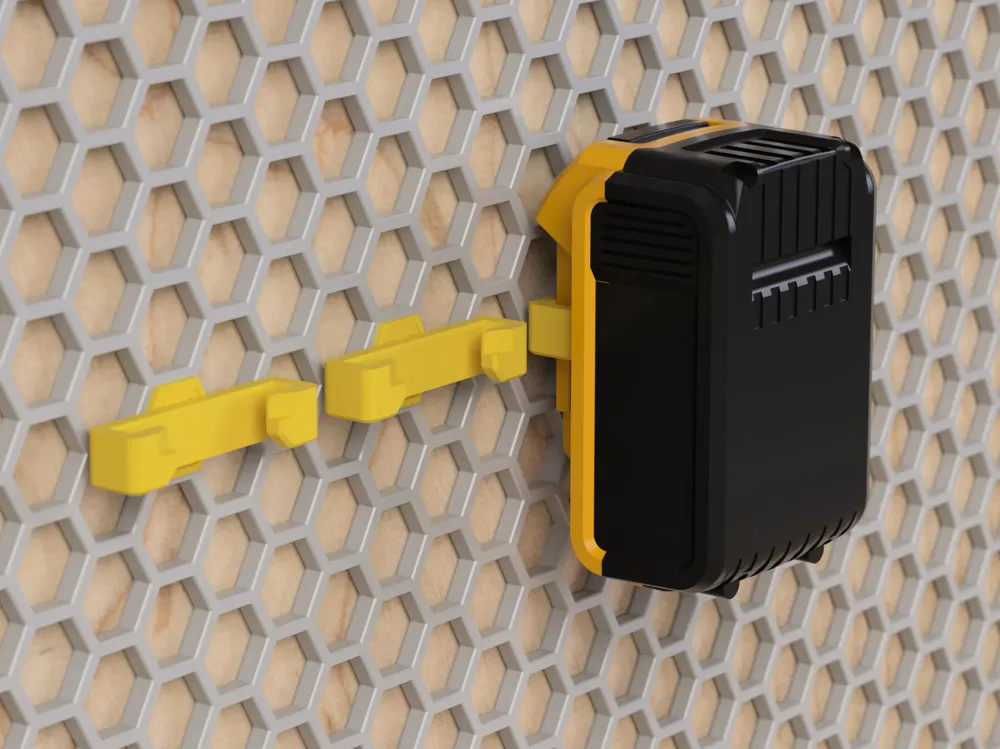
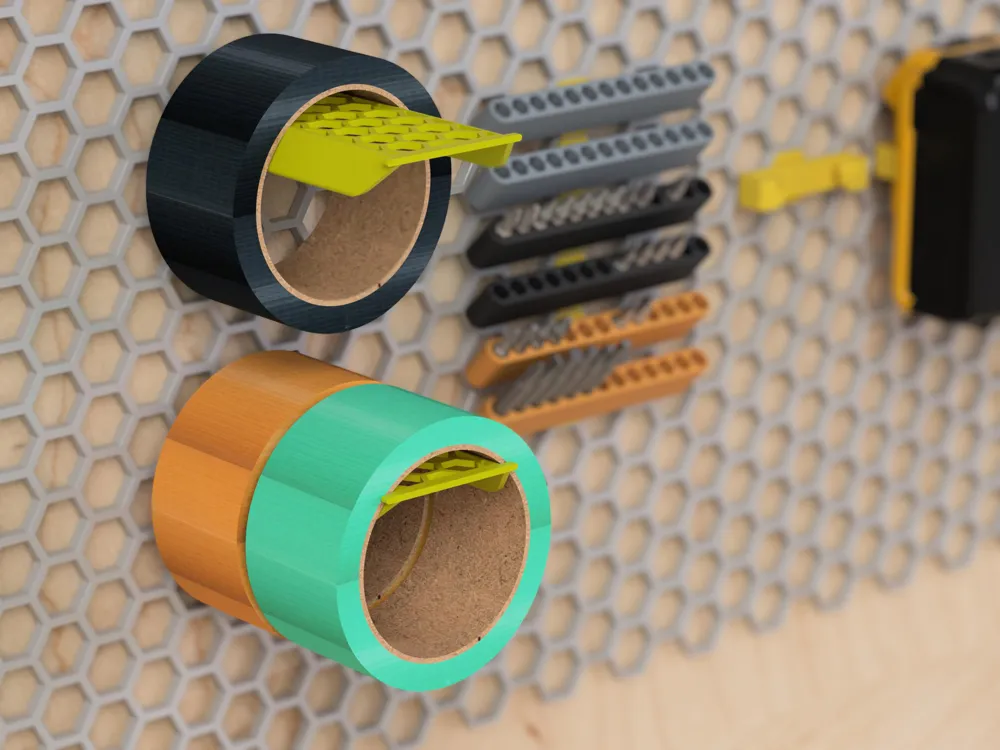
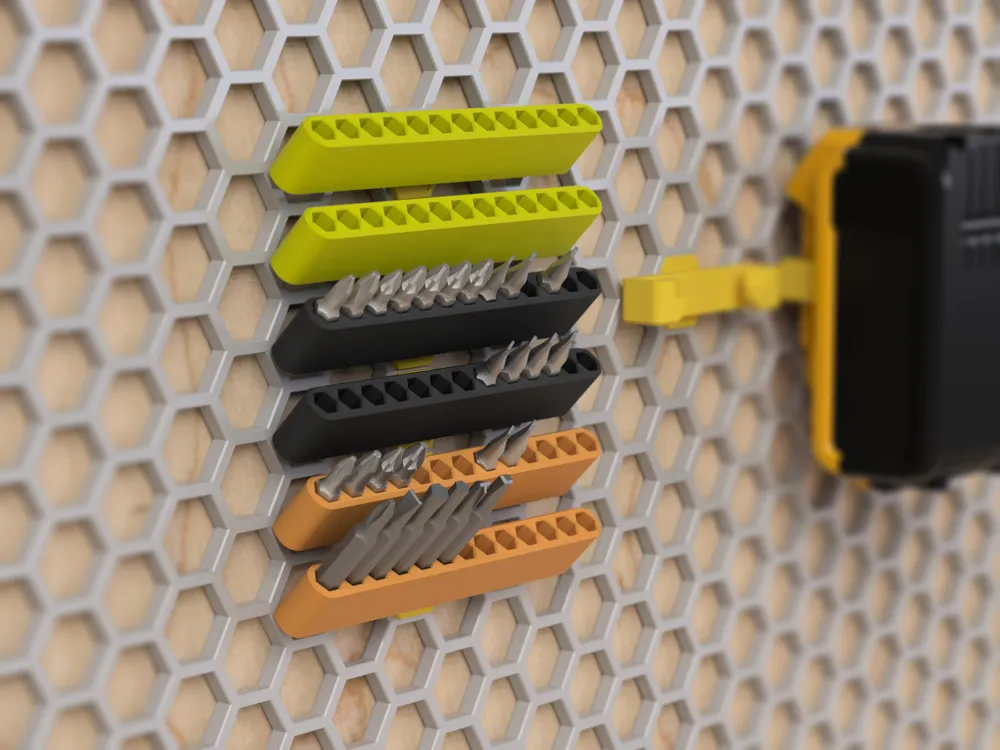
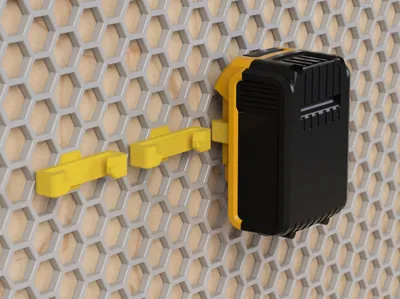
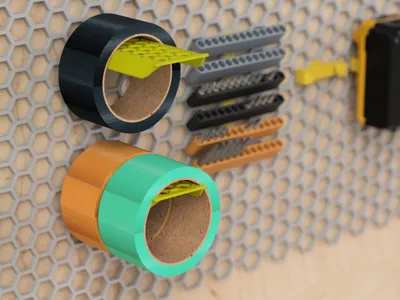
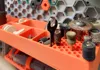
The Honeycomb Storage Wall is one of my favourite workshop organisers because it’s so simple, flexible, and easy to customise with add-ons. Once the wall grid is set up, there’s a huge range of accessories to choose from, and you can whip up any specific pieces you need in just minutes.
However, as a designer, I've noticed that this approach can lead to a bit of a mismatch in style and ergonomics between different accessory sizes and their designers’ methods. It’s not just about aesthetics (though that’s still valuable); it also impacts how well you can make use of space and materials, as well as how easily you can access your most-used items.
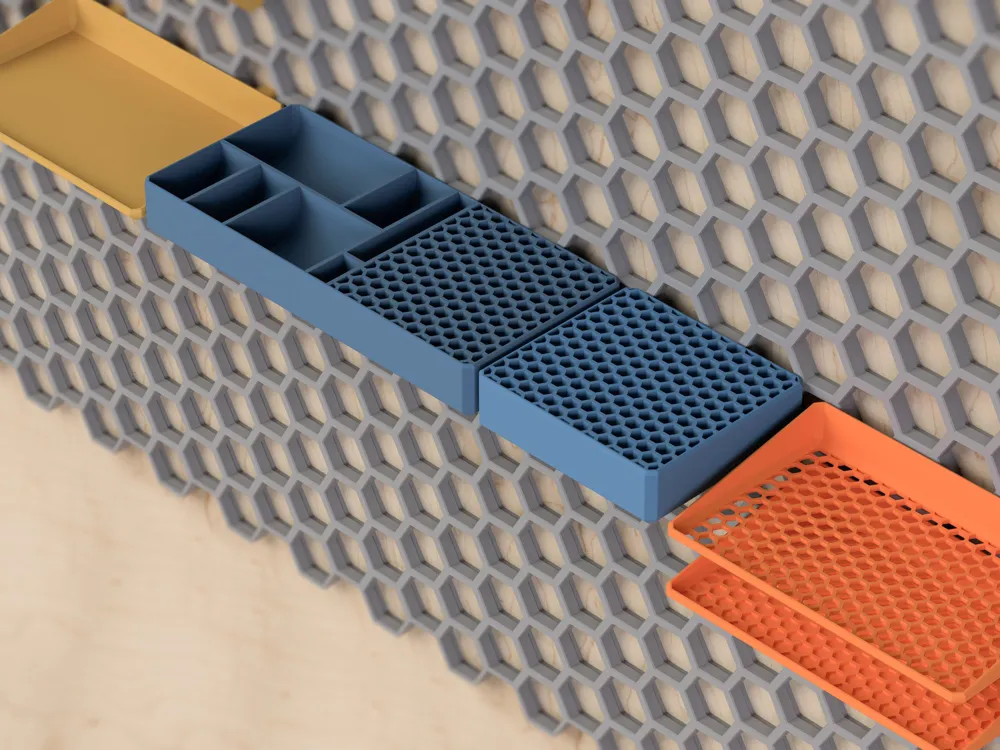
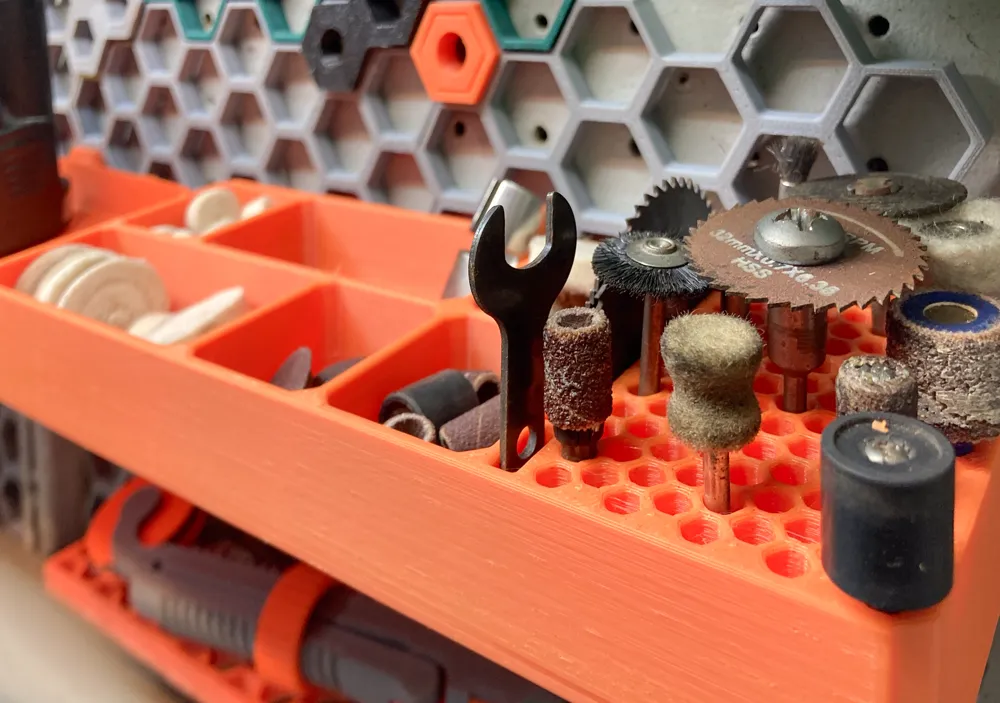
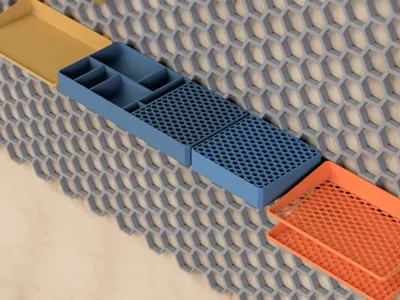
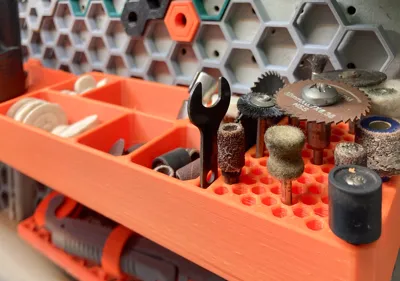
The Formetra system is built to work seamlessly with the Honeycomb Storage Wall grid. If you look closely, you’ll see that the naming convention includes 'W' followed by a digit, indicating how many ‘units’ each design takes up. The layout of the inserts ensures that all accessories can fit within one horizontal or vertical unit of each other. Plus, it makes it easy to expand your accessories based on how you work. For instance, the hex grids in the Dremel Accessories Organiser can be paired with a second W2 Organiser when your accessory needs grow.
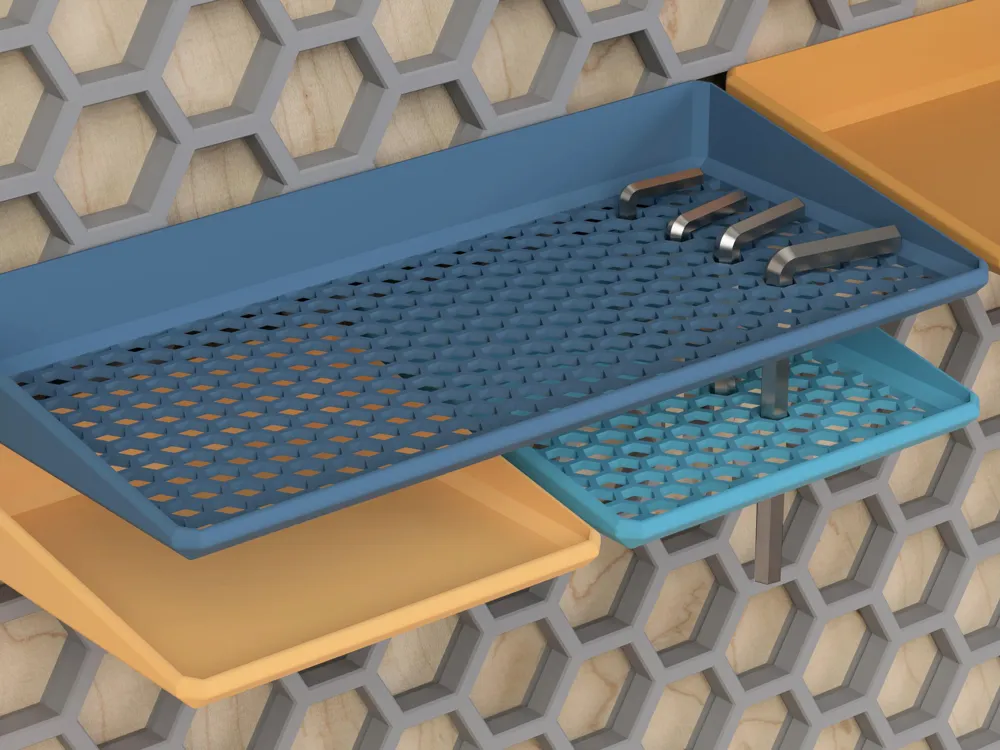
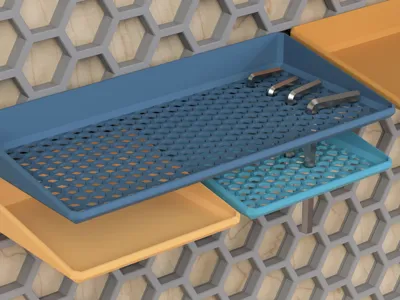
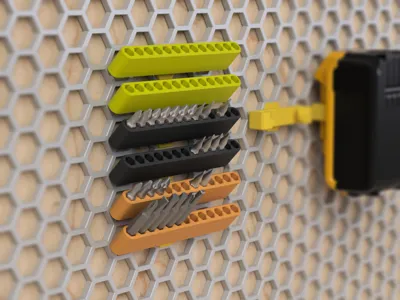
Many items in the system are multifunctional. The Hex Shelf can serve as either a shelf or an organiser for screwdrivers and Allen keys. If you add the Hex Emboss Shelf right underneath it, you can also use it for longer 4.5mm bits. Similarly, the Solid Shelf can be flipped upside down to support smaller bits or items in the Hex Shelf.
I’ve found the system practical and easy to expand, so I’ll be adding more storage, organisation, and tool utilities as the project grows. Check back for updates.
Print Settings
- Filament: Any
- Layer height: 0.2
- Adhesion and Supports: None
- Print time: Varies between 30 minutes for the plain trays up to 5 hours for the larger organisers. Whilst those don't use much filament, the complexity of the design takes longer to print. I'm working on methods to mitigate this.
License



Comment & Rating (11)