Search models, users, collections, and posts

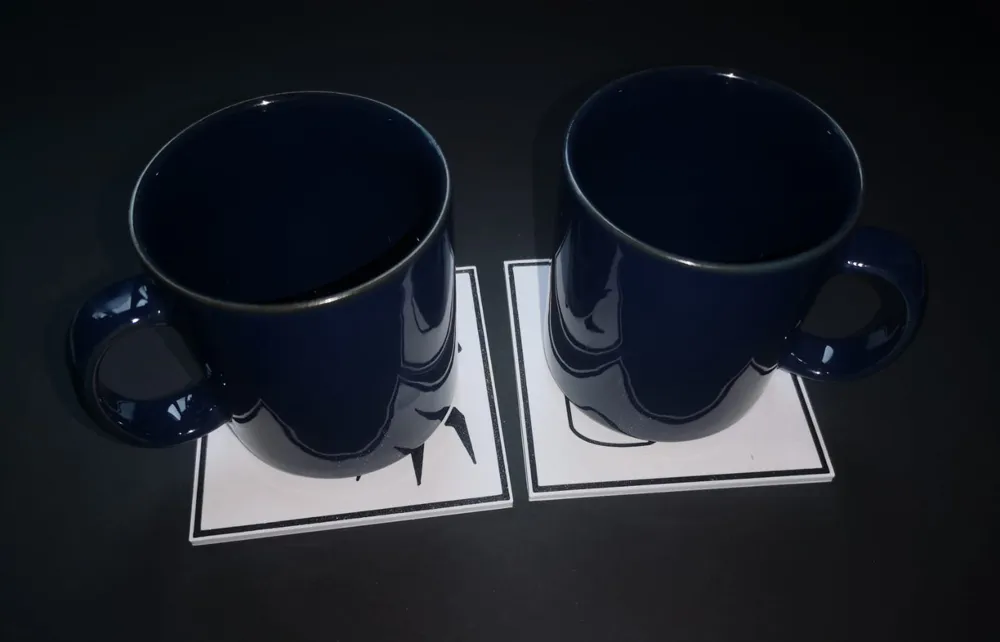
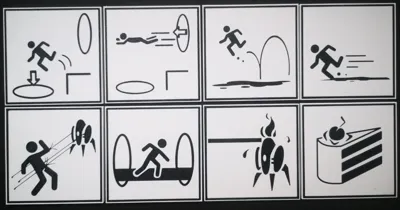
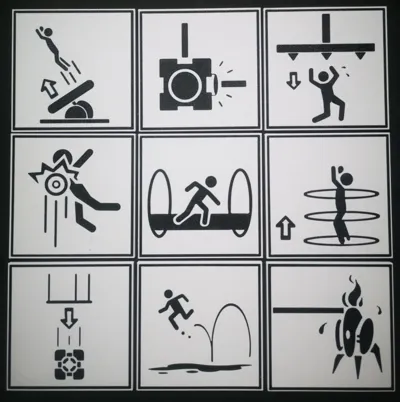
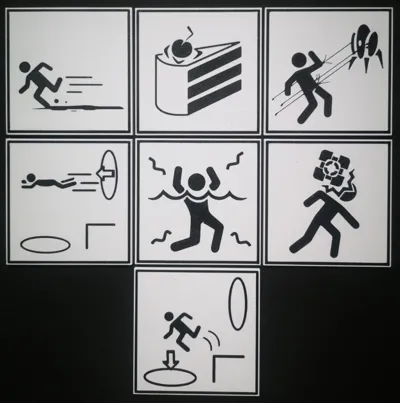
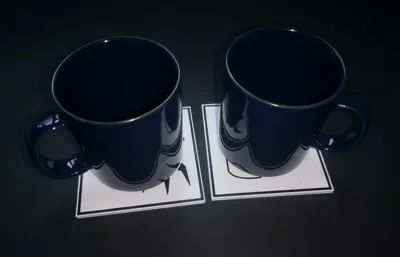
Portal Warning Sign Coasters
IP Report
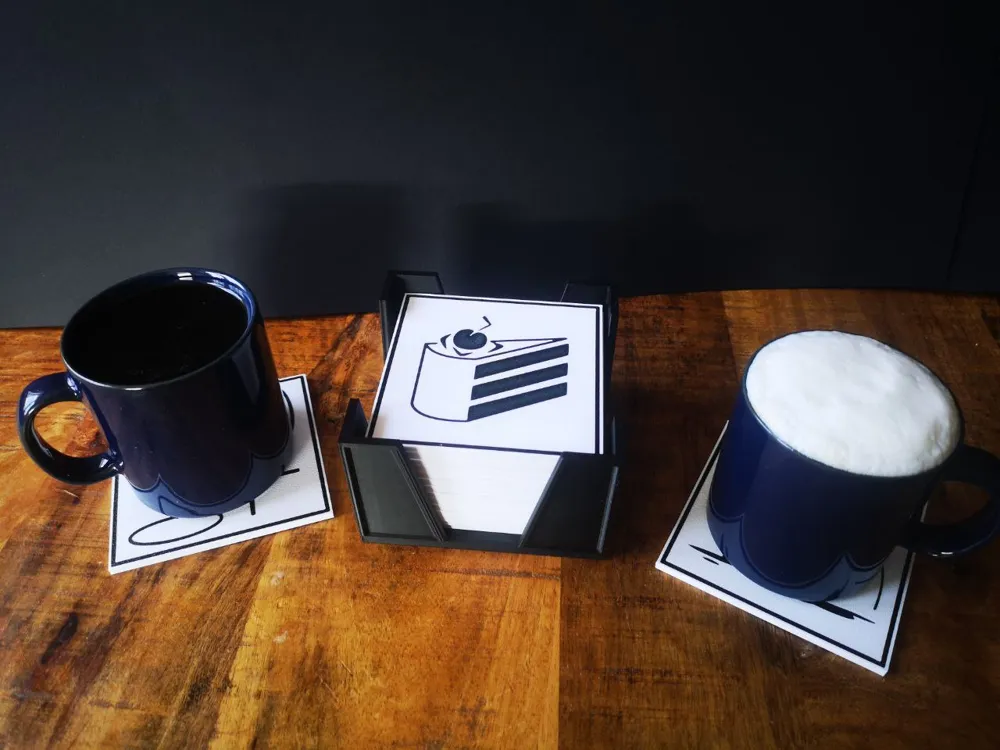
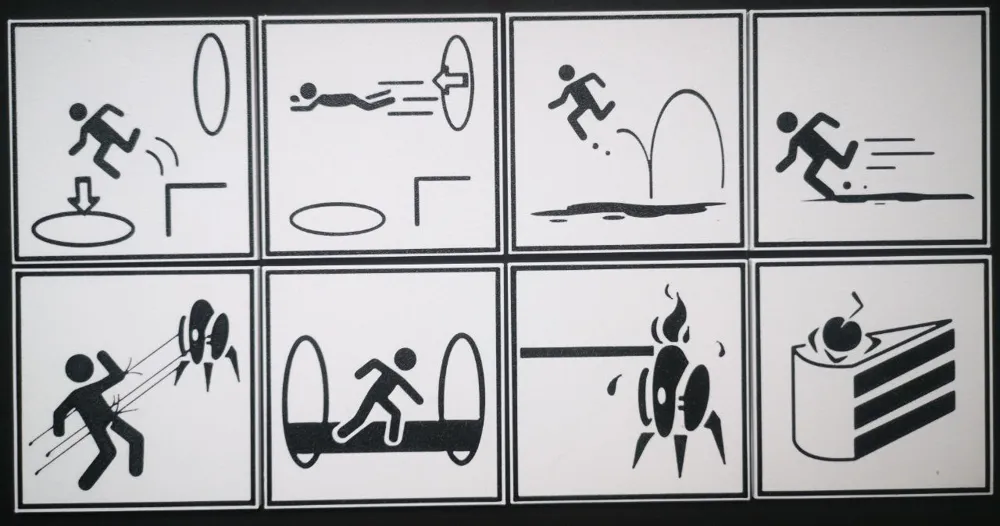
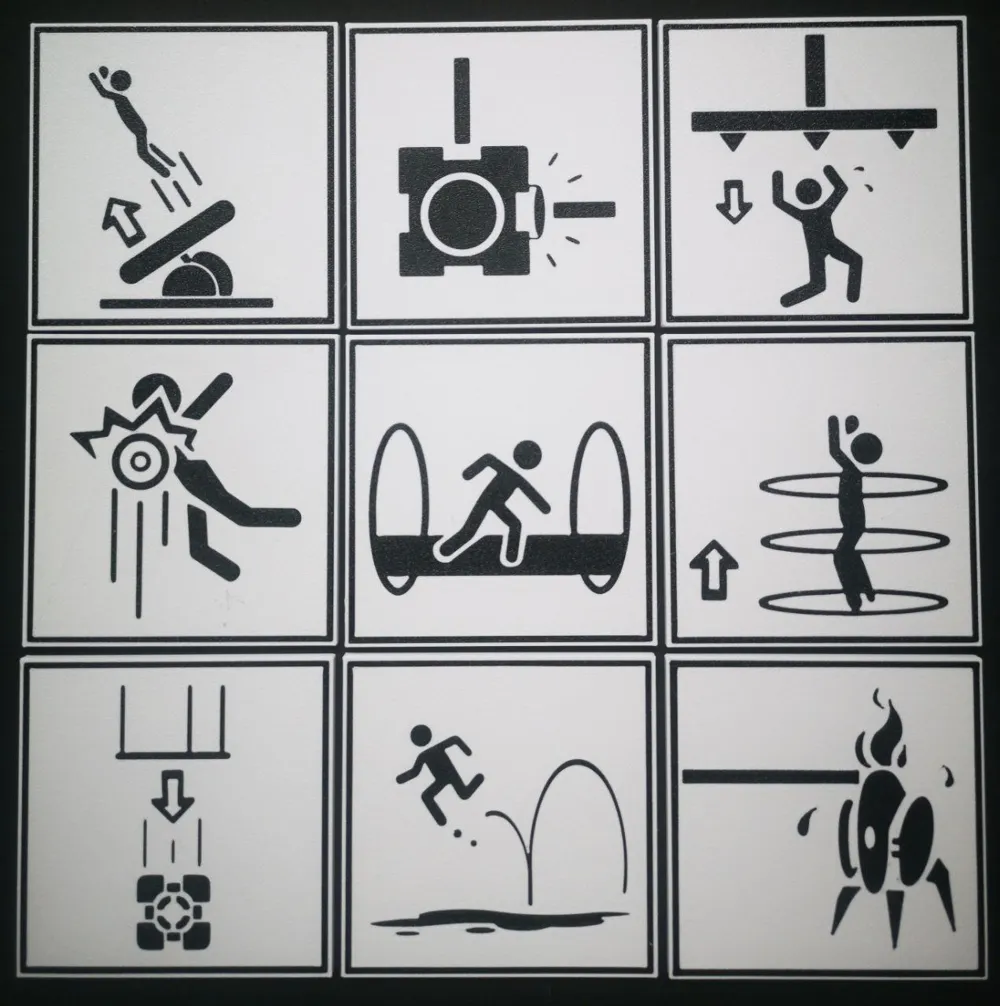
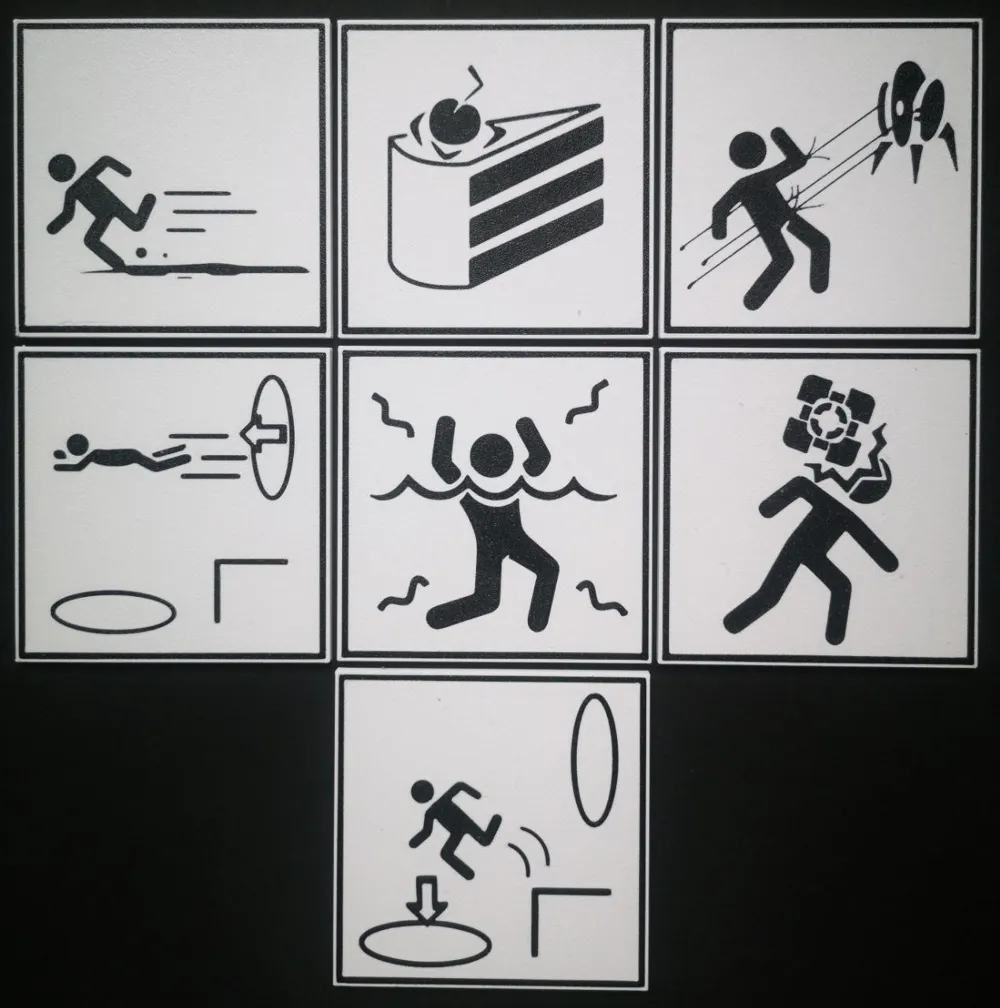

This model is created by Image to Keychain
Make Your Model
Print Profile(1)

0.2mm layer, 3 walls, 15% infill
Designer
25.9 h
8 plates
Open in Bambu Studio
Boost
94
246
13
7
125
44
Released
Description
I've always wanted Portal and Portal 2 warning signs as coasters, but existing designs didn't meet my standards—many had impractical indents, and the vectorization was poor.
The perfectionist in me had to get it right, so I tracked down the original files on the Portal Wiki. After extensive post-processing, I used MakerWorld’s “Image to Keychain” tool to create high-quality versions. Since the process wasn’t entirely straightforward, I decided to share this all-in-one package.
Specifications
- Dimensions:
- Length: 100mm
- Width: 100mm
- Thickness: 4mm
- Design Variations:
- 30 designs available (includes one blank and three popular mod versions).
- Print Orientation:
- Designed to be printed face down for the best surface finish. While the photos show coasters printed with a Textured Plate, you can also use a 3D Effect Plate if preferred.
- Material Recommendations:
- PETG (HF): Recommended for its superior heat resistance. Coasters printed in PETG (HF) can safely handle hot beverages and are typically dishwasher safe.
- PLA: A viable alternative if PETG (HF) isn't available, but note that PLA coasters should not be used for hot beverages or washed in the dishwasher.
Easier Coaster Arrangement for 4 Coasters with Prime Tower
When placing 4 coasters on the build plate, the default auto-arrange only positions 3, even though there's enough space for all four. To manually arrange them while keeping the prime tower functional, follow these steps:
- Place any 4 coasters on a build plate
- Disable the prime tower (“Others” section)
- Use auto-arrange (it should align them in a square at the center)
- Select them all
- Press down twice and left twice
- Re-enable the prime tower
- Done!
Credits & Legal Disclaimer
- Pictures taken by my wonderful fiancee.
- The coaster holder I used in my pictures is Coaster holder square 100x100 mm by s.n_92 (holds 16 coasters).
- Inspiration was drawn from Portal Warning Sign Coasters by Sam.
- These icons originate from Portal and Portal 2 by Valve. While I do not own the rights to this material, Valve has historically supported fan creations using their assets. However, this policy could change in the future.
- Powered by MakerWorld-Image to Keychain (https://makerworld.com/makerlab/imageToKeychain).
License

This user content is licensed under a
Creative Commons Attribution-Noncommercial-Share Alike


Comment & Rating (13)