
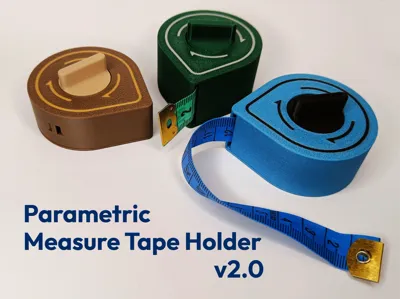
Parametric measure tape holder v2.0
Print Profile(7)


Description
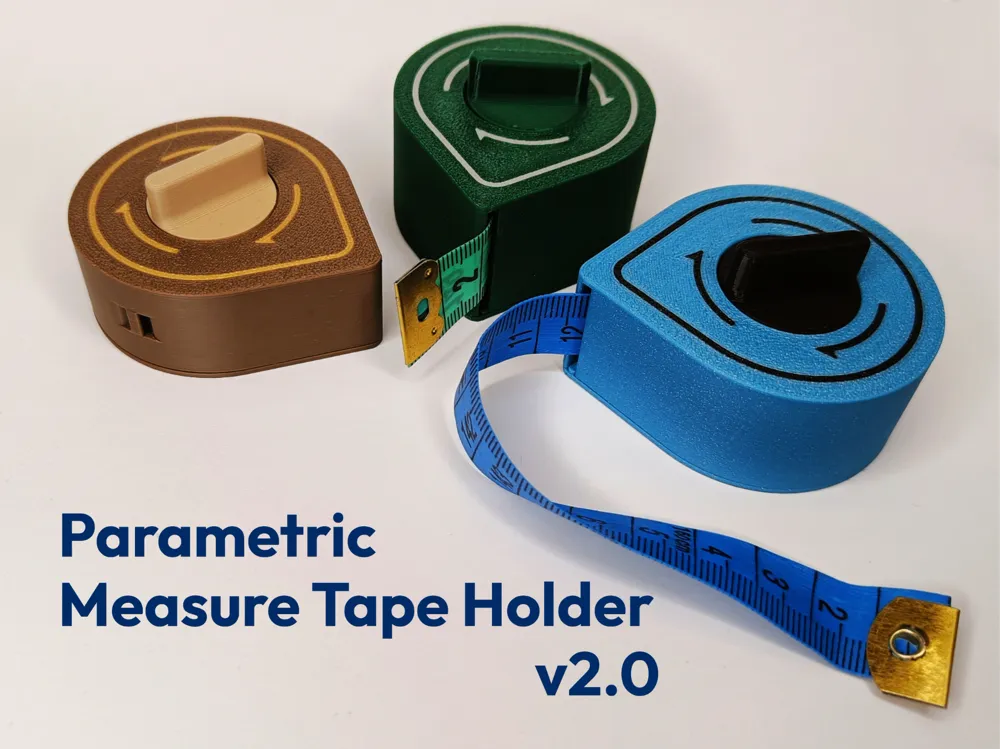
I never thought my most successful project here would be a tape measure container, but the popularity of the first version of this model completely surprised me. Hundreds of likes and boosts – thank you very much for your support!
Therefore, I couldn't ignore this project and decided to use my new modelling skills to address all the issues of the first generation.
Differences between v1 and v2
- AMS support
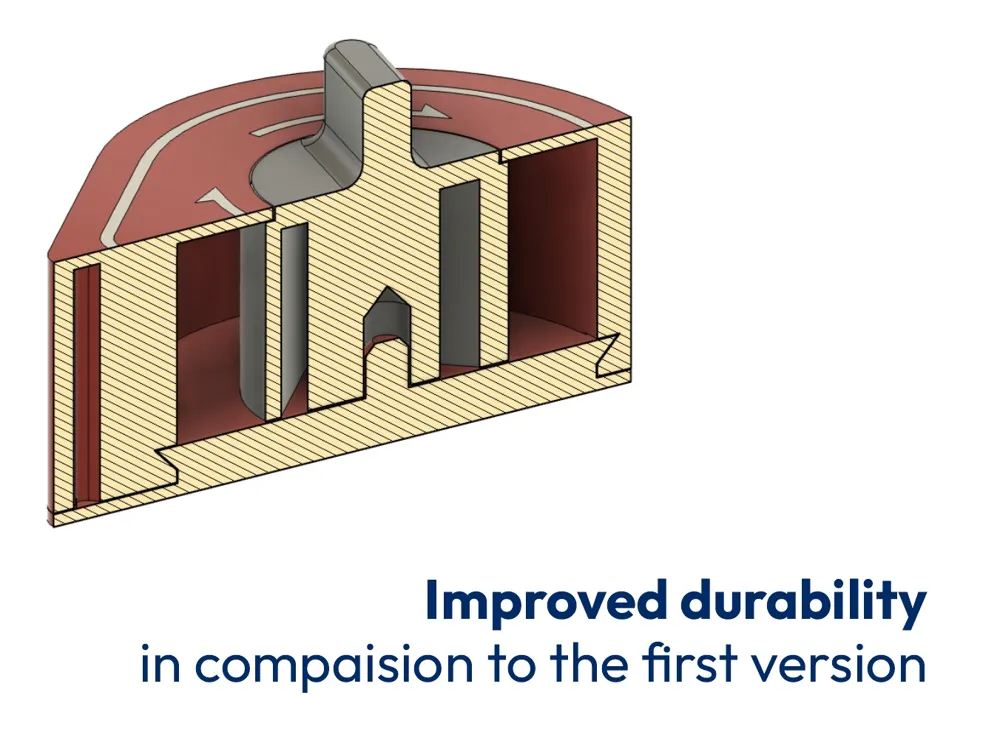
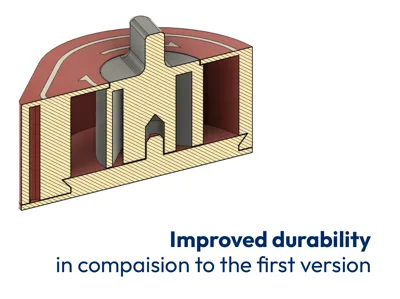
- Redesigned cracking cylinder roller
- Tape tensioning mechanism inside the container
- Guide to prevent the entire tape from retracting into the container
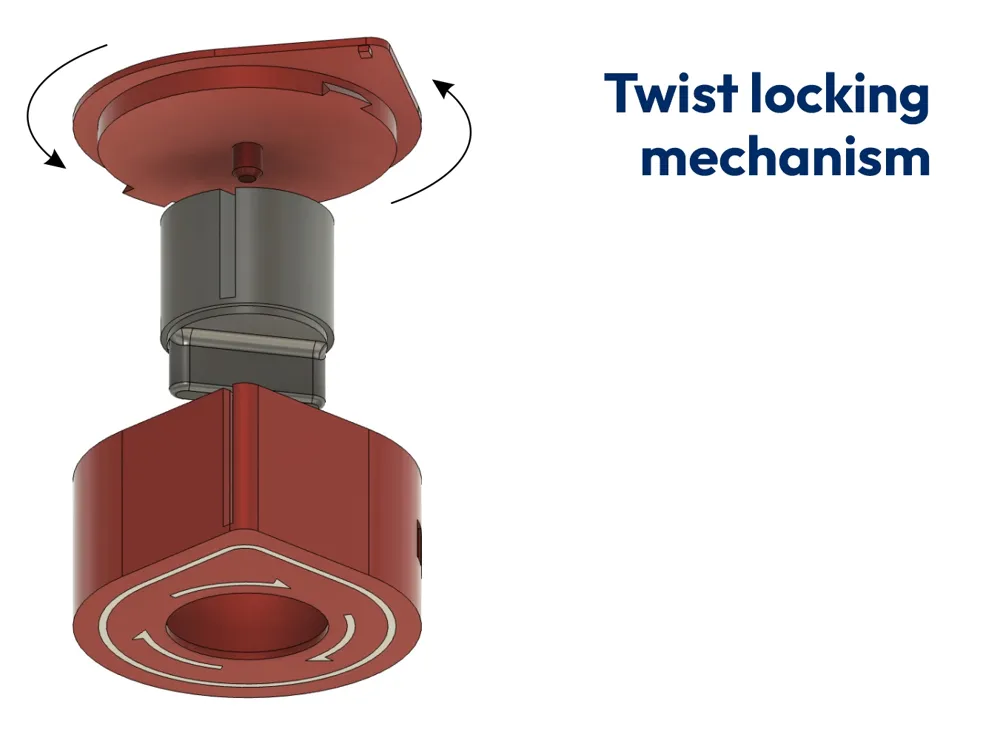
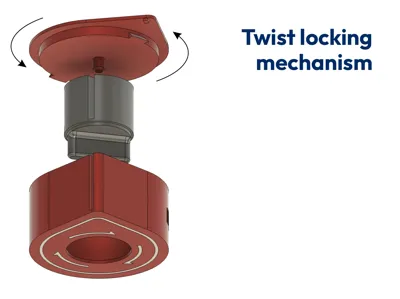
- Easier-to-unlock twist locking mechanism
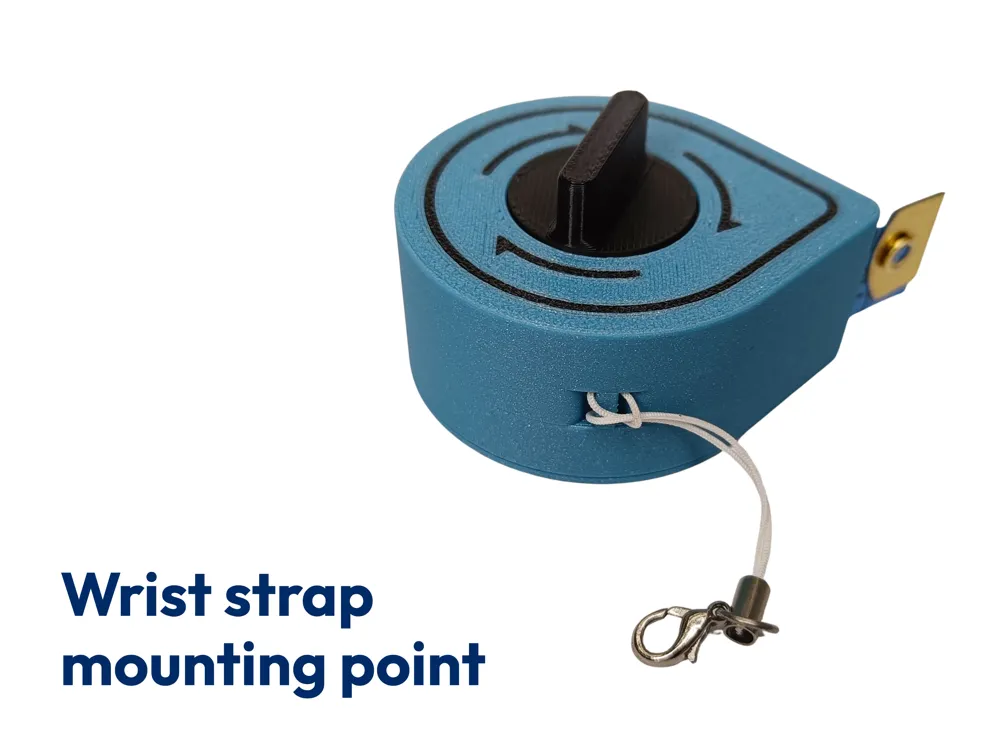
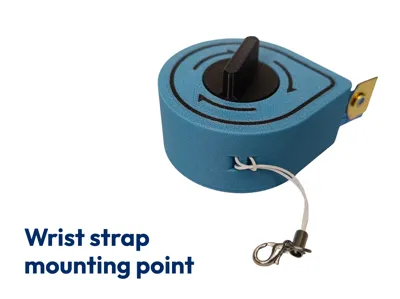
- Holder for an additional wrist strap
What hasn't changed
- No additional elements needed for assembly – no screws, no glue
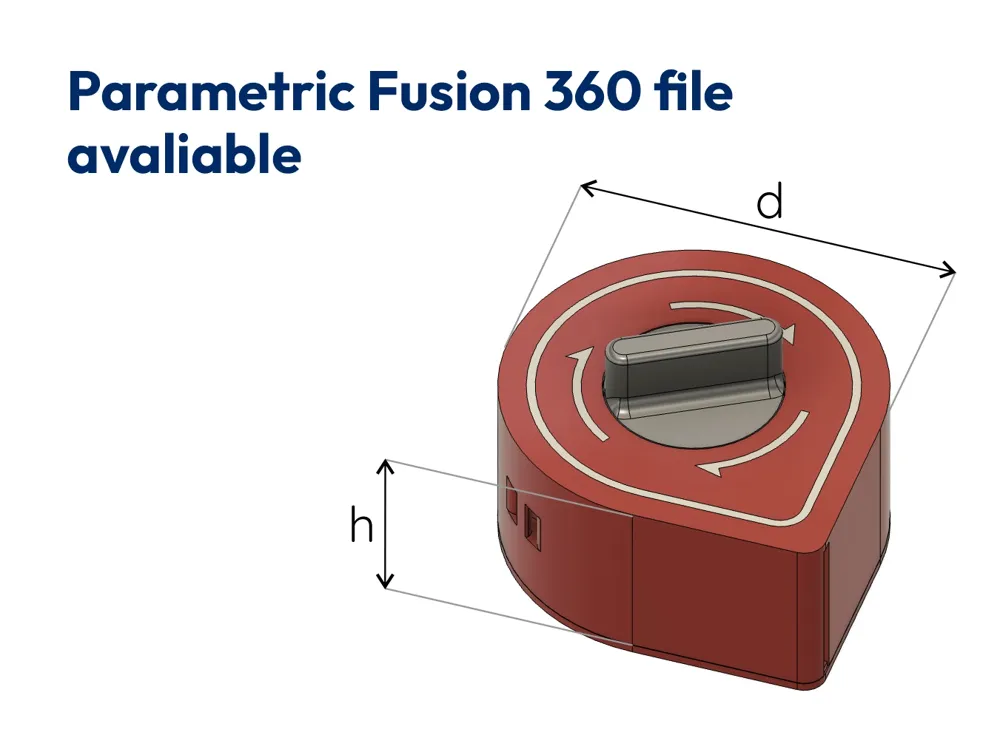
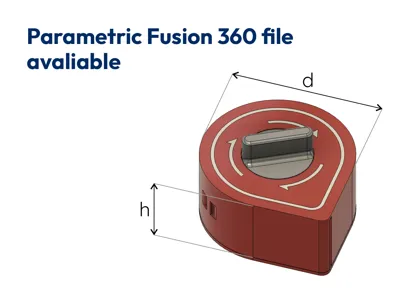
- Parametric Fusion 360 source file – customize the design for your tape!
- Pre-sliced 3 container sizes available in the print profiles
Multicolor printing
Using the print profiles, you can define up to 3 different colors:
- Blue – color of the housing and lid
- White – color of the labels
- Gray – color of the inner cylinder
When starting the print, remap these colors according to your needs. If you don't have an AMS, you can still print this project, but it won't have the arrow labels.
Assembly
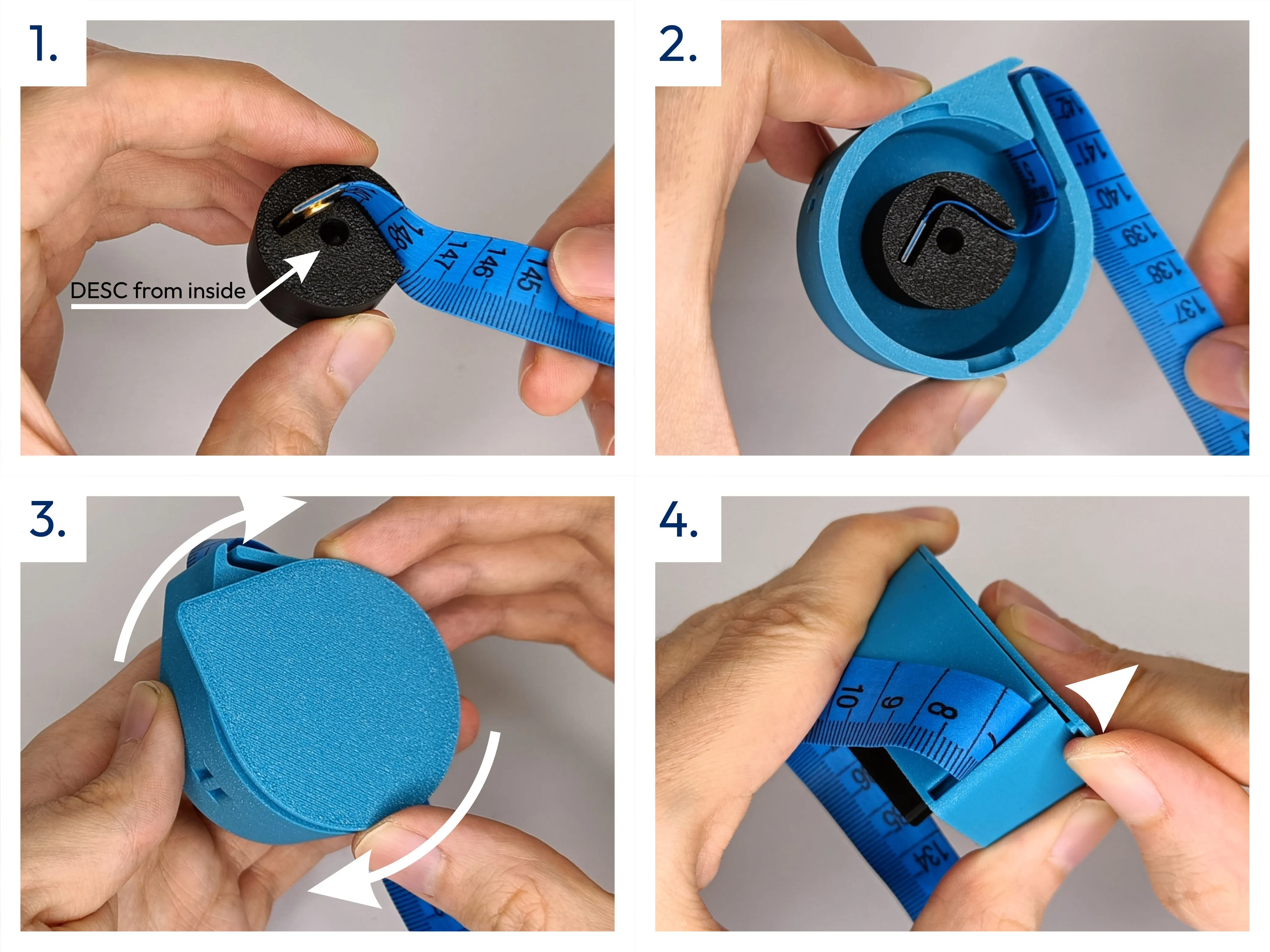
- Print all 3 parts and remove the supports
- Insert the end of the tape into the cylinder – I suggest inserting the largest values from the roller side
- Place the tape with the cylinder inside the housing and guide the tape through the outlet channel
- Attach the lid so that its corner is rotated slightly to the left relative to the case, looking from below
- Turn the lid clockwise and lift the corner slightly with your finger so that the locking pin snaps into the outlet channel
- You can now wind the entire tape by turning the knob clockwise
Removing the tape
To open the container, use the tape itself, a fingernail, or a small screwdriver to pry up the lid's corner, then rotate the lid left to remove it.
Model personalization
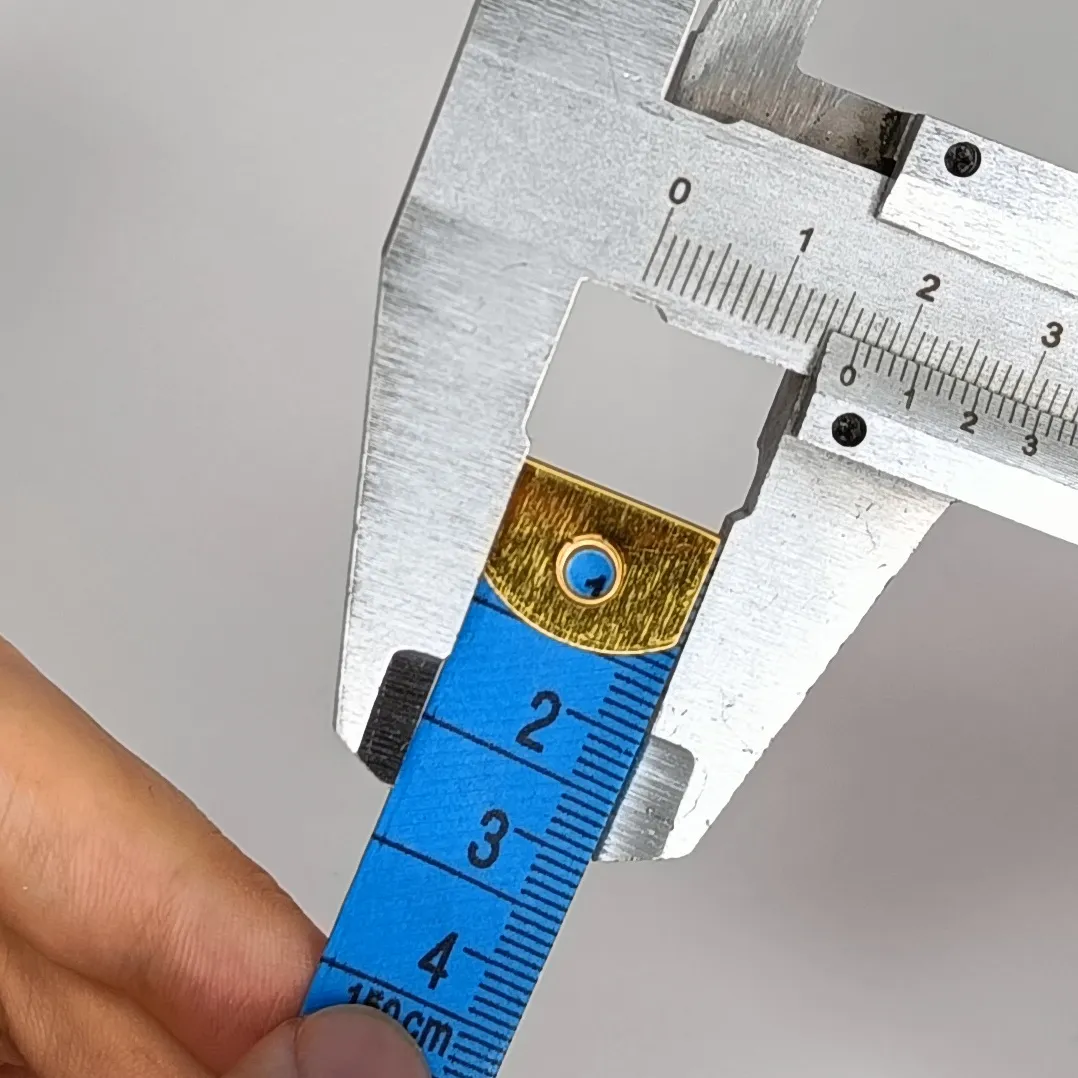
The models I have prepared are designed for the most popular tape measures available in my country – <1 mm thick, 13 mm long metal tip, and 150 cm long tape. The print profiles include 3 models for different tape widths, but the container diameter remains the same. Some users reported that their tapes don't fit, protrude from the device, or can't even be installed. For them, I have made the Fusion 360 source file available. If you have an unusual tape (thicker or longer than mine), download the file, run it on your computer, and adjust the model parameters to suit your needs.
 | Parameter: tapeWidth Default value: 18 mm |
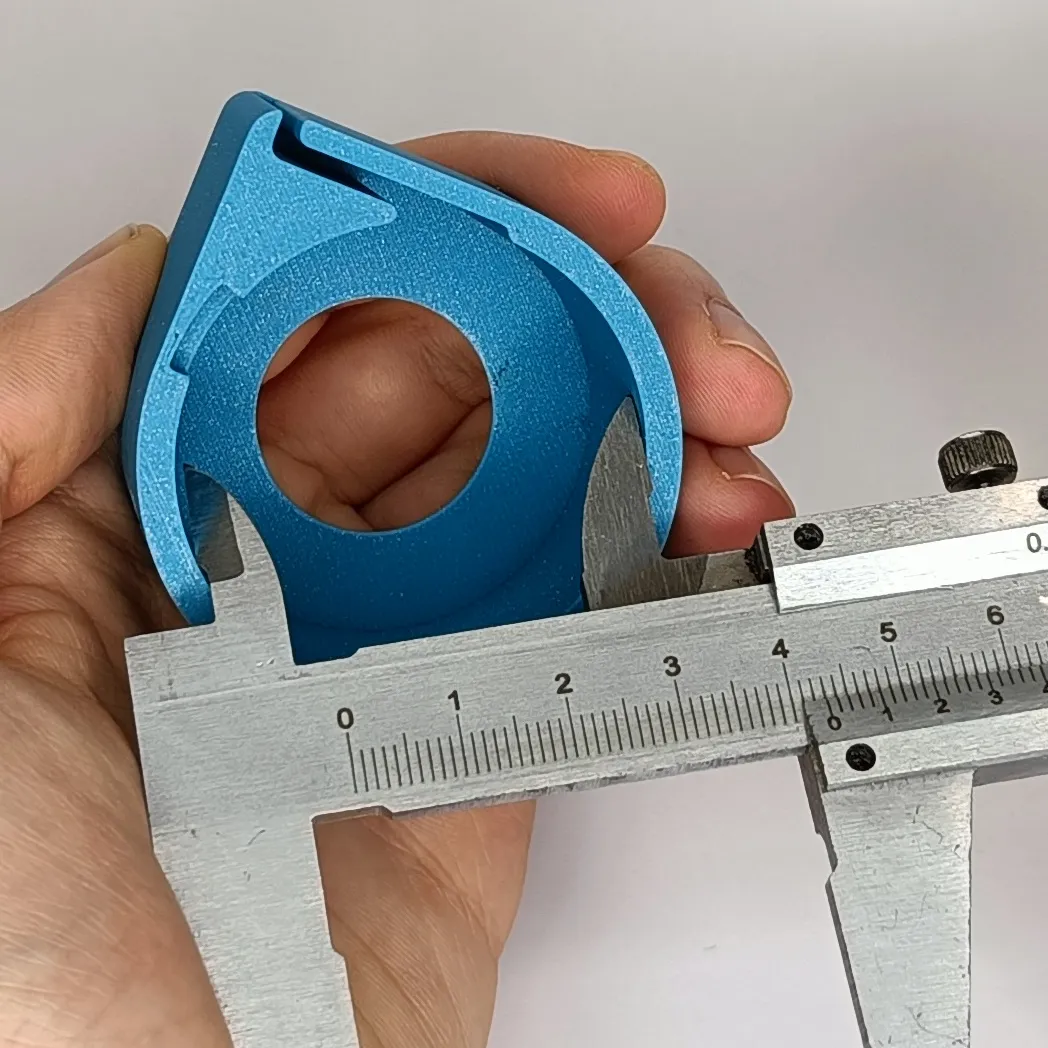 | Parameter: tapeStorageDiameter Default value: 45 mm
You need to determine the value yourself. For my 150 cm tapes, a diameter of 45 mm is ideal. |
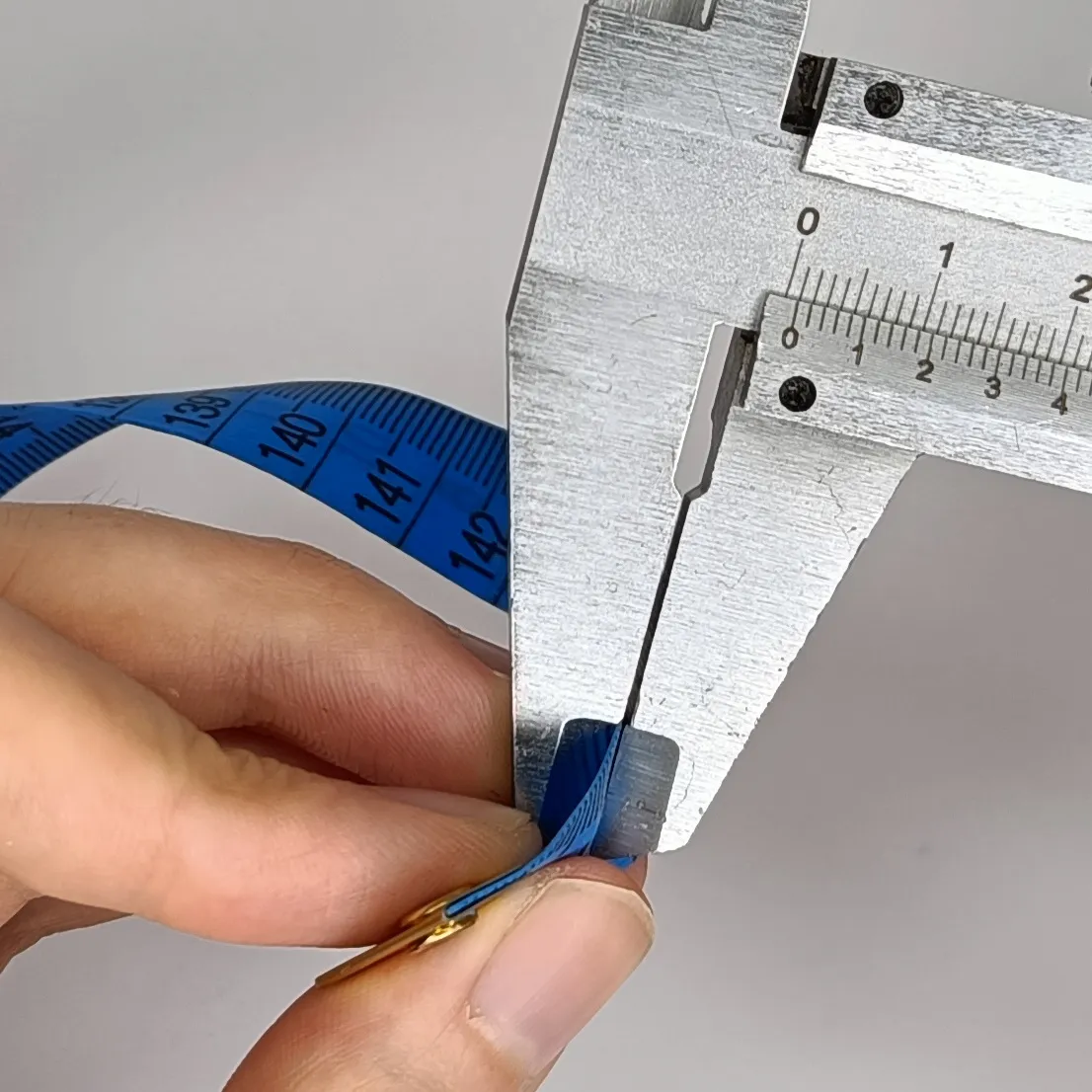 | Parameter: tapeThickness Default value: 2 mm
I recommend rounding the parameter up so that the tape moves without any problems. |
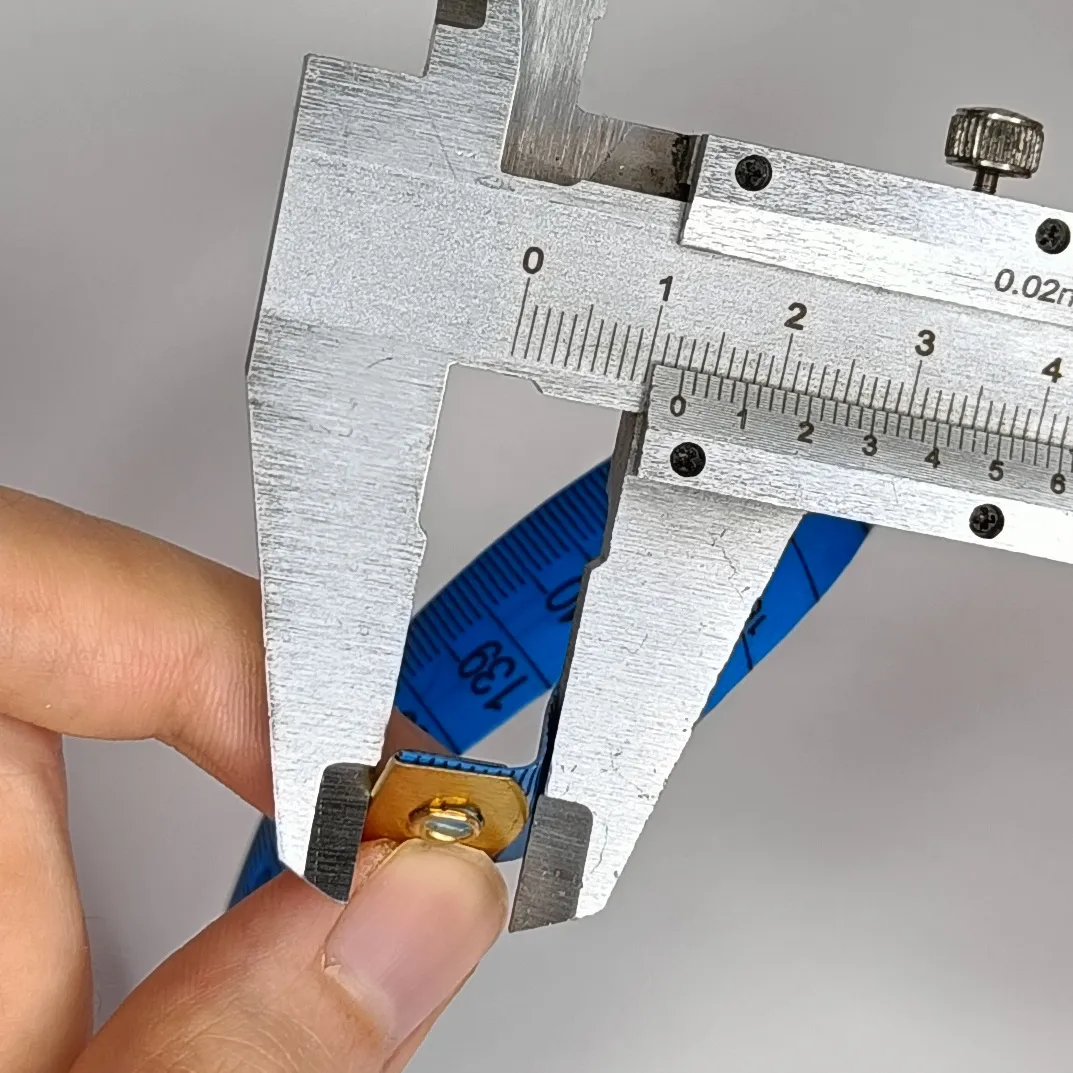 | Parameter: tapeEndLength Default value: 16 mm
I also recommend providing it with a small margin, considering the thickness of the tape. |
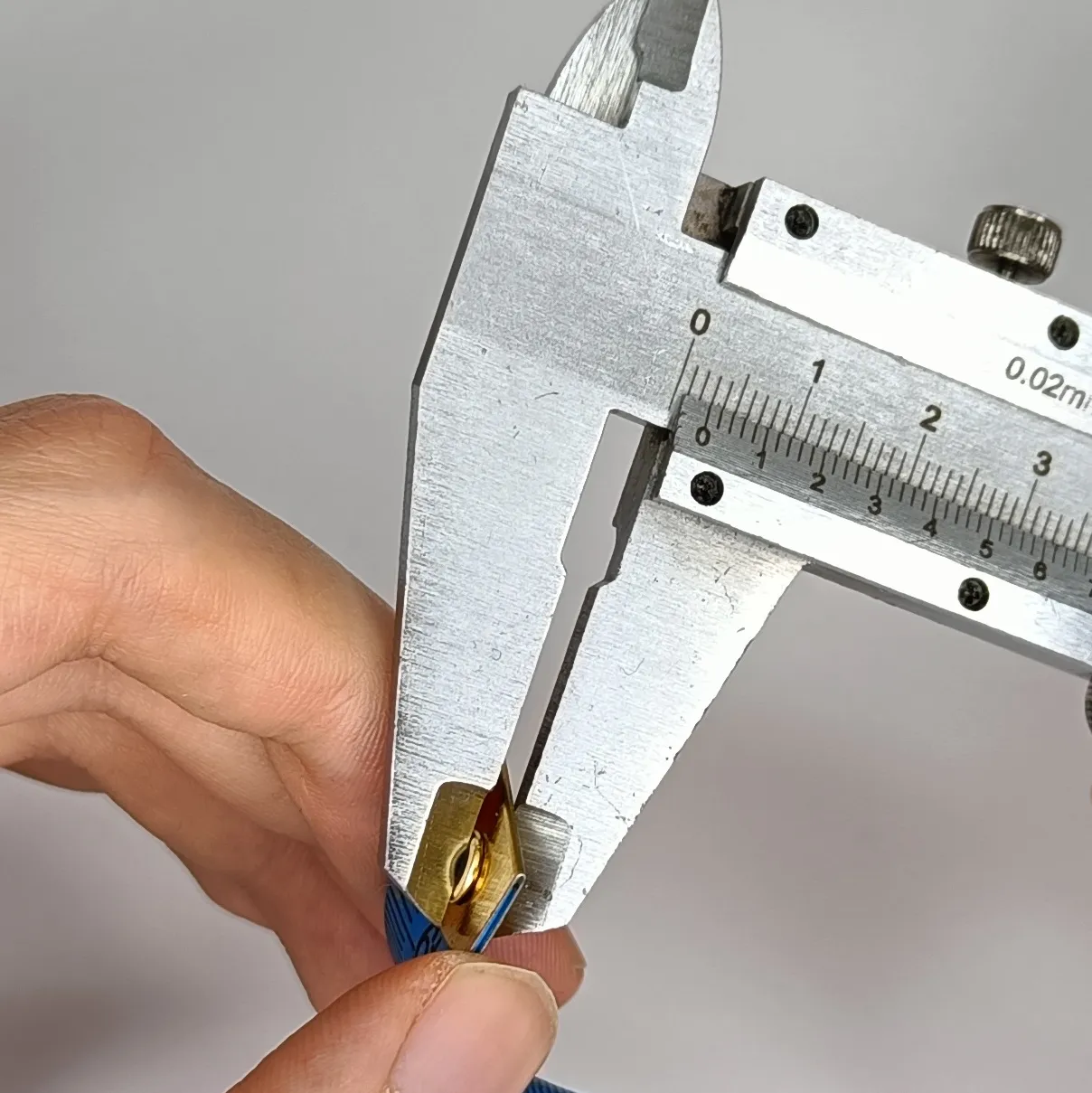 | Parameter: tapeEndThickness Default value: 3 mm |
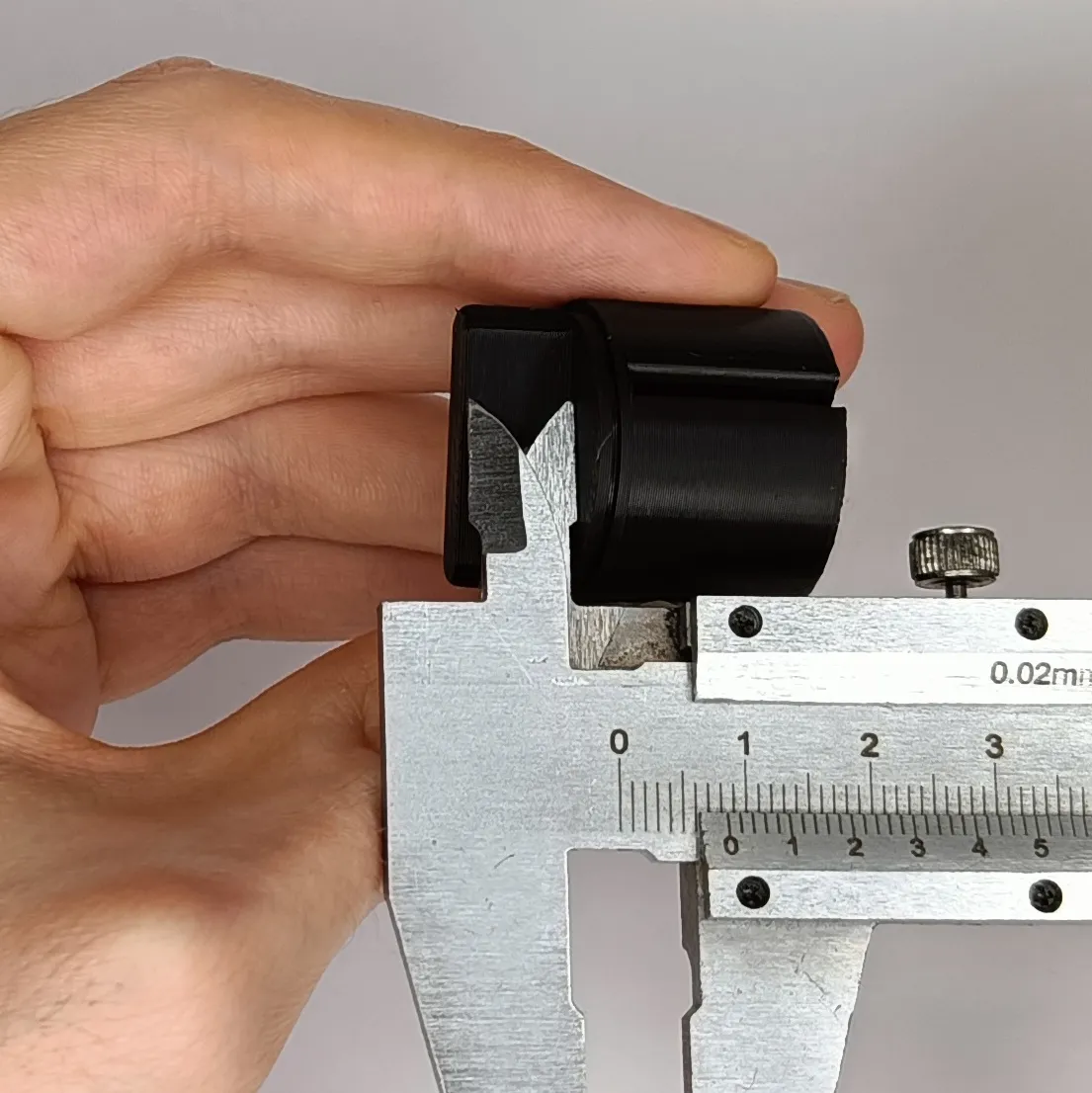 | Parameter: handleHeight Default value: 9 mm |
Boost Me (for free)
Your support fuels my creativity! Give me a boost!
License

You shall not share, sub-license, sell, rent, host, transfer, or distribute in any way the digital or 3D printed versions of this object, nor any other derivative work of this object in its digital or physical format (including - but not limited to - remixes of this object, and hosting on other digital platforms). The objects may not be used without permission in any way whatsoever in which you charge money, or collect fees.


Comment & Rating (409)