Search models, users, collections, and posts

Concept 2 Bike Erg - Dual Cupholders

Print Profile(2)

All
A1
H2S
P2S
H2C
H2D Pro
H2D
X2D
A2L
P1S
X1 Carbon
P1P
X1
X1E

0.2mm layer, 3 walls, 8% infill
Designer
5.6 h
1 plate
5.0(4)

Revision 2 - Reinforced
Designer
5.7 h
1 plate

Open in Bambu Studio
Boost
29
69
13
2
79
44
Released 

Description

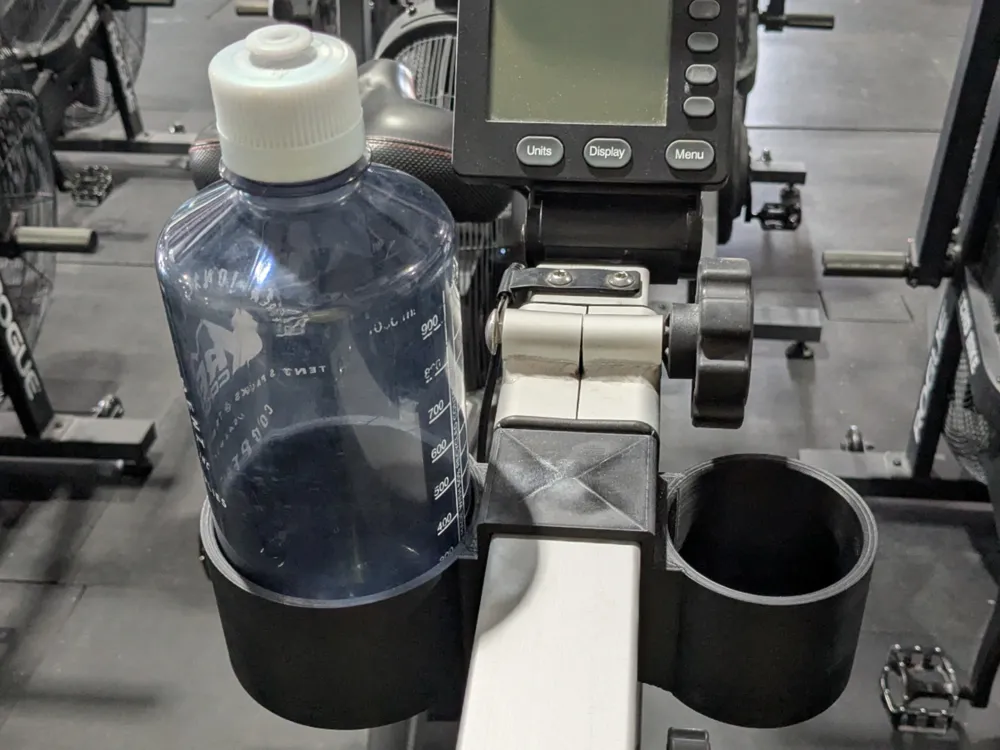
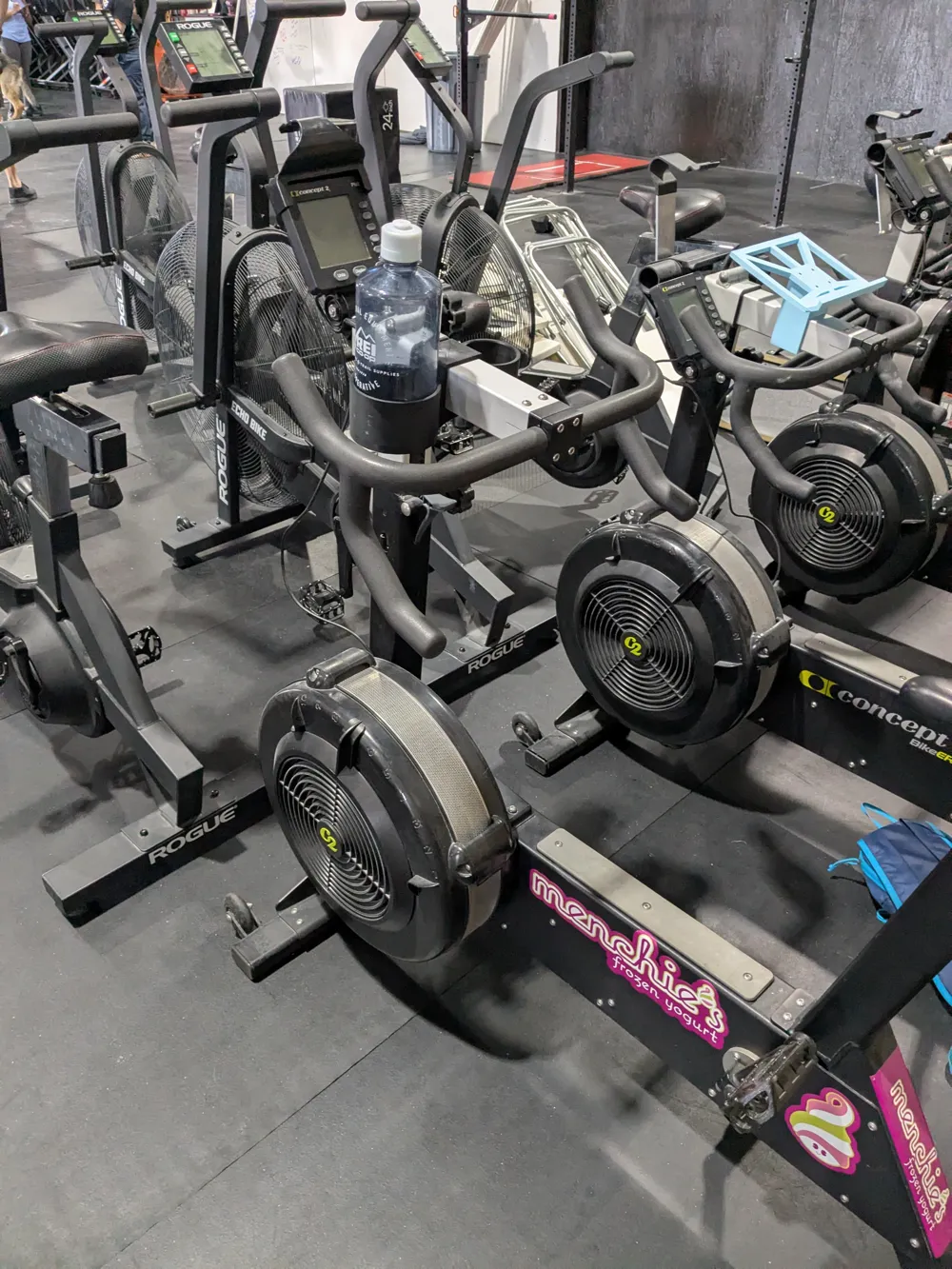
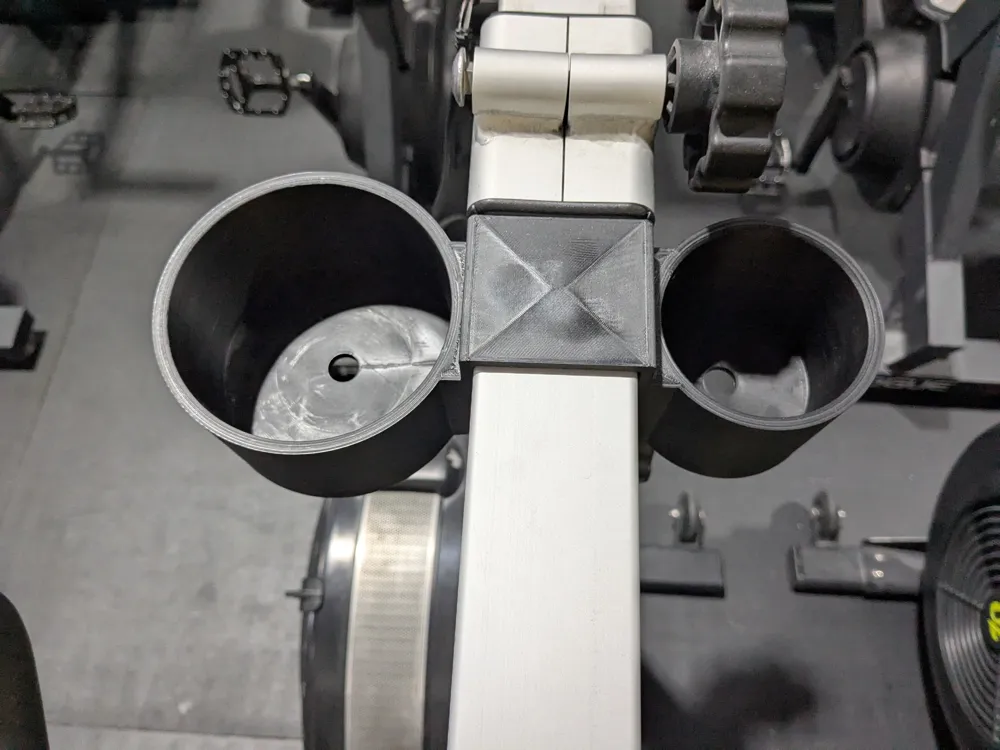
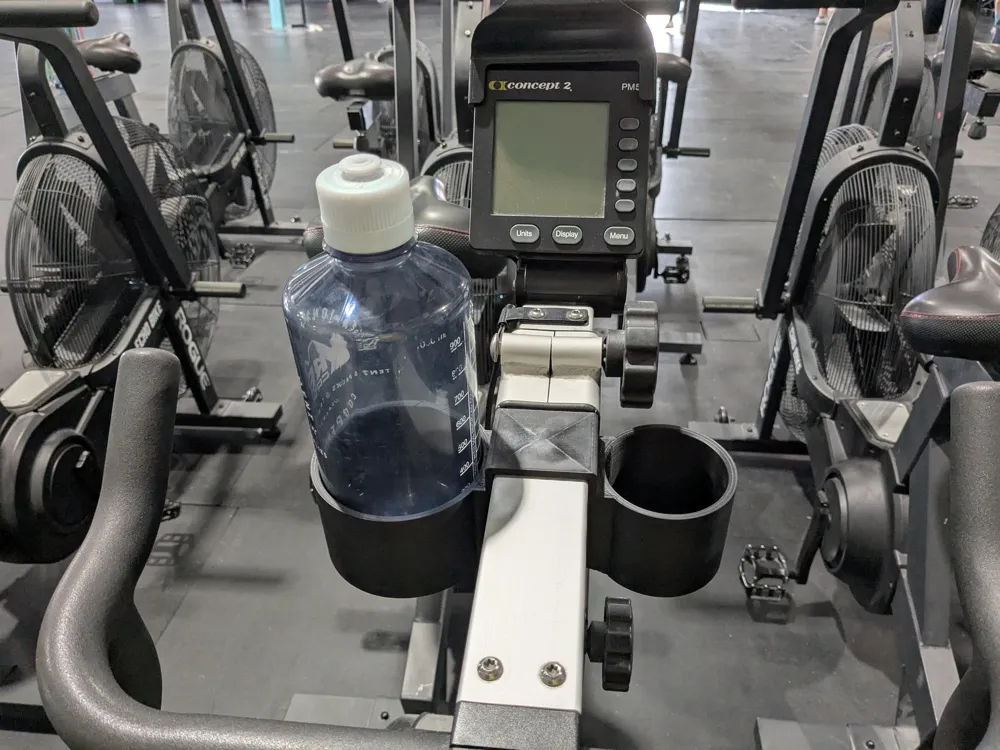
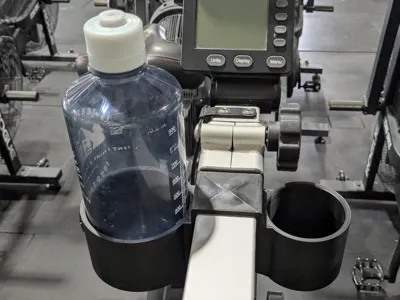
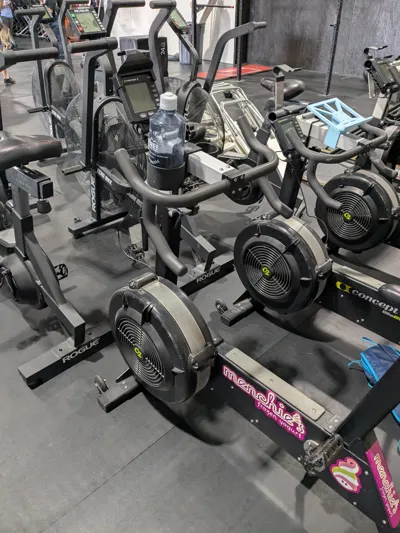
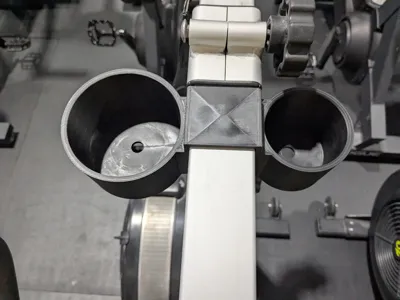
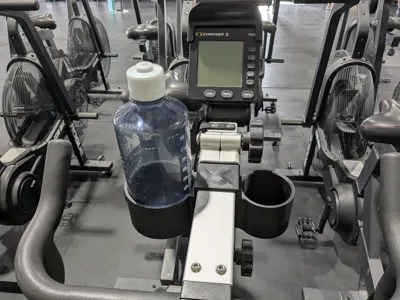
Dual cupholders for the Concept2 Bike Erg. The sizing of the cupholders allow for a common nalgene/water bottle in the large holder and a 16oz can for the smaller holder. Print with supports.


Attaching the cupholders to the handlebar frame requires removal of the monitor support or the handlebars using a T25 torx bit. Slide the cupholder over the metal square tubing and refasten the handlebars or monitor support.

Comment & Rating (13)

(0/1000)

Print Profile
0.2mm layer, 3 walls, 8% infill
My C2 bike is starting to get a little crowded with 3d prints: I have a phone holder, a bottle holder, and a computer mount. I love it. This is the perfect addition to my preparation. Now I need a mount for my fan so I can simulate wind from the ceiling. Probably any hook will do.
1
Reply
Nice. Which "computer mount" are you using for the bikeErg?
0
Reply
Replying to @user_1941638890 :
This is for a Fenix 3 HR. I have an old Fenix 3, and it works just fine. https://makerworld.com/en/models/218675-garmin-fenix-3-hr-bike-mount?from=search#profileId-243661
0
Reply
hi, is the garmin holder on this app? would like to print that
0
Reply
Awesome print, fits the BikeErg perfectly! Printed in PETG on my X1C. I don't use small bottles so I modified this to have 2 Nalgene-sized holders, and added a cutout for those days I need to gym & coffee.
The designer has replied
designer
2
Reply
Fantastic enhancement!
1
Reply
can anyone help me I’m new to this, just bought a c2 bike, went to print this and it is saying incompatible printer, I have a P1S? thanks in advance
The designer has replied
0
Reply
In your slicer, have you updated the printer (top left on Bambu Slicer) to your P1S? I created and printed mine on an A1, so that might be the default profile.
0
Reply
Replying to @cborders :
I’m not even sure what a slicer is 🫣 only just got it to be honest and only operating it through the app (bambuhandy) at the moment.
0
Reply
Print Profile
0.2mm layer, 3 walls, 8% infill
PERFECT, printed it in Creality PETG on my Bambu P2S, and my wife installed it easily.
profile
1
Reply
Print Profile
0.2mm layer, 3 walls, 8% infill
0
Reply
Print Profile
0.2mm layer, 3 walls, 8% infill
0
Reply
No more