
(Over-engineered) Laptop Charging Station
Print Profile(2)


Description
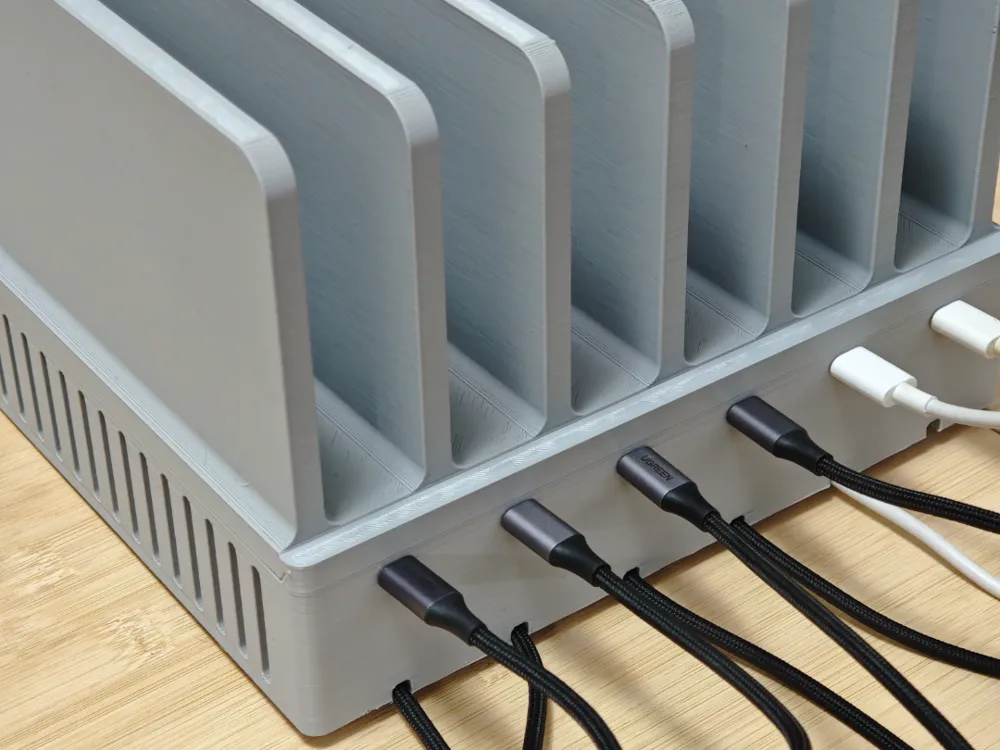
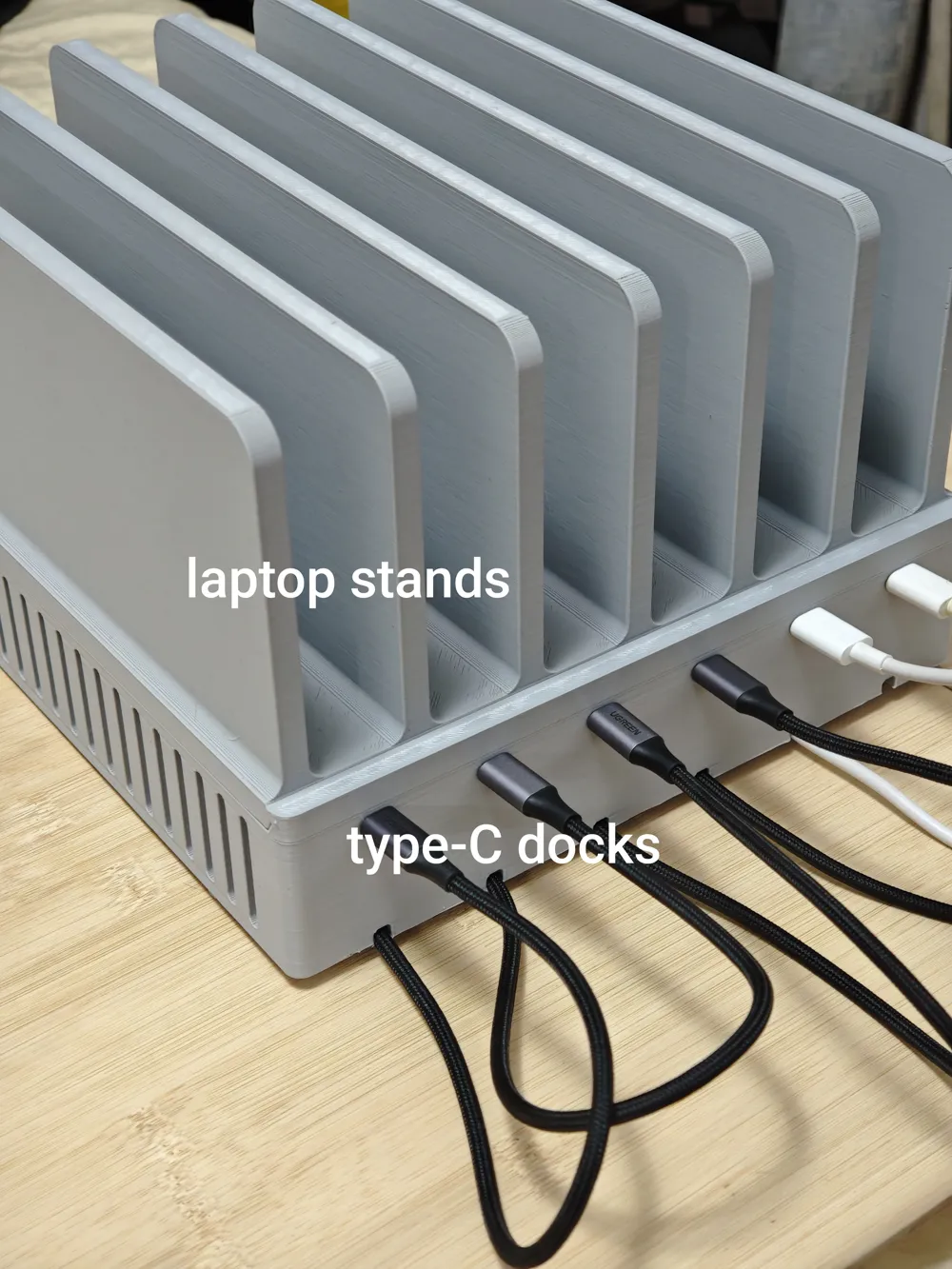
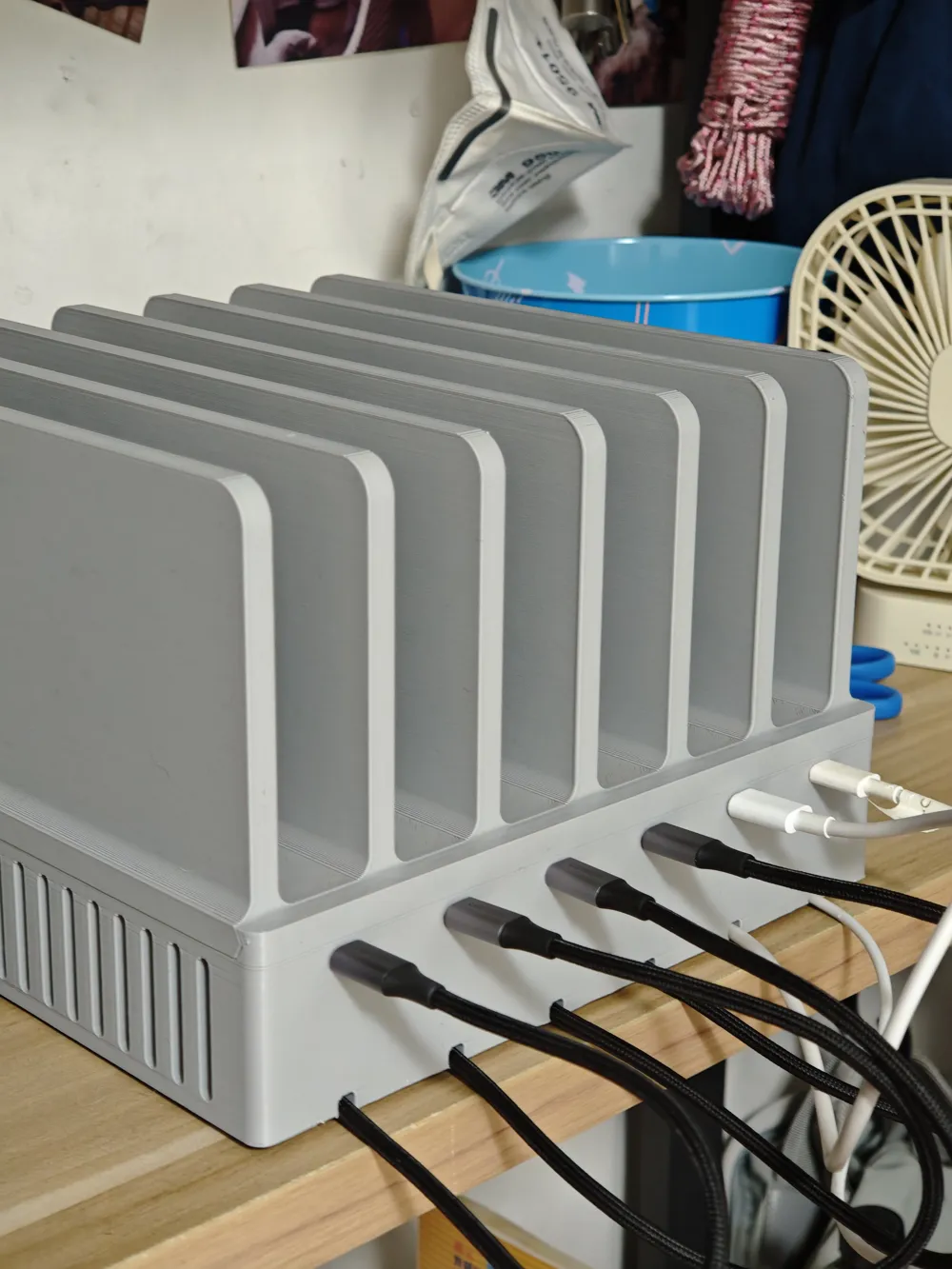
I have a charging corner at home where I charge all my laptops and tablets. I previously bought a small charging station, which barely fit my laptops and tablets. However, after a laptop slipped off, I considered making a larger one.
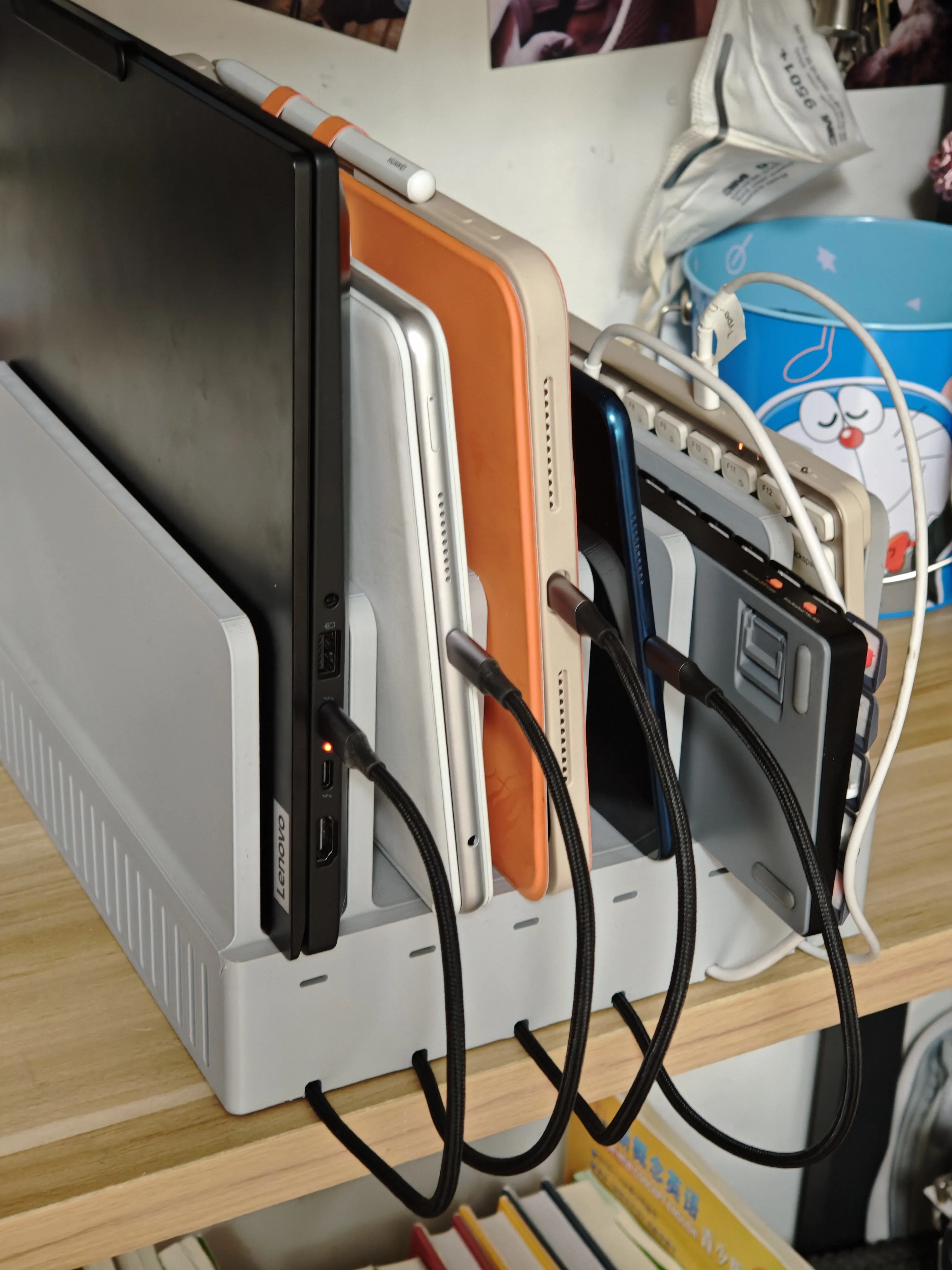
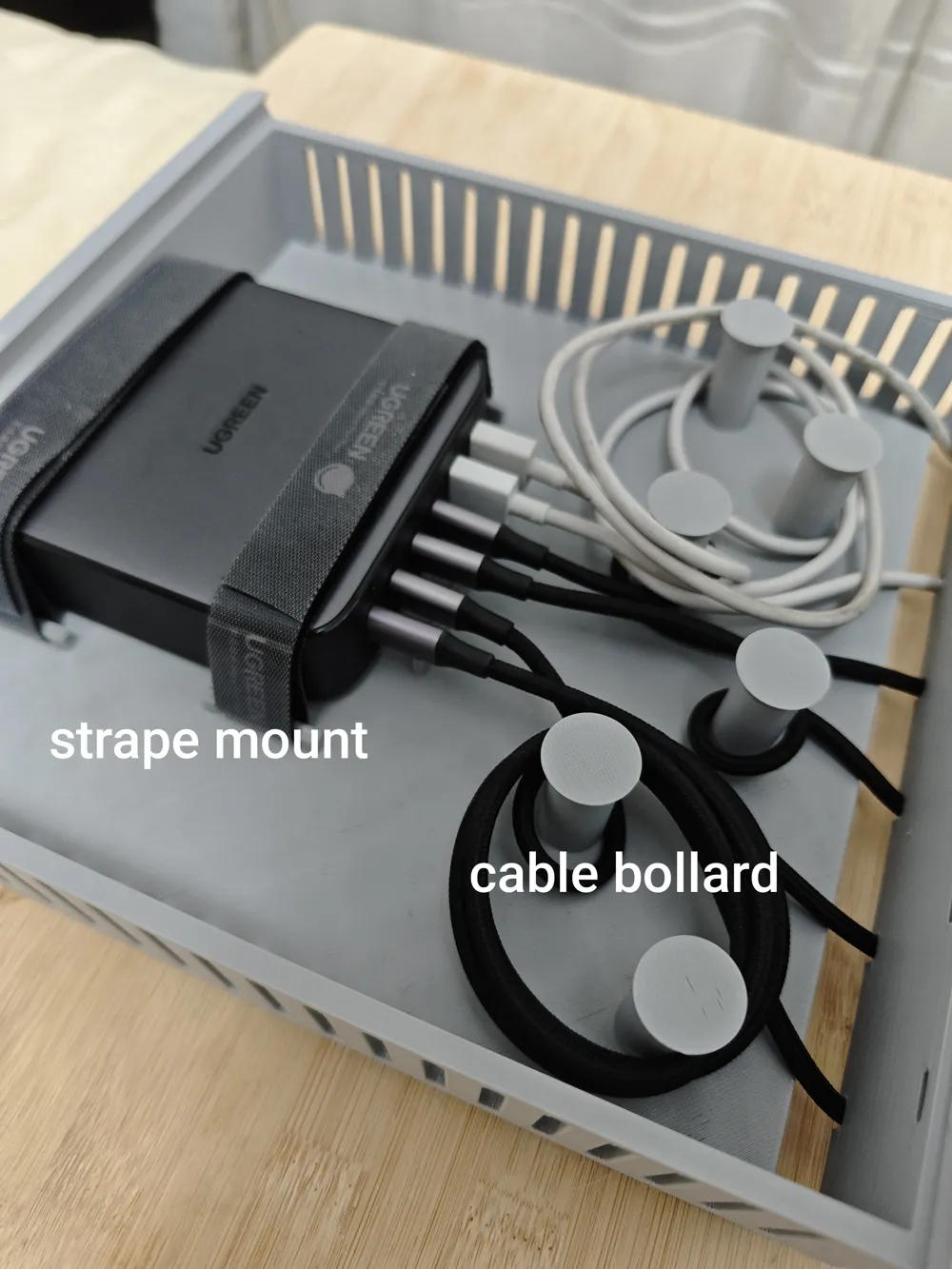
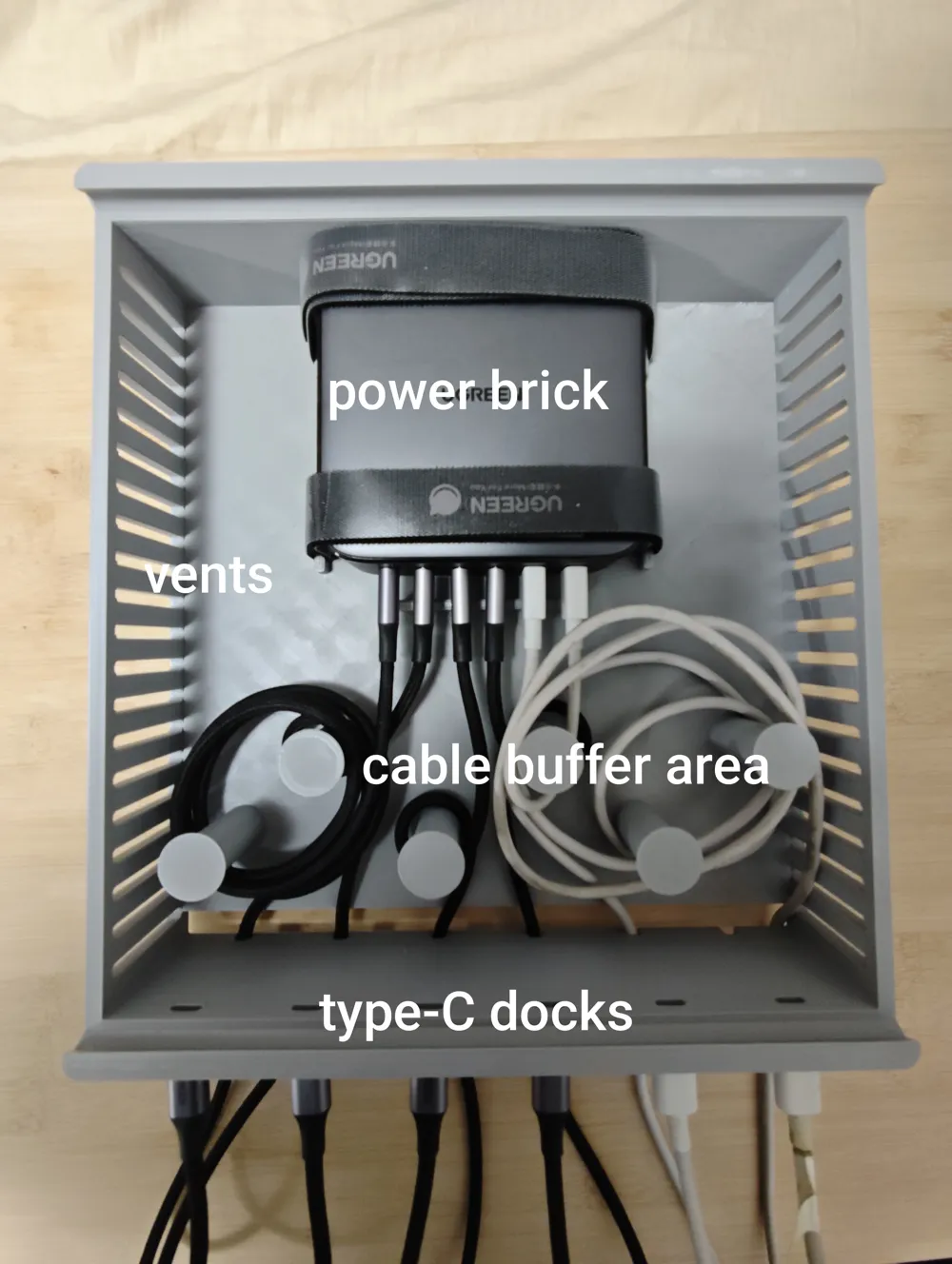
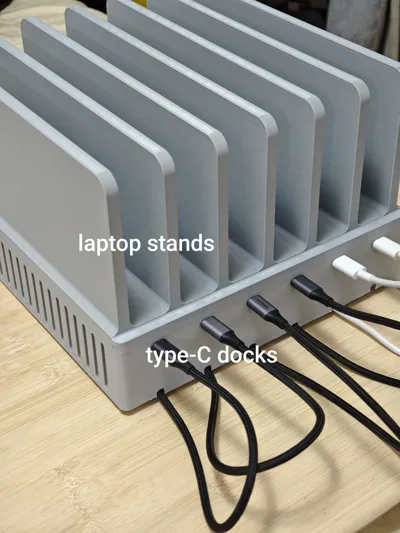
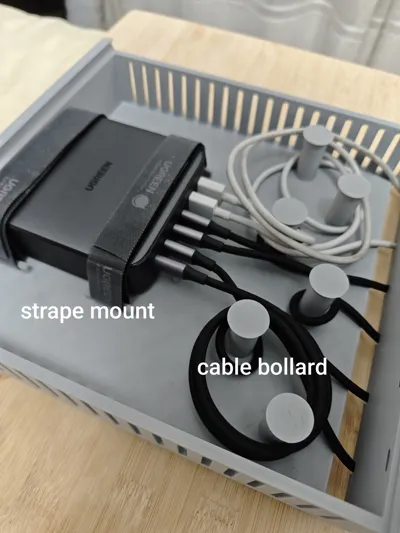
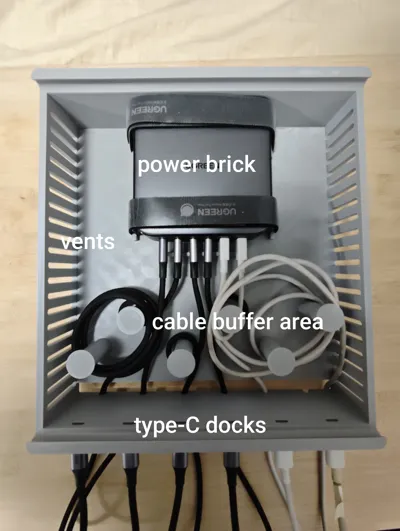
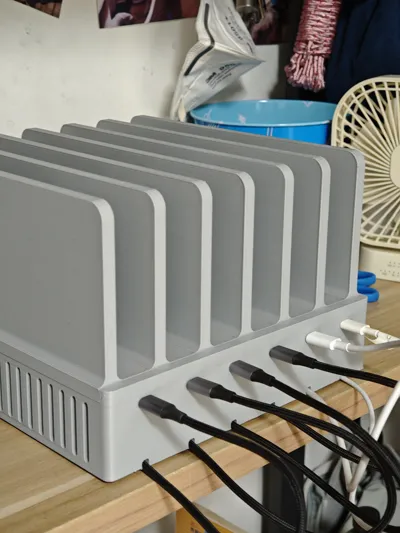
This charging station consists of a top cover (laptop stand) and a box. The interior of the box can accommodate a Ugreen 200W six-port laptop charging module, approximately 101mm x 101mm x 34mm. There are two sets of tie-down posts on either side of the charging module. A 20mm strap can be used to secure the module.
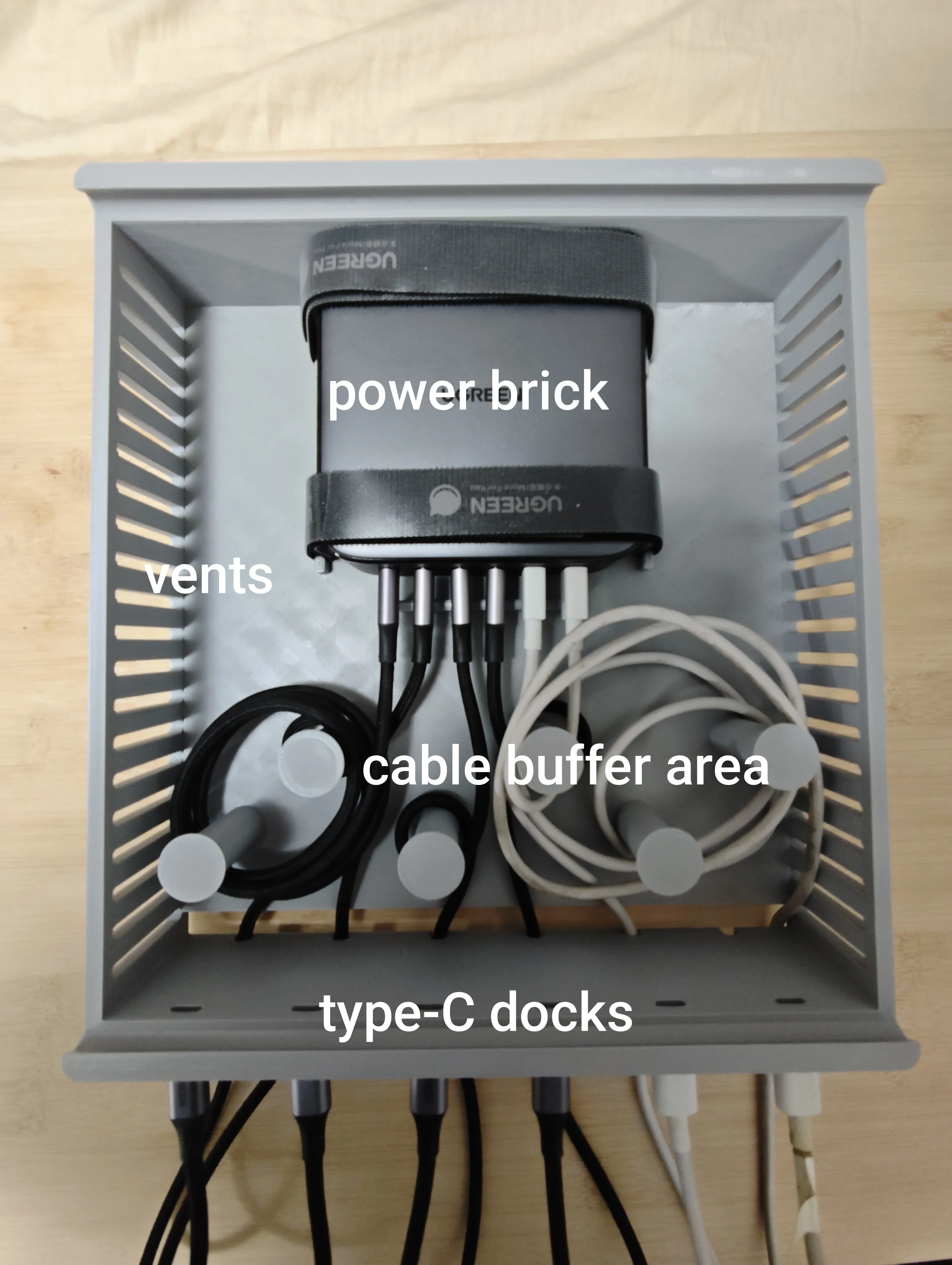
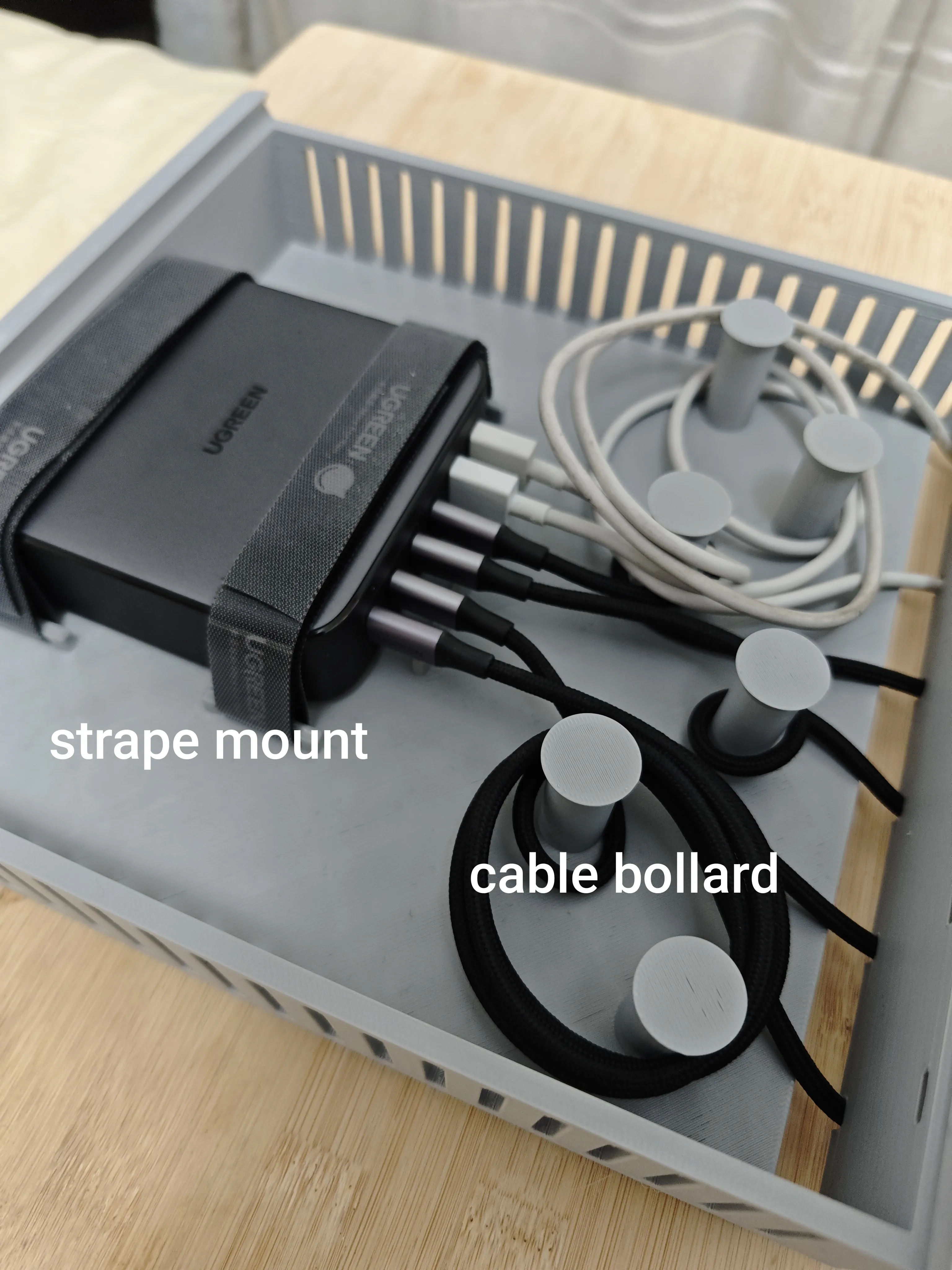
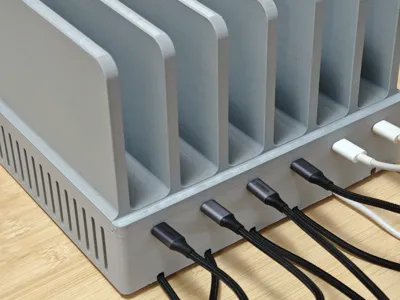
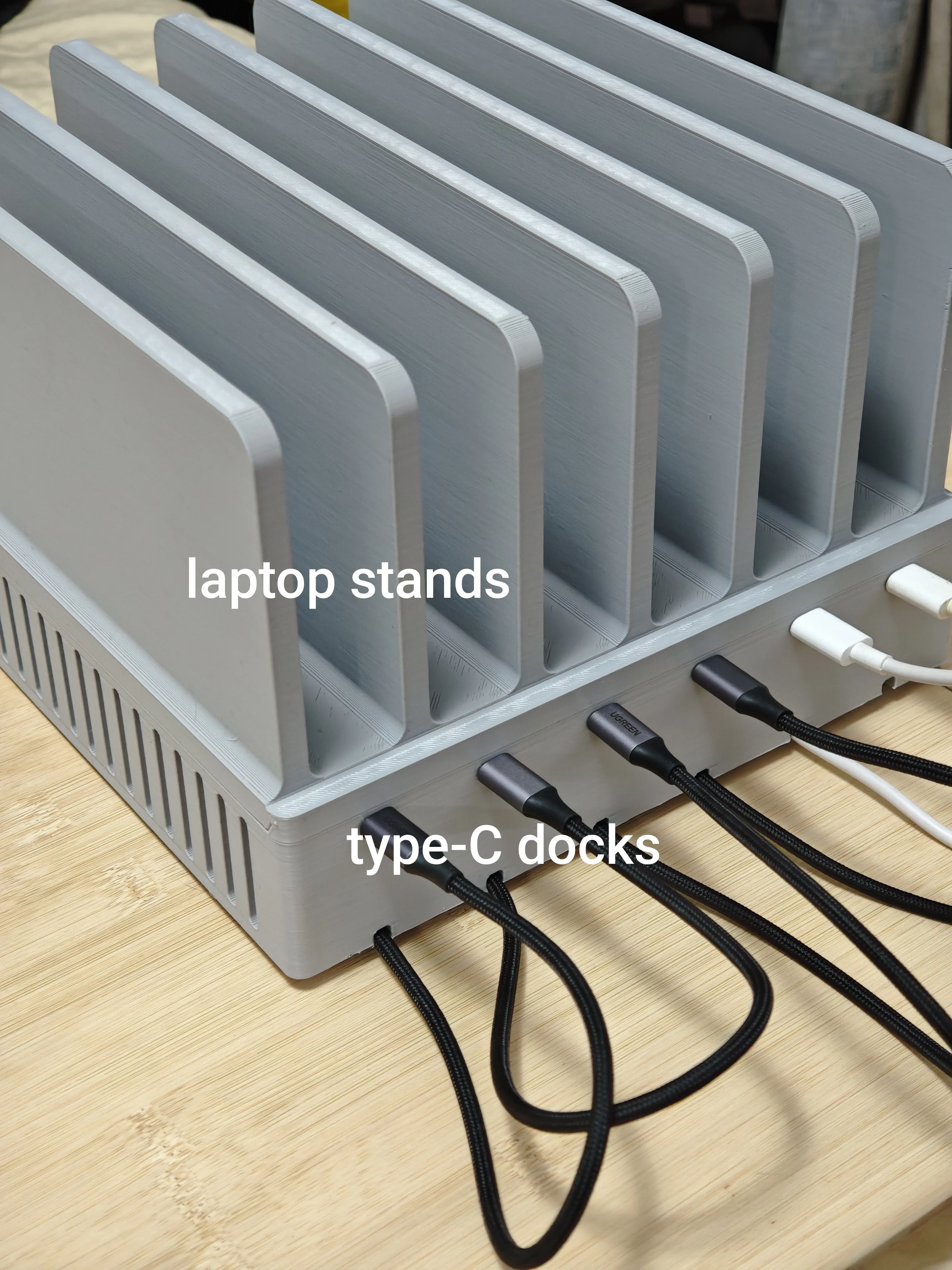
On the front of the charging station box, I have created some cable guides to allow excess charging cables to be neatly wound. Considering that most charging cables are now Type-C, I have also added some recesses for Type-C charging heads to fit. When not in use, the Type-C cables can be neatly plugged into these holes, preventing clutter on the front panel.
Assembly Guide
Install the charging module into the box and insert the power supply through the rear power port. If using straps, secure the charging module with them. Insert the charging cables into the front ports of the charging module and use the buffer to adjust the cables to the appropriate length. Route the charging cables out through the long slot at the bottom front of the box. Test the connection.
Slide the lid in from the side until it fits snugly against the box. Place the laptop or tablet on top and plug it in.
License

You shall not share, sub-license, sell, rent, host, transfer, or distribute in any way the digital or 3D printed versions of this object, nor any other derivative work of this object in its digital or physical format (including - but not limited to - remixes of this object, and hosting on other digital platforms). The objects may not be used without permission in any way whatsoever in which you charge money, or collect fees.


Comment & Rating (102)