
Guitar Fretboard Radius Sanding Blocks Parametric
Print Profile(0)
Description
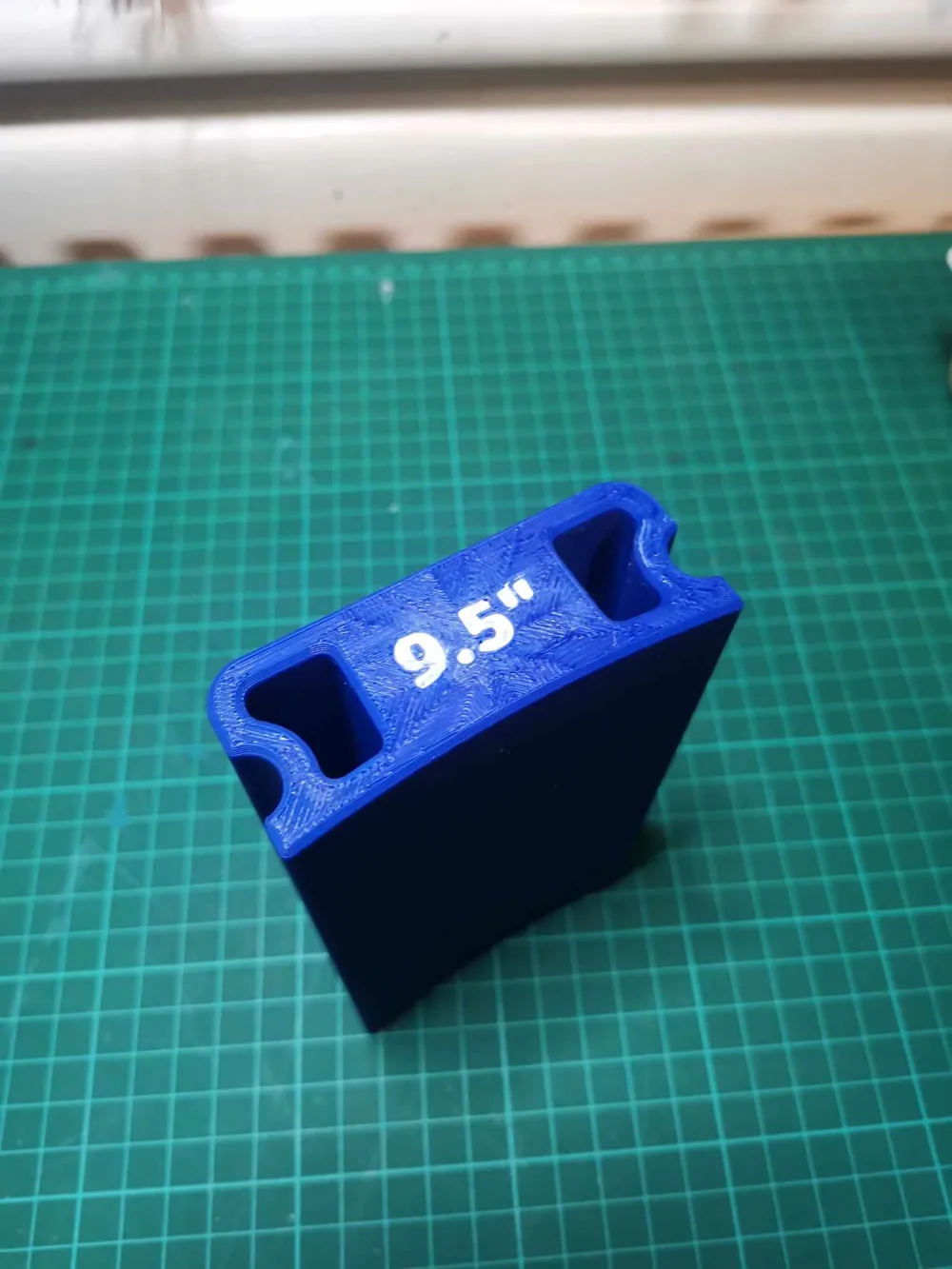
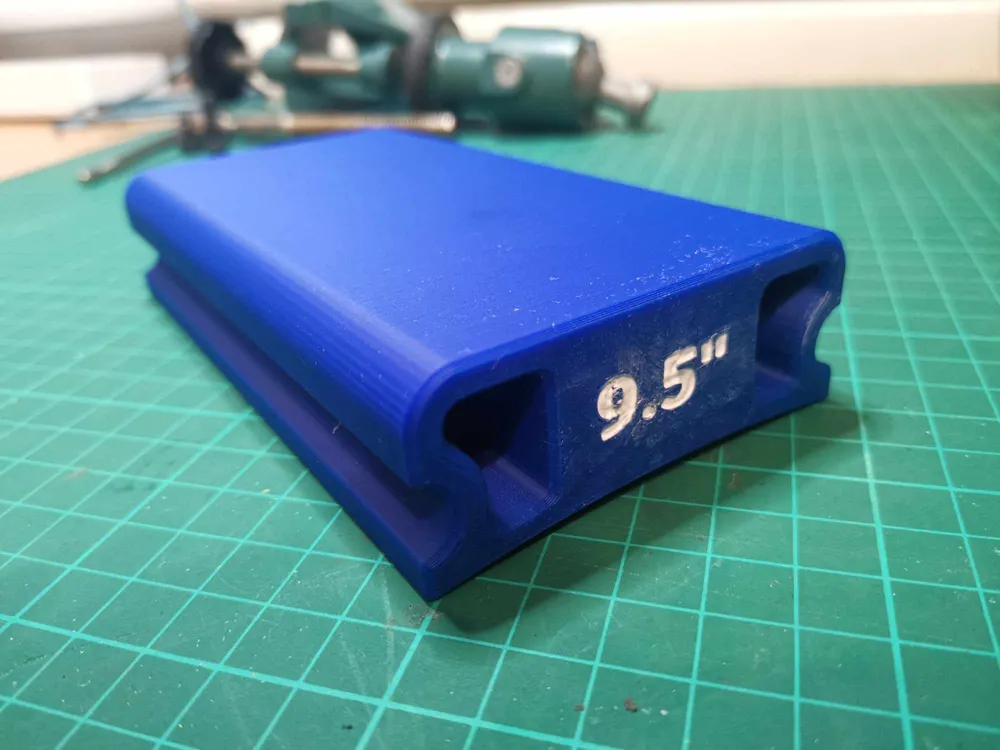
I am quite fussy about the details for 3D prints, and the other radius blocks out there didn't quite meet all my criteria (mainly making sure bed surface has chamfers and all necessary fillets are applied). I thought I would also make this parametric, so you can make any radius sanding block you like.
To change radius just go to parameters and edit the radius (in inches), this will update the block geometry and also the text label. but you will need the Parametric Text Add-In for Fusion to make it work - I am not sure how it will behave if you change the parameters without the add-in. You may want to change the Parametric Text format extension to .0f , .1f or .2f depending on your decimal places for custom radius. E.g. {RadiusText:.2f} when the radius is 12 will give a label of 12.00", which is ugly.
To use this, I would put masking tape on the radius face, then use superglue to stick sandpaper to the masking tape being careful not to put too much on. Fancy people may just have sticky backed sandpaper. As long as you don't get superglue on the block itself, when the sandpaper is done or you need another grit, you can just peel the masking tape off to remove the sandpaper.
Please note this is a single-colour print. I just painted the deboss with acrylic in the provided pictures.
If you like my designs, consider popping a tip on https://ko-fi.com/valentineinstruments - it helps out a lot!
License



Comment & Rating (4)