
All-in-One Test Print | mpoxDE

Print Profile(4)


Description
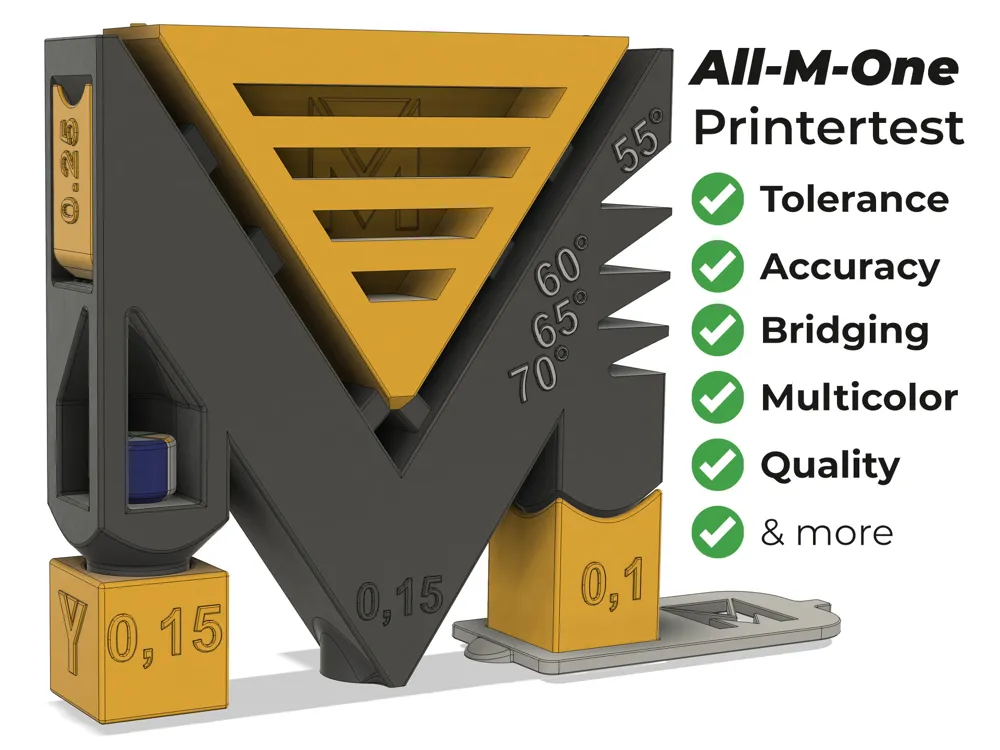
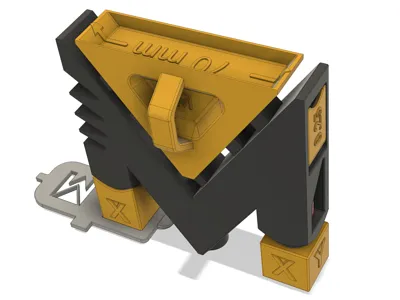
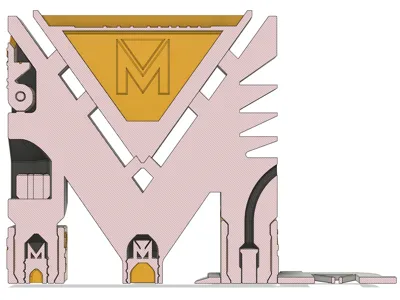
In collaboration with designer @MeisterEdel, I developed this test model featuring my logo. It assesses your 3D printer's capabilities regarding tolerance (including threads), bridging, dimensional accuracy, wall quality, and surface finish.
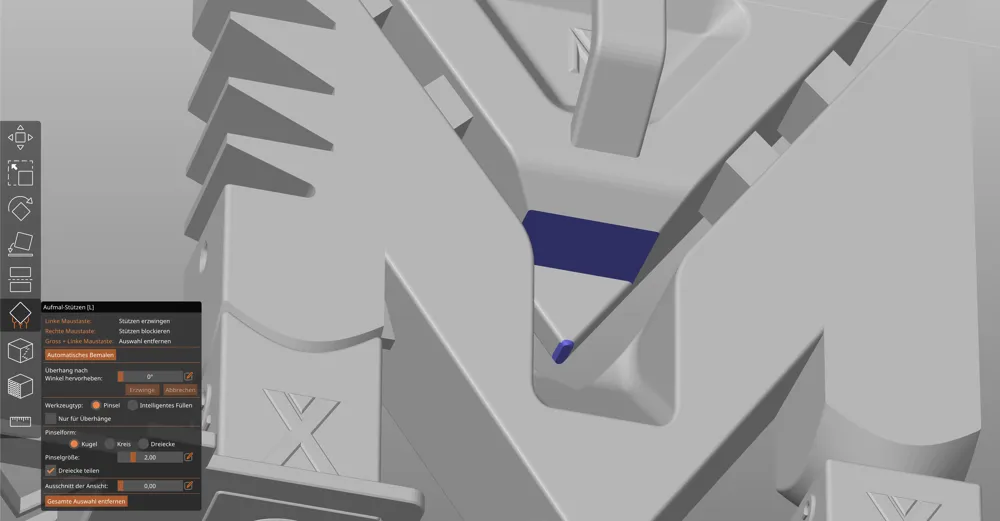
Two versions are available: one printed with support structures and one without. This enables testing of support adhesion to surfaces, overhangs, and intricate details.
Standard profiles (0.4mm nozzle, 0.2mm layer height) within your slicer can be utilized.
While functional with various materials, optimal results were achieved using PLA-CF.
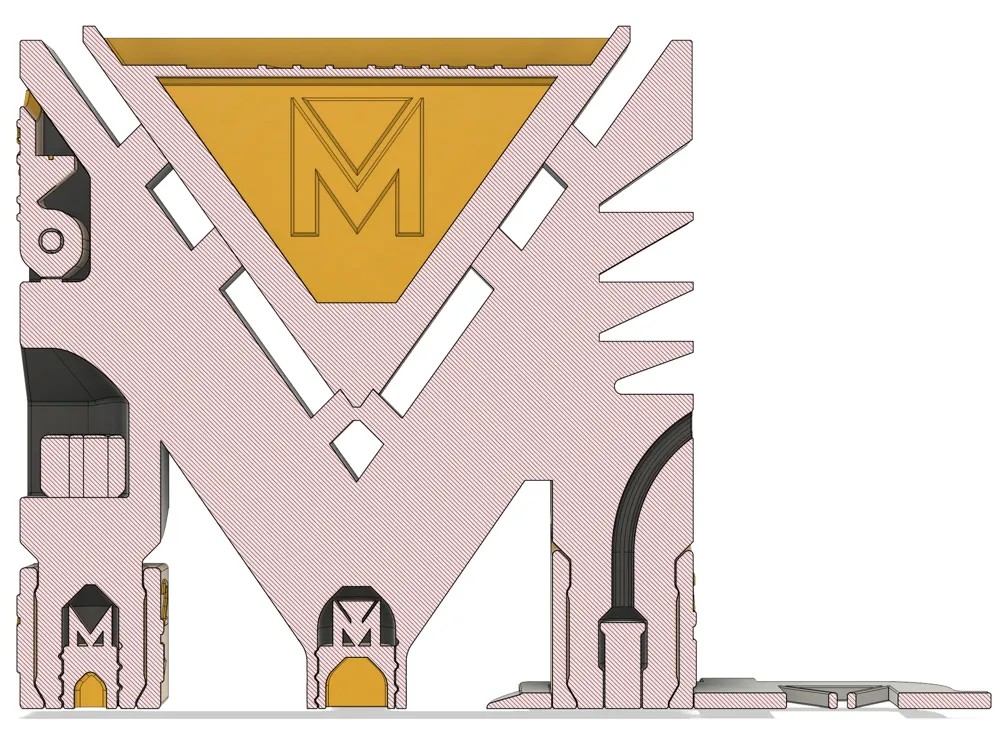
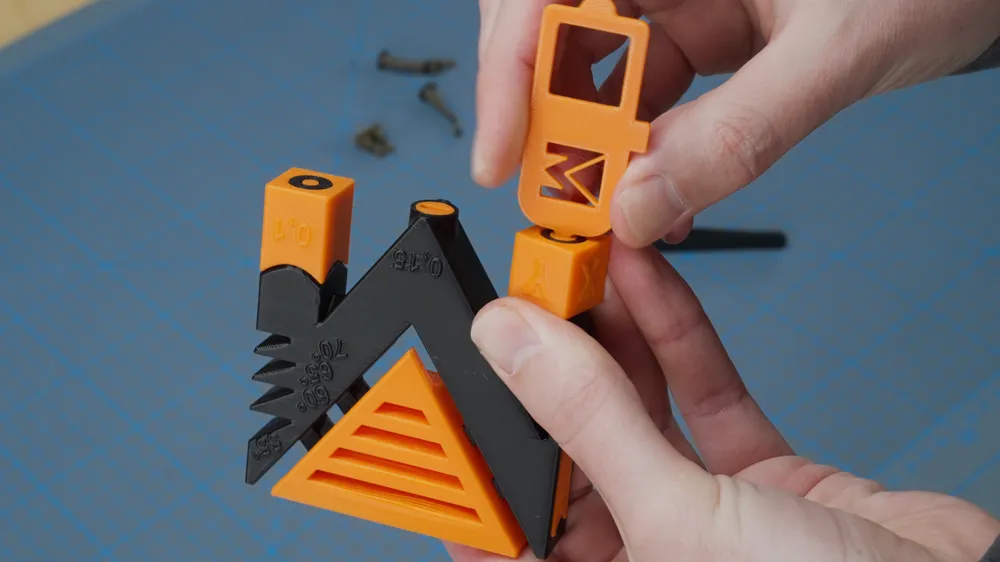
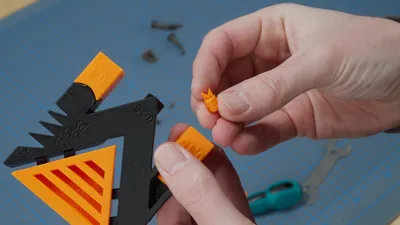
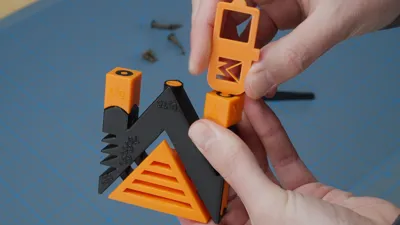
The playful element involves liberating all the “M’s,” concealed behind flaps, within threaded cylinders, or simply on surfaces. Have you located all the “M’s”? Then showcase your creation and share it with me!
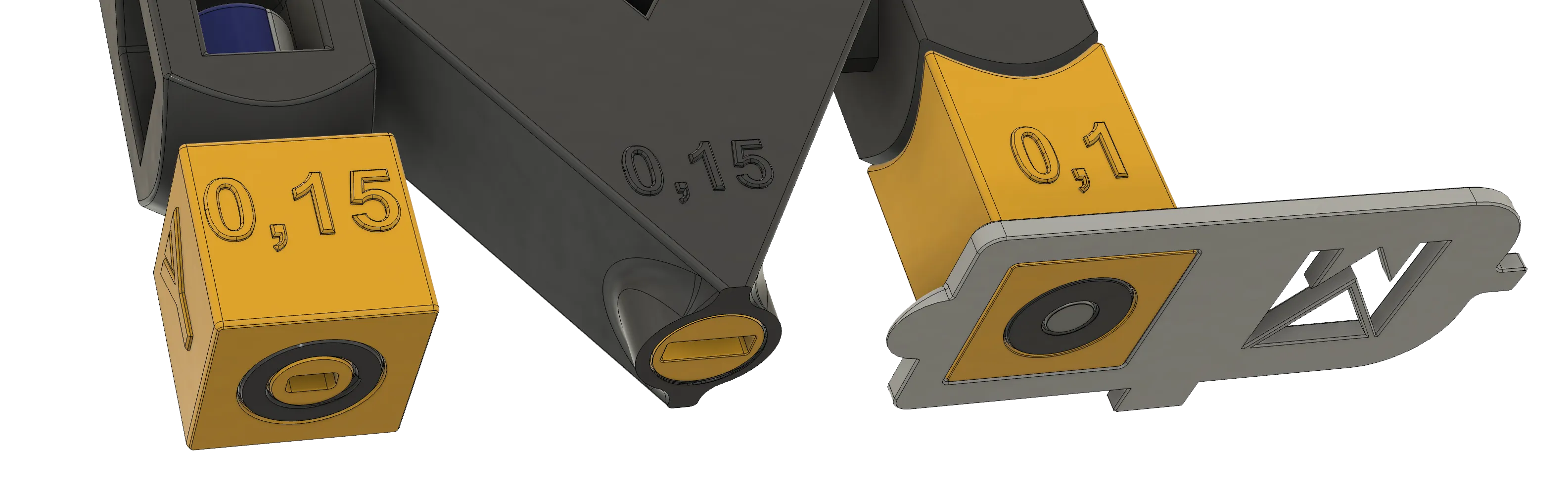
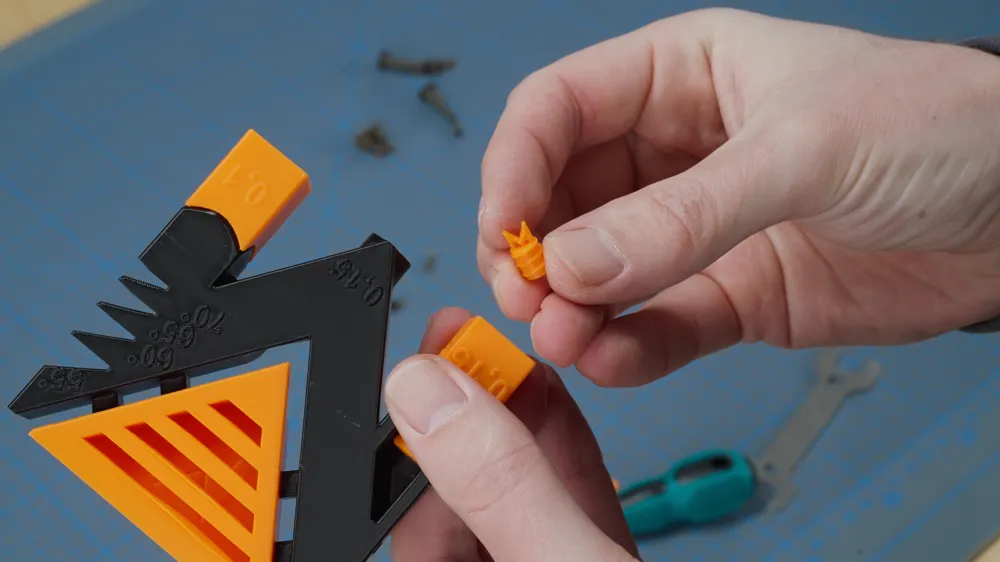
The accompanying tool is included in the print. Successfully opening the threads and flaps with this tool grants extra points. However, a metal flathead screwdriver can be used if necessary (force may be required with less precise printers).
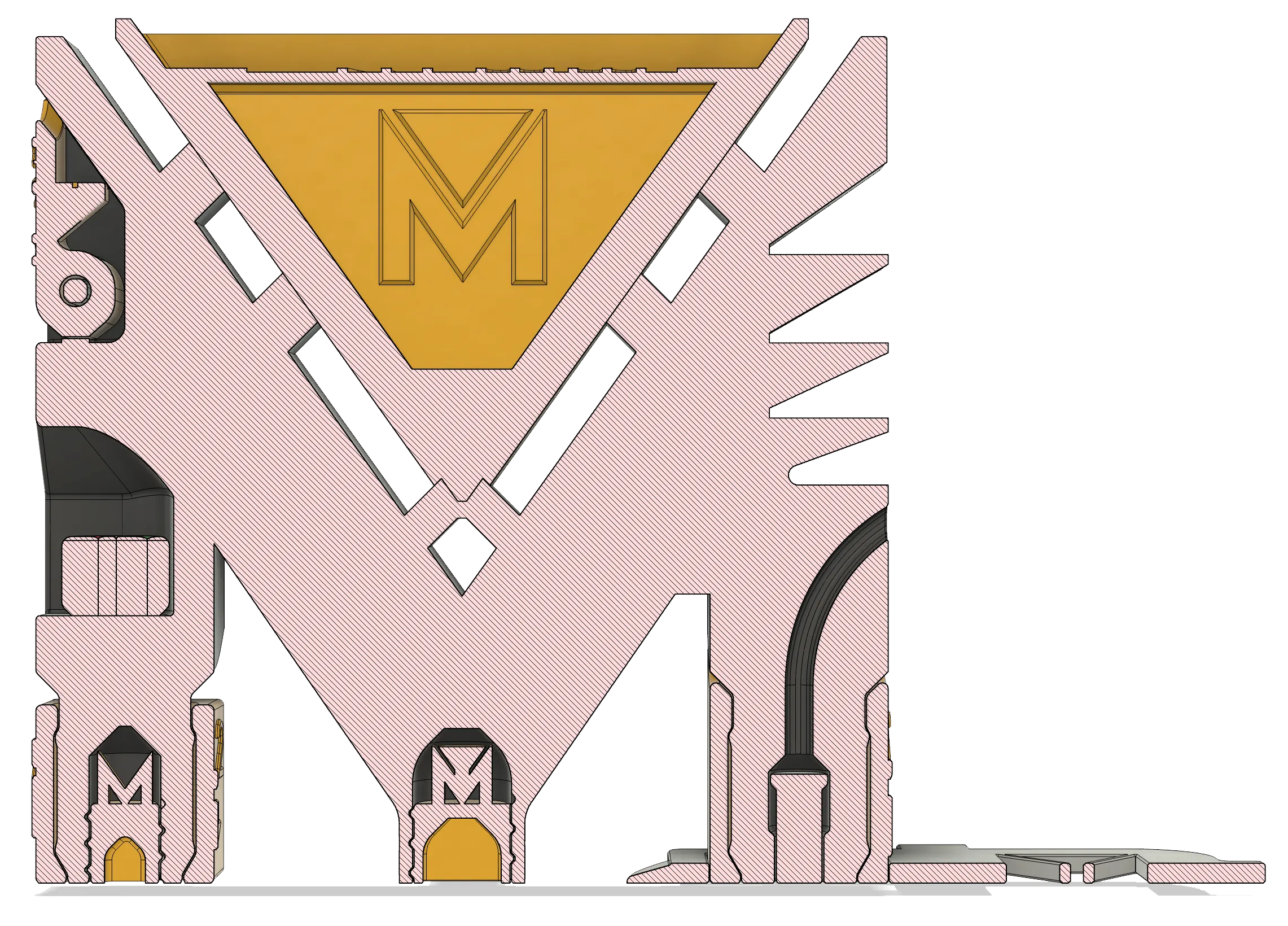
Test Overview:
- Wall Thickness/Flow | The upper section is printed with one or two 0.45mm walls.
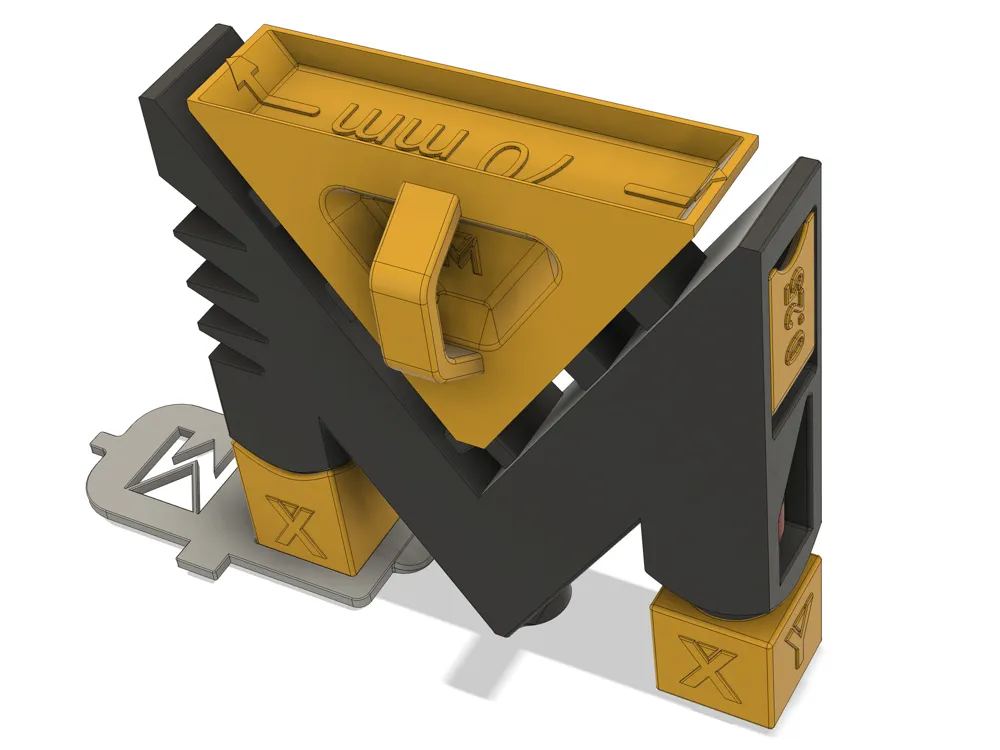
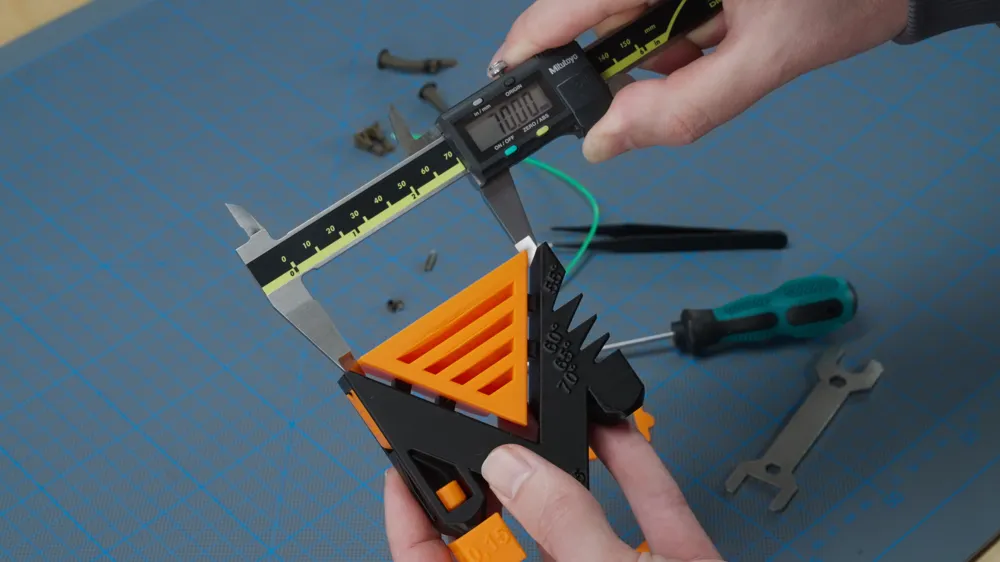
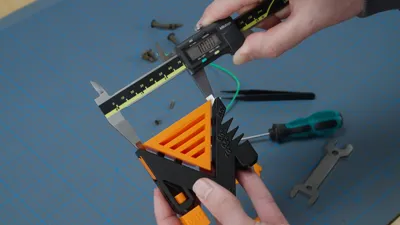
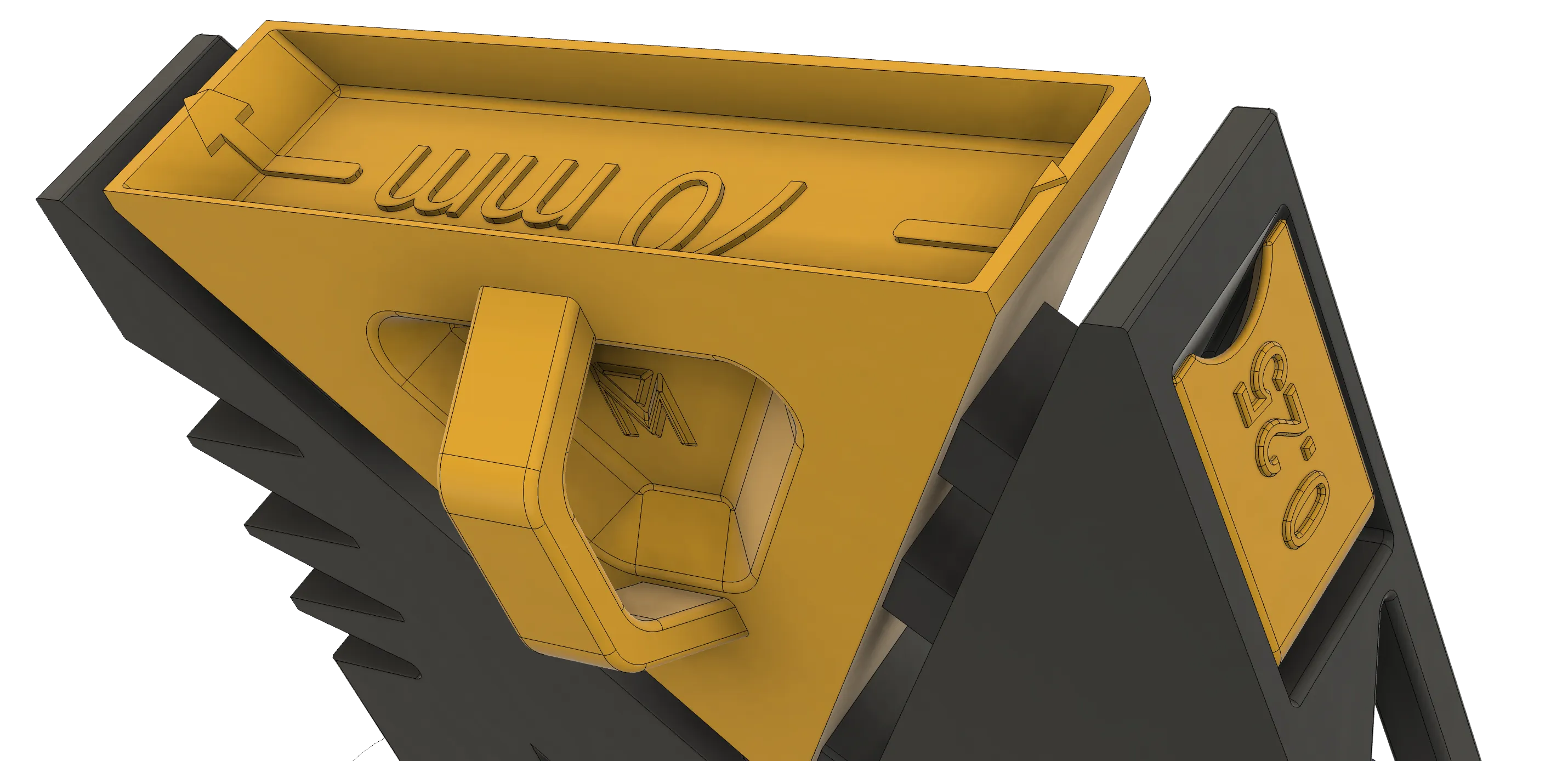
- Dimensional Accuracy | Features a 70mm gap at the top and an 18mm cube at the base.
- Bridging | The triangle incorporates bridges of varying lengths. Can your printer manage 50mm? Utilize the tool to evaluate layer adhesion!
- Tolerance | Incorporates diverse tolerance tests (0.1-0.25mm), including straightforward free-rotation tests, a flap (which should be achievable with all printers), and intricate threads. A filament strand insertion point (on the right) tests for potential extrusion issues (e.g., material popping out).
- Wall Quality | A larger test area enables comprehensive assessment of walls and VFA effects.
- Surface Quality | The tool provides excellent evaluation of surface filling. The embedded “M” introduces added complexity.
- Multi-material | While single-color printing is possible, multi-material/multi-color printing allows for testing of filament changes, or precision/misalignment checks on tool-changing, IDEX, or dual-nozzle printers.
- Overhangs | Multiple overhangs are included; however, for rigorous testing, larger-surface overhangs are recommended. Consider these more of a supplementary feature.
A hanging attachment is also included. Display it at Formnext, Maker Faire, or your next 3D printing event! Successful completion of all tests is sure to impress fellow enthusiasts!
Enjoy our “M”! This is the initial version. Feedback on additional tests is welcome, and we'll incorporate suggestions into subsequent iterations.
Explore more exceptional 3D printable models on Anton’s page: https://www.printables.com/@MeisterEdel
Visit my YouTube channel: https://www.youtube.com/@mpoxde
--------------------
English translation:
Together with designer @MeisterEdel, I developed this test model featuring my logo. It evaluates your 3D printer’s performance in terms of tolerance (including threads), bridging, dimensional accuracy, wall quality, and surface finish.
There are two versions: one printed with supports and one without. This allows you to test, for example, how well supports adhere to surfaces, overhangs, and delicate features.
You can use the standard profiles in your slicer (0.4mm nozzle, 0.2mm layer height).
The test generally works with all materials, but I achieved the best results with PLA-CF.
The playful aspect lies in freeing all the “M’s.” They are hidden behind flaps, inside threaded cylinders, or simply on surfaces. Have you found all the “M’s”? Then post your make and show me!
The matching tool is printed alongside the model. If your 3D printer can open the threads and flaps with this tool, you earn extra points! If that doesn’t work, you can also use a metal flathead screwdriver (force might be the solution for imprecise printers).
Overview of the Tests:
• Wall thickness/flow | The upper part is printed with one or two 0.45mm walls.
• Dimensional accuracy | 70mm gap at the top and an 18mm cube at the bottom.
• Bridging | The triangle contains bridges of different lengths. Can your printer handle 50mm? Use the tool to check layer adhesion!
• Tolerance | Various tolerance tests (0.1-0.25mm) are integrated, including simple free-rotation tests, a flap (which every printer should handle!), and complex threads. A filament strand can be inserted into the hole on the right. Does something pop out? Or do we have a bit of over-extrusion?
• Wall quality | We deliberately designed a larger test, allowing you to check walls, VFA effects, etc.
• Surface quality | The tool is great for checking whether your 3D printer properly fills surfaces. The embedded “M” adds complexity.
• Multi-material | While the test can be printed in a single color, multi-material or multi-color printing is also possible. This allows you to test filament changes or assess precision and misalignment with tool changers, IDEX, or dual-nozzle printers.
• Overhangs | Various overhangs are included. However, I recommend testing overhangs with larger surfaces. Consider these overhangs more of a gimmick!
Oh, and there’s also a hook for hanging it up! Bring this piece to Formnext, Maker Faire, or your next 3D printing meetup and attach it to your backpack. If you manage to pass all the tests, other visitors will envy you and think you’re even cooler than you already are!
Have fun with our “M.” This is the first version. Feel free to suggest additional tests in the comments, and we’ll consider them for future versions.
License



Comment & Rating (658)