
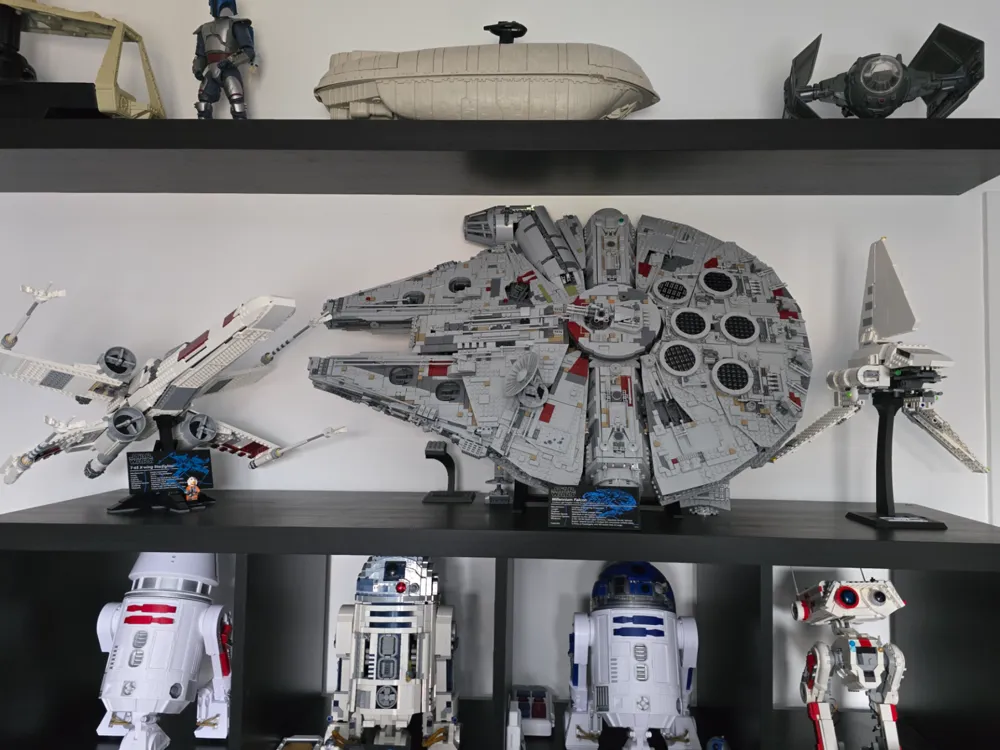
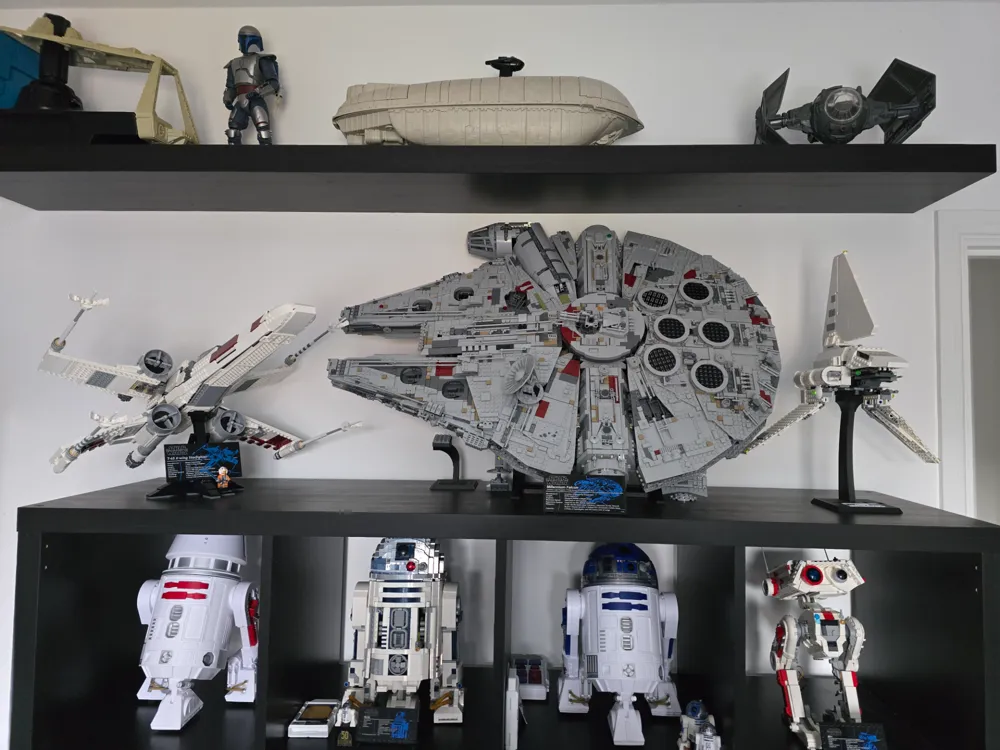
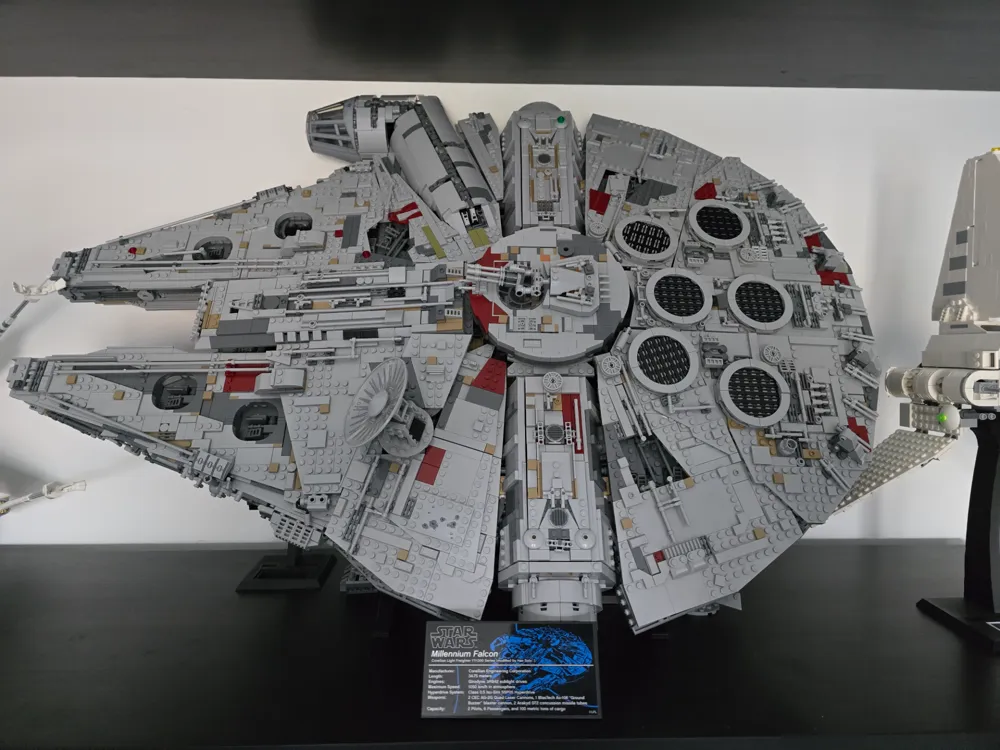
Millenium Falcon (75192) Stand
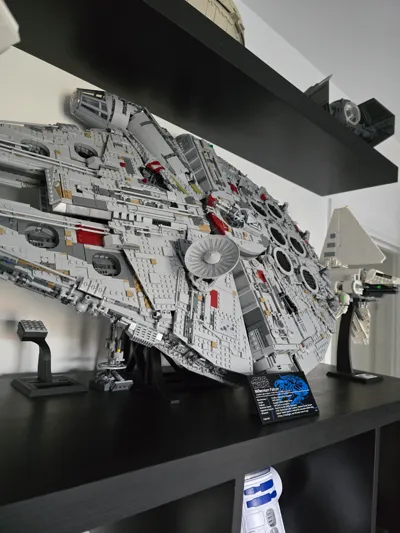
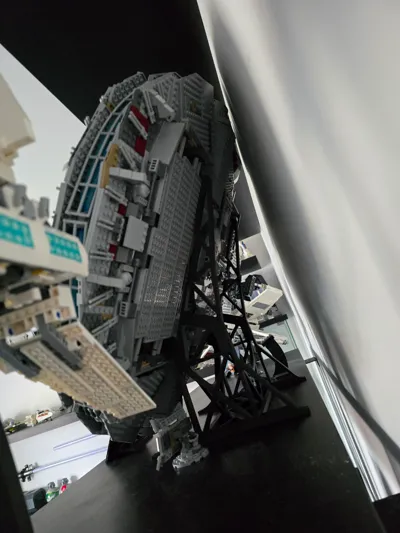
Print Profile(1)

Description
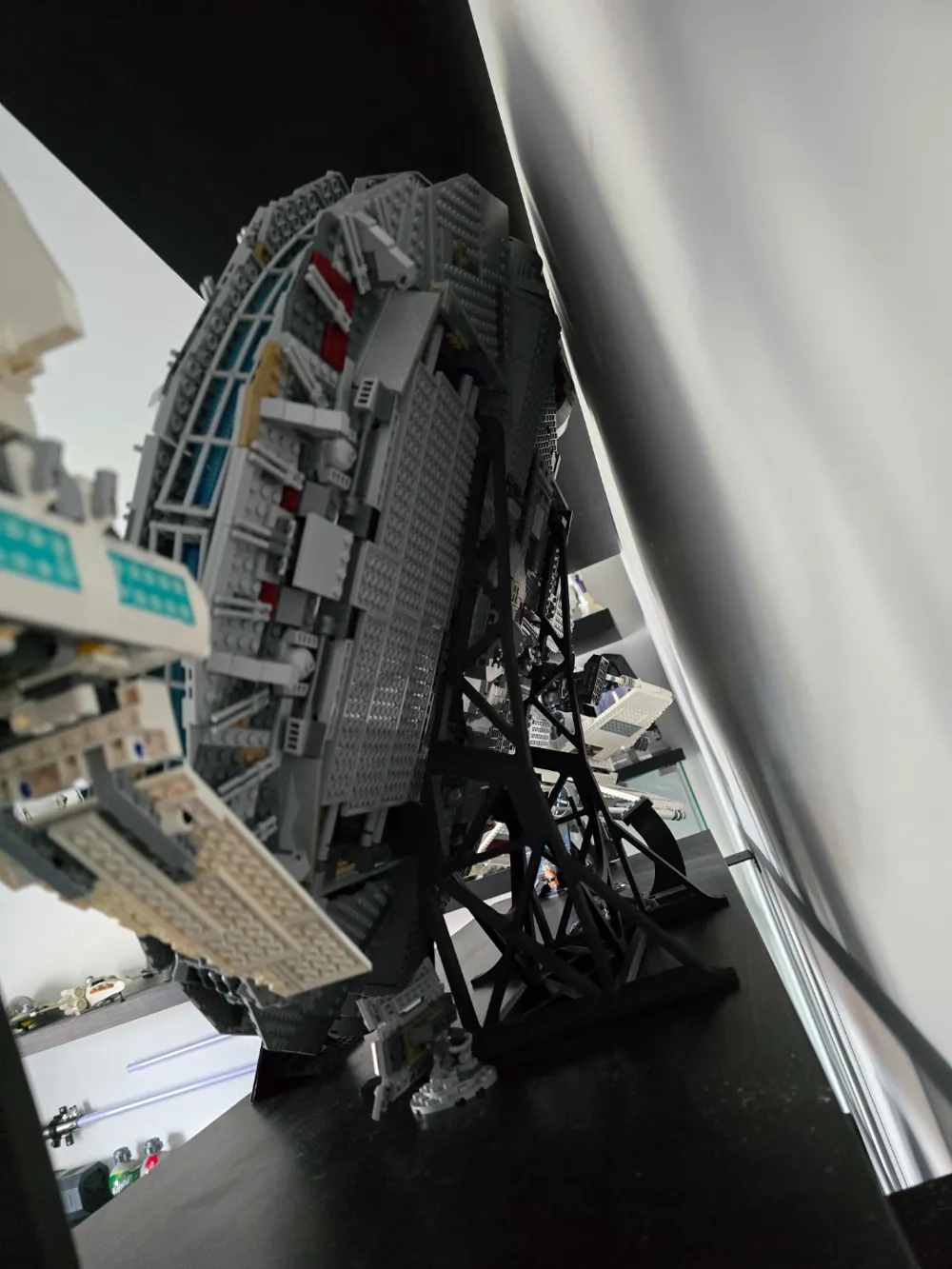
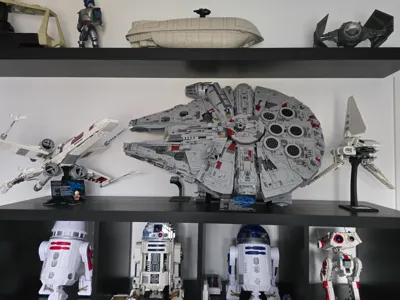
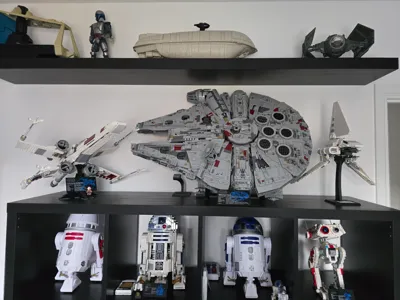
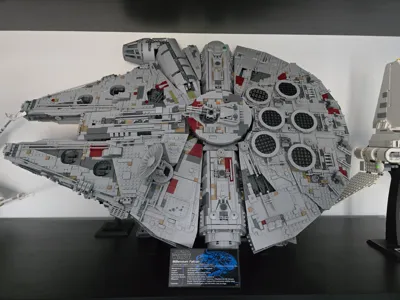
*Modified mounting points and connections to improve stability and assembly*
Lego Millennium Falcon Kit 75192 -
Installation Instructions
Installation Steps:
1. Remove Top Covers and Hatches
Before rotating the model, carefully remove all top covers and hatches to prevent
them from falling off.
2. Detach the Landing Gear
Remove all landing gear from the base of the model. Some pieces may be reinstalled
later.
3. Handle with Extreme Care
This model is highly delicate, so move it slowly and steadily. Use caution when
handling and rotating to avoid damaging its fragile structure.
4. Rotate the Model
Carefully rotate the model 90 degrees, applying gentle, consistent pressure to
prevent shifting or breakage. The assembly may not be as strong as it appears, so
proceed with care.
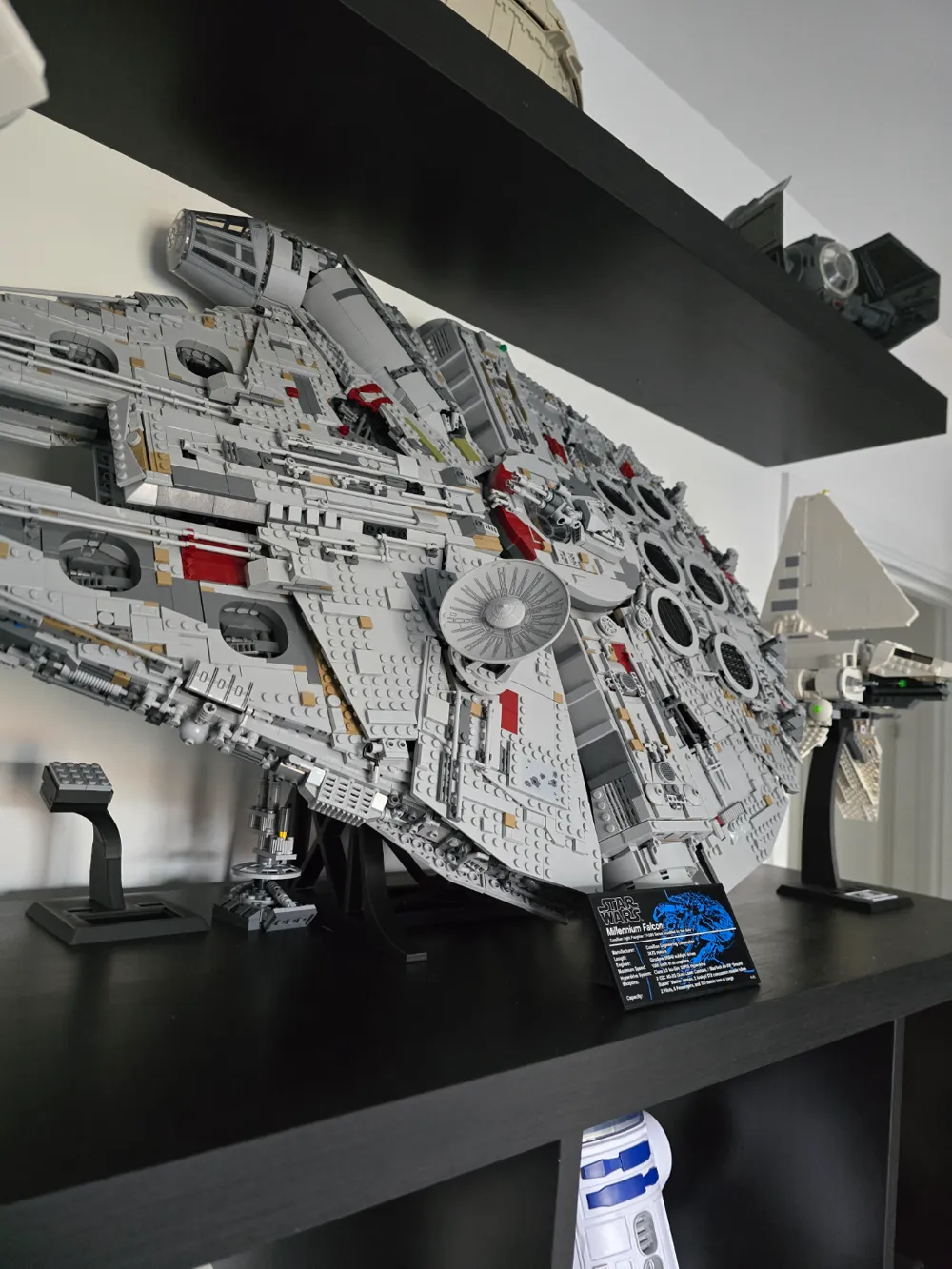
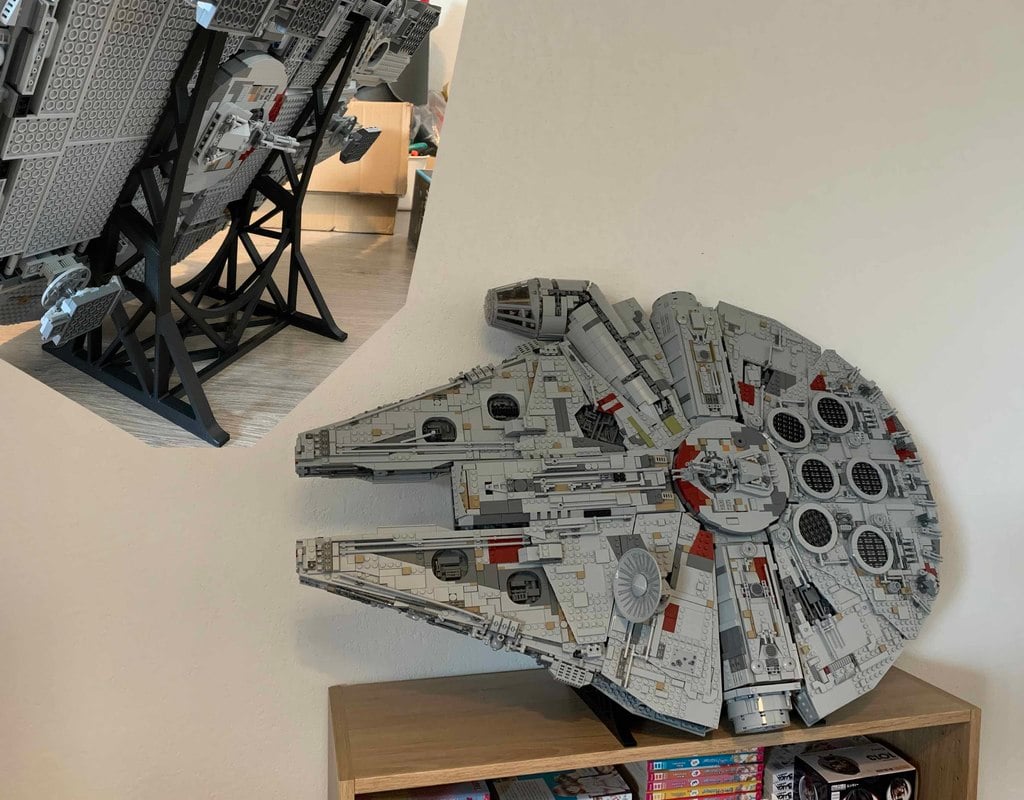
5. Align the Stand
Locate the top lips on the upper section of the stand and align them with the open
spaces above the exterior landing gear. This step may take some time to ensure
proper positioning.
6. Secure the Model on the Stand
Once the hooks are securely in place, slowly rotate the model back down until the
side rests securely on the lower lips. Ensure the small ball detents hold the model in
position.
Important Notice:
Handle with care throughout the installation process. We are not liable for any damage
caused during installation or use of the stand. This is a non-OEM modification.
Documentation (1)
This remix is based on
License



Comment & Rating (70)