
Celestron EdgeHD 8 Secondary Cap and Hyperstar Cap
Print Profile(1)

Description
I use my Celestron EdgeHD 8 almost exclusively with the Starizona HyperStar attachment a few times a week going mobile to video asteroids passing in front of stars. To use the HyperStar, you unscrew the HyperStar cap/cup, then remove the secondary mirror, insert the secondary into the cup, then finally screw the HyperStar into the secondary. The threads are very fine, so it takes a while to unscrew and secure the items, which is why I've got fingerprints all over the corrector lens. This process also exposes the secondary to the risk of damage, especially in the cold, and results in a bunch of wear on the secondary holder.
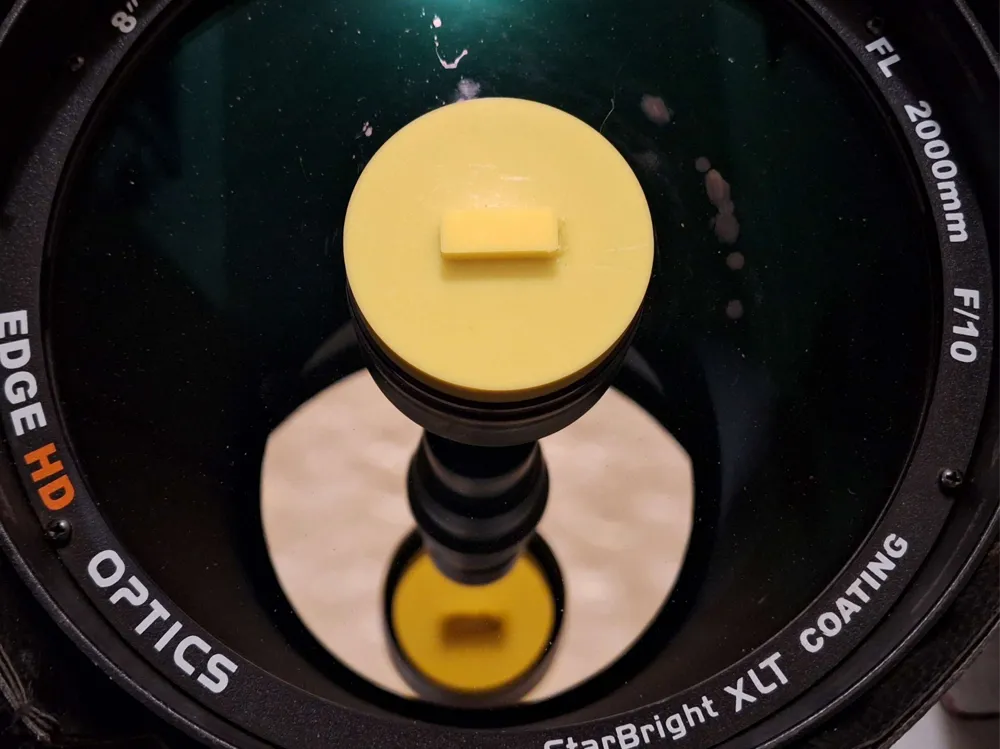
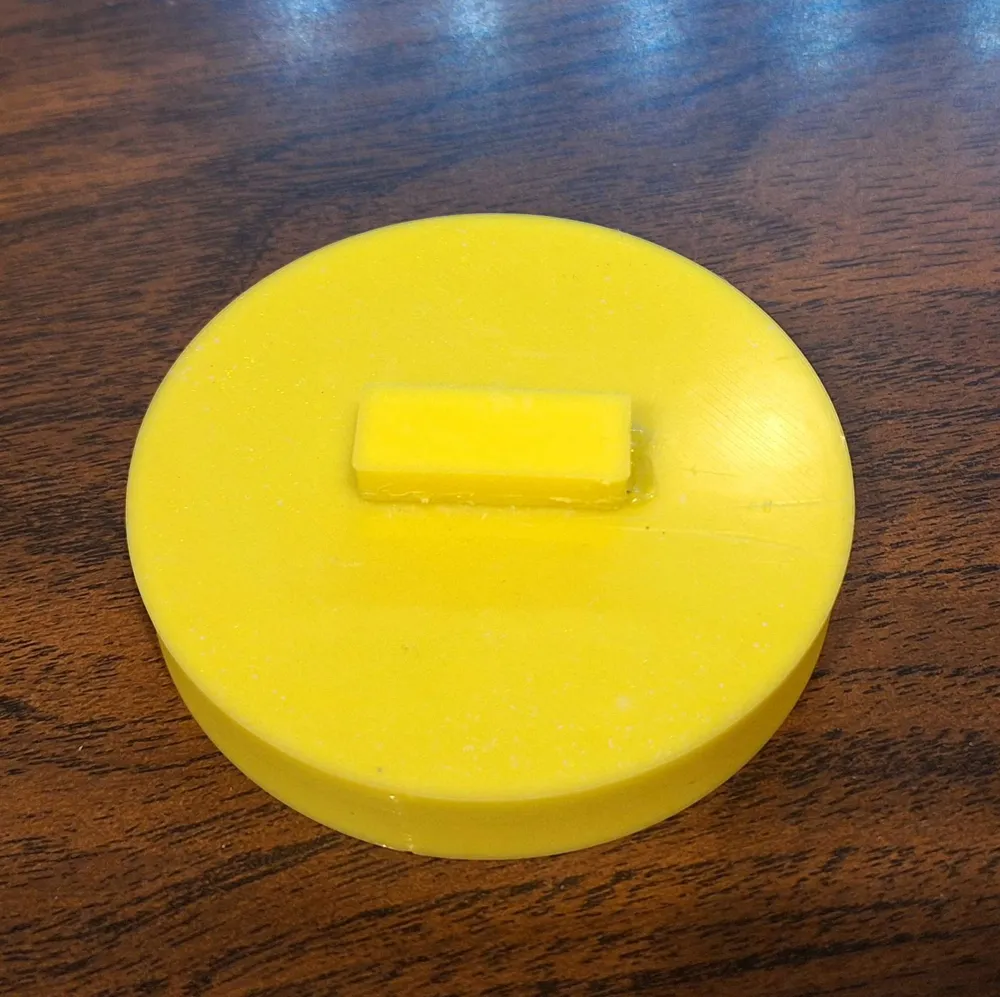
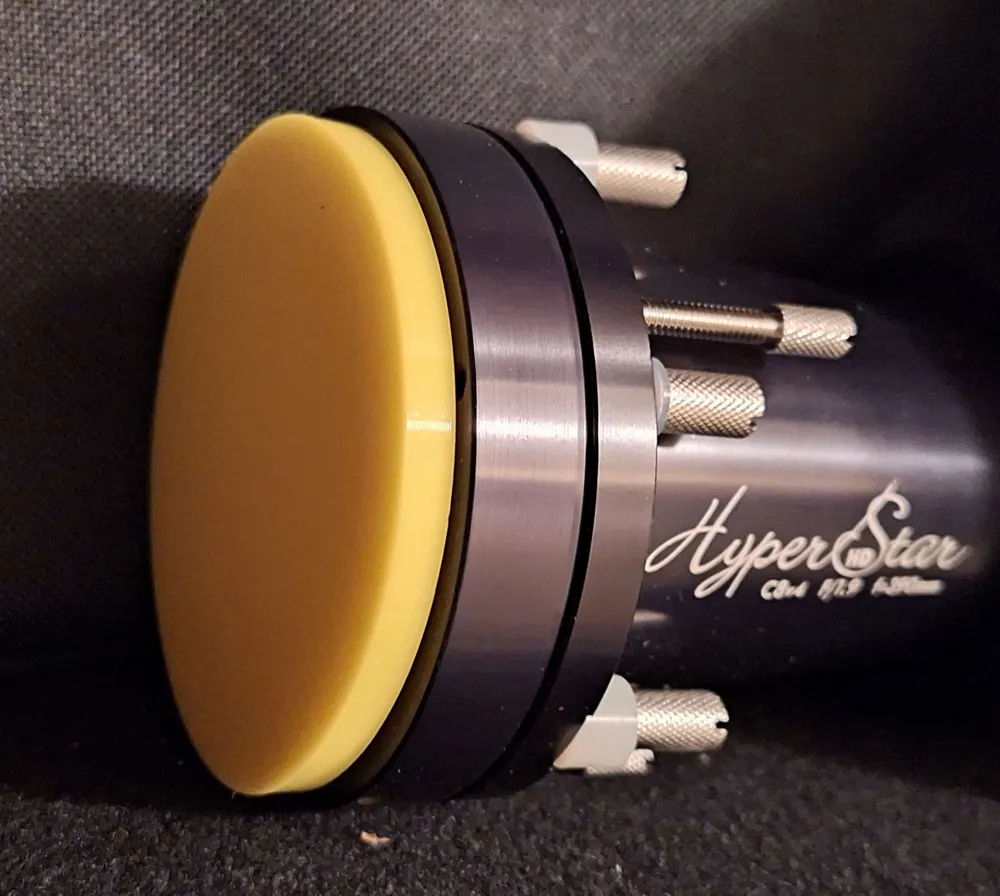
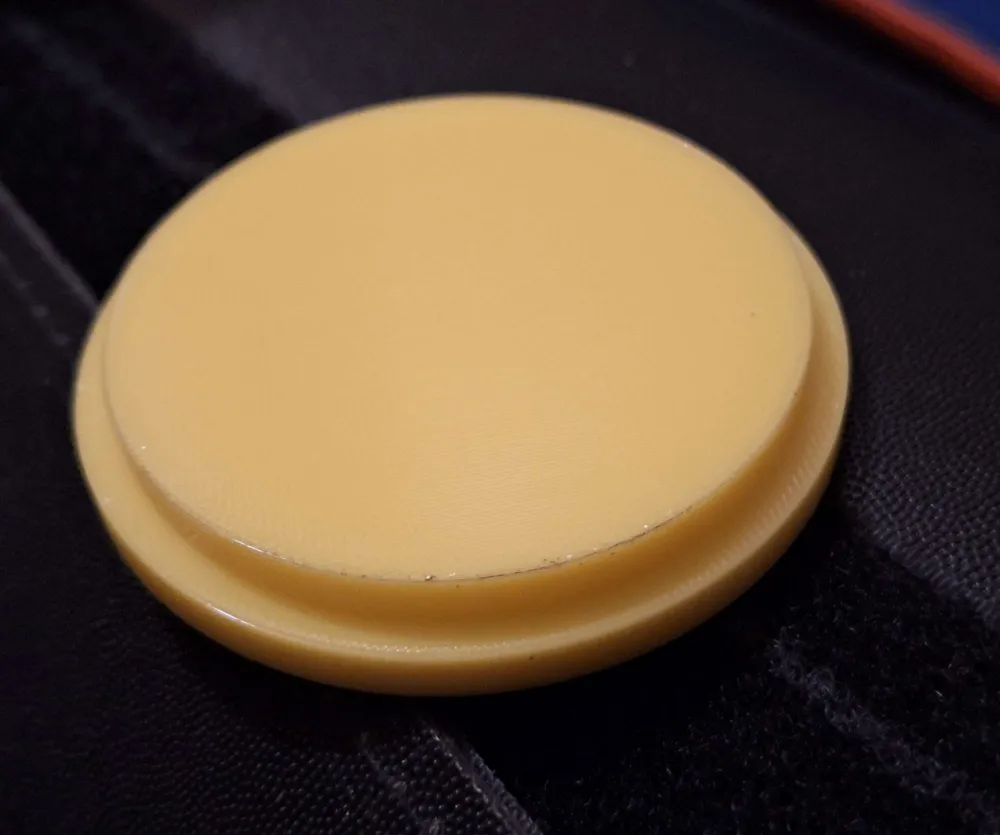
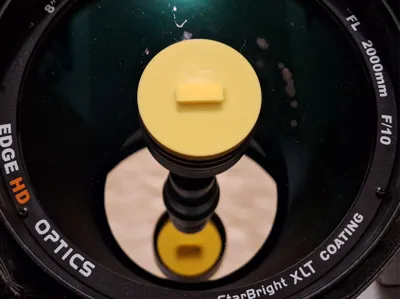
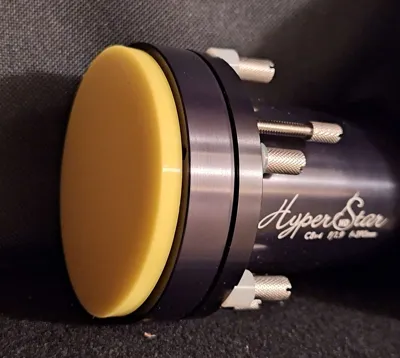
These two caps allow me to keep the secondary in the cup, secure from damage. It also greatly speeds up the setup process while still sealing both the scope and HyperStar from dust.
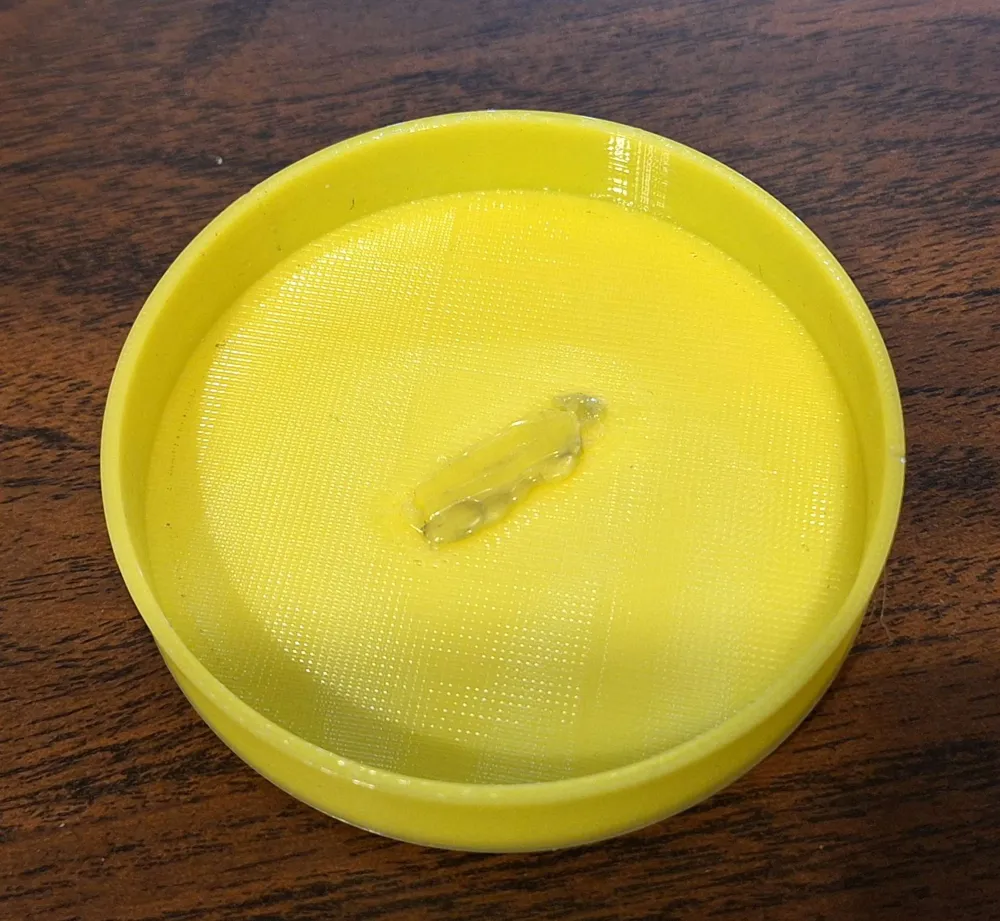
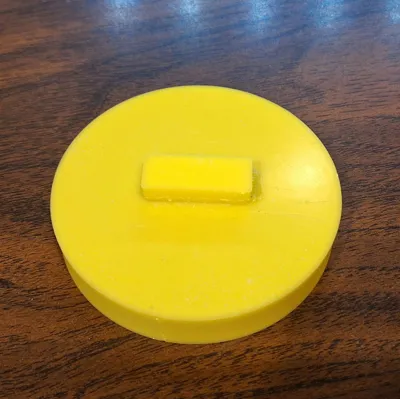
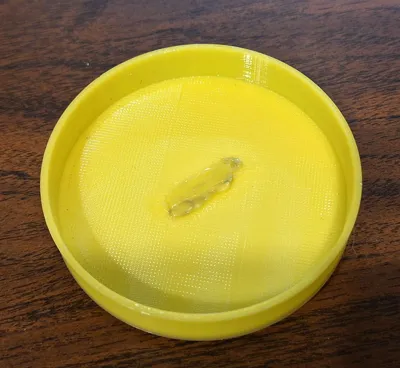
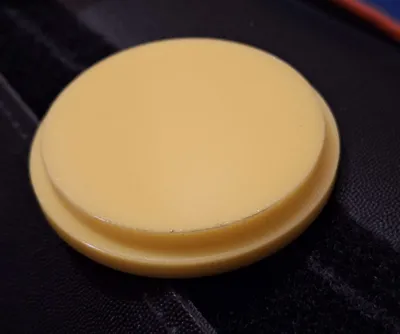
To glue the handle onto the secondary cap, use either a flexible glue, like Locktite 406, or you can use a cheap 3D pen to weld the handle in place with more TPU. My work isn't the prettiest, but the handle is solidly attached and I'm the only one that will see the glue glob.
These are simple designs made in BBL Studio with simple primitives to match the scope and HyperStar measurements. You may need to adjust the caps slightly for your printer. The threads are roughly 64.5mm, so the secondary cap is roughly 64.4mm and the HyperStar cap is 64.6. Since I used TPU, there's no need for threads on the edge. It fits with a little pressure and holds securely inside the scope cover and soft case for the HyperStar. You'll have to play with the sizes if you're using a harder filament.
License



Comment & Rating (1)